Home › Lifestyle

Screenshots — platforms
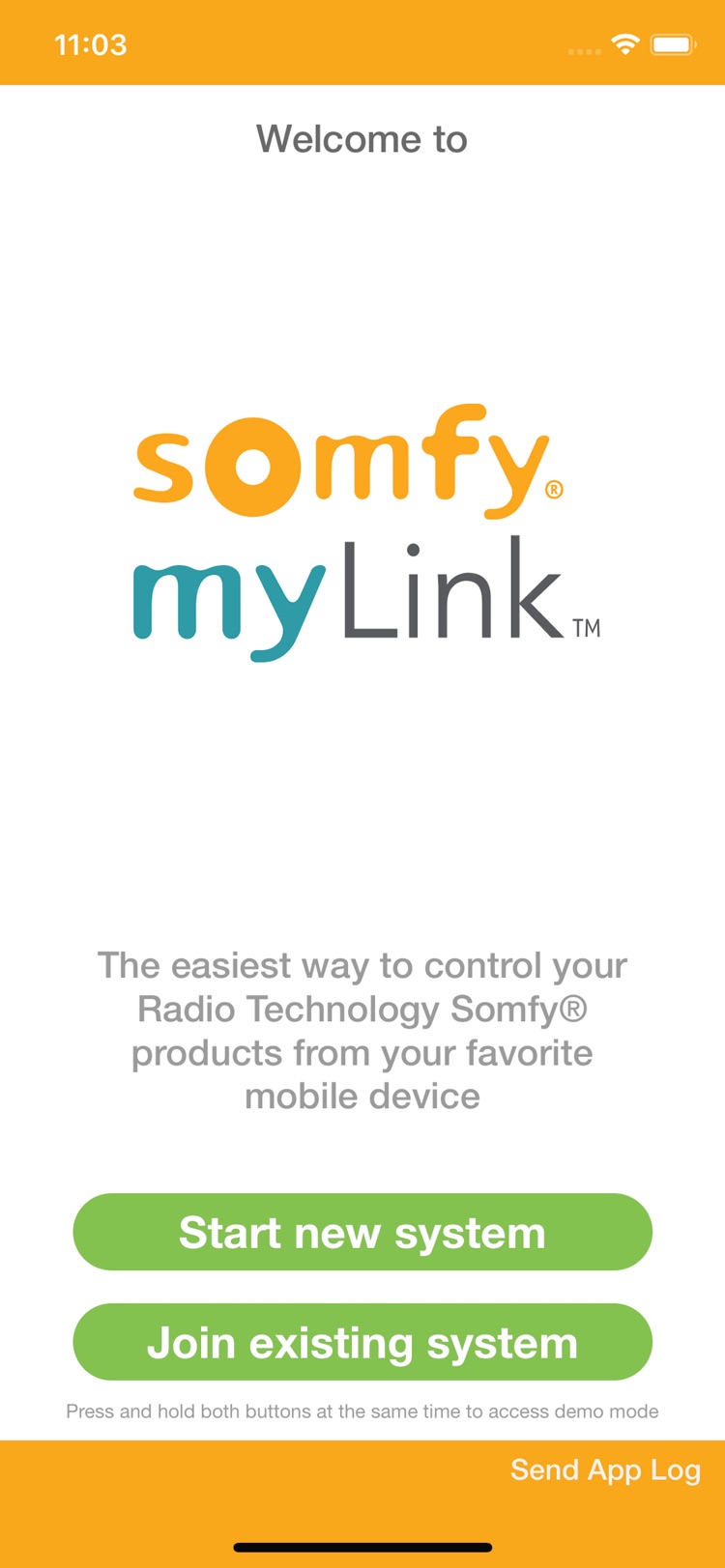


Description
Control your Radio Technology Somfy® (RTS) motorized products wherever you are!
The Somfy myLink™ app provides simplified control of RTS motorized blinds, shades, draperies, awnings, rolling shutters and screens from the convenience of your iOS device for convenient sunlight management anytime, anywhere. With the Somfy myLink app, you can:
- Control up to 16 channels of RTS motorized products per myLink WiFi to RTS Interface
- Create Scenes for easy control of multiple motorized products
- Link with Amazon Alexa for convenient voice control
- Create Schedules to automatically activate your motorized products at a certain time of day, day of the week, or by sunrise and sunset
- Add more myLink WiFi to RTS Interfaces for multiple zone control
- Control your RTS motorized products both at home and away
- Easily share access with other users
- Integration of RTS products with Crestron, Control4 and Savant control systems
- Demo mode: includes an integrated demo mode for users to experience the app before purchasing the myLink interface
- iPad view includes drag & drop scene and schedule creation, quick access toolbar and dashboard-style home screen
- English, French and Spanish language
The Somfy myLink app requires at least one Somfy myLink WiFi to RTS Interface and existing RTS motorized product(s) with at least one programmed RTS hand-held, in-wall or table top control.
Information
Bundle IDcom.somfy.wr.remotenew
SellerSomfy Systems, Inc
Min iOS15.6
Content rating4+
Released2014-12-30
Reviews 20 captured
★★★★★ The app is needs to be improved — cdgarcia
Also, the RTS does not work well. Every so often, a shade or two does not respond because it times out. I have numerous repeaters and rooms in a large house, but the home screen has a fixed number of zones that you could put in it, and the screen will not move, so if you have one more icon that does not fit on the screen, you can never use it you can never find it difficult becomes difficult to recommend for that purpose also the RTS does not work well every so often a shade or two does not resp
★★★★★ Poor support — Sonos consumer
MyLink worked well for two years. Then suddenly, the app would shut itself down when trying to connect to the MyLink unit. Singh support attempted one round of troubleshooting, with no results. They then informed me that across their entire customer base, three other customers were experiencing what I was experiencing—I guess that was t show me this issue wasn’t going to be a priority to them? I have emailed them three times since and received no response.
End result: I have no automation for
★★★★★ Absolute garbage — Dajester2003
This application is absolutely worthless. Spent hours trying to get it to connect to shades just so I can TRY to integrate. Support basically admitted that it is difficult to use and has to be done perfectly and you may have to try multiple times to get it up and running. (I spent over 8 hours just trying to get 3 devices to work with the shades and then had to do it all over again when WiFi password changed…) Then when you do get it up and running, integration is spotty at best.
If you are con
★★★★★ Don't buy it, get the Somfy Tahoma instead — winniewuzl
Poorly designed, old system that has poor integrations with Google Assistant / Google Home (doesn't work half the time and is really slow and makes you use separate IFTTT system)
Get the Somfy Tahoma instead, it supports the same devices like the Somfy Shades and the same Somfy-only radio standard RTS just like Mylink but it's so much easier to use and set up.
The problem is many shade installers in the US are not technical and don't have the Somfy Tahoma yet as they are not trained on it. B
★★★★★ Update: 2h with tech support to resolve issues — xTexLutz
Hi there, this is an update to my last 1-star review (the app was so dismal unresponsive, busy-indicator circling for up to a minute for each and every app-interaction, it became useless). Somfy did respond with a “developer” response, asking me to contact 800-support.
Which I did .. and here’s the result (I am upgrading my review to 3 stars, but it’s still a struggling app-product combo)
It took 2h to reach a live person (after 10min on hold, I elected the “provide your phone number, the next a
★★★★★ Wish I could give zero stars — A bit bored
Buggiest app ever. If I didn’t own the hardware I would give up and delete. What a crappy system. The shades and motors work fine, as does the standard remote. But any attempts at controlling the shades through the app have been pointless and frustrating. At one point we tried a hard reset of the WiFi link, then spent hours trying to reconnect without success. On a whim I reset again today (after like 6 months of defeat) and wow I was so excited that I was able to complete the setup! Alas, my ex
★★★★★ Nowhere near as good as it should be — Michaelbassham
I’ve been living with and using the MyLink and the associated app since it was introduced. When it works, it’s pretty good. Unfortunately it is very inconsistent in when it chooses to work and how it chooses to work.
Trying to update the MyLink is a nightmare. The app will tell you to update. When you try, you inevitably get the message that you need to move the MyLink closer to the router. When I move it closer, meaning right next to or on top of the router, it still doesn’t work. After many,
★★★★★ Shameful — nvl5026
I spent more than $200 on a Somfy bridge to deploy my awning at noon on a schedule. It has worked well for a week and stopped working all of a sudden. Tech support seems to be fully aware of it, and the answer is to delete and add the schedule again. Except for one little detail - if I created a schedule, it is to have the piece of mind that it will happen automatically, without having to delete and recreate the schedule at some point in the future. And since there is no way to know whether the
★★★★★ Could be great — Soccerwake
Not sure what I did differently the 7th attempt linking the phone, controller, and WiFi but inexplicably it decided to work. It works great as a remote but it could be so much more. This could finally be a way to easily customize and program these blinds. Instead once you finally get it set up you are left with pretty much 2 options. Do I want it up or down? I can’t get it to stop anywhere in between. Grouping and scenes are nice but would be better if they connected with Apple Home. Really hopi
★★★★★ MySomfy works pretty well — NovaListenerSpringfield
I integrated my Somfy myLink shades via Smart things. Works well and can automate the shades to whatever times I want. Even close them automatically when I start watching a movie on my home theatre. The app is great and I never have issues with it. I just wish you can use the myLink app outside of the network l, where you can open and close the blinds directly through the app when away. I had to integrate smart things to do that and I feel the app should be able to do the same thing as well with
★★★★★ Dr shade saved us — mebjiiq
I had never heard of Somfy before until Dr. Shade came through for us. Dr. Shade consulted with me with meticulous detail on how the blinds will be electric, powered and motorized by a touch of a button from one’s smartphone by using the Somfy app.
Not only did Dr. Shade provide a high standard job with my shades for my apartment, but Dr. Shade also provided an easy solution, of the highest quality, for my blinds, simplifying my life.
I would recommend Somfy services for motorized blinds and
★★★★★ Horrible app — Controlguy
This app has become impossible to use. When opened, it takes forever to connect to the Shades/Screens. When you execute a command, it takes even longer for them to respond. Have tried disconnect and reconnect, delete app and reloading, same behavior. Have tried downloading logs, and continuously get an error. Called customer support, and after waiting on hold for 30 minutes and then over two hours for a call back, support rep could only say that he has never seen that before. Asked me to send in
★★★★★ Total garbage — quakerlb45
The app constantly drops the shades. Helpfully it tells me “Error. Internal error.” I unplug the MyLink device and plug it back in. The device/app then work, but only once, then the error and the process repeats, endlessly. The layout and functionality of the app are subpar, design you would have seen 10 years ago. I so wished I hadn’t listened to my window treatment people and gone with Lutron instead. This system feels like a rinky dink poor man’s retrofit. I’m very unhappy.
UPDATE:
I
★★★★★ Great app! But... — colo Ch4
Integrates very well with Alexa. I have 6 shades connected that I can raise, lower, or stop with 3 words! Plus I have the scenes embedded in Alexa routines, “Alexa, movie time”... tv on, lights dim, shades down... awesome. BUT, saving my remote programming was tricky. I would go through the steps to program certain shades, save the channel settings, and would NOT get the desired shade to respond. Weird combinations of shades would be linked that I didn’t program together. And since you can’t d
★★★★★ Worst device, worst app — cearllee
I'd give this company zero stars if I could. I bought a house with 4 somfy shade units, and they just don't work. The app can't be programmed, because despite however many times I follow the on screen instructions, the app will program the wrong shade. I've had successfully programmed schedules for a few days here and there, but the application will delete programming, and eventually, some of my shades don't respond. The physical units are also horrendous. They lose their programming with t
★★★★★ Doesn’t work as advertised — Heidbdiy
I have a lot of smart home products, so when I say this is one is trash, you better believe it. When I tried setting it up to control multiple shades at once, it simply wouldn’t do it as programmed. During the programming, all the shades would move up and down slightly, but once I saved the app would forget about one of the shades. No matter how many times or ways I programmed it, it would never control all the shades that were programmed into the channel. I even move it around to different out
★★★★★ Almost perfect — Str8$hooter
Easy install, connection, setup and operation. After a few months no connection losses, like you might expect from what is essentially a wireless access point.
The #1 improvement the app should add is a feature showing the current position of each connected screen. This would allow for safe remote operation, if away and weather requires safe positioning.
Yes, I know, if the screen is operated locally with lost connection then position would be Unknown. However, the app could report that and re
★★★★★ Patio Shades -Somfy MyLink Control — bajan06
The device works but you can’t tell if the screens are open or closed. The app doesn’t have indicate whether the screen are opened or closed. What’s the purpose of having an app that can remote control shades but there is no way of knowing the status of the shades?
Also, setting schedules permit the screens to open but you program a schedule to open and close at different times.
★★★★★ Great system, works flawlessly,… Could be improved… — InMyView
We have this system installed on 5 hurricane screens in Southwest Florida. The system is working great. We relocated the transmitter a few times to find the perfect location. The rebar on our lanai was interfering with the signal to one of the screens, but relocating the transmitter solve the problem. We have set up five individual screens, scenes depending on the time of day and the sun's location, and a scene to close up everything at night.
To make it a five star system, I would love to be
★★★★★ Caution, buyer — theRealMophilly
I purchased the base station and paid for installation, to control one awning and one shade. For the first six months it was fine. I could manage the settings from my iPhone and my ipad. Around June 1, 2017, the app said an update was available and accepted the update. After the update the app did not work.
The distributor has been awesome. The sent reps out twice. After three calls to support, Somfy authorized a replacement base station. The distributor sent an installer out immediately and go
Version history · 19 recorded
iOS App Version 6.11
2025-07-11
Improved app design and typography
6.10
2021-08-23
System Improvements
6.9
2020-12-22
System Improvements
6.8
2020-10-10
System Improvements
6.7
2020-10-02
iOS 14 updates
6.6
2019-10-18
Stability improvements.
6.5
2019-09-26
iOS 13 improvements.
6.4
2019-06-20
General stability fixes.
6.2
2019-03-16
Bug fixes and general stability fixes
6.1
2019-02-02
Bug fixes.
6.0
2019-01-29
IFTTT compatibility.
Amazon Home Skill compatibility.
Additional features.
General stability fixes.
5.7
2018-06-28
General stability fixes.
5.6
2018-04-04
- iPhone X Display
- iPod Compatibility
- Bug fixes
For full release notes, visit https://www.somfysystems.com/products/controls/mylink
5.5
2017-11-19
Version 5.5 of the Somfy myLink app includes:
Account linking for Amazon Alexa Somfy myLink skill
Delete buttons in scene and schedule edit screens
myLink wifi connection signal strength reporting
Support for 16 channels (not for legacy myLinks)
Enable Control4 SDDP for integration (not for legacy myLinks)
Bug fixes and usability enhancements
myLink firmware update to version 4.92
For full release history, visit https://www.somfysystems.com/products/controls/mylink/version-updates
5.1
2017-04-19
Version 5.1 of the Somfy myLink app includes:
- Firmware update for improved wifi performance (firmware version 4.08)
For full release notes of all versions, visit https://www.somfysystems.com/products/controls/mylink/version-updates
5.0
2017-03-15
Version 5.0 of the Somfy myLink app includes:
- Support for next generation myLink hardware (myLinks with device IDs beginning with "CC")
- Firmware update for both legacy and new myLinks (firmware version 4.6)
- Can manually enter SSIDs
- Displays extended SSID list
- Bug fixes
- Integration ready (must run included firmware update)
- Extended sunrise/sunset offset times (must run included firmware update)
Firmware update includes:
- Integration readiness: myLink becomes WiFi to RTS bridge for integration with Control4 systems (requires driver download from somfysystems.com)
- Improved response time
- Support for mixed legacy and new myLink systems
- Extended sunrise/sunset offset times from 60 minutes to 120 minutes
- Security enhancements
- Enhanced log information
- Bug fixes
3.1
2015-12-01
This release includes new firmware that allows users to upgrade their myLink devices to receive the following features:
- RTS Command Speed Enhancement
- Enhanced security
- Disable schedules
- Spanish and French Canadian Language Support
- App Navigation Enhancement
2.5
2015-04-29
iPad support
iPad version includes drag & drop scene and schedule creation, quick access toolbar and dashboard-style home screen
Demo mode: preview myLink user experience before purchase
Bug fixes and usability enhancements
1.12
2014-12-30
—
Region availability · 1 of 1 storefronts
| Store | Price | Ratings | Avg | Version |
|---|---|---|---|---|
| US | Free | 9.1k | 4.3 | iOS App Version 6.11 |