Home › Business

Information
Preview 2 platforms
iPhone 10 images





iPad 10 images





What’s New Version 2.5
- Improved stability and bug fixes
Thank you for using Scan, eSign & Fill Documents! We regularly update our app to fix bugs, improve performance and add new features to bring a great experience for our users.
Description
Electronically sign and send documents with Scan, eSign & Fill Documents and get it done on your finger tips. It is a simplest solution for your business needs that requires no log-in or registration as well as no expensive subscription charges.
You can easily scan a document from device camera, fill your documents within the app, add your real signature to any document with fingers or by using a stylus and apply those signatures or initials to the form. If you prefer using a pen drawn signature, you can simply add it on paper, capture a photo and insert it on your documents. Import and prepare a document entirely on your device and share instantly.
Common documents to sign with Scan, eSign & Fill Documents are: NDAs, Sales contracts, Financial agreements, Waivers, Lease Agreements, Employment Contracts, Job Offers, Work orders and virtually anything.
KEY FEATURES:
SCAN:
Quickly create a PDF scan from camera within the app and digitalize your paper documents.
FILL:
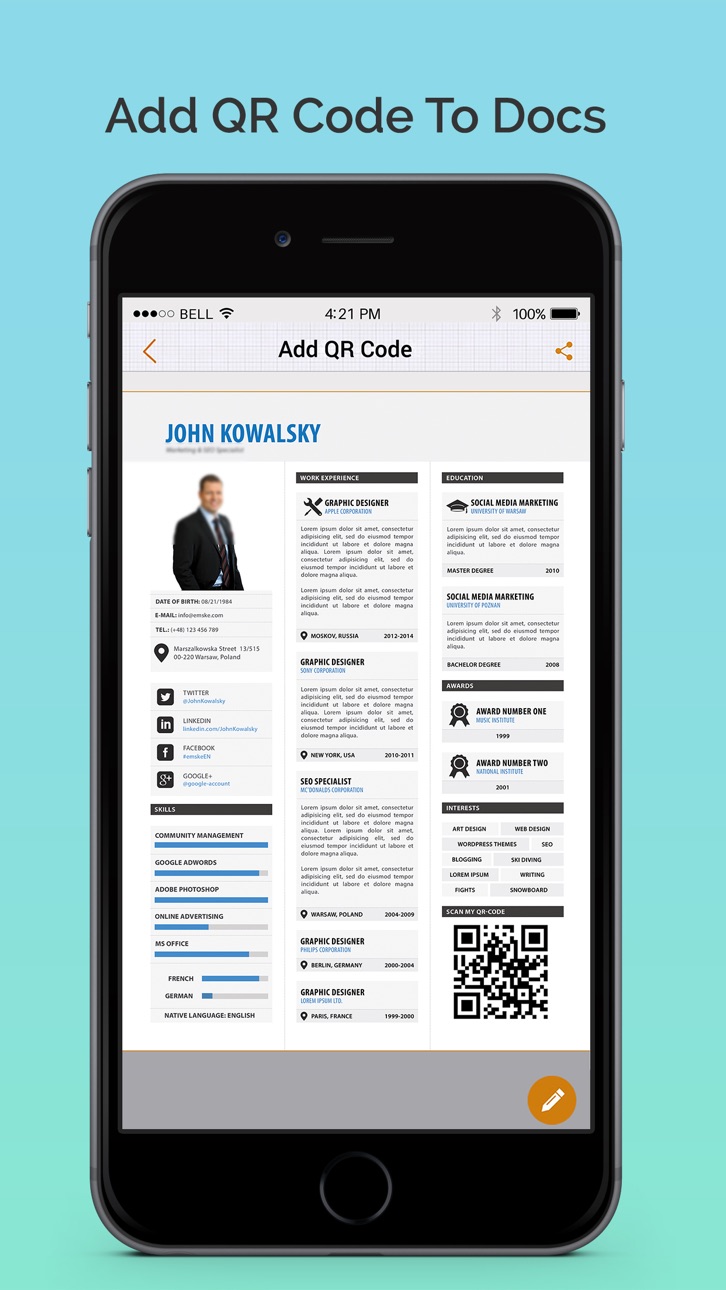
Fill out documents and forms with multiple options of adding Text, Checkmarks, Date, Images, QR Code and more.
SIGN:
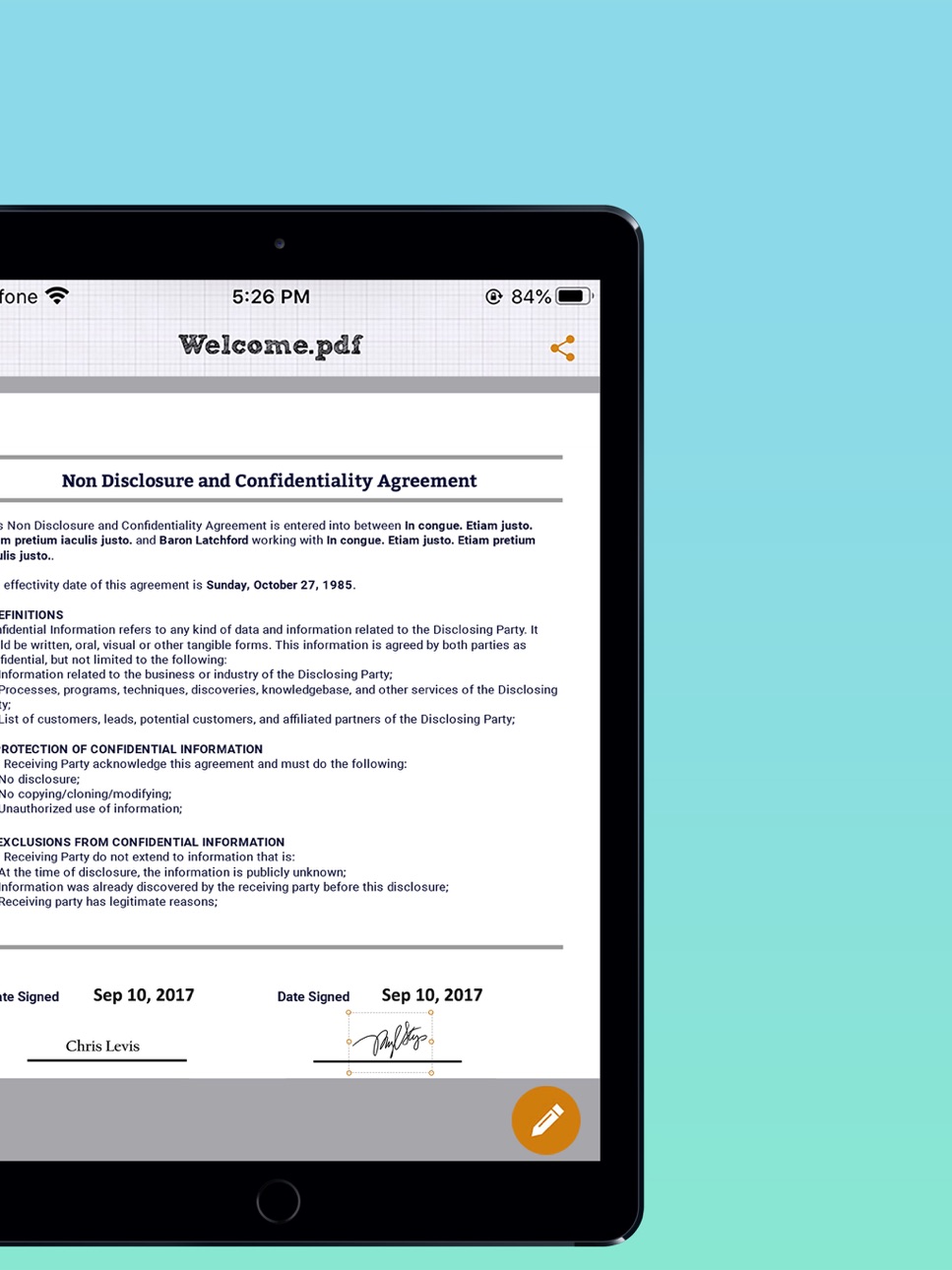
Sign realistically with hand drawn signatures or add Initials within the app and digitally sign your documents.
IMPORT:
Import a document from Dropbox, OneDrive, Google Drive, iTunes Share, URL and through other apps with “Open In” functionality as well.
ATTACH DOCUMENTS:
Attach any document at the end of your ready PDF and send anywhere you like.
ADD DATE & COMMENTS:
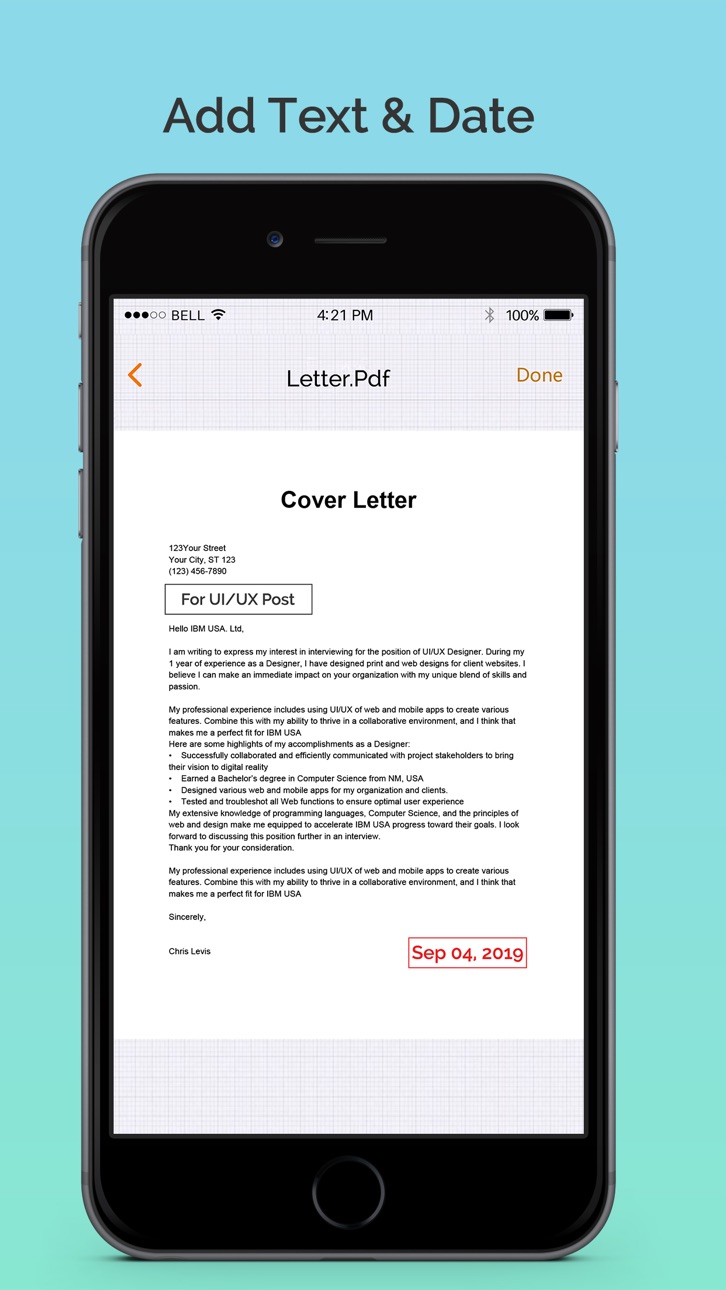
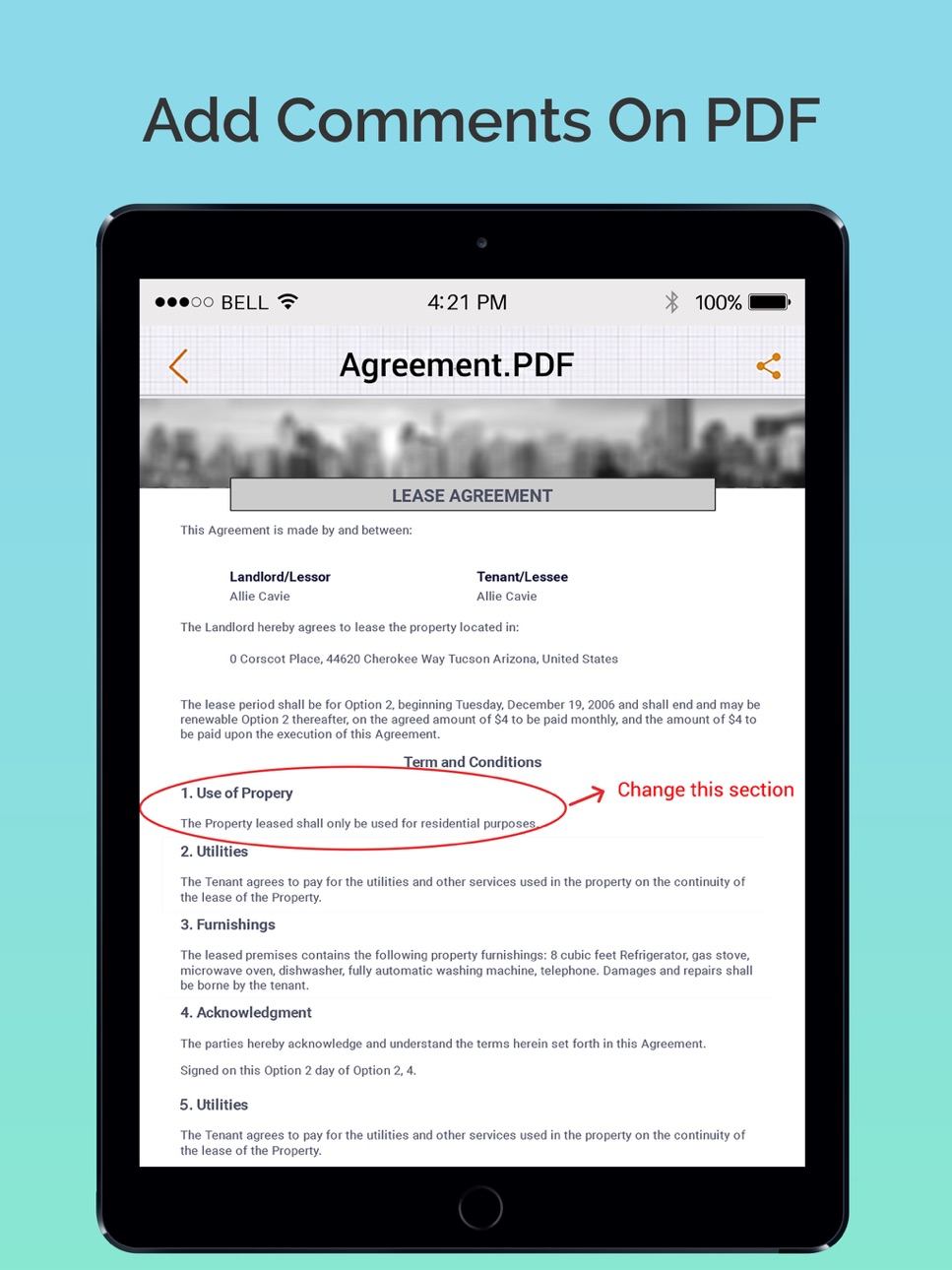
Insert date, modify its size and color as well as add comments to PDF files before sharing them.
EXPORT:
Share the complete document with anyone via Google Drive, OneDrive, Dropbox, iTunes Share, iCloud, email, WhatsaApp and lot more.
PRINT:
You may even print your documents directly from your device and handle paper work efficiently.
Download the app now to manage paperwork efficiently. For any questions or suggestions, contact us at support@whizpool.com
Accessibility
ipadiphonemacrealityDevicetvoswatch
Version history 9 versions
Build 842803690v2.52021-08-26 11:59:11
- Improved stability and bug fixes
Thank you for using Scan, eSign & Fill Documents! We regularly update our app to fix bugs, improve performance and add new features to bring a great experience for our users.
Build 835808163v2.42021-03-06 01:10:36
- Improved stability and bug fixes
- Enhanced UI
Thank you for using Scan, eSign & Fill Documents! We regularly update our app to fix bugs, improve performance and add new features to bring a great experience for our users.
Build 835534675v2.32020-04-24 03:43:19
• Improved stability and bug fixes
Thank you for using Scan, eSign & Fill Documents! We regularly update our app to fix bugs, improve performance and add new features to bring a great experience for our users.
Build 832901350v2.22019-12-21 05:13:10
2019 has been winded up by elimination of bugs and we have come into 2020 with some enhancements.
• Dark mode support
• Improved stability and bug fixes
Thank you for using Scan & Fill! We regularly update our app to fix bugs, improve performance and add new features to bring a great experience for our users.
Build 830216367v2.12019-02-19 22:08:49
2018 has been winded up by elimination of bugs and we have come into 2019 with some enhancements. Here are these which you will absolutely love!
• Excited about your new iPhone? Optimized for iPhone XS and iPhone XD
• Added support for Files app
• Improved user experience
• Bugs fixes
Build 822785250v1.32017-12-28 16:36:32
2017 has been winded up by elimination of bugs and we are inflowing in 2018 with some major changes and improvements. Here are these which you will absolutely love!
•Excited about your iPhone X? Optimized for iPhone X
•iOS 11 compatibility
•Complete UI/UX overhauled, that you will surely love
•You can fill unlimited forms totally free
•Now you can add your personal documents as attachments in your existing documents
•Scan/ Digitize and precisely edit your documents
•Bugs fixes and enhancements
•Updated SDKs for all mediums
Build 818089246v1.22016-11-04 04:57:23
Sign & Fill is compatible with iOS 10 with the following new features:
•Improved usability and bugs fixes
•Support for .doc and .docx files in Dropbox
•Support for native Google Docs in Google Drive
•Edited documents will be appeared with time stamp
Build 813840021v1.12015-11-05 04:02:39
- iOS 9 compatibility
- Functionality improved
- Minor bugs solved
Build 811875522v1.02015-06-01 22:06:41
Price history by region
Currency
Show
Columns
Search
Availability 28 of 28 storefronts
| Region | Language | Price | Ratings | Avg | Version |
|---|---|---|---|---|---|
 US US | en-US | USD 1.99 | 10 | 3.9 | 2.5 |
 BR BR | pt-BR | BRL 12.9 | 3 | 2.0 | 2.5 |
 AI AI | en-GB | USD 1.99 | 0 | — | 2.5 |
 AO AO | en-GB | USD 1.99 | 0 | — | 2.5 |
 AR AR | es-MX | USD 1.99 | 0 | — | 2.5 |
 BH BH | en-GB | USD 1.99 | 0 | — | 2.5 |
 BN BN | en-GB | USD 1.99 | 0 | — | 2.5 |
 CL CL | es-MX | CLP 1990 | 0 | — | 2.5 |
 HR HR | en-GB | EUR 1.99 | 0 | — | 2.5 |
 JO JO | en-GB | USD 1.99 | 0 | — | 2.5 |
 KR KR | ko | KRW 3300 | 0 | — | 2.5 |
 KW KW | en-GB | USD 1.99 | 0 | — | 2.5 |
 KY KY | en-GB | USD 1.99 | 0 | — | 2.5 |
 LB LB | en-GB | USD 1.99 | 0 | — | 2.5 |
 LT LT | en-GB | EUR 1.99 | 0 | — | 2.5 |
 MD MD | en-GB | USD 1.99 | 0 | — | 2.5 |
 MO MO | zh-Hant-HK | USD 1.99 | 0 | — | 2.5 |
 MS MS | en-GB | USD 1.99 | 0 | — | 2.5 |
 MU MU | en-GB | USD 1.99 | 0 | — | 2.5 |
 MZ MZ | en-GB | USD 1.99 | 0 | — | 2.5 |
 NA NA | en-GB | USD 1.99 | 0 | — | 2.5 |
 OM OM | en-GB | USD 1.99 | 0 | — | 2.5 |
 SI SI | en-GB | EUR 1.99 | 0 | — | 2.5 |
 TC TC | en-GB | USD 1.99 | 0 | — | 2.5 |
 TJ TJ | en-GB | USD 1.99 | 0 | — | 2.5 |
 TM TM | en-GB | USD 1.99 | 0 | — | 2.5 |
 UZ UZ | en-GB | USD 1.99 | 0 | — | 2.5 |
 VC VC | en-GB | USD 1.99 | 0 | — | 2.5 |
Change log 13 changes · MS
✎
releaseNotes updated
- Improved stability and bug fixes
Thank you for using Scan, eSign & Fill Documents! We regularly update our app to fix bugs, improve performance and add new f
✎
description updated
Electronically sign and send documents with Scan, eSign & Fill Documents and get it done on your finger tips. It is a simplest solution for your business needs
✎
subtitle updated
Digitally sign, scan, fill PDF
✎
name updated
Scan, eSign & Fill Documents
◆
Version 2.5 released
- Improved stability and bug fixes
Thank you for using Scan, eSign & Fill Documents! We regularly update our app to fix bugs, improve performance and add new features to bring a great experience for our users.
◆
Version 2.4 released
- Improved stability and bug fixes
- Enhanced UI
Thank you for using Scan, eSign & Fill Documents! We regularly update our app to fix bugs, improve performance and add new features to bring a great experience for our users.
◆
Version 2.3 released
• Improved stability and bug fixes
Thank you for using Scan, eSign & Fill Documents! We regularly update our app to fix bugs, improve performance and add new features to bring a great experience for our users.
◆
Version 2.2 released
2019 has been winded up by elimination of bugs and we have come into 2020 with some enhancements.
• Dark mode support
• Improved stability and bug fixes
Thank you for using Scan & Fill! We regularly update our app to fix bugs, improve per
◆
Version 2.1 released
2018 has been winded up by elimination of bugs and we have come into 2019 with some enhancements. Here are these which you will absolutely love!
• Excited about your new iPhone? Optimized for iPhone XS and iPhone XD
• Added support for Fil
◆
Version 1.3 released
2017 has been winded up by elimination of bugs and we are inflowing in 2018 with some major changes and improvements. Here are these which you will absolutely love!
•Excited about your iPhone X? Optimized for iPhone X
•iOS 11 compatibility
◆
Version 1.2 released
Sign & Fill is compatible with iOS 10 with the following new features:
•Improved usability and bugs fixes
•Support for .doc and .docx files in Dropbox
•Support for native Google Docs in Google Drive
•Edited documents will be appeared with t
◆
Version 1.1 released
- iOS 9 compatibility
- Functionality improved
- Minor bugs solved
◆
Version 1.0 released