Home › Photo & Video

 US
US
1 of 1 storefronts
Content in en-US
Content in en-US
Information
Preview 2 platforms
iPhone 4 images


iPad 4 images

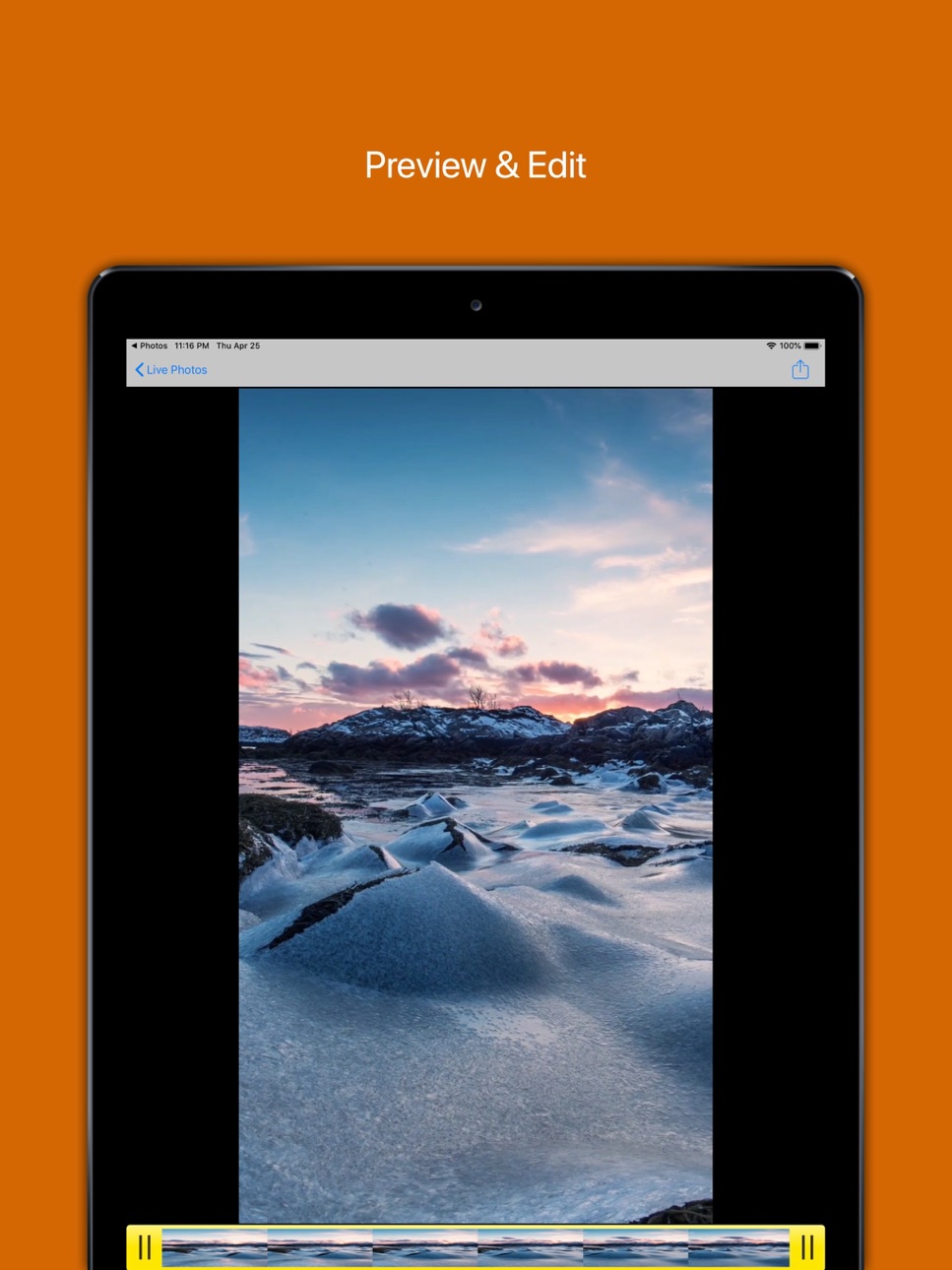
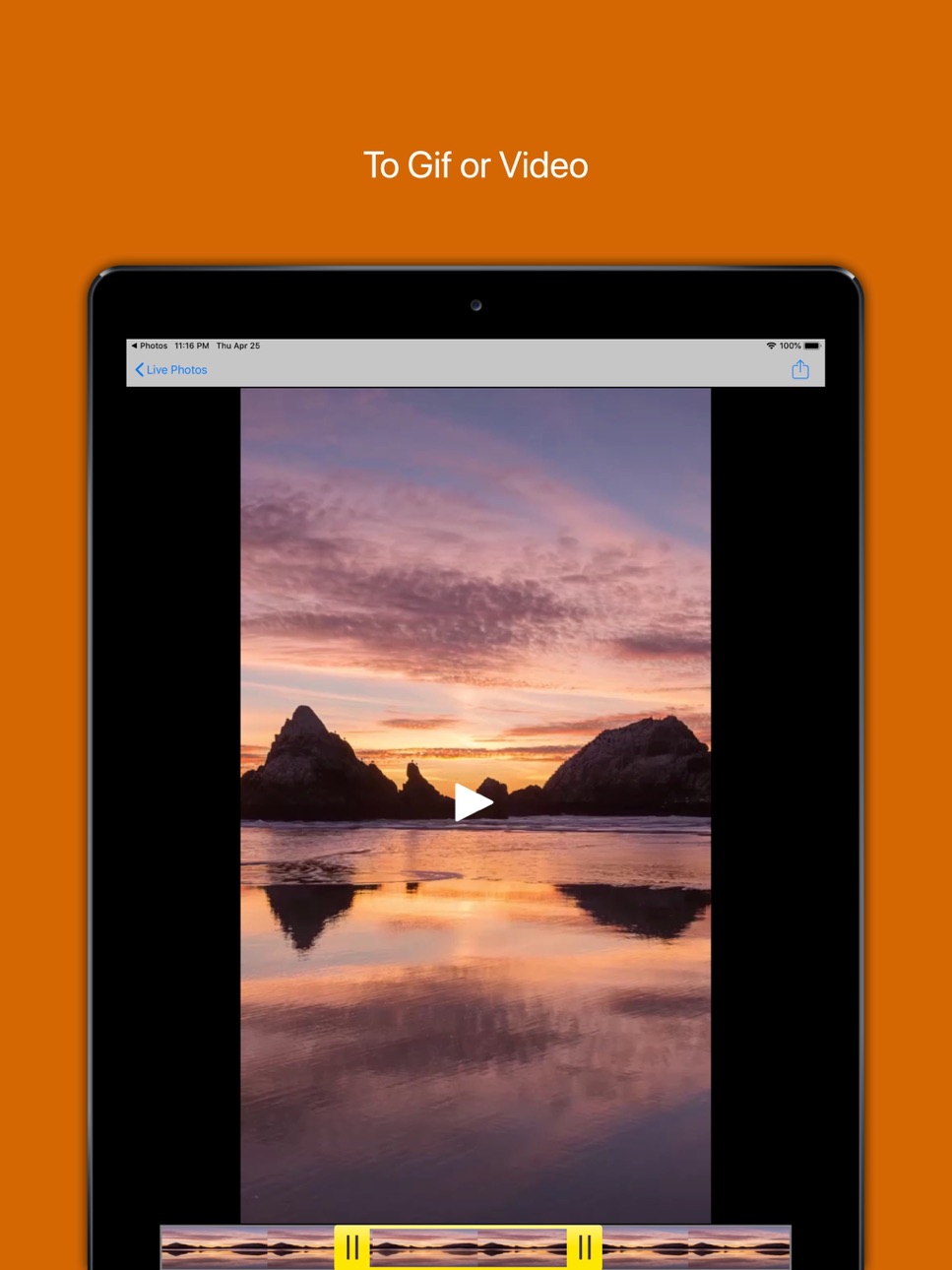

What’s New Version 2.5.0
- Add boundary protection to home resource access and fix crash problems caused by index crossing boundaries.
- Fix the processing logic of saving GIF to system albums to improve saving success rate and compatibility.
- The sharing process supplements iPad adaptations to avoid abnormal display of the sharing panel.
- The export link complements the transfer of brightness, contrast, and saturation parameters to ensure that the editing effect is consistent with the final export result.
- Optimize the realization of reading and writing member status to improve security and stability.
- Improved album resource export logic and compatible with AVAssets of non-URL types.
- Comprehensively enhance the parameter verification, boundary processing and concurrency security of the GIF generation module.
- Improve the input verification, exception handling and file name generation strategies of Media Processing Service services to improve export stability.
Description
Bring your photos to life with Live2Gif!
Have you ever captured the perfect Live Photo, only to realize you can't share its magic on platforms that don't support it? Live2Gif is here to solve that. With just a few taps, easily convert your Live Photos into GIFs or MOV videos.
Core Features:
• Edit Playback Range: Select exactly which part of your Live Photo you want to convert. Precision editing at your fingertips.
• Live Photo to GIF: Instantly transform your dynamic memories into universally shareable GIF animations.
• Live Photo to Video: Export your Live Photos as standard MOV video files for wider compatibility.
• Share and Save: Easily save the converted files to your camera roll or share them directly with friends and family across different social platforms.
Why Choose Live2Gif?
Live2Gif is designed for efficiency and simplicity. Whether you are a social media enthusiast wanting to create engaging memes, or just sharing family moments, our app bridges the format gap seamlessly. Your conversions are fast, maintaining the quality of your original photos.
Typical Use Cases:
- Turning a funny pet reaction into a GIF.
- Sharing sports action shots as standard videos.
- Creating engaging content for your blog or website.
Privacy Commitment:
We believe your data is yours. Live2Gif requires no account and processes your media securely.
Contact Us:
Got feedback or need help? Reach out to us at support@live2gif.app. We'd love to hear from you!
【Agreements】
Before using this App, please carefully read the following agreements to understand the service rules and your rights:
Standard Apple Terms of Use (EULA)
https://www.apple.com/legal/internet-services/itunes/dev/stdeula/
Terms of Use
https://www.sharezer.com/app/agreement/TermsofUse.html
Privacy Policy
https://www.sharezer.com/app/agreement/PrivacyPolicy.html
In-App Purchases US pricing
One-Time Purchases
Upgrade To Pro$1.99
Capabilities
In-App Purchases
Accessibility
ipadiphonemacrealityDevicetvoswatch
Version history 25 versions
Build 884576597v2.5.02026-06-04 16:10:45
- Add boundary protection to home resource access and fix crash problems caused by index crossing boundaries.
- Fix the processing logic of saving GIF to system albums to improve saving success rate and compatibility.
- The sharing process supplements iPad adaptations to avoid abnormal display of the sharing panel.
- The export link complements the transfer of brightness, contrast, and saturation parameters to ensure that the editing effect is consistent with the final export result.
- Optimize the realization of reading and writing member status to improve security and stability.
- Improved album resource export logic and compatible with AVAssets of non-URL types.
- Comprehensively enhance the parameter verification, boundary processing and concurrency security of the GIF generation module.
- Improve the input verification, exception handling and file name generation strategies of Media Processing Service services to improve export stability.
Build 884050391v2.3.02026-04-02 16:56:18
feat: Added privacy policy consent interface
Build 883774844v2.2.02026-03-30 00:20:51
Feature: Improve GIF export quality and default frame rate
- Increase the default frame rate from 10 to 15, and increase the default quality from medium to high
- Increase resolution at all quality levels: low quality from 240p to 320p, medium quality from 360p to 640p, high quality from 540p to 960p
- Optimize Regist generator parameters, use unclamped latency and higher timescale to improve accuracy
- Set maximum image quality compression and zero time tolerance for more accurate frames
Build 882926814v2.1.02026-03-04 06:38:51
After saving to the album, an automatic share window pops up and the video orientation processing is fixed.
After successfully exporting and saving to the album, the share function is automatically triggered after a delay of 1.5 seconds, enhancing the user experience.
At the same time, the video filter processing flow is reconstructed, the direction error at specific rotation angles is fixed, and the image boundary processing is optimized to avoid black edges.
Build 881441678v2.0.02026-02-17 11:16:39
New filter feature
Build 842923525v1.12.12021-07-02 17:35:09
Fix crash when saving gif.
Build 842476208v1.12.02021-06-06 07:27:23
update sdk.
Build 841019244v1.11.02021-03-24 00:05:52
fix some bug.
Build 839639014v1.10.12020-12-14 21:41:56
fix some bug.
Build 839629579v1.10.02020-12-13 17:21:56
Optimized code and fix bug.
Build 839570673v1.9.02020-12-09 23:00:48
update swift5
update sdk
Build 837752572v1.8.02020-09-13 02:02:26
fix some bug.
Build 837467348v1.7.22020-08-22 19:04:38
fix some bug.
Build 836978722v1.7.12020-07-24 01:31:39
fix : some bug.
Build 836912293v1.7.02020-07-20 00:45:19
update swift5.
Build 836859118v1.6.32020-07-15 23:06:50
fix:some bug.
Build 835883105v1.6.22020-05-10 13:18:38
update : remove UIWebView
Build 834285748v1.6.12020-01-10 00:52:41
Fix a bug.
Build 833761866v1.6.02019-11-26 22:24:49
Daily update: Compatible with iOS 13.
Build 829956032v1.5.82019-05-10 19:49:21
Optimize save speed.
Build 829814555v1.5.62019-01-03 19:48:05
fixed a bug about export gif.
Build 829693620v1.5.52018-12-22 03:06:04
Fixed dialog display not centered.
Build 829665016v1.5.22018-12-17 16:06:51
Optimize to GIF.
Build 829494825v1.5.12018-12-04 01:24:41
Fixed video rotation issues.
Build 829330830v1.4.02018-11-19 14:10:16
Speed up the startup speed
Price history by region
Currency
Show
Columns
Search
Availability 1 of 1 storefronts
| Region | Language | Price | Ratings | Avg | Version |
|---|---|---|---|---|---|
| US | en-US | Free | 0 | — | 2.5.0 |
Change log 29 changes · US
✎
releaseNotes updated
- Add boundary protection to home resource access and fix crash problems caused by index crossing boundaries.
- Fix the processing logic of saving GIF to system
✎
description updated
Bring your photos to life with Live2Gif!
Have you ever captured the perfect Live Photo, only to realize you can't share its magic on platforms that don't supp
✎
subtitle updated
Live Photo Maker
✎
name updated
Livephoto to GIF & Video
◆
Version 2.5.0 released
- Add boundary protection to home resource access and fix crash problems caused by index crossing boundaries.
- Fix the processing logic of saving GIF to system albums to improve saving success rate and compatibility.
- The sharing process
◆
Version 2.3.0 released
feat: Added privacy policy consent interface
◆
Version 2.2.0 released
Feature: Improve GIF export quality and default frame rate
- Increase the default frame rate from 10 to 15, and increase the default quality from medium to high
- Increase resolution at all quality levels: low quality from 240p to 320p, m
◆
Version 2.1.0 released
After saving to the album, an automatic share window pops up and the video orientation processing is fixed.
After successfully exporting and saving to the album, the share function is automatically triggered after a delay of 1.5 seconds, e
◆
Version 2.0.0 released
New filter feature
◆
Version 1.12.1 released
Fix crash when saving gif.
◆
Version 1.12.0 released
update sdk.
◆
Version 1.11.0 released
fix some bug.
◆
Version 1.10.1 released
fix some bug.
◆
Version 1.10.0 released
Optimized code and fix bug.
◆
Version 1.9.0 released
update swift5
update sdk
◆
Version 1.8.0 released
fix some bug.
◆
Version 1.7.2 released
fix some bug.
◆
Version 1.7.1 released
fix : some bug.
◆
Version 1.7.0 released
update swift5.
◆
Version 1.6.3 released
fix:some bug.
◆
Version 1.6.2 released
update : remove UIWebView
◆
Version 1.6.1 released
Fix a bug.
◆
Version 1.6.0 released
Daily update: Compatible with iOS 13.
◆
Version 1.5.8 released
Optimize save speed.
◆
Version 1.5.6 released
fixed a bug about export gif.
◆
Version 1.5.5 released
Fixed dialog display not centered.
◆
Version 1.5.2 released
Optimize to GIF.
◆
Version 1.5.1 released
Fixed video rotation issues.
◆
Version 1.4.0 released
Speed up the startup speed