Home › Productivity

 US
US
1 of 1 storefronts
Content in en-US
Content in en-US
Information
Preview 2 platforms
iPhone 4 images

iPad 4 images

What’s New Version 27.0
Version 27.0 adds ManualMaker Pro.
ManualMaker Pro includes business-oriented PDF features such as cover pages, tables of contents, revision history, approval sections, company names, department names, logos, and theme colors.
This update also adds iCloud sync, backup, in-app support, ad removal purchases, and Pro subscriptions.
Other improvements include updates to the export screen, terms of use, privacy policy, and minor bug fixes.
Description
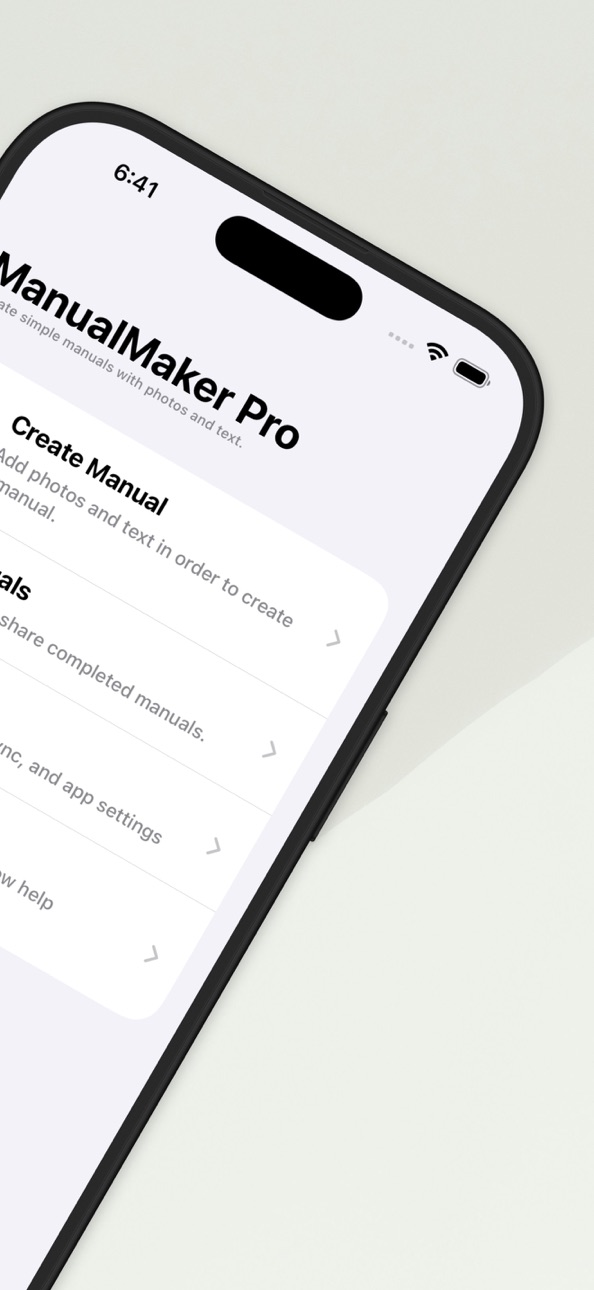
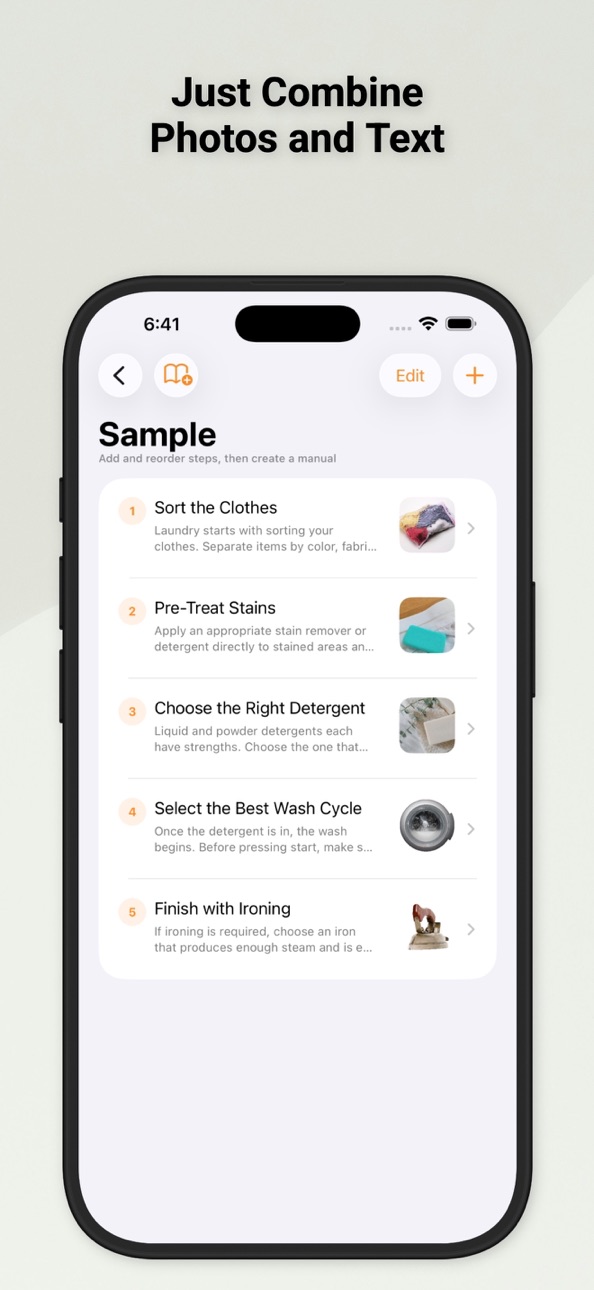
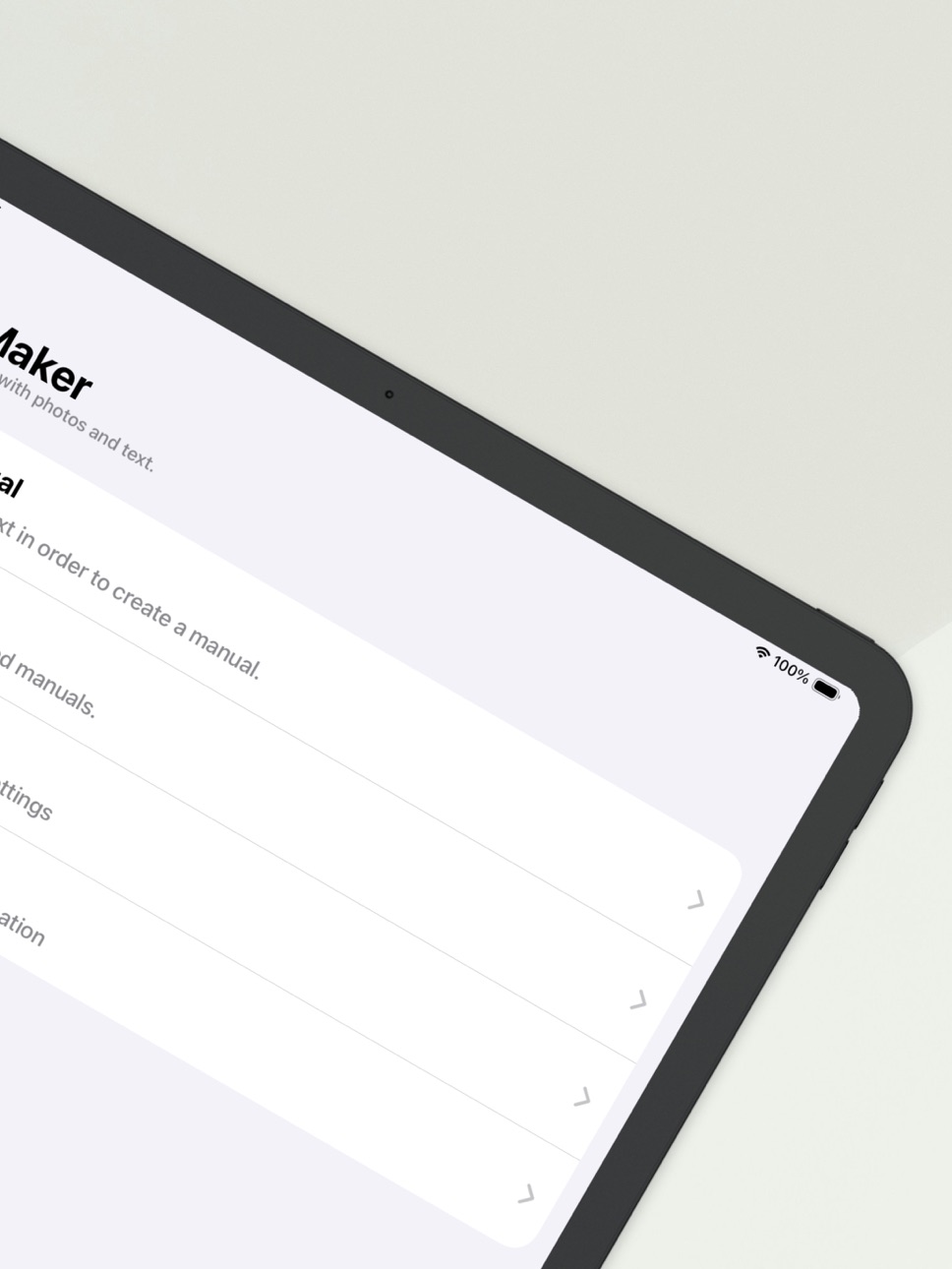
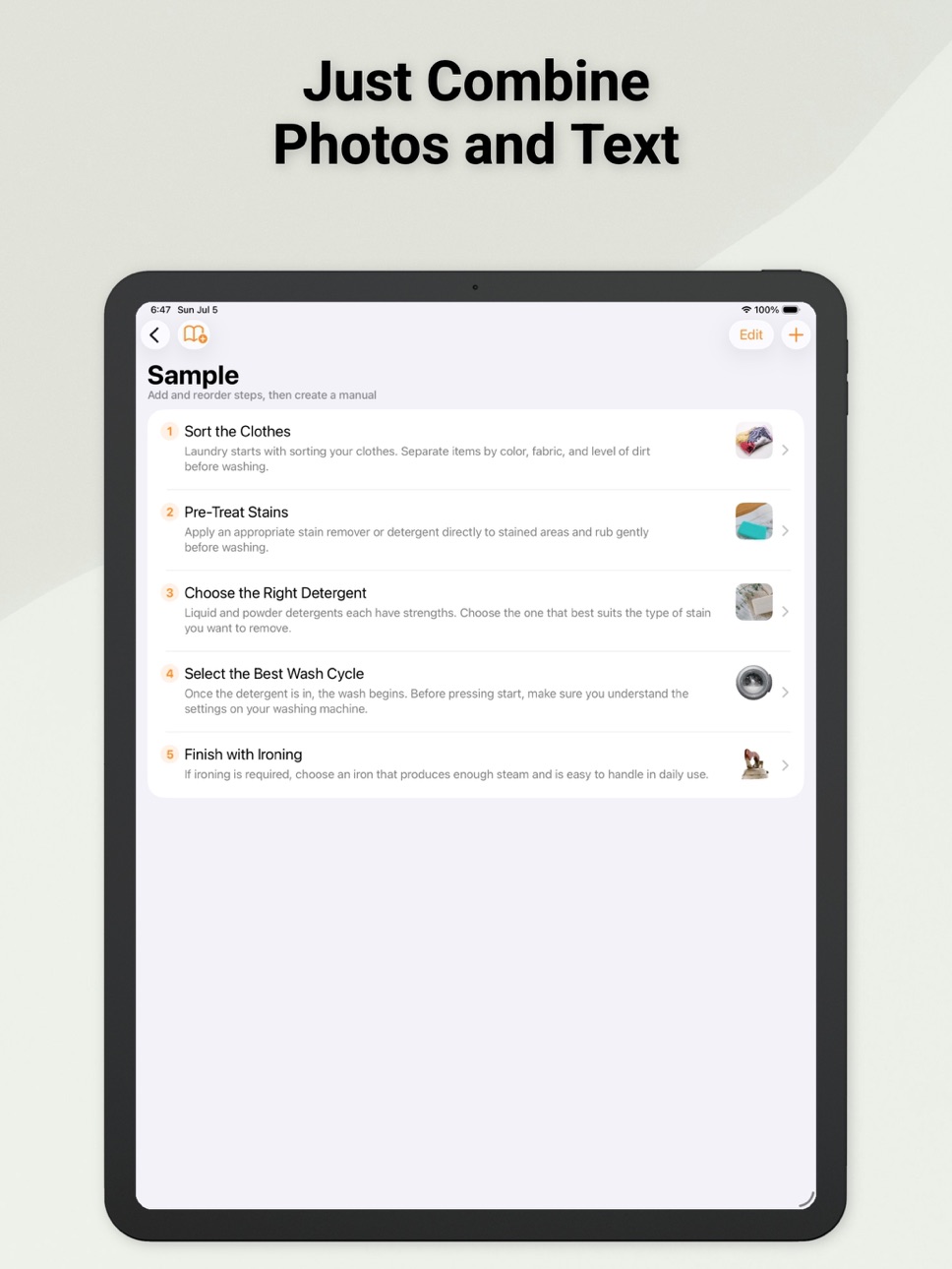
Create clear, easy-to-follow manuals by combining photos and text.
[Main Features]
• Organize steps with photos and written explanations
• Take photos or import images from your device
• Add notes and drawings to photos and maps
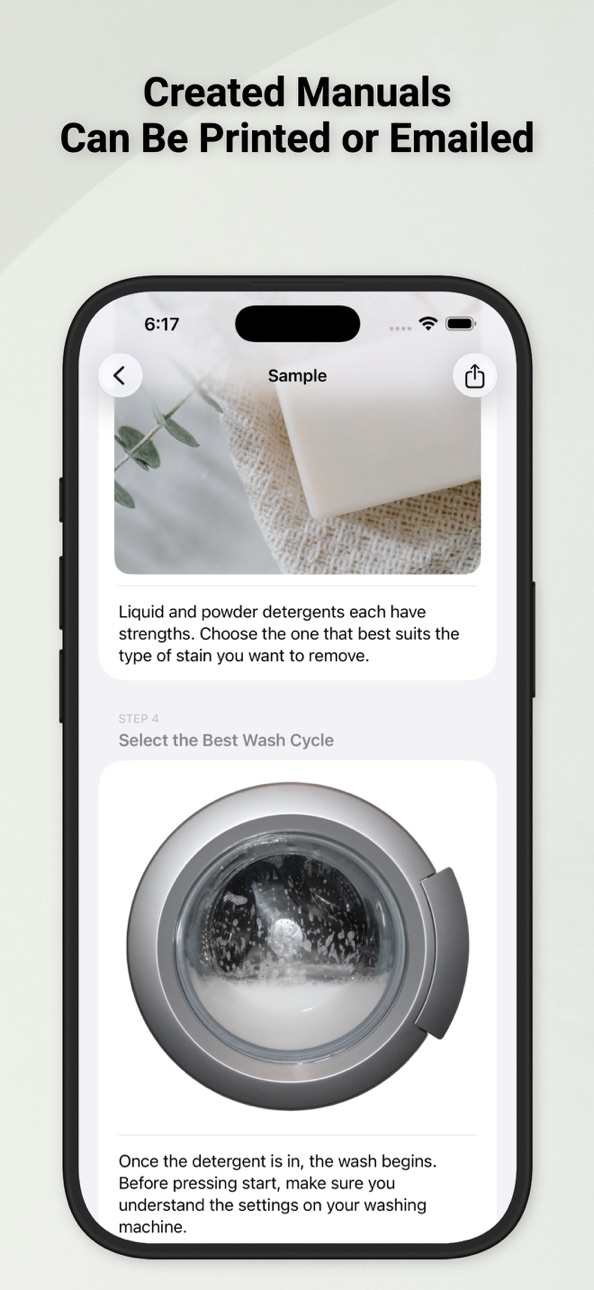
• Export manuals as PDF files for sharing
[Great For]
• Work instructions
• Training and handover materials
• Operation guides
• Technical manuals
• Personal notes, recipes, and how-to guides
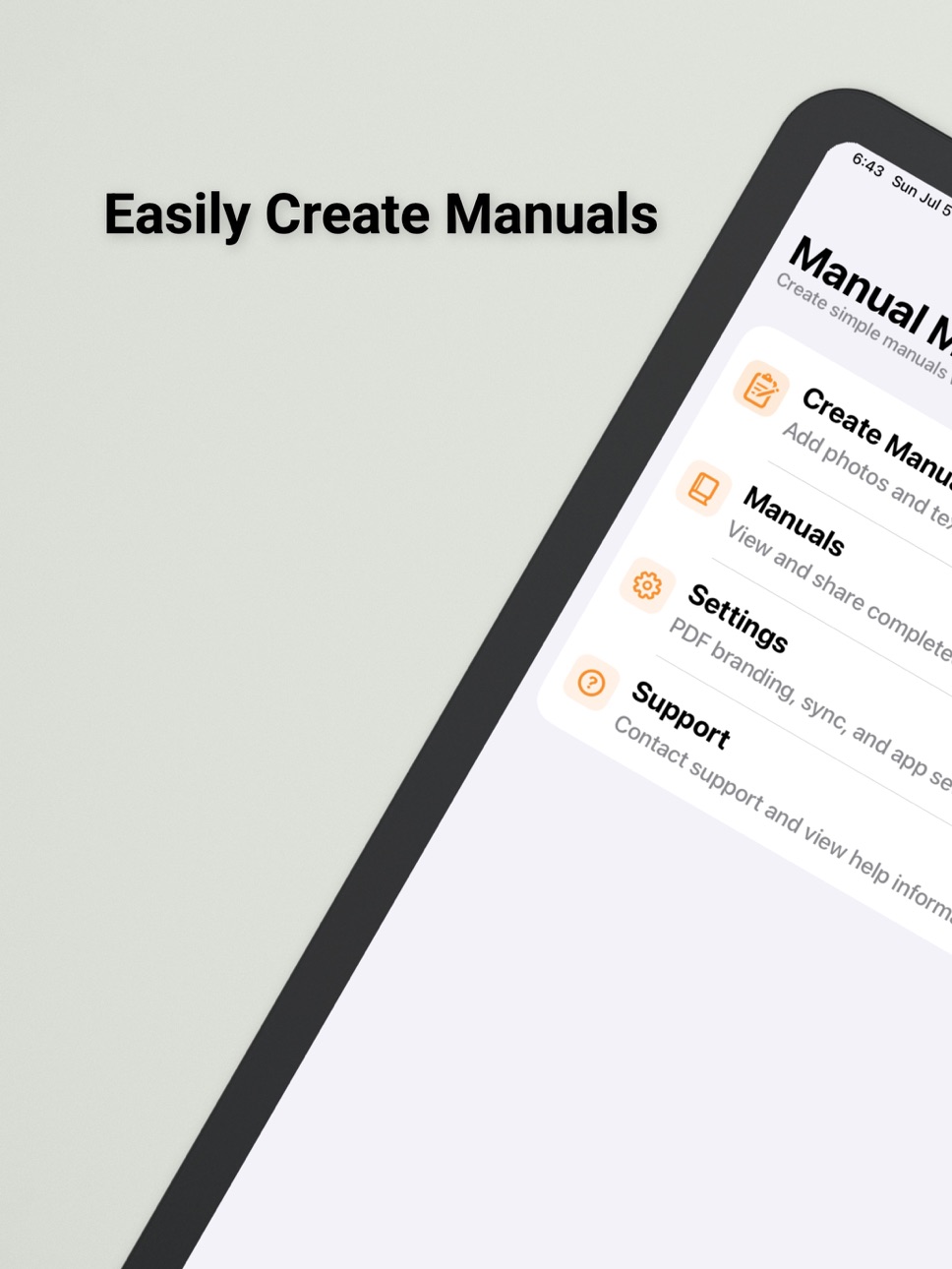
ManualMaker helps you create and manage manuals directly on your iPhone or iPad, making it easy to build documents that are simple to read and share.
Terms of Use (EULA):
https://www.apple.com/legal/internet-services/itunes/dev/stdeula/
In-App Purchases US pricing
ManualMaker Pro Subscription
Monthly · Monthly$0.99
Yearly · Yearly$11.99
One-Time Purchases
Remove all ads.$5.99
Capabilities
In-App Purchases
Accessibility
ipadiphonemacrealityDevicetvoswatch
Version history 25 versions
Build 887424325v27.02026-07-06 00:25:07
Version 27.0 adds ManualMaker Pro.
ManualMaker Pro includes business-oriented PDF features such as cover pages, tables of contents, revision history, approval sections, company names, department names, logos, and theme colors.
This update also adds iCloud sync, backup, in-app support, ad removal purchases, and Pro subscriptions.
Other improvements include updates to the export screen, terms of use, privacy policy, and minor bug fixes.
Build 885743196v26.32026-05-17 17:55:31
Thank you for using ManualMaker. This update includes the following fixes:
Bug Fixes
- Fixed an issue where body text could be truncated with "..." when exporting to PDF. The font size now scales automatically so the full text is shown whenever possible.
- Improved text input handling in the body editor to address an issue where characters could disappear when pressing the space key with an external keyboard or Smart Keyboard.
Thank you for your continued support. We always welcome your feedback and suggestions.
Build 884352269v26.22026-04-29 05:27:37
Osusume apuri o App Store kara shutoku shite, saishin no jōhō o hyōji dekiru yō ni narimashita. Sonota
50
- We can now retrieve recommended apps from the App Store and display the latest information
Build 883651039v26.12026-04-09 21:55:00
Added landscape support for iPad.
Improved screen layouts on iPad.
Also fixed display issues related to screen rotation.
Build 883522954v26.02026-03-20 15:25:19
We improved the app so you can create clear manuals more easily by combining photos and text.
We also refined PDF sharing and editing, and improved overall stability.
Build 862985186v17.42024-01-22 07:51:47
Automatic Location Tagging: While you've been able to insert camera images, photos from the library, and map images in your manuals, now when you insert a map image, its location information is also automatically added. This allows for precise location display in Apple Maps during manual viewing, enabling you to create more detailed and practical manuals.
Export Manuals: With the new export feature, sharing your created manuals has become easier than ever. This facilitates smoother collaboration with teams and friends.
Performance Improvements and Bug Fixes: We've made bug fixes and performance improvements to enhance usability and your overall experience.
New Draw Feature Added! Easily insert arrows and circles into photos.
Build 862690934v17.32024-01-06 22:17:29
Completely rewritten in SwiftUI for enhanced performance and smoother user experience.
Updated photo painting feature for more intuitive editing.
Revamped the main color scheme for a fresh, new look.
Introduced a new option to disable ads for an uninterrupted experience.
Improved overall usability, including more responsive button interactions.
Build 861636005v17.22023-11-21 10:56:22
What's New in ManualMaker 17.2
- Fixed a crash issue occurring when the sketch switch was turned on without an image in the latest OS. We are continuously working to enhance stability and usability.
- Other performance improvements and bug fixes.
We are committed to improving our app based on your invaluable feedback. We appreciate your continued support.
Build 861494913v17.12023-11-15 10:31:50
What's New in ManualMaker 17.1
- Fixed an issue with image selection. We deeply apologize for any inconvenience caused in the previous version and assure you a more stable experience with this update.
- Other performance enhancements and bug fixes.
We continue to improve our app based on your valuable feedback. Thank you for your support.
Build 861114383v17.02023-11-02 00:27:36
- Now compatible with iOS 17.
- Updated the content on the Support page.
- Other fixes and improvements.
Build 857600410v16.12023-06-07 16:00:30
● "I have made some adjustments to the advertising display."
Build 857179120v16.02023-05-18 23:40:13
- "Made partial changes to ad display."
- "Changed the arrangement of the home screen."
- "Modified the support page."
- "Other changes."
Build 848380422v15.42022-04-18 14:14:22
-Fixed some bugs caused by dark mode.
-Fixed the advertisement.
·others
Build 845616572v15.32021-12-01 01:35:37
Fixed some problems.
The frequency of ads has been adjusted.
Others
Build 844831257v15.22021-10-21 08:47:04
●Fixed some issues.
Build 844235510v15.12021-09-23 00:59:17
Optimized.
Other
Build 844177719v15.02021-09-20 18:21:23
IOS15 is now supported.
Other
Build 844083205v14.122021-09-14 11:47:21
-Primary language has been changed to English.
-Other
Build 844075989v14.112021-09-12 22:28:28
-Some design adjustments
-Added support for English-speaking countries.
-Others
Build 843975637v14.102021-09-09 11:43:08
Build 843793949v14.92021-09-02 13:06:52
Build 843679921v14.82021-08-19 12:39:39
Build 840695288v14.72021-03-04 14:17:13
Build 840558488v14.62021-02-20 13:16:05
Build 837859784v14.52020-09-21 17:37:12
Price history by region
Currency
Show
Columns
Search
Availability 1 of 1 storefronts
| Region | Language | Price | Ratings | Avg | Version |
|---|---|---|---|---|---|
| US | en-US | Free | 2 | 3.5 | 27.0 |
Change log 29 changes · US
✎
releaseNotes updated
Version 27.0 adds ManualMaker Pro.
ManualMaker Pro includes business-oriented PDF features such as cover pages, tables of contents, revision history, approval
✎
description updated
Create clear, easy-to-follow manuals by combining photos and text.
[Main Features]
• Organize steps with photos and written explanations
• Take photos or impor
✎
subtitle updated
Create manuals with photos
✎
name updated
ManualMaker / Manual creation
◆
Version 27.0 released
Version 27.0 adds ManualMaker Pro.
ManualMaker Pro includes business-oriented PDF features such as cover pages, tables of contents, revision history, approval sections, company names, department names, logos, and theme colors.
This update
◆
Version 26.3 released
Thank you for using ManualMaker. This update includes the following fixes:
Bug Fixes
- Fixed an issue where body text could be truncated with "..." when exporting to PDF. The font size now scales automatically so the full text is shown whe
◆
Version 26.2 released
Osusume apuri o App Store kara shutoku shite, saishin no jōhō o hyōji dekiru yō ni narimashita. Sonota
50
- We can now retrieve recommended apps from the App Store and display the latest information
◆
Version 26.1 released
Added landscape support for iPad.
Improved screen layouts on iPad.
Also fixed display issues related to screen rotation.
◆
Version 26.0 released
We improved the app so you can create clear manuals more easily by combining photos and text.
We also refined PDF sharing and editing, and improved overall stability.
◆
Version 17.4 released
Automatic Location Tagging: While you've been able to insert camera images, photos from the library, and map images in your manuals, now when you insert a map image, its location information is also automatically added. This allows for prec
◆
Version 17.3 released
Completely rewritten in SwiftUI for enhanced performance and smoother user experience.
Updated photo painting feature for more intuitive editing.
Revamped the main color scheme for a fresh, new look.
Introduced a new option to disable ads f
◆
Version 17.2 released
What's New in ManualMaker 17.2
- Fixed a crash issue occurring when the sketch switch was turned on without an image in the latest OS. We are continuously working to enhance stability and usability.
- Other performance improvements and bug
◆
Version 17.1 released
What's New in ManualMaker 17.1
- Fixed an issue with image selection. We deeply apologize for any inconvenience caused in the previous version and assure you a more stable experience with this update.
- Other performance enhancements and bu
◆
Version 17.0 released
- Now compatible with iOS 17.
- Updated the content on the Support page.
- Other fixes and improvements.
◆
Version 16.1 released
● "I have made some adjustments to the advertising display."
◆
Version 16.0 released
- "Made partial changes to ad display."
- "Changed the arrangement of the home screen."
- "Modified the support page."
- "Other changes."
◆
Version 15.4 released
-Fixed some bugs caused by dark mode.
-Fixed the advertisement.
·others
◆
Version 15.3 released
Fixed some problems.
The frequency of ads has been adjusted.
Others
◆
Version 15.2 released
●Fixed some issues.
◆
Version 15.1 released
Optimized.
Other
◆
Version 15.0 released
IOS15 is now supported.
Other
◆
Version 14.12 released
-Primary language has been changed to English.
-Other
◆
Version 14.11 released
-Some design adjustments
-Added support for English-speaking countries.
-Others
◆
Version 14.10 released
◆
Version 14.9 released
◆
Version 14.8 released
◆
Version 14.7 released
◆
Version 14.6 released
◆
Version 14.5 released