Home › Business

HCSS HeavyJob: Smart job sites
Field data that drives action
 US
US
1 of 1 storefronts
Content in en-US
Content in en-US
Information
Preview 2 platforms
iPhone 10 images



iPad 10 images




What’s New Version 2026.12.0
• Fixed an issue preventing PDFs from loading in Daily Digest.
• Additional bug fixes and improvements.
Description
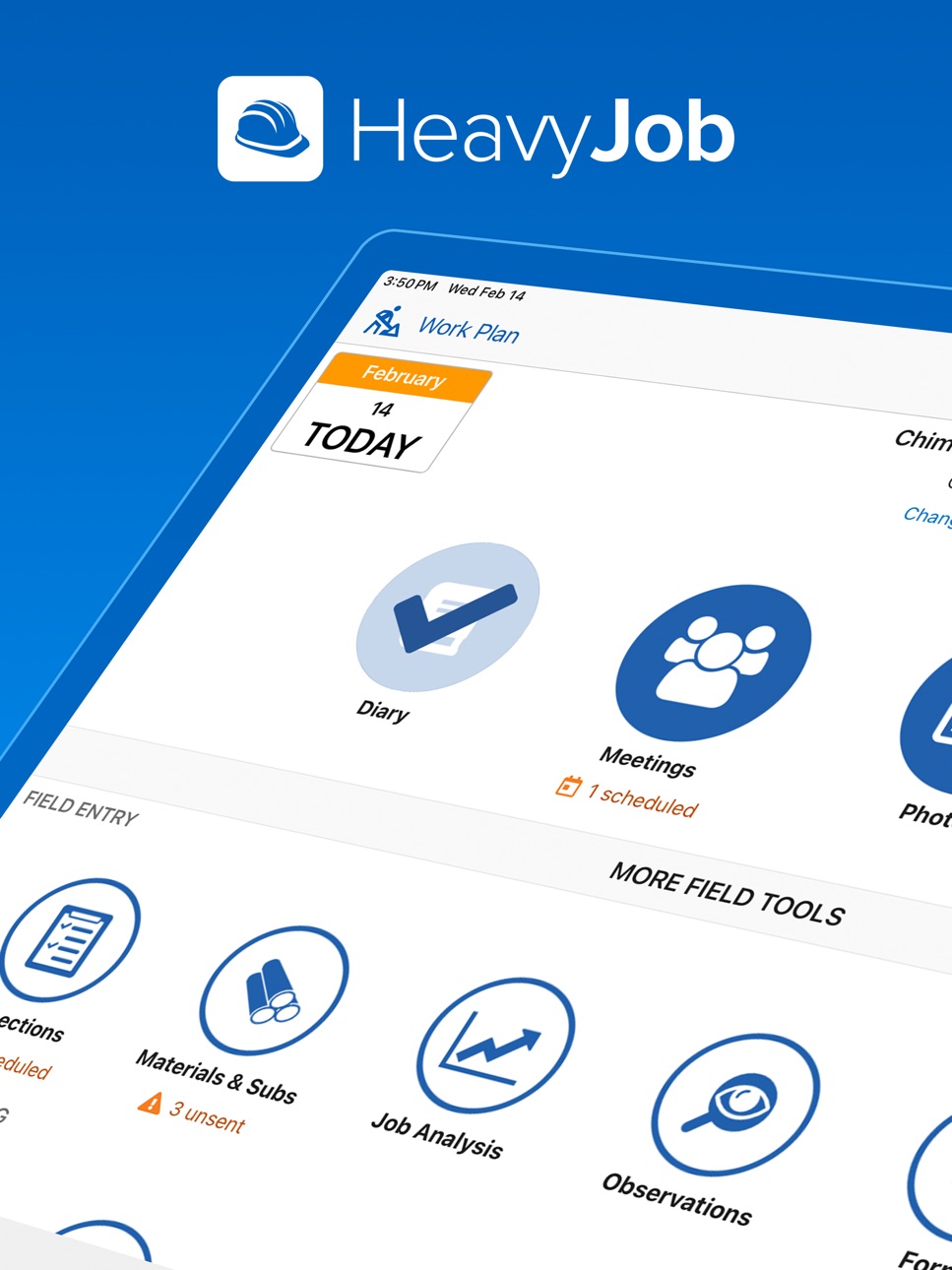
Ditch the paper and eliminate the guesswork. HeavyJob (formerly HCSS Field) is an industry-leading construction app that empowers your team to capture field data in real time, providing instant job site visibility. It’s built for crew leads, safety pros, project managers, engineers, drivers, surveyors—anyone who needs to stay mobile, productive, and connected to the office with ease.
~~~~FIELD~~~~
It’s all about good field data. Get it with less effort.
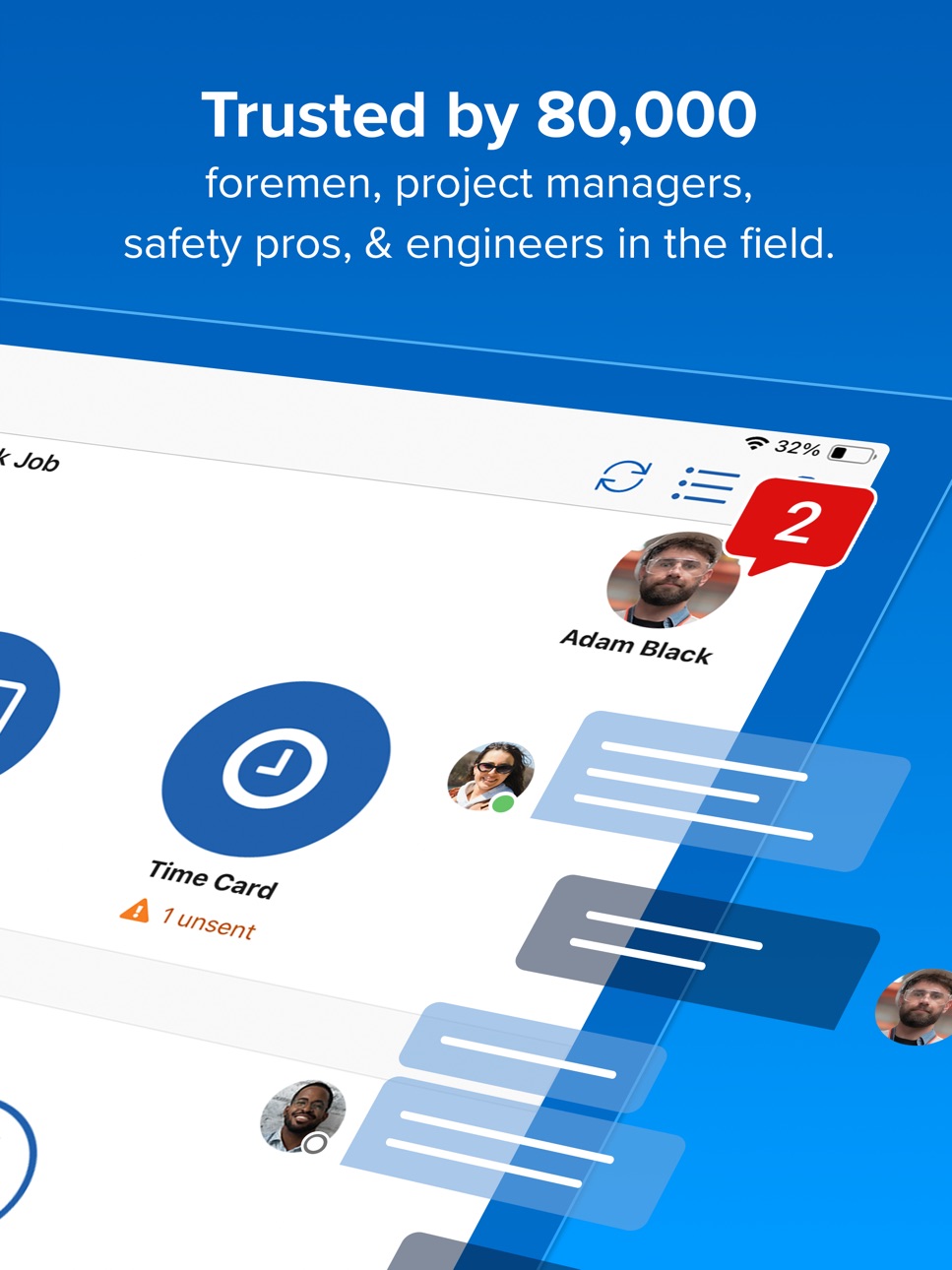
• TIME CARDS: It’s the easiest time card in construction. Save hours each month by replacing paper with an app foremen love. Just tap to enter time and production, even across multiple jobs, with or without Internet.
• DIARY: Record weather with one tap from GPS, tag days with searchable keywords, and note events with speech-to-text.
• PHOTOS: Take photos, draw notes on them, and share with the office.
• NEEDS: Need more resources to meet production goals? Send requests directly to your dispatcher (requires HCSS Dispatcher).
• MAINTENANCE: Prevent costly breakdowns and other equipment downtime by instantly sharing issues with your shop (requires Equipment360).
• MATERIALS & SUBS (iPad only): Track materials received and installed on site to improve invoicing accuracy and boost timely payments.
• FORMS: Collect owner-requested info with PDF forms that can automatically fill themselves with data from your app. Or, manually fill any form custom-built by the office.
• DOCS & PLANS: Reduce rework by always working off the latest drawings with built-in collaboration tools.
• MULTILINGUAL: We support English, Spanish, Portuguese, and French.
~~~~MANAGEMENT~~~~
Manage your projects like a pro. Receive real-time info from the field to make changes when and where it matters.
• TIME CARD REVIEW (iPad only): Approve time cards or send rejection notes back to your foreman to make corrections.
• DAILY DIGEST (iPad only): Grab a cup of coffee and start your day off with a quick overview of each job. Check job health and progress, and drill into the details that matter.
• JOB ANALYSIS: Always know whether you’re making or losing money, identify which activities are causing the biggest impact, and take action. (Foremen can be given access as well.)
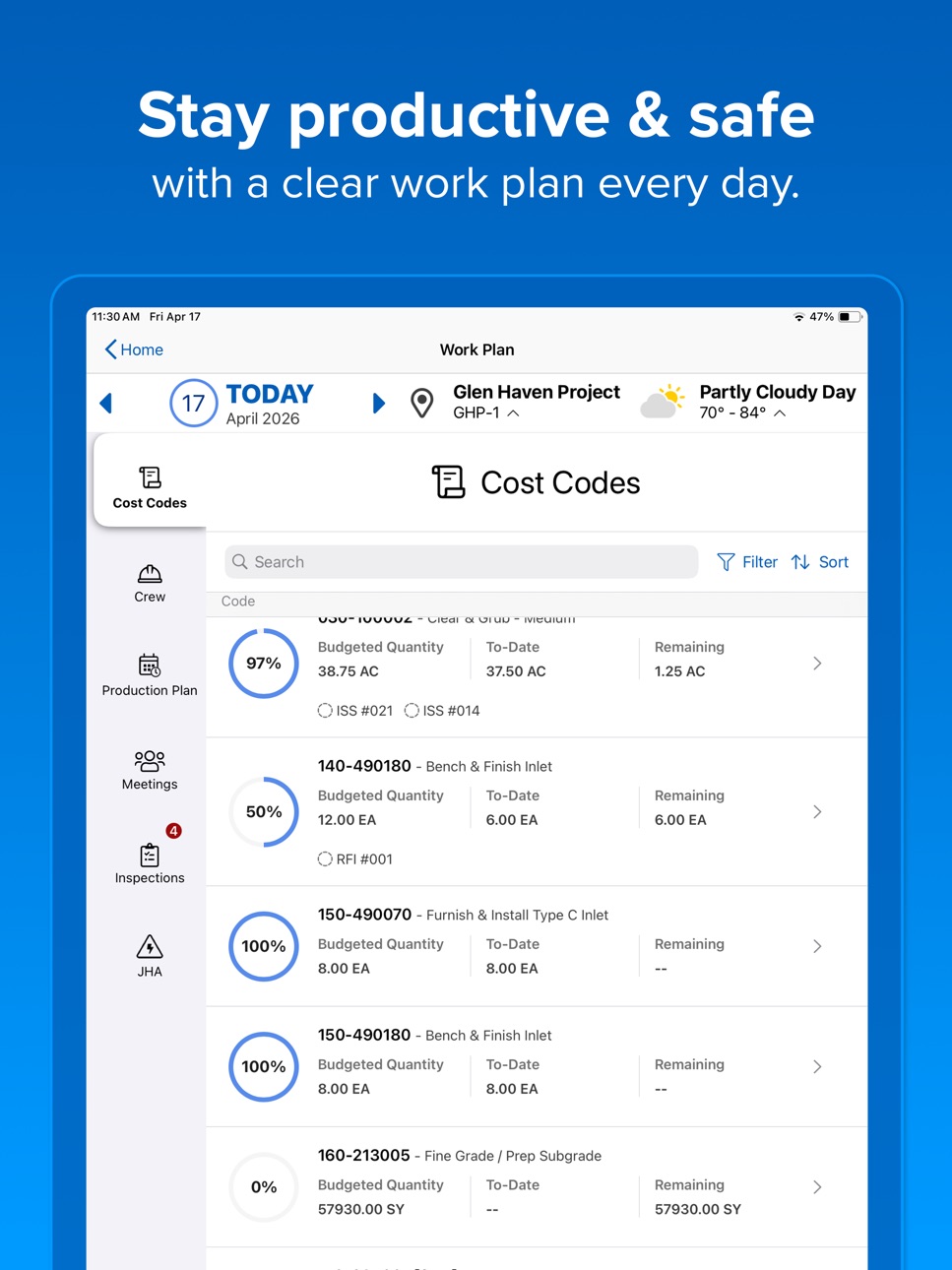
• PRODUCTION PLANNER (iPad only): Project next week’s performance based on current data so you’ll know exactly how much work needs to be done and what resources are required to meet goals. (Foremen can be given access as well.)
~~~~SAFETY~~~~
Put safety where it matters most—right in the field.
• MEETINGS: Hold meetings, record attendance, and capture digital signatures. Use our library of 1,000+ templates influenced by OSHA, the AGC, DOD, and Army Corps of Engineers, or access your company’s custom-built templates.
• OBSERVATIONS: See a hazard? Report it to keep everyone safe on the job. See a stellar example of safety? We make it easy to provide positive reinforcement, too.
• NEAR MISS: Capture near misses in real time so your safety team can develop timely training and prevent incidents before they occur.
• INCIDENTS: Report incidents faster and with more accuracy. Send reports directly to the office, where they can be easily referenced at any time for OSHA and insurance purposes.
• INSPECTIONS: Perform inspections in the field with ease by using our robust library or accessing your company’s custom-built library.
• JHA/AHA/JSA (iPad only): We’ll step you through each job hazard analysis. Use our pre-built templates or access custom-built templates that are specific to your job.
• SKILLS & CERTS: Always put the right person on the job when you have instant access to crew qualifications, documentation, and expiration dates.
~~~~TEAM~~~~
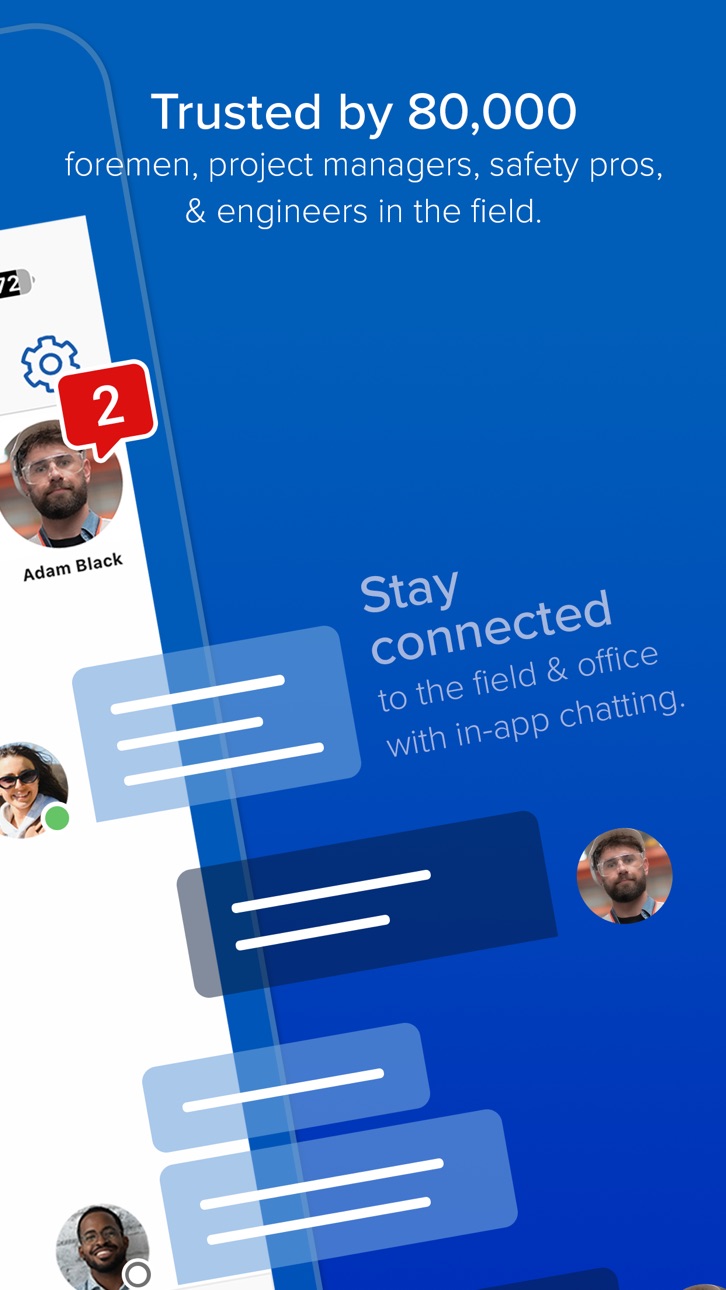
Communicate with your project team without leaving the app. Chat with other users in the field or in the office to get answers quickly and efficiently.
~~~~Try it out now!~~~~
On the login screen, tap "Explore the app" (best on an iPad for a guided experience). Full app usage requires a subscription plan.
Accessibility
ipadiphonemacrealityDevicetvoswatch
Version history 25 versions
Build 887611936v2026.12.02026-07-06 14:01:07
• Fixed an issue preventing PDFs from loading in Daily Digest.
• Additional bug fixes and improvements.
Build 886996344v2026.11.02026-06-18 17:00:25
- Minor bug fixes and improvements.
Build 886431726v2026.10.02026-06-04 14:03:12
- You can now add equipment to your Time Card by scanning a QR code.
- Minor bug fixes and improvements.
Build 885831989v2026.9.02026-05-26 14:00:39
• Users can now search their recent jobs list when creating multi-job time cards.
• Additional fields have been added into the RFIs view within Project Controls include Response and Recommendation.
• Minor bug fixes and improvements.
Build 886159738v2026.9.12026-05-26 21:57:27
• Fixed a send button issue that impacted iPhone users.
Build 885287196v2026.8.02026-05-07 14:00:31
• Minor bug fixes and improvements.
Build 885141078v2026.7.12026-05-01 19:49:28
• Fixed a rare background syncing issue that could temporarily cause the app to struggle to update data or send records to the office.
Build 884765591v2026.7.02026-04-23 14:01:10
- HCSS Field has officially been renamed to HeavyJob.
- Safety Managers can now rename, reorder, or hide JHA sections to match their existing terminology, workflows, and safety culture.
Build 884240805v2026.6.02026-04-15 22:40:01
• When a user logs multiple breaks, they will now be able to view it on the Signature screen when signing for their time.
• Minor bug fixes and improvements.
Build 883713056v2026.5.02026-03-26 14:01:55
• When a user logs multiple meals, they will now be able to view all their meals in the Signature screen when signing for their time.
• Minor bug fixes & improvements.
Build 883232488v2026.4.02026-03-12 14:00:08
- Users in Time Card Review can now view multiple meals and breaks logged on time cards.
- Fixed an issue which was preventing time card schedule templates from being seen.
- Minor bug fixes and improvements.
Build 882716315v2026.3.02026-02-26 17:01:24
• Users can now log up to 4 meals and 6 breaks on their time cards
• Added functionality to allow copying equipment start/end times from one equipment to others
• Addressed missing Back button on Production Plans
• Fixed calendar being cut off in certain views
• Minor bug fixes and improvements
Build 882513435v2026.2.12026-02-17 16:36:33
- Addressed an issue in Time Card where Engine Off hours were not populated.
Build 882341879v2026.2.02026-02-12 15:01:53
- Minor bug fixes and improvements.
Build 882092292v2026.1.02026-02-05 21:38:11
Time Card
- Users can set a warning for equipment (including custom cost type) to warn or stop if the run time does not match entered hours.
- Set a warning for any hours that do not have a custom cost type budget.
- Minor bug fixes and improvements.
Build 881581197v2026.0.12026-01-17 02:52:11
- Addressed an issue where Copy Previous Time Card would cause the app to crash.
Build 881506115v2026.0.02026-01-15 16:12:24
• Users can now see schedules from HeavyJob | Resource Planner in the app's Work Plan - Crew tab. Additionally, users can pull this schedule information into their time cards.
• Users can now capture–and view– precise location data in Inspections and Inspection follow-ups.
Build 880700372v2025.25.02025-12-18 15:07:19
- Minor bug fixes and improvements
Build 880251583v2025.24.02025-12-04 15:03:35
- Using a new permission in HCSS Credentials, Admins can now allow HCSS Field users to view only their own photos or the photos taken by all foremen.
Build 879846304v2025.23.02025-11-20 15:01:48
• When signing for their hours on the time card, Employees will now be required to answer any Yes/No questions before submitting their signature.
• Minor bug fixes and improvements.
Build 879461726v2025.22.02025-11-06 15:00:21
• Minor bug fixes and improvements.
Build 879094848v2025.21.02025-10-23 14:00:42
- Changing the job on an Inspection will now change the Dashboard job.
- Minor bug fixes and improvements.
Build 878746790v2025.20.02025-10-09 20:56:41
• After setting a preference in HeavyJob, users in the field can now have 2 separate and independent time card warnings for if employees or equipment have less than a specified number of hours recorded.
• Fillable PDFs now respect required fields in Forms.
• Minor bug fixes and improvements.
Build 878375491v2025.19.02025-09-25 14:02:12
• Minor bug fixes and improvements.
Build 877948001v2025.18.02025-09-12 13:26:48
- The "Training Meetings" preference set in a user's subscription group will now be respected in the Meetings module.
No pricing data captured yet — comparisons appear once the app has paid storefronts or in-app purchases.
Availability 1 of 1 storefronts
| Region | Language | Price | Ratings | Avg | Version |
|---|---|---|---|---|---|
| US | en-US | Free | 242 | 4.6 | 2026.12.0 |
Change log 29 changes · US
✎
releaseNotes updated
• Fixed an issue preventing PDFs from loading in Daily Digest.
• Additional bug fixes and improvements.
✎
description updated
Ditch the paper and eliminate the guesswork. HeavyJob (formerly HCSS Field) is an industry-leading construction app that empowers your team to capture field dat
✎
subtitle updated
Field data that drives action
✎
name updated
HCSS HeavyJob: Smart job sites
◆
Version 2026.12.0 released
• Fixed an issue preventing PDFs from loading in Daily Digest.
• Additional bug fixes and improvements.
◆
Version 2026.11.0 released
- Minor bug fixes and improvements.
◆
Version 2026.10.0 released
- You can now add equipment to your Time Card by scanning a QR code.
- Minor bug fixes and improvements.
◆
Version 2026.9.1 released
• Fixed a send button issue that impacted iPhone users.
◆
Version 2026.9.0 released
• Users can now search their recent jobs list when creating multi-job time cards.
• Additional fields have been added into the RFIs view within Project Controls include Response and Recommendation.
• Minor bug fixes and improvements.
◆
Version 2026.8.0 released
• Minor bug fixes and improvements.
◆
Version 2026.7.1 released
• Fixed a rare background syncing issue that could temporarily cause the app to struggle to update data or send records to the office.
◆
Version 2026.7.0 released
- HCSS Field has officially been renamed to HeavyJob.
- Safety Managers can now rename, reorder, or hide JHA sections to match their existing terminology, workflows, and safety culture.
◆
Version 2026.6.0 released
• When a user logs multiple breaks, they will now be able to view it on the Signature screen when signing for their time.
• Minor bug fixes and improvements.
◆
Version 2026.5.0 released
• When a user logs multiple meals, they will now be able to view all their meals in the Signature screen when signing for their time.
• Minor bug fixes & improvements.
◆
Version 2026.4.0 released
- Users in Time Card Review can now view multiple meals and breaks logged on time cards.
- Fixed an issue which was preventing time card schedule templates from being seen.
- Minor bug fixes and improvements.
◆
Version 2026.3.0 released
• Users can now log up to 4 meals and 6 breaks on their time cards
• Added functionality to allow copying equipment start/end times from one equipment to others
• Addressed missing Back button on Production Plans
• Fixed calendar being cut
◆
Version 2026.2.1 released
- Addressed an issue in Time Card where Engine Off hours were not populated.
◆
Version 2026.2.0 released
- Minor bug fixes and improvements.
◆
Version 2026.1.0 released
Time Card
- Users can set a warning for equipment (including custom cost type) to warn or stop if the run time does not match entered hours.
- Set a warning for any hours that do not have a custom cost type budget.
- Minor bug fixes and imp
◆
Version 2026.0.1 released
- Addressed an issue where Copy Previous Time Card would cause the app to crash.
◆
Version 2026.0.0 released
• Users can now see schedules from HeavyJob | Resource Planner in the app's Work Plan - Crew tab. Additionally, users can pull this schedule information into their time cards.
• Users can now capture–and view– precise location data in Insp
◆
Version 2025.25.0 released
- Minor bug fixes and improvements
◆
Version 2025.24.0 released
- Using a new permission in HCSS Credentials, Admins can now allow HCSS Field users to view only their own photos or the photos taken by all foremen.
◆
Version 2025.23.0 released
• When signing for their hours on the time card, Employees will now be required to answer any Yes/No questions before submitting their signature.
• Minor bug fixes and improvements.
◆
Version 2025.22.0 released
• Minor bug fixes and improvements.
◆
Version 2025.21.0 released
- Changing the job on an Inspection will now change the Dashboard job.
- Minor bug fixes and improvements.
◆
Version 2025.20.0 released
• After setting a preference in HeavyJob, users in the field can now have 2 separate and independent time card warnings for if employees or equipment have less than a specified number of hours recorded.
• Fillable PDFs now respect required
◆
Version 2025.19.0 released
• Minor bug fixes and improvements.
◆
Version 2025.18.0 released
- The "Training Meetings" preference set in a user's subscription group will now be respected in the Meetings module.