Home › Education

 US
US
1 of 1 storefronts
Content in en-US
Content in en-US
Information
Preview 2 platforms
iPhone 5 images



iPad 5 images


What’s New Version 5.0.11
This update from Apple will improve the functionality of this app. No new features are included.
- ReConnect: this new feature will ensure you are able to continue your ProConnect session where you left off, should you lose your connection to the internet. ProConnect will automatically re-establish the connection.
- A notification will appear in the upper left-hand corner to inform you about the status of the connection. This notification will appear when you lose your connection and once the connection has been re-established.
- Stability Improvements
Description
ProConnect is the part of Presenter which creates interactions between devices and foster collaboration in your classroom. Regardless of whether you use a touchscreen, tablet, laptop, PC, or smartphone. ProConnect is free and simple to use.
The five applications:
1. ProQuiz:
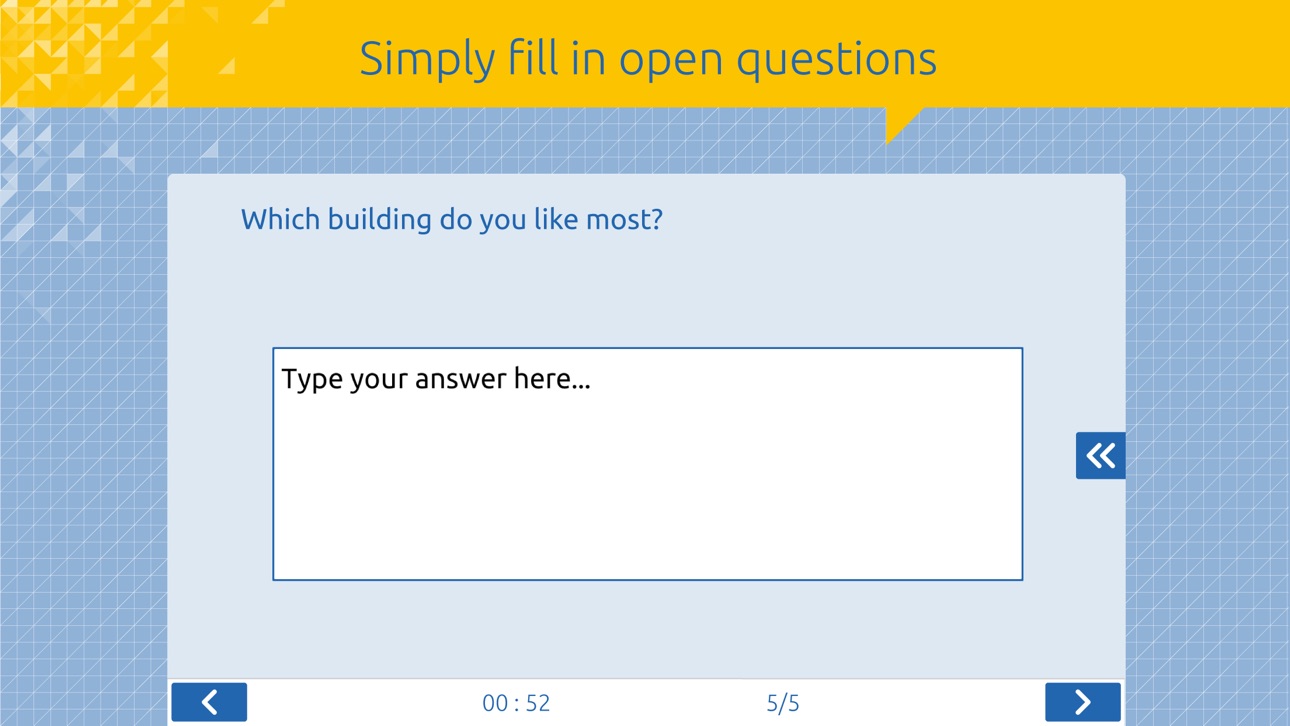
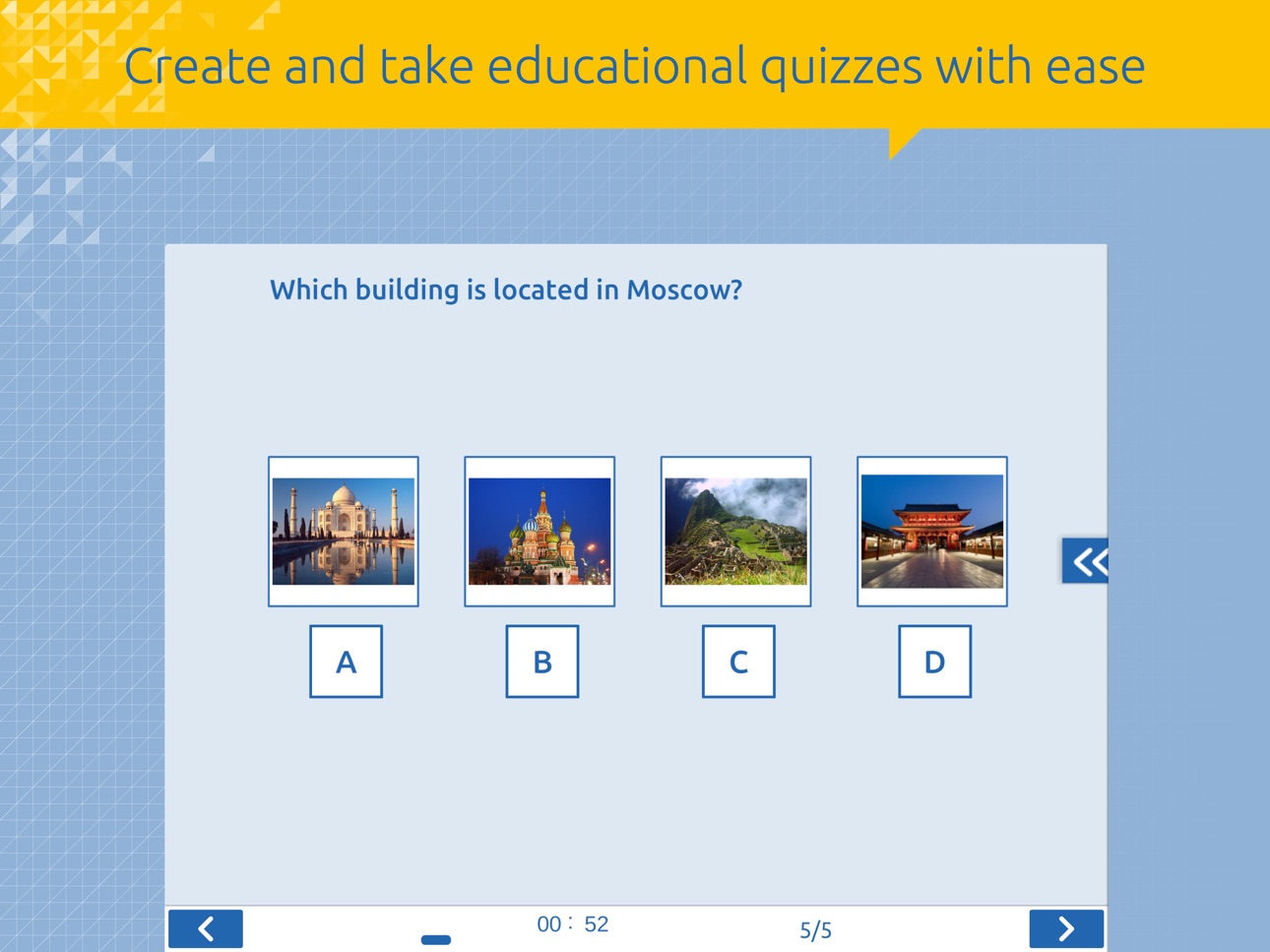
Easily create educational quizzes
2. Send Screen:
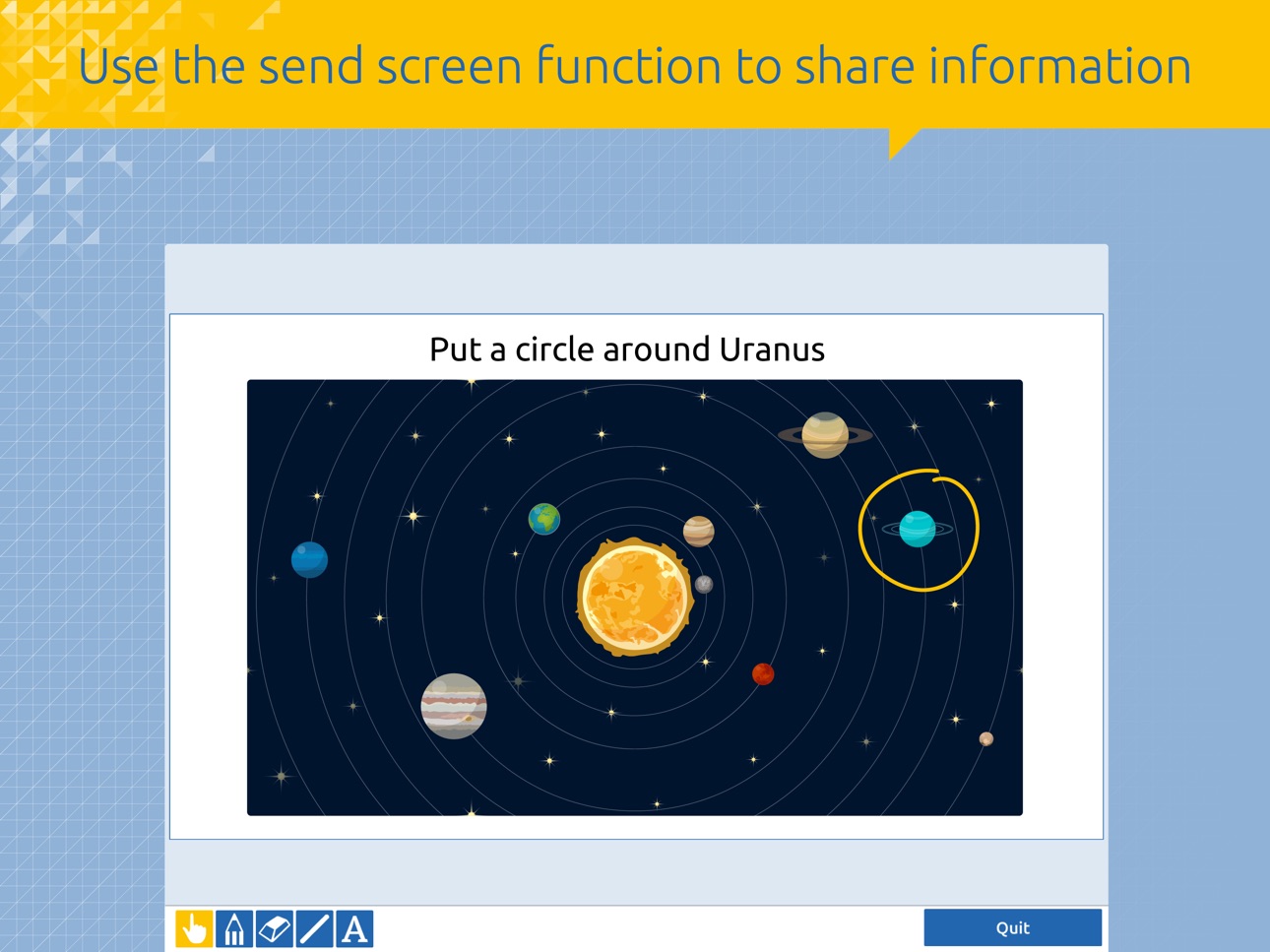
Send information back and forth
3. Vote:
Provide immediate feedback and collect data
4. Competition:
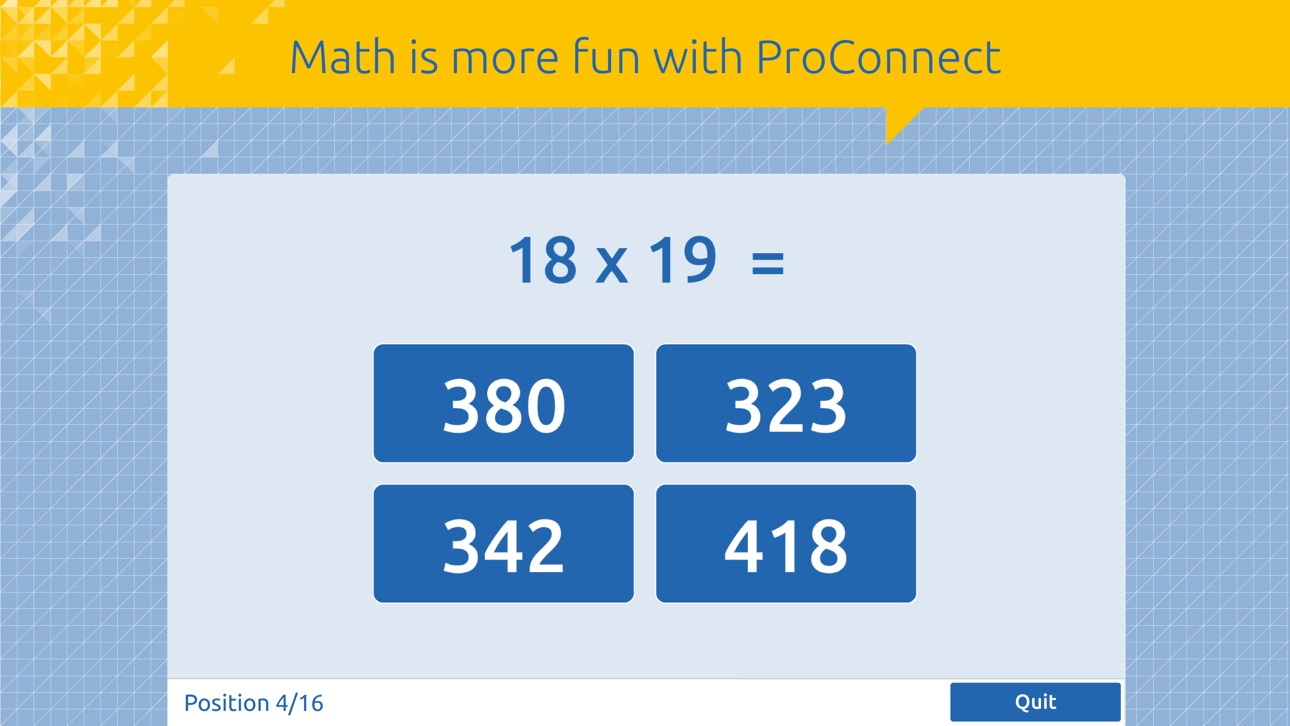
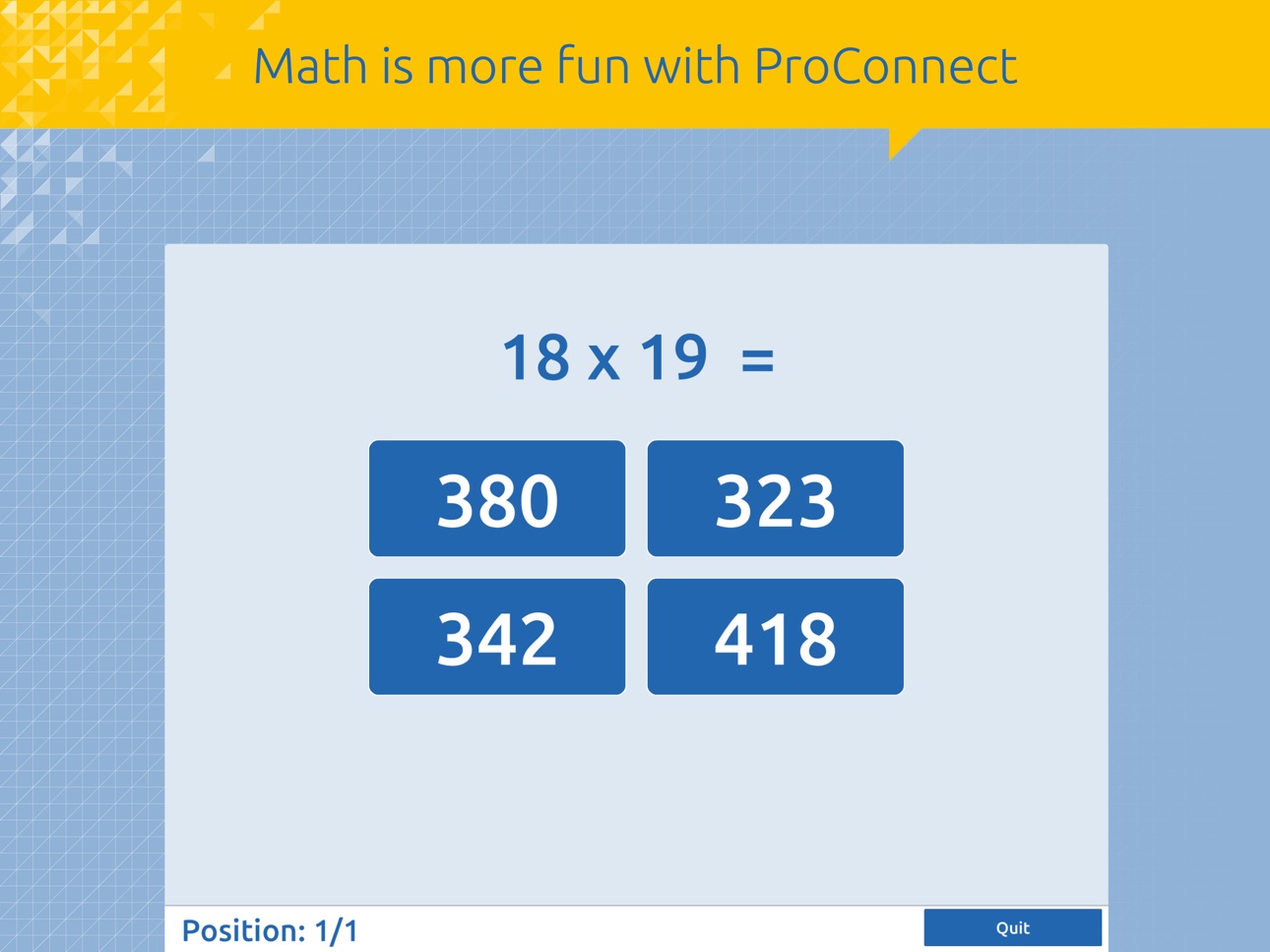
Practice easily using various forms of play
5. Collaborate:
Gather opinions and activate knowledge
NOTE:
To use ProConnect a free Presenter account is required.
For more information: http://www.prowise.com/presenter
Please note:
You will need to update this app in order to keep using this app.
Accessibility
ipadiphonemacrealityDevicetvoswatch
Version history 7 versions
Build 821071804v5.0.112017-03-03 16:17:10
This update from Apple will improve the functionality of this app. No new features are included.
- ReConnect: this new feature will ensure you are able to continue your ProConnect session where you left off, should you lose your connection to the internet. ProConnect will automatically re-establish the connection.
- A notification will appear in the upper left-hand corner to inform you about the status of the connection. This notification will appear when you lose your connection and once the connection has been re-established.
- Stability Improvements
Build 819735087v52017-02-18 17:53:43
- ReConnect: this new feature will ensure you are able to continue your ProConnect session where you left off, should you lose your connection to the internet. ProConnect will automatically re-establish the connection.
- A notification will appear in the upper left-hand corner to inform you about the status of the connection. This notification will appear when you lose your connection and once the connection has been re-established.
- Stability Improvements
Build 819579864v4.0.12016-11-05 21:01:47
This version of ProConnect includes speed and stability improvements, to optimise the use of all ProConnect functionalities.
Attention: This update is required to keep using ProConnect.
Build 818753410v4.0.02016-10-13 15:31:53
This version of ProConnect includes speed and stability improvements, to optimise the use of all ProConnect functionalities.
Attention: This update is required to keep using ProConnect.
Build 812237917v3.0.02015-10-15 16:15:35
With this ProConnect app you have access to all the latest Prowise Presenter features, including the all new mind map tool and live connection between devices.
And of course you can still use all the familiar ProConnect features.
Attention: This update is mandatory for the use of ProConnect!
Build 678342660v2.02014-08-27 00:19:42
ProConnect is completely renewed. So not only does this update have a number of improvements, but it also got a completely new look. Additionally ProQuiz is added in this update with ProQuiz you can interactively test the knowledge of your students.
Build 16471665v1.02013-08-31 04:07:18
No pricing data captured yet — comparisons appear once the app has paid storefronts or in-app purchases.
Availability 1 of 1 storefronts
| Region | Language | Price | Ratings | Avg | Version |
|---|---|---|---|---|---|
| US | en-US | Free | 1 | 5.0 | 5.0.11 |
Change log 10 changes · US
✎
releaseNotes updated
This update from Apple will improve the functionality of this app. No new features are included.
- ReConnect: this new feature will ensure you are able to cont
✎
description updated
ProConnect is the part of Presenter which creates interactions between devices and foster collaboration in your classroom. Regardless of whether you use a touc
✎
name updated
ProConnect
◆
Version 5.0.11 released
This update from Apple will improve the functionality of this app. No new features are included.
- ReConnect: this new feature will ensure you are able to continue your ProConnect session where you left off, should you lose your connection
◆
Version 5 released
- ReConnect: this new feature will ensure you are able to continue your ProConnect session where you left off, should you lose your connection to the internet. ProConnect will automatically re-establish the connection.
- A notification wil
◆
Version 4.0.1 released
This version of ProConnect includes speed and stability improvements, to optimise the use of all ProConnect functionalities.
Attention: This update is required to keep using ProConnect.
◆
Version 4.0.0 released
This version of ProConnect includes speed and stability improvements, to optimise the use of all ProConnect functionalities.
Attention: This update is required to keep using ProConnect.
◆
Version 3.0.0 released
With this ProConnect app you have access to all the latest Prowise Presenter features, including the all new mind map tool and live connection between devices.
And of course you can still use all the familiar ProConnect features.
Attenti
◆
Version 2.0 released
ProConnect is completely renewed. So not only does this update have a number of improvements, but it also got a completely new look. Additionally ProQuiz is added in this update with ProQuiz you can interactively test the knowledge of your
◆
Version 1.0 released