Home › Utilities

 US
US
1 of 1 storefronts
Content in en-US
Content in en-US
Information
Preview 2 platforms
iPhone 5 images

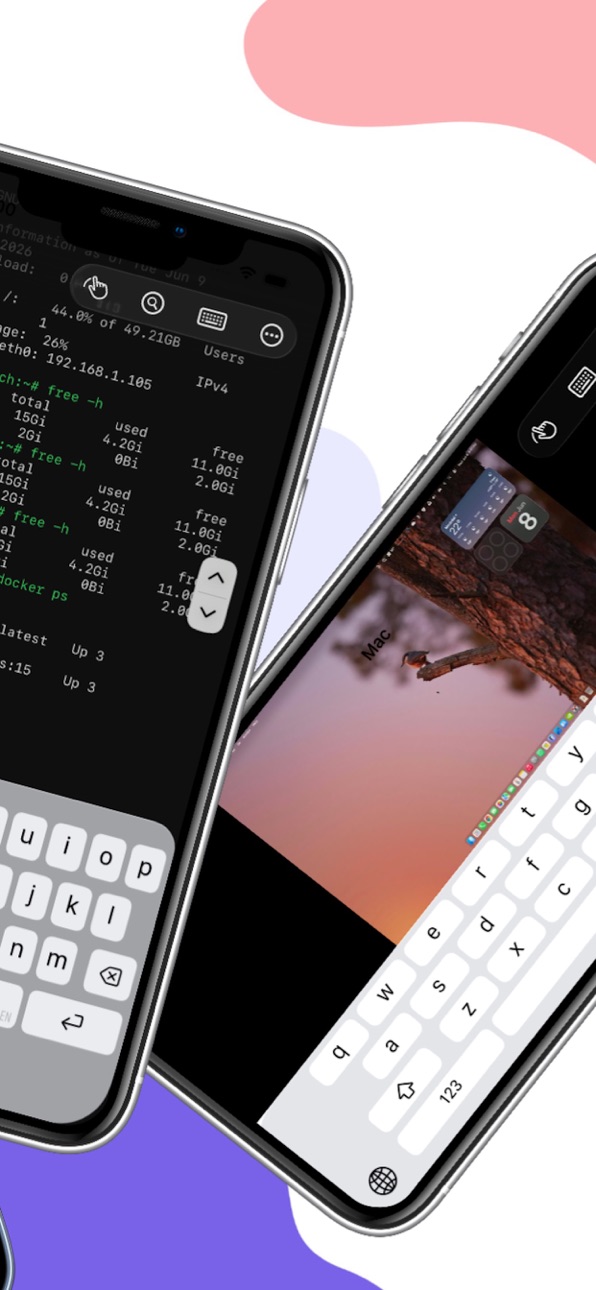
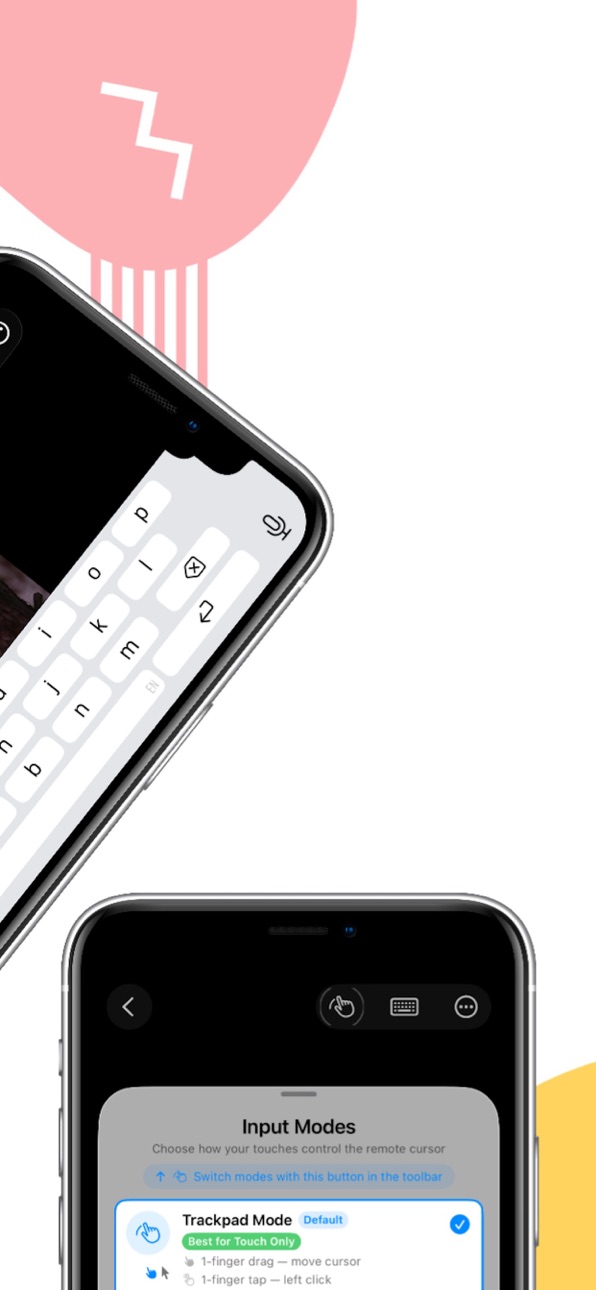
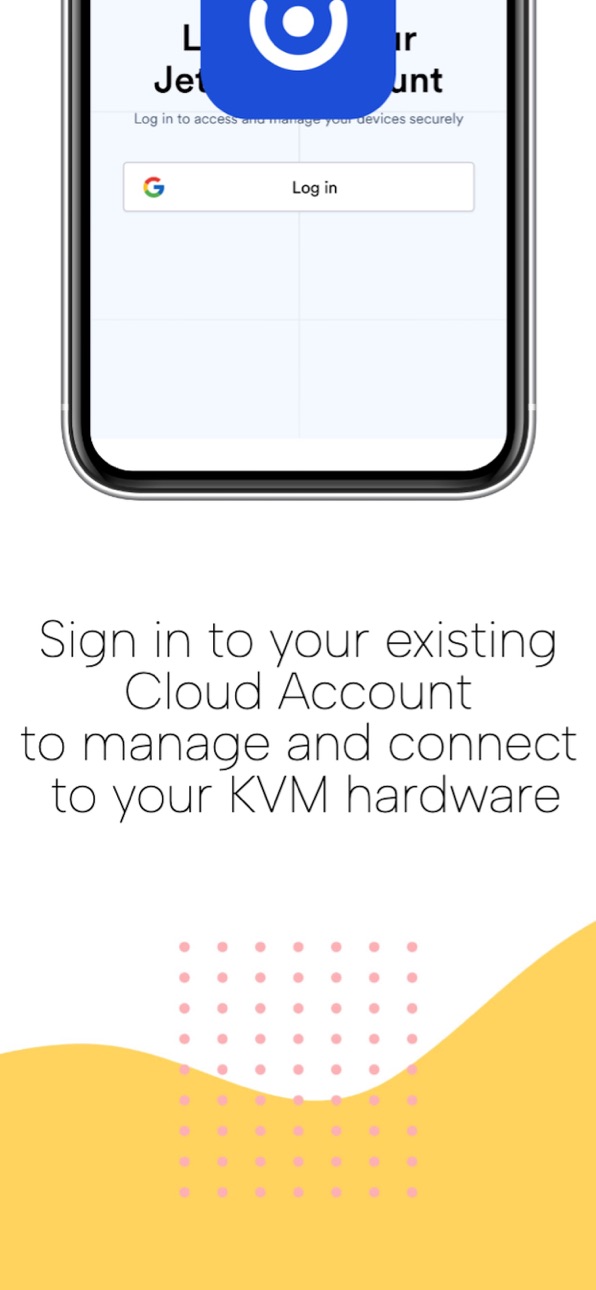
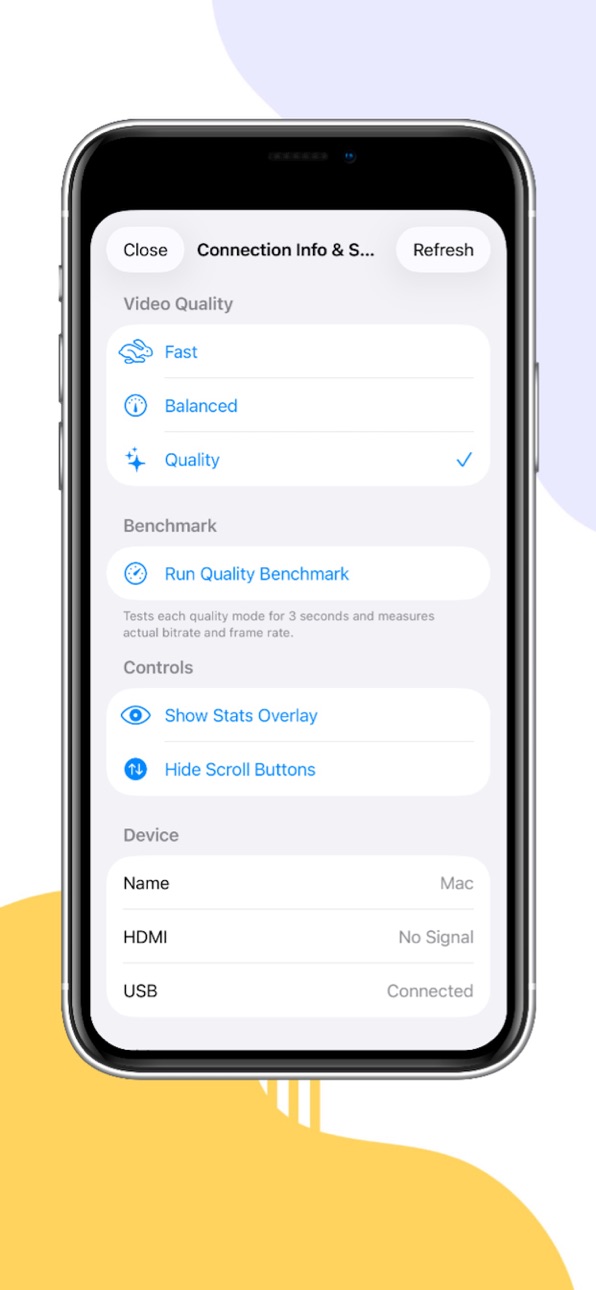
iPad 3 images


What’s New Version 1.1.3
Version 1.1.3
This update focuses on stability and connection reliability:
-Landscape mode no longer disconnects — rotating your iPhone during an active session now stays connected instead of dropping back to the device list.
-Cellular connections now work — cloud sessions over LTE/5G no longer get stuck on "Negotiating video." Previously only Wi-Fi connections would complete successfully.
-Cloud sign-out fully clears credentials — clearing your cloud login now properly removes all stored cookies, including Google authentication, so the next sign-in starts completely fresh.
Found a bug or have a suggestion? We'd love to hear from you — tap Settings → Send Feedback inside the app, or email us directly at info@jetremote.app.
Description
Jet Remote gives you native iOS and iPadOS control over your KVM hardware device from anywhere in the world. View your target hardware remotely and control its mouse and keyboard as though you were sitting in front of it. This app provides the original native mobile experience built specifically for KVM power users, and we're confident you'll love it.
===Key features===
• Connect via your local network, KVM Cloud, or Tailscale tailnet with hardware-accelerated streaming.
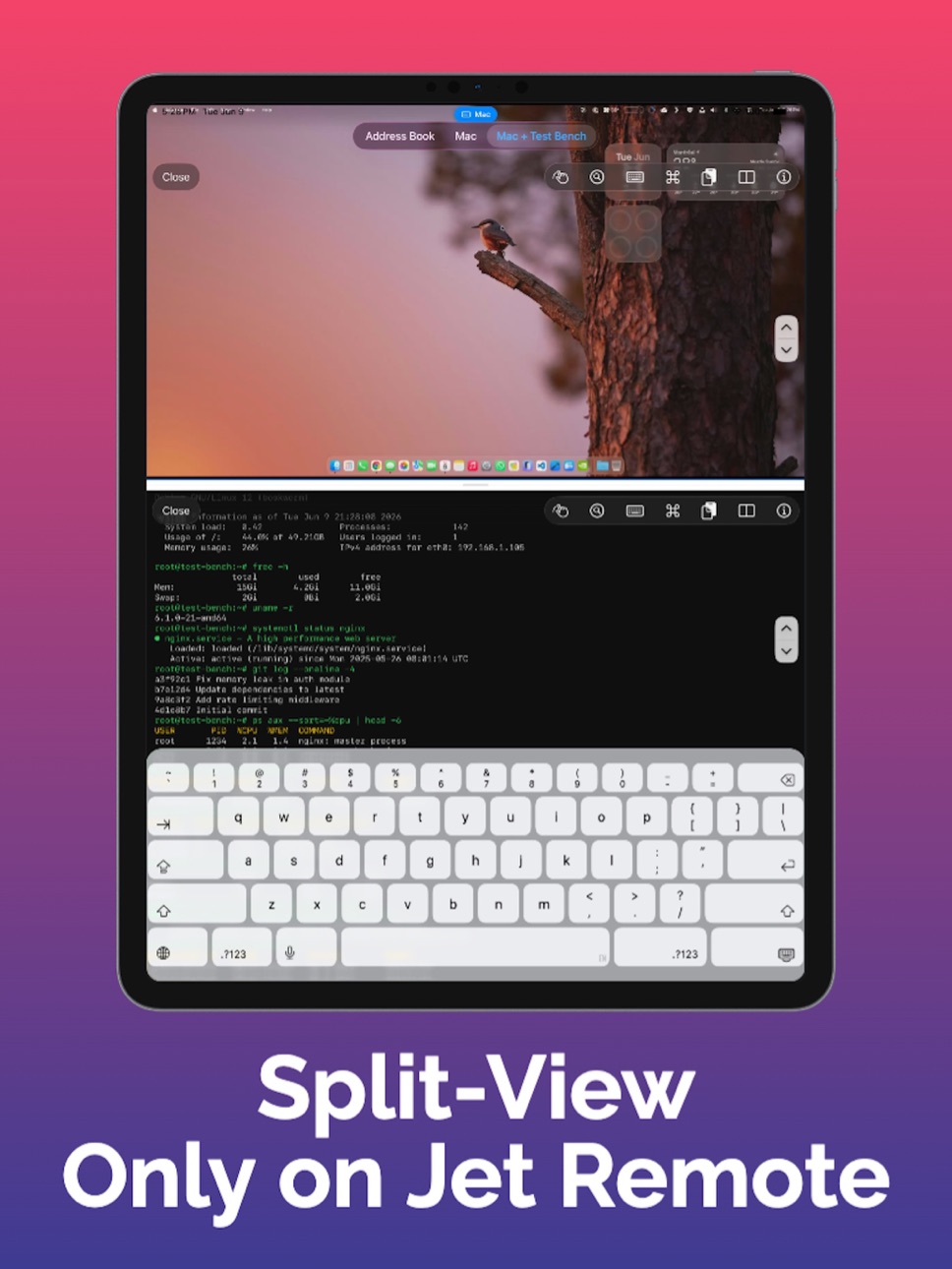
• Manage multiple simultaneous hardware sessions in clean, separate tabs (iPad only).
• A scrolling toolbar above the virtual keyboard includes advanced keys such as Esc, Tab, Ctrl, Alt, Cmd, arrow keys, and F1–F12.
• Support for hardware and Bluetooth keyboards with full passthrough.
• Build and trigger multi-step Keyboard Macros with just one tap.
• Live diagnostic overlays displaying real-time resolution, FPS, RTT, bitrate, packet loss, and jitter.
• Built-in Mouse Jiggler to keep your target OS remote sessions alive automatically.
• Serial Console, Wake on LAN, and full ATX Power Control.
• Paste clipboard directly to remote.
• Device list syncs automatically to iCloud, with manual backup and restore.
===Please note===
This app is a client utility and requires a specific KVM hardware device (available at jetkvm.com) connected to a target computer or server to function. Cloud access requires an existing account — registration is managed at jetkvm.com, not within this app.
Accessibility
ipadiphonemacrealityDevicetvoswatch
Version history 3 versions
Build 887904182v1.1.32026-07-06 16:39:39
Version 1.1.3
This update focuses on stability and connection reliability:
-Landscape mode no longer disconnects — rotating your iPhone during an active session now stays connected instead of dropping back to the device list.
-Cellular connections now work — cloud sessions over LTE/5G no longer get stuck on "Negotiating video." Previously only Wi-Fi connections would complete successfully.
-Cloud sign-out fully clears credentials — clearing your cloud login now properly removes all stored cookies, including Google authentication, so the next sign-in starts completely fresh.
Found a bug or have a suggestion? We'd love to hear from you — tap Settings → Send Feedback inside the app, or email us directly at info@jetremote.app.
Build 887689544v1.1.22026-07-02 21:57:47
Release 1.1.2: cloud sign-out fix, landscape video, UI polish
Build 886699348v1.1.12026-06-23 13:38:41
Price history by region
Currency
Show
Columns
Search
Availability 1 of 1 storefronts
| Region | Language | Price | Ratings | Avg | Version |
|---|---|---|---|---|---|
| US | en-US | USD 4.99 | 0 | — | 1.1.3 |
Change log 7 changes · US
✎
releaseNotes updated
Version 1.1.3
This update focuses on stability and connection reliability:
-Landscape mode no longer disconnects — rotating your iPhone during an active sessi
✎
description updated
Jet Remote gives you native iOS and iPadOS control over your KVM hardware device from anywhere in the world. View your target hardware remotely and control its
✎
subtitle updated
Native JetKVM Client for iOS
✎
name updated
JetRemote
◆
Version 1.1.3 released
Version 1.1.3
This update focuses on stability and connection reliability:
-Landscape mode no longer disconnects — rotating your iPhone during an active session now stays connected instead of dropping back to the device list.
-Cellular co
◆
Version 1.1.2 released
Release 1.1.2: cloud sign-out fix, landscape video, UI polish
◆
Version 1.1.1 released