Home › Utilities

 US
US
1 of 1 storefronts
Content in en-US
Content in en-US
Information
Preview 3 platforms
iPhone 6 images
iPad 7 images




Apple Watch 4 images


What’s New Version 1.2
Added additional dialogs to the help system. Added information on how to use Siri, Shortcuts, and Widgets with CabForward in the Settings Menu. Bug fixes and improvements.
Description
CabForward speaks the DCC-EX native protocol directly — no clunky bridges, no compromises — so every throttle nudge, function toggle, and turnout throw lands instantly. Whether you're notching out a heavy drag freight or spotting a single boxcar at the team track, the whole railroad is at your fingertips.
Highlight bullets:
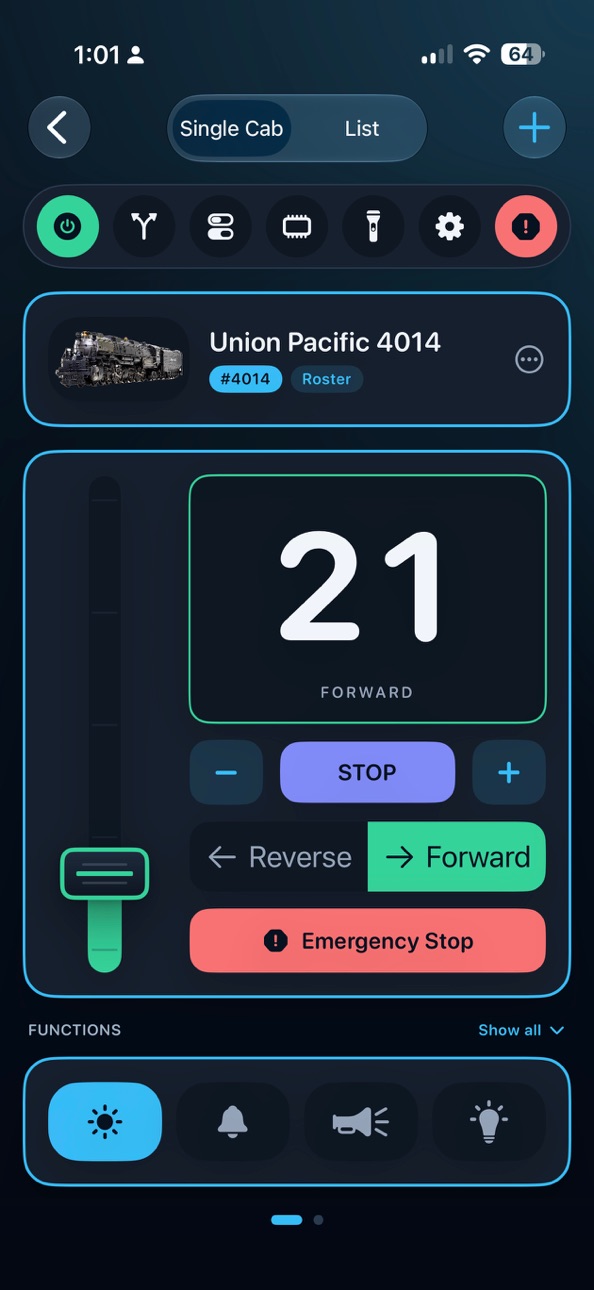
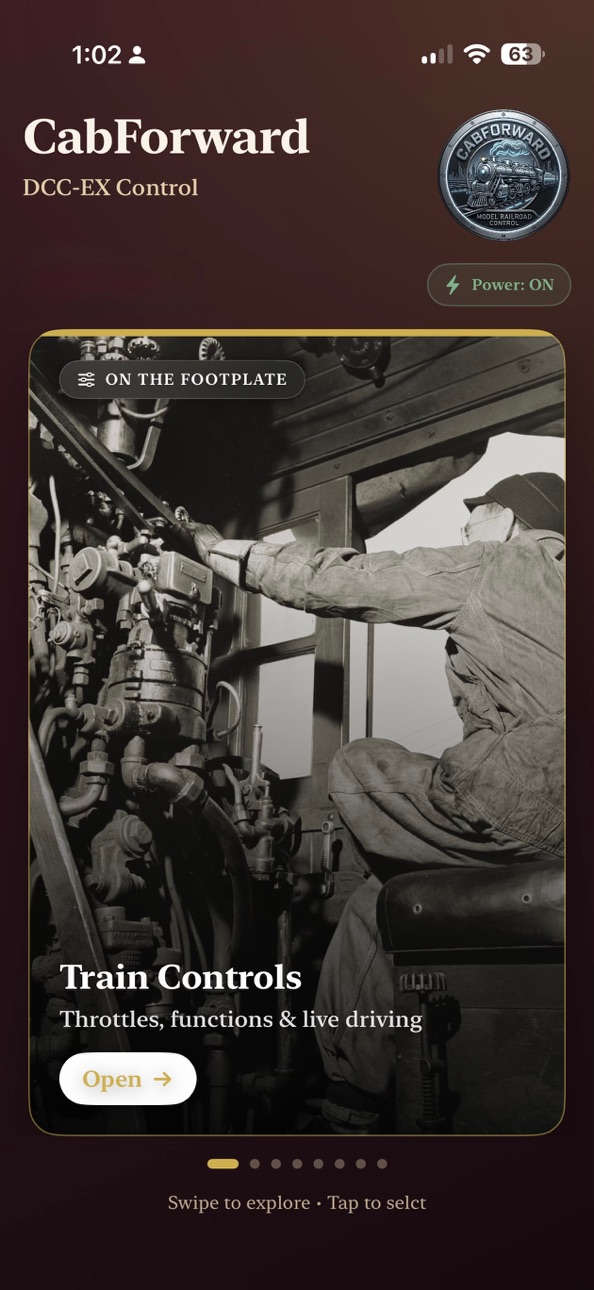
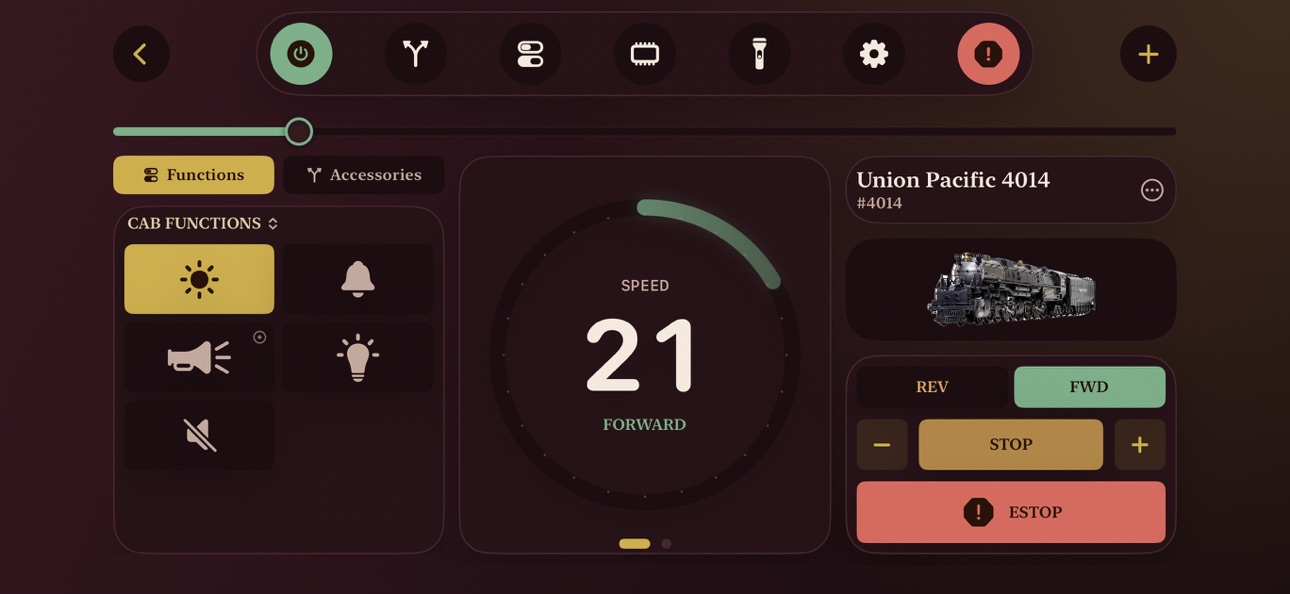
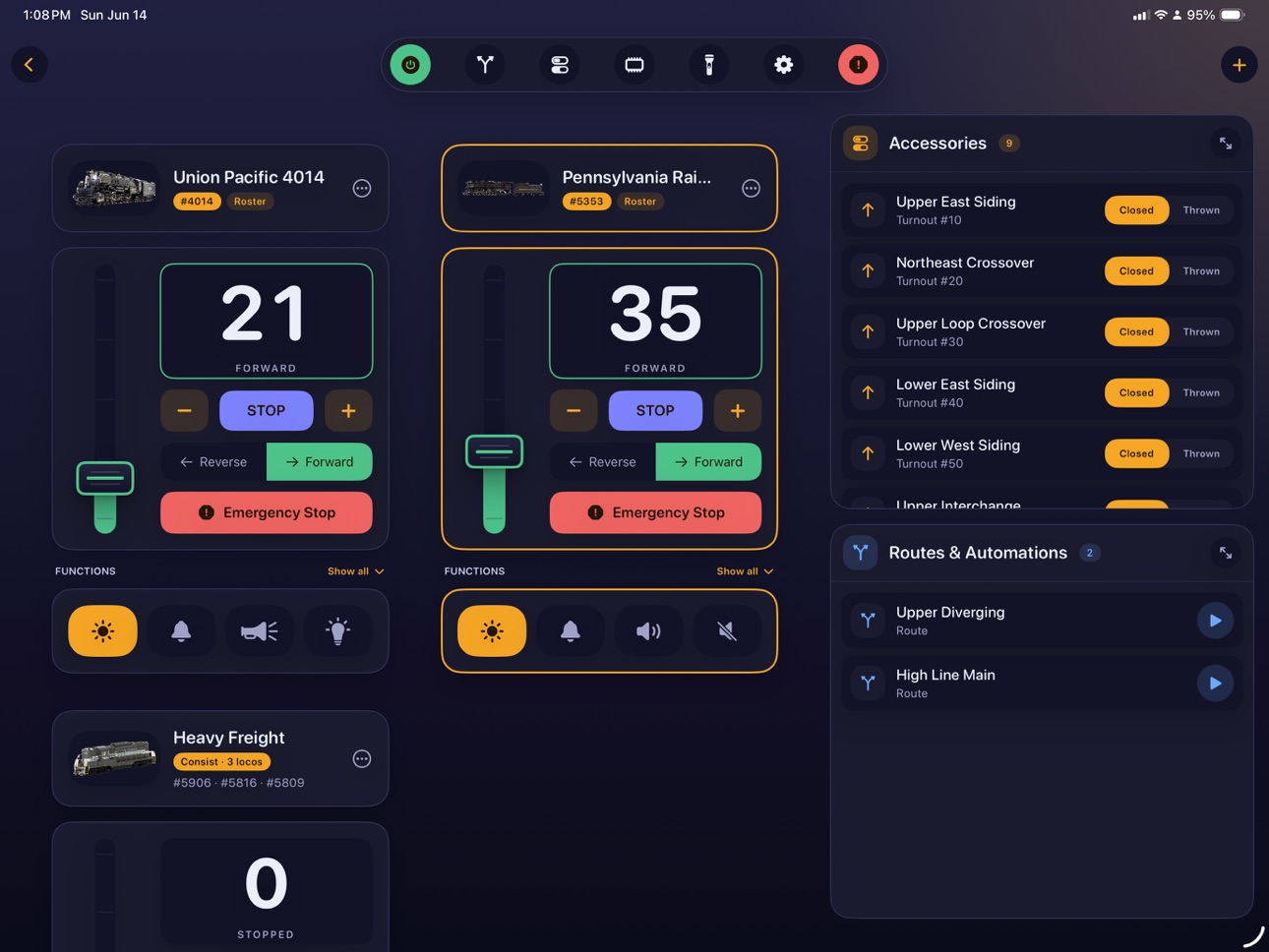
Train Controls — A multi-train throttle deck with real speed, direction, e-stop, and a full function grid. Choose per-loco control styles (mainline standard or yard switcher) and inputs (slider or rotary control). Build quick consists on the fly and run them like one engine.
Roster — A photo-rich locomotive library with short/long addresses, custom function names & icons, favorites, and on-device AI background removal for picture-perfect roster shots. Build consists with directional headlights, and catalog your freight, passenger, and MOW rolling stock.
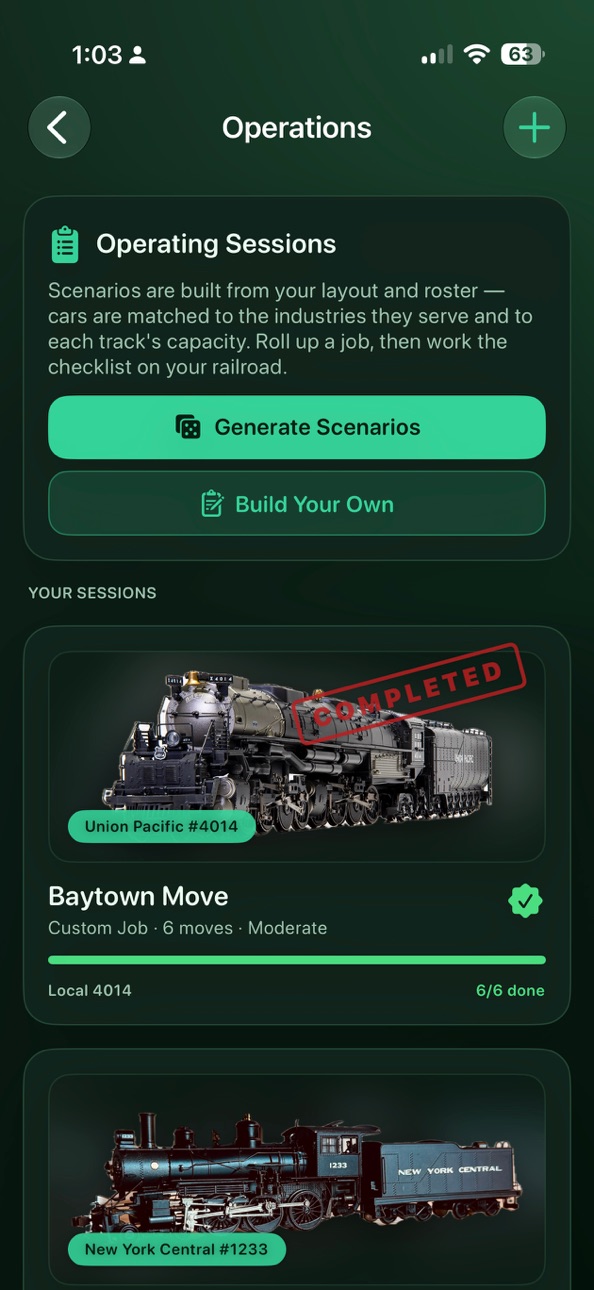
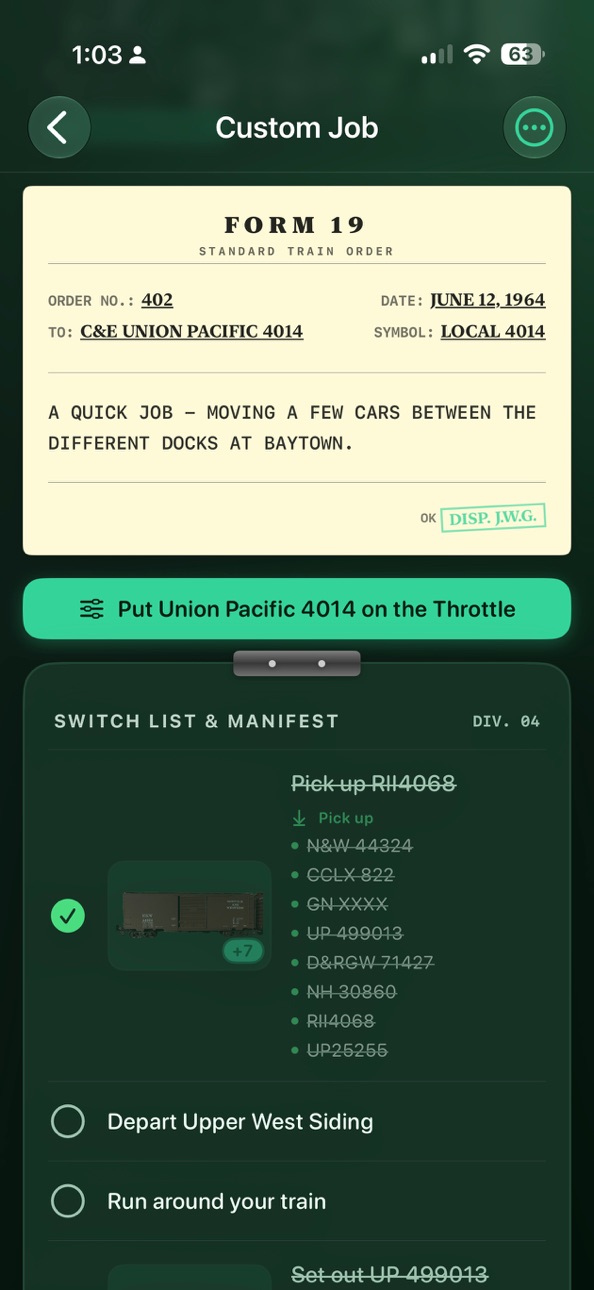
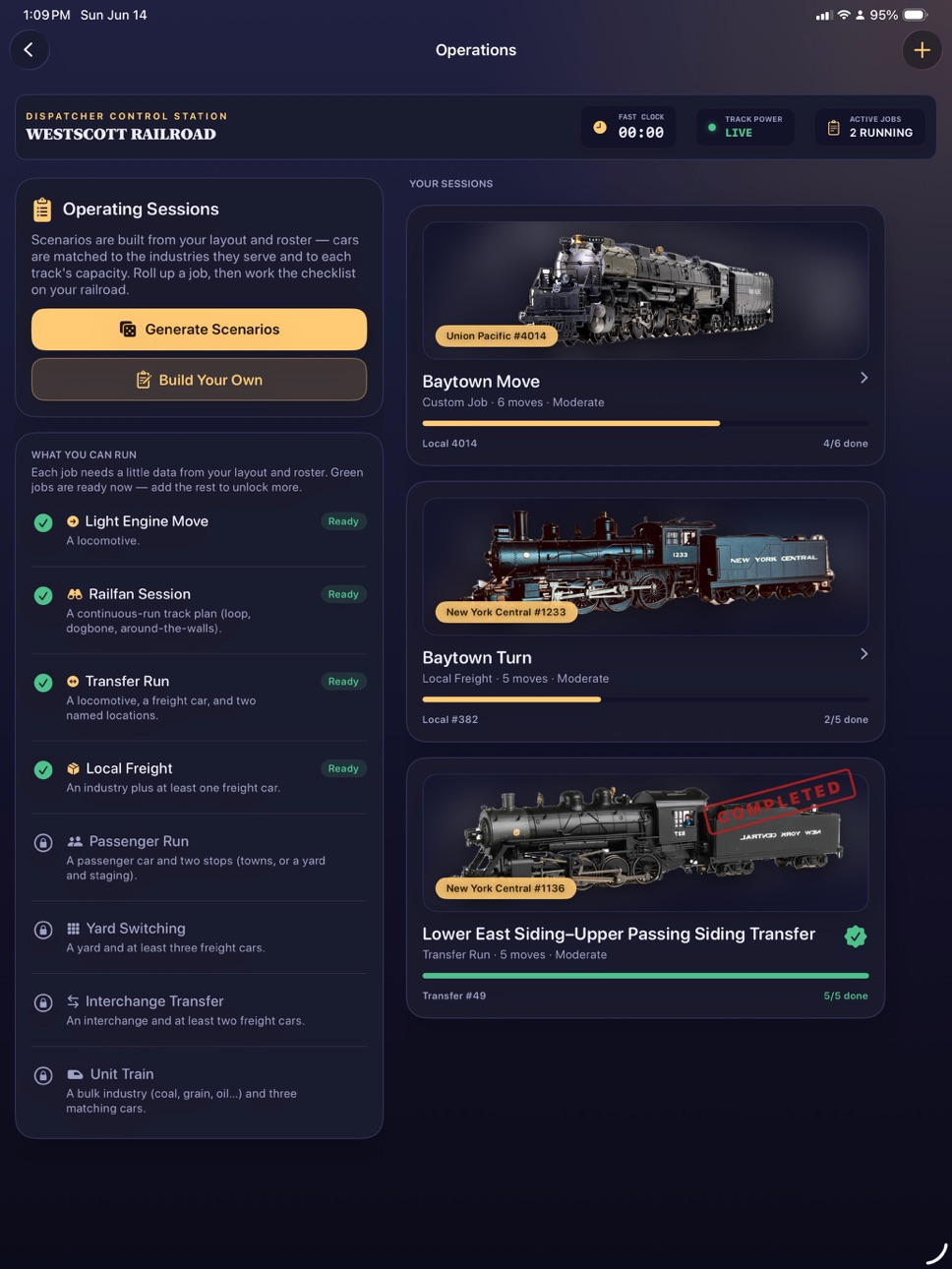
Operations — Prototypically accurate switching games and operating sessions generated from your layout and roster: light-engine moves, locals, yard switching, interchange transfers, unit trains, and railfan runs — each with a briefing and a tickable switchlist. Or create your own!
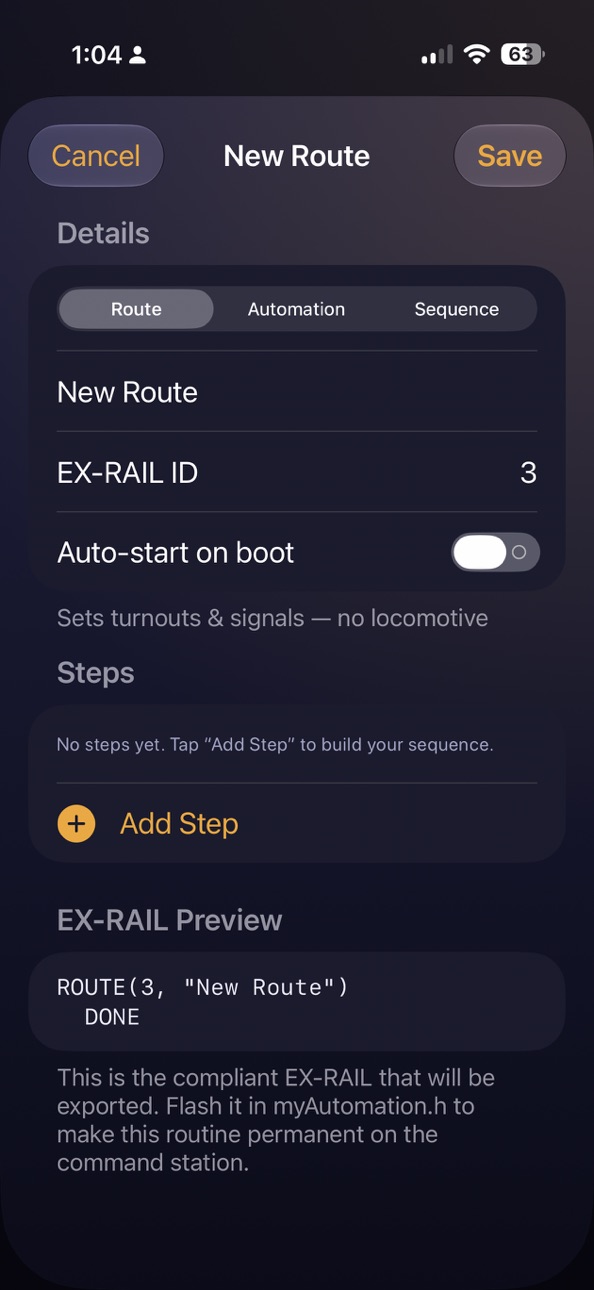
Routes & Automations — Build EX-RAIL routines with a typed opcode palette, run them live in-app, fire off routes already on your command station, and export a compliant Automation file for the command station.
Command Station — Auto-discovery, power & track management, power districts, and the fast clock display.
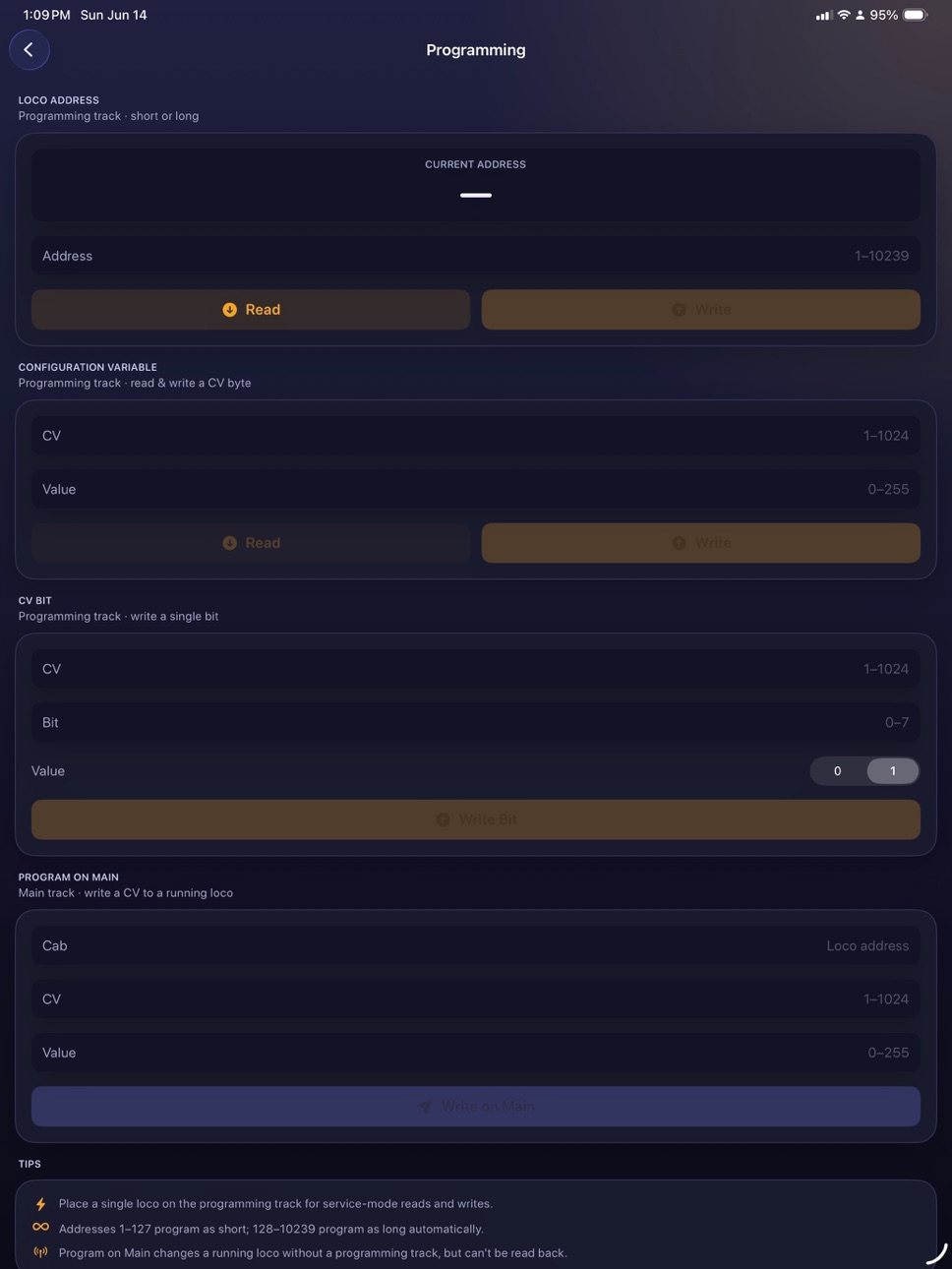
Locomotive Programming — Read and write addresses, CVs (byte & bit), and program-on-main, all with clear feedback.
A Theme for Every Era — Thirteen hand-crafted themes. Every screen restyles in a tap.
Goes everywhere you do:
Apple Watch companion — drive from your wrist with the Digital Crown.
Home Screen widget — tap to drive your favorite loco or consist instantly.
Siri & Shortcuts — "Emergency stop," "track power on," and drive any roster engine by voice.
Game-controller support — grab a physical controller and run your railroad with haptic feedback.
iCloud sync — your roster, routes, ops, and layout follow you across devices.
CabForward Pro unlocks the full yard: multi-train operation, consists, the Roster, Operations, Routes, Programming, themes, layout profiles, iCloud sync, and more. The free tier always lets you drive a single locomotive, manage and operate your accessories, and manage your command station.
A lifetime purchase option is available.
Couple up and head out. CabForward is throttle-forward, full ahead.
Terms of Service (EULA): https://cabforwarddcc.com/terms.html
In-App Purchases US pricing
CabForward Pro Subscription
Monthly 3-day free trial$0.99
Yearly 7-day free trial$9.99
One-Time Purchases
CabForward Pro$39.99
Capabilities
In-App Purchases
Accessibility
ipadiphonemacrealityDevicetvoswatch
Version history 3 versions
Build 887497897v1.22026-06-26 19:20:08
Added additional dialogs to the help system. Added information on how to use Siri, Shortcuts, and Widgets with CabForward in the Settings Menu. Bug fixes and improvements.
Build 887315618v1.12026-06-23 17:55:09
Version 1.1 adds an onboarding process that walks you through the steps needed to connect CabForward to your DCC-EX Command Station and begin running trains. The app now also includes a help menu that can be accessed by pressing the "?" button in the upper right of each view. Finally, it now features additional themes and improvements around the theme system, including the ability to assign individual locomotives their own themes.
Build 886648313v1.02026-06-19 02:16:52
Price history by region
Currency
Show
Columns
Search
Availability 1 of 1 storefronts
| Region | Language | Price | Ratings | Avg | Version |
|---|---|---|---|---|---|
| US | en-US | Free | 2 | 5.0 | 1.2 |
Change log 7 changes · US
✎
releaseNotes updated
Added additional dialogs to the help system. Added information on how to use Siri, Shortcuts, and Widgets with CabForward in the Settings Menu. Bug fixes and im
✎
description updated
CabForward speaks the DCC-EX native protocol directly — no clunky bridges, no compromises — so every throttle nudge, function toggle, and turnout throw lands in
✎
subtitle updated
DCC-EX Model Railroad Control
✎
name updated
CabForward
◆
Version 1.2 released
Added additional dialogs to the help system. Added information on how to use Siri, Shortcuts, and Widgets with CabForward in the Settings Menu. Bug fixes and improvements.
◆
Version 1.1 released
Version 1.1 adds an onboarding process that walks you through the steps needed to connect CabForward to your DCC-EX Command Station and begin running trains. The app now also includes a help menu that can be accessed by pressing the "?" but
◆
Version 1.0 released