Home › Photo & Video

 US
US
1 of 1 storefronts
Content in en-US
Content in en-US
Information
Apple ID6774556299
Bundle IDcom.sly13.snaply
SellerSeller
Min iOS17.0
Min macOS14.0
Device familiesiphone
Released2026-06-05
Copyright© 2026 Vadim Semenko
Privacy policyLink ↗
Preview 1 platform
iPhone 8 images




What’s New Version 1.1.0
• One-tap redact for emails, numbers, cards and faces
• Re-editable projects — nothing is baked in
• Cleaner mockups and sharper text
Description
Snaply is the fastest way to edit a screenshot before you share it. Hide what's private, point to what matters, and wrap it in a clean device frame — in just a couple of taps.
HIDE WHAT'S PRIVATE
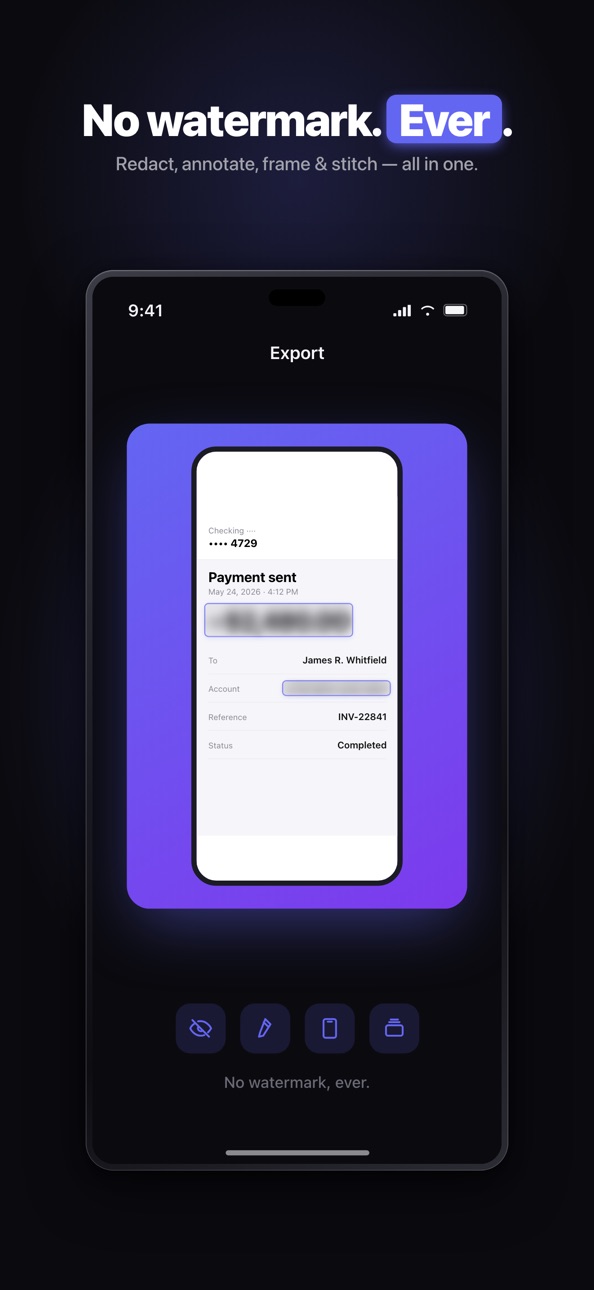
Cover sensitive info before sending a screenshot. Blur, pixelate, or drop a solid black bar over text. Magic redact finds text automatically so you can hide it in one tap. Your screenshots are processed on your device.
POINT TO WHAT MATTERS
Highlight key lines, draw arrows, underline, strike through, and add shapes and text. Make any screenshot clear at a glance.
MAKE IT LOOK GOOD
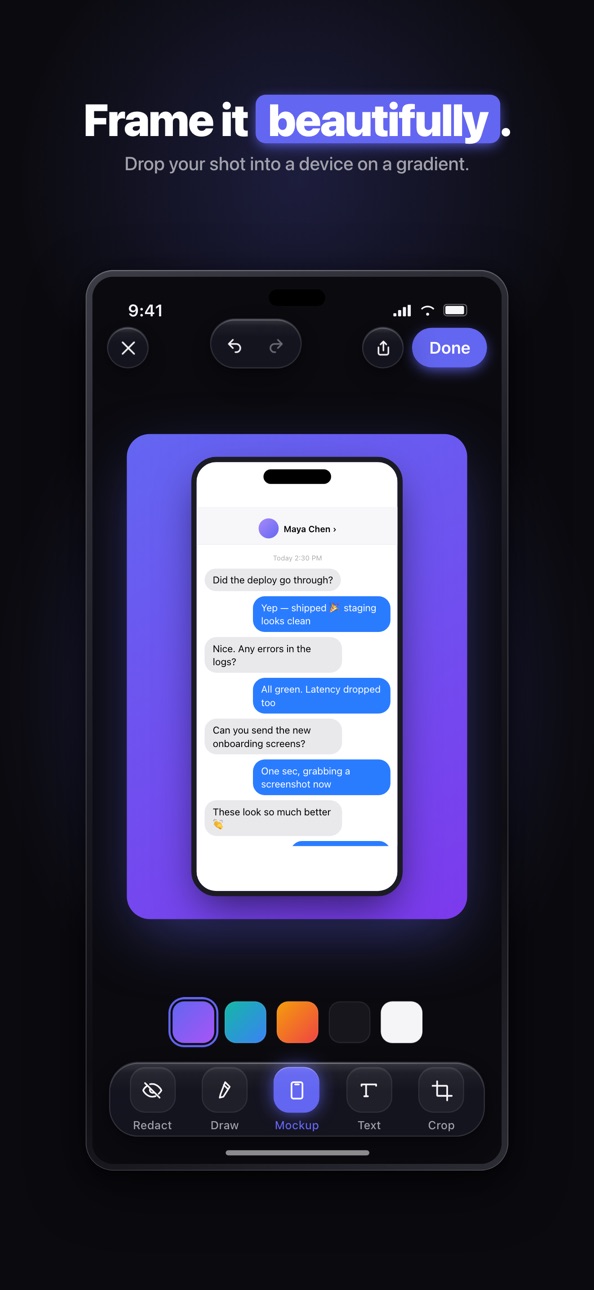
Drop your shot into a realistic iPhone or iPad frame. Add gradient or solid backgrounds, soft shadows, rounded corners, and trending templates for social posts and presentations.
STITCH LONG SCREENSHOTS
Combine several screenshots into one long image — chat threads, articles, receipts — vertically or side by side.
RIGHT FROM THE SHARE SHEET
Edit a screenshot without even opening the app. Tap Share, choose Snaply, redact, and send.
NO WATERMARK
Export in full quality. No watermark, ever.
SNAPLY PRO
Unlock everything with Snaply Pro:
- Magic redact and all hide tools
- All annotation tools and shapes
- All device mockups, backgrounds, and templates
- Stitch long screenshots
- High-resolution export
Subscription options:
- Weekly, with a 3-day free trial
- Monthly
- Yearly (best value)
- Lifetime (one-time purchase)
A one-time Redact Pack is also available to unlock the hide tools only.
Payment is charged to your Apple Account. Subscriptions renew automatically unless canceled at least 24 hours before the end of the current period. You can manage or cancel anytime in your App Store account settings. Any unused portion of a free trial is forfeited when you purchase a subscription.
Terms of Use: https://www.apple.com/legal/internet-services/itunes/dev/stdeula/
Privacy Policy: https://www.privacypolicies.com/live/7aa999e2-8523-403c-9085-3a189678a874
In-App Purchases US pricing
Snaply Premium Subscription
Weekly · 7 days 3-day free trial$3.99
Monthly · Monthly$7.99
Yearly · Yearly$24.99
One-Time Purchases
Redact Pack$4.99
Lifetime$39.99
Capabilities
In-App Purchases
Accessibility
ipadiphonemacrealityDevicetvoswatch
Version history 2 versions
Build 887710828v1.1.02026-07-06 12:32:08
• One-tap redact for emails, numbers, cards and faces
• Re-editable projects — nothing is baked in
• Cleaner mockups and sharper text
Build 886281724v1.0.02026-06-05 21:20:06
Price history by region
Currency
Show
Columns
Search
Availability 1 of 1 storefronts
| Region | Language | Price | Ratings | Avg | Version |
|---|---|---|---|---|---|
| US | en-US | Free | 0 | — | 1.1.0 |
Change log 6 changes · US
✎
releaseNotes updated
• One-tap redact for emails, numbers, cards and faces
• Re-editable projects — nothing is baked in
• Cleaner mockups and sharper text
✎
description updated
Snaply is the fastest way to edit a screenshot before you share it. Hide what's private, point to what matters, and wrap it in a clean device frame — in just a
✎
subtitle updated
Blur, Annotate & Mockup
✎
name updated
Snaply: Screenshot Editor
◆
Version 1.1.0 released
• One-tap redact for emails, numbers, cards and faces
• Re-editable projects — nothing is baked in
• Cleaner mockups and sharper text
◆
Version 1.0.0 released