Home › Developer Tools

 US
US
1 of 1 storefronts
Content in en-US
Content in en-US
Information
Preview 3 platforms
iPhone 6 images



iPad 10 images


Mac 5 images


What’s New Version 1.7
bug fix
Description
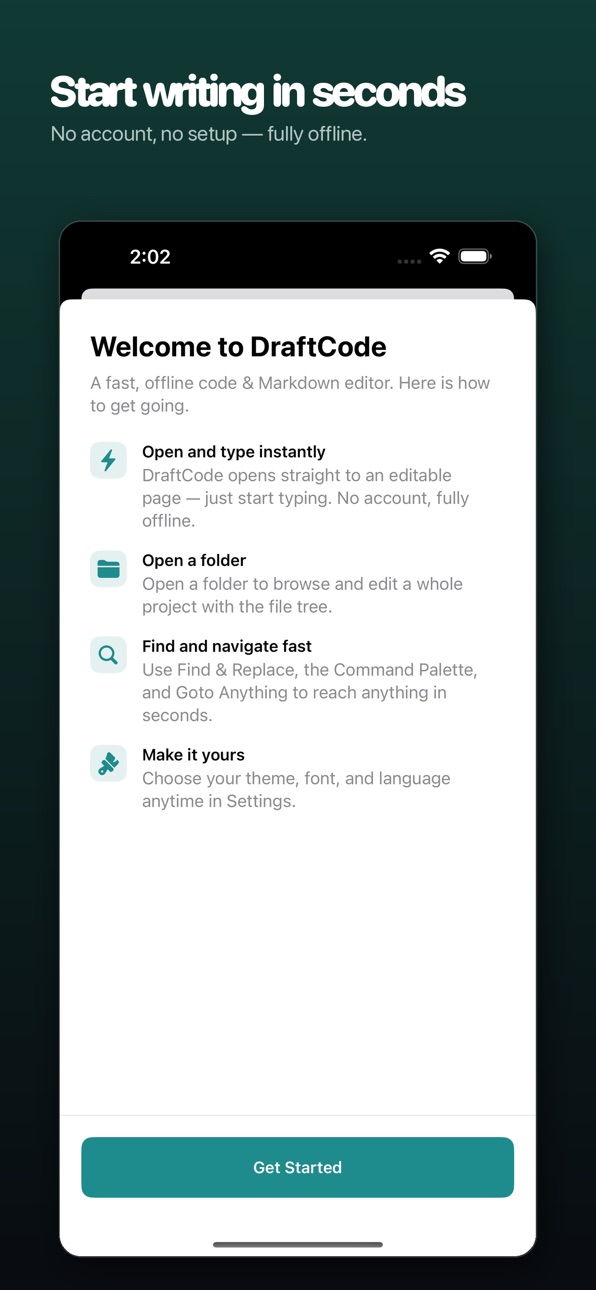
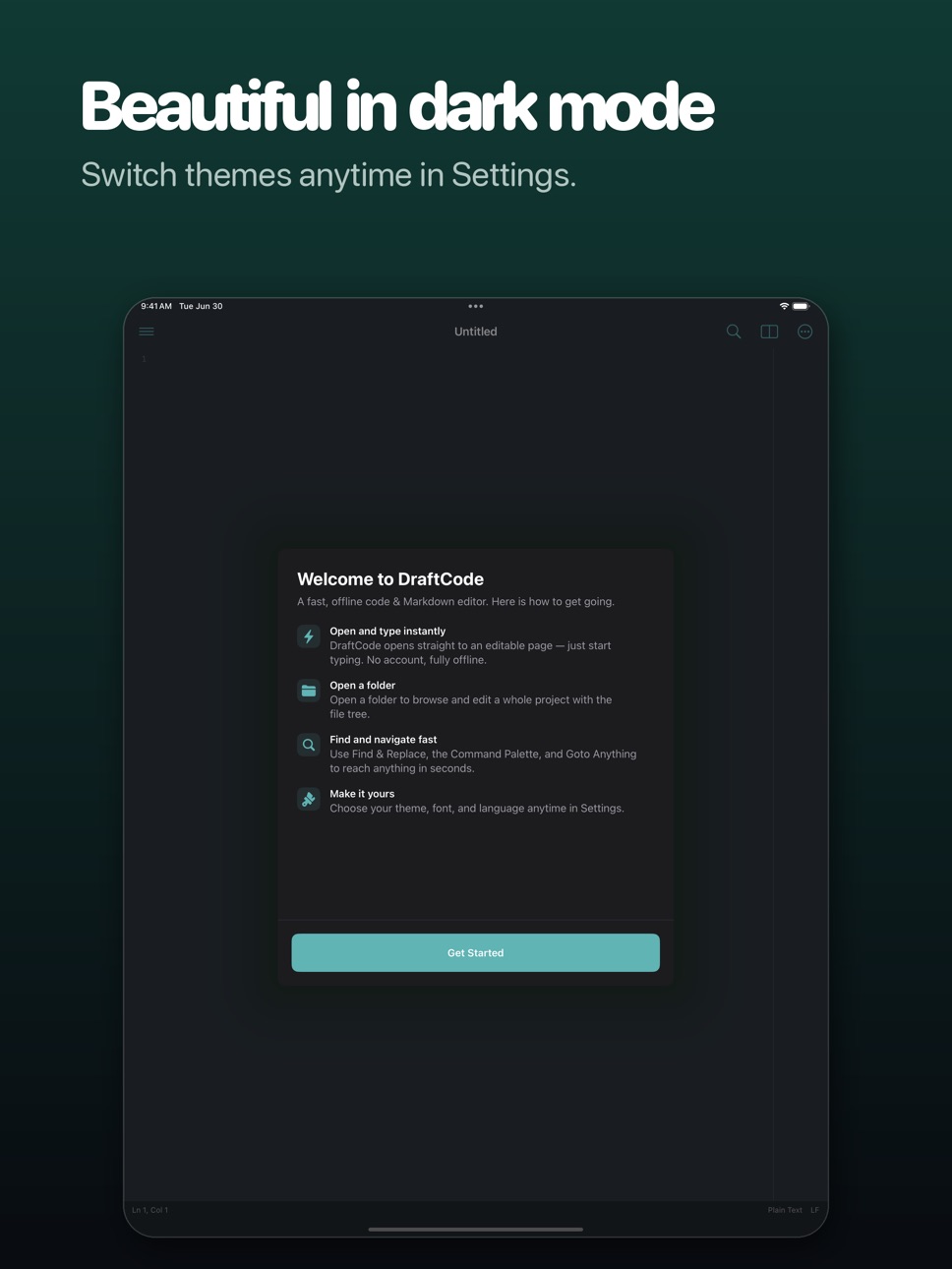
DraftCode is a completely free code, text, and Markdown editor built for iPhone, iPad, and Mac. No ads, no in-app purchases, no account — and it works fully offline. Your files belong to you.
Launch the app and you land on a blank, editable page — just like a desktop editor. Start typing instantly. New, Open, Recent, and Settings live in a tidy top-left menu, so startup is fast and distraction-free.
Whether you are a developer, a technical writer, a DevOps engineer, or someone who simply wants a serious place to write, DraftCode gives you a fast, quiet, focused editing environment.
◆ OPEN AND TYPE INSTANTLY
• Launches straight into an editable buffer — no file picker first
• Top-left menu: New / Open / Recent / Settings, one tap away
• Light, fast startup for jotting and editing on the go
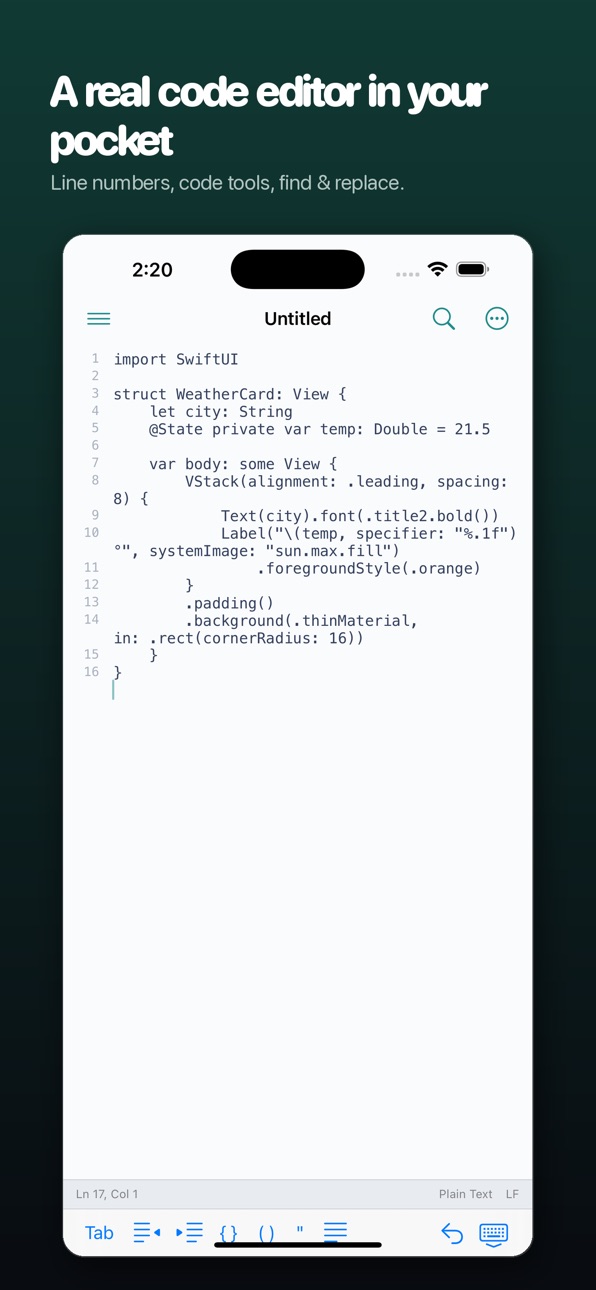
◆ POWERFUL CODE EDITING
• Syntax highlighting for 60+ languages: Swift, Python, JavaScript, TypeScript, HTML, CSS, JSON, YAML, Shell, Kotlin, Dart, Go, Rust, C/C++, and more
• Smart language detection by extension, shebang, or file content
• Auto-indent, bracket auto-pairing, and code snippets
• Line numbers, current-line highlight, and bookmarks
• Toggle comments, shift indentation, and more editing commands
◆ PRO-GRADE FIND & REPLACE
• Three modes: normal, extended (\n \t \xHH), and full regular expressions
• Whole word, match case, and Mark All persistent highlights
• Find & replace across files: search an entire folder with file-type filters
• Search and replace history, ready to reuse
◆ PROJECTS & INSTANT NAVIGATION
• Open a folder and manage a full file tree: create, rename, delete
• Command Palette: type to reach every feature instantly
• Goto Anything: jump to a symbol with @, a line with :, or text with #
• Outline view, TODO list, and grouped project-wide search results
◆ MARKDOWN WRITING
• Live preview rendered locally — never touches the network
• Side-by-side editing and preview on iPad
• Export to HTML and PDF, or copy as HTML
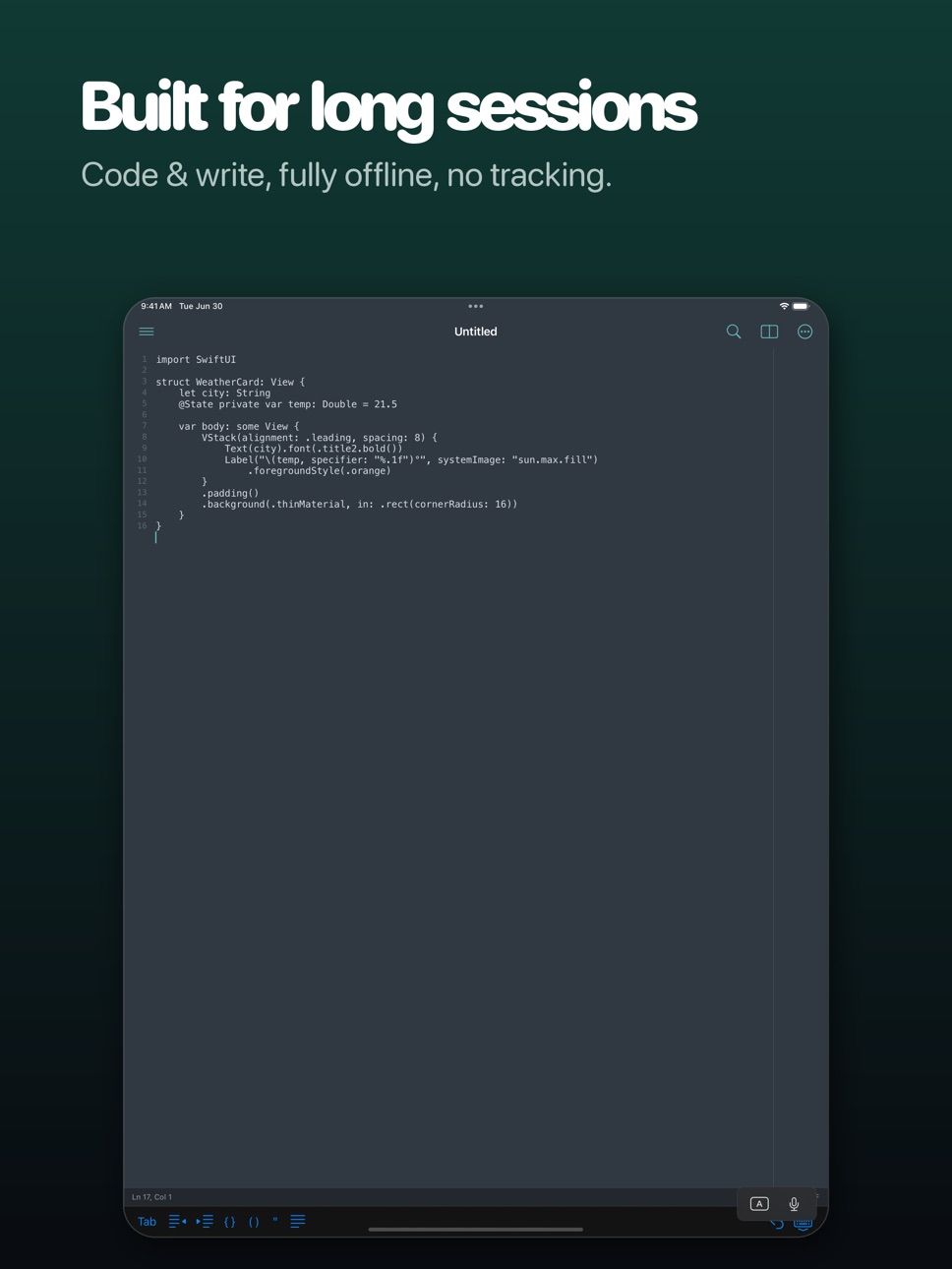
◆ BUILT FOR iPAD
• Adaptive three-column layout with a 4-in-1 sidebar: files, search, outline, TODO
• Split editor: work on two files side by side
• Minimap overview for long files
• Full hardware-keyboard shortcuts: ⌘N new, ⌘F find, ⌘⇧P command palette, and more
◆ PRIVACY & FREEDOM
• Fully offline — makes zero network requests
• No data collection, no tracking, no ads
• Open and save through the system Files app with in-place editing
• Free forever: no in-app purchases, no subscriptions, no paywalls
Open and type — put a truly professional editor in your pocket. Download DraftCode today.
Accessibility
ipadiphonemacrealityDevicetvoswatch
Version history 5 versions
Build 887925615v1.72026-07-07 17:15:42
bug fix
Build 887617805v1.62026-07-01 13:10:14
bug fix
Build 887271628v1.52026-06-22 22:51:27
bug fix
Build 886971482v1.42026-06-15 17:20:02
bug fix
Build 886564352v1.32026-06-11 07:18:32
Price history by region
Currency
Show
Columns
Search
Availability 1 of 1 storefronts
| Region | Language | Price | Ratings | Avg | Version |
|---|---|---|---|---|---|
| US | en-US | USD 0.99 | 0 | — | 1.7 |
Change log 9 changes · US
✎
releaseNotes updated
bug fix
✎
description updated
DraftCode is a completely free code, text, and Markdown editor built for iPhone, iPad, and Mac. No ads, no in-app purchases, no account — and it works fully off
✎
subtitle updated
Code, Text & Markdown Editor
✎
name updated
DraftCode: Code Editor
◆
Version 1.7 released
bug fix
◆
Version 1.6 released
bug fix
◆
Version 1.5 released
bug fix
◆
Version 1.4 released
bug fix
◆
Version 1.3 released