Home › Utilities

 US
US
1 of 1 storefronts
Content in en-US
Content in en-US
Information
Apple ID6760087397
Bundle IDcom.asad.photos.to.pdf.PhotosToPDF
SellerSeller
Min iOS18.0
Min macOS15.0
Device familiesiphone, ipad
Released2026-03-11
Copyright© 2026 Asad Nawaz
Privacy policyLink ↗
Preview 2 platforms
iPhone 7 images




iPad 7 images


What’s New Version 1.0.2
We've made PixToPDF better than ever. A smoother, more polished experience from start to finish — designed to deliver more value from the moment you open the app.
Description
PixToPDF is your all-in-one image and document to PDF converter. Turn any photo, screenshot, or scan into a polished PDF in seconds. Whether it's PNG, JPEG, or HEIC — just pick your pictures and get a ready-to-share PDF.
CONVERT PHOTOS TO PDF
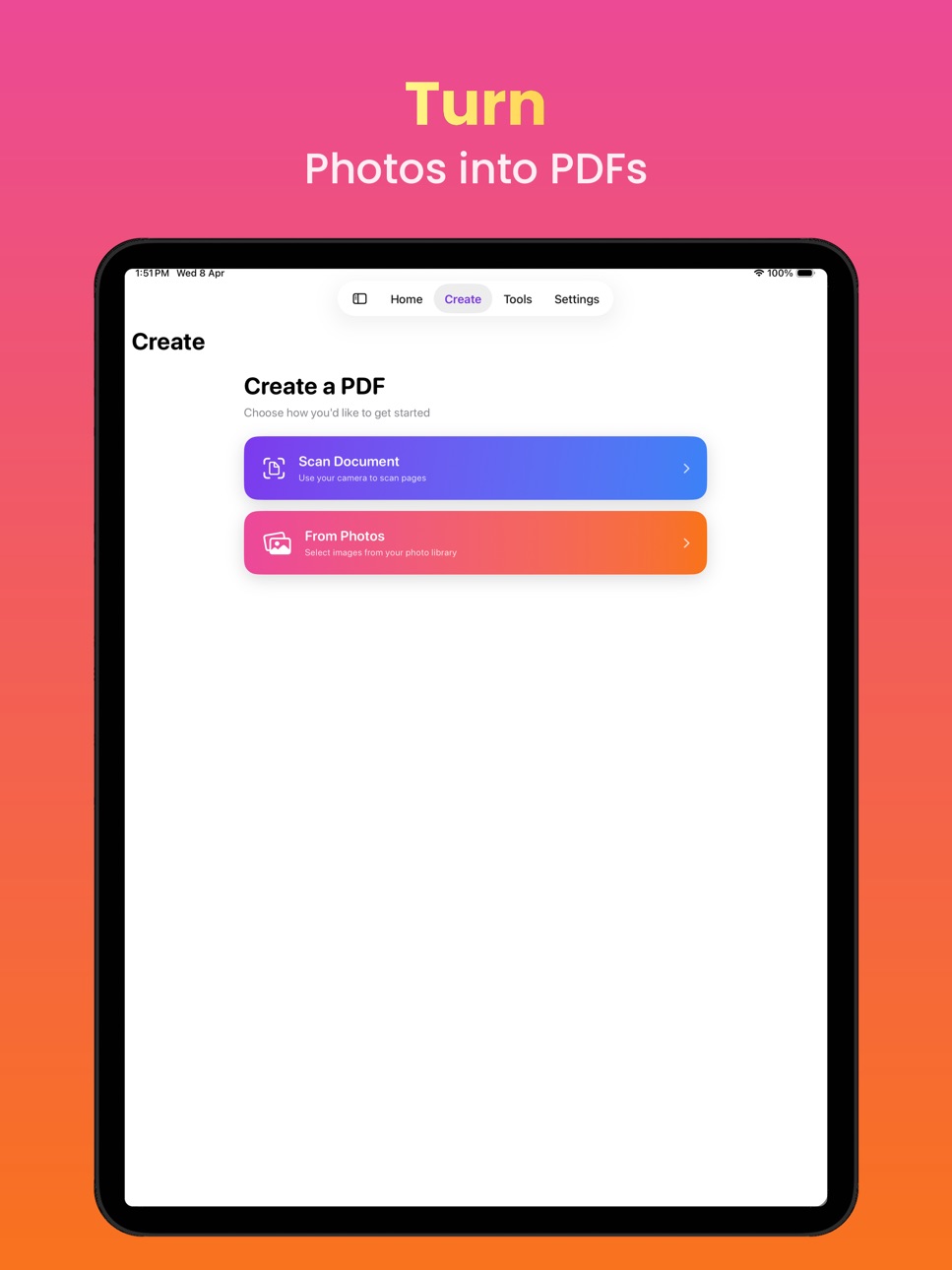
Select photos from your library or capture new ones with your camera. Arrange, rotate, and crop images and apply a variety of filters before converting. PixToPDF makes it easy to go from picture to PDF with full control over page size, orientation, and layout.
CONVERT DOCUMENTS TO PDF
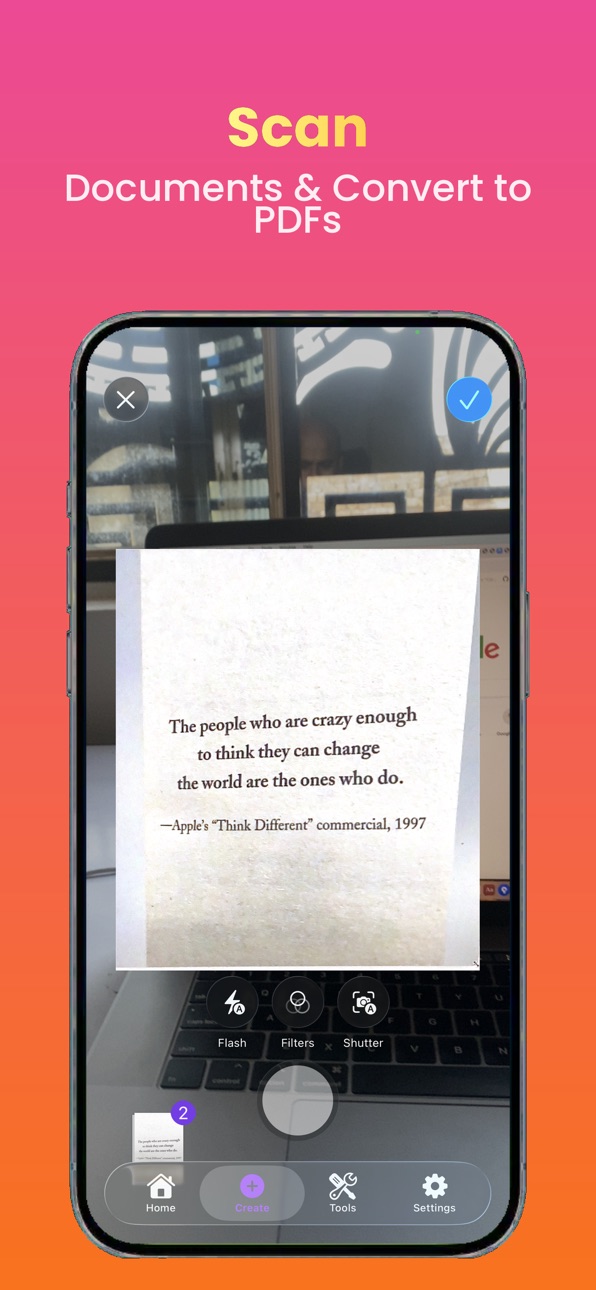
Scan documents with camera and turn them into polished PDFs instantly.
OCR TEXT RECOGNITION
Make your PDFs searchable with built-in OCR. PixToPDF scans each page, recognises text, and embeds an invisible text layer — so your documents are fully searchable in Files, Spotlight, and any PDF reader.
WATERMARK YOUR DOCUMENTS
Add custom text watermarks to protect your work. Choose your font size, color, opacity, rotation, and position. Preview exactly how your watermark looks before applying it.
COMPRESS & REDUCE FILE SIZE
Shrink large PDFs for easy sharing over email or messaging. Choose your compression level and PixToPDF handles the rest — with safeguards to ensure your file actually gets smaller.
PASSWORD PROTECTION
Lock sensitive documents with a password. PixToPDF encrypts your PDF so only people with the password can open it. Perfect for contracts, invoices, and personal documents.
MERGE MULTIPLE PDFs
Combine several PDFs into a single document. Great for assembling reports, portfolios, or collections from multiple sources.
REORDER & MANAGE PAGES
Rearrange pages with drag and drop. Remove pages you don't need. Get your document in the perfect order before sharing.
BUILT FOR iOS
Designed with a clean, modern interface that feels right at home on iPhone and iPad. Fast, intuitive, and private — all processing happens on your device.
Download PixToPDF — the simplest way to convert JPG, PNG, and HEIC images to PDF, add OCR, watermarks, passwords, and more.
Privacy Policy: https://turretspire.github.io/pixtopdf-pages/privacy.html
Terms of Service: https://turretspire.github.io/pixtopdf-pages/terms.html
In-App Purchases US pricing
PixToPDF Full Access Subscription
PixToPDF Weekly · 7 days 3-day free trial$7.99
PixToPDF Weekly · 7 days$6.99
Yearly Premium Access · Yearly$29.99
One-Time Purchases
Lifetime Premium Access$39.99
Capabilities
In-App Purchases
Accessibility
ipadiphonemacrealityDevicetvoswatch
Version history 3 versions
Build 884226634v1.0.22026-04-09 17:28:48
We've made PixToPDF better than ever. A smoother, more polished experience from start to finish — designed to deliver more value from the moment you open the app.
Build 884165462v1.0.12026-04-07 07:53:05
Free PDF Creation
Convert photos to PDFs with no limits — edit, share, save to iCloud, all without paying a thing.
Powerful Premium Tools
OCR text recognition, page reordering, watermarks, compression, and password protection — try any one free before you decide.
Plans That Fit You
Go weekly, yearly, or pay once and unlock everything forever with Lifetime access.
36 Languages Supported
Fully translated into 36 languages including Arabic, Chinese, French, German, Hindi, Japanese, Korean, Spanish, and more.
Build 883039852v1.02026-03-12 05:38:42
Price history by region
Currency
Show
Columns
Search
Availability 1 of 1 storefronts
| Region | Language | Price | Ratings | Avg | Version |
|---|---|---|---|---|---|
| US | en-US | Free | 0 | — | 1.0.2 |
Change log 7 changes · US
✎
releaseNotes updated
We've made PixToPDF better than ever. A smoother, more polished experience from start to finish — designed to deliver more value from the moment you open the ap
✎
description updated
PixToPDF is your all-in-one image and document to PDF converter. Turn any photo, screenshot, or scan into a polished PDF in seconds. Whether it's PNG, JPEG, or
✎
subtitle updated
Convert Image to PDF Instantly
✎
name updated
Convert Photo to PDF: PixToPDF
◆
Version 1.0.2 released
We've made PixToPDF better than ever. A smoother, more polished experience from start to finish — designed to deliver more value from the moment you open the app.
◆
Version 1.0.1 released
Free PDF Creation
Convert photos to PDFs with no limits — edit, share, save to iCloud, all without paying a thing.
Powerful Premium Tools
OCR text recognition, page reordering, watermarks, compression, and password protection — try any one
◆
Version 1.0 released