Home › Music

Information
Apple ID6749887668
Bundle IDcom.neoharp.neoharp
SellerSeller
Min iOS13.0
Min macOS11.0
Device familiesiphone, ipad, ipod
Released2026-02-28
Copyright© 2025 Neoharp LLC-FZ
Privacy policyLink ↗
Preview 2 platforms
iPhone 3 images


iPad 3 images


Description
Official app for the Neoharp musical instrument.
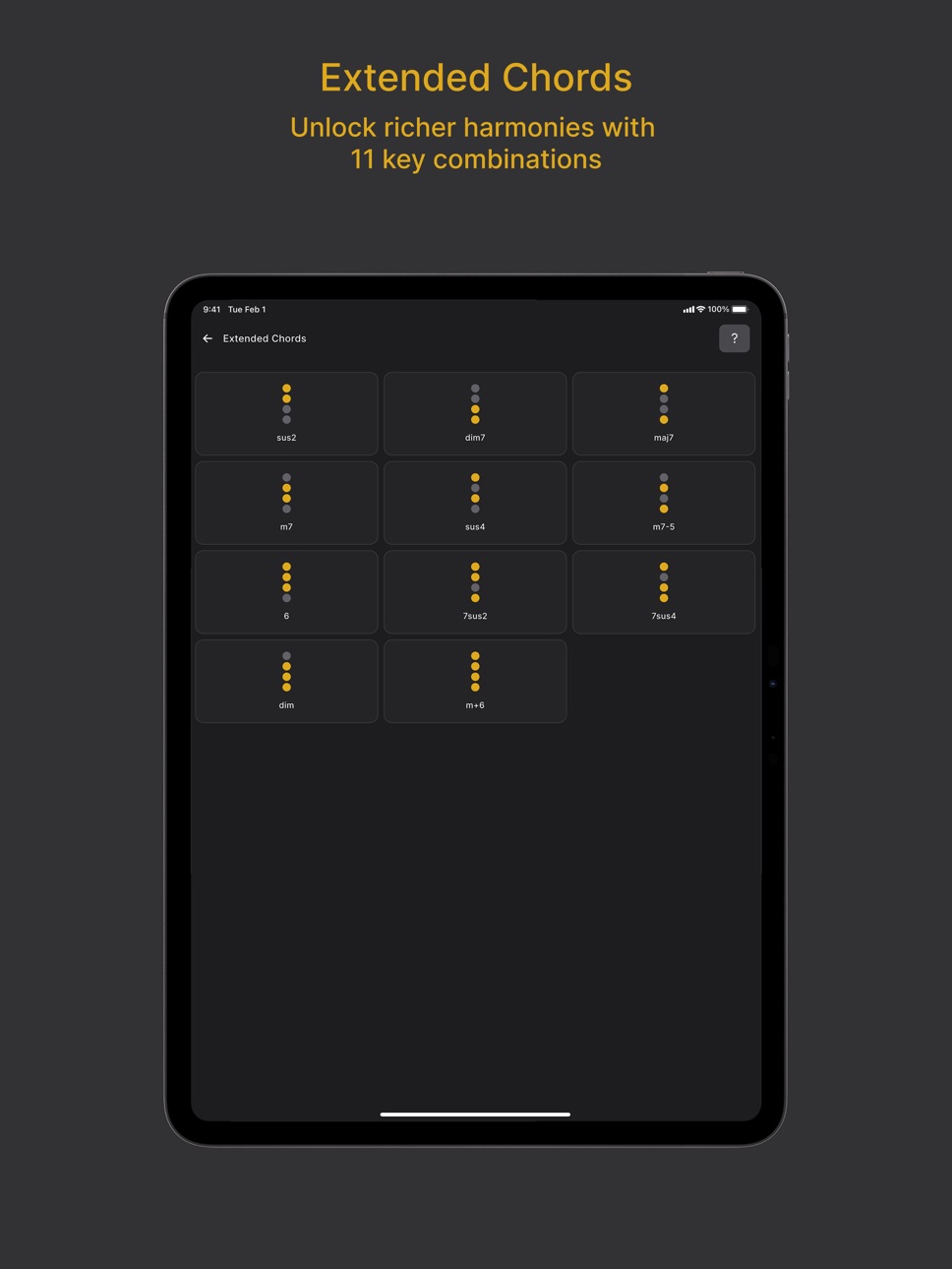
Fine-tune your sound across all three channels — Chord Buttons, Bass, and Tone Keys — with flexible, per-channel controls. Connect your Neoharp to your iPhone or iPad (via USB-C), open the app, and let your ideas flow.
What you can do in the app:
- Balance the volume of each channel with the built-in mixer.
- Choose Chord Buttons behavior: play the chord tones on press, or switch harmony silently (no chord playback).
- Disable/enable the Bass voice.
- Set chord voicing and range: define the playable range, toggle inversions on or off, and choose the lowest reference note (note offset).
- Toggle sustain on/off; connect an external pedal to control note sustain with your foot.
And that’s not all — more features are coming in future updates!
Requirements:
- A Neoharp instrument is required for full functionality.
Questions or feedback: neoharp@neoharp.com
Accessibility
ipadiphonemacrealityDevicetvoswatch
Version history 1 versions
Build 877181962v1.2.22026-02-28 20:41:55
No pricing data captured yet — comparisons appear once the app has paid storefronts or in-app purchases.
Availability 5 of 5 storefronts
| Region | Language | Price | Ratings | Avg | Version |
|---|---|---|---|---|---|
 AU AU | en-AU | Free | 0 | — | 1.2.2 |
 CA CA | en-CA | Free | 0 | — | 1.2.2 |
 GB GB | en-GB | Free | 0 | — | 1.2.2 |
 NZ NZ | en-AU | Free | 0 | — | 1.2.2 |
 US US | en-US | Free | 0 | — | 1.2.2 |
Change log 3 changes · CA
✎
description updated
Official app for the Neoharp musical instrument.
Fine-tune your sound across all three channels — Chord Buttons, Bass, and Tone Keys — with flexible, per-chann
✎
name updated
Neoharp
◆
Version 1.2.2 released