Home › Utilities

 US
US
1 of 1 storefronts
Content in en-US
Content in en-US
Information
Preview 2 platforms
iPhone 6 images




iPad 6 images


What’s New Version 1.0.7
Minor bug fixes
Description
Turn Any Text or PDF Into Something Useful – Instantly.
Got notes, a DOCX file, a long to-do list, or a PDF you need to understand fast? This app works both ways: convert your content into clean PDFs, or drop in a PDF and ask it questions in plain English. One app, two superpowers.
1. Create
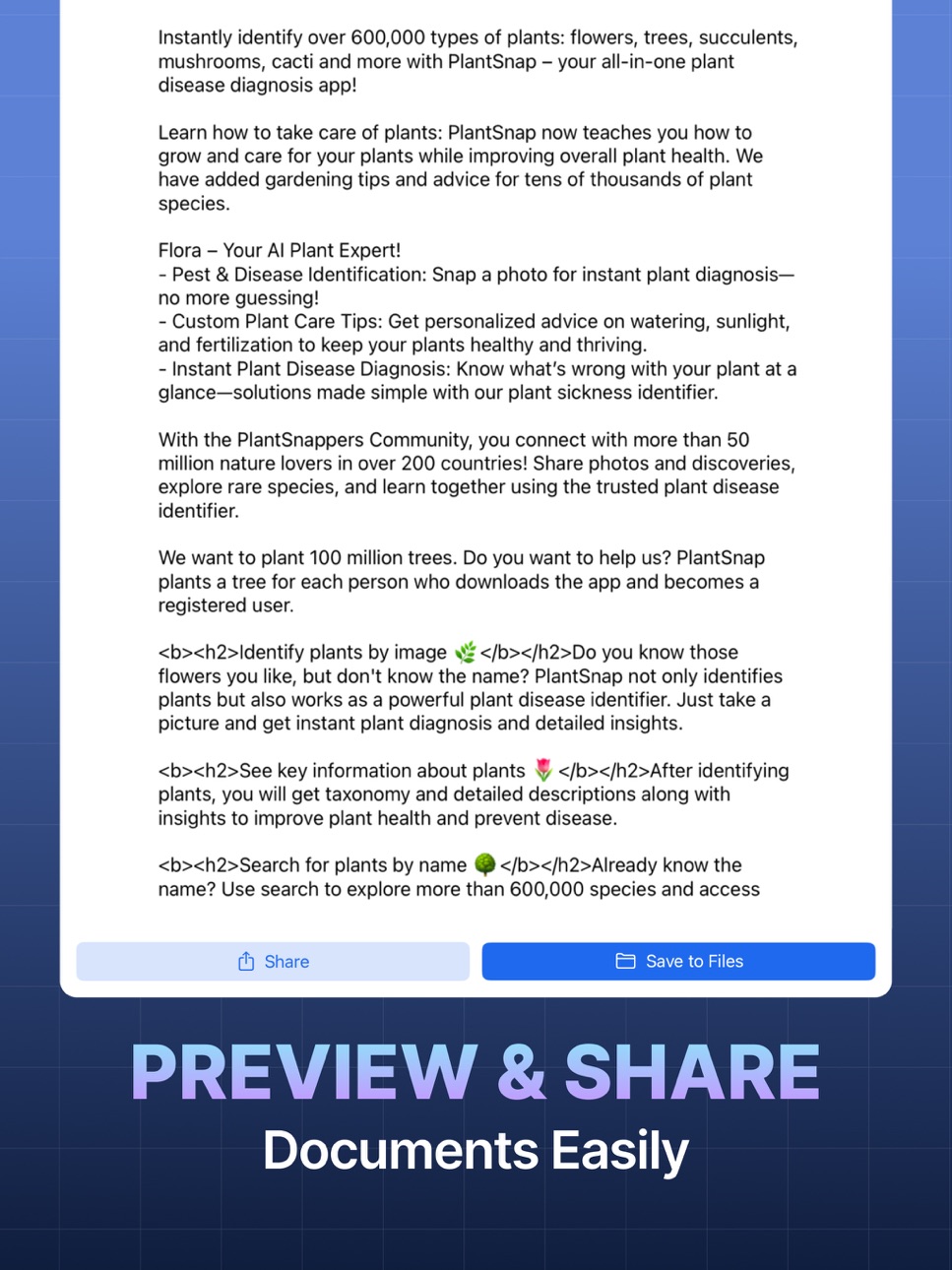
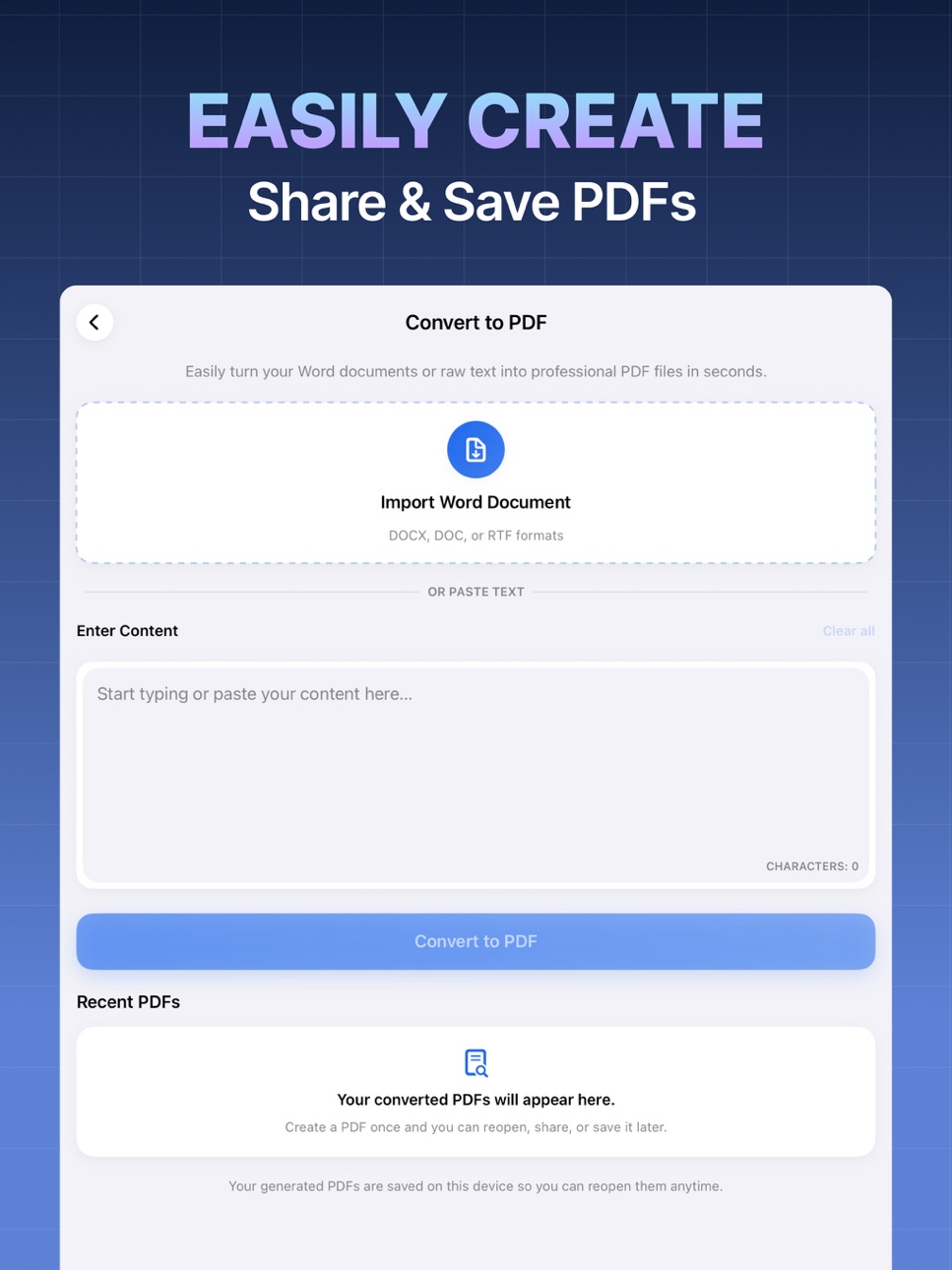
Plain text to PDF in seconds — clean layout, no formatting surprises
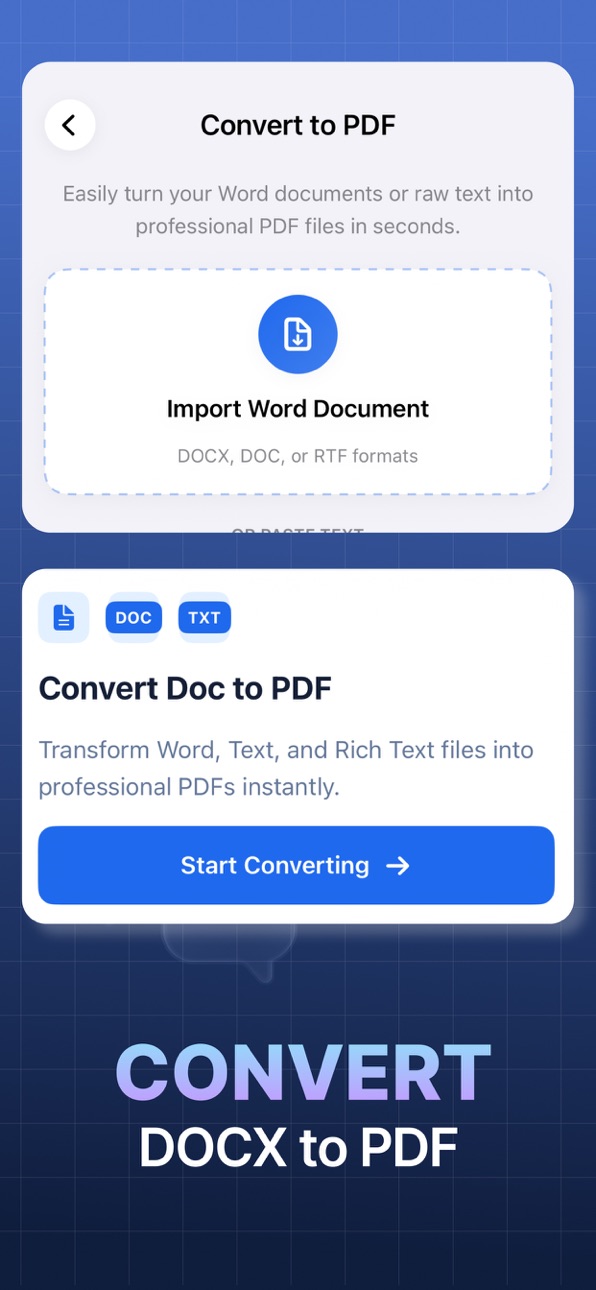
Import a DOCX and get a polished PDF instantly
Zero watermarks, zero ads, zero hassle
2. Chat
Upload any PDF and ask it anything — summaries, key facts, specific details
Get answers grounded in your document, not guesswork
Works great for contracts, notes, reports, study material, and more
Simple enough for anyone. Useful enough for everyone — students, writers, professionals, or anyone who's ever squinted at a 40-page PDF
SUBSCRIPTION AND TERMS
Text to PDF offers auto-renewing yearly and weekly subscription options for access to the app's features and content. Your subscription will automatically renew at the end of each term and payment will be charged through your iTunes account. You can turn off auto-renew at any time from your iTunes account settings, but refunds will not be provided for any unused portion of the term. To avoid renewal, you must cancel at least 24 hours before your subscription ends. Your account will be charged for renewal within 24 hours prior to the end of the current period.
All text and DOCX to PDF conversion features are available with a paid subscription.
Whether you're a student, writer, or someone who just really loves tidy documents - this app has your back.
Terms of Use: https://appmasters.com/terms/
In-App Purchases US pricing
yearly Subscription
Yearly 7-day free trial$39.99
Premium Subscription
Annual Subscription · Yearly$19.99
Weekly Plan · 7 days 3-day free trial$3.99
One-Time Purchases
Lifetime$49.99
Capabilities
In-App Purchases
Accessibility
ipadiphonemacrealityDevicetvoswatch
Version history 8 versions
Build 884967081v1.0.72026-06-02 22:22:14
Minor bug fixes
Build 884796249v1.0.62026-04-23 13:35:00
Adding more pricing options to make it more affordable for customers
Build 884533818v1.0.52026-04-15 19:21:46
- icon change
Build 882939064v1.0.42026-03-31 18:31:17
Chat with your PDFs
Upload any PDF and ask it questions in plain English. Get summaries, find specific information, or explore the document interactively — no more scrolling through pages.
→ Supports text-based PDFs
→ Works best with reports, contracts, books etc.
→ To get started: upload a PDF, then type your first question
Build 877467921v1.0.32025-09-03 11:26:38
Bug Fixes
Build 877029659v1.0.12025-08-19 10:23:16
New onboarding to help you understand what the app offers
Doc import feature to convert word to pdf
Formatting support for converting text from word to pdf
Build 877377798v1.0.22025-08-19 21:47:12
Bug Fixes
Build 876565545v1.02025-07-29 15:48:02
Price history by region
Currency
Show
Columns
Search
Availability 1 of 1 storefronts
| Region | Language | Price | Ratings | Avg | Version |
|---|---|---|---|---|---|
| US | en-US | Free | 16 | 4.4 | 1.0.7 |
Change log 12 changes · US
✎
releaseNotes updated
Minor bug fixes
✎
description updated
Turn Any Text or PDF Into Something Useful – Instantly.
Got notes, a DOCX file, a long to-do list, or a PDF you need to understand fast? This app works both wa
✎
subtitle updated
The PDF Scanner PDF Convеrtеr
✎
name updated
Chat PDF: PDF Maker
◆
Version 1.0.7 released
Minor bug fixes
◆
Version 1.0.6 released
Adding more pricing options to make it more affordable for customers
◆
Version 1.0.5 released
- icon change
◆
Version 1.0.4 released
Chat with your PDFs
Upload any PDF and ask it questions in plain English. Get summaries, find specific information, or explore the document interactively — no more scrolling through pages.
→ Supports text-based PDFs
→ Works best with repo
◆
Version 1.0.3 released
Bug Fixes
◆
Version 1.0.2 released
Bug Fixes
◆
Version 1.0.1 released
New onboarding to help you understand what the app offers
Doc import feature to convert word to pdf
Formatting support for converting text from word to pdf
◆
Version 1.0 released