Home › Business

 US
US
1 of 1 storefronts
Content in en-US
Content in en-US
Information
Apple ID6737700800
Bundle IDcom.relyhome.mobileapp
SellerSeller
Min iOS15.6
Min macOS12.5
Device familiesiphone, ipad, ipod
Released2025-01-27
Copyright© Rely Home 2024
Privacy policyLink ↗
Preview 2 platforms
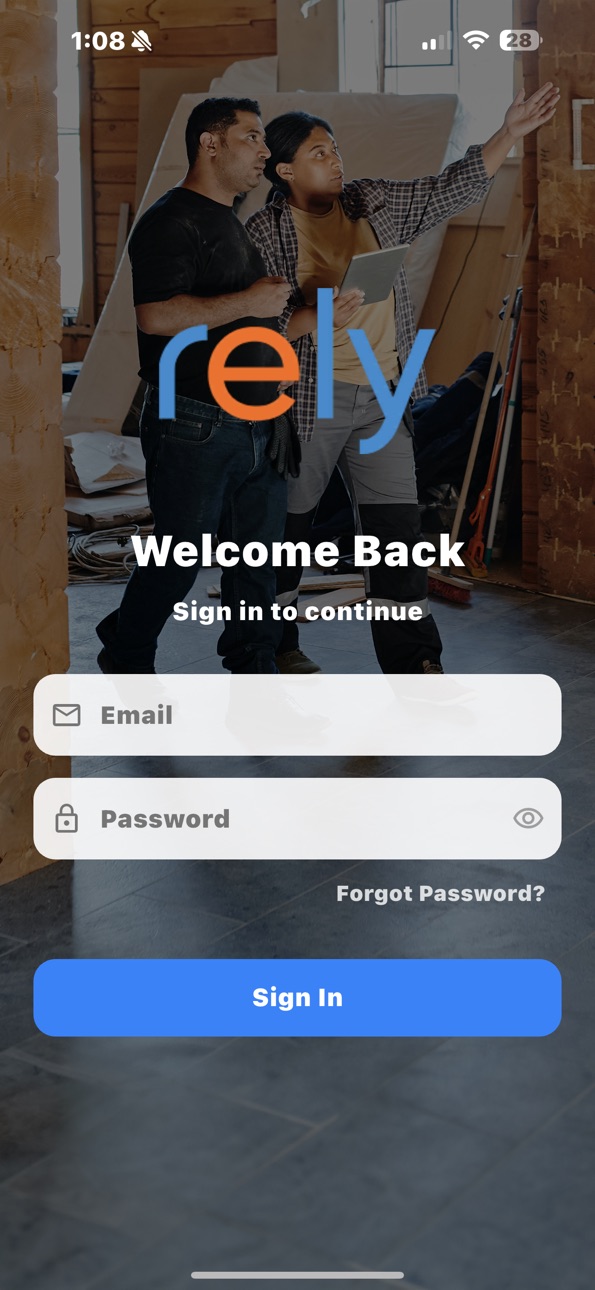
iPhone 10 images


iPad 10 images




What’s New Version 1.0.17
Customer Sign-Off is no longer gate-kept by closed status.
Description
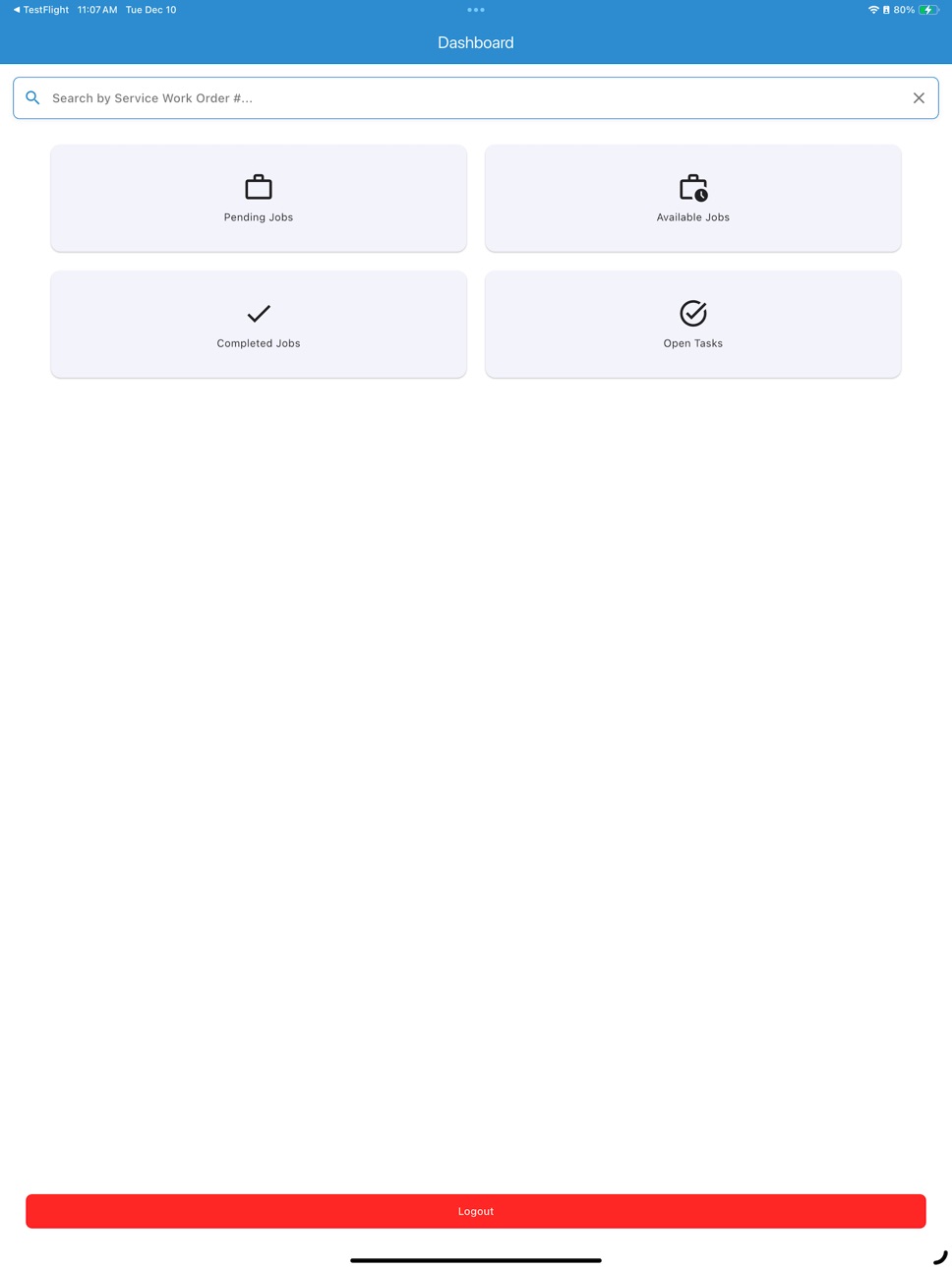
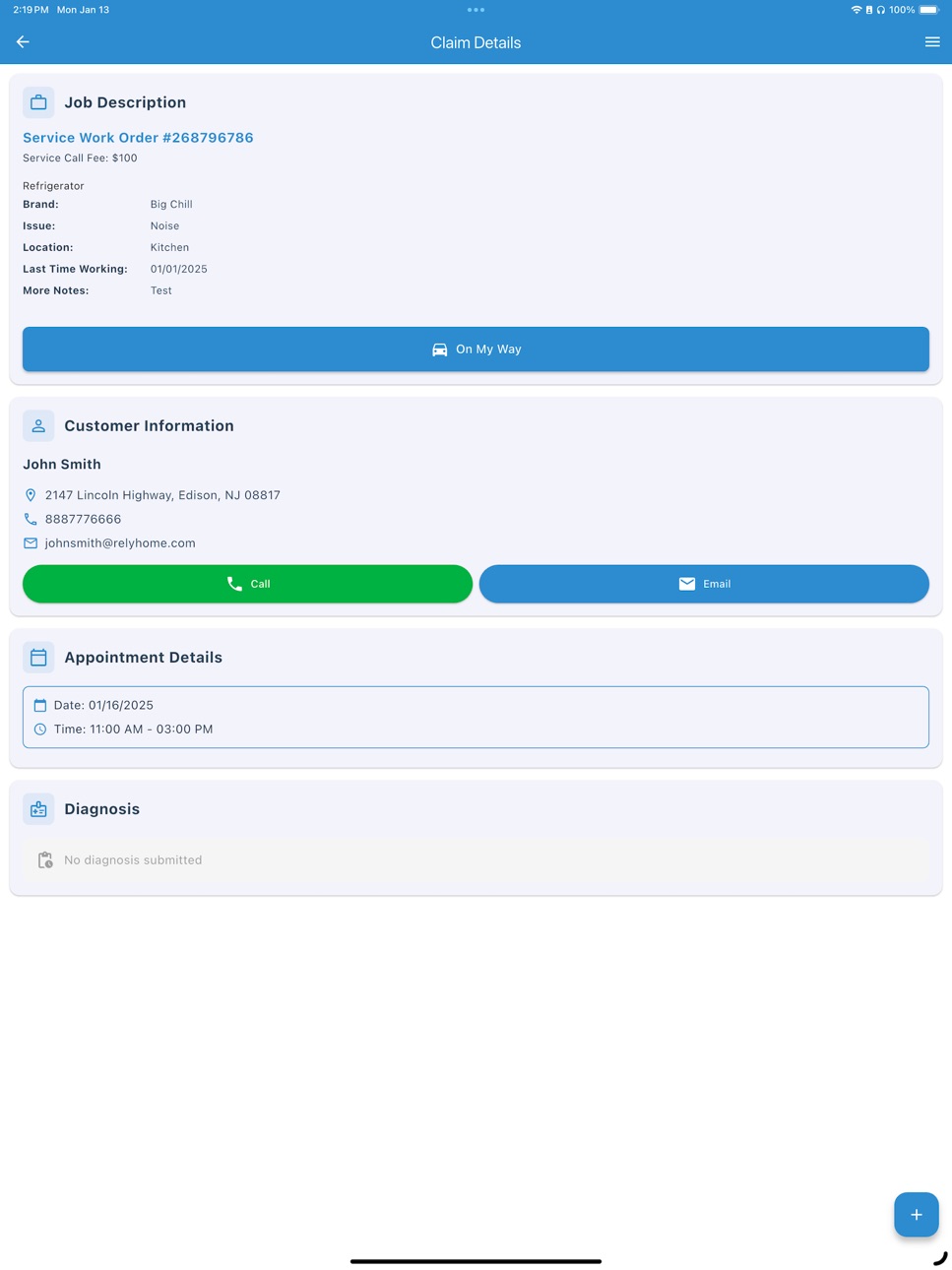
Streamline your field service work with our powerful iOS service management app. Accept new jobs instantly and manage your schedule right from your iPhone or iPad. The intuitive interface puts all customer information and service requirements at your fingertips. While on-site, easily submit diagnosis reports and technical observations through the app. Need to adjust an appointment? Update times with just a few taps, keeping customers automatically informed of any changes. Capture customer signatures digitally and generate completion reports directly on your device. The app seamlessly handles common field scenarios - document service attempts, report missed appointments, or log completion status with detailed reason codes. Every feature is optimized for your iOS device, making it simple to manage your service operations on the go while keeping all parties informed in real-time.
Accessibility
ipadiphonemacrealityDevicetvoswatch
Version history 17 versions
Build 884822622v1.0.172026-04-23 17:22:06
Customer Sign-Off is no longer gate-kept by closed status.
Build 884733896v1.0.162026-04-22 15:13:11
Request Completed SWO has been renamed Customer Sign-Off and an announcement has been created warning that it is a requirement to be completed starting May 4th.
Build 883979704v1.0.152026-04-03 14:47:08
Improved error messages from the server are now displayed directly instead of generic text
Build 883753654v1.0.142026-03-27 13:06:01
Allow additional diagnosis after a recall has taken place
Build 882385170v1.0.132026-03-17 13:37:50
- Appointment Notifications — You'll now receive push notifications for upcoming appointments so you never miss a service visit. You can manage your notification preferences anytime from the menu.
- Persistent Location Tracking — "On My Way" tracking now continues even if you close or leave the app. When you reopen, your en route status is restored automatically.
- On My Way Requirement Coming Soon — Starting March 23, you will be required to tap "On My Way" before submitting a diagnosis. This ensures accurate tracking of service visits. Until then, you'll see a reminder when submitting without it.
Build 881791034v1.0.122026-01-25 22:19:17
Bug fixes and general maintenance
Build 881759346v1.0.112026-01-23 00:59:09
We've updated the claim completion process. When you complete a service, you can now request customer verification directly from the app. The customer will receive an email or text with a link to confirm the work was completed to their satisfaction.
Build 881295665v1.0.102026-01-08 02:28:01
Available Jobs now show more details
Build 880949171v1.0.92025-12-24 00:11:46
Improvements to the diagnosis form to streamline your workflow.
Build 880855303v1.0.82025-12-20 00:31:13
Updated URL for "Still having trouble"
Build 880776624v1.0.72025-12-18 19:25:59
We've added confirmation dialogs to help you verify important actions before they're finalized.
Build 880747188v1.0.62025-12-17 07:10:27
We've overhauled the sorting functionality to feel more intuitive and predictable. The diagnosis screen now prompts you to confirm before navigating away if you have unsaved work, preventing accidental data loss. We also resolved various issues related to logging out.
Build 880706588v1.0.52025-12-16 12:52:54
Fixed an issue where some jobs weren't loading properly when scrolling through your job lists
Build 880697880v1.0.42025-12-15 22:28:06
Introducing biometric authentication—log in instantly with Face ID or fingerprint. We've also added a quick-access help button for anyone having trouble signing in.
Build 872629799v1.0.32025-02-20 14:18:03
Fixed a bug where it was trying to parse a double value as an int.
Build 872452041v1.0.22025-02-19 14:16:43
In this version I am now adding a new button called "Arrived" which is only visible after the technician hits the "On My Way!" button. This button will just update a flag in our database that says the technician has arrived at the house. There is also a flag for the customer to validate their arrival (outside the app) which is emailed to them. I also added disclosure information when they hit On My Way! so the technician knows everything upfront and a link to our privacy page.
Build 870139564v1.02025-01-27 13:57:16
No pricing data captured yet — comparisons appear once the app has paid storefronts or in-app purchases.
Availability 1 of 1 storefronts
| Region | Language | Price | Ratings | Avg | Version |
|---|---|---|---|---|---|
| US | en-US | Free | 102 | 3.4 | 1.0.17 |
Change log 20 changes · US
✎
releaseNotes updated
Customer Sign-Off is no longer gate-kept by closed status.
✎
description updated
Streamline your field service work with our powerful iOS service management app. Accept new jobs instantly and manage your schedule right from your iPhone or iP
✎
name updated
Rely Home
◆
Version 1.0.17 released
Customer Sign-Off is no longer gate-kept by closed status.
◆
Version 1.0.16 released
Request Completed SWO has been renamed Customer Sign-Off and an announcement has been created warning that it is a requirement to be completed starting May 4th.
◆
Version 1.0.15 released
Improved error messages from the server are now displayed directly instead of generic text
◆
Version 1.0.14 released
Allow additional diagnosis after a recall has taken place
◆
Version 1.0.13 released
- Appointment Notifications — You'll now receive push notifications for upcoming appointments so you never miss a service visit. You can manage your notification preferences anytime from the menu.
◆
Version 1.0.12 released
Bug fixes and general maintenance
◆
Version 1.0.11 released
We've updated the claim completion process. When you complete a service, you can now request customer verification directly from the app. The customer will receive an email or text with a link to confirm the work was completed to their sati
◆
Version 1.0.10 released
Available Jobs now show more details
◆
Version 1.0.9 released
Improvements to the diagnosis form to streamline your workflow.
◆
Version 1.0.8 released
Updated URL for "Still having trouble"
◆
Version 1.0.7 released
We've added confirmation dialogs to help you verify important actions before they're finalized.
◆
Version 1.0.6 released
We've overhauled the sorting functionality to feel more intuitive and predictable. The diagnosis screen now prompts you to confirm before navigating away if you have unsaved work, preventing accidental data loss. We also resolved various is
◆
Version 1.0.5 released
Fixed an issue where some jobs weren't loading properly when scrolling through your job lists
◆
Version 1.0.4 released
Introducing biometric authentication—log in instantly with Face ID or fingerprint. We've also added a quick-access help button for anyone having trouble signing in.
◆
Version 1.0.3 released
Fixed a bug where it was trying to parse a double value as an int.
◆
Version 1.0.2 released
In this version I am now adding a new button called "Arrived" which is only visible after the technician hits the "On My Way!" button. This button will just update a flag in our database that says the technician has arrived at the house. Th
◆
Version 1.0 released