Home › Utilities

 US
US
1 of 1 storefronts
Content in en-US
Content in en-US
Information
Apple ID660238271
Bundle IDcom.honeywell.mbremotecontrol
SellerSeller
Min iOS7.0
Min macOS11.0
Device familiesiphone, ipad, ipod
Released2013-06-22
Copyright© Honeywell Security Group - Novar GmbH
Privacy policyLink ↗
Preview 2 platforms
iPhone 4 images


iPad 4 images


What’s New Version 1.15
- bug-fix / stability improvement
Description
By this App, you can interact with your intruder alarm system of the Honeywell series MB12, 561-MB24/48/100 in conjunction with the transmission devices DS 6750, DS 6700 or DS 7700. In standalone mode, the transmission devices can also be used without a connected panel.
So you can control your alarm system time- and location-independent via WLAN or GPRS / UMTS.
This App enables you to remote control your system, as well as arming or disarming it. Pre-configured inputs and outputs can also be controlled directly and a change of its states can be seen life in the App.
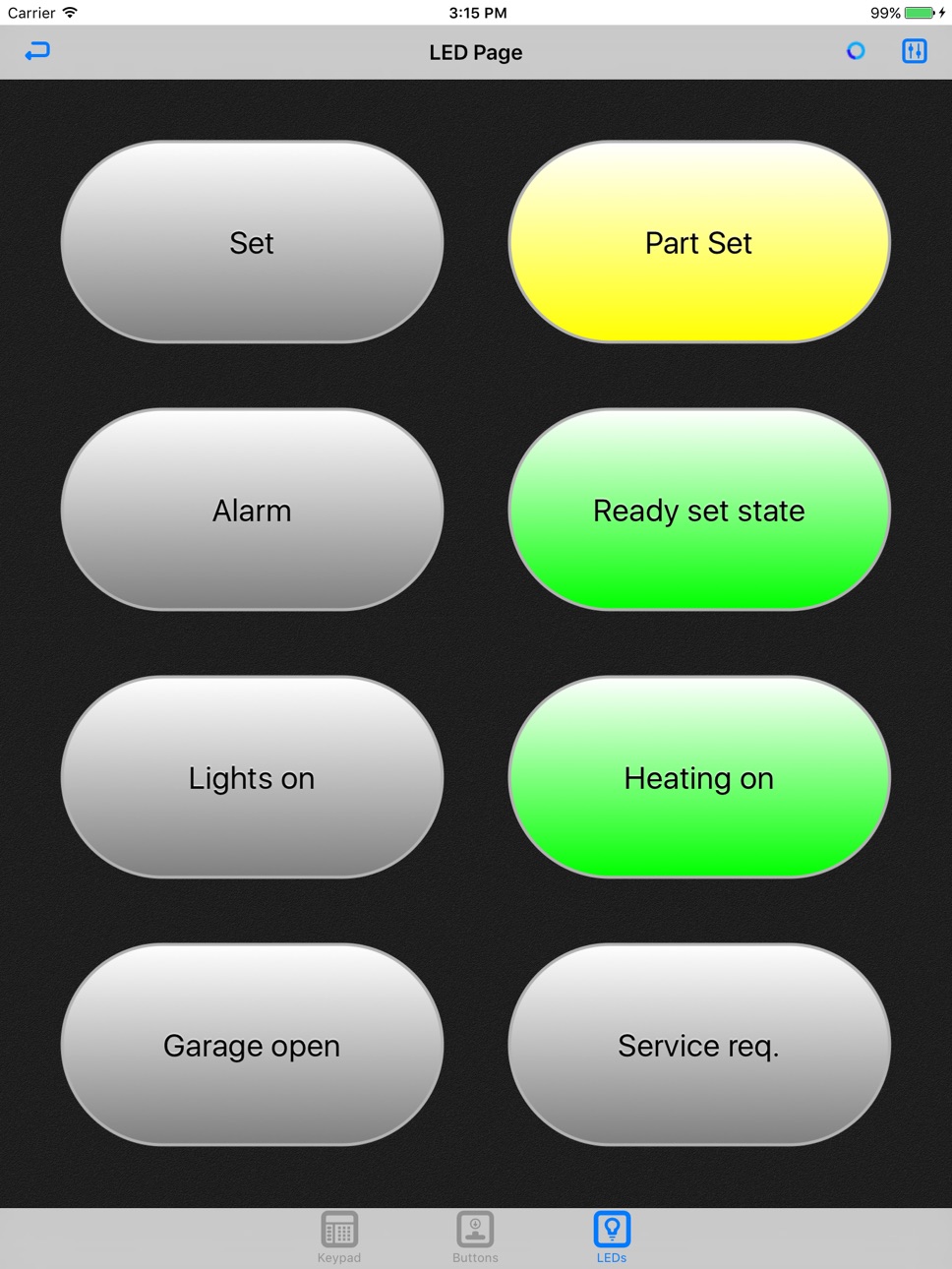
Via user-definable buttons in the App and macros in the panel, even very complex actions can be triggered quick and easy. Additionally, panel states and inputs can be visualized by free configurable, simulated LED status indicators.
Due to the simple, user-friendly interface and the familiar keypad emulation, you will find it very easy to get along with this application.
Functionality:
- One App can manage any number of panels
- 4 user groups per system definable for a flexible assignment of access rights
- AES encrypted communication
- Many possibilities for panel control activities over macros, triggered by buttons on the Apps button page
- Free configurable LED and button page
Brief description of operation:
- At the beginning, the user group has to be selected and the associated key for the panel connection has to be entered
- Now a name and the connection address (IP address or URL) must be entered
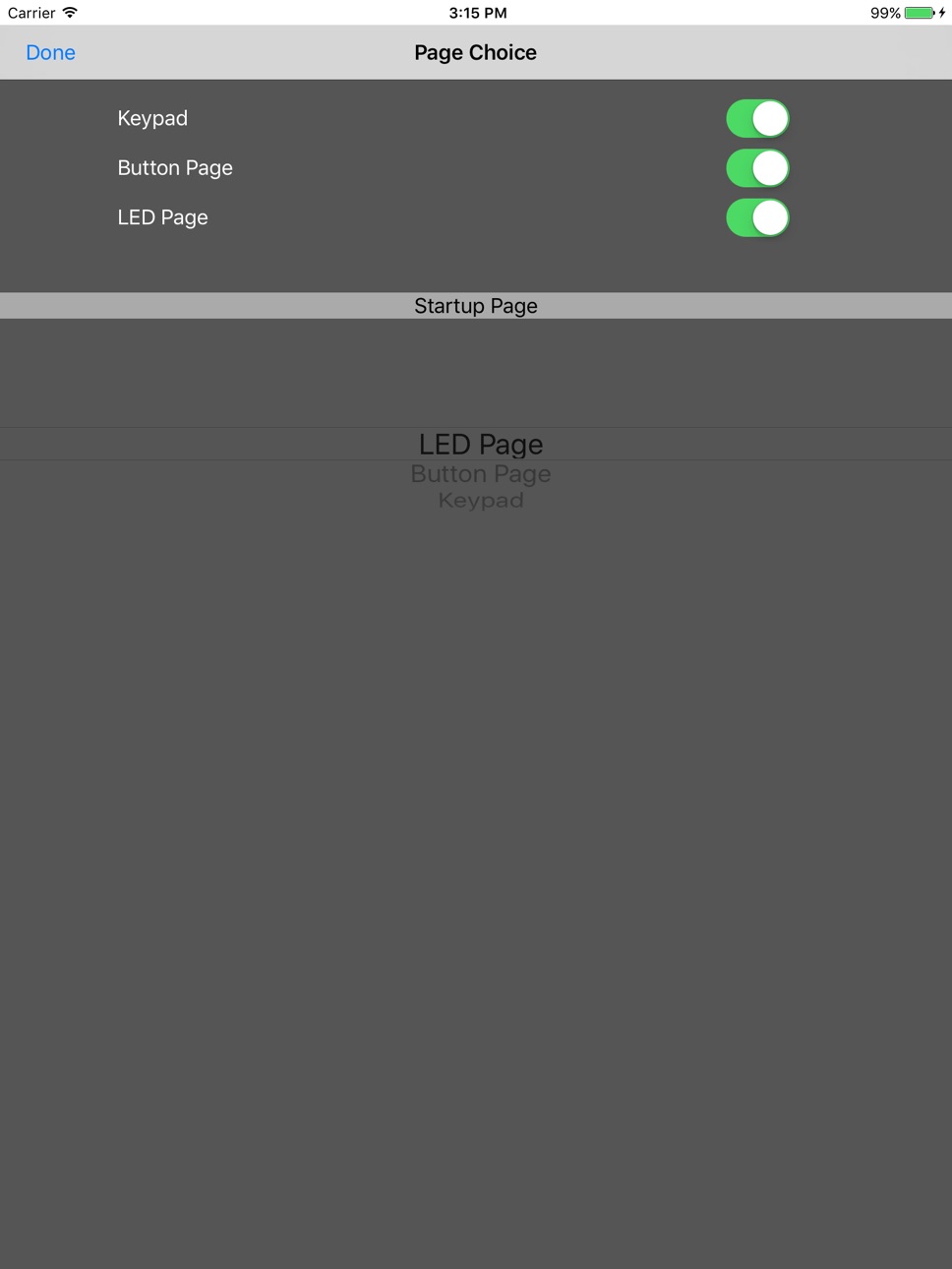
- After connecting to the panel, the pages to be displayed and an initial page can be selected
- These settings must be done once per system, but are changeable at any time via the configuration menu
Requirements:
- Alarm panel (MB-Secure, MB12, 561-MB24/48/100) equipped with DS 6750, DS 6700 (with V04.XX) or DS 7700 (with V06.XX)
- DS 6750, DS 6700 (V04.XX) or DS 7700 (V06.XX) as standalone device
- DS 6750/DS 6700/DS 7700 with Ethernet connection and access to WLAN or Internet
- iOS-Version 5.0 or later
Accessibility
ipadiphonemacrealityDevicetvoswatch
Version history 8 versions
Build 833335323v1.152019-11-15 16:35:13
- bug-fix / stability improvement
Build 820039599v1.132016-12-09 00:10:19
- Compatibility with iOS 10
Build 659202788v1.112014-08-13 06:56:24
- bug fixes
Build 268022631vV01.092013-12-26 20:37:28
- new icon
- bug fix
Build 21232779vV01.072013-09-22 15:55:56
- fixed password-issue
- new option "Add Test-Accounts"
Build 15933927vV01.052013-08-15 19:42:29
- bugfix (address input field)
- English Test-Account
Build 15724450vV01.032013-07-06 01:53:37
- Bugfix for deleting systems
New functions:
- Password protected app start
- Improved menu structure
- New icons
Build 15579910vV01.002013-06-22 01:40:41
No pricing data captured yet — comparisons appear once the app has paid storefronts or in-app purchases.
Availability 1 of 1 storefronts
| Region | Language | Price | Ratings | Avg | Version |
|---|---|---|---|---|---|
| US | en-US | Free | 1 | 5.0 | 1.15 |
Change log 11 changes · US
✎
releaseNotes updated
- bug-fix / stability improvement
✎
description updated
By this App, you can interact with your intruder alarm system of the Honeywell series MB12, 561-MB24/48/100 in conjunction with the transmission devices DS 6750
✎
name updated
MBRemoteControl
◆
Version 1.15 released
- bug-fix / stability improvement
◆
Version 1.13 released
- Compatibility with iOS 10
◆
Version 1.11 released
- bug fixes
◆
Version V01.09 released
- new icon
- bug fix
◆
Version V01.07 released
- fixed password-issue
- new option "Add Test-Accounts"
◆
Version V01.05 released
- bugfix (address input field)
- English Test-Account
◆
Version V01.03 released
- Bugfix for deleting systems
New functions:
- Password protected app start
- Improved menu structure
- New icons
◆
Version V01.00 released