Home › Music

 US
US
1 of 1 storefronts
Content in en-US
Content in en-US
Information
Preview 2 platforms
iPhone 4 images


iPad 5 images



What’s New Version 1.6.8
* new shortcuts: CTRL+Z - undo; CTRL+X/C/V - cut/copy/paste; CTRL+O - load; CTRL+S - save; CTRL+N - new song;
* new shortcuts: SHIFT+F3 - previous sound (silent); SHIFT+F4 - next sound (silent);
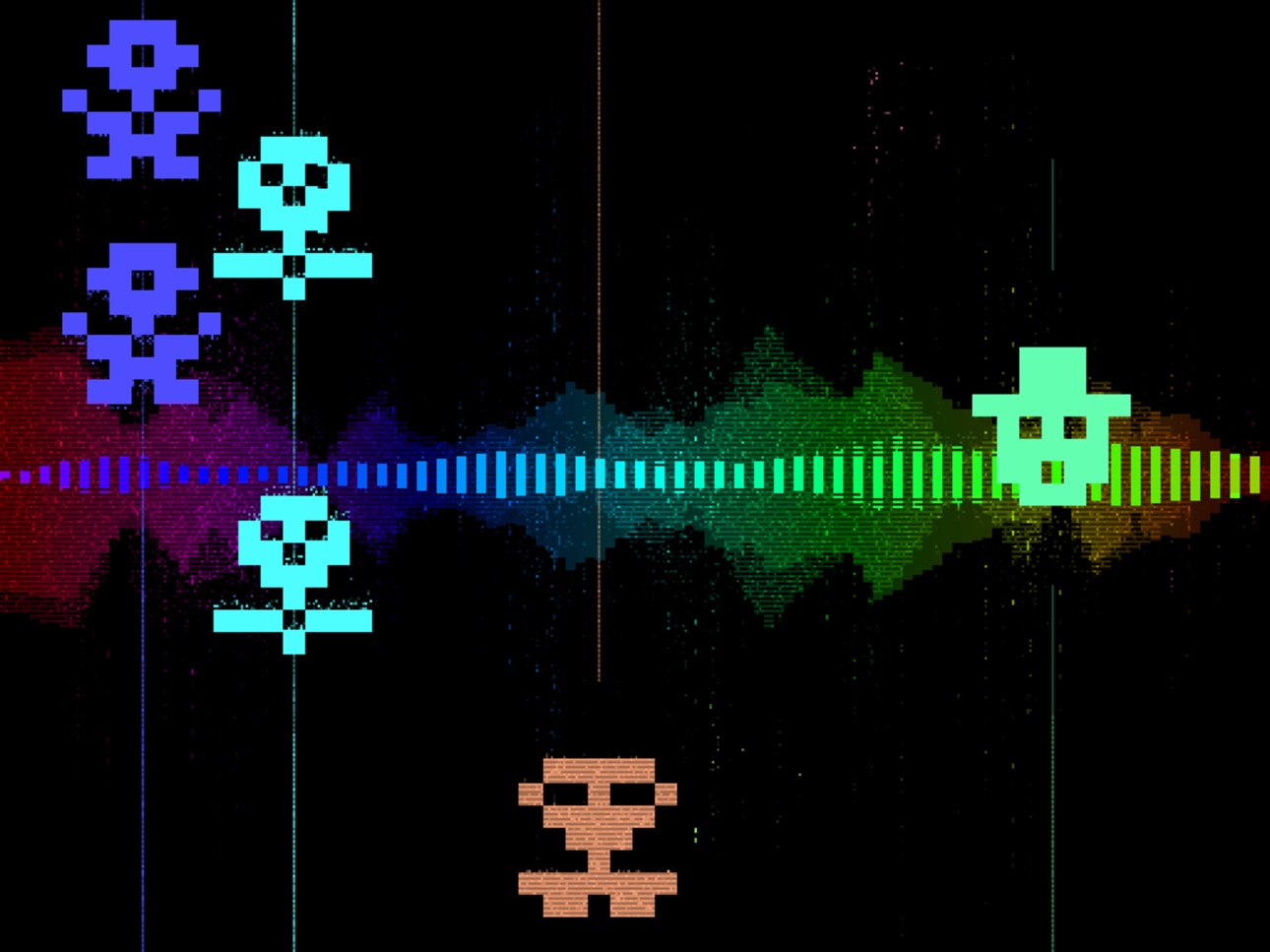
* additional visualization modes: Menu -> App Settings -> Visualizer;
* new song - Example14;
* bug fixes.
Description
No time to delve into the big and serious music apps?
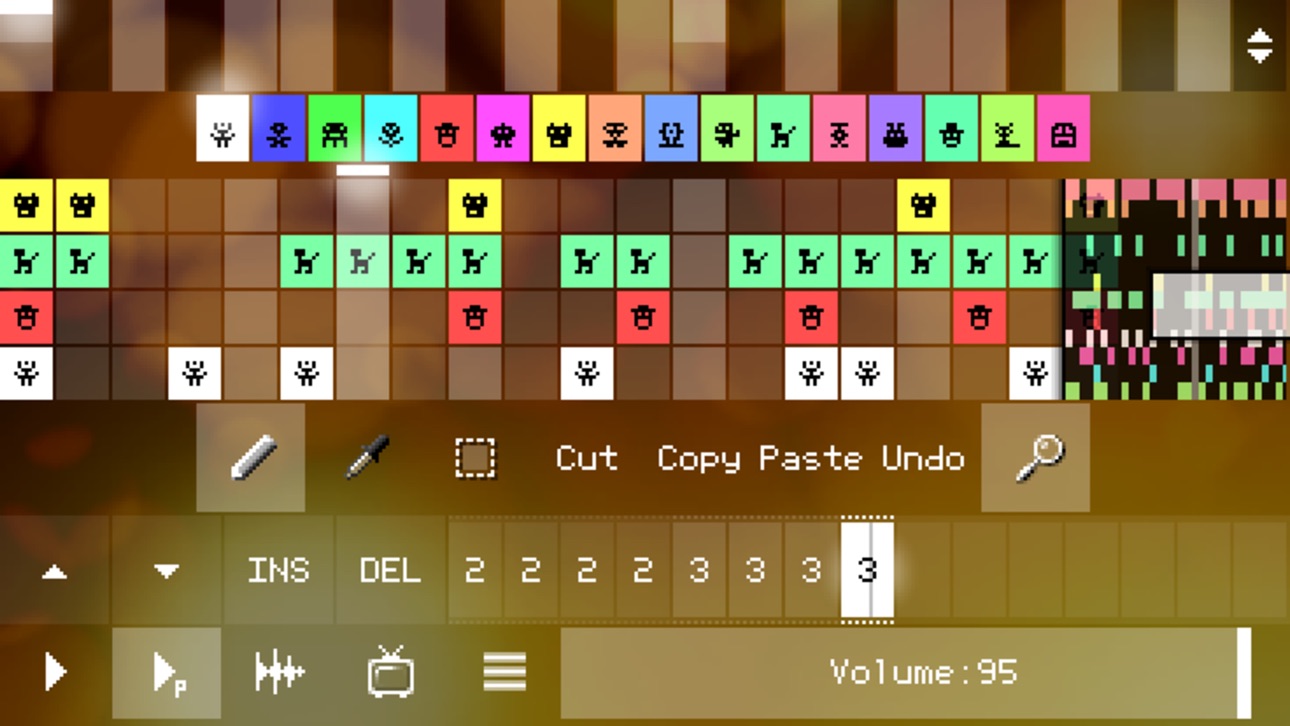
PixiTracker is what you need! It is a simple and fun tool to quickly create musical sketches, chiptunes and sound experiments. Without requiring a lot of musical knowledge!
[ Key features ]
• true warm pixel interface;
• pattern-based sequencer (tracker) with high quality sampler;
• several packs with unique sounds;
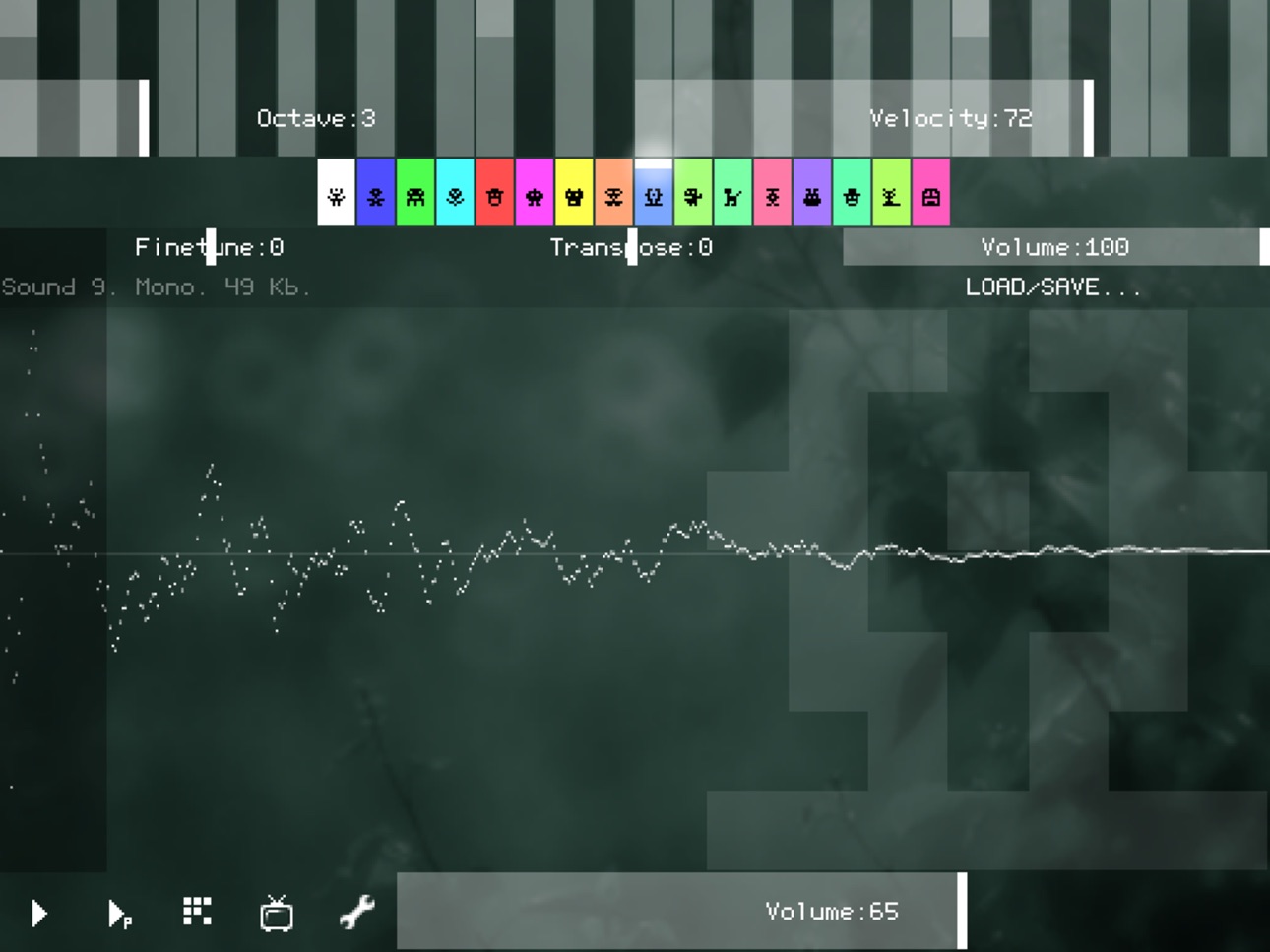
• sound recorder (from microphone or line-in);
• MIDI keyboard support;
• WAV export/import;
• export to XM - this file can be loaded by any modern music tracker/player (for example, SunVox);
• Wi-Fi export/import, iTunes File Sharing, audio copy/paste;
• Audiobus and IAA support;
• PixiTracker is also available for other systems (see the site);
• PixiTracker player is open source, so you can freely use it in your own Pixilang applications.
Accessibility
ipadiphonemacrealityDevicetvoswatch
Version history 20 versions
Build 878472462v1.6.82025-10-03 10:58:40
* new shortcuts: CTRL+Z - undo; CTRL+X/C/V - cut/copy/paste; CTRL+O - load; CTRL+S - save; CTRL+N - new song;
* new shortcuts: SHIFT+F3 - previous sound (silent); SHIFT+F4 - next sound (silent);
* additional visualization modes: Menu -> App Settings -> Visualizer;
* new song - Example14;
* bug fixes.
Build 860753296v1.6.72023-10-23 07:43:56
* iOS 11 support has been dropped; now the minimum is 12;
* now you can load sound files in the following formats: WAV (PCM, uncompressed), AIFF (PCM, uncompressed), OGG (Vorbis), MP3, FLAC;
* auto-repeat in the virtual (on-screen) text keyboard;
* bug fixes.
Build 858125721v1.6.62023-06-28 12:39:01
* iOS 9 support has been dropped; now the minimum is 11;
* now you can use the PC keyboard to play notes: ZSXDCVGBHNM... - current octave; Q2W3ER5T6Y7U... - current octave + 1;
* shortcuts: F1 or '-' - octave down; F2 or '+' - octave up; F3 - previous sound; F4 - next sound; SPACE - play/stop; SHIFT+SPACE - play pattern/stop;
* new sound pack - pack14_synths_2;
* bug fixes.
Build 835194172v1.6.5b2020-03-20 17:47:32
bug fixes
Build 835101237v1.6.52020-03-17 16:00:00
* new sound pack - pack13_fractalbits;
* bug fixes.
Build 828306230v1.62018-08-25 01:05:52
* user files are now available through the Files app;
* lists of recent files and folders have been added to the file browser;
* new song - Example13;
* bug fixes.
Build 821672732v1.5c2017-04-10 18:28:41
bug fixes.
Build 821347069v1.52017-03-18 21:03:19
* export to XM (eXtended Module of the FastTracker2) - this file can be loaded by any modern music tracker/player (for example, SunVox);
* sound editor: "reduce size / 2 (lossy)" function has been added;
* new sound packs: pack10_fm, pack11_percussion_2, pack12_orchestra;
* new song - Example12;
* bugs fixed.
Build 810815070v1.4b2014-11-24 21:06:37
Changed icon and screenshots
Build 791653101v1.42014-11-18 05:23:00
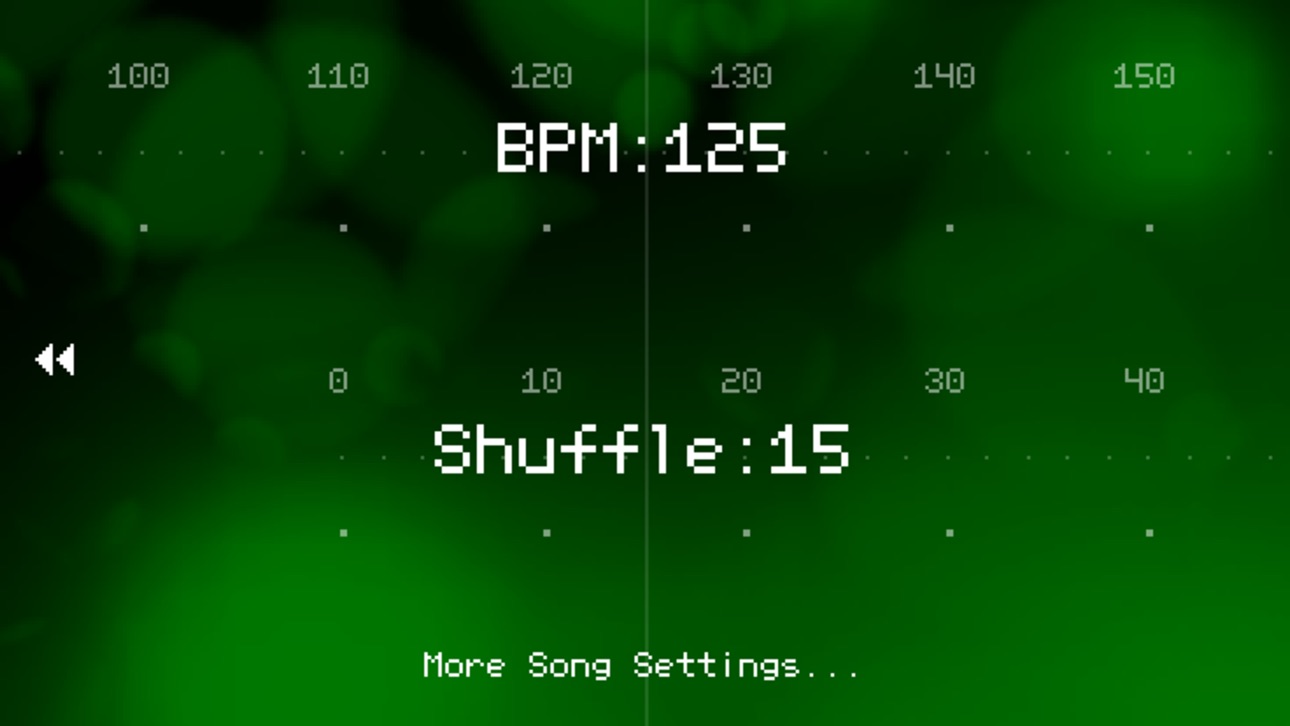
* new song parameter - Shuffle;
* now any song parameters (BPM, Shuffle, Number of lines, Number of tracks) can be changed in the Main Menu -> Song Settings;
* Audiobus 2 and IAA (partially) support;
* bugs fixed.
Build 338182648v1.32014-02-18 13:06:58
* additional Document Browser functions: Remove, Rename, Cut, Copy, Paste, Create Directory;
* now you can see the document size in the Browser;
* new example song - Example10;
* bugs fixed.
Build 16764242v1.2.3c2013-09-13 03:23:32
* updated Audiobus library;
* fixed bug with iOS7 support.
Build 15451823vv1.2.3b2013-05-24 20:30:39
added missing buttons and icons.
Build 15414779v1.2.32013-05-21 17:53:40
* Audiobus and JACK support;
* additional audio/gfx settings in the Main Menu -> Preferences -> Audio & Graphics;
* additional background images (Main Menu -> Preferences -> Background);
* now you can play any loaded WAV sound with its original speed on the first note of the 6th octave;
* bugs fixed.
Build 9686854v1.2.22012-08-03 20:07:13
* new visualizer;
* iOS version bugs has been fixed.
Build 9335736v1.2.12012-07-23 20:30:06
* new functions in the sound editor: Reverse and Volume fade; you can find it here: Load/Save -> Clear,Optimize,...;
* new sound pack pack09_bass;
* improved "New Song" dialog; maximum number of steps and tracks: 64 steps, 12 tracks, even for devices with a small screen;
* Zoom function added for the large patterns;
* several bugs fixed.
Build 7453878v1.1.22012-04-16 21:24:26
Bugs fixed.
Build 6213615v1.1b2012-02-08 00:00:55
Fixed bug with Load/Save dialogs.
Build 6034730v1.12012-01-30 21:34:12
* new example songs;
* new sound packs;
* Mic/Line-in recording;
* added Wi-Fi Export/Import;
* bugs fixed.
Build 4907861v1.02011-11-18 23:16:03
Price history by region
Currency
Show
Columns
Search
Availability 1 of 1 storefronts
| Region | Language | Price | Ratings | Avg | Version |
|---|---|---|---|---|---|
| US | en-US | USD 2.99 | 152 | 4.9 | 1.6.8 |
Change log 23 changes · US
✎
releaseNotes updated
* new shortcuts: CTRL+Z - undo; CTRL+X/C/V - cut/copy/paste; CTRL+O - load; CTRL+S - save; CTRL+N - new song;
* new shortcuts: SHIFT+F3 - previous sound (silent
✎
description updated
No time to delve into the big and serious music apps?
PixiTracker is what you need! It is a simple and fun tool to quickly create musical sketches, chiptunes an
✎
name updated
PixiTracker
◆
Version 1.6.8 released
* new shortcuts: CTRL+Z - undo; CTRL+X/C/V - cut/copy/paste; CTRL+O - load; CTRL+S - save; CTRL+N - new song;
* new shortcuts: SHIFT+F3 - previous sound (silent); SHIFT+F4 - next sound (silent);
* additional visualization modes: Menu -> App
◆
Version 1.6.7 released
* iOS 11 support has been dropped; now the minimum is 12;
* now you can load sound files in the following formats: WAV (PCM, uncompressed), AIFF (PCM, uncompressed), OGG (Vorbis), MP3, FLAC;
* auto-repeat in the virtual (on-screen) text key
◆
Version 1.6.6 released
* iOS 9 support has been dropped; now the minimum is 11;
* now you can use the PC keyboard to play notes: ZSXDCVGBHNM... - current octave; Q2W3ER5T6Y7U... - current octave + 1;
* shortcuts: F1 or '-' - octave down; F2 or '+' - octave up; F3
◆
Version 1.6.5b released
bug fixes
◆
Version 1.6.5 released
* new sound pack - pack13_fractalbits;
* bug fixes.
◆
Version 1.6 released
* user files are now available through the Files app;
* lists of recent files and folders have been added to the file browser;
* new song - Example13;
* bug fixes.
◆
Version 1.5c released
bug fixes.
◆
Version 1.5 released
* export to XM (eXtended Module of the FastTracker2) - this file can be loaded by any modern music tracker/player (for example, SunVox);
* sound editor: "reduce size / 2 (lossy)" function has been added;
* new sound packs: pack10_fm, pack11
◆
Version 1.4b released
Changed icon and screenshots
◆
Version 1.4 released
* new song parameter - Shuffle;
* now any song parameters (BPM, Shuffle, Number of lines, Number of tracks) can be changed in the Main Menu -> Song Settings;
* Audiobus 2 and IAA (partially) support;
* bugs fixed.
◆
Version 1.3 released
* additional Document Browser functions: Remove, Rename, Cut, Copy, Paste, Create Directory;
* now you can see the document size in the Browser;
* new example song - Example10;
* bugs fixed.
◆
Version 1.2.3c released
* updated Audiobus library;
* fixed bug with iOS7 support.
◆
Version v1.2.3b released
added missing buttons and icons.
◆
Version 1.2.3 released
* Audiobus and JACK support;
* additional audio/gfx settings in the Main Menu -> Preferences -> Audio & Graphics;
* additional background images (Main Menu -> Preferences -> Background);
* now you can play any loaded WAV sound with its orig
◆
Version 1.2.2 released
* new visualizer;
* iOS version bugs has been fixed.
◆
Version 1.2.1 released
* new functions in the sound editor: Reverse and Volume fade; you can find it here: Load/Save -> Clear,Optimize,...;
* new sound pack pack09_bass;
* improved "New Song" dialog; maximum number of steps and tracks: 64 steps, 12 tracks, even f
◆
Version 1.1.2 released
Bugs fixed.
◆
Version 1.1b released
Fixed bug with Load/Save dialogs.
◆
Version 1.1 released
* new example songs;
* new sound packs;
* Mic/Line-in recording;
* added Wi-Fi Export/Import;
* bugs fixed.
◆
Version 1.0 released