Home › Business

 US
US
1 of 1 storefronts
Content in en-US
Content in en-US
Information
Preview 2 platforms
iPhone 6 images


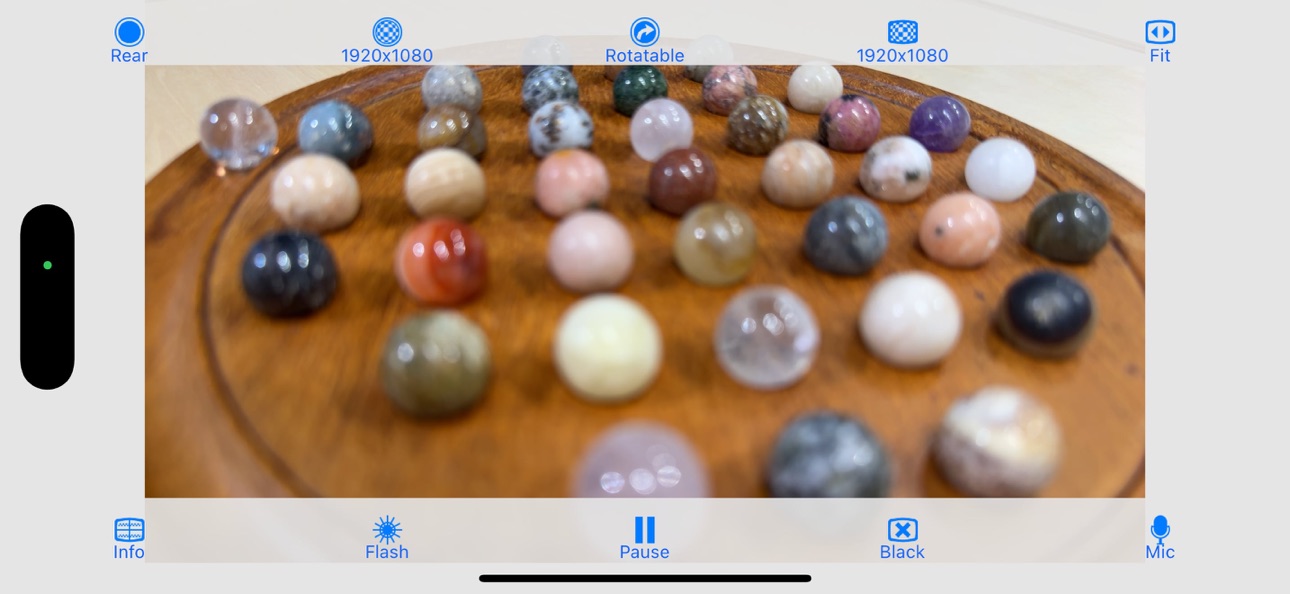


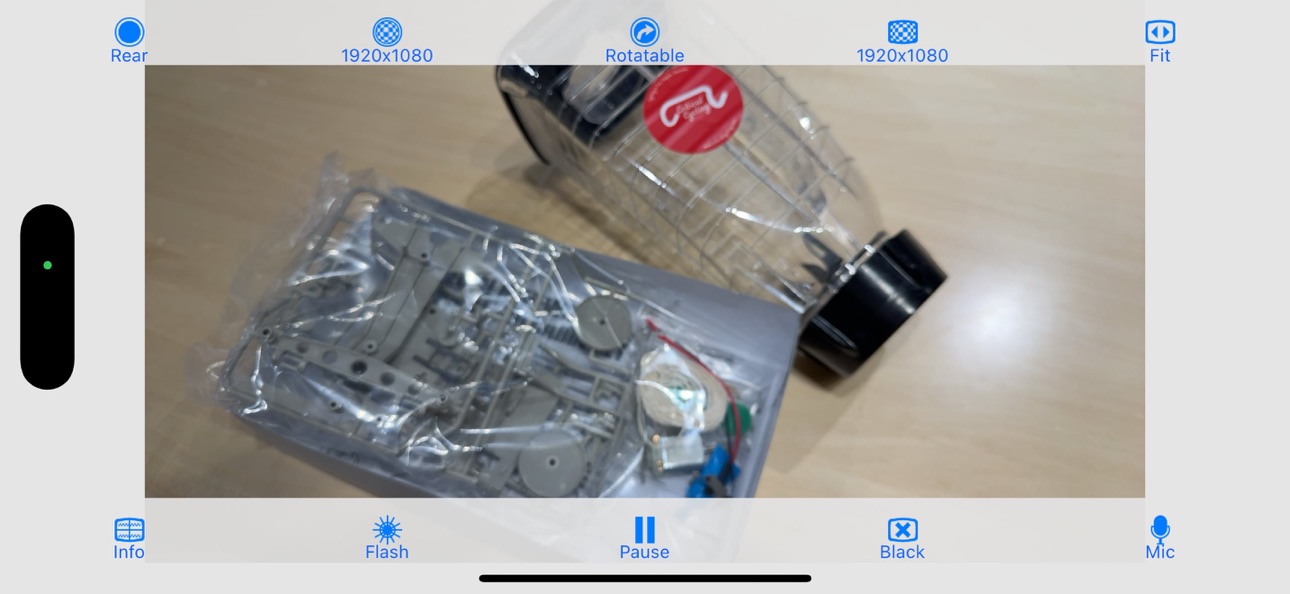
iPad 6 images


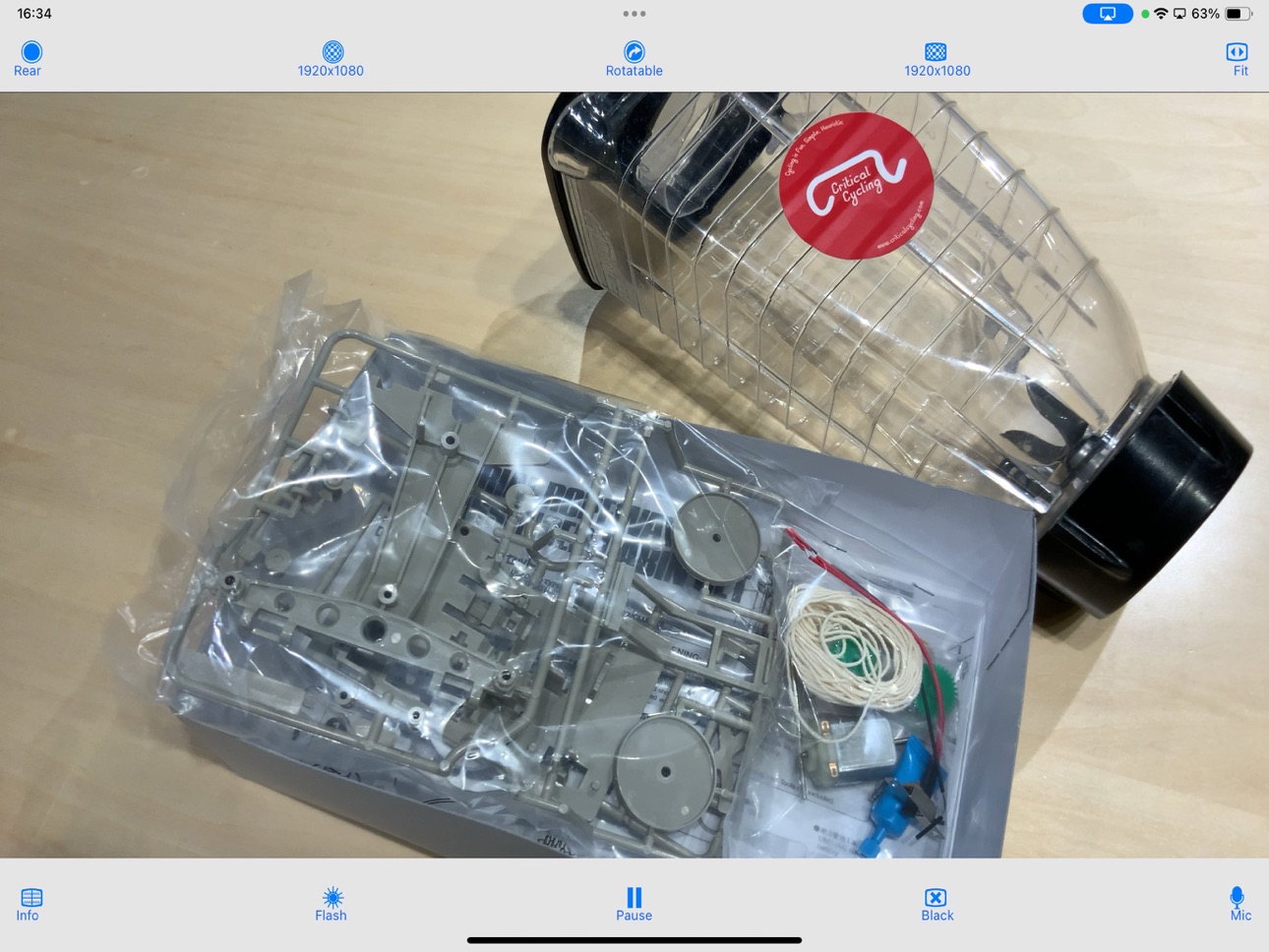

What’s New Version 2.5.1
Minor bugs have been fixed.
Description
"CameraVision" outputs the images of the built-in camera and the corresponding sounds from the built-in microphone to an external device such as a projector or a TV monitor. This application can be used similar to a "document camera (overhead projector)" or a "live camera" to project documents, objects, people or scenes onto a large screen. In addition, showing a still image from Photo Albums is possible. Wireless transfer to AirPlay supported devices such as Apple TV is supported, as well as connections via various cables and adapters.
The following adapters/cables are supported:
- AirPlay supported devices
- Apple TV (2nd generation and later)
- USB Type-C Cable (video output supported)
- Lightning to VGA Adapter
- Lightning Digital AV Adapter (HDMI)
- Apple VGA Adapter
- Apple Digital AV Adapter (HDMI)
- Apple Composite AV Cable
- Apple Component AV Cable
This application has the functions listed below. You can set them up easily using the buttons on the screen.
- Rear camera / front camera switching
- Camera image resolution switching from SD (640x480 pixels) up to Full HD (1920x1080 pixels)
- External display image resolution switching from SD (640x480 pixels) up to Full HD (1920x1080 pixels)
- Scale mode switching of "Fit", "Fill" or "Resize"
- Image rotation switching of "Rotatable" or "Fixed"
- Image pausing or playing
- Flash light switching
- Audio output from microphone
- Tap to lock/unlock focus and exposure
- Double-tap or pinch to zoom image
- Drag to display an on-screen pointer
- Display of a grid image - useful to adjust image projection
- Display of setting information on an external display
- Screen blackout toggle
- Automatic adjustment of focus, exposure and white balance
- Displaying a still image from Photo Albums
- Paused image saving and sharing
* These functions depend on devices and adapter/cables used.
* Please unplug and then plug your dock adapter/cable if no image is shown on the external display properly.
* Microphone input can be sent to an external speaker via HDMI, Composite or Component cable with the camera image. It can be sent wirelessly to AirPlay supported devices or Apple TV. When using a VGA cable, plug an audio cable to iPhone's headphone jack.
* To work with AirPlay supported devices or Apple TV, tap the screen mirroring button in the Control Center. This app treats it as an external display rather than actual mirroring.
https://support.apple.com/en-us/102661#mirroriOS
Accessibility
ipadiphonemacrealityDevicetvoswatch
Version history 10 versions
Build 887894617v2.5.12026-07-06 17:26:08
Minor bugs have been fixed.
Build 877610385v2.5.02025-09-02 15:45:33
- Added focus & exposure lock indicator
- Added Dark Mode support
- Improved camera display
- App icon updated
Build 829672470v2.1.02018-12-18 22:49:40
- User Interface Updated
- Show/Hide User Interface
Build 829448089v2.0.22018-12-03 16:50:06
iOS 12 compatible.
Build 811625346v2.0.12015-01-29 15:39:52
- Showing a touch pointer on paused is supported.
- Showing a photo/image on iPad is supported.
Build 811467168v2.0.02015-01-08 02:54:11
- Zoom function added
- Image save/share function added
- Wider image area
Build 5715853v1.3.02012-01-06 03:28:11
- Displays a pointer on the camera image.
- Outputs a microphone input to a external speaker.
- Wireless image and audio transfer to Apple TV (AirPlay).
- Full HD (1920x1080 pixels) camera image on iPhone 4S and later.
Build 3527105v1.2.02011-03-18 14:56:26
- Works with iPad 2 (on iPhone compatible mode).
- Changed the application icon.
Build 3309302v1.1.02011-01-07 22:16:03
- A still image from Photo Albums can be shown.
- User interface is improved.
Build 3285545v1.0.02011-01-03 21:11:11
Price history by region
Currency
Show
Columns
Search
Availability 1 of 1 storefronts
| Region | Language | Price | Ratings | Avg | Version |
|---|---|---|---|---|---|
| US | en-US | USD 0.99 | 26 | 3.8 | 2.5.1 |
Change log 14 changes · US
✎
releaseNotes updated
Minor bugs have been fixed.
✎
description updated
"CameraVision" outputs the images of the built-in camera and the corresponding sounds from the built-in microphone to an external device such as a projector or
✎
subtitle updated
Visual Presenter
✎
name updated
CameraVision
◆
Version 2.5.1 released
Minor bugs have been fixed.
◆
Version 2.5.0 released
- Added focus & exposure lock indicator
- Added Dark Mode support
- Improved camera display
- App icon updated
◆
Version 2.1.0 released
- User Interface Updated
- Show/Hide User Interface
◆
Version 2.0.2 released
iOS 12 compatible.
◆
Version 2.0.1 released
- Showing a touch pointer on paused is supported.
- Showing a photo/image on iPad is supported.
◆
Version 2.0.0 released
- Zoom function added
- Image save/share function added
- Wider image area
◆
Version 1.3.0 released
- Displays a pointer on the camera image.
- Outputs a microphone input to a external speaker.
- Wireless image and audio transfer to Apple TV (AirPlay).
- Full HD (1920x1080 pixels) camera image on iPhone 4S and later.
◆
Version 1.2.0 released
- Works with iPad 2 (on iPhone compatible mode).
- Changed the application icon.
◆
Version 1.1.0 released
- A still image from Photo Albums can be shown.
- User interface is improved.
◆
Version 1.0.0 released