Home › Utilities

Information
Preview 2 platforms
iPhone 4 images


iPad 3 images

What’s New Version 2.1
Numeric keyboard by default — faster temperature entry on iPhone and iPad
Startup direction setting — choose whether the app opens as °F → °C or °C → °F
Quick clear controls — reset the current entry from the input field or keyboard toolbar
Usability polish — smoother repeated-conversion workflow
Description
tempConvert is the fastest way to convert between Fahrenheit and Celsius — no ads, no clutter, no internet required.
Just type a temperature and get an instant result. Whether you're traveling abroad, cooking, checking a weather forecast, or following a scientific formula, tempConvert gives you the answer in under a second.
FEATURES
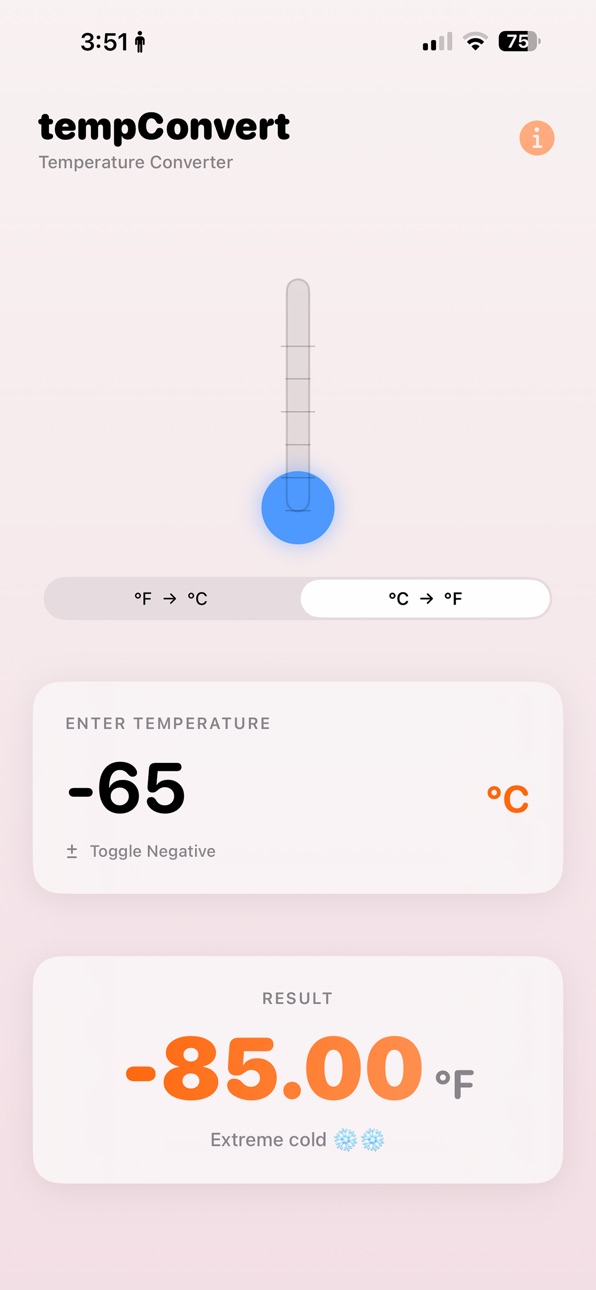
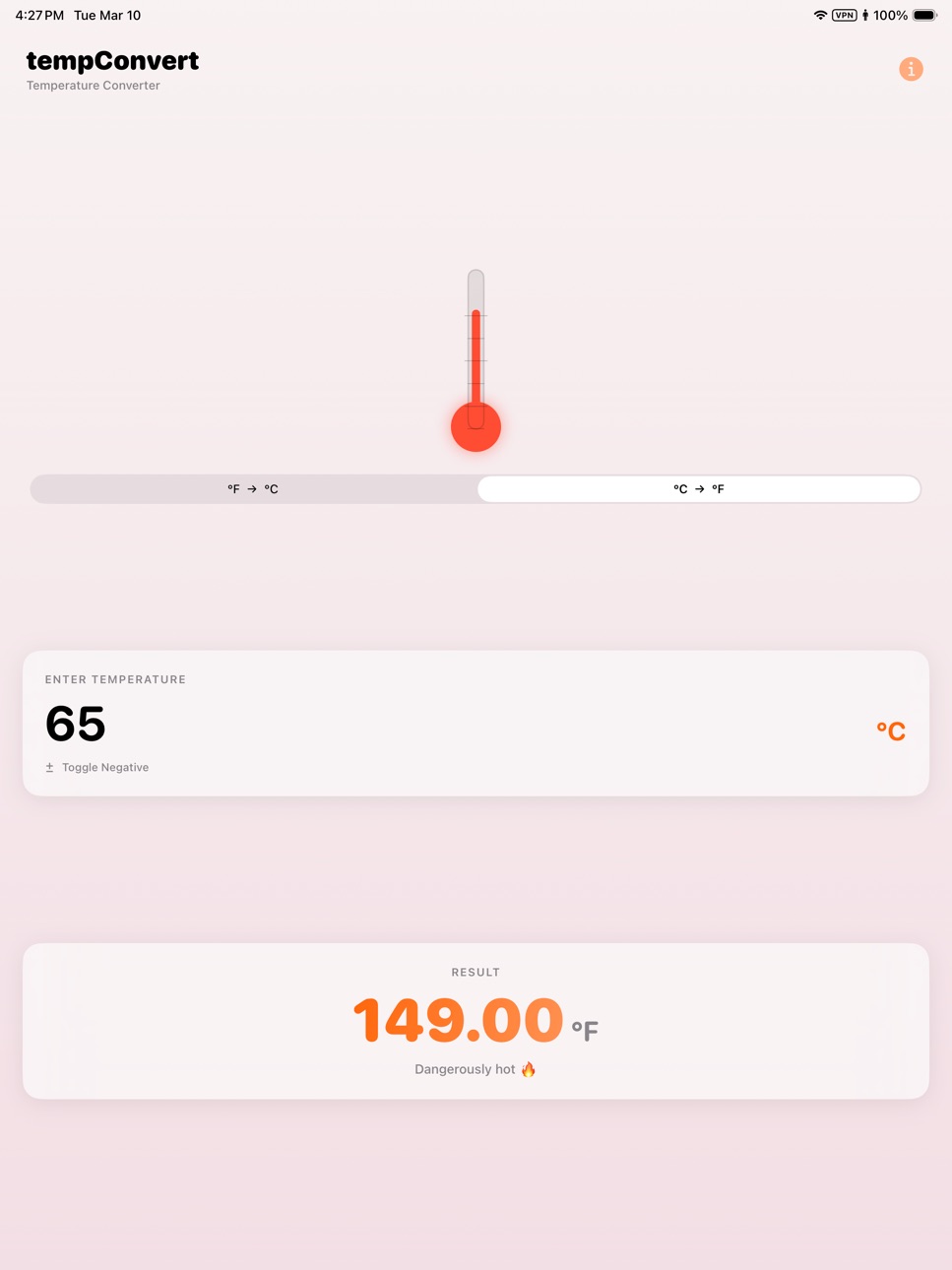
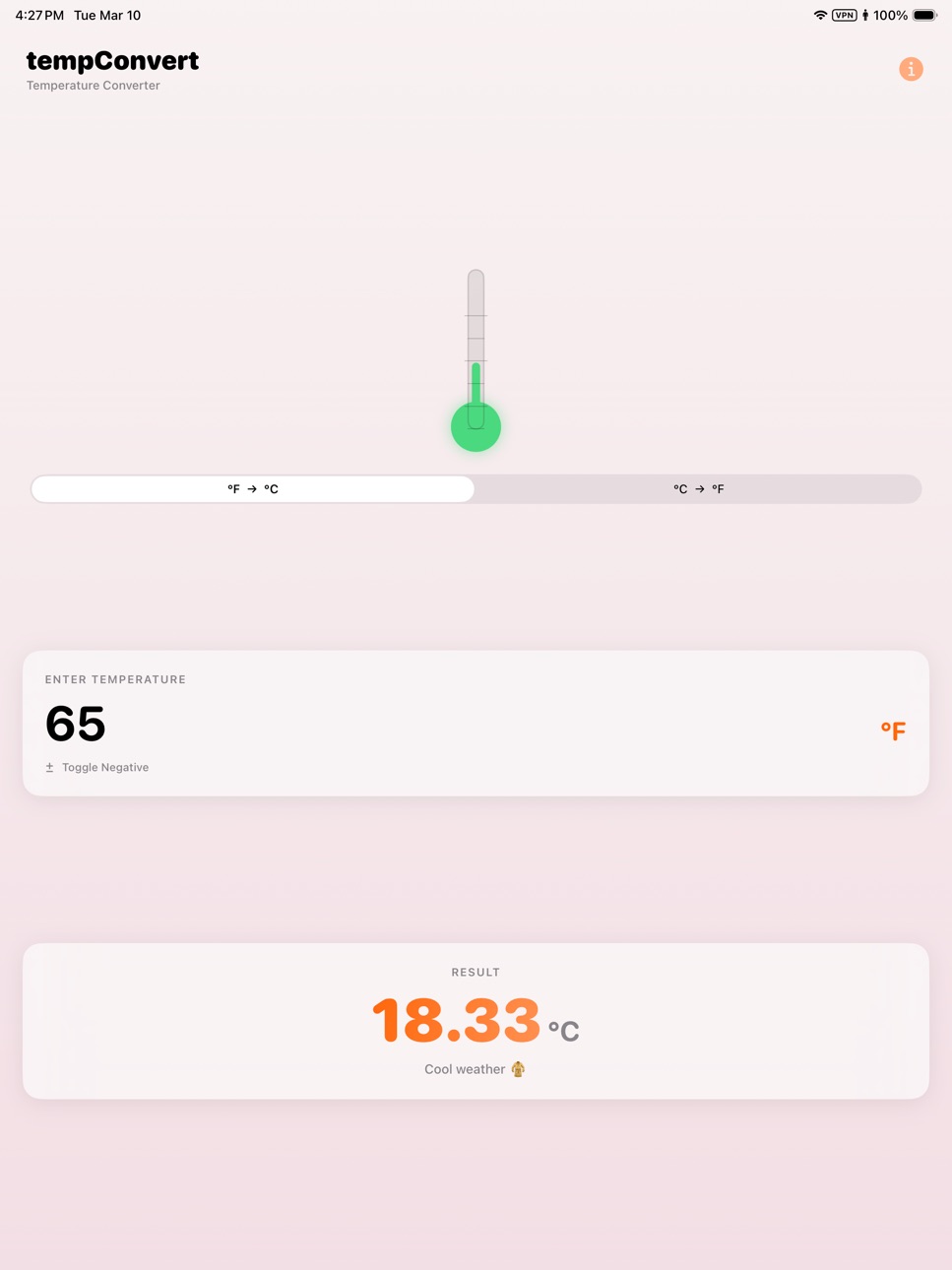
Instant conversion — results update as you type
Fahrenheit to Celsius and Celsius to Fahrenheit
Negative temperature support for sub-zero values
Animated thermometer that reflects current temperature
Contextual labels so you know what the number actually feels like
Works completely offline — no data collection, ever
Full dark mode support
Supports iPhone and iPad
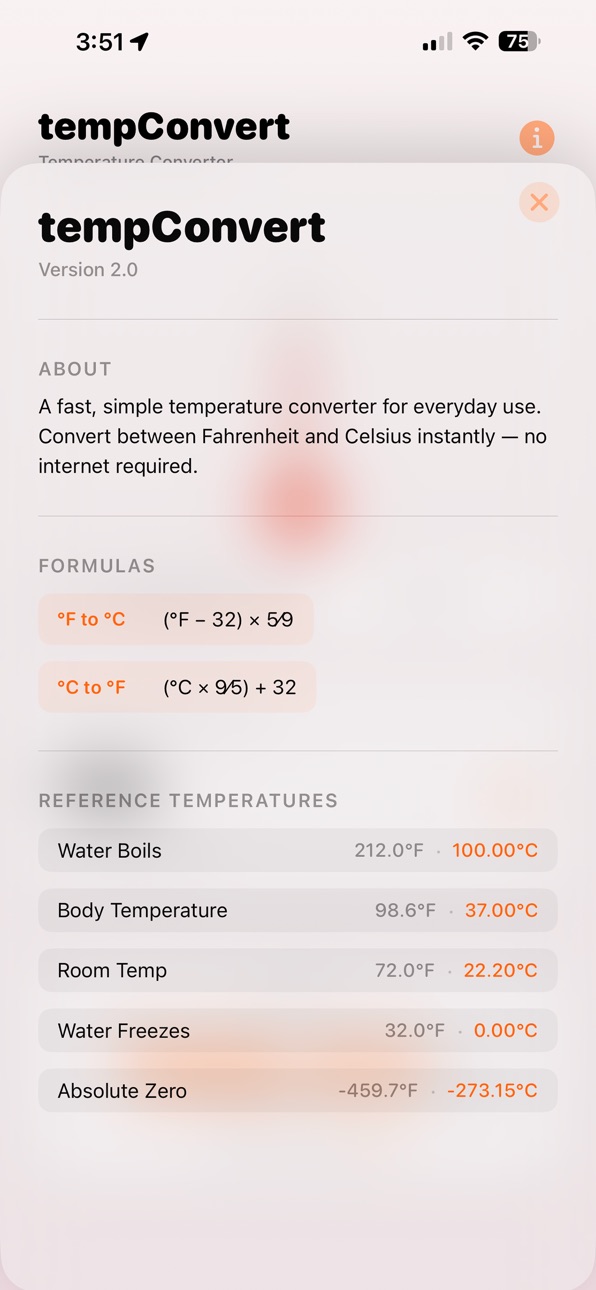
REFERENCE TEMPERATURES INCLUDED
Water boils: 212°F / 100°C
Body temperature: 98.6°F / 37°C
Room temperature: 72°F / 22.2°C
Water freezes: 32°F / 0°C
Absolute zero: -459.67°F / -273.15°C
THE FORMULAS
°F to °C: subtract 32, multiply by 5, divide by 9
°C to °F: multiply by 9, divide by 5, add 32
tempConvert is simple by design. Open it, type a number, get your answer.
Accessibility
ipadiphonemacrealityDevicetvoswatch
Version history 5 versions
Build 887227045v2.12026-06-20 21:07:10
Numeric keyboard by default — faster temperature entry on iPhone and iPad
Startup direction setting — choose whether the app opens as °F → °C or °C → °F
Quick clear controls — reset the current entry from the input field or keyboard toolbar
Usability polish — smoother repeated-conversion workflow
Build 883225688v2.02026-03-13 20:00:08
Completely rebuilt from the ground up in SwiftUI. Faster, cleaner, and better looking than ever — with an animated thermometer, dark mode support, negative temperature input, and contextual temperature labels. All the simplicity of the original, modernized for today's iPhone and iPad.
Build 2462404v1.12010-04-01 18:24:33
Added new UI for iPad
Build 2276522v1.0.12010-01-20 23:12:55
Now supports older devices running OS 2.2.1
Build 2261765v1.02010-01-14 18:15:39
No pricing data captured yet — comparisons appear once the app has paid storefronts or in-app purchases.
Availability 33 of 33 storefronts
| Region | Language | Price | Ratings | Avg | Version |
|---|---|---|---|---|---|
 CN CN | zh-Hans-CN | Free | 12 | 2.3 | 2.1 |
 JP JP | ja | Free | 2 | 1.0 | 2.1 |
 US US | en-US | Free | 2 | 5.0 | 2.1 |
 IE IE | en-GB | Free | 1 | 2.0 | 2.1 |
 AF AF | en-GB | Free | 0 | — | 2.1 |
 BA BA | en-GB | Free | 0 | — | 2.1 |
 BE BE | en-GB | Free | 0 | — | 2.1 |
 BG BG | en-GB | Free | 0 | — | 2.1 |
 BN BN | en-GB | Free | 0 | — | 2.1 |
 CA CA | en-CA | Free | 0 | — | 2.1 |
 FI FI | en-GB | Free | 0 | — | 2.1 |
 GE GE | en-GB | Free | 0 | — | 2.1 |
 GH GH | en-GB | Free | 0 | — | 2.1 |
 JO JO | en-GB | Free | 0 | — | 2.1 |
 KE KE | en-GB | Free | 0 | — | 2.1 |
 KG KG | en-GB | Free | 0 | — | 2.1 |
 KZ KZ | en-GB | Free | 0 | — | 2.1 |
 LC LC | en-GB | Free | 0 | — | 2.1 |
 LK LK | en-GB | Free | 0 | — | 2.1 |
 LT LT | en-GB | Free | 0 | — | 2.1 |
 LV LV | en-GB | Free | 0 | — | 2.1 |
 MT MT | en-GB | Free | 0 | — | 2.1 |
 MY MY | en-GB | Free | 0 | — | 2.1 |
 NG NG | en-GB | Free | 0 | — | 2.1 |
 NL NL | nl | Free | 0 | — | 2.1 |
 NP NP | en-GB | Free | 0 | — | 2.1 |
 NZ NZ | en-AU | Free | 0 | — | 2.1 |
 PA PA | es-MX | Free | 0 | — | 2.1 |
 RO RO | en-GB | Free | 0 | — | 2.1 |
 RW RW | en-GB | Free | 0 | — | 2.1 |
 TR TR | en-GB | Free | 0 | — | 2.1 |
 TT TT | en-GB | Free | 0 | — | 2.1 |
 UA UA | en-GB | Free | 0 | — | 2.1 |
Change log 9 changes · MT
✎
releaseNotes updated
Numeric keyboard by default — faster temperature entry on iPhone and iPad
Startup direction setting — choose whether the app opens as °F → °C or °C → °F
Quick c
✎
description updated
tempConvert is the fastest way to convert between Fahrenheit and Celsius — no ads, no clutter, no internet required.
Just type a temperature and get an instant
✎
subtitle updated
Fahrenheit & Celsius Converter
✎
name updated
tempConvert
◆
Version 2.1 released
Numeric keyboard by default — faster temperature entry on iPhone and iPad
Startup direction setting — choose whether the app opens as °F → °C or °C → °F
Quick clear controls — reset the current entry from the input field or keyboard toolbar
◆
Version 2.0 released
Completely rebuilt from the ground up in SwiftUI. Faster, cleaner, and better looking than ever — with an animated thermometer, dark mode support, negative temperature input, and contextual temperature labels. All the simplicity of the ori
◆
Version 1.1 released
Added new UI for iPad
◆
Version 1.0.1 released
Now supports older devices running OS 2.2.1
◆
Version 1.0 released