Home › Utilities

 US
US
1 of 1 storefronts
Content in en-US
Content in en-US
Information
Preview 4 platforms

iPhone 10 images





iPad 10 images





Mac 10 images




Apple Vision Pro 10 images


What’s New Version 5.8.10
- Improved hardware keyboard detection and management
- Improved detection of interrupted connections for faster, more reliable reconnections
- The interactive toolbar now remains at the bottom of the screen when using the floating keyboard on iPad
- Fixed an issue where the selected folder in the Tailscale and Screens Connect sections wasn’t remembered
- Fixed an issue that could break symbolic links when uploading files
- Stability and performance improvements
Description
Access your computers from anywhere.
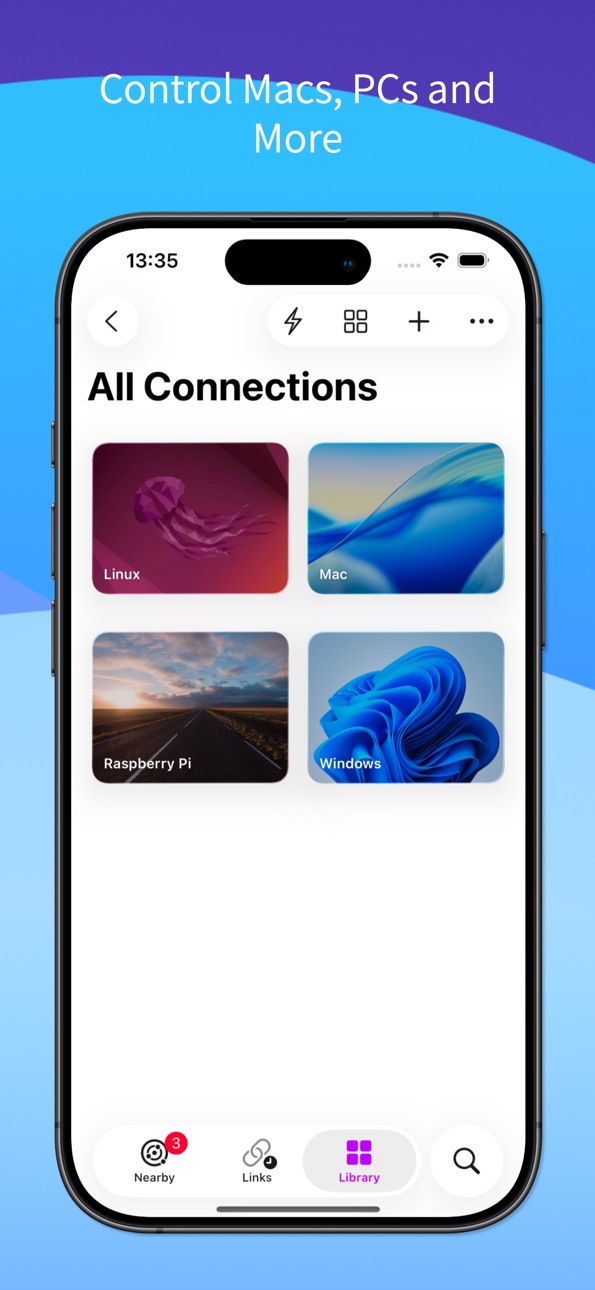
Screens lets you remotely access your Mac, Windows PC, Linux PC, or Raspberry Pi from your iPhone, iPad, Mac, or Vision Pro. Whether you’re connecting to a remote workstation, a headless Mac mini, or helping friends and family, Screens delivers fast, secure, and reliable remote desktop access wherever you are.
REMOTE ACCESS FROM ANYWHERE
Install Screens Connect on your Mac or Windows PC for easy remote access over the internet. Need to connect to Linux or Raspberry Pi? Screens also integrates with Tailscale for secure, hassle-free connections.
FAST, SECURE REMOTE DESKTOP ACCESS
Screens is optimized for responsive remote control with support for:
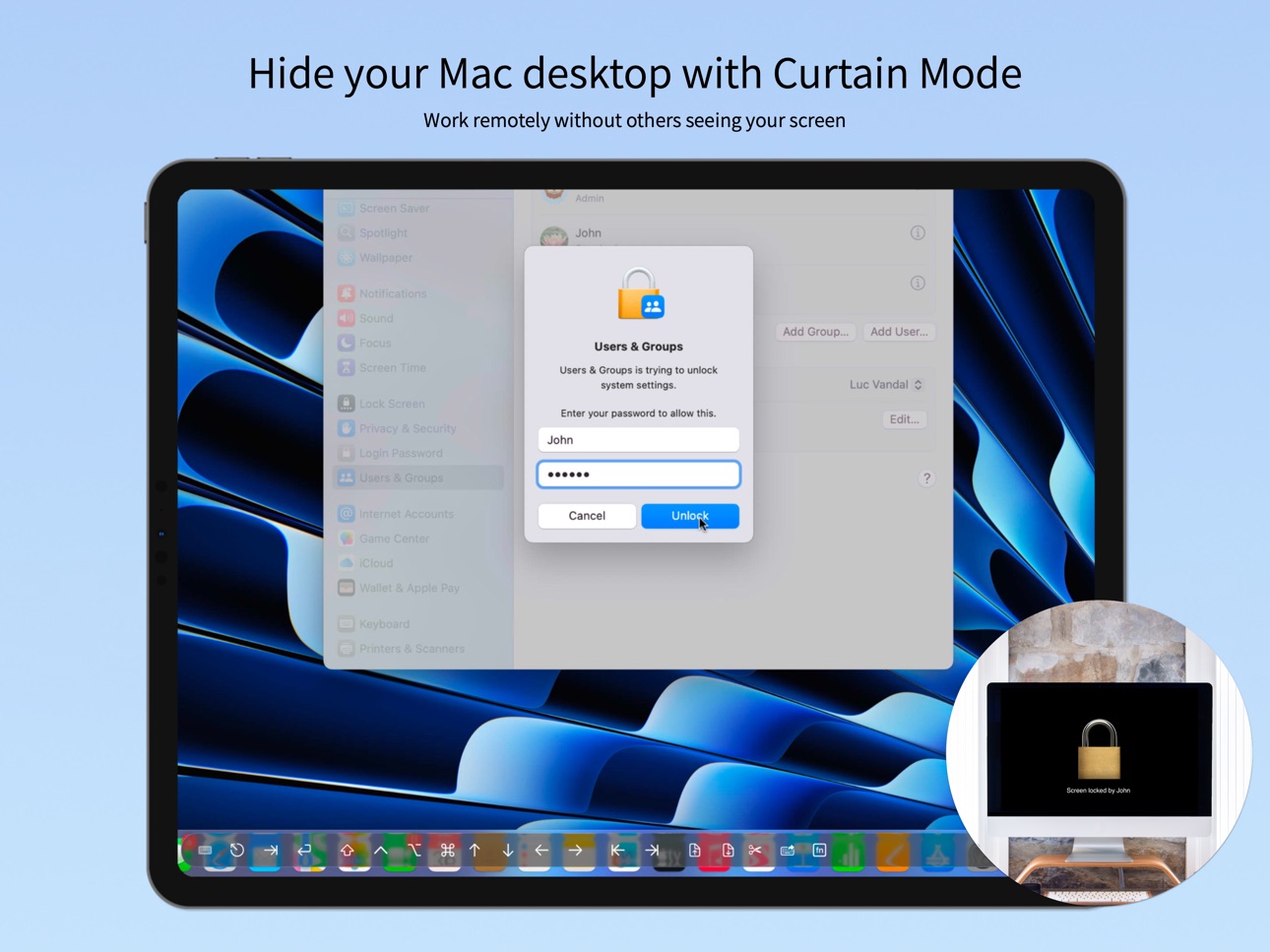
• Curtain Mode for private remote sessions on Mac
• SSH connections and SSH keys
• Secure password storage and quick logins
• Observe or control remote computers
• Adaptive and Full display quality
BUILT FOR MODERN REMOTE WORKFLOWS
Use Screens to:
• Access remote Macs, PCs, Linux systems, and Raspberry Pi devices
• Connect to headless Mac mini setups and remote workstations
• Monitor long-running tasks from anywhere
• Help friends, family, or coworkers remotely
• Access your computers while traveling or away from home
POWERFUL FEATURES
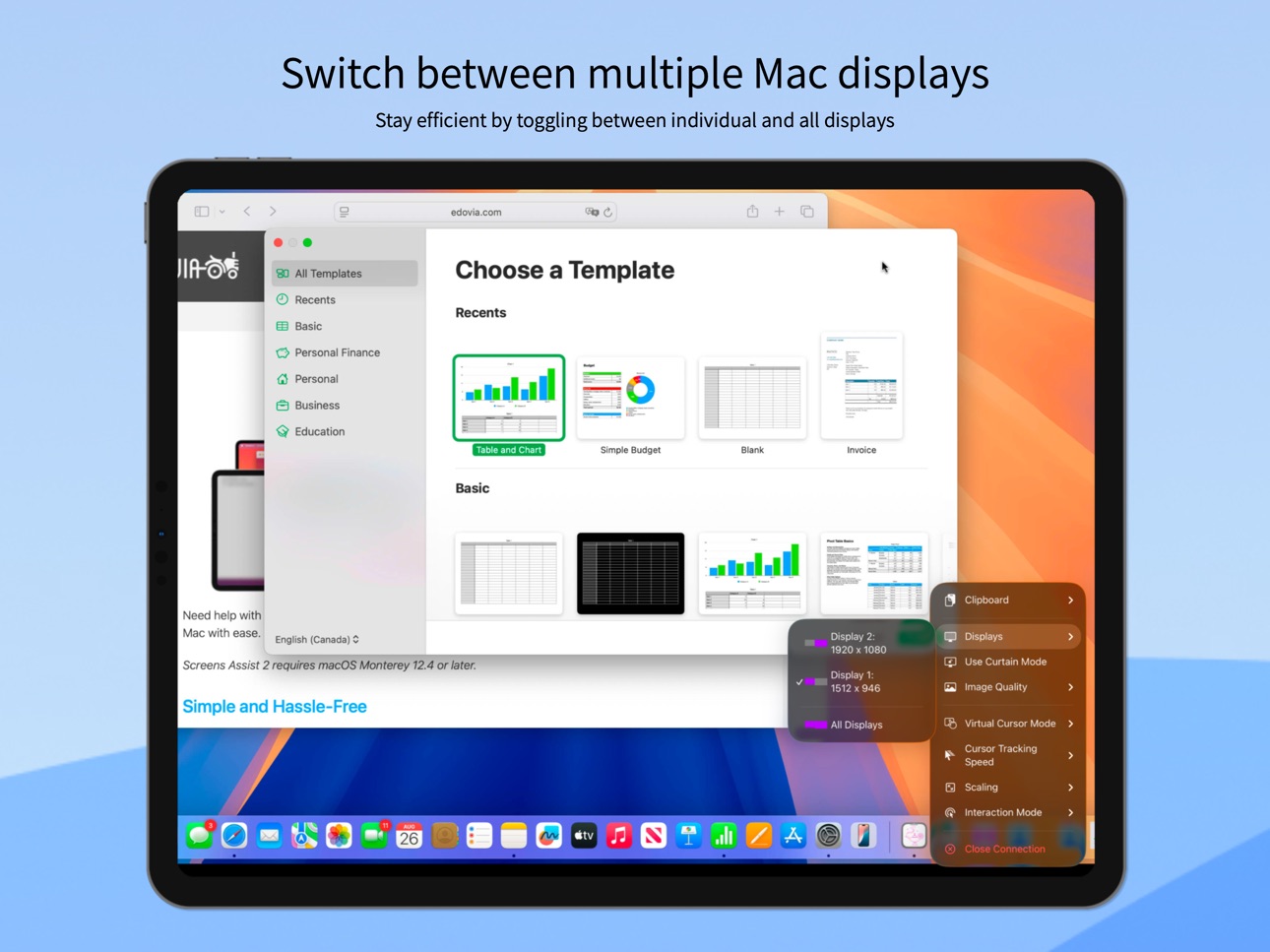
• Multi-display support
• Clipboard sharing
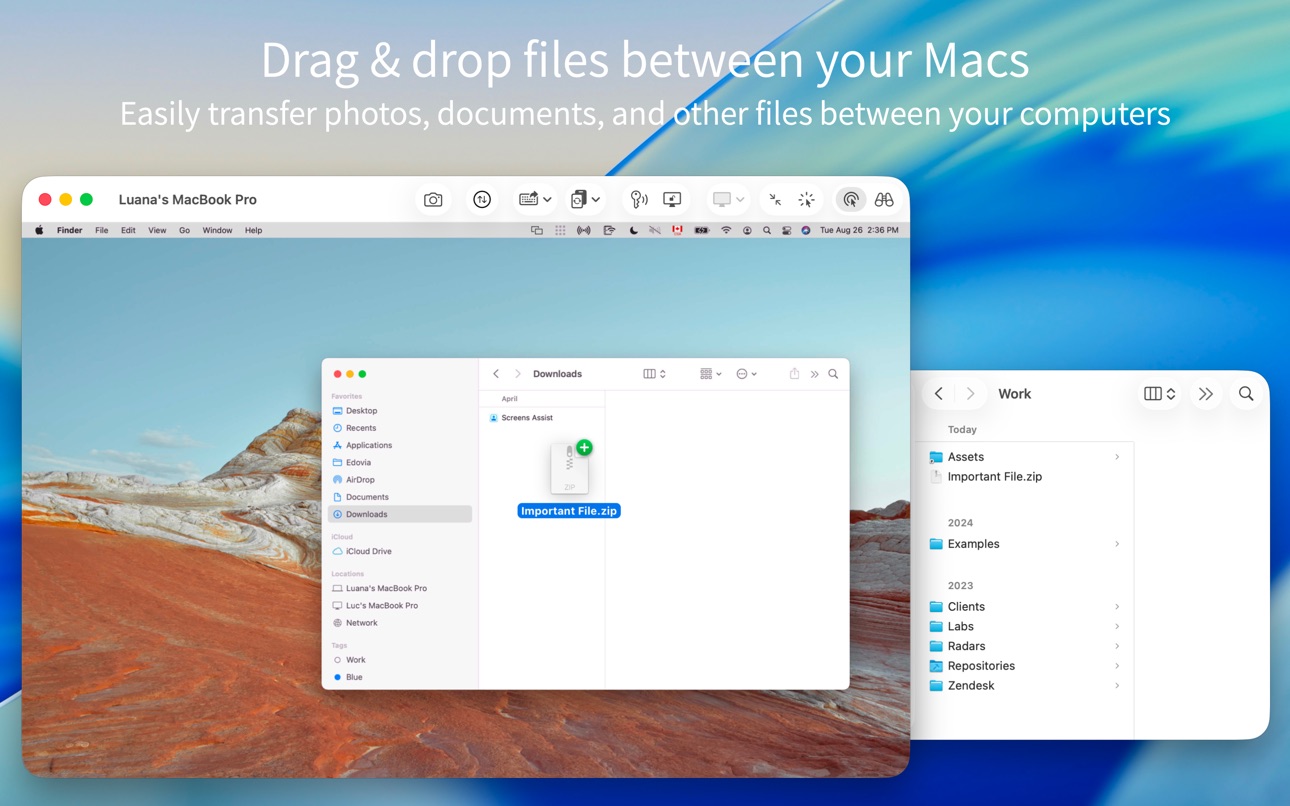
• File transfer between iPhone, iPad, or Vision Pro and Mac
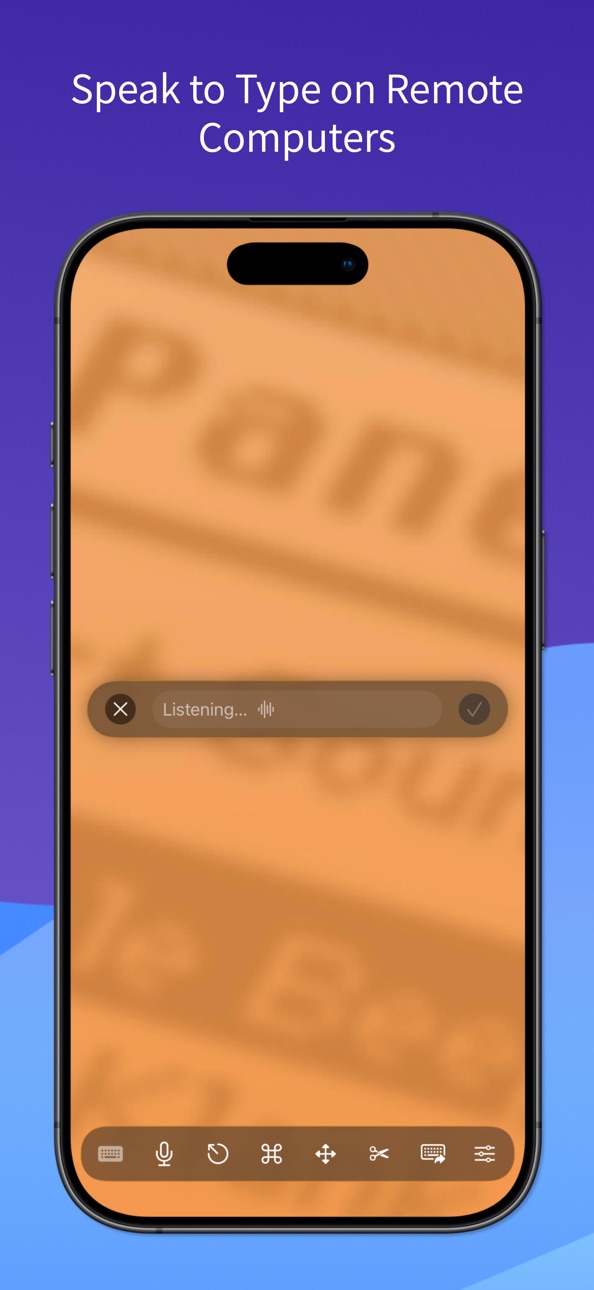
• Dictation support for remote text input
• Session selection on Mac
• iCloud synchronization
• Full URL Schemes support
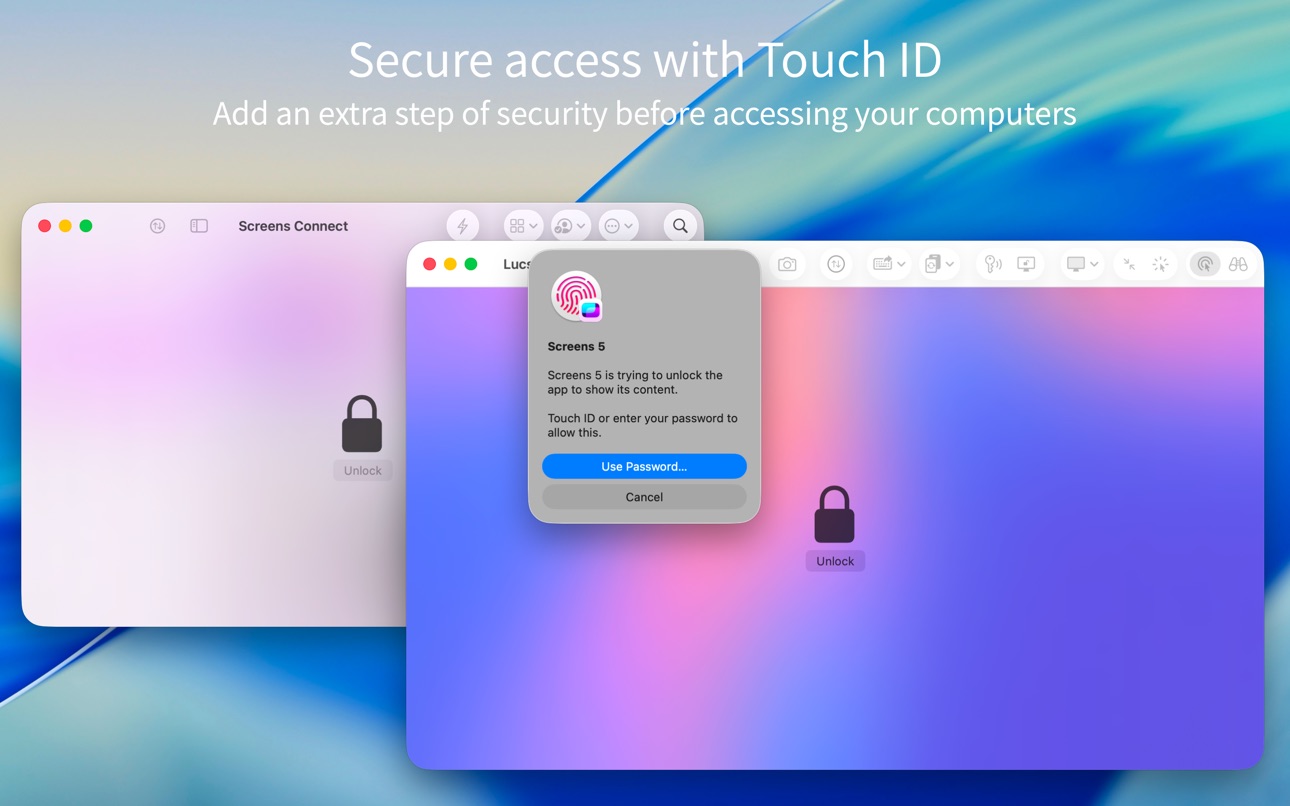
• Touch ID, Face ID, Apple Watch, and password protection
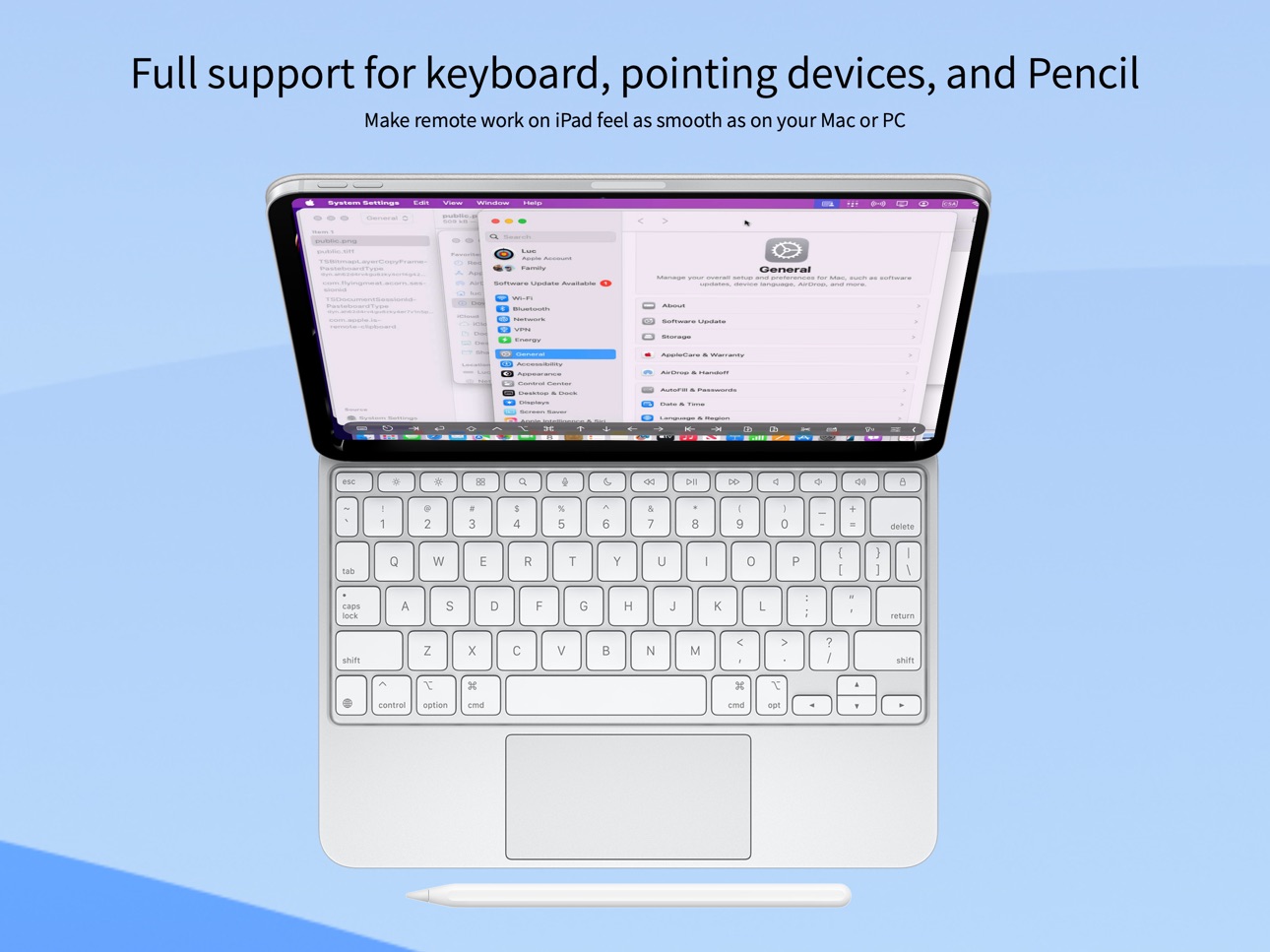
• External keyboard and pointing device support across iPhone, iPad, Mac, and Vision Pro
• Apple Pencil support on iPad
COMPATIBILITY
• Connect from iPhone, iPad, Mac, and Vision Pro
• Connect to Mac, Windows PC, Linux PC, and Raspberry Pi
• Windows PC connections require a VNC server such as UltraVNC or TightVNC
• Clipboard sharing on Windows and Linux supports text only
• Sound transmission is not supported due to VNC protocol limitations
• Screens Connect requires macOS 10.13 High Sierra or later, or Windows 10 or later
• Screens does not support connections to iPhone, iPad or Vision Pro devices
Screens gives you secure, reliable access to your computers anytime, anywhere.
Privacy Policy: https://screens.app/privacy
Terms of Use: https://screens.app/terms
In-App Purchases US pricing
Lifetime Subscription
Subscription$179.99
Screens Subscription Subscription
Yearly Subscription · Yearly 7-day free trial$29.99
Monthly Subscription · Monthly$3.99
Yearly Subscription · Yearly 7-day free trial$29.49
One-Time Purchases
Lifetime Family Upgrade$0.00
Lifetime$179.99
Capabilities
In-App Purchases
Accessibility
ipadiphonemacrealityDevicetvoswatch
Version history 25 versions
Build 887704994v5.8.102026-07-03 17:53:15
- Improved hardware keyboard detection and management
- Improved detection of interrupted connections for faster, more reliable reconnections
- The interactive toolbar now remains at the bottom of the screen when using the floating keyboard on iPad
- Fixed an issue where the selected folder in the Tailscale and Screens Connect sections wasn’t remembered
- Fixed an issue that could break symbolic links when uploading files
- Stability and performance improvements
Build 886921909v5.8.82026-06-16 12:32:14
- Improved connectivity indicators with faster and more accurate connection testing for Screens Connect and Tailscale
- Improved memory management
- Fixed an issue where toolbar modifier keys didn’t work properly with VoiceOver
- Fixed an issue that could prevent the app menu from opening on iPad when the device language is set to Italian
- Stability and performance improvements
Build 887039679v5.8.92026-06-16 21:37:19
- Improved connectivity indicators with faster and more accurate connection testing for Screens Connect and Tailscale
- Improved memory management
- Fixed an issue where toolbar modifier keys didn’t work properly with VoiceOver
- Fixed an issue that could prevent the app menu from opening on iPad when the device language is set to Italian
- Fixed an issue where the authentication prompt could crash on unreleased iOS and iPadOS versions
- Stability and performance improvements
Build 885248792v5.8.72026-06-02 14:51:57
- Sign in to your Screens Connect account using Apple or Google for faster setup and easier remote access *
- Stability and performance improvements
* Requires Screens Connect 5.3 or later on your Mac or Windows PC
Build 884514935v5.8.62026-05-04 15:27:59
[New]
Dictation
Use your voice to enter text on your remote computer. Dictate commands, prompts, or any text, and Screens types it for you.
You can show or hide Dictation in Settings > Controls > Toolbars.
Please note that Dictation requires iOS 26 and iPadOS 26.
[Other Improvements]
* Arrow keys, Page Up, Page Down, Tab, and Return on the toolbar now support Key Repeat when enabled in the app settings
* Cursor speed can now be increased up to 2×
* Fixed an issue where the Delete key would not repeat when using the software keyboard
* Improved Unicode handling for languages such as Korean, Japanese, Chinese and Polish
* Stability and performance improvements
Build 884252783v5.8.52026-04-13 15:10:16
- Clipboard sharing is now enabled by default
- Key repeat is back, with customizable delay and interval (see Settings > Controls > Hardware Keyboard)
- Hardware keyboard settings are now available on iPhone
- Added individual F-keys to the custom toolbar (see Settings > Controls > Toolbars)
- Added option to enable or disable momentum scrolling when connecting to a Mac (see connection settings > Advanced)
- Improved error handling for authentication issues
- Fixed SSH usernames being rejected incorrectly
- Fixed credentials being cleared when connecting from a URL
- Fixed hardware keyboard modifier keys sometimes being reset unexpectedly
- Stability and performance improvements
Build 883354563v5.8.42026-03-30 11:50:20
- Improved URL handling
- Added support for the screens-ssh:// URL scheme (equivalent to ssh://)
- Added Fn modifier key to the toolbar*
- Modifier keys (hardware keyboard and toolbar) are now synchronized and can be used simultaneously
- Screens can now display a default arrow cursor when the remote cursor is hidden (e.g. kiosk setups). See connection settings > Controls > Use Fallback Cursor
- Fixed an issue where Tailscale hidden devices would not disappear under certain situations
- Fixed an issue where Ctrl+Shift+Key shortcuts were not interpreted correctly when connecting to a PC using Unicode keyboard input mode
-Various bug fixes
* The Fn key is not available on hardware keyboards, as it is reserved by iOS. For current users, the Fn key is not added by default to the toolbar. You can add it from the app settings under Controls > Toolbars
Build 883136376v5.8.32026-03-11 00:05:44
- Improved momentum scrolling when connected to a Mac
- Fixed an issue that could cause disconnections when sending clipboard content to a Mac in certain situations
- URLs now support guest and observe parameters (true or 1)
- Improved authentication handling and reliability
- Swipe-to-type is now supported on iPhone
- Fixed an issue where the pinch-to-zoom gesture could behave unexpectedly when using the Carousel toolbar
- Fixed an issue where the iPhone toolbar displayed two Up arrows instead of a Down arrow
- Performance and stability improvements
Build 882992109v5.8.22026-03-05 14:53:52
- Improved momentum scrolling when connected to a Mac
- Fixed an issue that could cause disconnections when sending clipboard content to a Mac in certain situations
- URLs now support guest and observe parameters (true or 1)
- Improved authentication handling and reliability
- Swipe-to-type is now supported on iPhone
- Fixed an issue where the pinch-to-zoom gesture could behave unexpectedly when using the Carousel toolbar
- Performance and stability improvements
Build 882833607v5.8.12026-03-03 14:49:12
- Improved momentum scrolling when connected to a Mac
- Fixed an issue that could cause disconnections when sending clipboard content to a Mac in certain situations
- URLs now support guest and observe parameters (true or 1)
- Improved authentication handling and reliability
- Swipe-to-type is now supported on iPhone
- Performance and stability improvements
Build 881198764v5.82026-01-12 15:05:36
** Toolbar Customization
You can now tailor the interactive toolbar to your workflow by adding or removing buttons. You’ll find this option in Settings > Controls > Toolbars.
** Auto Backups
Screens now automatically creates backups for your data when needed. You can restore them at any time from App Settings > General > Backups.
** Other Improvements
- Option to hide the Nearby badge on iPhone
- Support for the ssh-key parameter to specify a particular key when using connection URLs
- Option to disable File Transfers when connecting to a Mac (App Settings > Connection)
- Fixed an issue where the two-factor authentication code input could disappear
- Cursor mode now defaults to the mode set in the app’s settings when starting a new connection
- General performance and stability improvements
Questions, comments, or feedback? Feel free to reach out at screens@edovia.com — and thank you for your continued support!
Build 880383650v5.7.102025-12-12 19:10:37
Stability and performance improvements.
Build 880003812v5.7.92025-11-24 13:05:54
Stability and performance improvements.
Build 879956311v5.7.82025-11-21 04:28:31
Stability and performance improvements.
Build 879736442v5.7.72025-11-16 14:02:36
Stability and performance improvements.
Build 879491181v5.7.62025-11-04 15:40:14
- Fixed an issue that could cause display rendering to appear blurry in certain situations
- Renamed “Organization” to “Tailnet ID” in the Tailscale link sheet to align with recent Tailscale updates
- Improved overall stability and performance
Build 879340364v5.7.52025-11-03 16:09:08
Stability and performance improvements.
Build 879026524v5.7.42025-10-19 14:19:52
- Fixed an issue that prevented tab view appearance updates on iPhone
- Fixed an issue affecting Apple Pencil when dragging elements
- Fixed issue where shortcut for “Type User Password” may not show confirmation under certain circumstances
- Improved overall stability and performance
Build 878807400v5.7.32025-10-10 12:24:45
- Improved performance and reliability of file transfers
- Added support for importing .screen files from Screens 4
- General performance and stability enhancements
Build 878625711v5.7.22025-10-07 17:33:38
- New Customizable Modifiers button on the iPhone toolbar. Tap to open the section or long-press to set your default modifier.
- Scrolling on PCs is now smoother, with adjustable speed available in Controls under connection settings.
- Fixed an issue that prevented the top menu from appearing on iPad when using Touch Mode.
- Improved detection of closed connections when the app runs in the background or the device stays in standby for a long time.
- Various bug fixes and performance improvements.
Build 878109859v5.7.12025-09-15 15:57:13
1. Ready for the Future:
Full support for iOS 26, iPadOS 26 and Liquid Glass.
2. A Fresh Look on iPhone:
Brand-new Library redesign with a unified search to find your computers faster.
3. Streamlined Controls:
A sleek new compact toolbar on iPhone, plus an option to auto-hide the toolbar on iPad when using a hardware keyboard or pointing device.
4. Improved File Transfers:
Transfers now keep going in the background, even if you switch apps.
Added a short delay to the drop target to prevent accidental downloads.
5. iPad Power Features:
Added full support for app menus, making multitasking smoother than ever.
6. Quick Connect Made Easier:
No need to type vnc:// anymore.
Fixed issues with IPv6 addresses and saving credentials.
7. Keyboard Upgrades:
You can now choose input modes for both hardware and software keyboards.
Fixed Hyper key issues so your shortcuts work as expected.
8. And More:
Fixed an issue with cursor control when connecting to Macs running OS X 10.5.8 or earlier.
Better handling of unsupported authentication types, with clearer instructions.
Enhanced stability and performance across the board.
Build 877947468v5.72025-09-12 15:23:41
1. Ready for the Future:
Full support for the upcoming iOS and iPadOS releases.
2. A Fresh Look on iPhone:
Brand-new Library redesign with a unified search to find your computers faster.
3. Streamlined Controls:
A sleek new compact toolbar on iPhone, plus an option to auto-hide the toolbar on iPad when using a hardware keyboard or pointing device.
4. Improved File Transfers:
Transfers now keep going in the background, even if you switch apps.
Added a short delay to the drop target to prevent accidental downloads.
5. iPad Power Features:
Added full support for app menus, making multitasking smoother than ever.
6. Quick Connect Made Easier:
No need to type vnc:// anymore.
Fixed issues with IPv6 addresses and saving credentials.
7. Keyboard Upgrades:
You can now choose input modes for both hardware and software keyboards.
Fixed Hyper key issues so your shortcuts work as expected.
8. And More:
Better handling of unsupported authentication types, with clearer instructions.
Enhanced stability and performance across the board.
Build 876965685v5.6.122025-08-07 12:58:28
- Fixed App Switcher (Command–Return) alternate shortcut not working in Unicode and Legacy modes
- Fixed an issue where screenshots could capture outdated content
- Improved stability and performance
Build 876578803v5.6.112025-07-22 10:05:11
Resolved an issue that prevented Screens from retrieving connection data from Tailscale for certain users.
Build 876454777v5.6.102025-07-17 16:54:39
- Resolved a compatibility issue with an upcoming iPadOS version that could cause sheet buttons to disappear.
- Fixed compatibility issues affecting certain non-Latin languages when using Legacy mode.
- Changed the optional app-switching shortcut from Command-\ to Command-Return for better support across all hardware keyboard layouts.
- General performance and stability improvements.
Price history by region
Currency
Show
Columns
Search
Availability 1 of 1 storefronts
| Region | Language | Price | Ratings | Avg | Version |
|---|---|---|---|---|---|
| US | en-US | Free | 500 | 4.5 | 5.8.10 |
Change log 29 changes · US
✎
releaseNotes updated
- Improved hardware keyboard detection and management
- Improved detection of interrupted connections for faster, more reliable reconnections
- The interactive
✎
description updated
Access your computers from anywhere.
Screens lets you remotely access your Mac, Windows PC, Linux PC, or Raspberry Pi from your iPhone, iPad, Mac, or Vision Pr
✎
subtitle updated
Fast & Secure Computer Access
✎
name updated
Screens 5: VNC Remote Desktop
◆
Version 5.8.10 released
- Improved hardware keyboard detection and management
- Improved detection of interrupted connections for faster, more reliable reconnections
- The interactive toolbar now remains at the bottom of the screen when using the floating keyboard
◆
Version 5.8.9 released
- Improved connectivity indicators with faster and more accurate connection testing for Screens Connect and Tailscale
- Improved memory management
- Fixed an issue where toolbar modifier keys didn’t work properly with VoiceOver
- Fixed an i
◆
Version 5.8.8 released
- Improved connectivity indicators with faster and more accurate connection testing for Screens Connect and Tailscale
- Improved memory management
- Fixed an issue where toolbar modifier keys didn’t work properly with VoiceOver
- Fixed an i
◆
Version 5.8.7 released
- Sign in to your Screens Connect account using Apple or Google for faster setup and easier remote access *
- Stability and performance improvements
* Requires Screens Connect 5.3 or later on your Mac or Windows PC
◆
Version 5.8.6 released
[New]
Dictation
Use your voice to enter text on your remote computer. Dictate commands, prompts, or any text, and Screens types it for you.
You can show or hide Dictation in Settings > Controls > Toolbars.
Please note that Dictation req
◆
Version 5.8.5 released
- Clipboard sharing is now enabled by default
- Key repeat is back, with customizable delay and interval (see Settings > Controls > Hardware Keyboard)
- Hardware keyboard settings are now available on iPhone
- Added individual F-keys to the
◆
Version 5.8.4 released
- Improved URL handling
- Added support for the screens-ssh:// URL scheme (equivalent to ssh://)
- Added Fn modifier key to the toolbar*
- Modifier keys (hardware keyboard and toolbar) are now synchronized and can be used simultaneously
- S
◆
Version 5.8.3 released
- Improved momentum scrolling when connected to a Mac
- Fixed an issue that could cause disconnections when sending clipboard content to a Mac in certain situations
- URLs now support guest and observe parameters (true or 1)
- Improved auth
◆
Version 5.8.2 released
- Improved momentum scrolling when connected to a Mac
- Fixed an issue that could cause disconnections when sending clipboard content to a Mac in certain situations
- URLs now support guest and observe parameters (true or 1)
- Improved auth
◆
Version 5.8.1 released
- Improved momentum scrolling when connected to a Mac
- Fixed an issue that could cause disconnections when sending clipboard content to a Mac in certain situations
- URLs now support guest and observe parameters (true or 1)
- Improved auth
◆
Version 5.8 released
** Toolbar Customization
You can now tailor the interactive toolbar to your workflow by adding or removing buttons. You’ll find this option in Settings > Controls > Toolbars.
** Auto Backups
Screens now automatically creates backups for
◆
Version 5.7.10 released
Stability and performance improvements.
◆
Version 5.7.9 released
Stability and performance improvements.
◆
Version 5.7.8 released
Stability and performance improvements.
◆
Version 5.7.7 released
Stability and performance improvements.
◆
Version 5.7.6 released
- Fixed an issue that could cause display rendering to appear blurry in certain situations
- Renamed “Organization” to “Tailnet ID” in the Tailscale link sheet to align with recent Tailscale updates
- Improved overall stability and performa
◆
Version 5.7.5 released
Stability and performance improvements.
◆
Version 5.7.4 released
- Fixed an issue that prevented tab view appearance updates on iPhone
- Fixed an issue affecting Apple Pencil when dragging elements
- Fixed issue where shortcut for “Type User Password” may not show confirmation under certain circumstances
◆
Version 5.7.3 released
- Improved performance and reliability of file transfers
- Added support for importing .screen files from Screens 4
- General performance and stability enhancements
◆
Version 5.7.2 released
- New Customizable Modifiers button on the iPhone toolbar. Tap to open the section or long-press to set your default modifier.
- Scrolling on PCs is now smoother, with adjustable speed available in Controls under connection settings.
- Fixe
◆
Version 5.7.1 released
1. Ready for the Future:
Full support for iOS 26, iPadOS 26 and Liquid Glass.
2. A Fresh Look on iPhone:
Brand-new Library redesign with a unified search to find your computers faster.
3. Streamlined Controls:
A sleek new compact toolb
◆
Version 5.7 released
1. Ready for the Future:
Full support for the upcoming iOS and iPadOS releases.
2. A Fresh Look on iPhone:
Brand-new Library redesign with a unified search to find your computers faster.
3. Streamlined Controls:
A sleek new compact too
◆
Version 5.6.12 released
- Fixed App Switcher (Command–Return) alternate shortcut not working in Unicode and Legacy modes
- Fixed an issue where screenshots could capture outdated content
- Improved stability and performance
◆
Version 5.6.11 released
Resolved an issue that prevented Screens from retrieving connection data from Tailscale for certain users.
◆
Version 5.6.10 released
- Resolved a compatibility issue with an upcoming iPadOS version that could cause sheet buttons to disappear.
- Fixed compatibility issues affecting certain non-Latin languages when using Legacy mode.
- Changed the optional app-switching sh