Home › Lifestyle

 US
US
1 of 1 storefronts
Content in en-US
Content in en-US
Information
Preview 2 platforms
iPhone 9 images

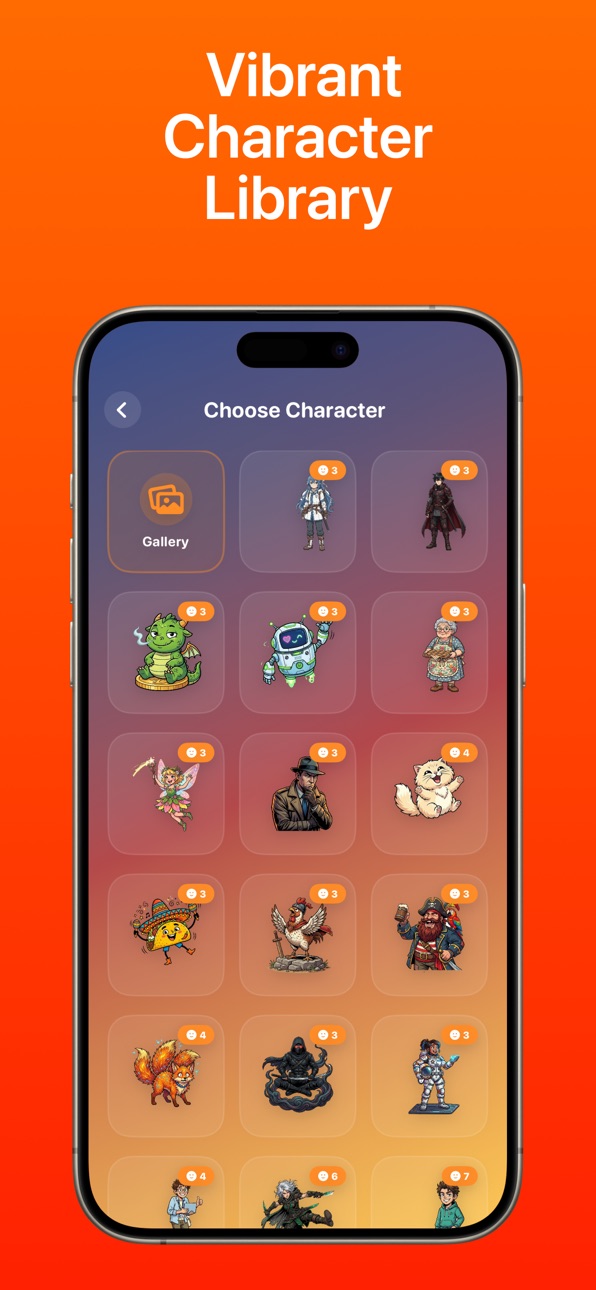

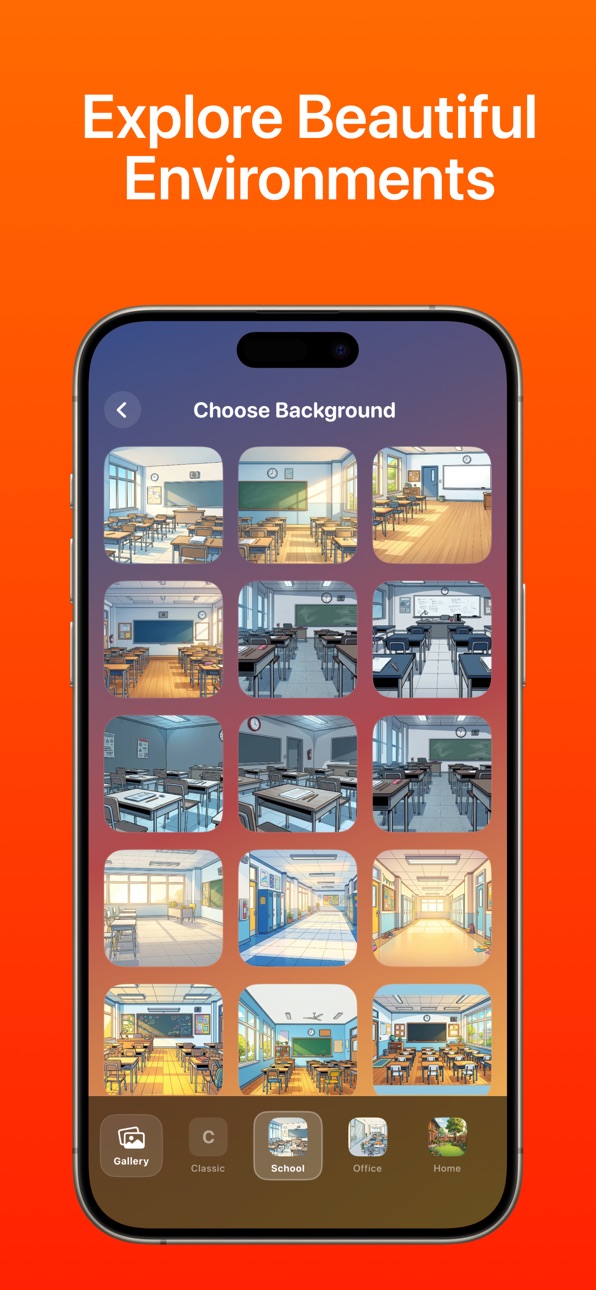
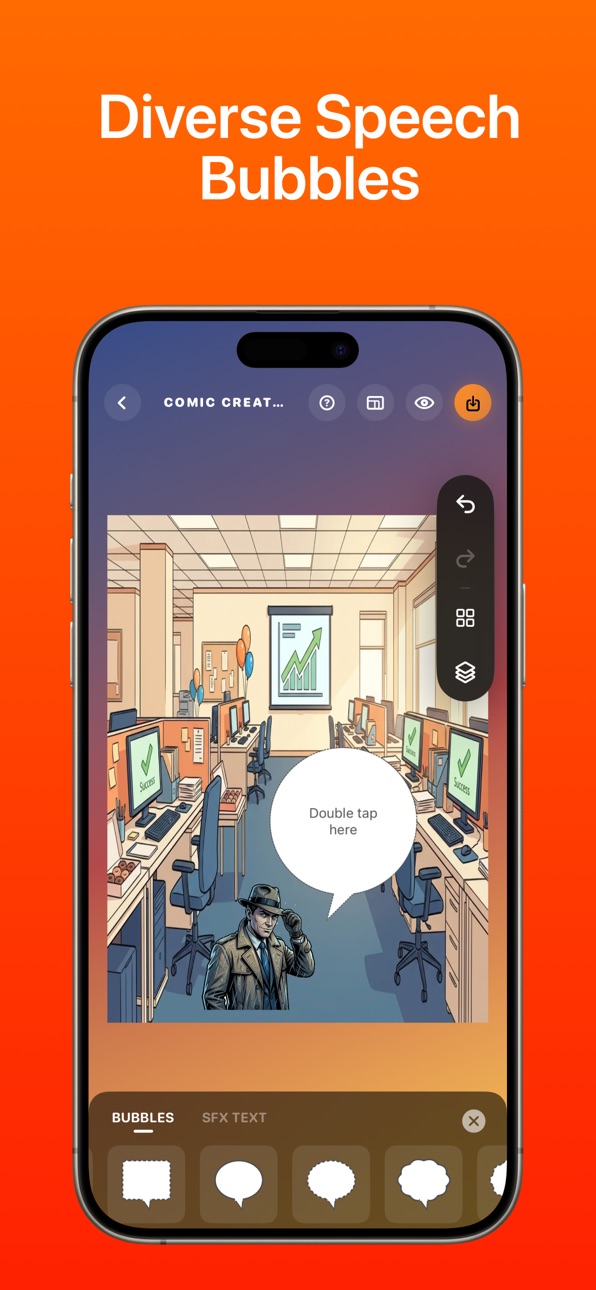


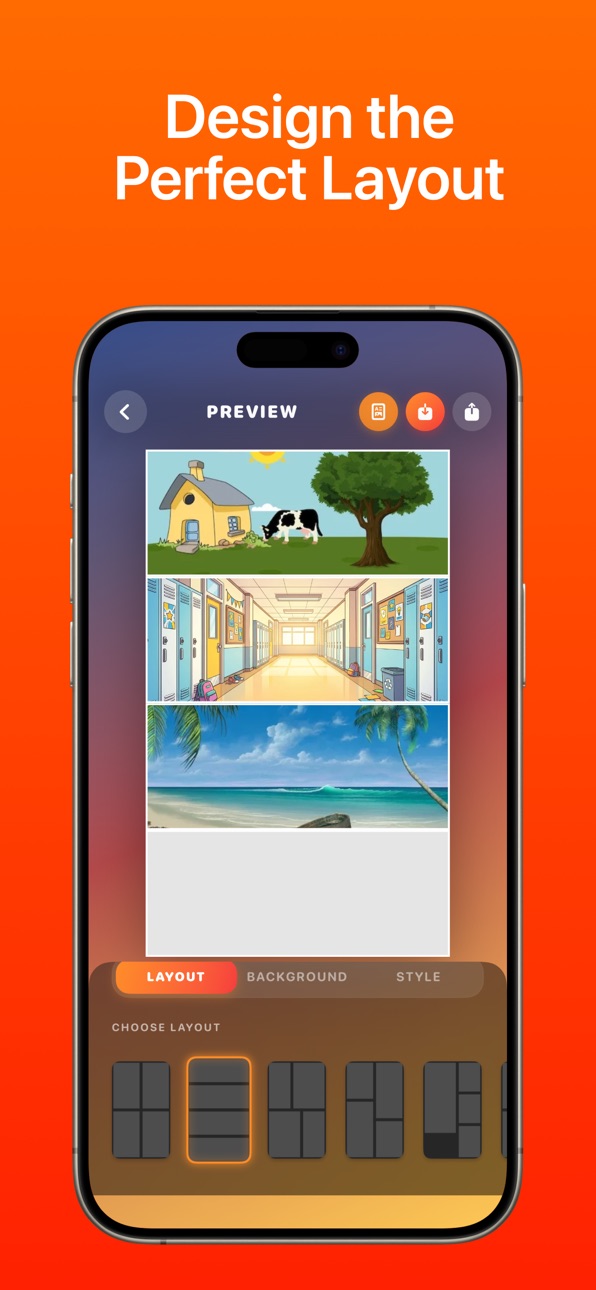
iPad 7 images

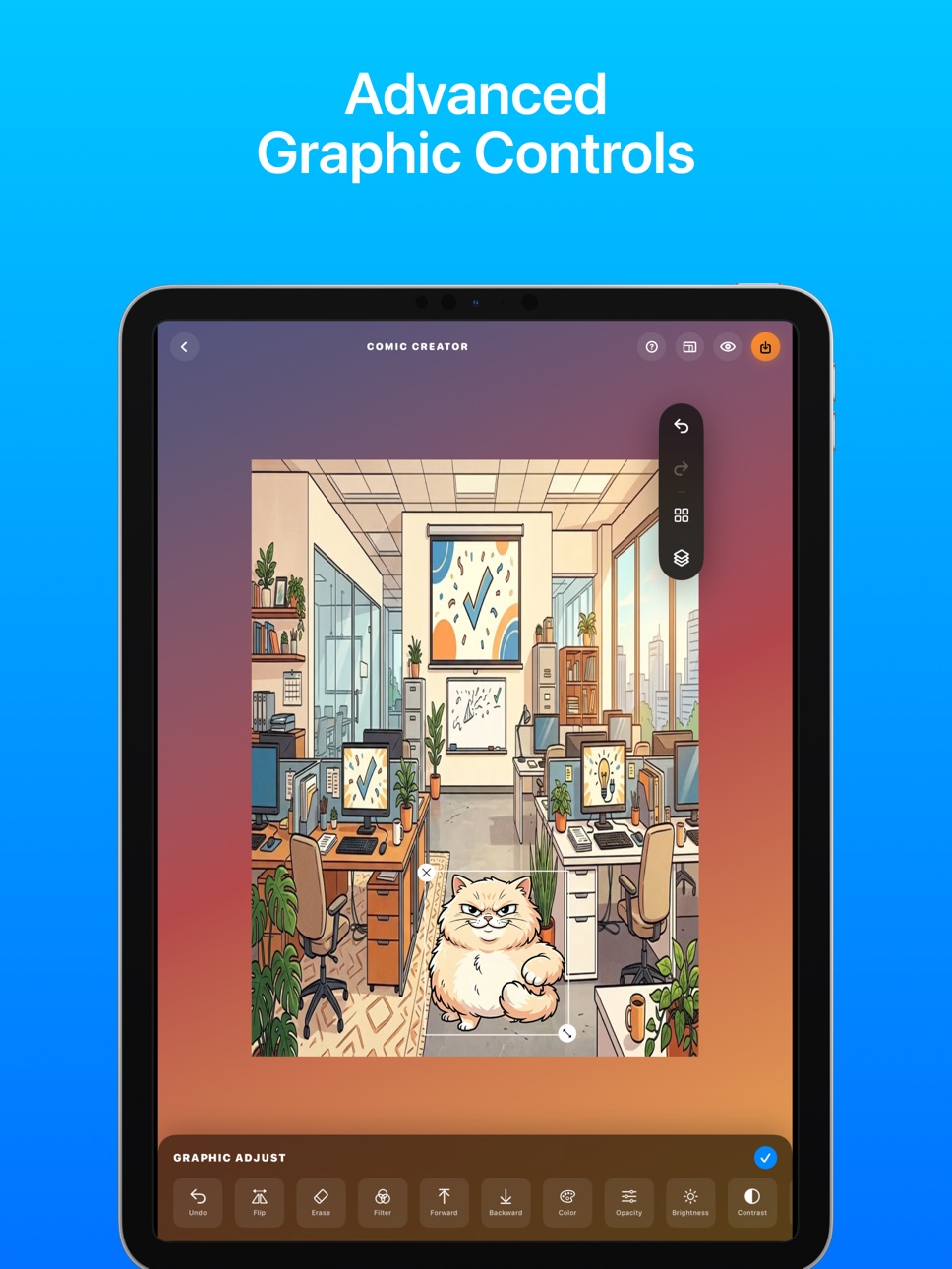


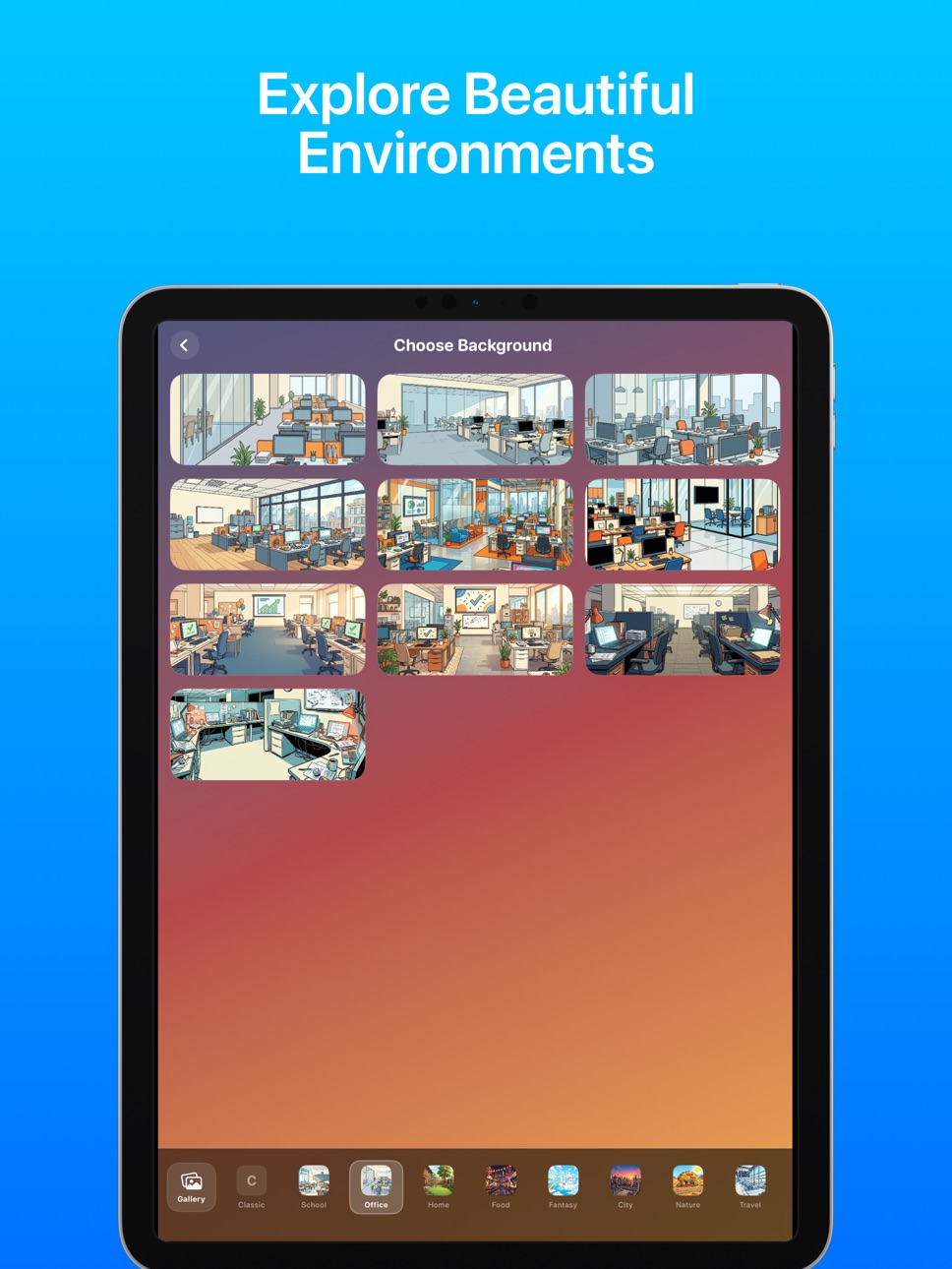

What’s New Version 1.3
- Fix bug
Description
Comic maker studio is the easiest app to design, maker and turn your moments into amazing authentic comic panels in seconds.
With Comic maker studio app, you can select any picture from your gallery, or take a new one through the app. After you choose your filter, you can add speech balloons to achieve an even more convincing “comic effect”. This is the easiest way to “cartoon yourself” you can find online.
Comic maker studio app is also the perfect meme creator. Adding speech balloons in pictures and is now possible with a few swipes and a little bit of creativity.
Here's what to expect
Text bubbles and Balloons
Transform your pictures into authentic looking comics by adding word balloons, stickers and filters to create the most hilarious meme on the internet. Get the best meme maker tools here in this app!
Comic Strip Creator
Easily create comic strip with many collages
Comic Book Maker
Take advantage of an intuitive, step wise user interface to make a professional comic book! Add wacky stickers, comic fonts ,comic filter, text bubbles and many more. you have the best comic book maker app here
Caption Maker
add photo captions easily with the text tool. over 30+ different fonts to choose from. never run out of fonts
Whether you want to have fun with your friends or you are just a comics lover looking for "comic maker" ,"comic creator” free apps, Comic maker studio is definitely worth downloading. Get it, try it, and enjoy yourself.
Comic maker studio offers the following subscriptions options:
* 1 week: $1.99 (USD)
* 1 month: $5.99 (USD)
* 1 year: $25.99 (USD)
These prices apply to United States residents. Prices may vary in other countries respecting your local currency exchange rate. Your subscription will be charged to your iTunes account. At the end of the term, unless auto-renewables subscriptions are disabled, your subscription will automatically renew in your iTunes account. You will be charged for the regular price of your subscription within 24 hours prior to the end of the current term. You can turn off automatic renewal in your iTunes account settings at any time, but you must do so at least 24 hours before the end of the current term. Refunds will not be provided for the unused portion of any term.
Privacy policy:
https://sites.google.com/view/comic-privacy-policy
Terms, and conditions:
https://sites.google.com/view/pvs-termofuse
In-App Purchases US pricing
COMIC MAKER PREMIUM Subscription
7 days$1.99
Monthly$5.99
Yearly$25.99
Capabilities
In-App Purchases
Accessibility
ipadiphonemacrealityDevicetvoswatch
Version history 4 versions
Build 886070448v1.32026-05-30 08:48:32
- Fix bug
Build 851263665v1.22026-04-29 14:38:29
- Update UI
Build 846041369v1.12021-12-23 14:24:17
- Fix issue
Build 845260936v1.02021-12-08 18:08:44
Price history by region
Currency
Show
Columns
Search
Availability 1 of 1 storefronts
| Region | Language | Price | Ratings | Avg | Version |
|---|---|---|---|---|---|
| US | en-US | Free | 37 | 4.4 | 1.3 |
Change log 8 changes · US
✎
releaseNotes updated
- Fix bug
✎
description updated
Comic maker studio is the easiest app to design, maker and turn your moments into amazing authentic comic panels in seconds.
With Comic maker studio app, you ca
✎
subtitle updated
COMIC MEMES CREATOR
✎
name updated
COMIC MAKER STUDIO
◆
Version 1.3 released
- Fix bug
◆
Version 1.2 released
- Update UI
◆
Version 1.1 released
- Fix issue
◆
Version 1.0 released