Home › Utilities

 US
US
1 of 1 storefronts
Content in en-US
Content in en-US
Information
Preview 2 platforms
iPhone 6 images


iPad 6 images



What’s New Version 4.0
Bug Fixes
Description
Scan your Documents, Read PDFs with ease!! Edit the scanned Docs & PDFs!!
Camera Scanner lets you scan and create PDF files on your iPhone. Scan a document with your device camera or scan one from your gallery. This app works offline and requires no internet connection. It saves your PDF file history and the list of recently scanned documents. Along with scanning, features like cropping and filters improve the visibility of your documents.
Camera Scanner helps you securely scan and digitize your documents, receipts, notes, photos, discussions, and cards.
How to Use Camera Scanner?
- Simply install the Camera Scanner app and tap on the + icon at the bottom of the screen to start scanning.
- Select whether to scan a document with your camera or select one from your device gallery.
- Crop, adjust or add filters & effects to your scanned documents.
- You can save the scanned image to your gallery or convert it to a PDF.
Features of Camera Scanner & PDF Reader:
- Unlimited scans, shares, and document creation.
- Works entirely offline, No Internet required.
- Choose any document from your gallery or scan/click photos with your camera.
- Maintains file history.
- Let's save to a gallery or share as PDF, JPG, or ZIP.
- View any PDF with the PDF viewer feature.
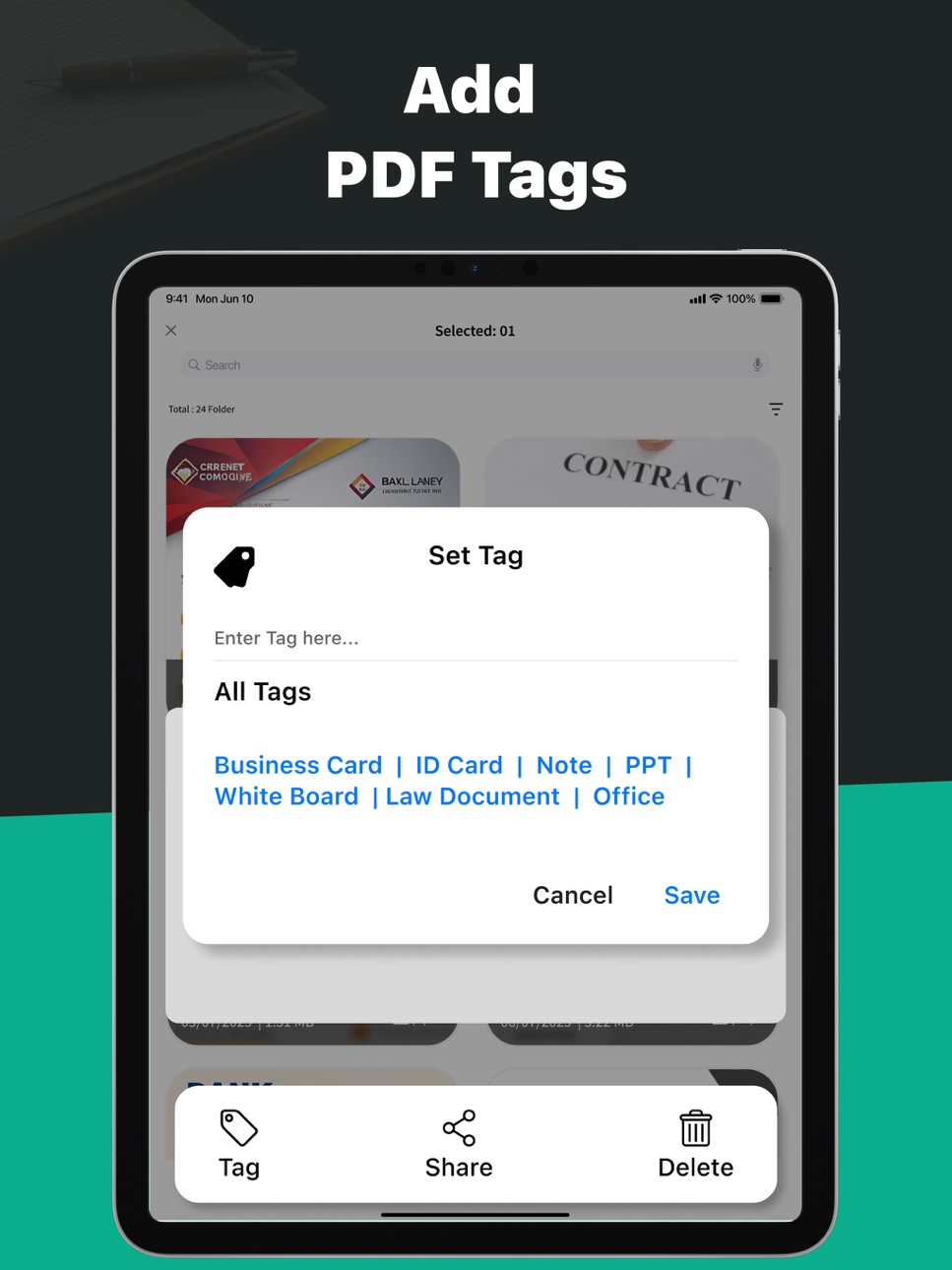
- Help you organize your documents by adding tags. You can also create your tags.
- Convert multiple images into a single PDF.
- One-touch backup to Google Drive or iCloud.
Some of the data we collect
- Device-specific information such as device model, OS version being used. This provides knowledge of how our application is being used so we can improve the user experience and the app itself.
- We collect anonymized data such as statistics, analytics, insights about your activity in order to provide you a reliable and high-quality experience.
- Payment data & an optional Email (if using paid Services).
-----------
Premium plans
Length & Price
Monthly - $6.99
Yearly- $24.99
Subscription Info
- The user can cancel their subscription at any time by going into iTunes and App Store Apple ID Settings.
- All prices include applicable local sales taxes.
- Payment will be charged to your iTunes Account after confirmation of purchase.
- Subscription automatically renews at least 24-hours before the end of the current period.
- The user's account will be charged for renewal within 24-hours before the end of the current period.
------------
Privacy Policy & Terms of Use
Privacy Policy: https://m24apps.com/web/camscanner/privacy-policy
Terms & Services: https://m24apps.com/web/camscanner/tandc
EULA: https://m24apps.com/web/camscanner/eula
In-App Purchases US pricing
Monthly Subscription
Monthly$4.99
M24_CamScanner Subscription
Quaterly · 3 months$2.99
Yearly · Yearly 3-day free trial$19.99
Capabilities
In-App Purchases
Accessibility
ipadiphonemacrealityDevicetvoswatch
Version history 4 versions
Build 876375859v4.02025-07-15 21:21:14
Bug Fixes
Build 871465371v3.02025-01-15 11:33:03
Fixed bugs and improved performance for a smoother experience. Now, scan your documents quickly and effortlessly using your camera!
Build 854237782v2.02023-01-05 19:26:42
Bug Fixes & App Improvement.
Build 843913721v1.02021-09-21 02:36:11
Price history by region
Currency
Show
Columns
Search
Availability 1 of 1 storefronts
| Region | Language | Price | Ratings | Avg | Version |
|---|---|---|---|---|---|
| US | en-US | Free | 12 | 4.1 | 4.0 |
Change log 8 changes · US
✎
releaseNotes updated
Bug Fixes
✎
description updated
Scan your Documents, Read PDFs with ease!! Edit the scanned Docs & PDFs!!
Camera Scanner lets you scan and create PDF files on your iPhone. Scan a document wi
✎
subtitle updated
Scan Official Docs,PDF scanner
✎
name updated
Camera Scanner: PDF, Docs Scan
◆
Version 4.0 released
Bug Fixes
◆
Version 3.0 released
Fixed bugs and improved performance for a smoother experience. Now, scan your documents quickly and effortlessly using your camera!
◆
Version 2.0 released
Bug Fixes & App Improvement.
◆
Version 1.0 released