Home › Books

 US
US
1 of 1 storefronts
Content in en-US
Content in en-US
Information
Apple ID1489172068
Bundle IDcom.reader.books
SellerSeller
Min iOS9.0
Min macOS11.0
Device familiesiphone, ipad, ipod
Released2019-12-23
Copyright© MobiPups
Privacy policyLink ↗
Preview 2 platforms
iPhone 8 images




iPad 8 images




What’s New Version 2.23.3
Fixed a bug with adding PDF files. Improved app performance.
Description
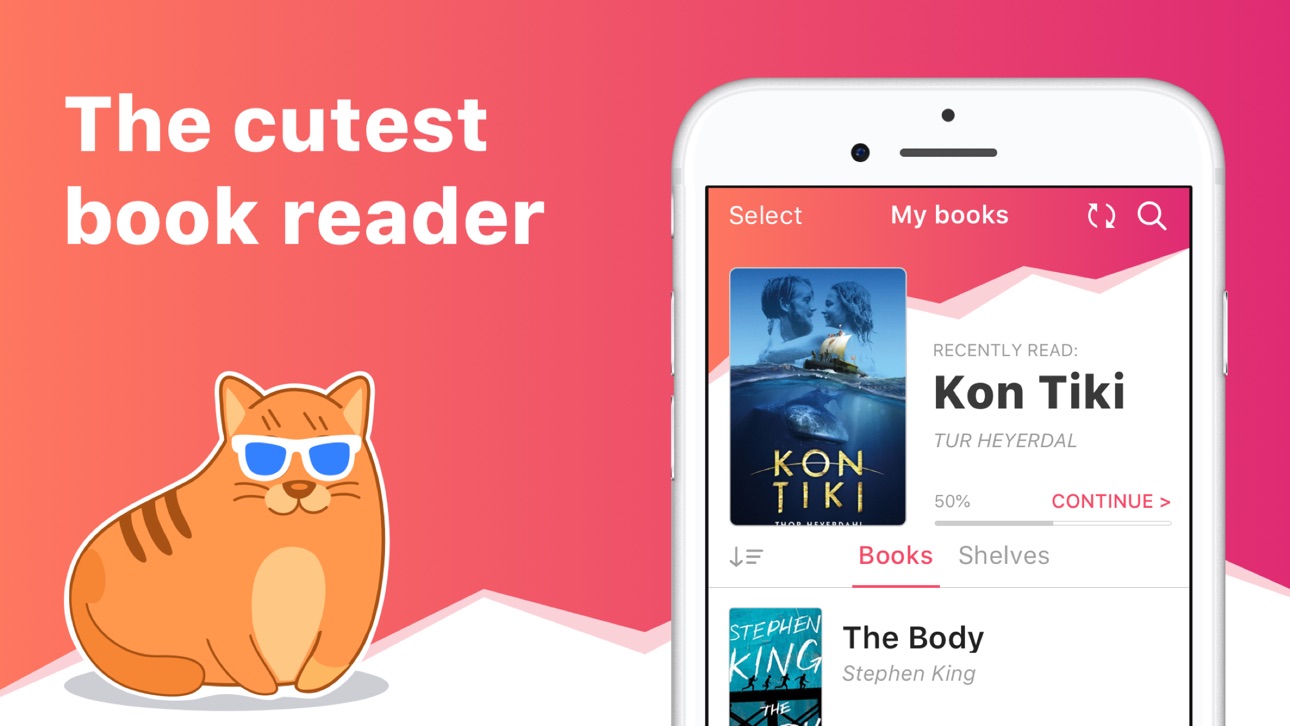
eBoox – the most pleasant book reader ever! *
*according to my mom :)
• Cute, simple and useful UI,
• Effective reading tools: bookmarks, 3-colors highlights, interactive links and notes,
• Dark mode and offline reading,
• Customized settings - Fonts, Fields, Text size, screen Brightness, Page scrolling, ets.
• Suppots all your e-books, even in ZIP: EPUB, MOBI, DOC, DOCX, TXT, FB2, PRC, RTF, ODT, HTML, AZW, AZW3 and others text documents,
• PDF supported (beta),
• !Completely AD-FREE,
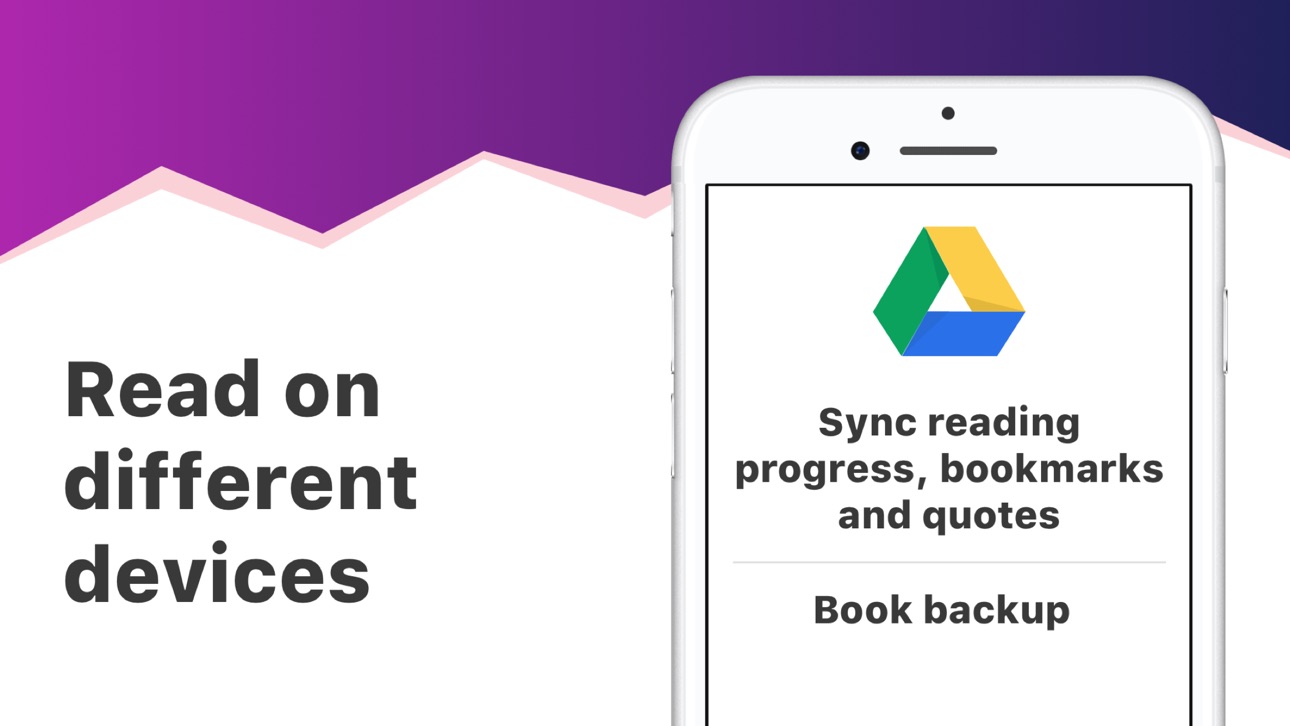
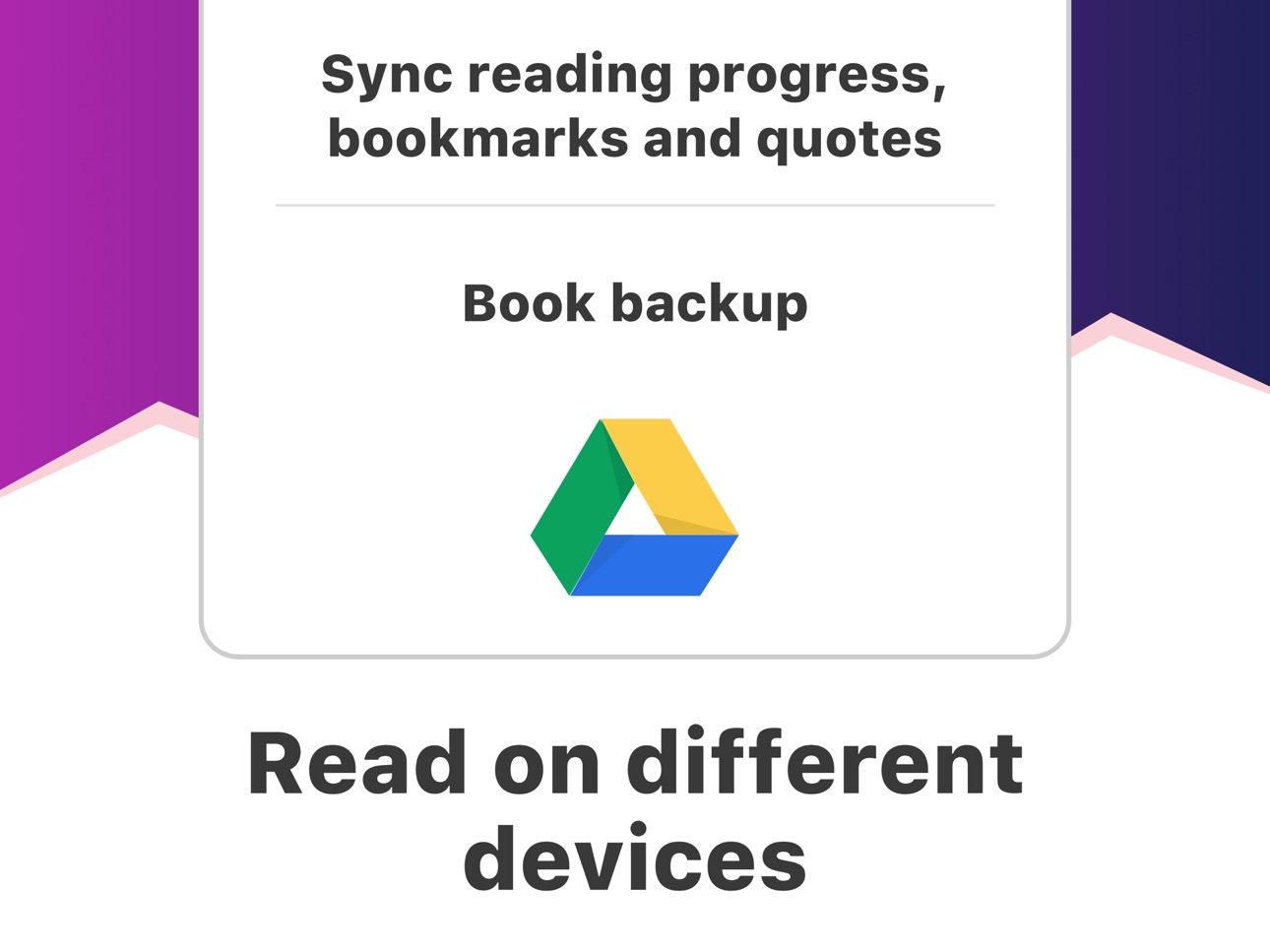
• !Online auto SYNC of ebooks and reading progress,
• !FREE WEB e-reader available!
Start reading your e-books right now! Upload books via iTunes, import your files from the email, web browser, cloud storages (iCloud, Google Drive, Dropbox, Yandex.Disk etc) or share via AirDrop.
In the app you will find detailed guide How to add ebooks in different ways. And we've already added three classic welcome books so you can appreciate the e-reader right away!
This is a upgraded version of eBoox. The old one is no longer supported. In order not to lose your books, progress, quotes and bookmarks, install this app version. Run it on device and wait for the data transfer to finish. When you make sure that all your books appeared in eBoox 2020, you can safely delete eBoox.old. You can turn on the synchronization for backup.
Accessibility
ipadiphonemacrealityDevicetvoswatch
Version history 25 versions
Build 886230771v2.23.32026-05-28 17:27:27
Fixed a bug with adding PDF files. Improved app performance.
Build 884288082v2.23.22026-04-09 11:20:45
We've finally fixed the freeze on tablets at startup. Update now to continue using your favorite app.
Build 884048459v2.23.12026-04-02 23:44:18
We've fixed a sudden crash, so update soon.
Build 883866777v2.232026-03-30 09:08:09
This update from Apple will improve the functionality of this app. No new features are included.
Minor tweaks to ensure the app continues to deliver stable performance.
Build 880044685v2.222025-11-27 07:58:49
We've fixed several annoying bugs: The app no longer crashes when adding a PDF, and page turning is now smoother.
Build 879422843v2.212025-11-05 08:21:11
Technical update. We've fixed several bugs and improve app performance.
Build 878038684v2.202025-09-18 14:04:15
The update is purely technical, we fixed bugs, improved performance, everything so that the application will continue to please you.
Build 876707606v2.192025-07-29 09:14:00
We fixed bugs and optimized the app. Everything to make reading comfortable.
Build 864893545v2.172024-04-03 07:27:46
You didn't wait any longer, but we updated the application. The update is not big. We fixed bugs and optimized the operation of the application, all to ensure that the reader remains the most beloved.
Build 848635192v2.162022-04-28 10:30:05
Fixed minor bugs. Slightly increased the tap area to return to the previous page in the reader.
Build 847999623v2.15.22022-03-30 19:58:06
Optimized the application and the process of adding books. Fixed a bug with duplicates.
Build 847937690v2.15.12022-03-26 19:03:23
Fixed bugs with adding books.
Build 847758495v2.152022-03-18 08:31:55
You no longer need to constantly open the settings menu. This update added the ability to adjust the brightness and enlarge the text with gestures!
And also fixed bugs in the design of the application and bugs with automatic text selection.
Build 847087637v2.142022-02-09 17:24:05
Fixed the display of pictures in the book and returned the arrow for the spread of additional settings. Also fixed a few other minor bugs.
Build 846089841v2.13.22021-12-22 06:28:38
Fixed application crash when opening PDF. We really hope that this will not happen again.
Build 846041561v2.13.12021-12-19 21:58:45
Fixed bugs, including missing quotes and bookmarks. We hope that they will not disappear again. Improved color progress. Now it is more convenient to track the reading, it moves along the page.
Build 845378165v2.132021-11-17 15:15:14
Fixed minor bugs, improve application performance.
Build 844846417v2.12.32021-10-22 18:35:58
Fixed a crash in the application.
Build 844423681v2.12.22021-10-20 09:59:38
Fixed a bug with flipping buttons, optimize the app for iOS 15
Build 844129051v2.12.12021-09-16 09:23:15
Fixed a bug with adding books.
Build 843976483v2.122021-09-07 10:39:37
Fixed a bug with unpacking archives.
Build 843647068v2.112021-08-18 10:21:43
We’ve worked hard on a new, very important feature that makes the app even more convenient. Now you can add all supported files from archives! If you use the application on different devices, upgrade it to the latest version.
Build 841962287v2.102021-04-29 08:29:48
Fixed a bug with the appearance of "curtains". Improved performance.
Build 840923078v2.92021-03-17 08:12:19
Improved auto selection. Now it works on double and long tap. We also fixed bugs to make the application even more convenient.
Build 840517462v2.82021-02-17 20:30:06
Meet! Cool new widgets for iOS 14, add them to your desktop and don't forget to read your favorite books. We did not forget about the early widgets, they even improved them a little). And as usual, we identified and fixed bugs, made the application smoother and more stable, and worked with the menu.
No pricing data captured yet — comparisons appear once the app has paid storefronts or in-app purchases.
Availability 1 of 1 storefronts
| Region | Language | Price | Ratings | Avg | Version |
|---|---|---|---|---|---|
| US | en-US | Free | 3.5k | 4.8 | 2.23.3 |
Change log 29 changes · US
✎
releaseNotes updated
Fixed a bug with adding PDF files. Improved app performance.
✎
description updated
eBoox – the most pleasant book reader ever! *
*according to my mom :)
• Cute, simple and useful UI,
• Effective reading tools: bookmarks, 3-colors highlights,
✎
subtitle updated
Read books comfortably
✎
name updated
eBoox - fb2 ePub book reader
◆
Version 2.23.3 released
Fixed a bug with adding PDF files. Improved app performance.
◆
Version 2.23.2 released
We've finally fixed the freeze on tablets at startup. Update now to continue using your favorite app.
◆
Version 2.23.1 released
We've fixed a sudden crash, so update soon.
◆
Version 2.23 released
This update from Apple will improve the functionality of this app. No new features are included.
Minor tweaks to ensure the app continues to deliver stable performance.
◆
Version 2.22 released
We've fixed several annoying bugs: The app no longer crashes when adding a PDF, and page turning is now smoother.
◆
Version 2.21 released
Technical update. We've fixed several bugs and improve app performance.
◆
Version 2.20 released
The update is purely technical, we fixed bugs, improved performance, everything so that the application will continue to please you.
◆
Version 2.19 released
We fixed bugs and optimized the app. Everything to make reading comfortable.
◆
Version 2.17 released
You didn't wait any longer, but we updated the application. The update is not big. We fixed bugs and optimized the operation of the application, all to ensure that the reader remains the most beloved.
◆
Version 2.16 released
Fixed minor bugs. Slightly increased the tap area to return to the previous page in the reader.
◆
Version 2.15.2 released
Optimized the application and the process of adding books. Fixed a bug with duplicates.
◆
Version 2.15.1 released
Fixed bugs with adding books.
◆
Version 2.15 released
You no longer need to constantly open the settings menu. This update added the ability to adjust the brightness and enlarge the text with gestures!
And also fixed bugs in the design of the application and bugs with automatic text selection.
◆
Version 2.14 released
Fixed the display of pictures in the book and returned the arrow for the spread of additional settings. Also fixed a few other minor bugs.
◆
Version 2.13.2 released
Fixed application crash when opening PDF. We really hope that this will not happen again.
◆
Version 2.13.1 released
Fixed bugs, including missing quotes and bookmarks. We hope that they will not disappear again. Improved color progress. Now it is more convenient to track the reading, it moves along the page.
◆
Version 2.13 released
Fixed minor bugs, improve application performance.
◆
Version 2.12.3 released
Fixed a crash in the application.
◆
Version 2.12.2 released
Fixed a bug with flipping buttons, optimize the app for iOS 15
◆
Version 2.12.1 released
Fixed a bug with adding books.
◆
Version 2.12 released
Fixed a bug with unpacking archives.
◆
Version 2.11 released
We’ve worked hard on a new, very important feature that makes the app even more convenient. Now you can add all supported files from archives! If you use the application on different devices, upgrade it to the latest version.
◆
Version 2.10 released
Fixed a bug with the appearance of "curtains". Improved performance.
◆
Version 2.9 released
Improved auto selection. Now it works on double and long tap. We also fixed bugs to make the application even more convenient.
◆
Version 2.8 released
Meet! Cool new widgets for iOS 14, add them to your desktop and don't forget to read your favorite books. We did not forget about the early widgets, they even improved them a little). And as usual, we identified and fixed bugs, made the app