Home › Business

 PY
PY
 USen-US
 AEen-GB
 AFen-GB
 AGen-GB
 AIen-GB
 ALen-GB
 AMen-GB
 AOen-GB
 ARes-MX
 ATde-DE
 AUen-AU
 AZen-GB
 BAen-GB
 BBen-GB
 BEen-GB
 BFen-GB
 BGen-GB
 BHen-GB
 BJen-GB
 BMen-GB
 BNen-GB
 BOes-MX
 BRpt-BR
 BSen-GB
 BTen-GB
 BWen-GB
 BYen-GB
 BZen-GB
 CAen-CA
 CDen-GB
 CGen-GB
 CHde-CH
 CIfr-FR
 CLes-MX
 CMfr-FR
 COes-MX
 CRes-MX
 CVen-GB
 CYen-GB
 CZen-GB
 DEde-DE
 DKen-GB
 DMen-GB
 DOes-MX
 DZen-GB
 ECes-MX
 EEen-GB
 EGen-GB
 ESes-ES
 FIen-GB
 FJen-GB
 FMen-GB
 FRfr-FR
 GAfr-FR
 GBen-GB
 GDen-GB
 GEen-GB
 GHen-GB
 GMen-GB
 GRen-GB
 GTes-MX
 GWen-GB
 GYen-GB
 HKzh-Hant-HK
 HNes-MX
 HRen-GB
 HUen-GB
 IDen-GB
 IEen-GB
 ILen-GB
 INen-GB
 IQen-GB
 ISen-GB
 ITit
ITit JMen-GB
 JOen-GB
 JPja
JPja KEen-GB
 KGen-GB
 KHen-GB
 KNen-GB
 KRko
KRko KWen-GB
 KYen-GB
 KZen-GB
 LAen-GB
 LBen-GB
 LCen-GB
 LKen-GB
 LRen-GB
 LTen-GB
 LUen-GB
 LVen-GB
 LYen-GB
 MAen-GB
 MDen-GB
 MEen-GB
 MGen-GB
 MKen-GB
 MLen-GB
 MMen-GB
 MNen-GB
 MOzh-Hant-HK
 MRen-GB
 MSen-GB
 MTen-GB
 MUen-GB
 MVen-GB
 MWen-GB
 MXes-MX
 MYen-GB
 MZen-GB
 NAen-GB
 NEen-GB
 NGen-GB
 NIes-MX
 NLnl
NLnl NOen-GB
 NPen-GB
 NRen-GB
 NZen-AU
 OMen-GB
 PAes-MX
 PEes-MX
 PGen-GB
 PHen-GB
 PKen-GB
 PLen-GB
 PTpt-PT
 PWen-GBPYes-MX
 QAen-GB
 ROen-GB
 RSen-GB
 RUru
RUru RWen-GB
 SAen-GB
 SBen-GB
 SCen-GB
 SEsv
SEsv SGen-GB
 SIen-GB
 SKen-GB
 SLen-GB
 SNen-GB
 SRen-GB
 STen-GB
 SVes-MX
 SZen-GB
 TCen-GB
 TDen-GB
 THen-GB
 TJen-GB
 TMen-GB
 TNen-GB
 TOen-GB
 TRen-GB
 TTen-GB
 TWzh-Hant-TW
 TZen-GB
 UAen-GB
 UGen-GB
 UYen-GB
 UZen-GB
 VCen-GB
 VEes-MX
 VGen-GB
 VNen-GB
 VUen-GB
 XKen-GB
 YEen-GB
 ZAen-GB
 ZMen-GB
 ZWen-GB
 CNNot Available
174 of 175 storefronts
Content in en-US
Content in en-US
Information
Preview 2 platforms
iPhone 8 images




iPad 7 images


What’s New Version 6.23.2
Updated the profiles and certificates to fix an issue with opening the app on IOS.
Description
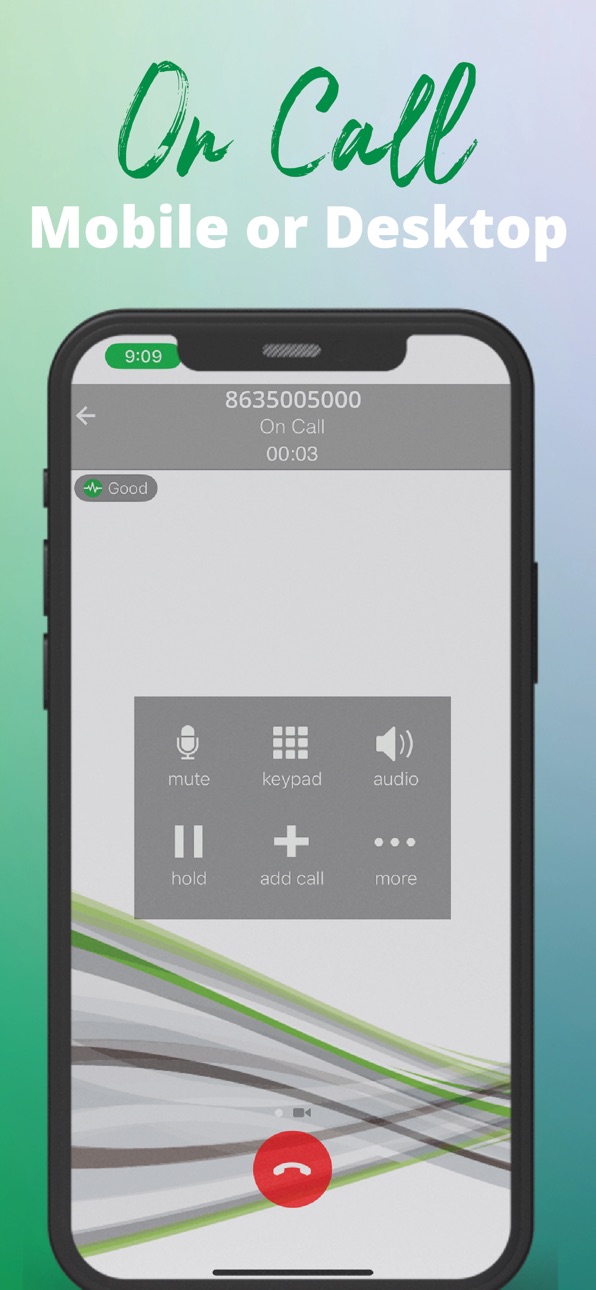
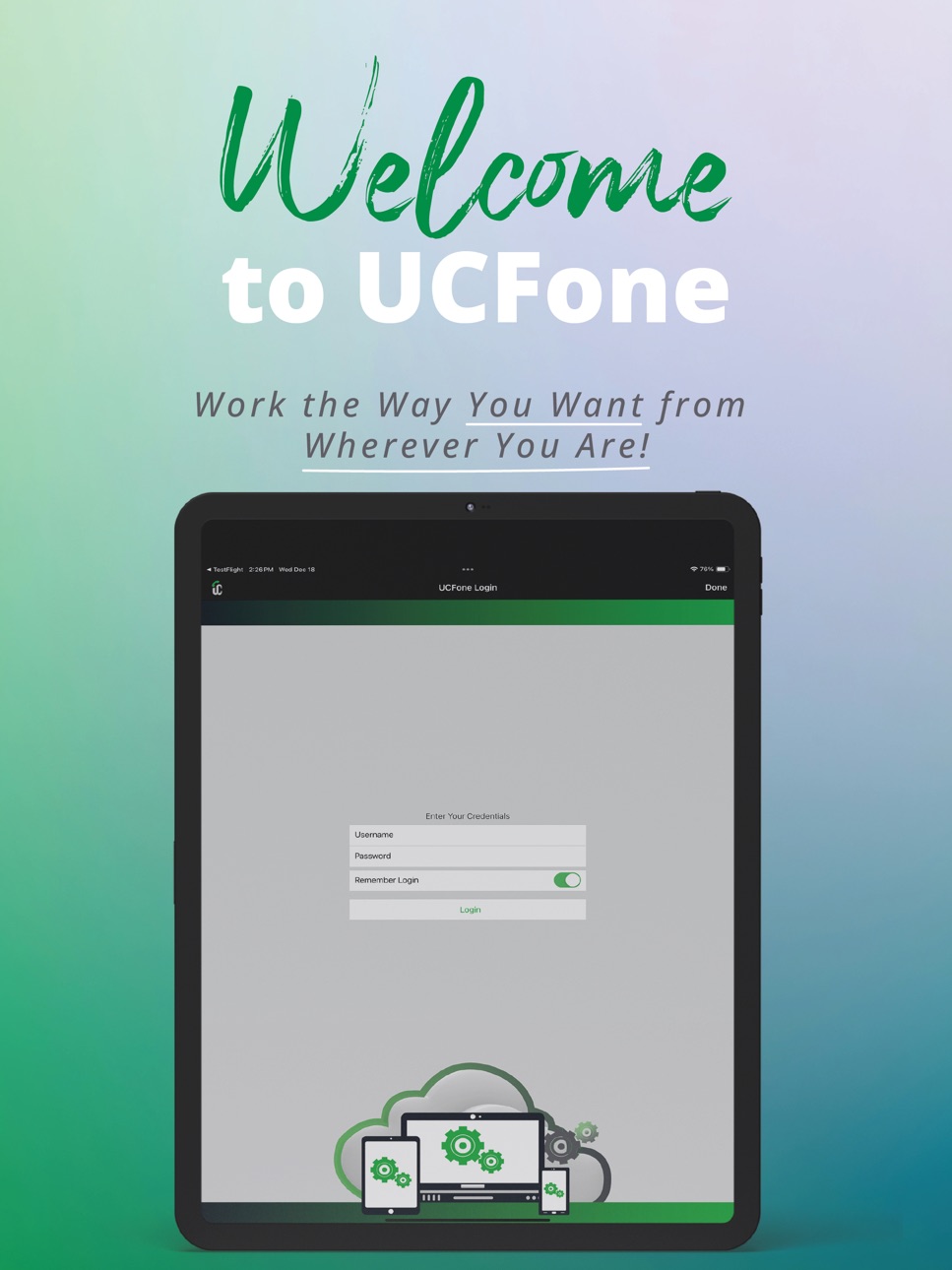
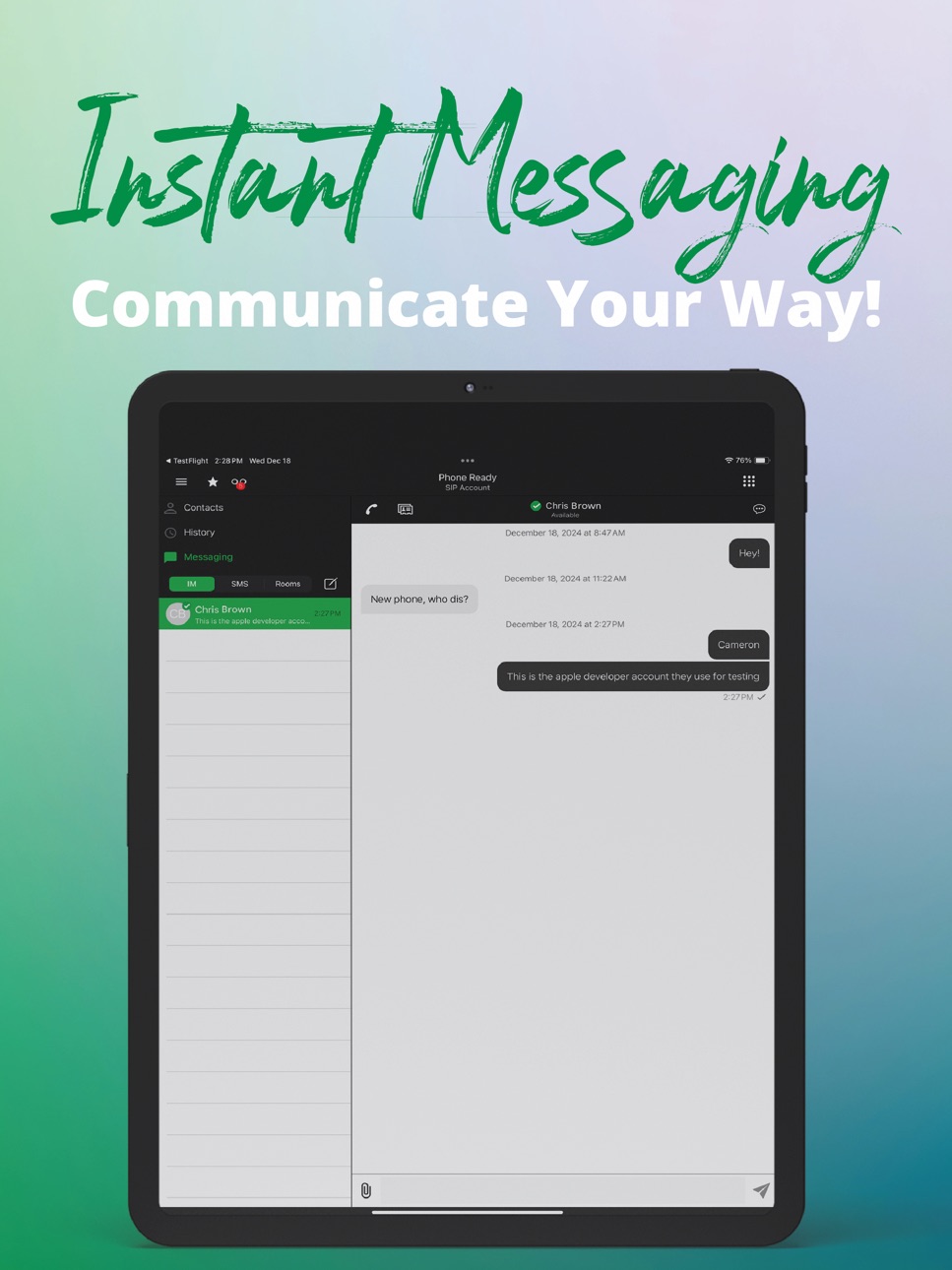
UCFone is a feature-rich, easy to use softphone that enables Unified Communications, Voice, and Video Calling from mobile or desktop devices through WiFi or cellular data network.
Enjoy high quality UC functionality through the UCFone application. UCFone is integrated and available for use only with the hosted platforms of certified partners.
UCFone Features
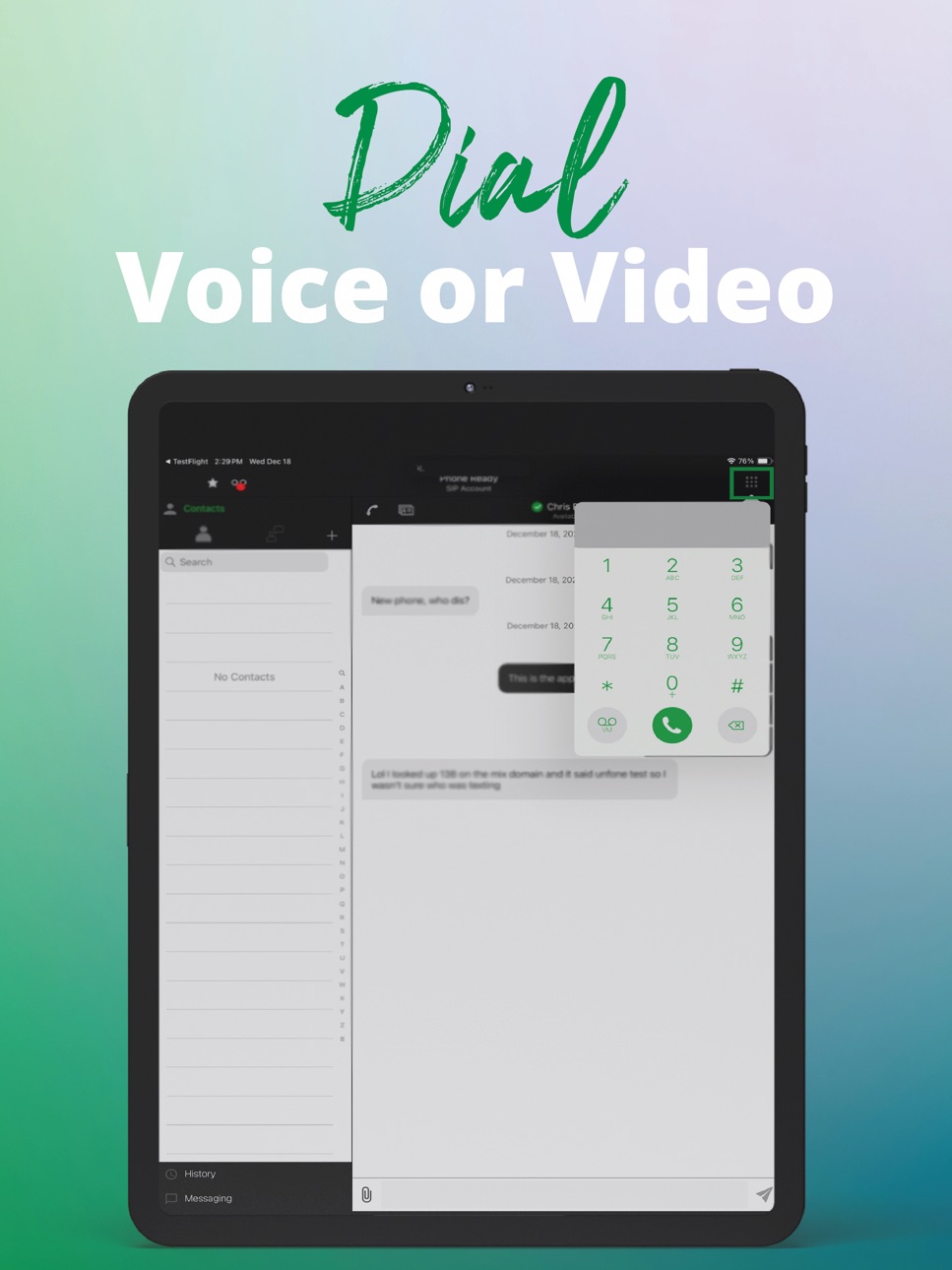
• Dial-by-Extension using internal extension numbers for Voice or Video
Calling
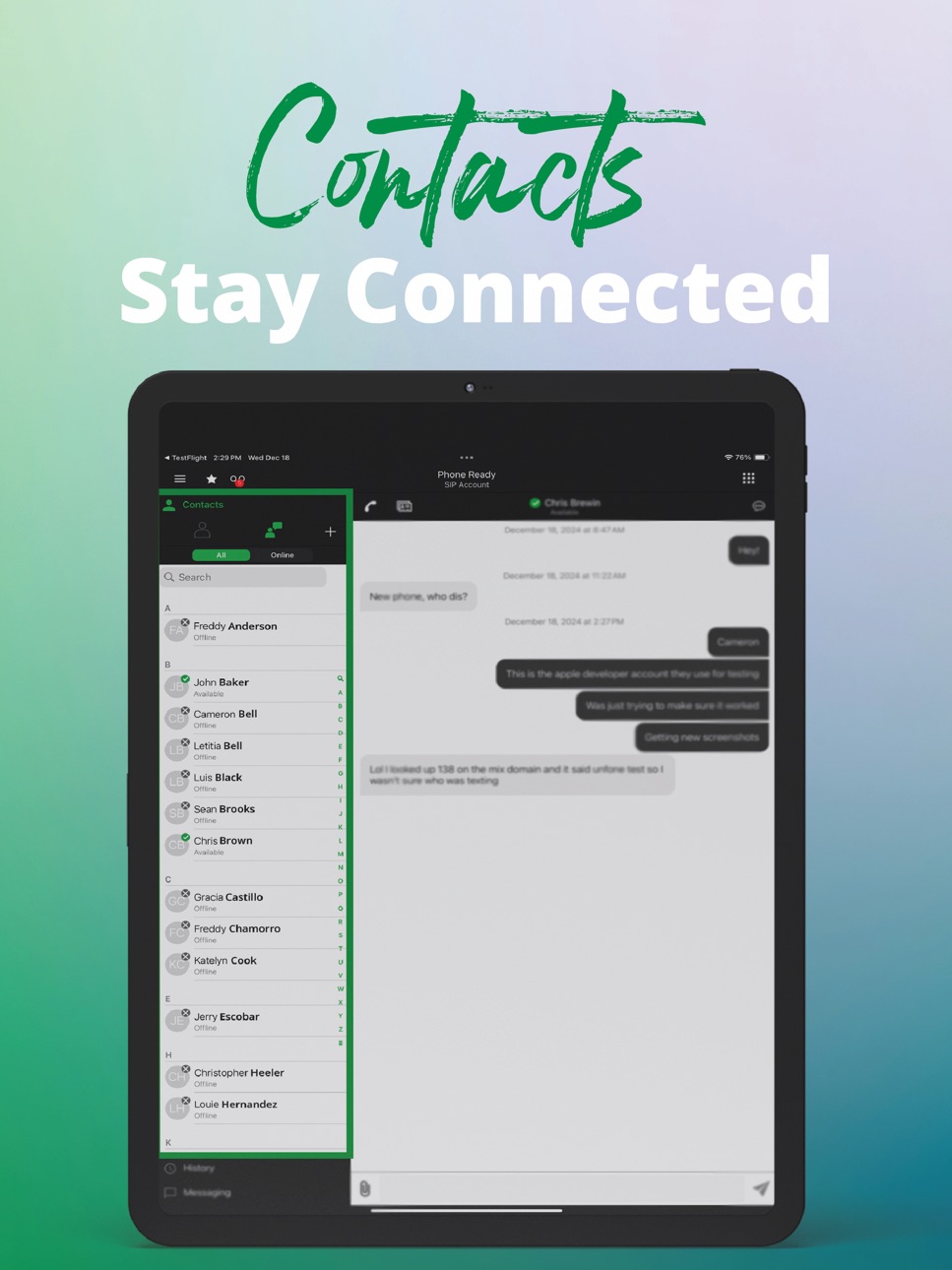
• MIX Hosted PBX features – Contact Directory, Call Transfer,
Conference Calls, IM, Presence, and more
• SMS Texting
• High Quality Voice and Video
• Battery Saver
• Easy Setup
Capabilities
Siri
Accessibility
ipadiphonemacrealityDevicetvoswatch
Version history 11 versions
Build 885035001v6.23.22026-04-28 16:55:04
Updated the profiles and certificates to fix an issue with opening the app on IOS.
Build 884985730v6.23.12026-04-27 15:57:12
- Hotfix for iOS users
Build 854490085v6.10.22024-12-20 00:58:08
Fixed an issue with Help Desk Assistant where a reference code did not generate when the user chose Connect to initiate a session.
Build 847664273v6.7.12022-03-11 22:29:19
Fixed an issue with Bria Push where the first incoming call fails after the app was terminated by OS in the background.
Build 842180880v6.4.52021-05-13 19:46:47
Note new features: join conf with speaker muted yes
Added an option to join the conference with speaker muted. Off (not muted) by default. To change the setting, go to Settings > Conferences and turn on Mute Speaker When Joining.
Improved Help Desk Assistant by adding a message when it completed the Config Reload command.
Note known or New Bugs:
There have been improvements to the overall stability and performance of Bria Branded Client, such as:
fixes for issues with branding a client, such as a color change issue on the navigation tab icons and some settings did not get applied after login.
Build 839045217v6.3.52020-11-20 14:04:28
Related changes include:
Screenshare links are dynamic and created at the time the end user starts the screenshare. This is for improved security and better operation.
If the end user has recurring screenshare sessions, they need to invite people or send the new link each time.
The screen being shared displays a red bounding box around it, instead of yellow.
When screensharing is paused or stopped, there is no page displayed to the viewers; the last video frame is shown instead, as HD screenshare uses a video feed.
HD Screen share supports up to 4K video resolution. Video frame rate depends on overall bandwidth limits but can go up to 30 fps for 1080p video.
The join-in screen cannot be customized if you choose the HD screenshare option.
If you would like to switch to the HD screenshare option, go to Branding Portal and enable the Use HD Video screen share option when you request an updated build
Build 835962592v6.2.32020-05-15 08:20:04
-The LDAP query search pattern has been aligned with the Desktop clients.
-An error intermittent error with the client while joining a collab session has been resolved.
-When Bria Branded Client registers to Push via the Push API, the ongoing call screen disappears after Bria Branded Client moves to background. This has been fixed.
Build 834621288v6.0.32020-02-06 21:50:44
There have been improvements to the overall stability and performance such as:
-An incoming call was not heard after being answered using Plantronics Bluetooth headset
- Incoming Call Audio with Bluetooth - When Settings > Preferences > Native Integration is enabled and the iPhone is connected to a Bluetooth device, the audio output varies depending on how you answer the call. If you use the Bluetooth device to answer the call, the audio is sent to the Bluetooth device. If you use the iPhone to answer the call, the audio is sent to the iPhone.
Build 832398163v1.22019-08-15 22:07:59
Bug Fixes:
- Fix XMPP syncing with MAC and IOS.
- Fix XMPP account log in with account numbers.
Build 831546905v1.12019-06-05 12:53:05
Updated Graphics
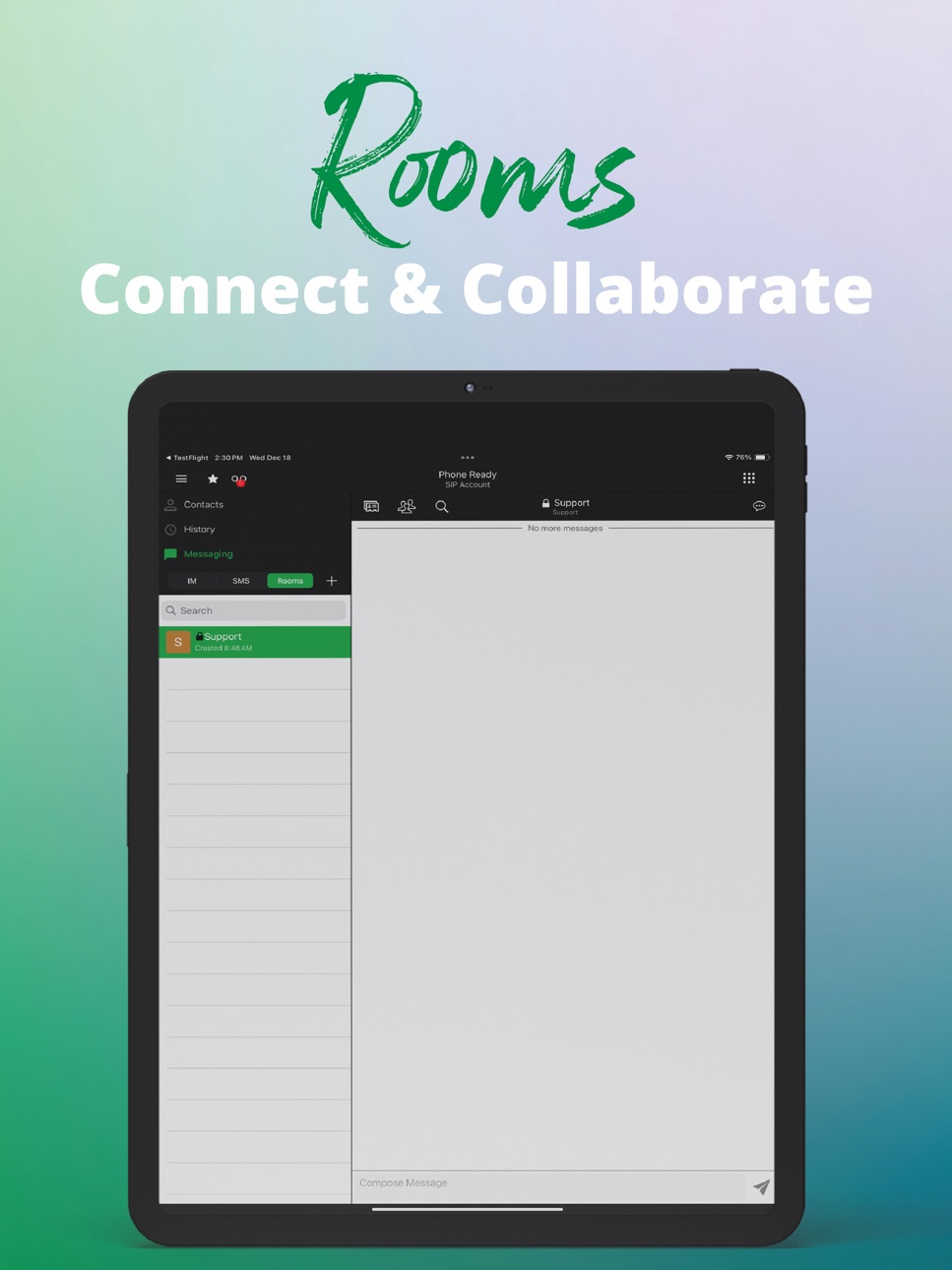
New Chat Room Feature for Messaging
Build 828478586v1.02018-10-17 19:42:08
No pricing data captured yet — comparisons appear once the app has paid storefronts or in-app purchases.
Availability 174 of 175 storefronts
| Region | Language | Price | Ratings | Avg | Version |
|---|---|---|---|---|---|
| US | en-US | Free | 39 | 4.5 | 6.23.2 |
| AE | en-GB | Free | 0 | — | 6.23.2 |
| AF | en-GB | Free | 0 | — | 6.23.2 |
| AG | en-GB | Free | 0 | — | 6.23.2 |
| AI | en-GB | Free | 0 | — | 6.23.2 |
| AL | en-GB | Free | 0 | — | 6.23.2 |
| AM | en-GB | Free | 0 | — | 6.23.2 |
| AO | en-GB | Free | 0 | — | 6.23.2 |
| AR | es-MX | Free | 0 | — | 6.23.2 |
| AT | de-DE | Free | 0 | — | 6.23.2 |
| AU | en-AU | Free | 0 | — | 6.23.2 |
| AZ | en-GB | Free | 0 | — | 6.23.2 |
| BA | en-GB | Free | 0 | — | 6.23.2 |
| BB | en-GB | Free | 0 | — | 6.23.2 |
| BE | en-GB | Free | 0 | — | 6.23.2 |
| BF | en-GB | Free | 0 | — | 6.23.2 |
| BG | en-GB | Free | 0 | — | 6.23.2 |
| BH | en-GB | Free | 0 | — | 6.23.2 |
| BJ | en-GB | Free | 0 | — | 6.23.2 |
| BM | en-GB | Free | 0 | — | 6.23.2 |
| BN | en-GB | Free | 0 | — | 6.23.2 |
| BO | es-MX | Free | 0 | — | 6.23.2 |
| BR | pt-BR | Free | 0 | — | 6.23.2 |
| BS | en-GB | Free | 0 | — | 6.23.2 |
| BT | en-GB | Free | 0 | — | 6.23.2 |
| BW | en-GB | Free | 0 | — | 6.23.2 |
| BY | en-GB | Free | 0 | — | 6.23.2 |
| BZ | en-GB | Free | 0 | — | 6.23.2 |
| CA | en-CA | Free | 0 | — | 6.23.2 |
| CD | en-GB | Free | 0 | — | 6.23.2 |
| CG | en-GB | Free | 0 | — | 6.23.2 |
| CH | de-CH | Free | 0 | — | 6.23.2 |
| CI | fr-FR | Free | 0 | — | 6.23.2 |
| CL | es-MX | Free | 0 | — | 6.23.2 |
| CM | fr-FR | Free | 0 | — | 6.23.2 |
| CO | es-MX | Free | 0 | — | 6.23.2 |
| CR | es-MX | Free | 0 | — | 6.23.2 |
| CV | en-GB | Free | 0 | — | 6.23.2 |
| CY | en-GB | Free | 0 | — | 6.23.2 |
| CZ | en-GB | Free | 0 | — | 6.23.2 |
| DE | de-DE | Free | 0 | — | 6.23.2 |
| DK | en-GB | Free | 0 | — | 6.23.2 |
| DM | en-GB | Free | 0 | — | 6.23.2 |
| DO | es-MX | Free | 0 | — | 6.23.2 |
| DZ | en-GB | Free | 0 | — | 6.23.2 |
| EC | es-MX | Free | 0 | — | 6.23.2 |
| EE | en-GB | Free | 0 | — | 6.23.2 |
| EG | en-GB | Free | 0 | — | 6.23.2 |
| ES | es-ES | Free | 0 | — | 6.23.2 |
| FI | en-GB | Free | 0 | — | 6.23.2 |
| FJ | en-GB | Free | 0 | — | 6.23.2 |
| FM | en-GB | Free | 0 | — | 6.23.2 |
| FR | fr-FR | Free | 0 | — | 6.23.2 |
| GA | fr-FR | Free | 0 | — | 6.23.2 |
| GB | en-GB | Free | 0 | — | 6.23.2 |
| GD | en-GB | Free | 0 | — | 6.23.2 |
| GE | en-GB | Free | 0 | — | 6.23.2 |
| GH | en-GB | Free | 0 | — | 6.23.2 |
| GM | en-GB | Free | 0 | — | 6.23.2 |
| GR | en-GB | Free | 0 | — | 6.23.2 |
| GT | es-MX | Free | 0 | — | 6.23.2 |
| GW | en-GB | Free | 0 | — | 6.23.2 |
| GY | en-GB | Free | 0 | — | 6.23.2 |
| HK | zh-Hant-HK | Free | 0 | — | 6.23.2 |
| HN | es-MX | Free | 0 | — | 6.23.2 |
| HR | en-GB | Free | 0 | — | 6.23.2 |
| HU | en-GB | Free | 0 | — | 6.23.2 |
| ID | en-GB | Free | 0 | — | 6.23.2 |
| IE | en-GB | Free | 0 | — | 6.23.2 |
| IL | en-GB | Free | 0 | — | 6.23.2 |
| IN | en-GB | Free | 0 | — | 6.23.2 |
| IQ | en-GB | Free | 0 | — | 6.23.2 |
| IS | en-GB | Free | 0 | — | 6.23.2 |
| IT | it | Free | 0 | — | 6.23.2 |
| JM | en-GB | Free | 0 | — | 6.23.2 |
| JO | en-GB | Free | 0 | — | 6.23.2 |
| JP | ja | Free | 0 | — | 6.23.2 |
| KE | en-GB | Free | 0 | — | 6.23.2 |
| KG | en-GB | Free | 0 | — | 6.23.2 |
| KH | en-GB | Free | 0 | — | 6.23.2 |
| KN | en-GB | Free | 0 | — | 6.23.2 |
| KR | ko | Free | 0 | — | 6.23.2 |
| KW | en-GB | Free | 0 | — | 6.23.2 |
| KY | en-GB | Free | 0 | — | 6.23.2 |
| KZ | en-GB | Free | 0 | — | 6.23.2 |
| LA | en-GB | Free | 0 | — | 6.23.2 |
| LB | en-GB | Free | 0 | — | 6.23.2 |
| LC | en-GB | Free | 0 | — | 6.23.2 |
| LK | en-GB | Free | 0 | — | 6.23.2 |
| LR | en-GB | Free | 0 | — | 6.23.2 |
| LT | en-GB | Free | 0 | — | 6.23.2 |
| LU | en-GB | Free | 0 | — | 6.23.2 |
| LV | en-GB | Free | 0 | — | 6.23.2 |
| LY | en-GB | Free | 0 | — | 6.23.2 |
| MA | en-GB | Free | 0 | — | 6.23.2 |
| MD | en-GB | Free | 0 | — | 6.23.2 |
| ME | en-GB | Free | 0 | — | 6.23.2 |
| MG | en-GB | Free | 0 | — | 6.23.2 |
| MK | en-GB | Free | 0 | — | 6.23.2 |
| ML | en-GB | Free | 0 | — | 6.23.2 |
| MM | en-GB | Free | 0 | — | 6.23.2 |
| MN | en-GB | Free | 0 | — | 6.23.2 |
| MO | zh-Hant-HK | Free | 0 | — | 6.23.2 |
| MR | en-GB | Free | 0 | — | 6.23.2 |
| MS | en-GB | Free | 0 | — | 6.23.2 |
| MT | en-GB | Free | 0 | — | 6.23.2 |
| MU | en-GB | Free | 0 | — | 6.23.2 |
| MV | en-GB | Free | 0 | — | 6.23.2 |
| MW | en-GB | Free | 0 | — | 6.23.2 |
| MX | es-MX | Free | 0 | — | 6.23.2 |
| MY | en-GB | Free | 0 | — | 6.23.2 |
| MZ | en-GB | Free | 0 | — | 6.23.2 |
| NA | en-GB | Free | 0 | — | 6.23.2 |
| NE | en-GB | Free | 0 | — | 6.23.2 |
| NG | en-GB | Free | 0 | — | 6.23.2 |
| NI | es-MX | Free | 0 | — | 6.23.2 |
| NL | nl | Free | 0 | — | 6.23.2 |
| NO | en-GB | Free | 0 | — | 6.23.2 |
| NP | en-GB | Free | 0 | — | 6.23.2 |
| NR | en-GB | Free | 0 | — | 6.23.2 |
| NZ | en-AU | Free | 0 | — | 6.23.2 |
| OM | en-GB | Free | 0 | — | 6.23.2 |
| PA | es-MX | Free | 0 | — | 6.23.2 |
| PE | es-MX | Free | 0 | — | 6.23.2 |
| PG | en-GB | Free | 0 | — | 6.23.2 |
| PH | en-GB | Free | 0 | — | 6.23.2 |
| PK | en-GB | Free | 0 | — | 6.23.2 |
| PL | en-GB | Free | 0 | — | 6.23.2 |
| PT | pt-PT | Free | 0 | — | 6.23.2 |
| PW | en-GB | Free | 0 | — | 6.23.2 |
| PY | es-MX | Free | 0 | — | 6.23.2 |
| QA | en-GB | Free | 0 | — | 6.23.2 |
| RO | en-GB | Free | 0 | — | 6.23.2 |
| RS | en-GB | Free | 0 | — | 6.23.2 |
| RU | ru | Free | 0 | — | 6.23.2 |
| RW | en-GB | Free | 0 | — | 6.23.2 |
| SA | en-GB | Free | 0 | — | 6.23.2 |
| SB | en-GB | Free | 0 | — | 6.23.2 |
| SC | en-GB | Free | 0 | — | 6.23.2 |
| SE | sv | Free | 0 | — | 6.23.2 |
| SG | en-GB | Free | 0 | — | 6.23.2 |
| SI | en-GB | Free | 0 | — | 6.23.2 |
| SK | en-GB | Free | 0 | — | 6.23.2 |
| SL | en-GB | Free | 0 | — | 6.23.2 |
| SN | en-GB | Free | 0 | — | 6.23.2 |
| SR | en-GB | Free | 0 | — | 6.23.2 |
| ST | en-GB | Free | 0 | — | 6.23.2 |
| SV | es-MX | Free | 0 | — | 6.23.2 |
| SZ | en-GB | Free | 0 | — | 6.23.2 |
| TC | en-GB | Free | 0 | — | 6.23.2 |
| TD | en-GB | Free | 0 | — | 6.23.2 |
| TH | en-GB | Free | 0 | — | 6.23.2 |
| TJ | en-GB | Free | 0 | — | 6.23.2 |
| TM | en-GB | Free | 0 | — | 6.23.2 |
| TN | en-GB | Free | 0 | — | 6.23.2 |
| TO | en-GB | Free | 0 | — | 6.23.2 |
| TR | en-GB | Free | 0 | — | 6.23.2 |
| TT | en-GB | Free | 0 | — | 6.23.2 |
| TW | zh-Hant-TW | Free | 0 | — | 6.23.2 |
| TZ | en-GB | Free | 0 | — | 6.23.2 |
| UA | en-GB | Free | 0 | — | 6.23.2 |
| UG | en-GB | Free | 0 | — | 6.23.2 |
| UY | en-GB | Free | 0 | — | 6.23.2 |
| UZ | en-GB | Free | 0 | — | 6.23.2 |
| VC | en-GB | Free | 0 | — | 6.23.2 |
| VE | es-MX | Free | 0 | — | 6.23.2 |
| VG | en-GB | Free | 0 | — | 6.23.2 |
| VN | en-GB | Free | 0 | — | 6.23.2 |
| VU | en-GB | Free | 0 | — | 6.23.2 |
| XK | en-GB | Free | 0 | — | 6.23.2 |
| YE | en-GB | Free | 0 | — | 6.23.2 |
| ZA | en-GB | Free | 0 | — | 6.23.2 |
| ZM | en-GB | Free | 0 | — | 6.23.2 |
| ZW | en-GB | Free | 0 | — | 6.23.2 |
Not available in: CN
Change log 15 changes · PY
✎
releaseNotes updated
Updated the profiles and certificates to fix an issue with opening the app on IOS.
✎
description updated
UCFone is a feature-rich, easy to use softphone that enables Unified Communications, Voice, and Video Calling from mobile or desktop devices through WiFi or cel
✎
subtitle updated
UCFone
✎
name updated
UCFone
◆
Version 6.23.2 released
Updated the profiles and certificates to fix an issue with opening the app on IOS.
◆
Version 6.23.1 released
- Hotfix for iOS users
◆
Version 6.10.2 released
Fixed an issue with Help Desk Assistant where a reference code did not generate when the user chose Connect to initiate a session.
◆
Version 6.7.1 released
Fixed an issue with Bria Push where the first incoming call fails after the app was terminated by OS in the background.
◆
Version 6.4.5 released
Note new features: join conf with speaker muted yes
Added an option to join the conference with speaker muted. Off (not muted) by default. To change the setting, go to Settings > Conferences and turn on Mute Speaker When Joining.
Improve
◆
Version 6.3.5 released
Related changes include:
Screenshare links are dynamic and created at the time the end user starts the screenshare. This is for improved security and better operation.
If the end user has recurring screenshare sessions, they need to invit
◆
Version 6.2.3 released
-The LDAP query search pattern has been aligned with the Desktop clients.
-An error intermittent error with the client while joining a collab session has been resolved.
-When Bria Branded Client registers to Push via the Push API, the ongoi
◆
Version 6.0.3 released
There have been improvements to the overall stability and performance such as:
-An incoming call was not heard after being answered using Plantronics Bluetooth headset
- Incoming Call Audio with Bluetooth - When Settings > Preferences > Na
◆
Version 1.2 released
Bug Fixes:
- Fix XMPP syncing with MAC and IOS.
- Fix XMPP account log in with account numbers.
◆
Version 1.1 released
Updated Graphics
New Chat Room Feature for Messaging
◆
Version 1.0 released