Home › Health & Fitness

 US
US
1 of 1 storefronts
Content in en-US
Content in en-US
Information
Preview 2 platforms
iPhone 5 images




iPad 5 images



What’s New Version 1.1.0
Minor fixes
Description
SuperVision is an advanced magnifier for the visually impaired based on google cardboard. You can use it with or without a cardboard unit. Without cardboard, SuperVision is a portable electronic magnifier while integrated with a google cardboard is a electronic glasses. The application could help to a wide range of visually impaired users (presbyopia, myopia, macular diseases...) in their day to day.
The application allows to easily control the zoom, the contrast and the color mode of the image. Three natural and six synthetical color models are supported. You can also use SuperVision in dark environments, by activating the flash of your smartphone.
:-:-:-:-: INTERFACE :-:-:-:-:
You can control SuperVision by touching directly on the screen, with an external bluetooth keyboard (cursors + enter) or with the volume controls. When an action is received (touch screen or key pressed) the control buttons will appear to setup the view.
The application is fully compatible with the accessibility system of iOS (VoiceOver).
:-:-:-:-: HOW TO USE :-:-:-:-:
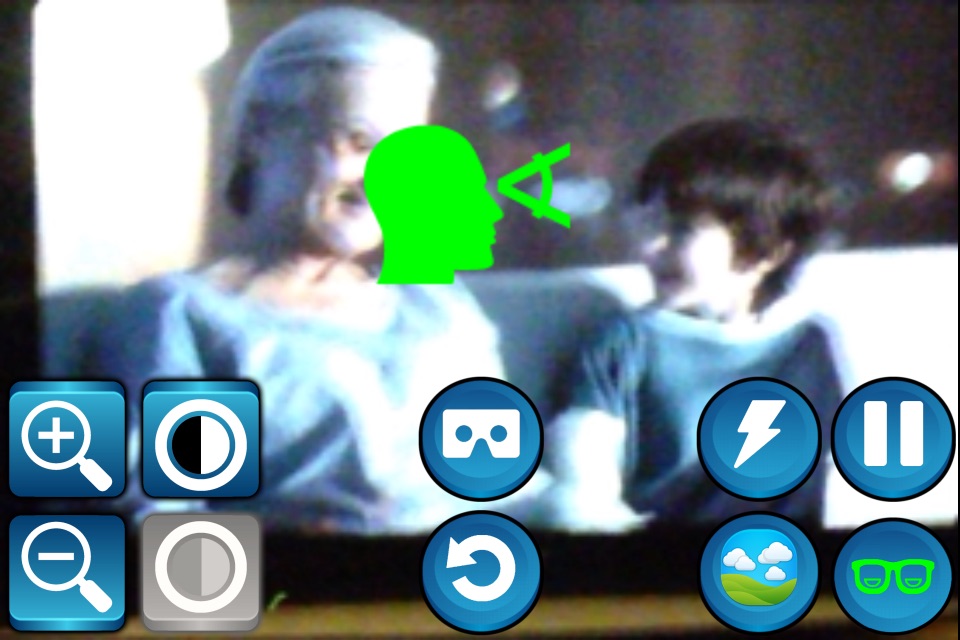
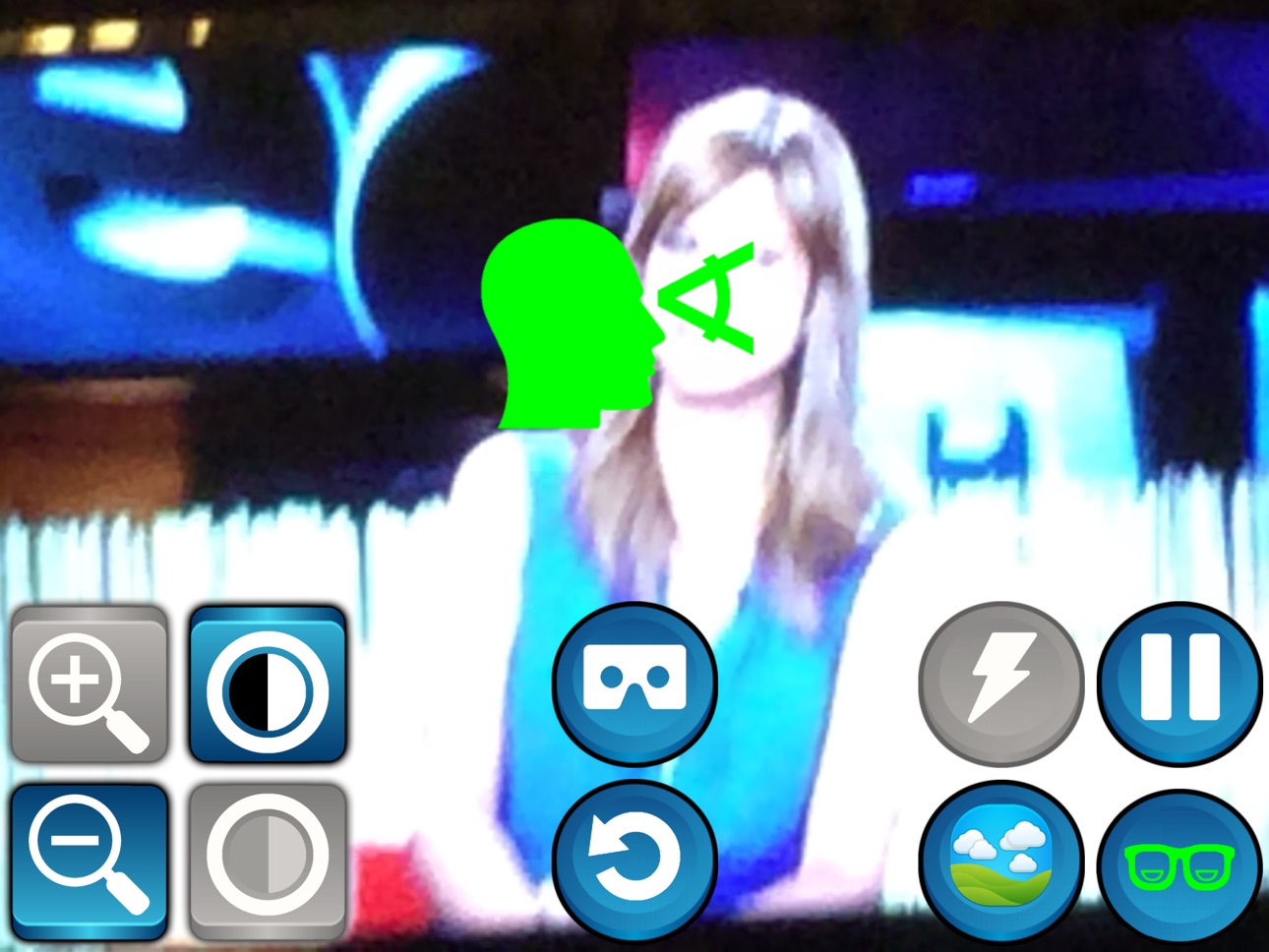
When you activate the control buttons you will see the following controls (from left to right):
- Zoom - A pair of buttons for increase or decrease the zoom.
- Contrast - A pair of buttons for increase or decrease the image contrast.
- Cardboard Mode - Switch between cardboard mode or smartphone mode.
- Reset - Configuration will back to predefined values except cardboard mode and bifocal mode.
- Flash - Set flash on/off for dark environments.
- Color Mode - Switch between color modes (3 natural colors and 6 synthetical colors for reading)
- Pause - Freezes the image.
- Bifocal Mode - In many situations, you probably need to alternate between far and near view. For example, watch tv while reading a book, or read the blackboard and take notes at the same time in the case of students. When bifocal mode it is activated, the application manages two setups: far view and near/reading view. The application detects both states using the orientation of the device. Simply look forward and adjust the controls for this view and then look down for setup the near view. The application will save both setups and will alternate between them automatically.
SuperVision is developped by the Mobile Vision Research Lab and Neosistec. This work is partially funded by Generalitat Valenciana and MIMECO. Special thanks to the VI associations ONCE and RetiMur for their collaboration.
Accessibility
ipadiphonemacrealityDevicetvoswatch
Version history 4 versions
Build 861860809v1.1.02024-01-04 16:03:10
Minor fixes
Build 817706717v1.0.32016-06-12 20:35:33
This update from Apple will improve the functionality of this app. No new features are included.
- Improved zoom and zoom control
- Framerate improved
- Menu improved
- New 3D menu in cardboard mode
- New color mode (edges)
- New bluetooth controls (gamepads)
- Bug fixes
Build 813025402v1.0.22015-08-26 07:29:35
Performance improvements
Build 812586209v1.0.02015-06-24 16:21:43
No pricing data captured yet — comparisons appear once the app has paid storefronts or in-app purchases.
Availability 1 of 1 storefronts
| Region | Language | Price | Ratings | Avg | Version |
|---|---|---|---|---|---|
| US | en-US | Free | 4 | 5.0 | 1.1.0 |
Change log 7 changes · US
✎
releaseNotes updated
Minor fixes
✎
description updated
SuperVision is an advanced magnifier for the visually impaired based on google cardboard. You can use it with or without a cardboard unit. Without cardboard, Su
✎
name updated
SuperVision for cardboard
◆
Version 1.1.0 released
Minor fixes
◆
Version 1.0.3 released
This update from Apple will improve the functionality of this app. No new features are included.
- Improved zoom and zoom control
- Framerate improved
- Menu improved
- New 3D menu in cardboard mode
- New color mode (edges)
- New bluetooth
◆
Version 1.0.2 released
Performance improvements
◆
Version 1.0.0 released