Home › Books

 US
US
1 of 1 storefronts
Content in en-US
Content in en-US
Information
Apple ID968737106
Bundle IDcom.howtech.aud001
SellerSeller
Min iOS8.0
Min macOS11.0
Device familiesiphone, ipad, ipod
Released2015-03-25
Copyright© 2017 HowTech
Privacy policyLink ↗
Preview 2 platforms
iPhone 5 images



iPad 5 images


What’s New Version 2.0
This update from Apple will improve the functionality of this app. No new features are included.
• Complete redesign of the app
• Video and Text Excel tutorials
• More than 700 new tips and tricks
Description
If you're looking for a convenient way to learn all the ways to use Microsoft Excel, this guide is for you!
• Over 500 most useful tips from professional tutors
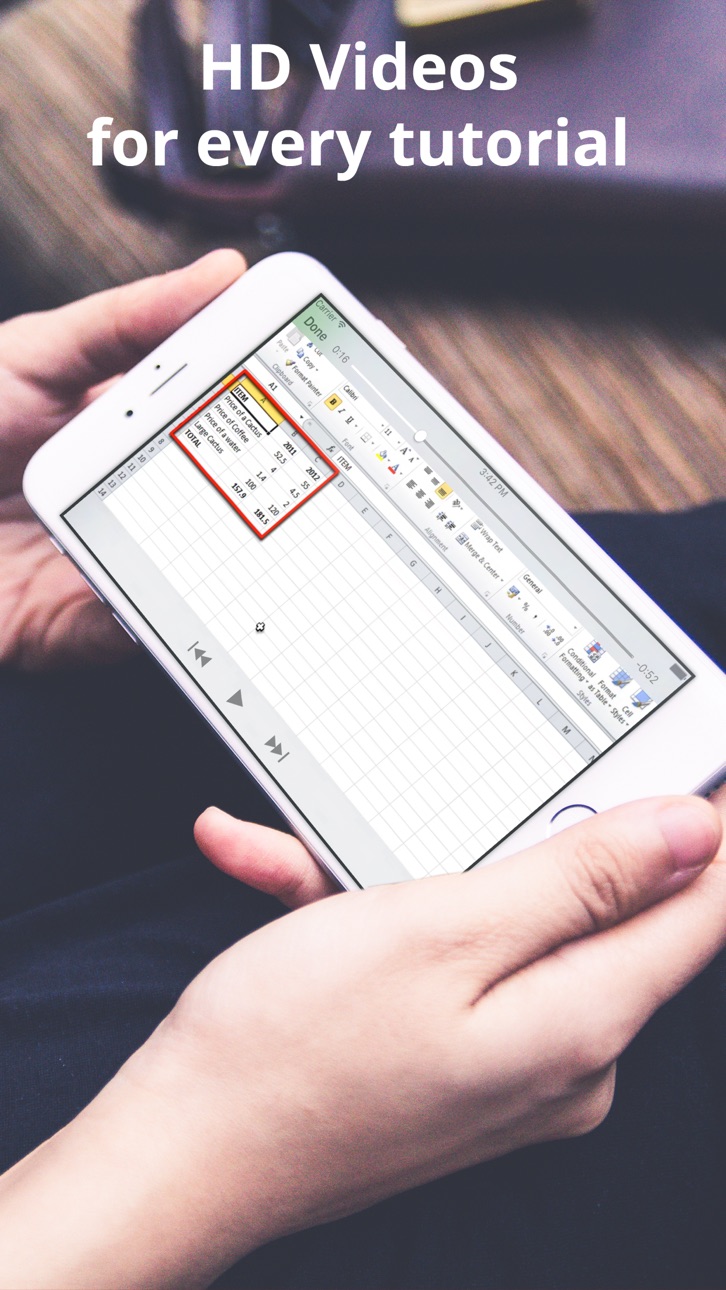
• Each tutorial can be viewed as text or video - choice is yours
• Our app is making your learning easy and convenient
Microsoft Excel is a powerful office calculation program which thousands use on a daily basis.
Are you a beginner or do you use it frequently but still have questions regarding a specific move/essential trick?
As a matter of fact, the very best selection of tutorials are provided here.
After using our guide there won’t be left much you won’t be able to do self-confidently in Excel, since it’s been under research and development by an expert dev team.
Key features of this manual:
• How to Create multiple custom Worksheet views in Excel
• How to Customize the ribbon bar in Excel
• How to Customize your display of Status Bar totals in Excel
• How to work with data using shortcuts in Excel
• How to Understand formulas and functions in Excel
• How to work with times and dates in Excel
• How to Format numbers and dates in Excel
• How to apply fonts, background colors, and borders in Excel
• How to add Background Color automatically in Excel
• How to adjust columns, rows and text in Excel
• How to use custom conditional formatting in Excel
• How to split screen and Freeze Cells in Excel
• How to insert headers and footers in Excel
• How to Add pictures and shapes in Excel
• How to Use tables to sort and filter data in Excel
• How to know Basic and multi-field sorting in Excel
• How to control cell cursor in Excel
• How to Select Multiple Cells in Excel
• How to Target large data groups in Excel
• How to Name and use cell ranges in Excel
• How to Convert Excel vertical cells to horizontal
• How to Record and using a simple macro in Excel
• How to Create a basic Pivot Table in Excel
• How to Use templates in Excel
• How to Create Templates in Excel
• How to Hide or group rows and columns in Excel
• How to Write subscript in Excel
• How to Create a Drop Down Menu in Excel
• How to Insert Check Mark Symbol in Excel
• How to Use Symbols and Special Characters in Excel
• How to Insert and edit comments in Excel
• How to Save Excel as read only
• How to Convert an Excel spreadsheet to a word document
• How to Convert Excel to a jpeg format
• How to Export Excel data to a text file
• How to Copy Excel sheet into email
• How to Open an Excel Spreadsheet Online
• How to Share a workbook and track changes in Excel
Privacy policy & Terms of use
You can find our Privacy Policy and Terms of Use following links:
• Privacy Policy: http://howtech.tv/privacy-policy/
• Terms of Use: http://howtech.tv/terms-and-conditions/
Auto-Renewable Subscription
To gain full access to “Manual for Microsoft Excel with Secrets and Tricks”'s catalog, you will need to activate your subscription.
• You can choose between the following subscription periods: 1 week, 1 month or 1 year.
• The prices for the subscription plans are the following: $2.49 for weekly subscription, $5.99 for monthly plan and $25.49 for yearly subscription. *
• All plans have a 7-day trial period
• Your subscription automatically renews unless auto-renew is turned off at least 24-hours before the end of the current period.
• Your iTunes account will automatically be charged at the same price for renewal, as stated above, within 24-hours prior to the end of the current period.
• Payment will be charged to your iTunes account at confirmation of purchase.
• You can manage your subscription and/or turn off auto-renewal by visiting your iTunes Account Settings after purchase.
Note: You cannot cancel a subscription during the active period. Any unused portion of a free-trial period, will be forfeited when the user purchases a subscription.
* Actual prices may differ depending on your location and currency settings.
© 2015 – 2017 HowTech
Capabilities
In-App Purchases
Accessibility
ipadiphonemacrealityDevicetvoswatch
Version history 2 versions
Build 821987931v2.02017-05-04 10:50:01
This update from Apple will improve the functionality of this app. No new features are included.
• Complete redesign of the app
• Video and Text Excel tutorials
• More than 700 new tips and tricks
Build 811824386v1.02015-03-25 00:26:19
No pricing data captured yet — comparisons appear once the app has paid storefronts or in-app purchases.
Availability 1 of 1 storefronts
| Region | Language | Price | Ratings | Avg | Version |
|---|---|---|---|---|---|
| US | en-US | Free | 93 | 3.8 | 2.0 |
Change log 5 changes · US
✎
releaseNotes updated
This update from Apple will improve the functionality of this app. No new features are included.
• Complete redesign of the app
• Video and Text Excel tutori
✎
description updated
If you're looking for a convenient way to learn all the ways to use Microsoft Excel, this guide is for you!
• Over 500 most useful tips from professional tutor
✎
name updated
Manual for Microsoft Excel with Secrets and Tricks
◆
Version 2.0 released
This update from Apple will improve the functionality of this app. No new features are included.
• Complete redesign of the app
• Video and Text Excel tutorials
• More than 700 new tips and tricks
◆
Version 1.0 released