Home › Utilities

 US
US
1 of 1 storefronts
Content in en-US
Content in en-US
Information
Apple ID965279849
Bundle IDcom.blackandgreystudios.SmartCalc
SellerSeller
Min iOS13.0
Min macOS11.0
Device familiesiphone, ipad, ipod
Released2015-02-25
Copyright© 2015 Black & Grey Studios
Privacy policyLink ↗
Preview 2 platforms
iPhone 8 images



iPad 8 images



What’s New Version 2.3
New Free Features
• iPad support
If you have a few moments of free time, we greatly appreciate any reviews. They help us grow our user base so we can continue to bring you feature-packed updates like this one.
Description
Free Features
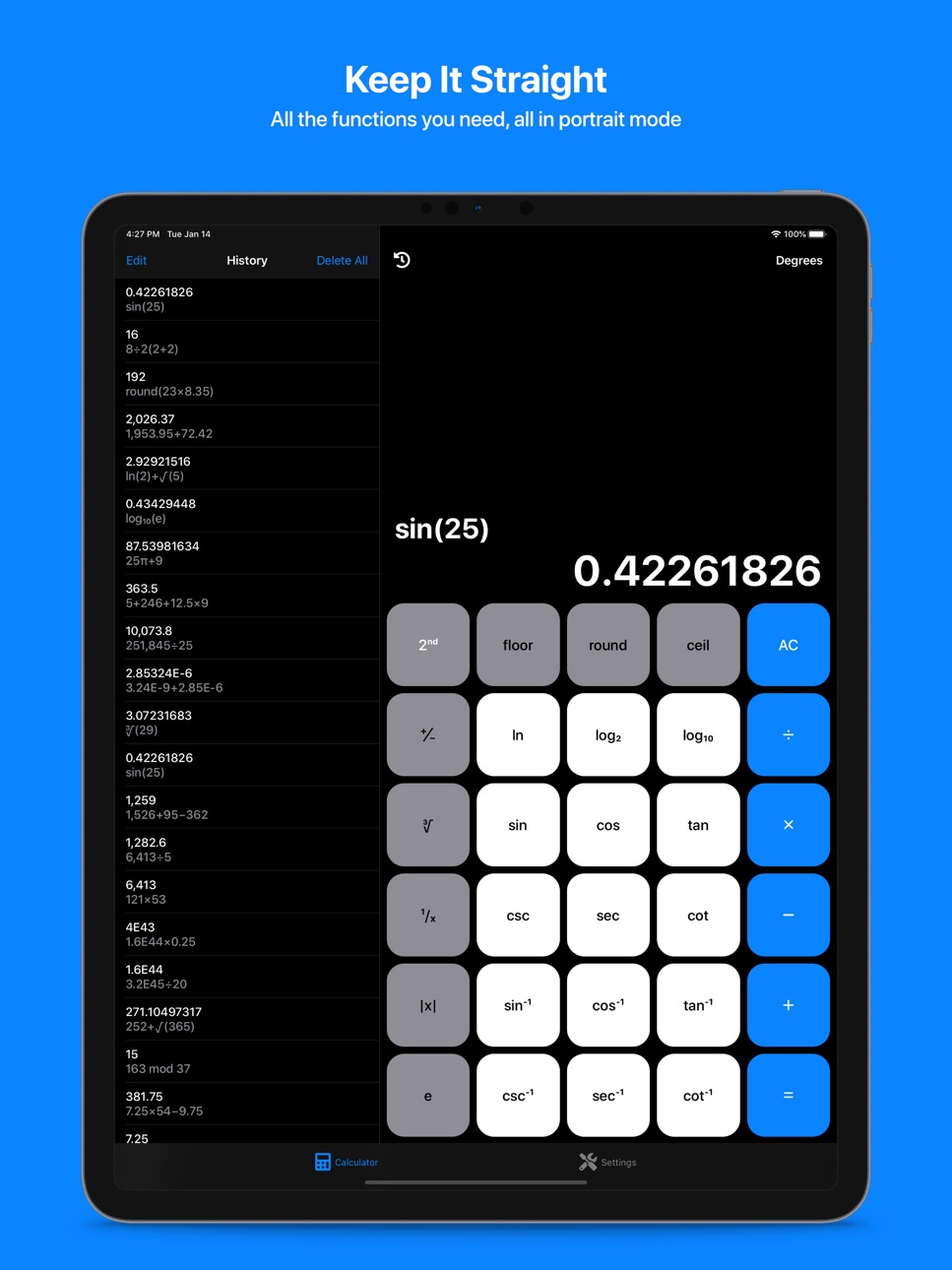
All the functions you need, all in portrait mode
• Access over 50 unique calculator inputs without having to rotate your device
SmartCalc remembers so you don't have to
• Enjoy calculation history that sticks around until you close the app
Edit, copy, and paste with SmartCalc's intuitive clipboard
• Edit or copy calculations from your history or calculator output
• Paste from your clipboard directly into the calculator
Speed up your calculations with powerful input capabilities
• Long press operators, functions, or parentheses to apply them to the entire expression
Personalize your experience
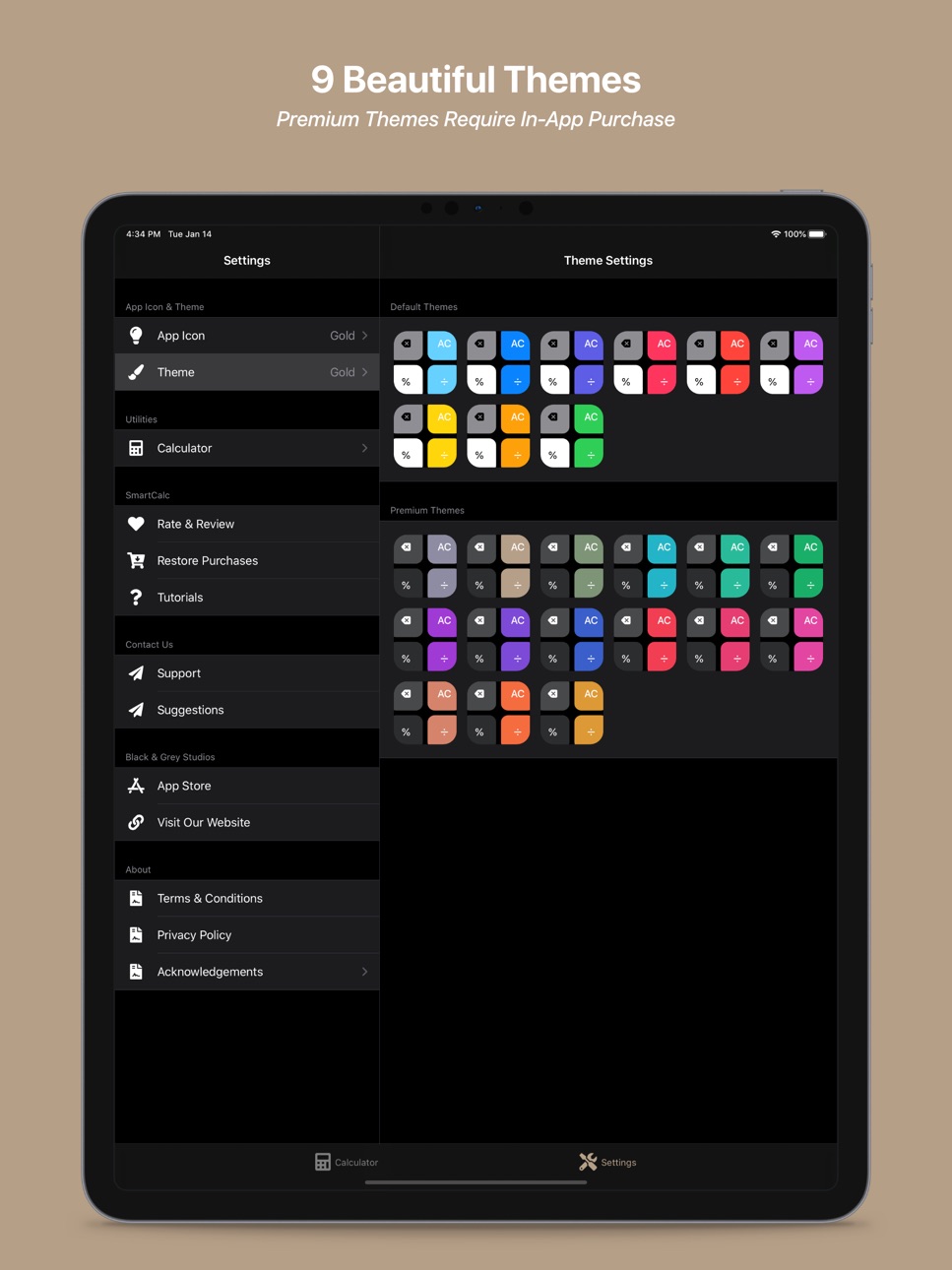
• Choose from 9 beautiful themes and app icons
• Rearrange the decimal, zero, and negative keys to match your desired layout
Pro Features
Smart Cursor & Trackpad
• Insert or delete from anywhere in the calculation
• Long press any number key to active the trackpad, or long press and drag the cursor itself
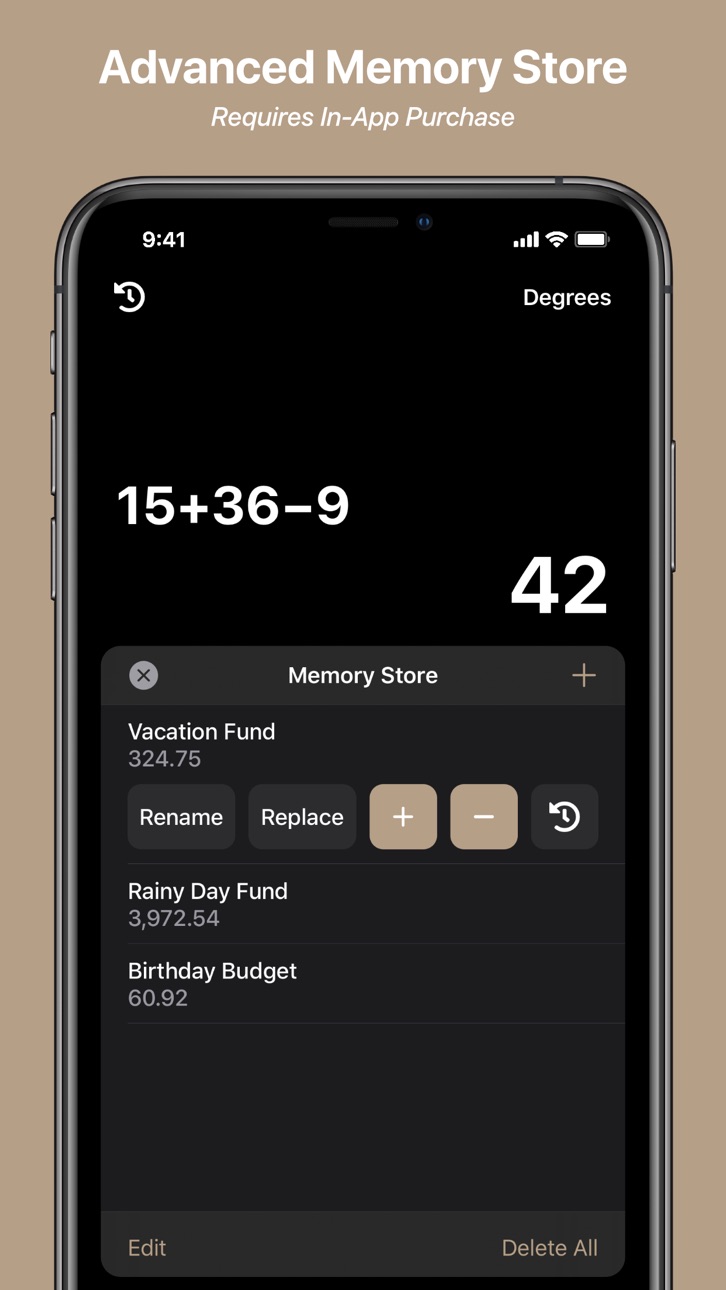
Advanced Memory Store
• Store an unlimited number of values
• Label stored values for easy identification
• Manage running totals using the plus and minus buttons
• View calculation history for each stored value
Permanent History
• Enjoy calculation history that sticks around until you delete it
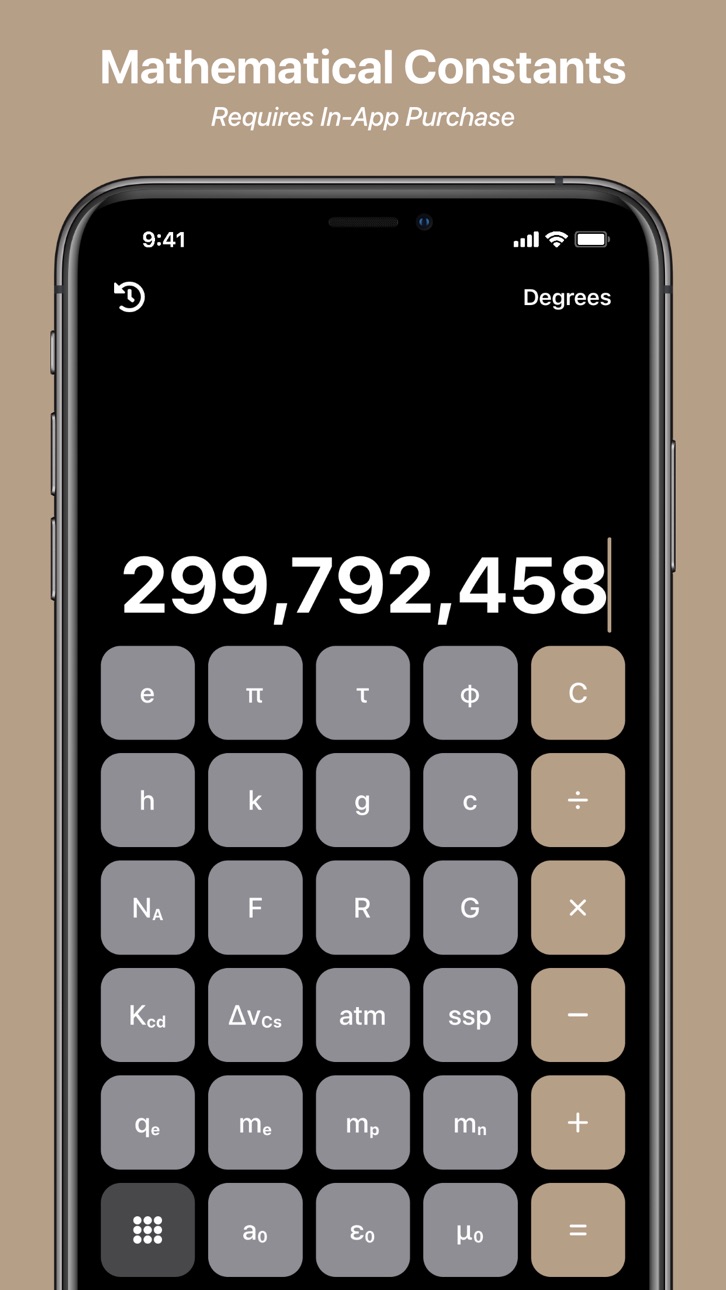
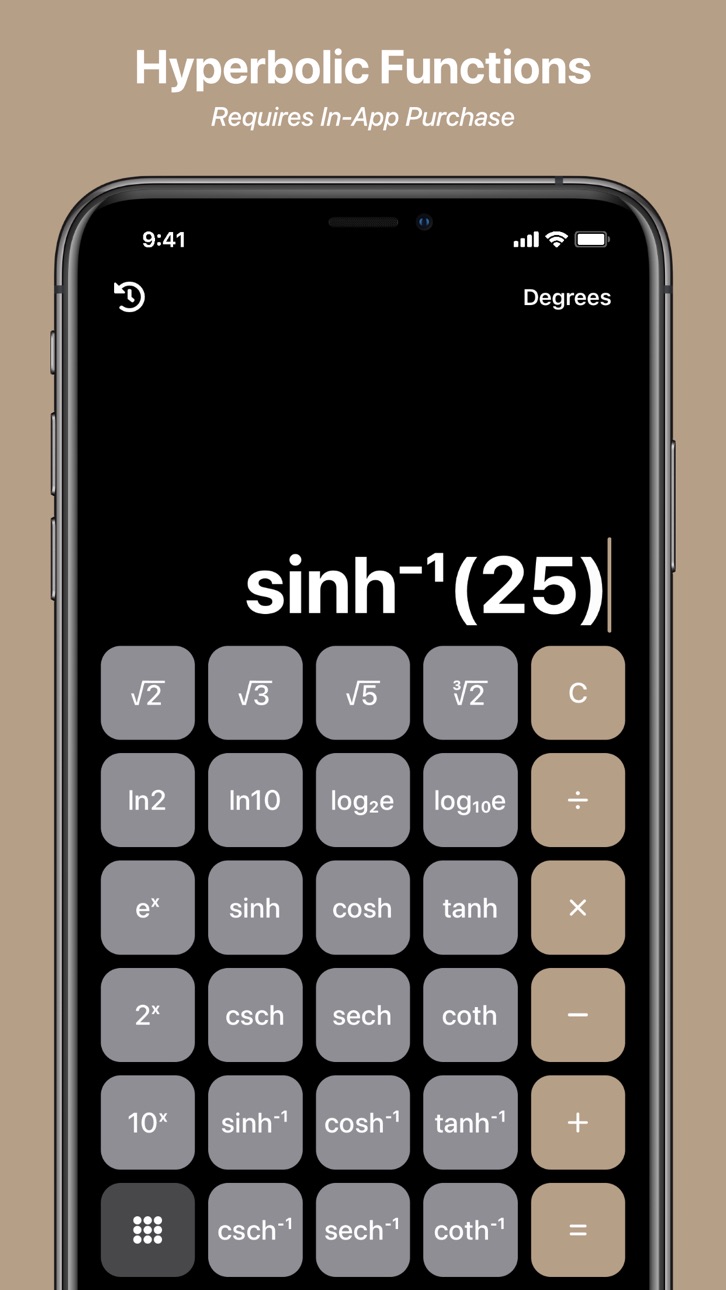
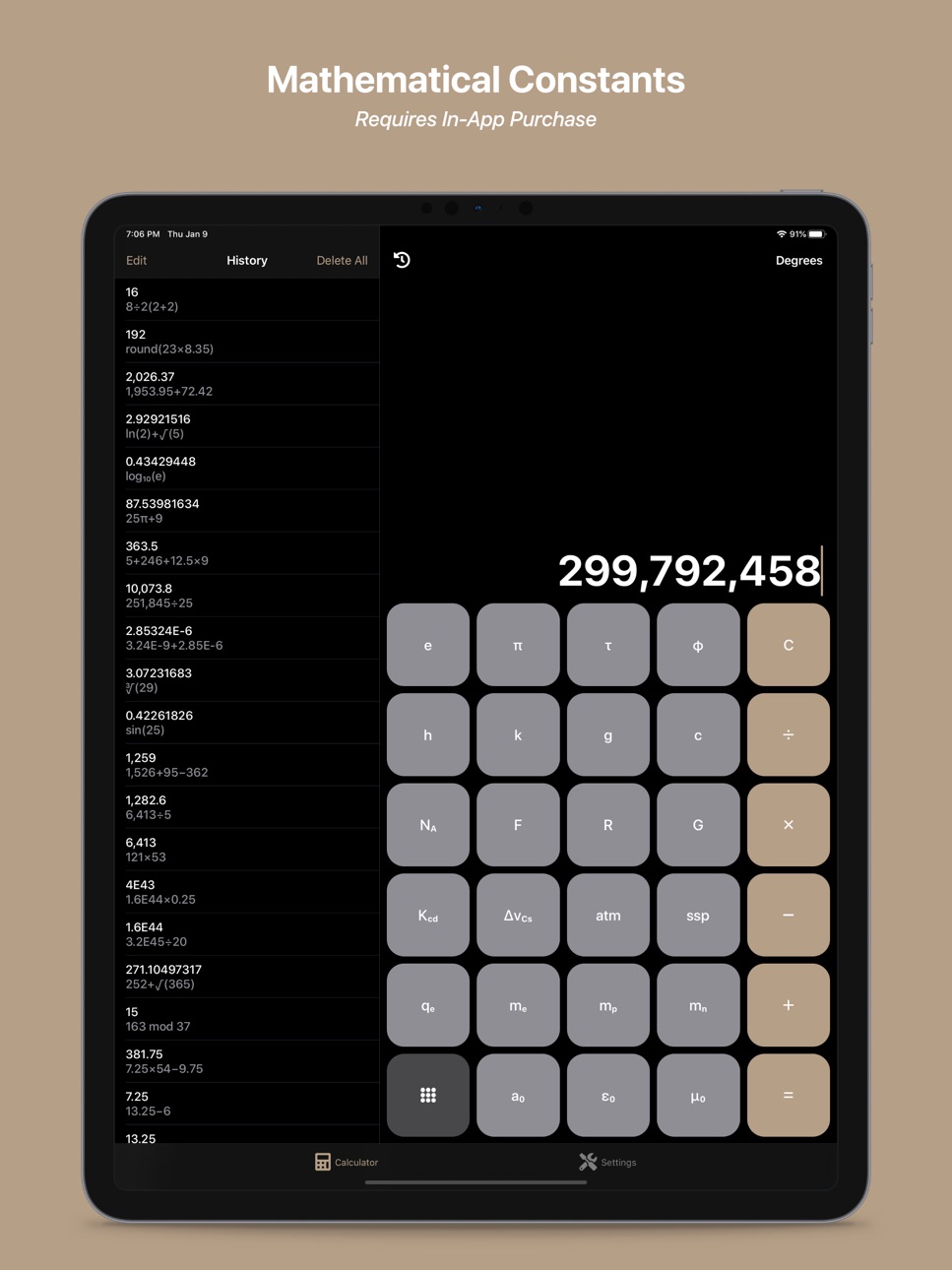
Mathematical & Physical Constants, Hyperbolic Functions, and more!
• Access over 20 mathematical and physical constants, 12 hyperbolic functions, and more with the advanced keypad
Premium Themes & App Icons
• Choose from an additional 15 beautiful themes and app icons
No Ads + Unlimited Access
• Enjoy ad-free, unlimited access
If you choose to purchase a subscription, payment will be charged to your iTunes Account at confirmation of purchase. Your subscription will automatically renew unless auto-renewal is turned off at least 24-hours before the end of the free trial or current period. Subscriptions with a free trial will automatically renew to a paid subscription, and any unused portion of a free trial period, if offered, will be forfeited when you purchase a premium subscription during the free trial period. Your subscription may be managed and auto-renewal may be turned off by going to your Account Settings after purchase.
For full Terms & Conditions, please visit our website: https://blackandgreystudios.com/terms-and-conditions.
In-App Purchases US pricing
SmartCalc Pro Subscription Subscription
SmartCalc Pro (1 Month) · Monthly 1-month free trial$0.49
SmartCalc Pro (1 Year) · Yearly 1-month free trial$4.49
One-Time Purchases
SmartCalc Pro (Lifetime)$19.99
Capabilities
In-App Purchases
Accessibility
ipadiphonemacrealityDevicetvoswatch
Version history 10 versions
Build 834291932v2.32020-01-23 10:04:57
New Free Features
• iPad support
If you have a few moments of free time, we greatly appreciate any reviews. They help us grow our user base so we can continue to bring you feature-packed updates like this one.
Build 834018962v2.22020-01-08 14:36:15
New Free Features
• +/− keypad button
Improvements
• Reduced the cursor long press duration to zero to make dragging the cursor easier
Bug Fixes
• Fixed crash caused by removing labels on memory entries in memory store
• Fixed edit button issues caused by adding new memory entries to memory store while in edit mode
If you have a few moments of free time, we greatly appreciate any reviews. They help us grow our user base so we can continue to bring you feature-packed updates like this one.
Build 833972964v2.12019-12-13 12:15:42
New Pro Features
• You can now toggle between basic and advanced memory store at any time in the calculator settings.
If you have a few moments of free time, we greatly appreciate any reviews. They help us grow our user base so we can continue to bring you feature-packed updates like this one.
Build 825636427v2.02019-12-10 20:13:26
SmartCalc 2.0 is here! We took all the features you know and love, added a bunch more, and redesigned the app from the ground up!
If you have a few moments of free time, we greatly appreciate any reviews. They help us grow our user base so we can continue to bring you feature-packed updates like this one.
Thank you for all your support! Happy Holidays!
Build 814734501v1.32015-12-02 22:03:51
We're back with another update!
We redesigned the tip calculator and made a lot of small improvements that we think make SmartCalc even more seamless and intuitive.
We also made a few bigger changes based on feedback from our fantastic users!
Now, instead of tapping an expression or calculation to bring up the copy menu, you need to press and hold to bring up the copy menu. This change makes it a lot harder to accidentally open the copy menu when trying to pull down your history.
We also added a new option to the copy menu. Or should we say, edit/copy menu! You can now select "Edit Expression" on any previous calculation to move the expression back into the edit window.
We also changed how you backspace (yes, you could backspace before, but it wasn't very clear, so we fixed that!). Now, instead of swiping left on the current expression to backspace, there is a backspace button, and "floor", "round", and "ceil" have been moved to the function half of the calculator (accessible using the "2nd" key).
And last, but certainly not least, if you press and hold any function or operator key, SmartCalc will apply it to the entire current expression.
For example, if you enter "2+2", then press and hold "x", SmartCalc will display "(2+2)x".
Or, if you enter "3x4", then press and hold "ln", SmartCalc will display "ln(3x4)".
A long form example of this would be:
"2+2", press and hold "x", "5", press and hold "ln" gives you "ln((2+2)x5)".
We hope you enjoy the update! If you ever have any suggestions or feedback, please feel free to contact us at any time. And as always, if you enjoy SmartCalc and have a few moments of free time, we greatly appreciate any reviews. Thanks!
Build 812497982v1.22015-11-23 23:04:50
• You can now delete individual calculations from your history by swiping left and pressing "Delete"
• We fixed a bug that would cause the app to crash sometimes if the same calculation was entered twice in a row
We hope you enjoy the update! If you ever have any suggestions or feedback, please feel free to contact us at any time. And as always, if you enjoy SmartCalc and have a few moments of free time, we greatly appreciate any reviews. Thanks!
Build 812093230v1.12015-04-06 17:20:49
We added an exciting little feature to help make SmartCalc the only iPhone calculator you will ever need: a tip calculator! To access it, just open the side menu and select "Tip Calculator."
We also added the ability to share SmartCalc with your friends directly from the app, so if you've already made the switch from the default iPhone calculator to SmartCalc, encourage your friends to do the same!
As always, we greatly appreciate any reviews, so if you enjoy the app and have a few minutes of free time, leave a rating on the App Store!
Thanks for using SmartCalc!
Build 812015293v1.0.22015-03-25 00:12:15
We fixed a bug where tapping the current expression or any of the calculations in your history would crash the app instead of bringing up the copy menu. This bug did not appear in our test version, so it was quite alarming to find it in the App Store version! It should, however, be solved now. Sorry for the inconvenience!
Please feel free to contact us at any time with your suggestions - they help us continue to make the best apps possible!
If you like SmartCalc and have a few minutes of free time, we always appreciate any reviews. Thanks!
Build 811854795v1.0.12015-02-27 22:43:04
We fixed the issue where the instructions would get cut off on phones using large font sizes. Sorry for the inconvenience! If you were unable to read the instructions completely the first time they appeared, you can access them at any time by opening the side menu and selecting "Instructions."
Please feel free to contact us at any time with your suggestions - they help us continue to make the best apps possible!
If you like SmartCalc and have a few minutes of free time, we always appreciate any reviews. Thanks!
Build 811740442v1.02015-02-23 17:45:03
Price history by region
Currency
Show
Columns
Search
Availability 1 of 1 storefronts
| Region | Language | Price | Ratings | Avg | Version |
|---|---|---|---|---|---|
| US | en-US | Free | 22 | 4.8 | 2.3 |
Change log 14 changes · US
✎
releaseNotes updated
New Free Features
• iPad support
If you have a few moments of free time, we greatly appreciate any reviews. They help us grow our user base so we can cont
✎
description updated
Free Features
All the functions you need, all in portrait mode
• Access over 50 unique calculator inputs without having to rotate your device
SmartCalc r
✎
subtitle updated
Advanced Scientific Calculator
✎
name updated
SmartCalc Calculator
◆
Version 2.3 released
New Free Features
• iPad support
If you have a few moments of free time, we greatly appreciate any reviews. They help us grow our user base so we can continue to bring you feature-packed updates like this one.
◆
Version 2.2 released
New Free Features
• +/− keypad button
Improvements
• Reduced the cursor long press duration to zero to make dragging the cursor easier
Bug Fixes
• Fixed crash caused by removing labels on memory entries in memory store
◆
Version 2.1 released
New Pro Features
• You can now toggle between basic and advanced memory store at any time in the calculator settings.
If you have a few moments of free time, we greatly appreciate any reviews. They help us grow our user base so we can
◆
Version 2.0 released
SmartCalc 2.0 is here! We took all the features you know and love, added a bunch more, and redesigned the app from the ground up!
If you have a few moments of free time, we greatly appreciate any reviews. They help us grow our user base so
◆
Version 1.3 released
We're back with another update!
We redesigned the tip calculator and made a lot of small improvements that we think make SmartCalc even more seamless and intuitive.
We also made a few bigger changes based on feedback from our fantastic us
◆
Version 1.2 released
• You can now delete individual calculations from your history by swiping left and pressing "Delete"
• We fixed a bug that would cause the app to crash sometimes if the same calculation was entered twice in a row
We hope you enjoy the upda
◆
Version 1.1 released
We added an exciting little feature to help make SmartCalc the only iPhone calculator you will ever need: a tip calculator! To access it, just open the side menu and select "Tip Calculator."
We also added the ability to share SmartCalc wit
◆
Version 1.0.2 released
We fixed a bug where tapping the current expression or any of the calculations in your history would crash the app instead of bringing up the copy menu. This bug did not appear in our test version, so it was quite alarming to find it in the
◆
Version 1.0.1 released
We fixed the issue where the instructions would get cut off on phones using large font sizes. Sorry for the inconvenience! If you were unable to read the instructions completely the first time they appeared, you can access them at any time
◆
Version 1.0 released