Home › Weather

 US
US
1 of 1 storefronts
Content in en-US
Content in en-US
Information
Preview 2 platforms
iPhone 9 images




iPad 8 images



What’s New Version 2.5
Improvements & Enhancements:
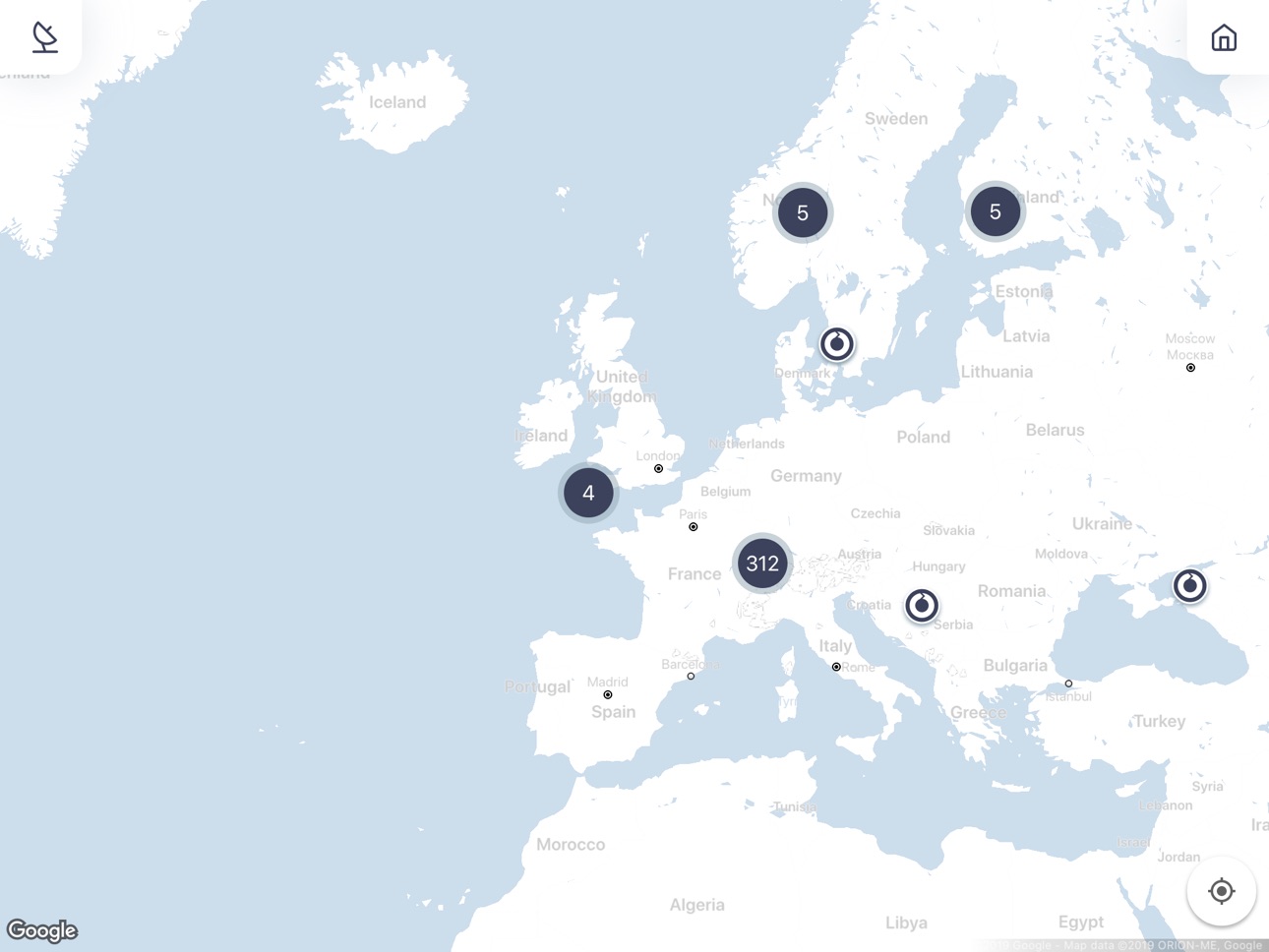
- Improved map experience with a new satellite view mode, making camera locations easier to identify.
- Enhanced location handling for more accurate and stable positioning in the map and “Around Me” feature.
- Improved favorites management by making favorite camera selections more reliable and consistent on the device.
- Updated camera navigation behavior to keep the mobile experience aligned with the web version.
- Improved iOS 16 compatibility by configuring a stable SDK version and ensuring better platform support.
Bug Fixes:
- Fixed an issue where user filtering by status and name did not work correctly together.
- Improved overall stability and reliability of location-based features.
- Resolved inconsistencies in camera navigation behavior.
Description
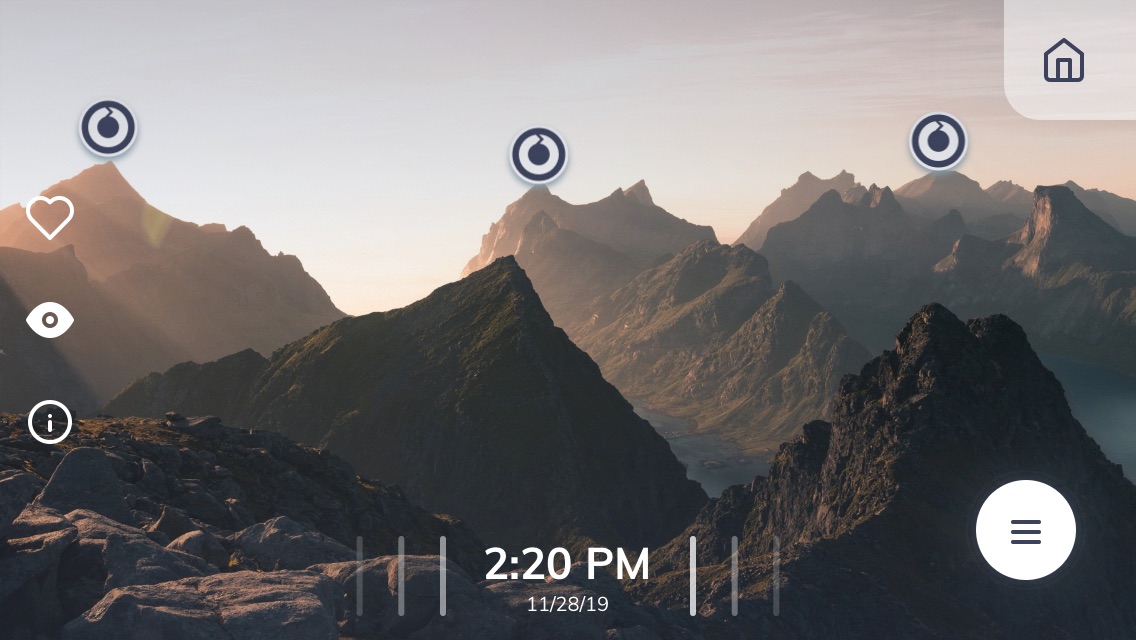
See the world as you have never seen it before! The Livecam app is a gateway to a network of high resolution webcams featuring world-class image quality up to 144 million pixels.
Benefits:
+ See real-time weather and the 360° environment on your mobile device, ideal to plan any outdoor activities or just relax at home
+ Enjoy breathtaking panoramic views in superb image quality
+ Travel virtually to new locations and get inspired to find new places to visit
Key features:
* Choose a webcam, zoom into the image, browse in the archive and much more!
* Filter locations by category or region, around me or in a map
* Save your webcams of choice in favorites
Accessibility
ipadiphonemacrealityDevicetvoswatch
Version history 12 versions
Build 887657230v2.52026-07-01 07:18:29
Improvements & Enhancements:
- Improved map experience with a new satellite view mode, making camera locations easier to identify.
- Enhanced location handling for more accurate and stable positioning in the map and “Around Me” feature.
- Improved favorites management by making favorite camera selections more reliable and consistent on the device.
- Updated camera navigation behavior to keep the mobile experience aligned with the web version.
- Improved iOS 16 compatibility by configuring a stable SDK version and ensuring better platform support.
Bug Fixes:
- Fixed an issue where user filtering by status and name did not work correctly together.
- Improved overall stability and reliability of location-based features.
- Resolved inconsistencies in camera navigation behavior.
Build 871780288v2.42025-01-15 20:00:38
- compatibility with latest smart phones and tablets and with roundshot backend
- improved performance and stability of the app
- default activation key for users without a key (Roundshot Livecam app)
- fixed hotspot alignment between mobile app and desktop/mobile-responsive application
- new filter: camera status (online, delayed, offline, idle) with visual status indicators (green, orange, red, blue) for each camera in home view
- enabling of service texts (camera offline) matching the texts with desktop/mobile-responsive application
Build 834906098v2.32020-03-03 08:10:26
- feature "compare" images
- bug fixes
Build 834812525v2.22020-02-24 11:38:37
- camera view: new animated menu
- image archive
- bug fixes
Build 834364405v2.12020-01-16 08:57:25
We are adding a new feature:
- best shots
- some bug fixes and as well as a series of improvements
Build 833968457v2.0.22019-12-12 08:05:17
- Version 2.0 with a fresh new design
- More direct image access and faster initial loading speed
- Enhanced webcam filtering options (by region or category or both)
- New "around me" feature
- Camera view with faster image browsing, new sharing options (save, upload through email or apps) and new customer information section
- Display of hot spots
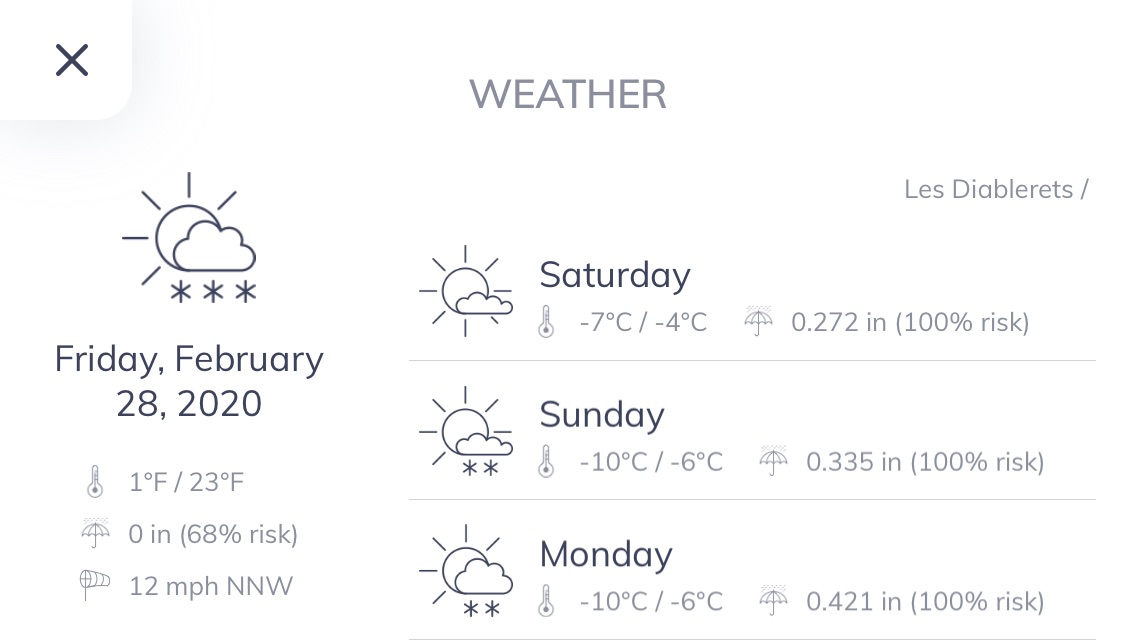
- Weather forecast information showing symbol, temperature min/max and current wind speed and direction
- Settings section with new legal notice, reporting options, copyright, google analytics opt-out
- Optional camera offline text for cameras which are in maintenance
Build 833950159v2.0.12019-12-11 09:49:37
- Version 2.0 with a fresh new design
- More direct image access and faster initial loading speed
- Enhanced webcam filtering options (by region or category or both)
- New "around me" feature
- Camera view with faster image browsing, new sharing options (save, upload through email or apps) and new customer information section
- Display of hot spots
- Weather forecast information showing symbol, temperature min/max and current wind speed and direction
- Settings section with new legal notice, reporting options, copyright, google analytics opt-out
- Optional camera offline text for cameras which are in maintenance
Build 833851445v2.02019-12-06 09:34:52
- Version 2.0 with a fresh new design
- More direct image access and faster initial loading speed
- Enhanced webcam filtering options (by region or category or both)
- New "around me" feature
- Camera view with faster image browsing, new sharing options (save, upload through email or apps) and new customer information section
- Display of hot spots
- Weather forecast information showing symbol, temperature min/max and current wind speed and direction
- Settings section with new legal notice, reporting options, copyright, google analytics opt-out
- Optional camera offline text for cameras which are in maintenance
Build 825104839v1.22017-12-14 08:55:21
- Automatic refresh of Livecam images
- Possibility to disable archive button for scrolling
- Disabling empty ticker texts
Build 814833477v1.1.12015-12-04 09:49:26
1.1.1 :
Bug Solved:
- Live ticker is displayed according to your device language if translation available
1.1 :
Camera view:
- The initial image view is now set to fill screen
- It is now possible to set the Livecam as “Favourite” from the image view
Carousel menu:
- New “search” function allowing to find any camera very quickly
- If only one livecam is available, the carousel menu is adapted and will contain only 3 relevant menu items: “Livecam”, “Links” and “Map”
Around me:
- This function is now only available if the user allows location services access. If no access is granted, this function will not be available.
- The cameras are shown from the closest to the farthest
- The maximum search range is now 300km
General:
- The app is now compatible with iPhone 6+
- Camera lists are displayed with “customer name” – “camera name” for better sorting
- It is now possible to change the units of the app :
o Distance units: “Km” or “Miles”
o Date format: “dd-mm-yyyy” or “mm-dd-yyyy”
Bug Solved:
- Around me was not showing all cameras in the defined range
Build 814626052v1.12015-11-24 10:01:15
Camera view:
- The initial image view is now set to fill screen
- It is now possible to set the Livecam as “Favourite” from the image view
Carousel menu:
- New “search” function allowing to find any camera very quickly
- If only one livecam is available, the carousel menu is adapted and will contain only 3 relevant menu items: “Livecam”, “Links” and “Map”
Around me:
- This function is now only available if the user allows location services access. If no access is granted, this function will not be available.
- The cameras are shown from the closest to the farthest
- The maximum search range is now 300km
General:
- The app is now compatible with iPhone 6+
- Camera lists are displayed with “customer name” – “camera name” for better sorting
- It is now possible to change the units of the app :
o Distance units: “Km” or “Miles”
o Date format: “dd-mm-yyyy” or “mm-dd-yyyy”
Bug Solved:
- Around me was not showing all cameras in the defined range
Build 811587175v1.02015-01-27 13:06:17
No pricing data captured yet — comparisons appear once the app has paid storefronts or in-app purchases.
Availability 1 of 1 storefronts
| Region | Language | Price | Ratings | Avg | Version |
|---|---|---|---|---|---|
| US | en-US | Free | 0 | — | 2.5 |
Change log 15 changes · US
✎
releaseNotes updated
Improvements & Enhancements:
- Improved map experience with a new satellite view mode, making camera locations easier to identify.
- Enhanced location handling
✎
description updated
See the world as you have never seen it before! The Livecam app is a gateway to a network of high resolution webcams featuring world-class image quality up to 1
✎
name updated
Roundshot Livecam Global
◆
Version 2.5 released
Improvements & Enhancements:
- Improved map experience with a new satellite view mode, making camera locations easier to identify.
- Enhanced location handling for more accurate and stable positioning in the map and “Around Me” feature.
- I
◆
Version 2.4 released
- compatibility with latest smart phones and tablets and with roundshot backend
- improved performance and stability of the app
- default activation key for users without a key (Roundshot Livecam app)
- fixed hotspot alignment between mo
◆
Version 2.3 released
- feature "compare" images
- bug fixes
◆
Version 2.2 released
- camera view: new animated menu
- image archive
- bug fixes
◆
Version 2.1 released
We are adding a new feature:
- best shots
- some bug fixes and as well as a series of improvements
◆
Version 2.0.2 released
- Version 2.0 with a fresh new design
- More direct image access and faster initial loading speed
- Enhanced webcam filtering options (by region or category or both)
- New "around me" feature
- Camera view with faster image browsing, ne
◆
Version 2.0.1 released
- Version 2.0 with a fresh new design
- More direct image access and faster initial loading speed
- Enhanced webcam filtering options (by region or category or both)
- New "around me" feature
- Camera view with faster image browsing, ne
◆
Version 2.0 released
- Version 2.0 with a fresh new design
- More direct image access and faster initial loading speed
- Enhanced webcam filtering options (by region or category or both)
- New "around me" feature
- Camera view with faster image browsing, ne
◆
Version 1.2 released
- Automatic refresh of Livecam images
- Possibility to disable archive button for scrolling
- Disabling empty ticker texts
◆
Version 1.1.1 released
1.1.1 :
Bug Solved:
- Live ticker is displayed according to your device language if translation available
1.1 :
Camera view:
- The initial image view is now set to fill screen
- It is now possible to set the Livecam as “Favour
◆
Version 1.1 released
Camera view:
- The initial image view is now set to fill screen
- It is now possible to set the Livecam as “Favourite” from the image view
Carousel menu:
- New “search” function allowing to find any camera very quickly
- If on
◆
Version 1.0 released