Home › Utilities

 US
US
1 of 1 storefronts
Content in en-US
Content in en-US
Information
Apple ID954157490
Bundle IDcom.iosradetel.calculator
SellerSeller
Min iOS15.6
Min macOS12.5
Device familiesiphone, ipad, ipod
Released2015-01-11
Copyright© 2015 Sergei Shpygar
Privacy policyLink ↗
Preview 2 platforms
iPhone 6 images


iPad 6 images


What’s New Version 1.4.0
- iOS 26 support
- Bug fixes and some improvements
Description
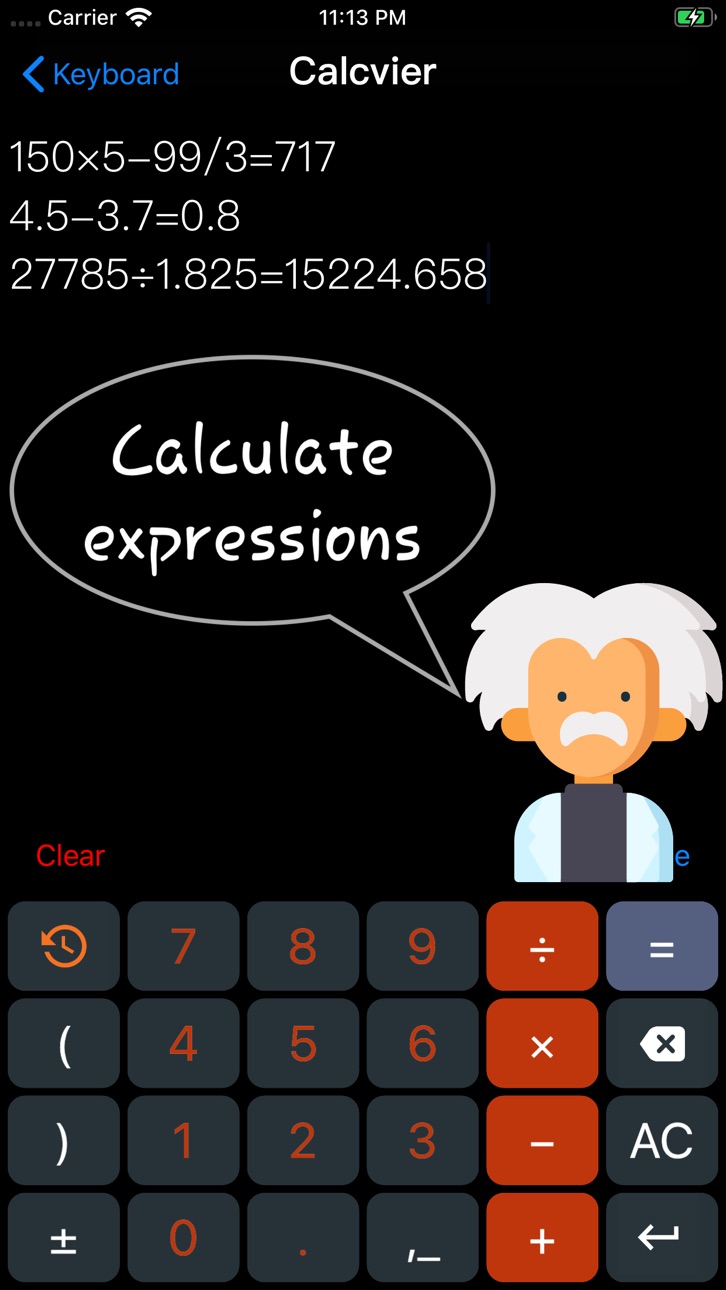
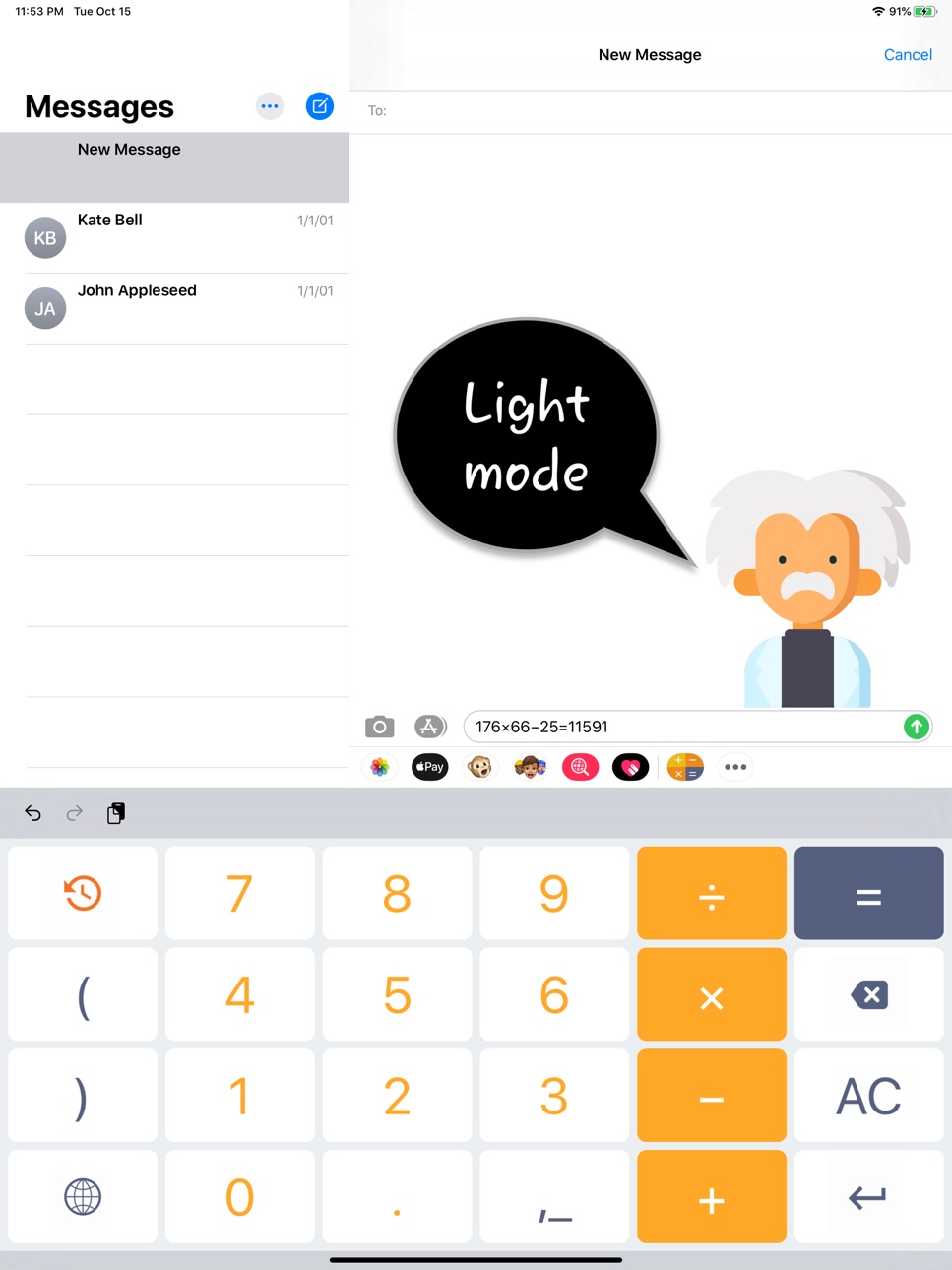
The Calcvier will turn your keyboard into Calculator! Add calculator keyboard to make fast calculations anywhere. No need to switch between apps or use some widget, no need to copy and paste results!
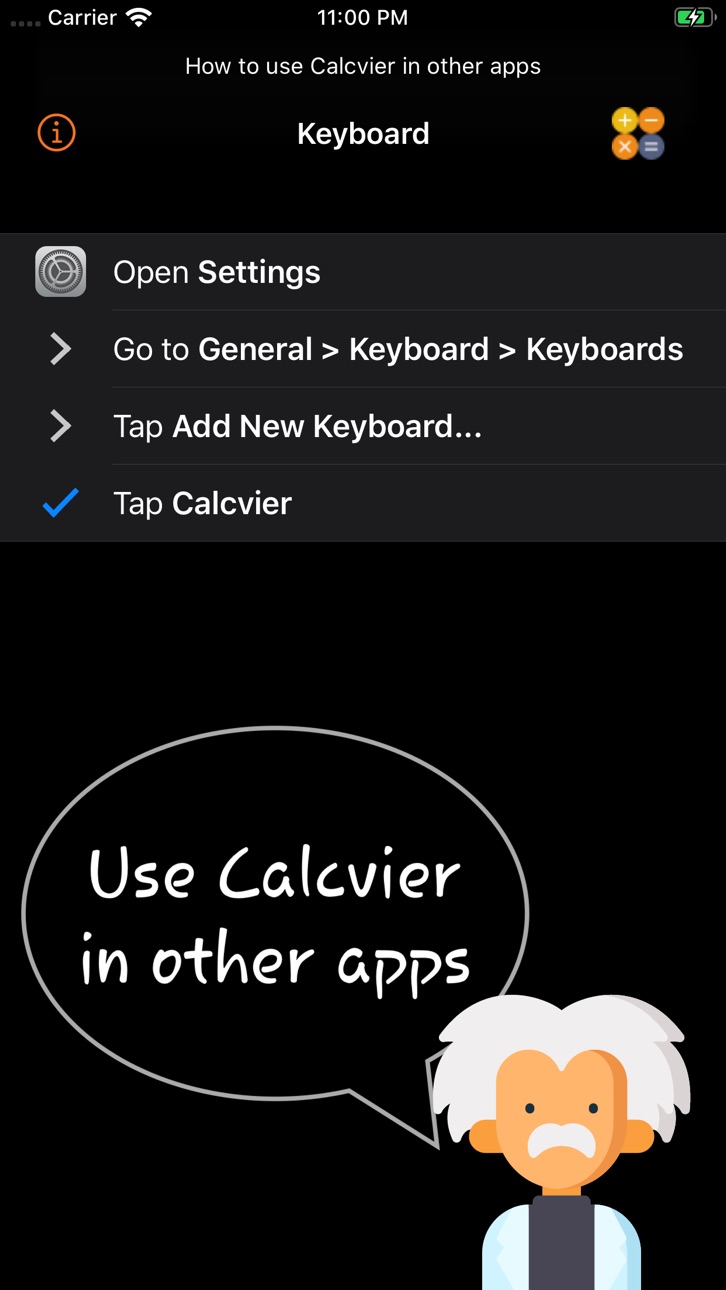
To enable Calcvier on your device:
1) Open Settings app
2) Go to General > Keyboard > Keyboards
3) Tap Add New Keyboard...
4) Tap Calcvier
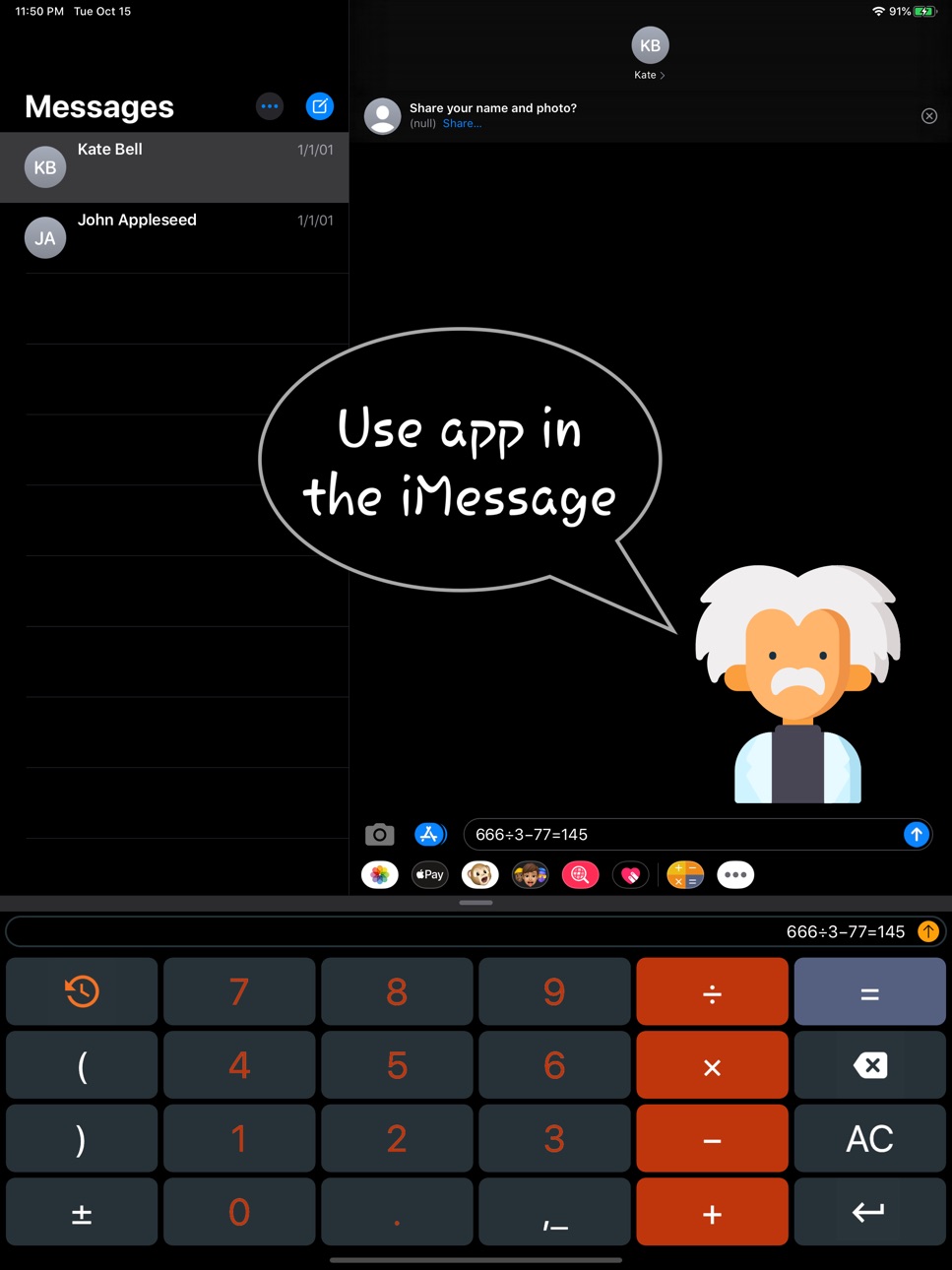
You can use Calcvier keyboard in any app such Notes, Mail, Safari, Messages and other!
Capabilities
iMessage
Accessibility
ipadiphonemacrealityDevicetvoswatch
Version history 12 versions
Build 881850873v1.4.02026-01-29 19:35:42
- iOS 26 support
- Bug fixes and some improvements
Build 863712966v1.3.72024-02-12 19:15:36
Bugs fixed and other improvements
Build 853713167v1.3.62022-12-05 15:39:12
We have added Chinese.
Thanks Georgel!
Build 846823626v1.3.52022-09-02 17:27:19
Bug fixes and other improvements
Build 839277998v1.3.42020-11-27 10:47:59
- We fixed a bug with increasing keyboard height
- We adapted for iOS 14
- We fixed other bugs
Thank you for feedback!
Build 836528416v1.3.32020-06-23 18:17:37
We fixed the keyboard bug when rotation the phone
Build 833839824v1.3.22019-12-03 18:15:01
- Returned the "AC" button
- Temporarily removed the wrong "%"
- Fixed bugs and other improvements
Thanks for the feedback and suggestions!
Build 833736671v1.3.12019-11-25 12:48:54
- Added '%' button
- Bugs fixed
- Minor improvements
Thank you all for your feedback and suggestions!
Build 833064356v1.3.02019-10-16 19:15:59
- Support for iOS 13
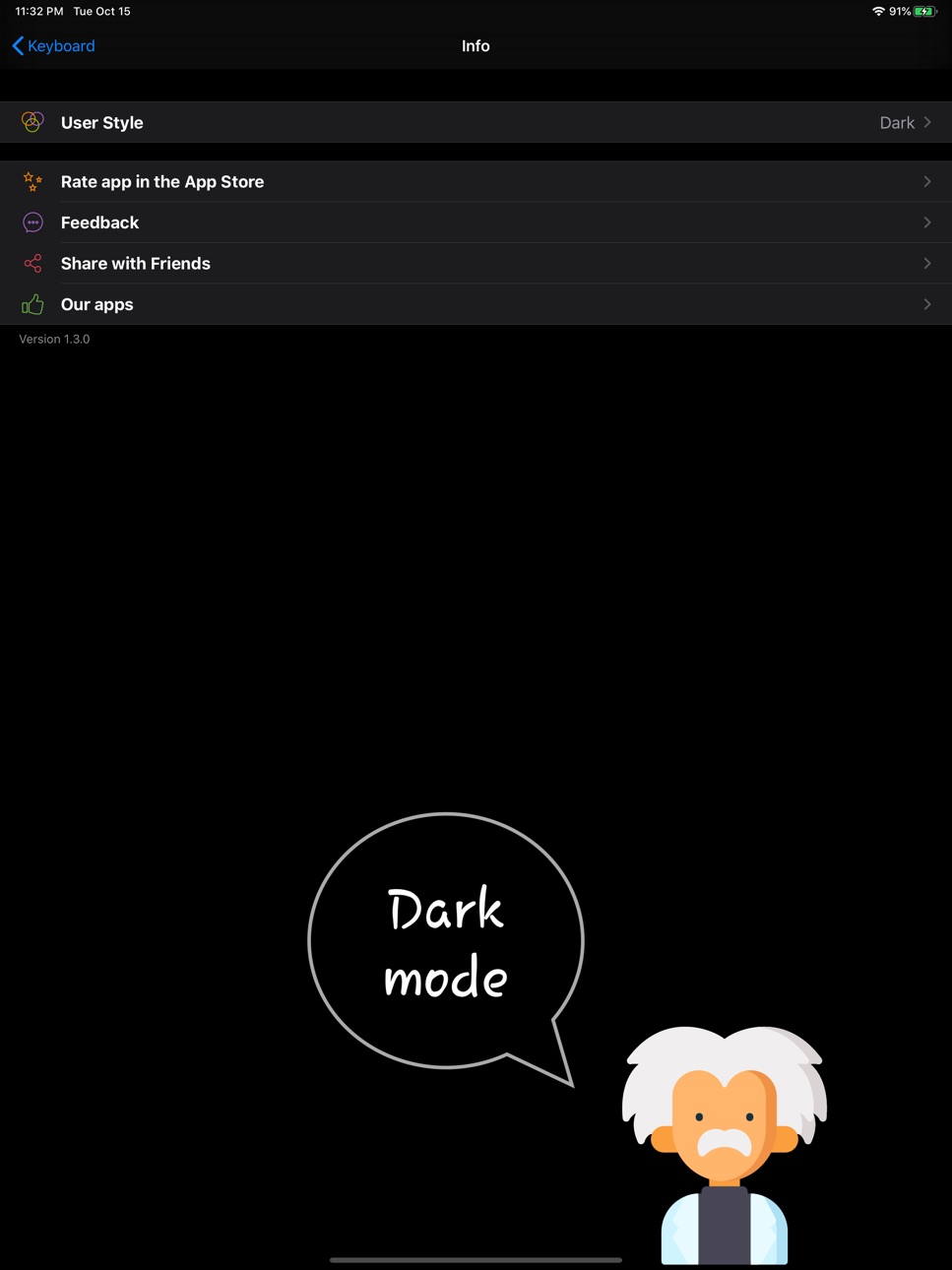
- Added dark mode
- Added application for iMessage
Build 829196649v1.2.02019-02-28 04:49:25
- Fixed calculation of decimal expressions;
- Updated interface;
- Other fixes and improvements.
Thank you for feedback and support!
Build 816789830v1.1.02016-03-31 19:06:56
- New Interface and icon
- Added an option for showing an answer with process
- Added "(" and ")"
- "Next" on the keyboard change to the "earth" icon
- Increased the size of the characters on the keyboard
- Click "=" and copy the answer automatically at the same time.
Thank you very much, 陳佑華
Build 811467283v1.0.02015-01-10 13:37:09
Price history by region
Currency
Show
Columns
Search
Availability 1 of 1 storefronts
| Region | Language | Price | Ratings | Avg | Version |
|---|---|---|---|---|---|
| US | en-US | USD 2.99 | 143 | 4.4 | 1.4.0 |
Change log 16 changes · US
✎
releaseNotes updated
- iOS 26 support
- Bug fixes and some improvements
✎
description updated
The Calcvier will turn your keyboard into Calculator! Add calculator keyboard to make fast calculations anywhere. No need to switch between apps or use some wid
✎
subtitle updated
This is smart and easy numpad
✎
name updated
Calcvier - Keyboard Calculator
◆
Version 1.4.0 released
- iOS 26 support
- Bug fixes and some improvements
◆
Version 1.3.7 released
Bugs fixed and other improvements
◆
Version 1.3.6 released
We have added Chinese.
Thanks Georgel!
◆
Version 1.3.5 released
Bug fixes and other improvements
◆
Version 1.3.4 released
- We fixed a bug with increasing keyboard height
- We adapted for iOS 14
- We fixed other bugs
Thank you for feedback!
◆
Version 1.3.3 released
We fixed the keyboard bug when rotation the phone
◆
Version 1.3.2 released
- Returned the "AC" button
- Temporarily removed the wrong "%"
- Fixed bugs and other improvements
Thanks for the feedback and suggestions!
◆
Version 1.3.1 released
- Added '%' button
- Bugs fixed
- Minor improvements
Thank you all for your feedback and suggestions!
◆
Version 1.3.0 released
- Support for iOS 13
- Added dark mode
- Added application for iMessage
◆
Version 1.2.0 released
- Fixed calculation of decimal expressions;
- Updated interface;
- Other fixes and improvements.
Thank you for feedback and support!
◆
Version 1.1.0 released
- New Interface and icon
- Added an option for showing an answer with process
- Added "(" and ")"
- "Next" on the keyboard change to the "earth" icon
- Increased the size of the characters on the keyboard
- Click "=" and copy the answer aut
◆
Version 1.0.0 released