Home › Education

 US
US
1 of 1 storefronts
Content in en-US
Content in en-US
Information
Preview 2 platforms
iPhone 8 images


iPad 8 images




What’s New Version 2026.1
This update improves the campus maps experience with updated locations, better map behavior, and general maintenance updates.
Description
DrexelOne Mobile provides students, faculty, and staff of Drexel University with access to personal academic, financial, and career information. Public functions let everyone learn more about what's happening in the University community.
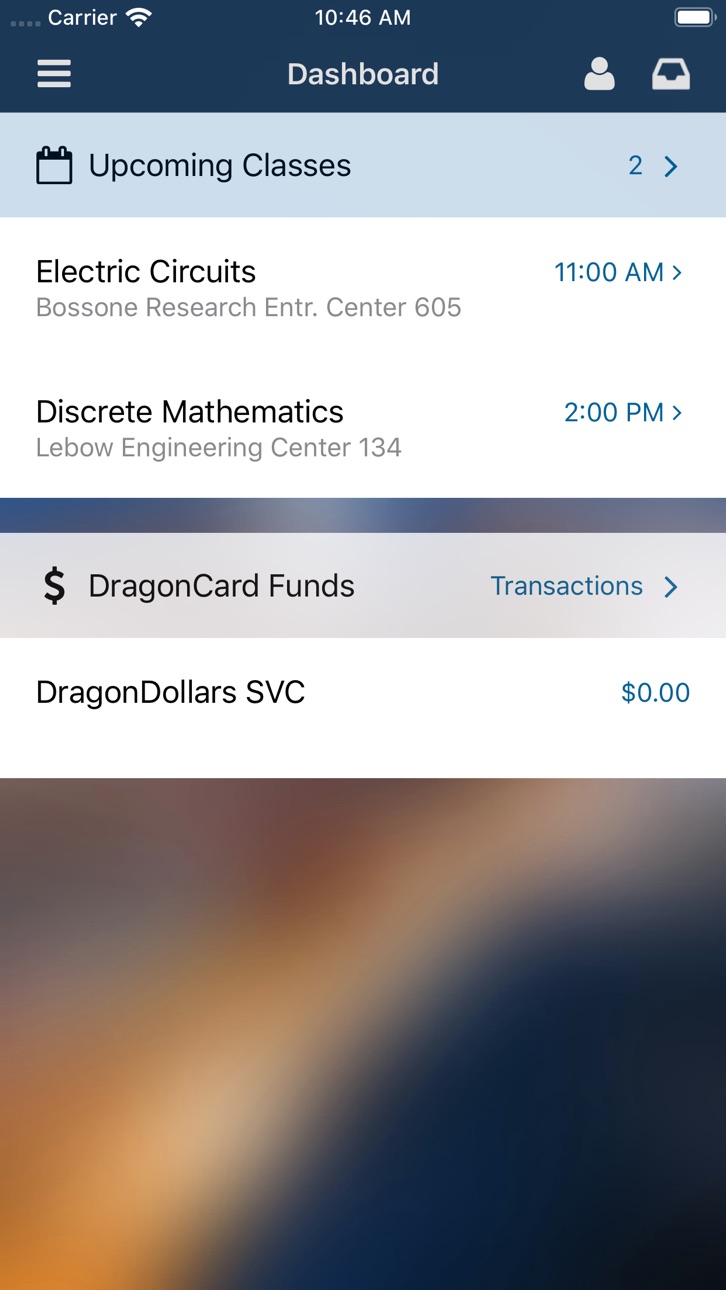
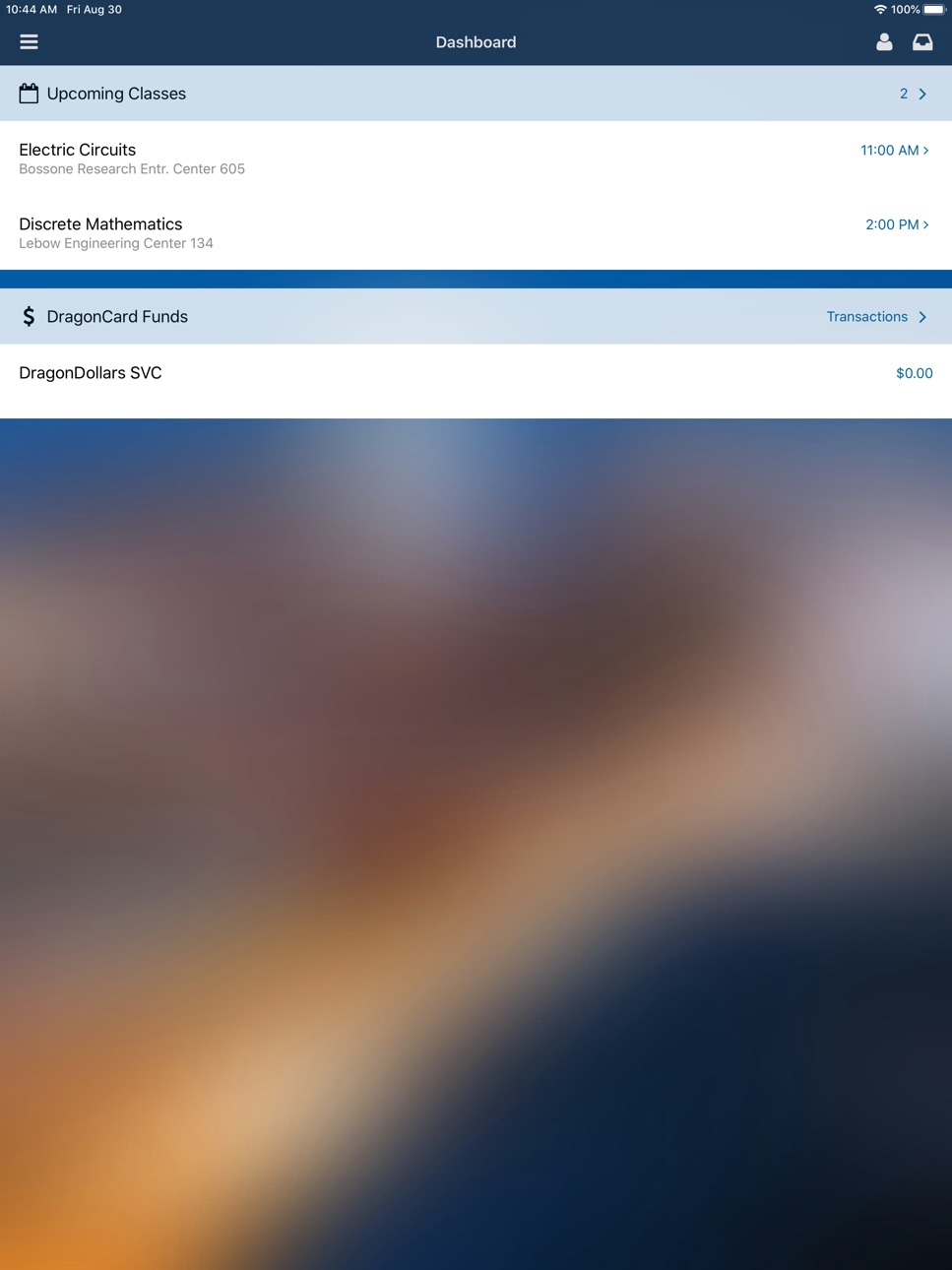
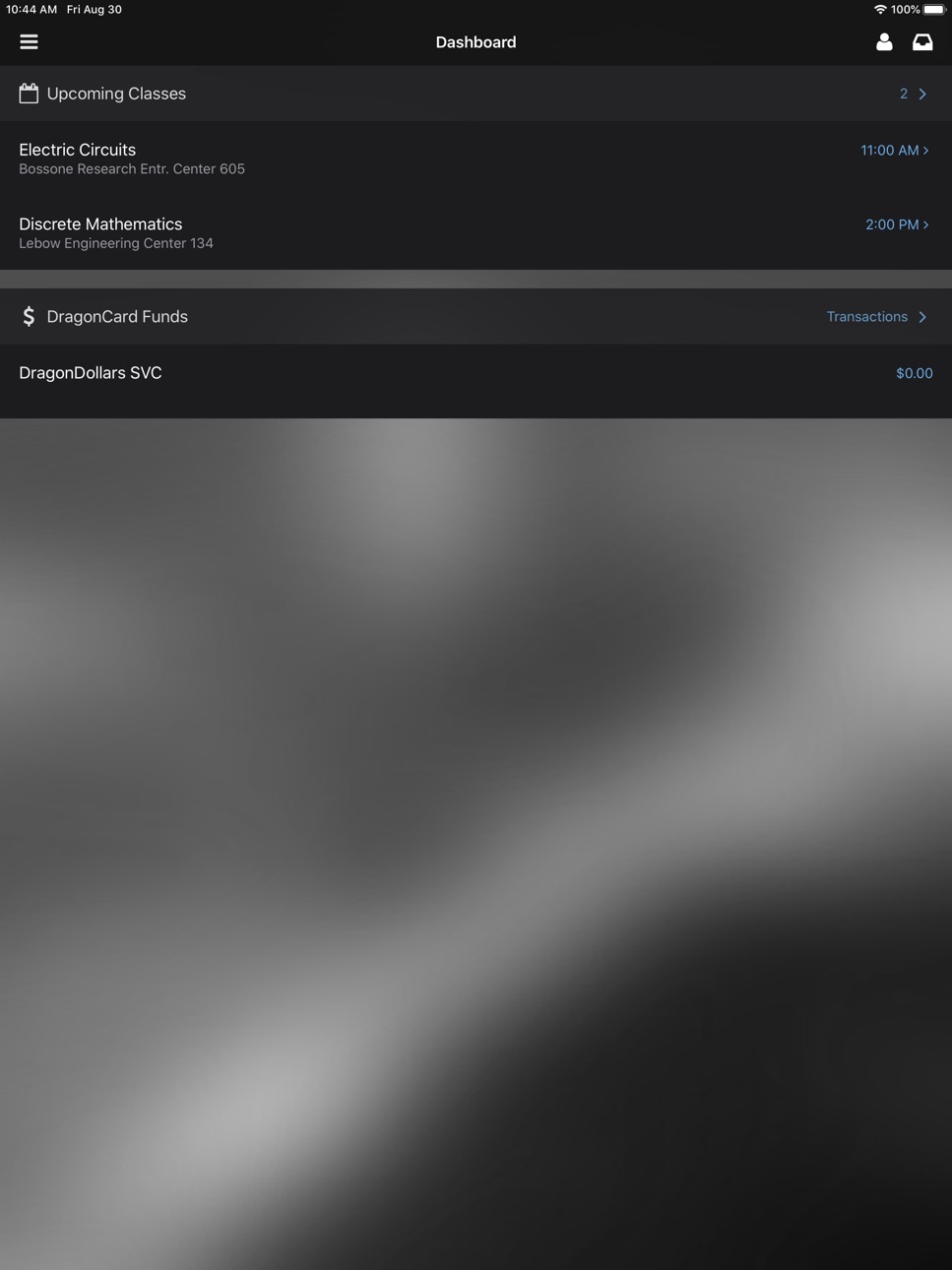
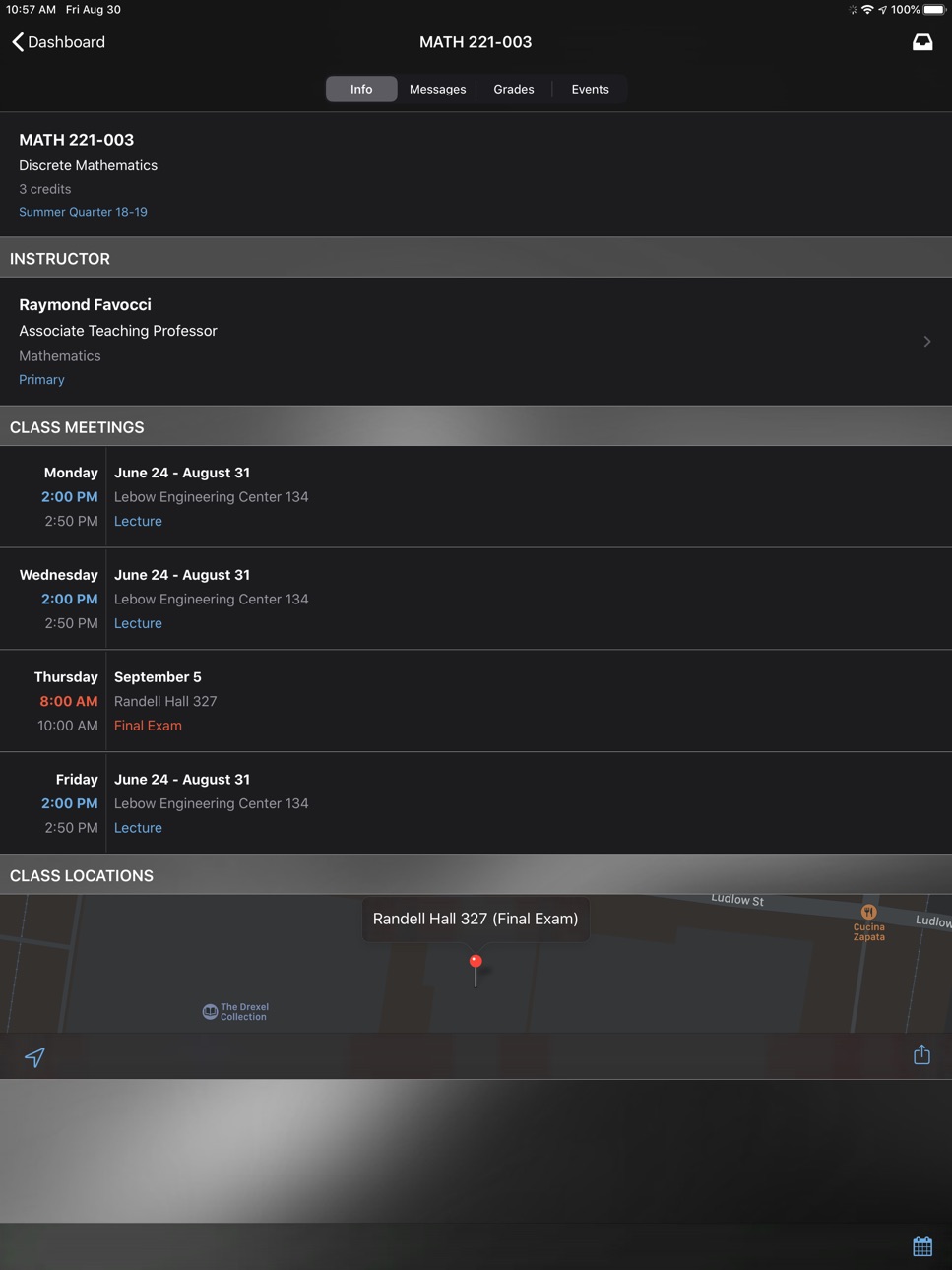
Students can view class schedules, find instructors, keep abreast of course announcements and events, monitor grades, and review coop interviews.
Faculty can view photo class lists with student details, private gradebooks, and Bb Vista "tracking" metrics. They can even send an email to all students in their class from within the app. Professional staff can view accrued time for vacation, sick, and personal leave.
Students, faculty, or staff with DragonCard funds can see their current account status and review recent transactions.
The directory lets you locate classmates, professors and colleagues and call or email them from within the app.
With the Campus Map, you can find ATMs, bike lock locations, hydration stations, public art and more on any of Drexel's four main campuses. You can search a list of merchants that take DragonCard funds, then see if the merchant is open, where they are, and even call ahead. If you're hungry, you can see what’s on the menu at your favorite local campus eatery via campus dining menus, available within the app from participating merchants.
Shuttle bus schedules tell you when the next shuttle bus is arriving and how long it will take to walk to the nearest stop.
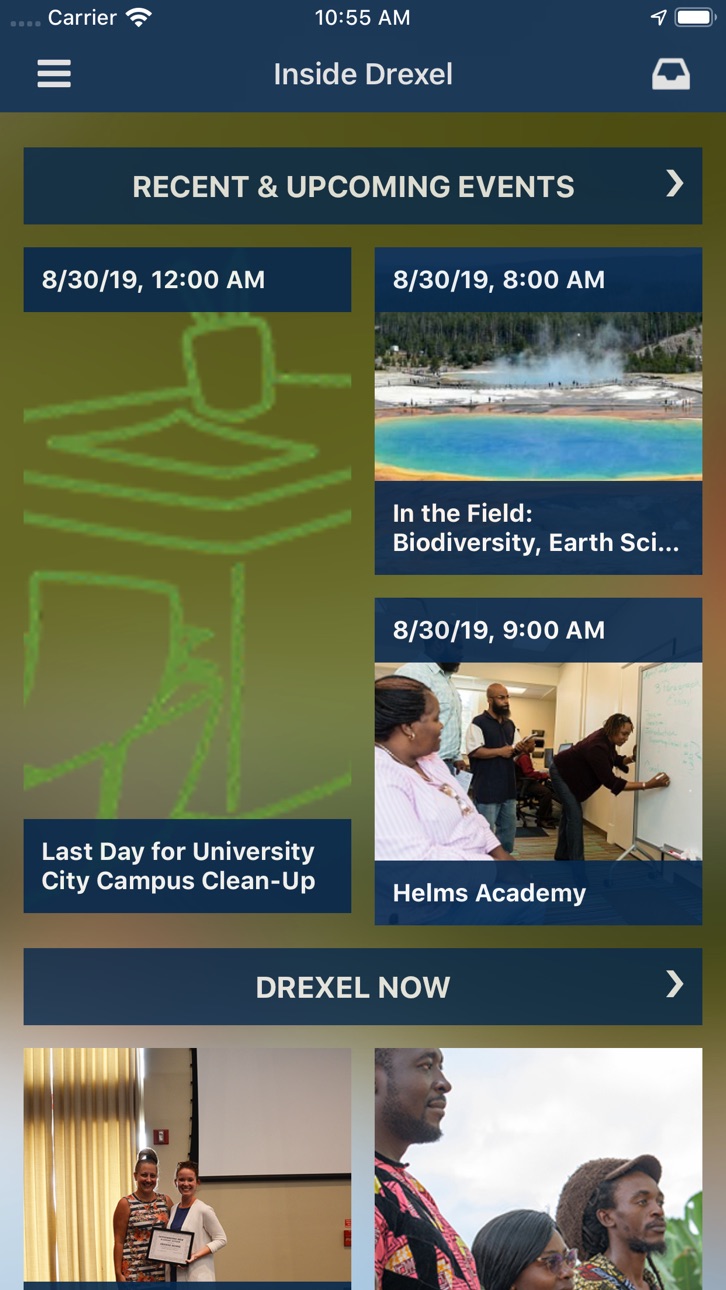
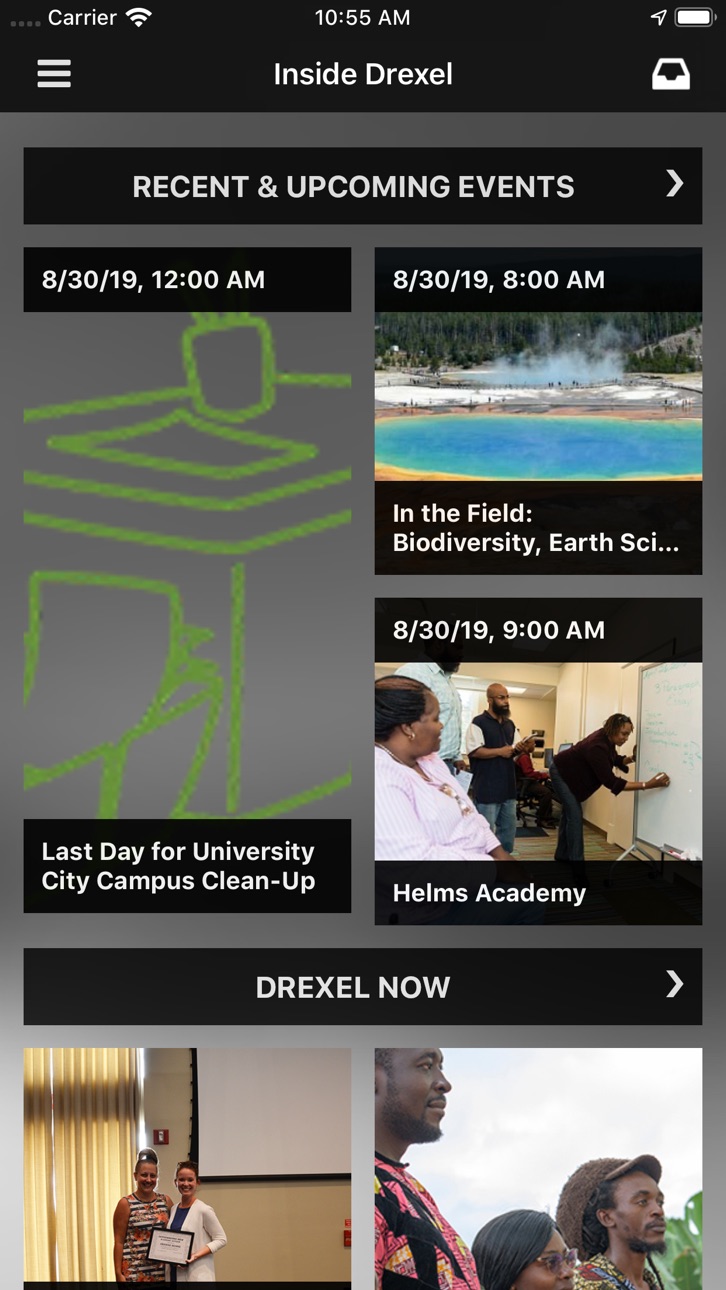
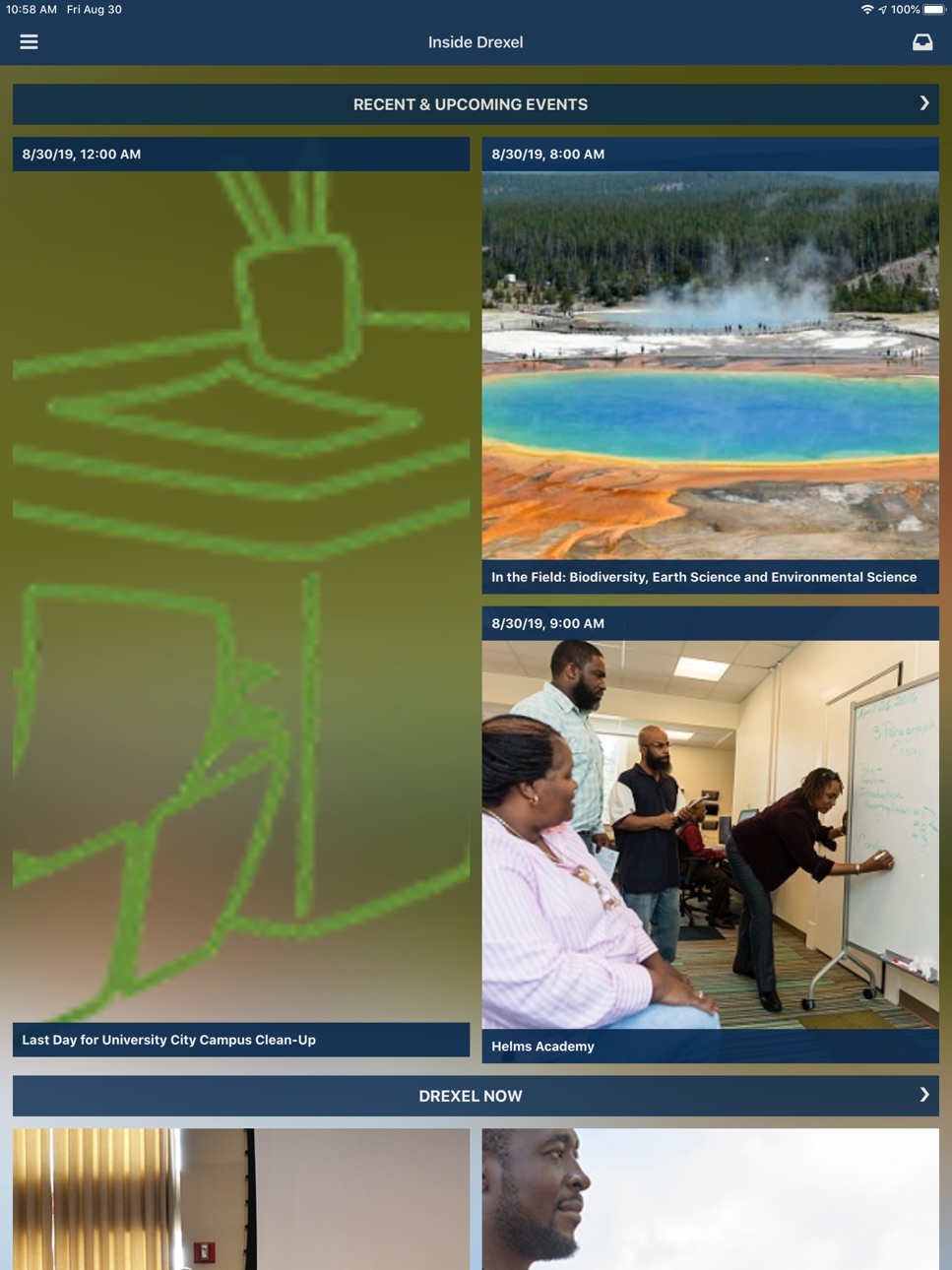
Stay current with Inside Drexel. See a quick overview of the latest Drexel Now stories or headlines from The Triangle, Drexel’s student newspaper, or peruse athletics news, scores, and upcoming events.
For fun, check out Candid Campus photos and Candid Question surveys. Signed in users can even upload new photos, vote and comment!
Accessibility
ipadiphonemacrealityDevicetvoswatch
Version history 25 versions
Build 884338361v2026.12026-05-29 21:16:39
This update improves the campus maps experience with updated locations, better map behavior, and general maintenance updates.
Build 871565083v2025.12025-01-06 21:36:07
Minor bug fix to the sign in screen.
Build 868999649v2024.52024-09-25 00:25:59
- Updated libraries
Previously:
- Improvements and bug fixes to the Advisors screen
Build 867553997v2024.42024-09-06 22:01:10
- Improvements and bug fixes to the Advisors screen
Build 863039619v2024.32024-01-19 23:05:45
- Updated the Shuttle Buses screen with a message and link to download the new Drexel Transit app, powered by TripShot.
The Shuttle Buses screen still works as it previously did, but the most up-to-date schedule information along with real-time shuttle tracking are now available in the TripShot app.
Build 862787248v2024.22024-01-12 03:34:23
- Minor bug fixes
Build 862656796v2024.12024-01-04 19:36:21
# Bug Fixes
- Fixes add to calendar button for academic schedule items on devices running iOS 17. (Note: You must be a registered student with active courses in the current term to use this feature)
Build 860414182v2023.22023-10-04 20:33:59
- Fixes a bug that could cause a crash for some if there is an upcoming advisor appointment displayed on the Advisors screen.
Build 854608565v2023.12023-06-27 16:00:06
- "Dragons in the Know" displays banners on the Home Screen that link to useful campus and school information. These banners will only display if appropriate content is available for you.
- A completely redesigned Advisors screen includes easy access to scheduled appointments and current Advisor drop-in hours, if available.
- Minor bug fixes.
Build 852262753v2022.52022-09-16 23:28:49
- Bug fix for Shuttle Buses screen
Build 852095836v2022.42022-09-09 19:22:05
- iOS 16 support
- Minor bug fixes
Build 851966364v2022.32022-09-01 22:22:38
- Merchant hours and open/close status are disabled in Maps. Please use the "Website" button on a merchant info screen to view up-to-date hours information.
Build 851132830v2022.22022-08-23 14:31:14
- Internal updates to support Welcome Week 2022. (Note: Welcome Week features are only available to incoming students registered for Welcome Week during the event.)
- Minor bug fixes.
Build 848812509v2022.12022-05-10 20:24:15
- Adds support for displaying updated leave balance titles for faculty and staff users on the dashboard.
Build 844137250v2021.42021-09-15 22:16:49
- Fixes to better support future iOS releases.
Build 843907845v2021.32021-09-02 14:44:54
- Minor update of displayed text related to meal plans on the Dashboard screen.
Build 843669508v2021.22021-08-19 13:47:06
Updates to Welcome Week screens to support 2021 sessions.
- Move-in time slot information will appear on the Welcome Week dashboard screen if such data exists.
- A button is shown on a session's detail screen for registered sessions that have a virtual meeting link set.
- Drop-by sessions will not cause a registration conflict.
- Sessions with a registration cap show how many spots remain on the session detail screen.
** Note: Welcome Week features are only available and will only appear in the app for eligible incoming students during the Welcome Week event **
Build 840538994v2021.12021-06-18 17:07:19
- Minor internal bug fixes and dependency updates.
Build 837804498v2020.32020-09-16 14:06:30
- Fixes layout issue on Campus Buildings screen.
Build 837717488v2020.22020-09-10 15:07:05
- Adds support for updated meal plans
- Miscellaneous bug fixes
Build 837321417v2020.12020-08-14 12:10:44
# QR Code Support
The "virtual" DragonCard area of the app has been updated with a QR code. This will allow you to use the app at administrative offices around campus, such as the DragonCard Office, to quickly pull up your record, contactless, with just a scan of your phone!
# Welcome Week Updates
- Welcome Week session details can now display an image and the text can contain links. This feature is only available to incoming students during the Welcome Week period.
Build 834006912v2019.52019-12-14 18:25:11
# What's New
- Fixes a crash introduced in v2019.4
# Previous Changes
- Fixes issue where Welcome Week banner image would not always display properly.
- Fixes issue where certain addresses would not show the appropriate location on the campus map.
- Replaces several deprecated frameworks and dependencies.
Build 833971398v2019.42019-12-12 15:12:15
- Fixes issue where Welcome Week banner image would not always display properly.
- Fixes issue where certain addresses would not show the appropriate location on the campus map.
- Replaces several deprecated frameworks and dependencies.
Build 832576278v2019.32019-09-13 18:56:12
## What's New?
- iOS 13 Support!
- Dark Mode! (iOS 13 required).
- Minor design refreshes throughout the app.
- Adds support for a special case Dining Plan for Fall 2019.
- Fixes grid view layout issues for Academic and Welcome Week schedules. Tap the toolbar button on the Schedule screen to try it!
- Fixes Candid Campus photo display issue on the Inside Drexel screen.
- Renames "Dashboard" to "Home".
- Renames "Co-op" to "Co-op Interviews".
- Common Exam Periods are no longer filtered out of Schedule or on the Home screen. If you have EXAM periods assigned, the schedule you see on the Web should now match what you see in the app.
- Significantly improved web view support throughout the app. Try viewing a news story!
- Many, many bug fixes.
Build 832330366v2019.22019-08-10 15:46:06
- Fixed a minor usability bug in Welcome Week where some sessions were not properly filtered out of listings as expected for some users (only applicable to incoming Freshman during Welcome Week).
No pricing data captured yet — comparisons appear once the app has paid storefronts or in-app purchases.
Availability 1 of 1 storefronts
| Region | Language | Price | Ratings | Avg | Version |
|---|---|---|---|---|---|
| US | en-US | Free | 51 | 3.2 | 2026.1 |
Change log 28 changes · US
✎
releaseNotes updated
This update improves the campus maps experience with updated locations, better map behavior, and general maintenance updates.
✎
description updated
DrexelOne Mobile provides students, faculty, and staff of Drexel University with access to personal academic, financial, and career information. Public function
✎
name updated
DrexelOne
◆
Version 2026.1 released
This update improves the campus maps experience with updated locations, better map behavior, and general maintenance updates.
◆
Version 2025.1 released
Minor bug fix to the sign in screen.
◆
Version 2024.5 released
- Updated libraries
Previously:
- Improvements and bug fixes to the Advisors screen
◆
Version 2024.4 released
- Improvements and bug fixes to the Advisors screen
◆
Version 2024.3 released
- Updated the Shuttle Buses screen with a message and link to download the new Drexel Transit app, powered by TripShot.
The Shuttle Buses screen still works as it previously did, but the most up-to-date schedule information along with real-
◆
Version 2024.2 released
- Minor bug fixes
◆
Version 2024.1 released
# Bug Fixes
- Fixes add to calendar button for academic schedule items on devices running iOS 17. (Note: You must be a registered student with active courses in the current term to use this feature)
◆
Version 2023.2 released
- Fixes a bug that could cause a crash for some if there is an upcoming advisor appointment displayed on the Advisors screen.
◆
Version 2023.1 released
- "Dragons in the Know" displays banners on the Home Screen that link to useful campus and school information. These banners will only display if appropriate content is available for you.
- A completely redesigned Advisors screen includes
◆
Version 2022.5 released
- Bug fix for Shuttle Buses screen
◆
Version 2022.4 released
- iOS 16 support
- Minor bug fixes
◆
Version 2022.3 released
- Merchant hours and open/close status are disabled in Maps. Please use the "Website" button on a merchant info screen to view up-to-date hours information.
◆
Version 2022.2 released
- Internal updates to support Welcome Week 2022. (Note: Welcome Week features are only available to incoming students registered for Welcome Week during the event.)
- Minor bug fixes.
◆
Version 2022.1 released
- Adds support for displaying updated leave balance titles for faculty and staff users on the dashboard.
◆
Version 2021.4 released
- Fixes to better support future iOS releases.
◆
Version 2021.3 released
- Minor update of displayed text related to meal plans on the Dashboard screen.
◆
Version 2021.2 released
Updates to Welcome Week screens to support 2021 sessions.
- Move-in time slot information will appear on the Welcome Week dashboard screen if such data exists.
- A button is shown on a session's detail screen for registered sessions that ha
◆
Version 2021.1 released
- Minor internal bug fixes and dependency updates.
◆
Version 2020.3 released
- Fixes layout issue on Campus Buildings screen.
◆
Version 2020.2 released
- Adds support for updated meal plans
- Miscellaneous bug fixes
◆
Version 2020.1 released
# QR Code Support
The "virtual" DragonCard area of the app has been updated with a QR code. This will allow you to use the app at administrative offices around campus, such as the DragonCard Office, to quickly pull up your record, contactle
◆
Version 2019.5 released
# What's New
- Fixes a crash introduced in v2019.4
# Previous Changes
- Fixes issue where Welcome Week banner image would not always display properly.
- Fixes issue where certain addresses would not show the appropriate location on the cam
◆
Version 2019.4 released
- Fixes issue where Welcome Week banner image would not always display properly.
- Fixes issue where certain addresses would not show the appropriate location on the campus map.
- Replaces several deprecated frameworks and dependencies.
◆
Version 2019.3 released
## What's New?
- iOS 13 Support!
- Dark Mode! (iOS 13 required).
- Minor design refreshes throughout the app.
- Adds support for a special case Dining Plan for Fall 2019.
- Fixes grid view layout issues for Academic and Welcome Week schedul
◆
Version 2019.2 released
- Fixed a minor usability bug in Welcome Week where some sessions were not properly filtered out of listings as expected for some users (only applicable to incoming Freshman during Welcome Week).