Home › Business

 US
US
1 of 1 storefronts
Content in en-US
Content in en-US
Information
Apple ID909059167
Bundle IDcom.mindex.pdf-laser
SellerSeller
Min iOS7.0
Min macOS11.0
Device familiesiphone, ipad, ipod
Released2014-11-06
Copyright© 2014-2022 MindEx International Ltd
WebsiteLink ↗
Preview 2 platforms
iPhone 5 images



iPad 5 images


What’s New Version 1.1.1
This update from Apple will improve the functionality of this app. No new features are included.
New options to change background colour.
Description
vBookz Slides is a simple and elegant PDF presentation app built for the iPhone and the iPad. It’s intuitive, simple and most powerful . An amazing presentation app which helps you present PDFs with a Power Point look and feel including page switching effects and a ‘laser pointer’.
vBookz Slides is the perfect app if you’re looking to hook up your iPhone and iPad to your Apple TV. It’s feature-rich, brings excellent support for PDF files (it doesn’t support other formats yet).
by using a one time in app purchase, vBookz Slides lets you mark on the screen to highlight, show or indicate and even to control the page switching effects. These are a nifty little features that makes presenting using the iPhone and the iPad such a great experience.
Main Features
■ Requires AirPlay support - stream presentation slides to Apple TV
■ PDF Presentation mode
■ Library managing tools
■ Super fast PDF display
■ Support to display PDF as slides in 4:3 or wide 16:9 screen aspect ratio
Presentation Features
■ Mirror display from iPhone and iPad
■ Arrows for page switching and control
■ “Laser Pointer” function - Available only with In App purchase
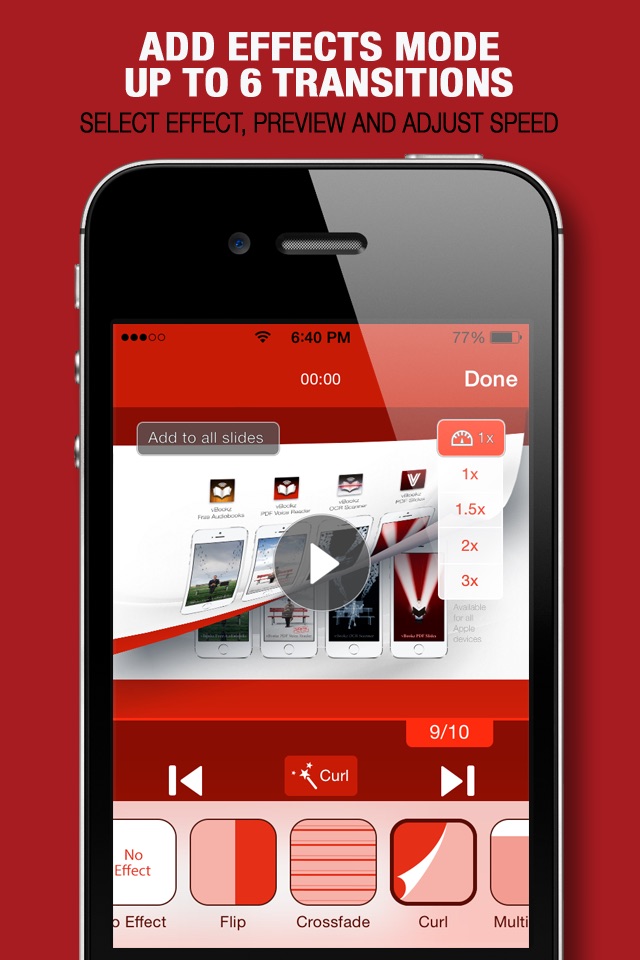
■ Page switching special effects - Available only with In App purchase
■ "Slide Navigator" for easy preview of your next slides
■ Horizontal position, for a full-screen display mode
■ Presentation timer
PDF Managing Features
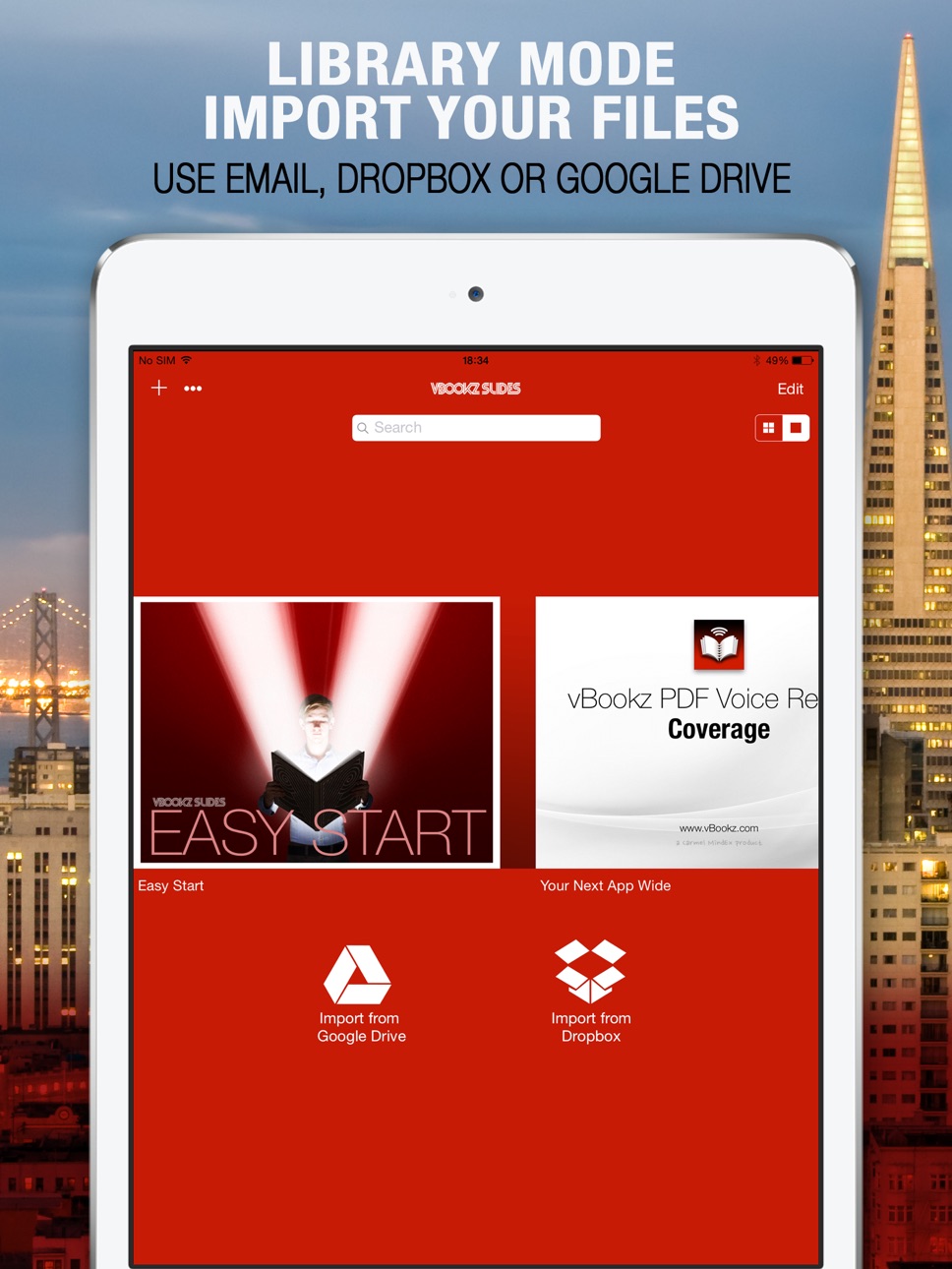
■ Download files from Dropbox and Google Drive
■ Using the ‘Open In’ function, open PDF mail attachments directly from your email
■ Edit features with - move, rename, delete, mail out or organise on local folders
■ Thumbnails are shown in three different library modes
Support PDF File Type
We’re an independent PDF experts, please note that PowerPoint and Keynote files are NOT yet supported.
Capabilities
In-App Purchases
Accessibility
ipadiphonemacrealityDevicetvoswatch
Version history 3 versions
Build 815029208v1.1.12016-02-14 04:30:13
This update from Apple will improve the functionality of this app. No new features are included.
New options to change background colour.
Build 809792671v1.12014-11-16 22:59:38
Fine tuning.
Build 669942645v1.02014-11-04 21:24:53
No pricing data captured yet — comparisons appear once the app has paid storefronts or in-app purchases.
Availability 1 of 1 storefronts
| Region | Language | Price | Ratings | Avg | Version |
|---|---|---|---|---|---|
| US | en-US | Free | 2 | 5.0 | 1.1.1 |
Change log 6 changes · US
✎
releaseNotes updated
This update from Apple will improve the functionality of this app. No new features are included.
New options to change background colour.
✎
description updated
vBookz Slides is a simple and elegant PDF presentation app built for the iPhone and the iPad. It’s intuitive, simple and most powerful . An amazing presentation
✎
name updated
vBookz Slides - PDF Presentation Expert
◆
Version 1.1.1 released
This update from Apple will improve the functionality of this app. No new features are included.
New options to change background colour.
◆
Version 1.1 released
Fine tuning.
◆
Version 1.0 released