Home › Photo & Video

 US
US
1 of 1 storefronts
Content in en-US
Content in en-US
Information
Apple ID888231700
Bundle IDnet.foolcolor.foolcontrol
SellerSeller
Min iOS9.3
Min macOS11.0
Device familieswatch, iphone, ipad, ipod
Released2014-10-11
Copyright© 2022 foolcolor.net
Privacy policyLink ↗
Preview 3 platforms
iPhone 10 images




iPad 10 images


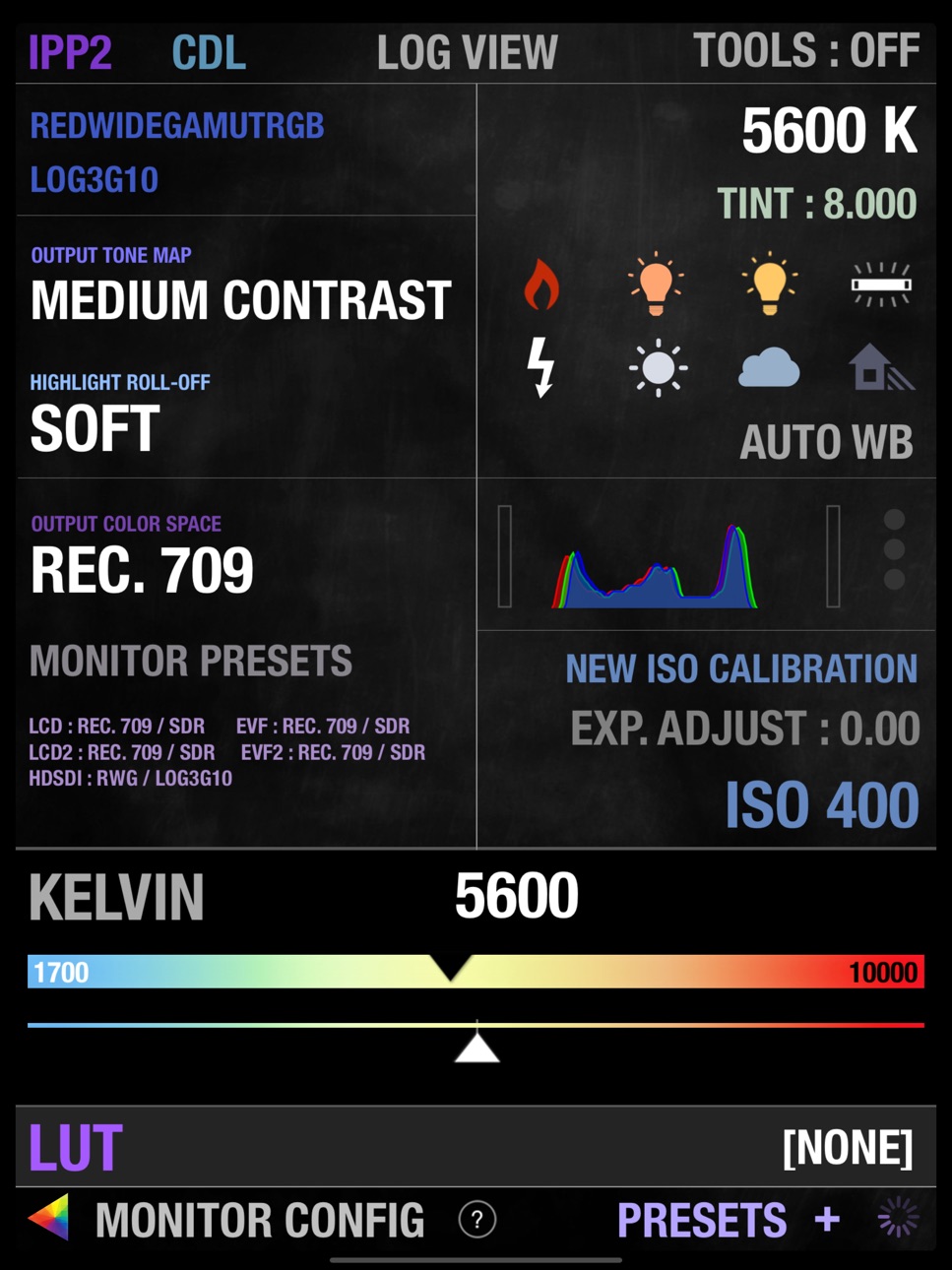
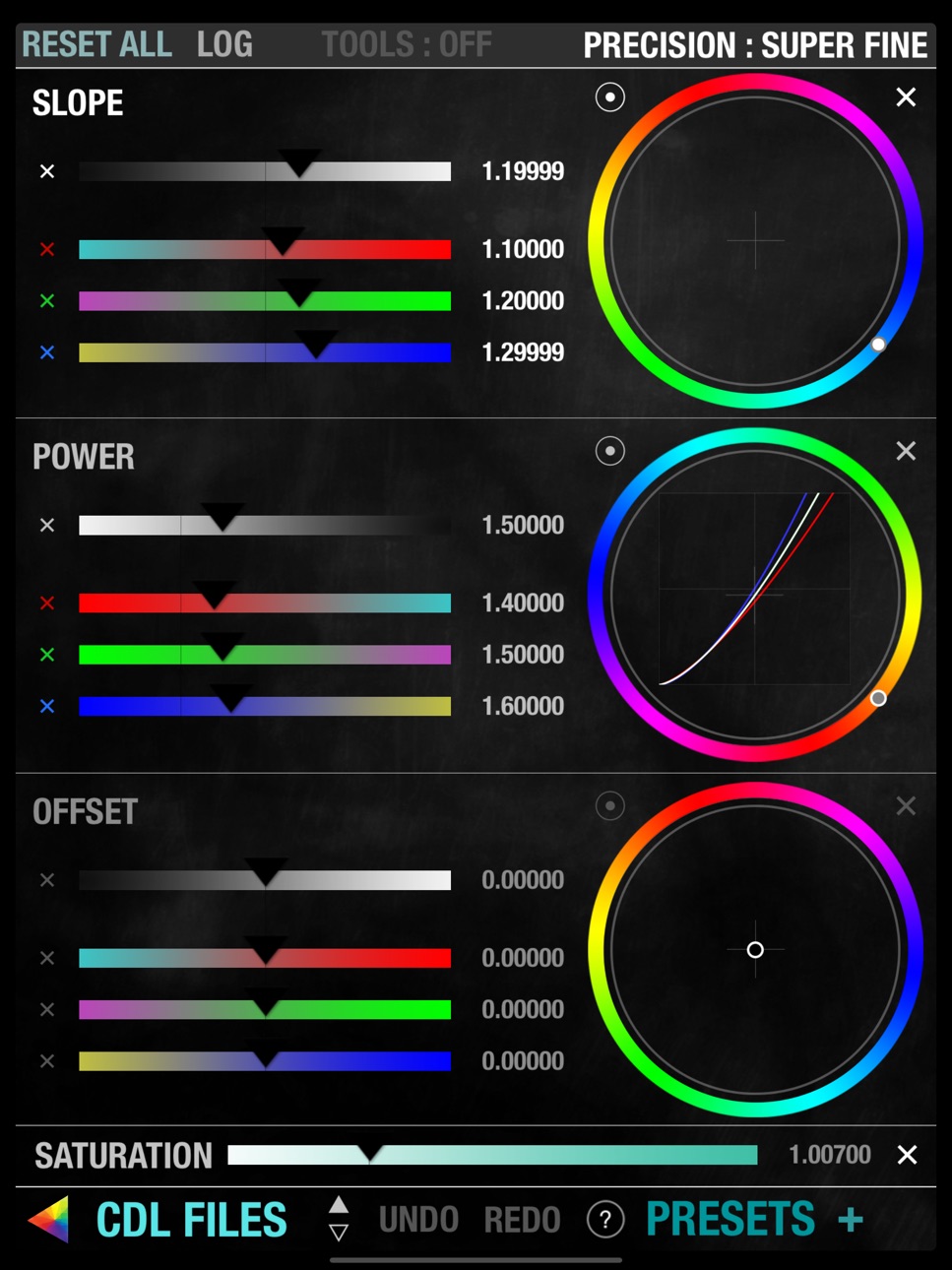


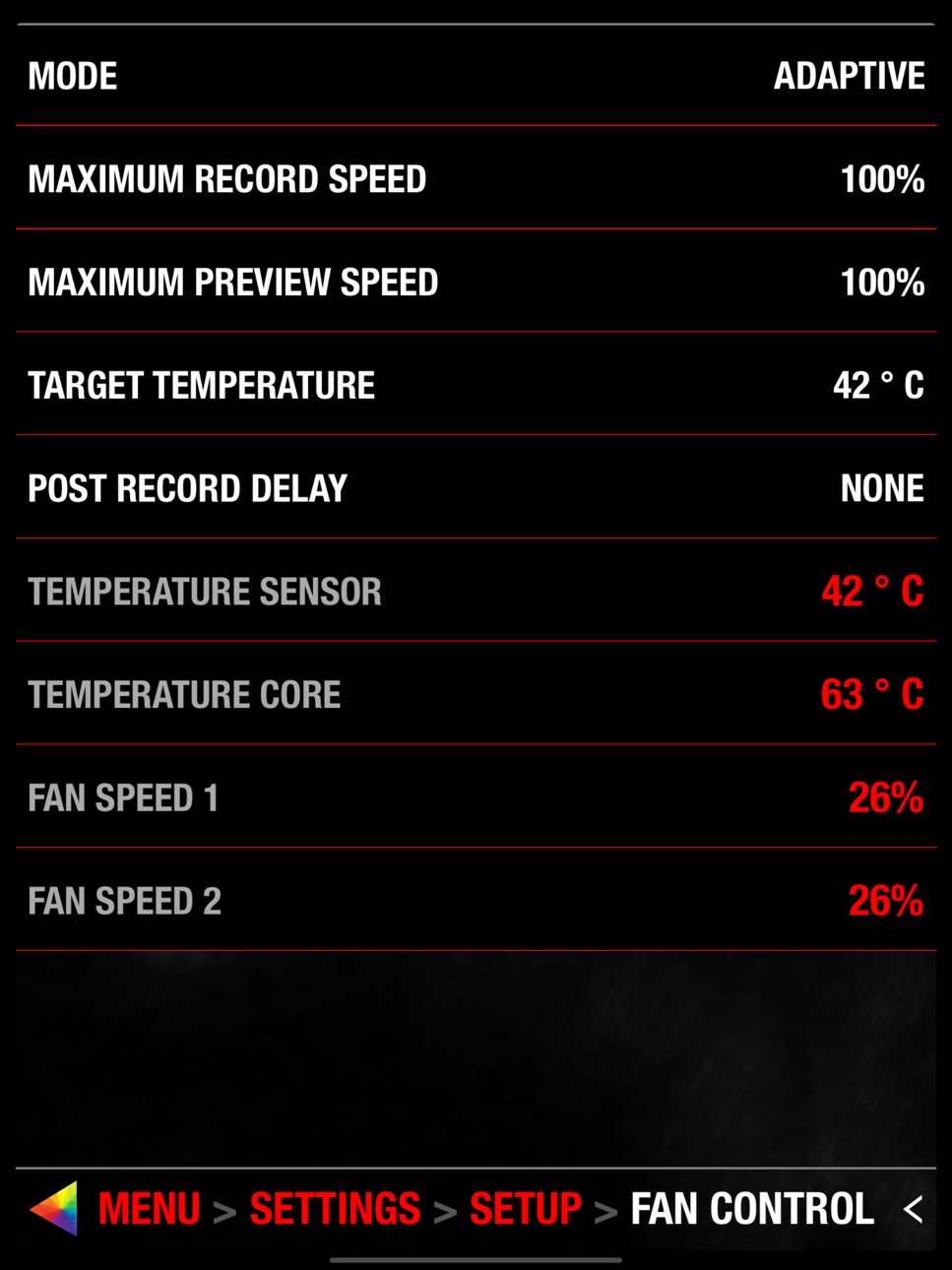

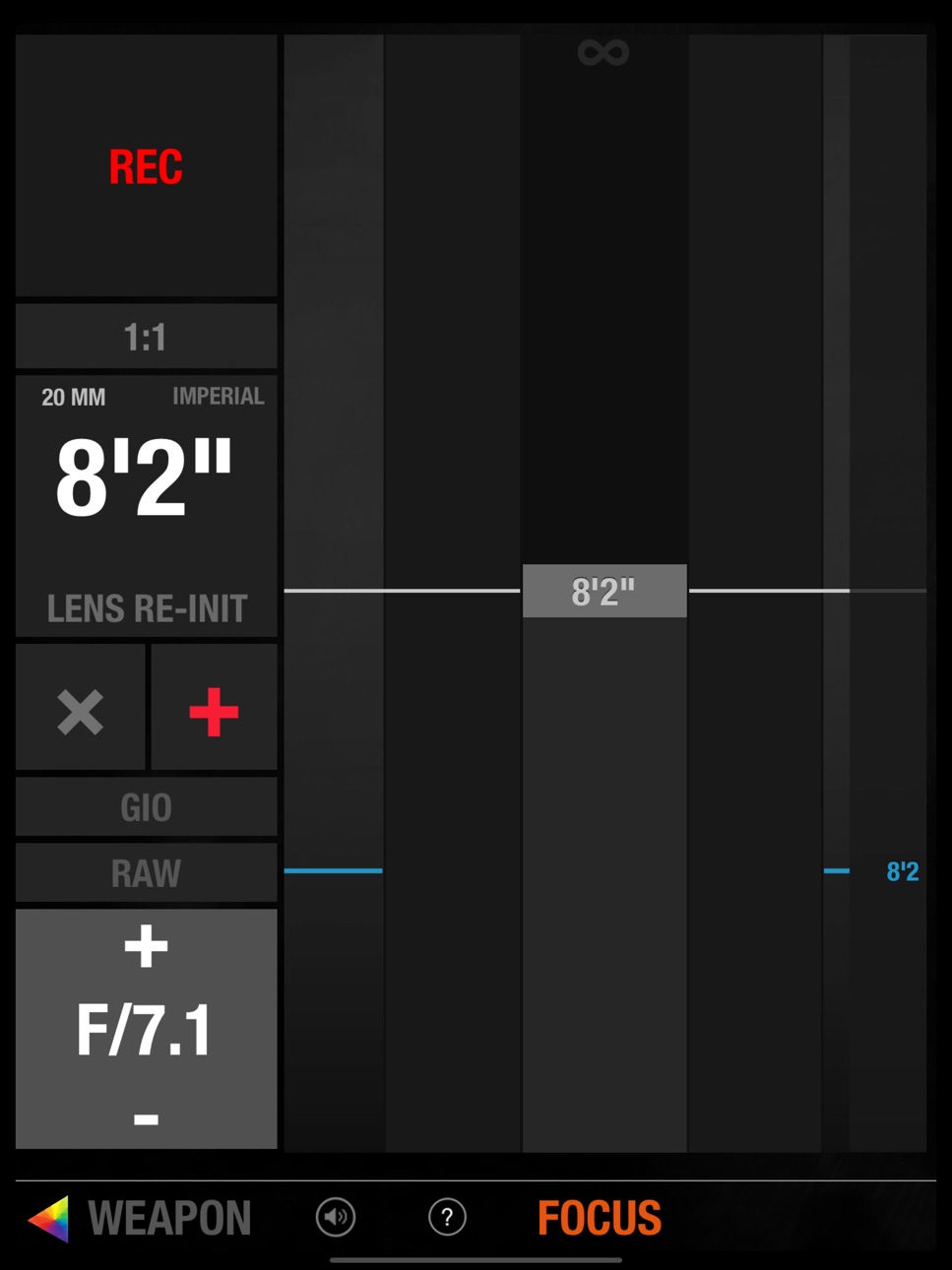
Apple Watch 5 images


What’s New Version 3.50
Fixed an issue with GEMINI Low Light calibration files (creating or deleting them).
Fixed a rare issue with camera notifications locking or crashing the app
Description
foolcontrol lets you get full control over a RED DIGITAL CINEMA DSMC™ camera connected to the same network as your iOS device, WEAPON, EPIC-W, SCARLET-W and RAVEN all have built in wifi but EPIC / SCARLET cameras require additional wireless accessories to work with foolcontrol (see below).
- PREVIEW : recording state, format, project / sensor frame rate, timecode, pre-record, frame trigger frame tagging, OLPF, REDcode, lookaround, shutter angle / speed, histogram, goal posts, traffic lights, gamma / color space, recording mode, frame processing, HDRx, Motion Mount, iris vale, white balance, tint, ISO, tools, RAW view, magnify, production info, scene and take metadata, VU meter, battery level / time left, media remaining / recording time, clip count, clip name, previous clip info. Indicators for : LAN, ext. timecode, sync, genlock, RIG, errors, camera fan speed and temperature. Eject media, power saving modes and shutdown the camera.
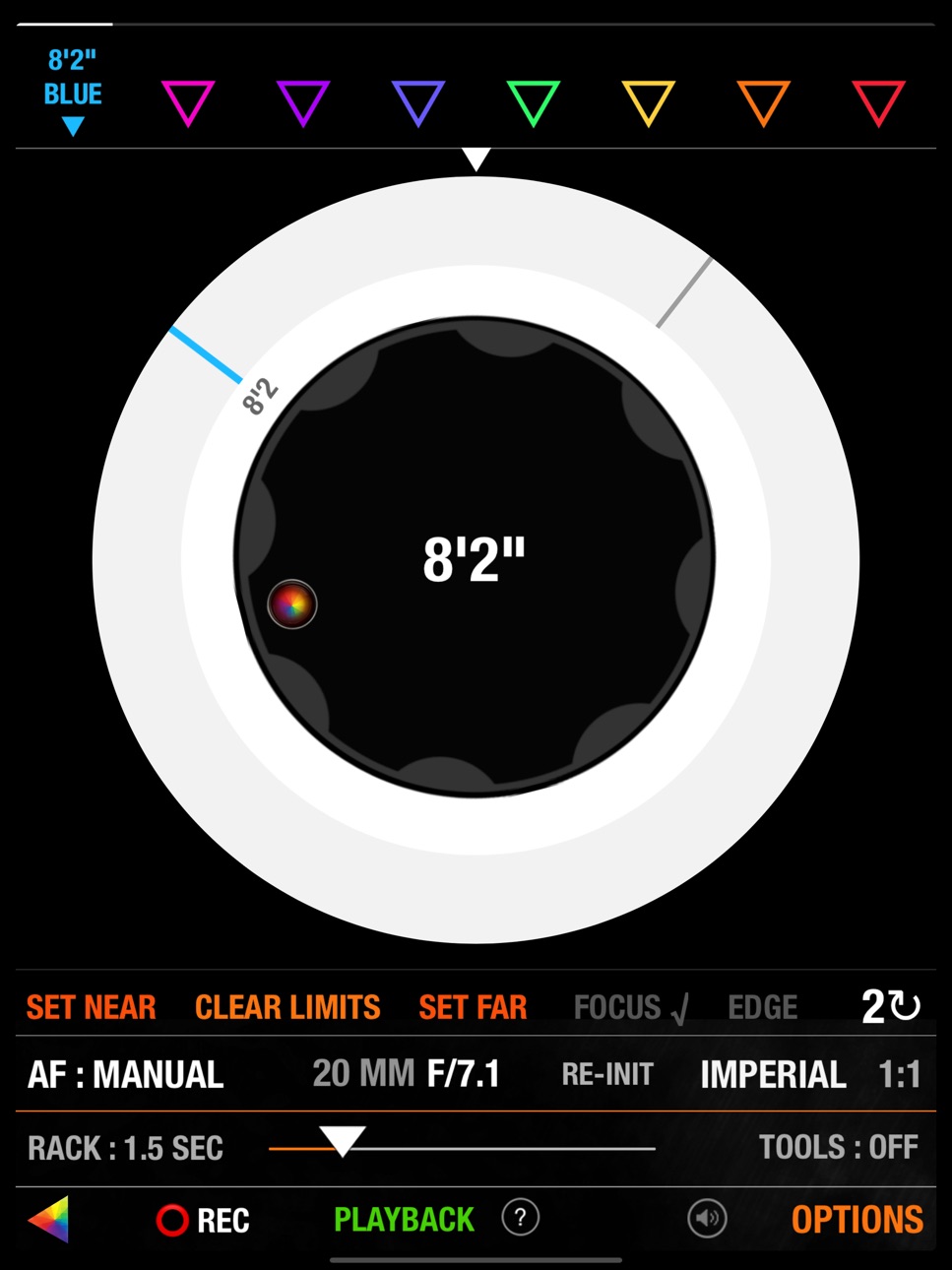
- FOCUS : Circular focus disc with advanced features : colored users marks, smooth bezier rack focus with adjustable speed, add hard stop for near/far focus, select 1,2,3,4,5 or 10 knob turns for super precise focusing without loosing any previous marks, searchable preset focus discs markers, create, recall, sort, rename and export your own user focus distance discs : unique mode lets you add repeatable distance marks for your lenses. AF mode selection, autofocus trigger, AF zone size and center, rack focus mode points recall, iris, magnify, record start stop, audible marks and more.
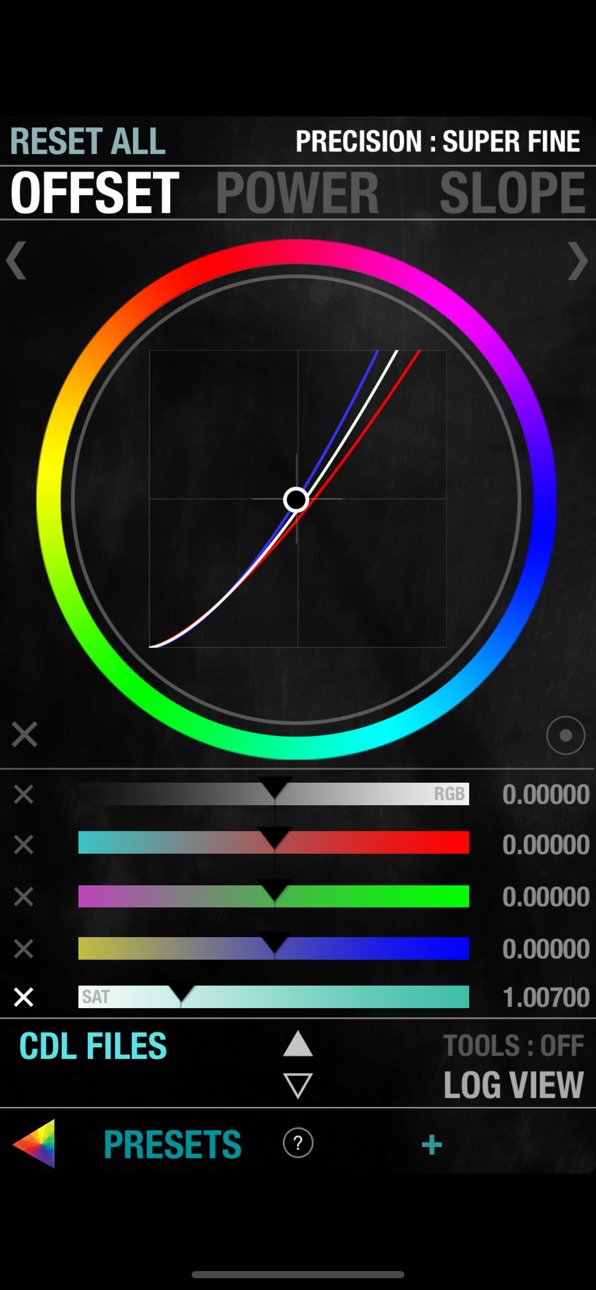
- LOOK : set camera look using a multi speed slider or manual value input : contrast, exposure, saturation, shadow, brightness, RGB gains, kelvin, tint and FLUT. Color temperature presets, auto white balance, ISO, color / gamma space.
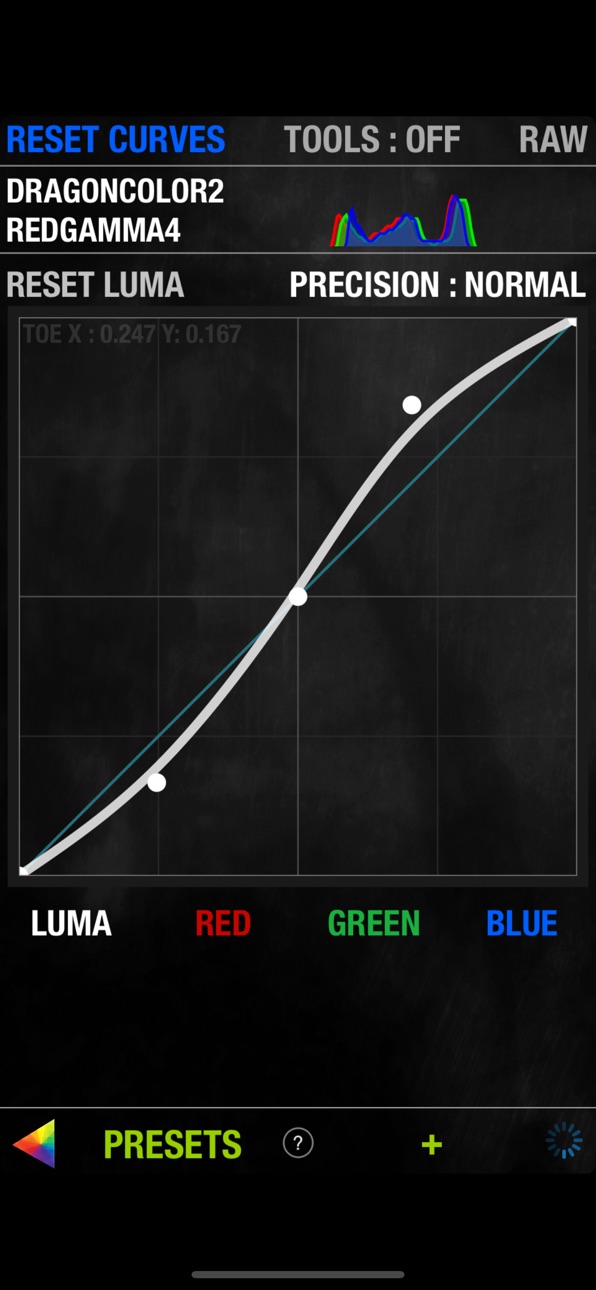
- CURVES : Shape luma, red, green and blue curves to create in-camera grades. Drag curves points using 3 different modes for normal, fine, and super fine curve adjustment.
- PLAYBACK : list all the clips on your media with timecode, thumbnail and duration. Play forward, backward, frame by frame, go to end and beginning, set in/out points, navigate marked frame, set playback speed and looping mode.
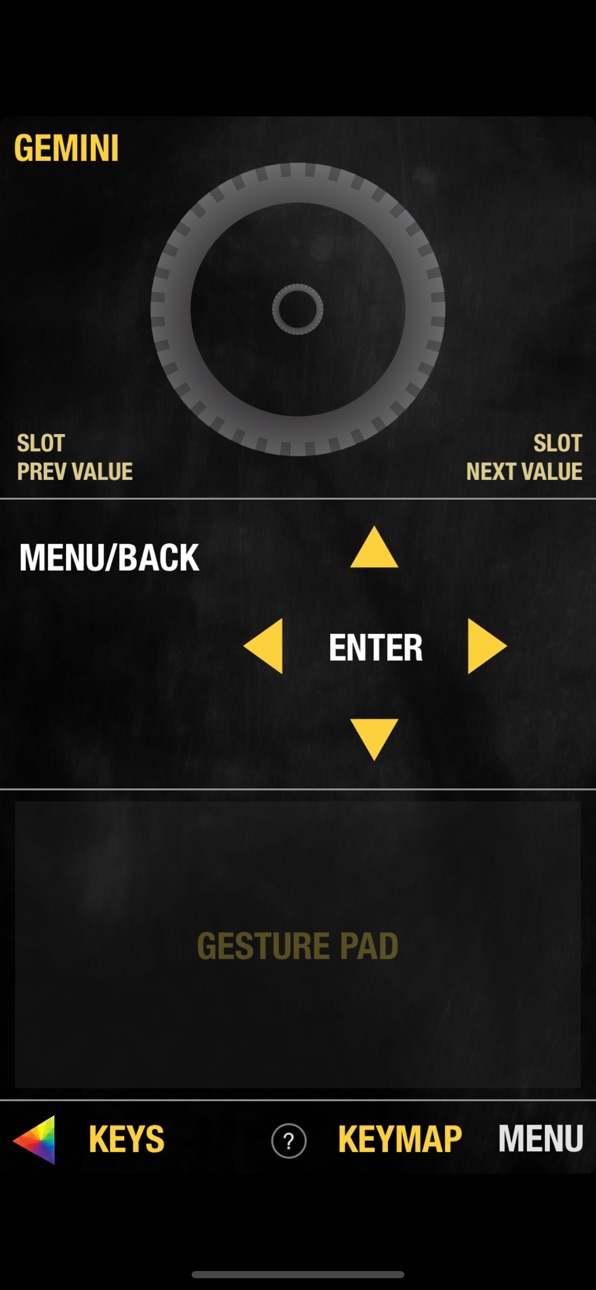
- KEYS : navigate your camera menu using knob, buttons or gesture pad. Access to all buttons and menu pages.
- PRESETS : create and apply camera presets. A preset can include one or several parameters from look, curves, camera settings, slate and many more. Presets can be sorted, renamed and exported by email.
- SLATE : quickly set metadata values for production, director, DOP, scene, shot, take, project info, camera operator, unit and location. GPS location (on GPS enabled devices). Set timecode mode and value.
- CAMERA MENU tree
- RECORD SETTINGS with access to advanced record formats, mode and options.
- LINEAR FOCUS for single operators
-------------
To use an EPIC or SCARLET camera with foolcontrol on the same wifi network you will need to use one of these :
- RED lemo to cat5 ethernet cable and a GIG-E wireless router.
- RED REDLink bridge wifi module.
- Teradek COLR and GIG-E to lemo cable.
- RTMotion latitude
WEAPON / EPIC-W / SCARLET-W and RAVEN have built in wifi ready for foolcontrol. Wooden camera has an antenna replacement accessory called the 'Wifi Side Plate' to increase camera wifi range.
It is always recommended to use a router on set (infrastructure mode) instead of the Ad Hoc network setup in camera. TPLink WR802N is a great affordable USB powered option.
connection tips : foolcolor.net/tips.pdf
more info, video demos and support : http://foolcolor.net/foolcontrol_iOS
IG : @mikafool
Please note :
This application requires iOS 9.3 and up and will only work with RED DSMC cameras. It does not work with the RED ONE or any other camera. Focus control requires a RED Canon or Nikon mount and a compatible electronic lens.
Accessibility
ipadiphonemacrealityDevicetvoswatch
Version history 25 versions
Build 848348853v3.502022-04-14 21:43:04
Fixed an issue with GEMINI Low Light calibration files (creating or deleting them).
Fixed a rare issue with camera notifications locking or crashing the app
Build 837752201v3.492020-09-13 02:50:36
sharing presets bug fix.
Build 836038575v3.482020-05-21 23:22:11
bug fix : entering playback mode would not switch to corresponding page in the app
Build 835903554v3.452020-05-11 17:05:25
fix for camera notification messages delay.
Additional detail on preset descriptions when containing a LUT.
Cosmetic fix for Monitor Priority re-order list.
Build 835871018v3.422020-05-08 16:15:14
New 'offline preset mode' lets you export your foolcontrol presets by email without being connected to a camera.
Build 835837622v3.392020-05-06 15:01:03
- bug fix for iOS 9.3 support
Build 835585966v3.382020-04-17 18:17:56
fix for circular focus wheel that was disabled with 3.37 update.
Build 835448745v3.372020-04-08 16:42:48
fix for remote connection with manual iP address
Build 831036168v3.282019-04-30 00:42:53
- Support for upside down screen mode
- Added per frame GPS metadata ingest feature
- Bug fix for some DSMC1 cameras wrongly identified as monochrome
Build 830262981v3.262019-02-12 22:32:04
bug fix and better support for camera FW 7.2
Build 830148575v3.252019-02-01 15:31:09
added optional tick sound on button click, fix to power voltage display and support for latest tools and camera FW
Build 827167884v3.012018-05-16 17:44:16
stalling bug fix on ADVANCED REC SETTINGS page
Build 826638251v3.02018-04-11 17:50:54
initial GEMINI sensor support
various bug fixes
Build 825382380v2.972017-12-20 13:54:50
support for camera firmware 7.01
Build 825234096v2.952017-12-08 06:02:56
bug fixes (menu tree re-activation, playback with only 1 clip on card, MONSTRO iSO cal 2 support).
Build 823883827v2.942017-10-06 18:14:05
bug fix for key assign on iOS 11
pre-record display bug fix
shutter speed mode when saving preset bug fix
Build 823758451v2.922017-09-23 05:24:17
- GIO scopes zones bug fix.
- fixed 'action' menu items button size
Build 823002079v2.862017-07-25 18:08:14
camera discovery optimization
Build 822540413v2.782017-06-14 18:34:17
- fixed a remaining issue on sub page loading. Thanks Thai Christen !
Build 822511441v2.752017-06-12 21:32:10
- bug fix on REC SETTINGS button.
Build 822290264v2.712017-05-26 00:54:54
new : camera ID letter and color on home page.
new : KipperTie OLPF metadata ingest
UI optimisation, IPP2 support and small bug fixes
Build 821812569v2.512017-04-19 18:17:33
2.51 :
bug fixes in iPad UI, Watch App and Motion Mount detection
2.50 :
- IPP2 support for Helium ToneMap, Highlight, CDL, monitoring setup and simulated LGG.
- Key Mapping support, SoftKeys pop up
- New preset options, for CDL, IPP2, KeyMap, Record settings, Monitoring...
- BlackShading creation via app
- LUT support
- Pixel size display
- New LightPoints pop up for color correction
Build 821752463v2.502017-04-14 18:19:51
- IPP2 full support for Helium, including ToneMap, Highlight, CDL, monitoring setup and simulated LGG.
- complete Key Mapping support, SoftKeys pop up
- New preset options, for CDL, IPP2, KeyMap, Record settings, Monitoring...
- BlackShading creation via app
- LUT support
- pixel size display
- New LightPoints pop up for color correction
- small bug fixes and numerous improvements
Build 821073384v2.162017-02-24 22:26:14
- bug fix for upcoming camera firmware update
- initial support for IPP2
Build 820960780v2.152017-02-15 22:02:46
stronger camera discovery process, extended ISO range access, RWGRGB initial support, new shortcuts on main page, camera menu display fixes, preset page optimisations, mounted lens id
Price history by region
Currency
Show
Columns
Search
Availability 1 of 1 storefronts
| Region | Language | Price | Ratings | Avg | Version |
|---|---|---|---|---|---|
| US | en-US | USD 99.99 | 19 | 4.1 | 3.50 |
Change log 28 changes · US
✎
releaseNotes updated
Fixed an issue with GEMINI Low Light calibration files (creating or deleting them).
Fixed a rare issue with camera notifications locking or crashing the app
✎
description updated
foolcontrol lets you get full control over a RED DIGITAL CINEMA DSMC™ camera connected to the same network as your iOS device, WEAPON, EPIC-W, SCARLET-W and RAV
✎
name updated
foolcontrol
◆
Version 3.50 released
Fixed an issue with GEMINI Low Light calibration files (creating or deleting them).
Fixed a rare issue with camera notifications locking or crashing the app
◆
Version 3.49 released
sharing presets bug fix.
◆
Version 3.48 released
bug fix : entering playback mode would not switch to corresponding page in the app
◆
Version 3.45 released
fix for camera notification messages delay.
Additional detail on preset descriptions when containing a LUT.
Cosmetic fix for Monitor Priority re-order list.
◆
Version 3.42 released
New 'offline preset mode' lets you export your foolcontrol presets by email without being connected to a camera.
◆
Version 3.39 released
- bug fix for iOS 9.3 support
◆
Version 3.38 released
fix for circular focus wheel that was disabled with 3.37 update.
◆
Version 3.37 released
fix for remote connection with manual iP address
◆
Version 3.28 released
- Support for upside down screen mode
- Added per frame GPS metadata ingest feature
- Bug fix for some DSMC1 cameras wrongly identified as monochrome
◆
Version 3.26 released
bug fix and better support for camera FW 7.2
◆
Version 3.25 released
added optional tick sound on button click, fix to power voltage display and support for latest tools and camera FW
◆
Version 3.01 released
stalling bug fix on ADVANCED REC SETTINGS page
◆
Version 3.0 released
initial GEMINI sensor support
various bug fixes
◆
Version 2.97 released
support for camera firmware 7.01
◆
Version 2.95 released
bug fixes (menu tree re-activation, playback with only 1 clip on card, MONSTRO iSO cal 2 support).
◆
Version 2.94 released
bug fix for key assign on iOS 11
pre-record display bug fix
shutter speed mode when saving preset bug fix
◆
Version 2.92 released
- GIO scopes zones bug fix.
- fixed 'action' menu items button size
◆
Version 2.86 released
camera discovery optimization
◆
Version 2.78 released
- fixed a remaining issue on sub page loading. Thanks Thai Christen !
◆
Version 2.75 released
- bug fix on REC SETTINGS button.
◆
Version 2.71 released
new : camera ID letter and color on home page.
new : KipperTie OLPF metadata ingest
UI optimisation, IPP2 support and small bug fixes
◆
Version 2.51 released
2.51 :
bug fixes in iPad UI, Watch App and Motion Mount detection
2.50 :
- IPP2 support for Helium ToneMap, Highlight, CDL, monitoring setup and simulated LGG.
- Key Mapping support, SoftKeys pop up
- New preset options, for CDL, IPP2, Key
◆
Version 2.50 released
- IPP2 full support for Helium, including ToneMap, Highlight, CDL, monitoring setup and simulated LGG.
- complete Key Mapping support, SoftKeys pop up
- New preset options, for CDL, IPP2, KeyMap, Record settings, Monitoring...
- BlackShadin
◆
Version 2.16 released
- bug fix for upcoming camera firmware update
- initial support for IPP2
◆
Version 2.15 released
stronger camera discovery process, extended ISO range access, RWGRGB initial support, new shortcuts on main page, camera menu display fixes, preset page optimisations, mounted lens id