Home › Music

Information
Apple ID887935240
Bundle IDjp.ne.asoft.ios.GChord2
SellerSeller
Min iOS9.0
Min macOS11.0
Device familiesiphone, ipad, ipod
Released2015-09-14
Copyright© ASoft.iOS
Preview 2 platforms
iPhone 5 images


iPad 5 images



What’s New Version 2.4
This update from Apple will improve the functionality of this app. No new features are included.
- Minor bug fixes and stability improvements
- iOS 11 compatible
- Fix the advertising field.
Description
This app displays guitar chord finger positions.
(Acoustic guitar version)
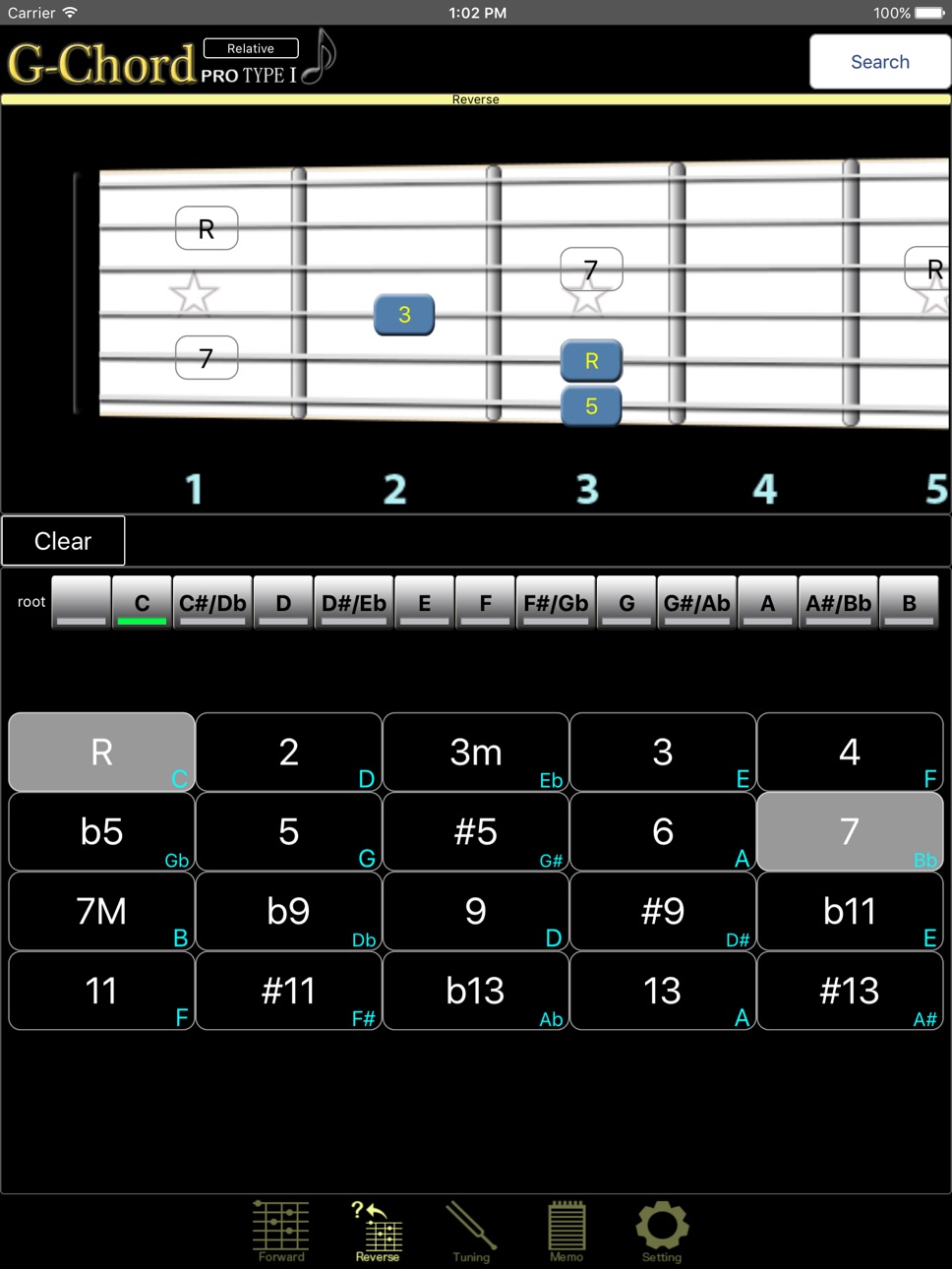
They are computationally-displayed, so they are also compatible with things such as alternate tunings and fraction chords, and they have overwhelming search capabilities even when compared to our company's G-Chord.
In-App Purchase(unlock all):
■ Disables ads
■ Browse all chords available
This chord app is distinctive for the fact that it doesn't use a premade database of finger positions; rather it takes the selected chord and calculates correct finger positionings, with the relative difficulty of each classified by color. You can do reverse lookups from any of the 20 frets, and the program can also handle "fraction" chords (D/C, C/E, etc.). The app can also display finger positions for alternate tunings.
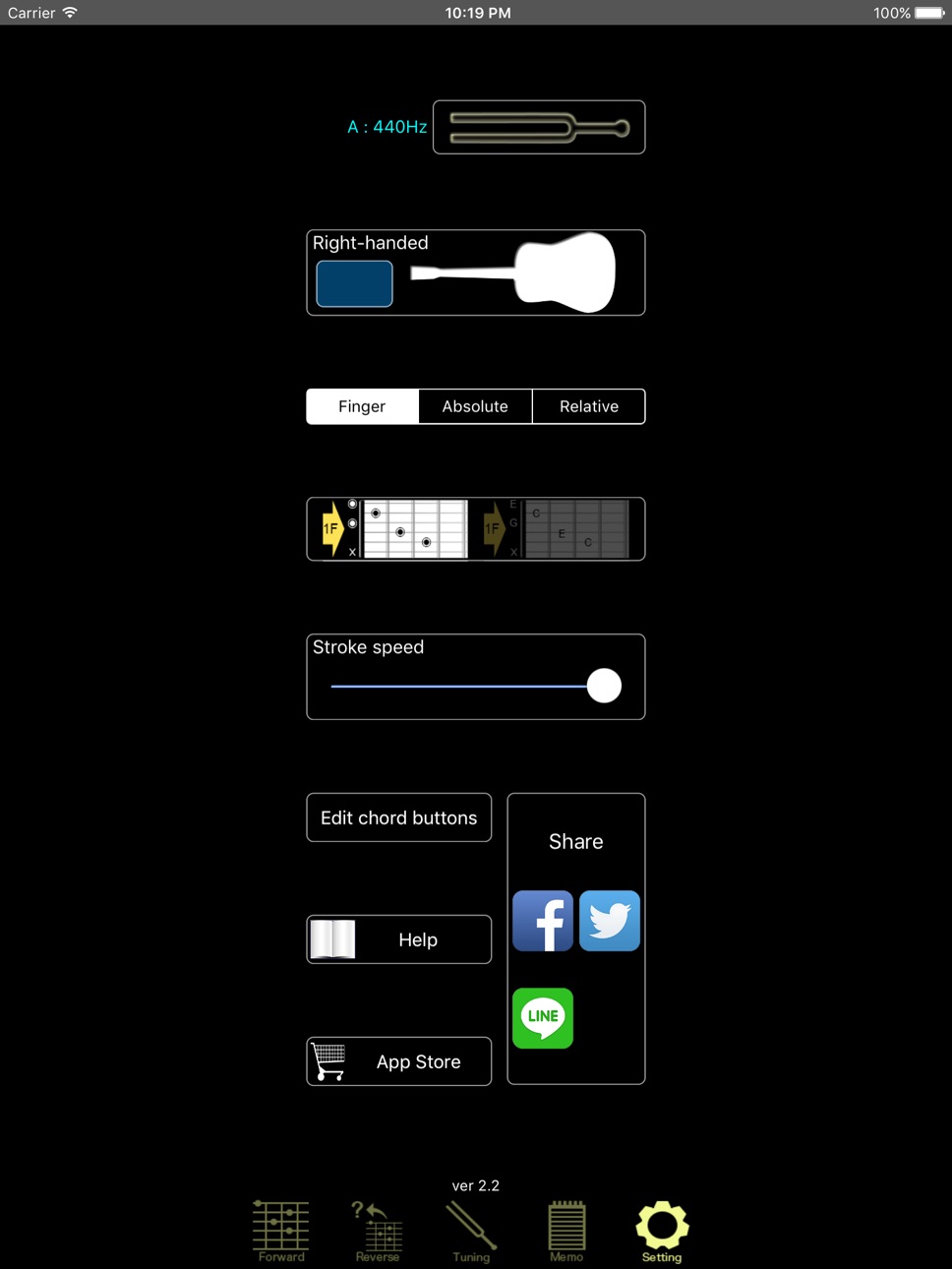
The application accommodates left-handed players as well.
The program can save finger positions matching the tuning you are using at that time.
It is also possible to take a saved chord image and e-mail it as an attachment.
There is no limit to the amount of chords you can save. (iCloud saves are limited to about 1MB.)
Chords are color-coded by difficulty on the lookup and reverse lookup screens. You can indicate whether you want fingers positionings to be limited to three frets or to four frets. (Positions requiring five or more frets are avoided.)
The chord buttons displayed on the top page can be customized. Results from all designated string lookups can be added to the top page as a button. Also, it is possible to delete or rearrange buttons on the top page, or to reset it completely to its original state.
The application in its original state can currently add a minimum of roughly 1.2 million different chord buttons (including finger position variants of the same chord name) to the top page. With the addition of alternate tunings and "fraction" chords the number of finger positionings which can be looked up is 10 times higher still.
In the same way, chord names can be determined from finger position (reverse lookup). Please try it out!
Your saved data can be backed up in iCloud. To do so, you must enable iCloud use in your device's settings.
iCloud Settings for iOS8 and iOS9:
Device Settings -> iCloud -> iCloud Drive: -> G-Chord Pro: On
iCloud Settings for iOS7 and Below:
Device Settings -> iCloud -> Documents&Data -> On
IMPORTANT: If your device is in silent mode (with the switch on the side set to the off position), no sound will be produced. If sound isn't working for some other reason in the free version, the problem will remain even after purchasing the unlocked version. Please be sure to verify correct sound output before purchasing the full version.
After purchase, if you uninstall the product or switch to another device, you can reinstall it by downloading with the same Apple ID you used at the time of the original purchase, then pressing the "restore purchase" or "unlock all" button. So long as you are using the same Apple ID, even if you press the purchase button a second time, no money will be deducted from your account.
In-App Purchases US pricing
One-Time Purchases
Unlock all of G-Chord Pro.$7.99
Capabilities
In-App Purchases
Accessibility
ipadiphonemacrealityDevicetvoswatch
Version history 4 versions
Build 818938628v2.42017-09-29 13:47:48
This update from Apple will improve the functionality of this app. No new features are included.
- Minor bug fixes and stability improvements
- iOS 11 compatible
- Fix the advertising field.
Build 818332246v2.32016-08-01 20:27:15
Minor bug fixes and stability improvements
Build 813435681v2.22016-05-16 14:51:28
Minor bug fixes and stability improvements
■ Link to the AppStore
Build 599973754v2.12015-09-14 22:18:53
Price history by region
Currency
Show
Columns
Search
Availability 11 of 11 storefronts
| Region | Language | Price | Ratings | Avg | Version |
|---|---|---|---|---|---|
 US US | en-US | Free | 4 | 3.3 | 2.4 |
 BW BW | en-GB | Free | 0 | — | 2.4 |
 GH GH | en-GB | Free | 0 | — | 2.4 |
 KE KE | en-GB | Free | 0 | — | 2.4 |
 MU MU | en-GB | Free | 0 | — | 2.4 |
 NA NA | en-GB | Free | 0 | — | 2.4 |
 NG NG | en-GB | Free | 0 | — | 2.4 |
 TZ TZ | en-GB | Free | 0 | — | 2.4 |
 UG UG | en-GB | Free | 0 | — | 2.4 |
 ZM ZM | en-GB | Free | 0 | — | 2.4 |
 ZW ZW | en-GB | Free | 0 | — | 2.4 |
Change log 8 changes · US
✎
releaseNotes updated
This update from Apple will improve the functionality of this app. No new features are included.
- Minor bug fixes and stability improvements
- iOS 11 compatib
✎
description updated
This app displays guitar chord finger positions.
(Acoustic guitar version)
They are computationally-displayed, so they are also compatible with things such as a
✎
subtitle updated
Guitar Chord Finder
✎
name updated
G-Chord Pro
◆
Version 2.4 released
This update from Apple will improve the functionality of this app. No new features are included.
- Minor bug fixes and stability improvements
- iOS 11 compatible
- Fix the advertising field.
◆
Version 2.3 released
Minor bug fixes and stability improvements
◆
Version 2.2 released
Minor bug fixes and stability improvements
■ Link to the AppStore
◆
Version 2.1 released