Home › Business

 US
US
1 of 1 storefronts
Content in en-US
Content in en-US
Information
Apple ID852871841
Bundle IDcom.teleste.s-vmx-client
SellerSeller
Min iOS10.0
Min macOS11.0
Device familiesiphone, ipad, ipod
Released2014-04-08
Copyright© Teleste Corporation 2025
Privacy policyLink ↗
Preview 2 platforms
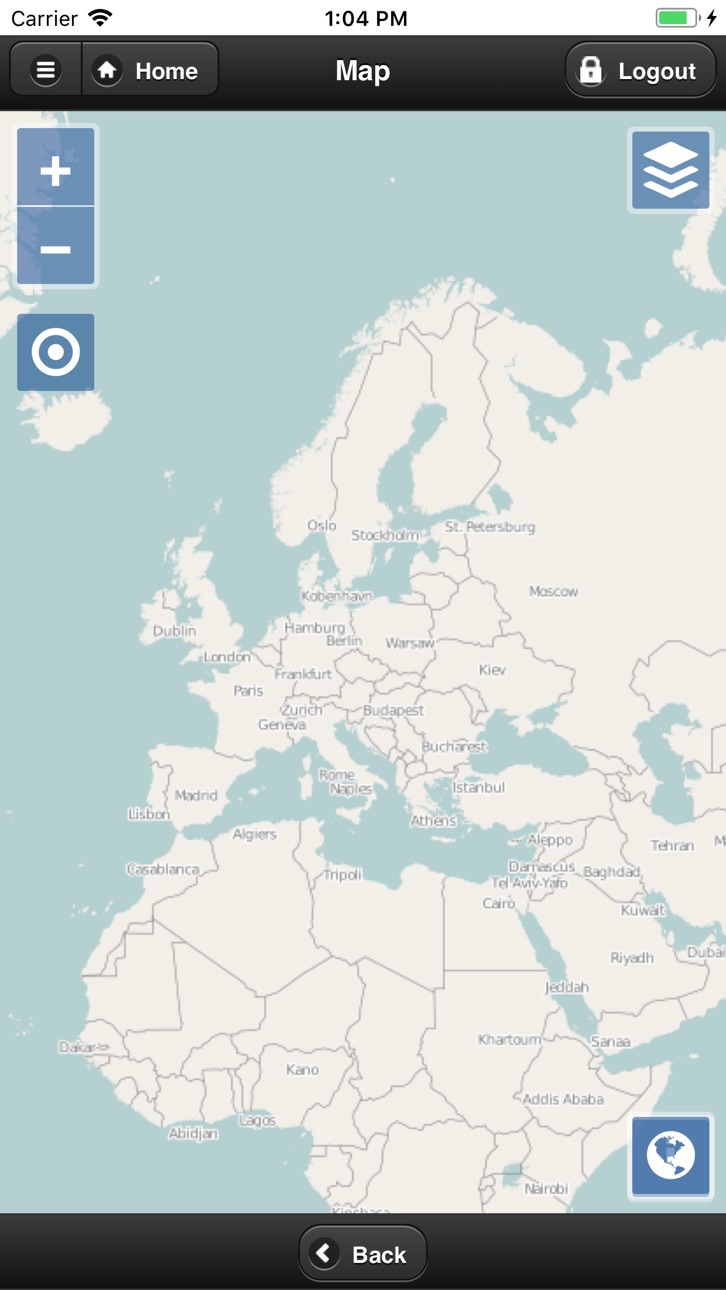
iPhone 3 images


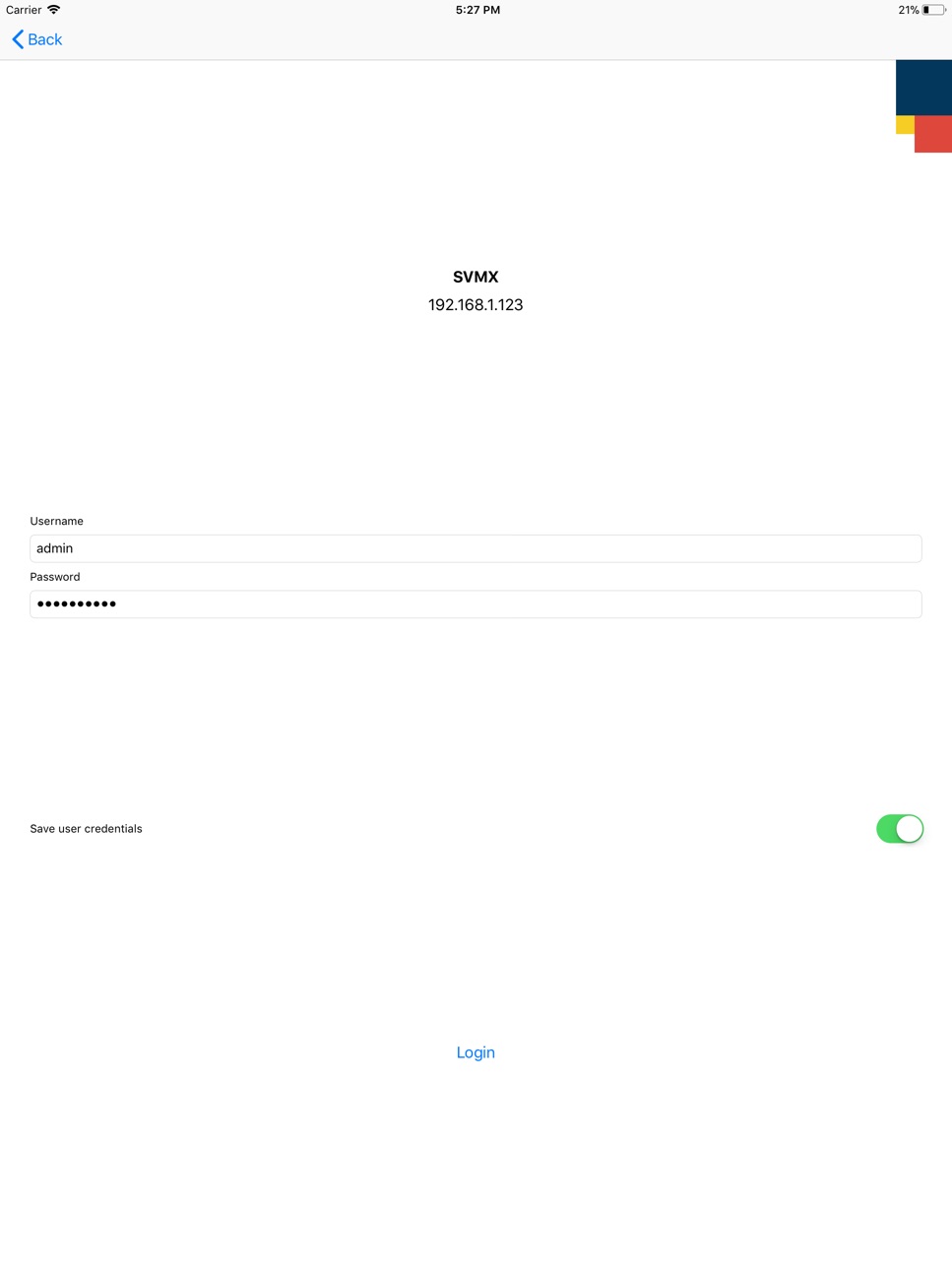
iPad 4 images



What’s New Version 2.1.18
Fixed minor bugs and improved the overall performance of the application
Description
Teleste S-VMX video management system provides a scalable end–to–end solution covering all major features needed in a modern management system.
S-VMX Mobile Client is a mobile operator interface into the Teleste Video Management System. The interactive graphical user interface allows the operator to control and manage cameras and recordings directly from the mobile device. The resolution of the connecting device is automatically detected in order to provide simplified mobile phone specific interface (lower resolution) or tablet specific interface (higher resolution).
The following main functionalities are provided to the mobile device:
User authorization – only authorized users can access the system and utilize its resources according to their access rights
Browsing through system structure (geographical groups) to access cameras
Access to live video streams (quad video display for tablet mode)
Access to recorded video
PTZ camera control
Video playback control
GIS Map view
Location of cameras on maps
Live video from cameras on maps
Status of a camera placed on the map
Supported software
S-VMX 3.0 and above
Installation
The application is available in the Apple App store. After installation it can be accessed from the
S-VMX icon on the device. When the application is started for the first time, connection parameters to S-VMX server need to be configured:
Label – your own custom name for the system
S-VMX server URL – IP address or domain name of your S-VMX server
After the parameters have been entered and confirmed the application will save and display the system entry that you can select to login and use. For further information see S-VMX Client User manual.
Settings
Data structure for Defaults: {"NAME": "URL"}
(example: {"EXAMPLE": "http://example.url"})
Accessibility
ipadiphonemacrealityDevicetvoswatch
Version history 8 versions
Build 873668113v2.1.182025-04-07 20:35:22
Fixed minor bugs and improved the overall performance of the application
Build 851368563v2.1.112022-08-12 12:56:46
Application inprovments
Build 826147845v2.1.102018-03-05 13:10:22
This update from Apple will improve the functionality of this app. No new features are included.
auto cache clear
Build 826023637v2.1.92018-02-22 13:02:45
- new translation (Finnish)
- french translation minor fix
- bug fixes
Build 825896499v2.1.62018-02-08 09:29:58
- add default servers inside iOS settings
- new language support: French
Build 825828307v2.1.32018-02-01 09:00:36
bug fix:
-location permission
-http url fix
Build 825677223v2.1.12018-01-24 10:51:08
Redesigned user interface.
Build 515212631v1.02014-04-07 17:41:44
No pricing data captured yet — comparisons appear once the app has paid storefronts or in-app purchases.
Availability 1 of 1 storefronts
| Region | Language | Price | Ratings | Avg | Version |
|---|---|---|---|---|---|
| US | en-US | Free | 0 | — | 2.1.18 |
Change log 11 changes · US
✎
releaseNotes updated
Fixed minor bugs and improved the overall performance of the application
✎
description updated
Teleste S-VMX video management system provides a scalable end–to–end solution covering all major features needed in a modern management system.
S-VMX Mobile Cli
✎
name updated
S-VMX Client Mobile
◆
Version 2.1.18 released
Fixed minor bugs and improved the overall performance of the application
◆
Version 2.1.11 released
Application inprovments
◆
Version 2.1.10 released
This update from Apple will improve the functionality of this app. No new features are included.
auto cache clear
◆
Version 2.1.9 released
- new translation (Finnish)
- french translation minor fix
- bug fixes
◆
Version 2.1.6 released
- add default servers inside iOS settings
- new language support: French
◆
Version 2.1.3 released
bug fix:
-location permission
-http url fix
◆
Version 2.1.1 released
Redesigned user interface.
◆
Version 1.0 released