Home › Business

 US
US
1 of 1 storefronts
Content in en-US
Content in en-US
Information
Apple ID824798482
Bundle IDnl.verbonden.app
SellerSeller
Min iOS14.0
Min macOS11.0
Device familiesiphone, ipod
Released2014-02-27
Copyright© Verbonden B.V.
Privacy policyLink ↗
Preview 1 platform
iPhone 7 images




What’s New Version 7.70.0
- You can now discover and enable AI call summaries directly from the call details screen
Description
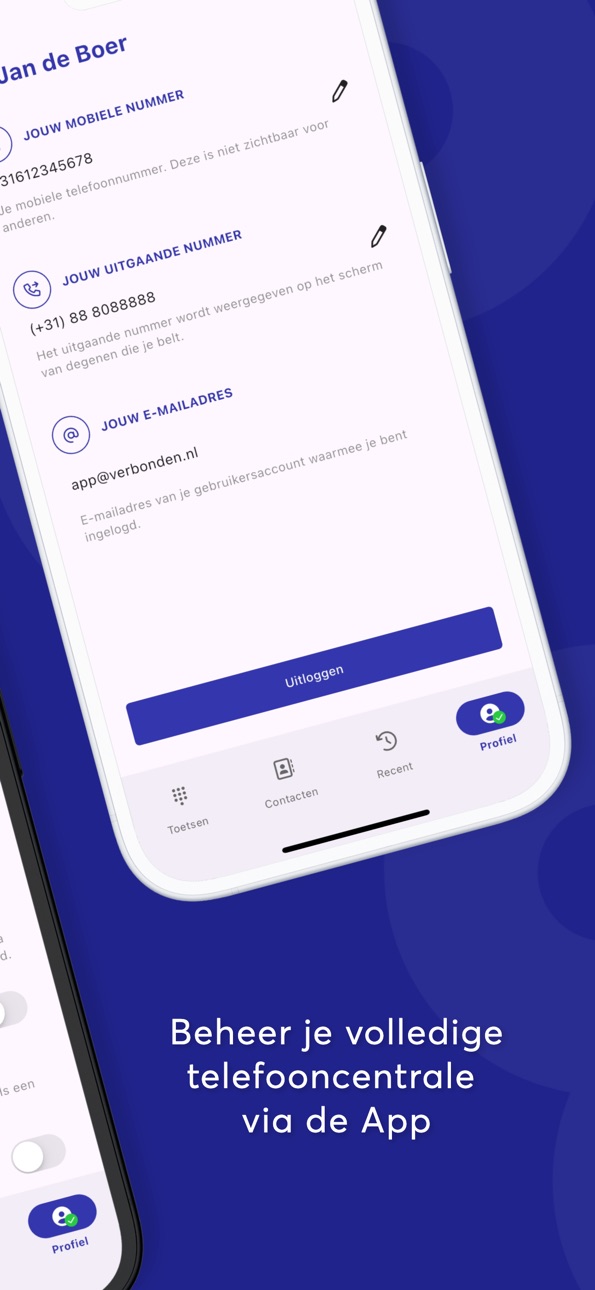
The Verbonden App enables you to dial out with your mobile phone using your main business phone number. You can also see the latest calls that have been made or received by the hosted PBX. Select an existing contact or use the numpad to dial the number client you want to call.
Accessibility
ipadiphonemacrealityDevicetvoswatch
Version history 25 versions
Build 885330769v7.70.02026-05-07 12:45:40
- You can now discover and enable AI call summaries directly from the call details screen
Build 884363728v7.69.02026-04-15 11:47:07
- Added a new call details screen which will show AI call summaries if you have the module enabled
- Fixed a bug where you would sometimes get stuck on the welcome screen after entering a two-factor code
Build 881427025v7.68.02026-02-02 09:09:27
- iOS: Fixed an issue where the speaker would be disabled at the start of a call
Build 877184403v7.67.02025-10-02 07:55:46
- Fixed a bug where it was not possible to login if you had a mandatory password reset
Build 874904056v7.65.32025-05-20 07:43:12
- A message will now be displayed if you have only granted access to a limited number of contacts
Build 874885930v7.65.22025-05-19 08:33:37
- A message will now be displayed if you have only granted access to a limited number of contacts
Build 874742481v7.65.12025-05-15 16:37:18
- A message will now be displayed if you have only granted access to a limited number of contacts
Build 873898049v7.65.02025-04-14 12:32:24
- A message will now be displayed if you have only granted access to a limited number of contacts
Build 873673306v7.64.12025-04-01 12:15:17
- Delete button now works after the dialer is prefilled with a phone number
- iOS: No longer showing a "no permission" warning when you only choose to grant permission to a limited number of contacts
- iOS: T9 search in the dialer will now be enabled by default, the setting to enable/disable it has been removed
Build 873527187v7.64.02025-03-27 10:04:34
- Delete button now works after the dialer is prefilled with a phone number
- iOS: No longer showing a "no permission" warning when you only choose to grant permission to a limited number of contacts
- iOS: T9 search in the dialer will now be enabled by default, the setting to enable/disable it has been removed
Build 869956123v7.58.02024-10-31 14:07:09
- iOS: Improved performance with large number of contacts
- Improved when lower call quality message will be shown
Build 869289588v7.57.02024-09-26 08:28:23
- iOS: Fixed an issue where incoming calls were not shown while in the background
Build 868810953v7.56.42024-09-06 12:57:32
- iOS: Optimized answering calls on slow or poor internet connections
Build 868775321v7.56.22024-09-05 09:39:13
- iOS: Optimized answering calls on slow or poor internet connections
Build 868406046v7.56.02024-08-22 13:48:03
- Added language support for Spanish and Portuguese
- Submitting a phone number in shared contacts now requires a country code
- Improved screen reader functionality
Build 867716187v7.55.02024-07-25 07:10:23
- The bottom navigation bar has been redesigned
- Changing your mobile number or outgoing number will now display as a pop-up rather than in the page, making it easier to use with screen-readers
- iOS: The recent call list will automatically refresh after a call
Build 867480422v7.54.12024-07-16 09:17:48
- Pressing the delete button in the dialer is now easier
- A pop-up will be shown when there is a new update available
Build 866498905v7.52.12024-07-08 07:33:41
- Added a survey relating to upcoming products
- The dialer buttons are now a bit easier to hit when entering a number
Build 867314677v7.53.02024-07-08 08:29:44
- Pressing the delete button in the dialer is now easier
- A pop-up will be shown when there is a new update available
Build 866476381v7.52.02024-06-06 08:57:53
- Added a survey relating to upcoming products
- The dialer buttons are now a bit easier to hit when entering a number
Build 865557482v7.51.02024-04-29 12:29:01
- Fixed a bug so you can paste numbers into the dialer that contain non-numeric characters
- Improved padding on the ongoing call screen so no elements touch the edge
Build 864898344v7.50.32024-04-03 05:22:23
- Fixed a bug with switching audio devices
Build 864889794v7.50.22024-04-02 08:50:48
- Fixed a bug with switching audio devices
Build 864750870v7.50.02024-03-27 08:58:31
- When opening the dialer with a phone number in your clipboard a new UI element will be shown to allow you to paste it easily
- iOS: It is now possible to unmute calls if they were muted from the lock screen
- iOS: There is a new setting, when enabled mobile calls will match to the Shared Contacts you have in the app
Build 864301662v7.49.42024-03-08 13:57:00
- Fixed a bug causing contacts to flicker during a call transfer
- Added additional screen reader announcements during calls
- Starting a call via other apps will result in the number being pre-filled in the dialer rather than immediately starting a call, this will now also work more reliably
- Shared contacts will now be used to display caller information
No pricing data captured yet — comparisons appear once the app has paid storefronts or in-app purchases.
Availability 1 of 1 storefronts
| Region | Language | Price | Ratings | Avg | Version |
|---|---|---|---|---|---|
| US | en-US | Free | 0 | — | 7.70.0 |
Change log 28 changes · US
✎
releaseNotes updated
- You can now discover and enable AI call summaries directly from the call details screen
✎
description updated
The Verbonden App enables you to dial out with your mobile phone using your main business phone number. You can also see the latest calls that have been made or
✎
name updated
Verbonden
◆
Version 7.70.0 released
- You can now discover and enable AI call summaries directly from the call details screen
◆
Version 7.69.0 released
- Added a new call details screen which will show AI call summaries if you have the module enabled
- Fixed a bug where you would sometimes get stuck on the welcome screen after entering a two-factor code
◆
Version 7.68.0 released
- iOS: Fixed an issue where the speaker would be disabled at the start of a call
◆
Version 7.67.0 released
- Fixed a bug where it was not possible to login if you had a mandatory password reset
◆
Version 7.65.3 released
- A message will now be displayed if you have only granted access to a limited number of contacts
◆
Version 7.65.2 released
- A message will now be displayed if you have only granted access to a limited number of contacts
◆
Version 7.65.1 released
- A message will now be displayed if you have only granted access to a limited number of contacts
◆
Version 7.65.0 released
- A message will now be displayed if you have only granted access to a limited number of contacts
◆
Version 7.64.1 released
- Delete button now works after the dialer is prefilled with a phone number
- iOS: No longer showing a "no permission" warning when you only choose to grant permission to a limited number of contacts
- iOS: T9 search in the dialer will now
◆
Version 7.64.0 released
- Delete button now works after the dialer is prefilled with a phone number
- iOS: No longer showing a "no permission" warning when you only choose to grant permission to a limited number of contacts
- iOS: T9 search in the dialer will now
◆
Version 7.58.0 released
- iOS: Improved performance with large number of contacts
- Improved when lower call quality message will be shown
◆
Version 7.57.0 released
- iOS: Fixed an issue where incoming calls were not shown while in the background
◆
Version 7.56.4 released
- iOS: Optimized answering calls on slow or poor internet connections
◆
Version 7.56.2 released
- iOS: Optimized answering calls on slow or poor internet connections
◆
Version 7.56.0 released
- Added language support for Spanish and Portuguese
- Submitting a phone number in shared contacts now requires a country code
- Improved screen reader functionality
◆
Version 7.55.0 released
- The bottom navigation bar has been redesigned
- Changing your mobile number or outgoing number will now display as a pop-up rather than in the page, making it easier to use with screen-readers
- iOS: The recent call list will automaticall
◆
Version 7.54.1 released
- Pressing the delete button in the dialer is now easier
- A pop-up will be shown when there is a new update available
◆
Version 7.53.0 released
- Pressing the delete button in the dialer is now easier
- A pop-up will be shown when there is a new update available
◆
Version 7.52.1 released
- Added a survey relating to upcoming products
- The dialer buttons are now a bit easier to hit when entering a number
◆
Version 7.52.0 released
- Added a survey relating to upcoming products
- The dialer buttons are now a bit easier to hit when entering a number
◆
Version 7.51.0 released
- Fixed a bug so you can paste numbers into the dialer that contain non-numeric characters
- Improved padding on the ongoing call screen so no elements touch the edge
◆
Version 7.50.3 released
- Fixed a bug with switching audio devices
◆
Version 7.50.2 released
- Fixed a bug with switching audio devices
◆
Version 7.50.0 released
- When opening the dialer with a phone number in your clipboard a new UI element will be shown to allow you to paste it easily
- iOS: It is now possible to unmute calls if they were muted from the lock screen
- iOS: There is a new setting,
◆
Version 7.49.4 released
- Fixed a bug causing contacts to flicker during a call transfer
- Added additional screen reader announcements during calls
- Starting a call via other apps will result in the number being pre-filled in the dialer rather than immediately s