Home › Photo & Video

 US
US
1 of 1 storefronts
Content in en-US
Content in en-US
Information
Apple ID781383622
Bundle IDcom.jbinary.hujicam
SellerSeller
Min iOS12.0
Min macOS11.0
Device familiesiphone, ipad, ipod
Released2017-09-28
Copyright© Copyright 2024 MANHOLE INC. All rights reserved.
Privacy policyLink ↗
Preview 2 platforms
iPhone 5 images


iPad 5 images



What’s New Version 2.5
Fixed a bug where the app would crash after developing photos and other minor issues.
Description
DISCLAIMER NOTICE: HUJI CAM IS PROVIDED AS MANHOLE'S OWN PRODUCT. THIS APP IS NOT THE OFFICIAL APP OF FUJIFILM OR ANY OTHERS. MANHOLE HAS MADE EVERY EFFORT TO ENSURE NOT TO INFRINGE OTHER'S COPYRIGHTS OR TRADEMARKS.
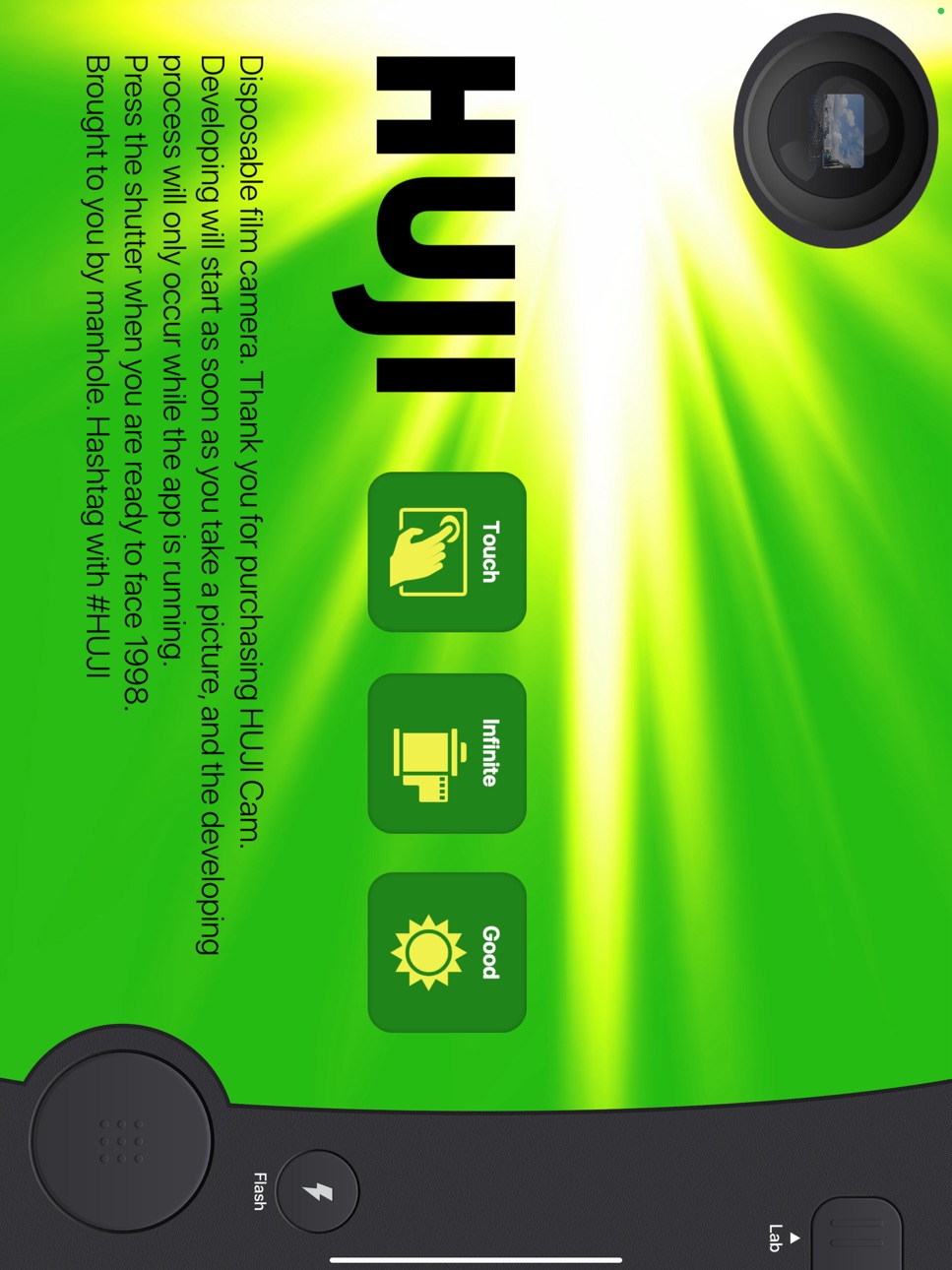
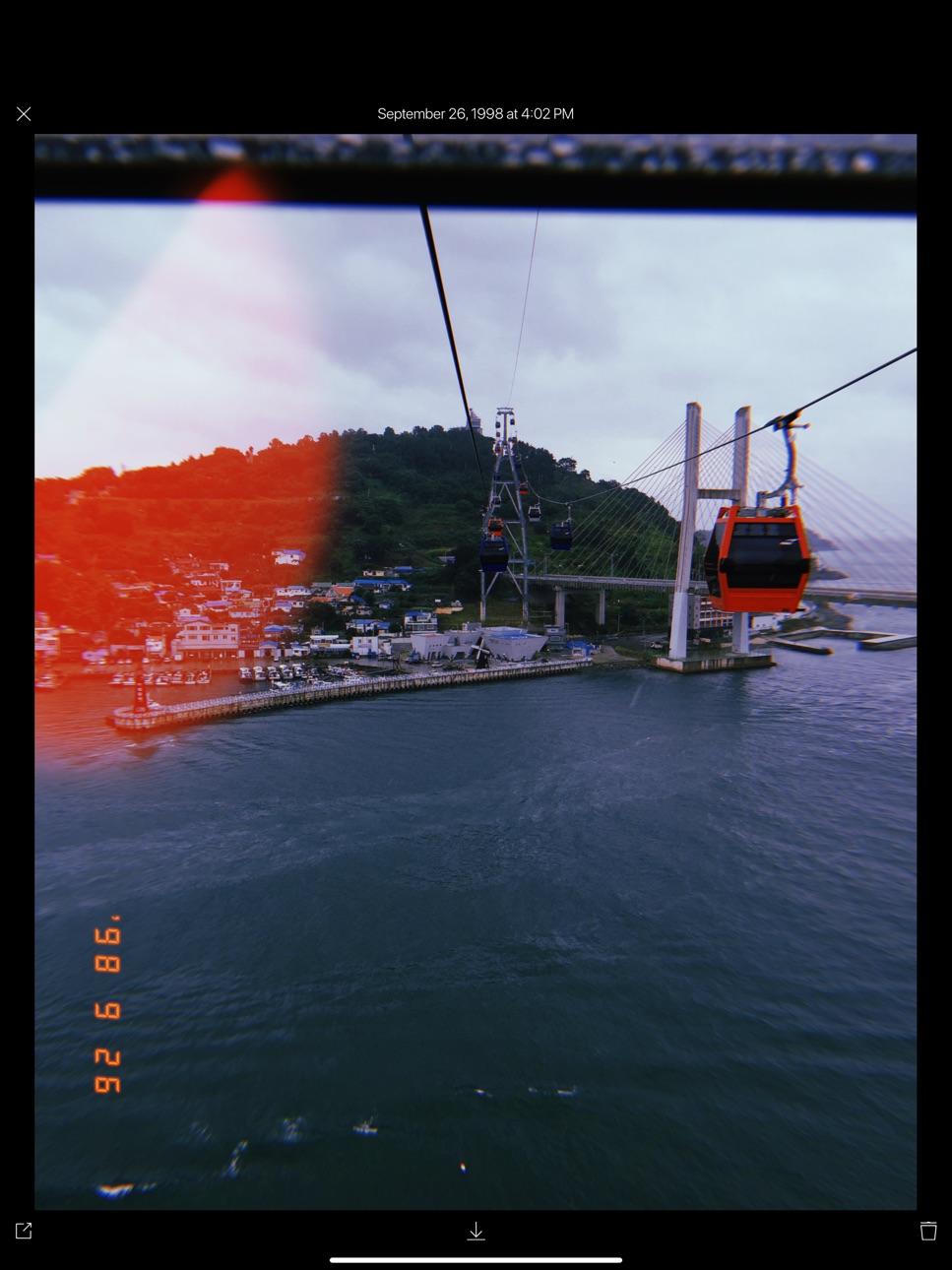
HUJI Cam makes your moments as precious as the feelings of analog film with old memories.
Camera makers of every era always tried to capture the best moments and such an effort continued back in 1998 as well, whereby our memories became clearer. HUJI Cam has the effort of those days to leave precious moments as vivid and vibrant photographs.
- How to run through time on SNS : #HUJI
Take a picture having a feeling just like the year 1998 with HUJI Cam.
- How-To
Look close to Viewfinder to see things bigger while holding your iPhone in Landscape Mode. If this feature troubles you, active Viewfinder Touch Mode via Lab > Settings Icon. That way you can now make the view finder bigger or smaller by tapping. For detail, check out on our SNS which you can easily visit via the button in Settings within the app.
- When HUJI Cam does not work
1. Go to Settings app of your iPhone and scroll down to find HUJI
2. Turn off Camera among the ACCESS permission list for the time being.
3. Run HUJI Cam again. Tap 'Resolve Problems' on the bottom of the Camera Access notice
In-App Purchases US pricing
One-Time Purchases
Extra Options$0.99
Capabilities
In-App Purchases
Accessibility
ipadiphonemacrealityDevicetvoswatch
Version history 12 versions
Build 870747353v2.52024-12-11 11:18:39
Fixed a bug where the app would crash after developing photos and other minor issues.
Build 830074463v2.32019-02-15 15:55:39
This new version includes the following updates:
- Adds iPhone XR, iPhone XS and iPhone XS Max support.
- Adds the option to choose 'Current' date when imported from Photos.
- Changes the behavior of Light Effect to continuously on if the Random Light Effect is 'On' when importing pictures from Photos.
- Improves upon the roll film image that appears when taking pictures.
- More Beautiful Light Effects.
Build 826408549v2.22018-04-08 22:17:53
This new version includes the following updates :
.More Beautiful Light Effects
.Selfie flash support for iPad
.Language support and improvement in 13 countries
(If you found something unnatural in translation, please let us know)
.Bug Fixes
Build 825731771v2.12018-01-24 21:11:43
Fixed the issue occurring a crash when deleting photos.
Fixed the wrong orientation of photos when importing photos.
Build 825605093v2.02018-01-15 18:15:10
- Meet big sized HUJI Cam on your iPad.
- Bug Fixes.
Build 825452013v1.712017-12-28 21:51:09
- Bug Fixes
Build 825301236v1.72017-12-13 23:41:25
- More Light Effects
- Bug Fixes
Build 825001513v1.62017-12-02 19:53:48
This new version includes the following updates:
- Improvements
.Importing photos from you album:
You can now apply beautiful, gorgeous 1998-film-looking HUJI filter to your previous photos waiting in Photos app! This feature is packed in the In-App-Purchase item. No additional purchase needed If you already bought the IAP item before.
.Adds Photo Recovery Mode: Please read the app description for detail
.More Light Effects
.Support for iPhone X
- Bug Fixes
.Fixed the issue that photos were occasionally taken when starting
.Fixed Date Stamp issue appearing in the date of Japanese or Buddhist calendar
Build 824293468v1.52017-11-09 14:52:10
This new version includes the following updates:
- Camera
Selfie, Timer, Random Light Effects On/Off
Photo quality settings
Selfie flash
-Lab
3D Touch: preview, share, save and delete
Batch process to save and delete multiple photos
- Photo Preview
Sharing a photo by swiping up
Closing Preview by swiping down
Zoom-in by double tap
Save button
-Features
Option to keep photos within the app when Auto Save
Creating HUJI album when save in Photos
Photo quality adjustment when save
Option to preserve original photos
Geo tagging when taking photos
Date format option
New font for Date Stamp
- Minor UI Improvement
- iOS 9 support
Build 823933062v1.32017-10-09 13:40:14
- Date Stamp Mode
- Viewfinder Touch Mode
- Bug fixes.
Build 823874471v1.12017-09-30 20:31:35
Bug fix
Build 246312863v1.02017-09-28 19:22:54
Price history by region
Currency
Show
Columns
Search
Availability 1 of 1 storefronts
| Region | Language | Price | Ratings | Avg | Version |
|---|---|---|---|---|---|
| US | en-US | Free | 11.9k | 4.2 | 2.5 |
Change log 16 changes · US
✎
releaseNotes updated
Fixed a bug where the app would crash after developing photos and other minor issues.
✎
description updated
DISCLAIMER NOTICE: HUJI CAM IS PROVIDED AS MANHOLE'S OWN PRODUCT. THIS APP IS NOT THE OFFICIAL APP OF FUJIFILM OR ANY OTHERS. MANHOLE HAS MADE EVERY EFFORT TO E
✎
subtitle updated
Just Like The Year 1998
✎
name updated
Huji Cam
◆
Version 2.5 released
Fixed a bug where the app would crash after developing photos and other minor issues.
◆
Version 2.3 released
This new version includes the following updates:
- Adds iPhone XR, iPhone XS and iPhone XS Max support.
- Adds the option to choose 'Current' date when imported from Photos.
- Changes the behavior of Light Effect to continuously on if the
◆
Version 2.2 released
This new version includes the following updates :
.More Beautiful Light Effects
.Selfie flash support for iPad
.Language support and improvement in 13 countries
(If you found something unnatural in translation, please let us know)
.Bug Fix
◆
Version 2.1 released
Fixed the issue occurring a crash when deleting photos.
Fixed the wrong orientation of photos when importing photos.
◆
Version 2.0 released
- Meet big sized HUJI Cam on your iPad.
- Bug Fixes.
◆
Version 1.71 released
- Bug Fixes
◆
Version 1.7 released
- More Light Effects
- Bug Fixes
◆
Version 1.6 released
This new version includes the following updates:
- Improvements
.Importing photos from you album:
You can now apply beautiful, gorgeous 1998-film-looking HUJI filter to your previous photos waiting in Photos app! This feature is packed in
◆
Version 1.5 released
This new version includes the following updates:
- Camera
Selfie, Timer, Random Light Effects On/Off
Photo quality settings
Selfie flash
-Lab
3D Touch: preview, share, save and delete
Batch process to save and delete multiple photos
- Ph
◆
Version 1.3 released
- Date Stamp Mode
- Viewfinder Touch Mode
- Bug fixes.
◆
Version 1.1 released
Bug fix
◆
Version 1.0 released