Home › Business

 US
US
1 of 1 storefronts
Content in en-US
Content in en-US
Information
Preview 2 platforms
iPhone 7 images
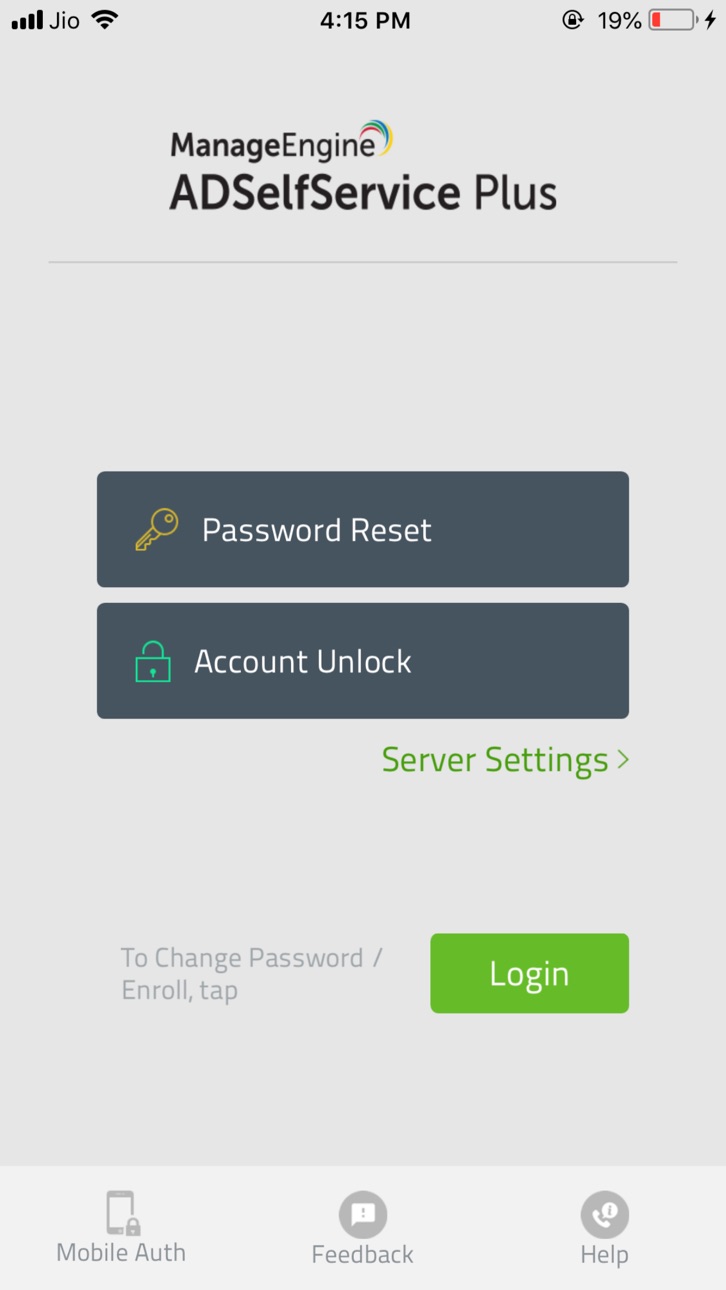
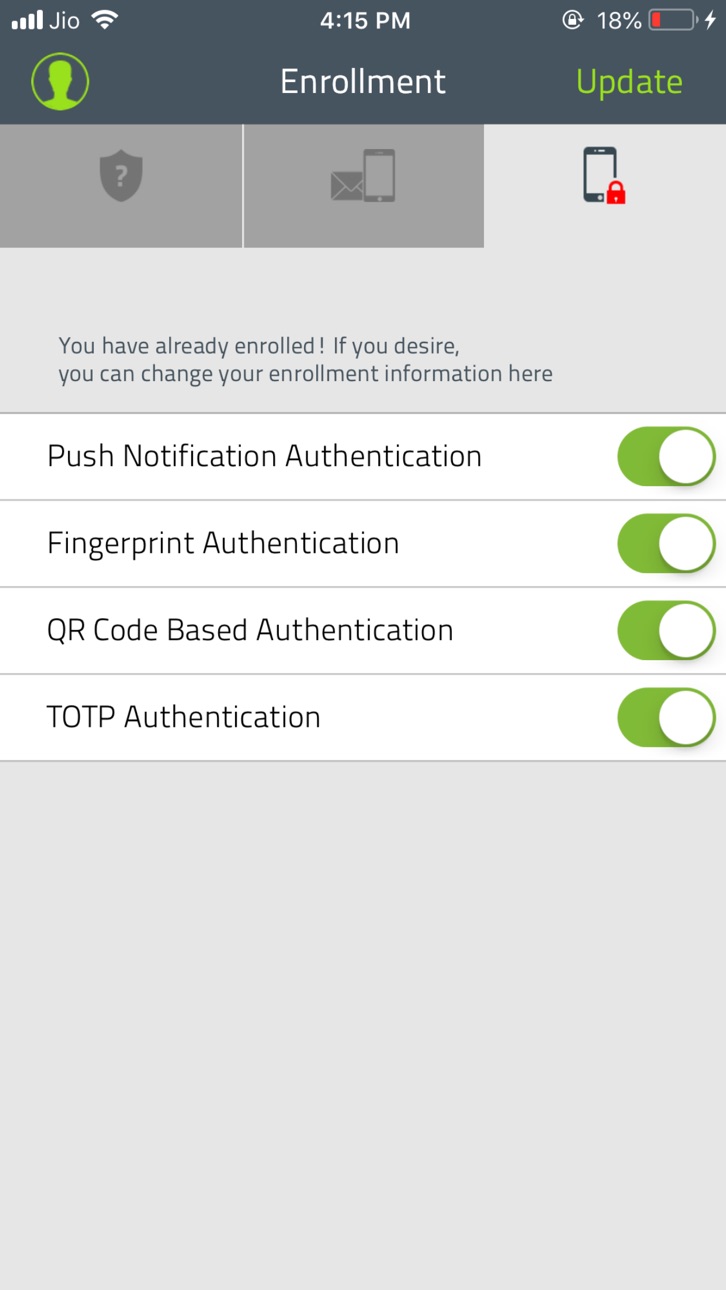


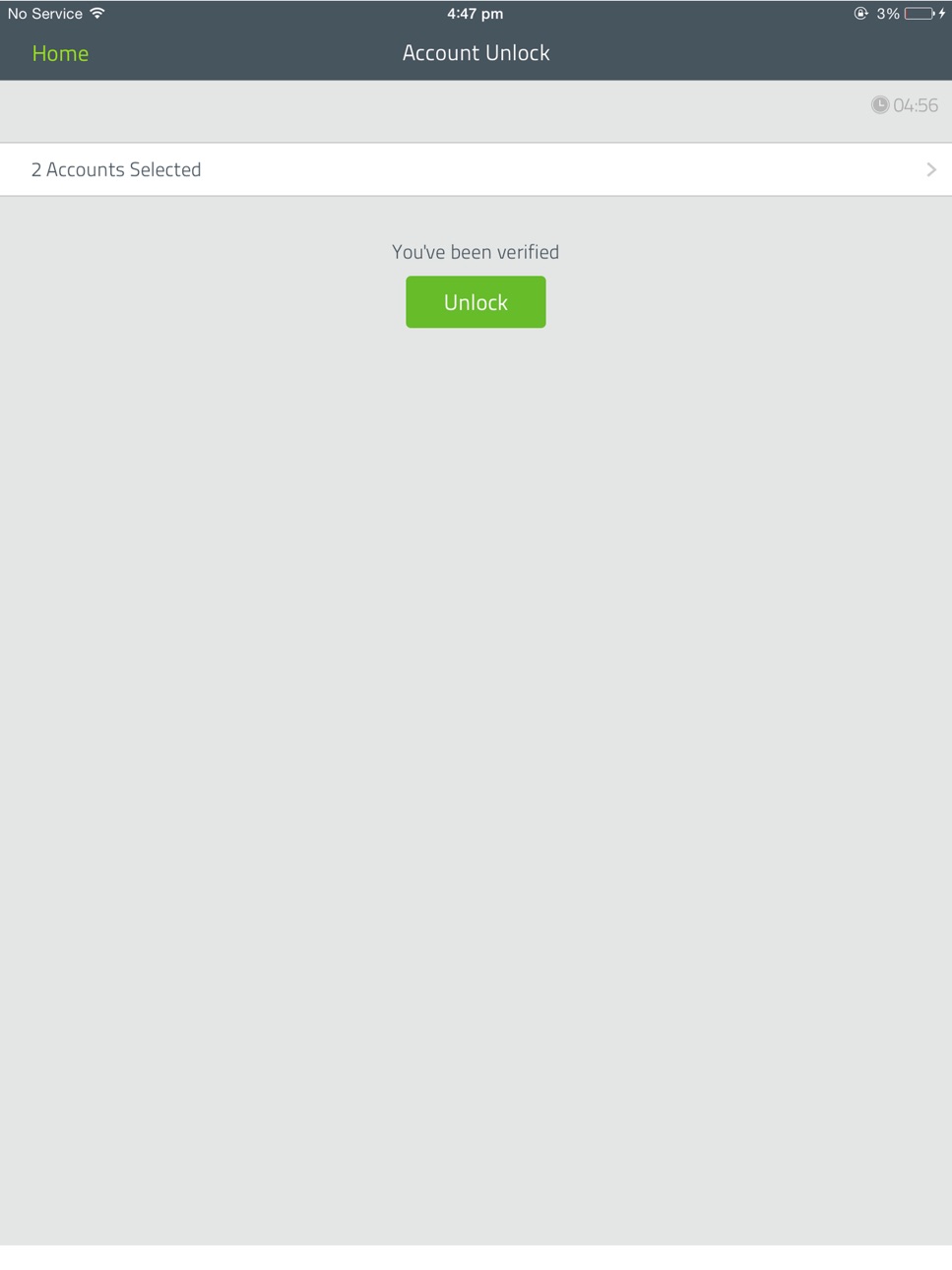
iPad 6 images


What’s New Version 1.7.6
ADSelfService Plus now supports Microsoft Entra ID, allowing you to perform the following actions for your Entra ID account from the app:
1. Self-service password reset and change password: Reset/change your Entra ID password from the app.
2. Secure login: Enroll in up to 15 authenticators from the app, and use them to log in securely to Entra-joined Windows machines, RDP sessions, and enterprise applications.
Description
----------------------------------------------------------
Disclaimer!
This is a corporate app. It helps you reset Active Directory passwords only when your company has already installed ADSelfService Plus.
It will NOT work for home users, or other private emails such as Google, Hotmail, yahoo, etc.
----------------------------------------------------------
ManageEngine ADSelfService Plus iPhone app empowers users with mobile password management to reset their forgotten passwords and unlock their Windows Active Directory accounts securely from their iPhones with utmost ease. Users can also change their Windows Domain passwords and synchronize it with a wide range of cloud-based applications and on-premise systems including Office 365, Salesforce, Zoho, IBM AS400, HP UX, Oracle DB and E-Business Suite.
Features:
Self-Service Password Reset
Self-Service Unlock Account
Password Synchronizer
Multi-factor Authentication
Change Password
With this app, administrators can greatly reduce the number of password related calls to the help desk and end users can regain access to their Windows accounts without any delay.
Accessibility
ipadiphonemacrealityDevicetvoswatch
Version history 25 versions
Build 886923837v1.7.62026-06-17 19:16:22
ADSelfService Plus now supports Microsoft Entra ID, allowing you to perform the following actions for your Entra ID account from the app:
1. Self-service password reset and change password: Reset/change your Entra ID password from the app.
2. Secure login: Enroll in up to 15 authenticators from the app, and use them to log in securely to Entra-joined Windows machines, RDP sessions, and enterprise applications.
Build 884087912v1.7.52026-04-03 20:41:50
Improvements have been made to enhance overall app performance and user experience.
Build 882640565v1.7.42026-02-24 20:42:05
Improvements have been made to enhance overall app performance and user experience.
Build 880476166v1.7.32025-12-12 07:00:43
Issue fix
* An account matching error that occurred during SAML authentication via the ADSelfService Plus app has now been fixed.
Build 878334615v1.7.22025-09-22 23:52:49
Issue Fix:
* Improvements have been made to enhance overall app performance and user experience.
Build 876074959v1.7.12025-07-09 05:20:19
Issue Fix:
* Improvements have been made to enhance overall app performance and user experience.
Build 875227033v1.7.02025-06-01 08:28:02
Issue Fix:
* Improvements have been made to enhance overall app performance and user experience.
Build 874315121v1.6.8 2025-04-30 23:58:26
Issue Fix:
* Improvements have been made to enhance overall app performance and user experience.
Build 873778618v1.6.72025-04-08 23:13:31
Enhancements:
* Prevent accidental account lockout: Receive real-time feedback on remaining attempts before account lockout during mobile app login, MFA enrollment and verification.
* Back option during MFA enrollment and identity verification: Allows you to return to the previous step and choose from other available authenticators during the identity verification or MFA enrollment process.
Issue fix :
* Resolved issues to improve overall security.
Build 871412608v1.6.62024-12-29 12:57:16
Issue Fix:
* An issue that caused public keys of self-signed certificates to be saved automatically without notifying the user has now been fixed.
Build 869967419v1.6.52024-10-27 11:19:16
Issue Fix:
* A few security improvements have been implemented.
Build 868630462v1.6.42024-08-31 07:45:49
Issue Fix :
* An issue in the iOS mobile app that caused the display language to remain unchanged when set to German has now been fixed.
Build 868118338v1.6.32024-08-10 22:18:13
Issue Fix :
* An issue causing the "Unable to contact the server" error during passwordless login attempts by non-enrolled users has now been fixed.
Build 867835414v1.6.22024-07-30 11:33:39
Issue fix :
* Issues that caused the app to exhibit unexpected behavior have now been fixed.
Build 867444605v1.6.12024-07-16 18:22:59
Enhancements
* A Ping option is now included on the login screen to check connectivity with the ADSelfService Plus server.
* A few security improvements have been implemented.
Issue fix
* An issue that prevented the content from being displayed in Japanese on smartphones has now been fixed.
Build 863909559v1.6.02024-02-26 13:16:43
Enhancement :
Support for RSA SecurID authenticator configured through REST API.
Build 860591101v1.5.92023-10-18 13:15:09
Feature
* ADSelfService Plus now supports Duo's Universal Prompt for multi-factor authentication from the mobile app.
Enhancement
* The Password Policy Enforcer now supports restricting users from using the values of their AD attributes as their passwords while changing the password from the ADSelfService Plus mobile app.
Issue Fixed
* An issue which caused the ADSelfService Plus iOS mobile app to crash when the domain dropdown was hidden has now been fixed.
Build 853370999v1.5.82022-11-15 22:37:51
Hardware TOTP token support: Hardware tokens such as Protectimus hardware TOTP token, Deepnet Security hardware token can now be used as an authenticator for identity verification
Build 851889205v1.5.72022-08-31 00:20:46
Features:
* MFA for mobile app login: ADSelfService Plus mobile app logins can now be secured with an additional layer of authentication using MFA.
* Passwordless login: Easy and secure access to log in to the mobile app using modern authentication factors such as biometric authentication, push notification authentication, TOTP authentication and so on.
* Zoho OneAuth support: Zoho OneAuth is now a supported authentication factor for mobile app logins and self-service actions.
* Custom TOTP authentication support: The ADSelfService Plus mobile app now supports custom TOTP authentication as an MFA factor during mobile app login and self-service actions.
* Backup recovery code support: Perform identity verification during mobile app login and self-service actions using backup verification codes when the enrolled authenticators cannot be accessed.
Issue fixed:
* An issue with the functionality of Accessibility VoiceOver in iOS devices has now been resolved.
Build 851699650v1.5.62022-08-22 14:25:22
Issue Fix:
* A connection issue in the app occurring during Azure AD MFA verification has been fixed.
Build 848463202v1.5.52022-04-21 11:47:43
Enhancements:
* An option to deselect all linked accounts during password reset, account unlock, or password change operation has now been provided.
* An option which allows domain display name to be shown or hidden on the end-user pages has now been introduced.
Build 846780365v1.5.42022-01-21 15:28:29
Support for Traditional Chinese language.
Build 845364479v1.5.32021-11-16 09:29:37
Feature:
* Azure AD MFA can now be used for identity verification during self-service reset/unlock.
Enhancement:
* RADIUS challenge support has now been provided for RADIUS multi-factor authentication.
Build 843804954v1.5.22021-08-26 20:37:15
Enhancements:
* Mobile app support for email verification via secure link has been introduced.
* The option to block specific email domains and mobile number formats is now provided during user enrollment via the mobile app.
Issue fix:
* While using the mobile app to reset password/unlock account, the forced number of authentication factors were not verified. This issue has now been resolved.
Build 843031524v1.5.12021-07-10 09:16:40
Enhancements
1. SSL pinning option has been introduced to secure traffic.
2. Trusted SSL certificate check has been introduced to block attacks employing self-signed certificates.
No pricing data captured yet — comparisons appear once the app has paid storefronts or in-app purchases.
Availability 1 of 1 storefronts
| Region | Language | Price | Ratings | Avg | Version |
|---|---|---|---|---|---|
| US | en-US | Free | 74 | 2.1 | 1.7.6 |
Change log 28 changes · US
✎
releaseNotes updated
ADSelfService Plus now supports Microsoft Entra ID, allowing you to perform the following actions for your Entra ID account from the app:
1. Self-service passw
✎
description updated
----------------------------------------------------------
Disclaimer!
This is a corporate app. It helps you reset Active Directory passwords only when your co
✎
name updated
ManageEngine ADSelfServicePlus
◆
Version 1.7.6 released
ADSelfService Plus now supports Microsoft Entra ID, allowing you to perform the following actions for your Entra ID account from the app:
1. Self-service password reset and change password: Reset/change your Entra ID password from the app.
◆
Version 1.7.5 released
Improvements have been made to enhance overall app performance and user experience.
◆
Version 1.7.4 released
Improvements have been made to enhance overall app performance and user experience.
◆
Version 1.7.3 released
Issue fix
* An account matching error that occurred during SAML authentication via the ADSelfService Plus app has now been fixed.
◆
Version 1.7.2 released
Issue Fix:
* Improvements have been made to enhance overall app performance and user experience.
◆
Version 1.7.1 released
Issue Fix:
* Improvements have been made to enhance overall app performance and user experience.
◆
Version 1.7.0 released
Issue Fix:
* Improvements have been made to enhance overall app performance and user experience.
◆
Version 1.6.8 released
Issue Fix:
* Improvements have been made to enhance overall app performance and user experience.
◆
Version 1.6.7 released
Enhancements:
* Prevent accidental account lockout: Receive real-time feedback on remaining attempts before account lockout during mobile app login, MFA enrollment and verification.
* Back option during MFA enrollment and identity verifica
◆
Version 1.6.6 released
Issue Fix:
* An issue that caused public keys of self-signed certificates to be saved automatically without notifying the user has now been fixed.
◆
Version 1.6.5 released
Issue Fix:
* A few security improvements have been implemented.
◆
Version 1.6.4 released
Issue Fix :
* An issue in the iOS mobile app that caused the display language to remain unchanged when set to German has now been fixed.
◆
Version 1.6.3 released
Issue Fix :
* An issue causing the "Unable to contact the server" error during passwordless login attempts by non-enrolled users has now been fixed.
◆
Version 1.6.2 released
Issue fix :
* Issues that caused the app to exhibit unexpected behavior have now been fixed.
◆
Version 1.6.1 released
Enhancements
* A Ping option is now included on the login screen to check connectivity with the ADSelfService Plus server.
* A few security improvements have been implemented.
Issue fix
* An issue that prevented the content from being di
◆
Version 1.6.0 released
Enhancement :
Support for RSA SecurID authenticator configured through REST API.
◆
Version 1.5.9 released
Feature
* ADSelfService Plus now supports Duo's Universal Prompt for multi-factor authentication from the mobile app.
Enhancement
* The Password Policy Enforcer now supports restricting users from using the values of their AD attributes as
◆
Version 1.5.8 released
Hardware TOTP token support: Hardware tokens such as Protectimus hardware TOTP token, Deepnet Security hardware token can now be used as an authenticator for identity verification
◆
Version 1.5.7 released
Features:
* MFA for mobile app login: ADSelfService Plus mobile app logins can now be secured with an additional layer of authentication using MFA.
* Passwordless login: Easy and secure access to log in to the mobile app using modern authen
◆
Version 1.5.6 released
Issue Fix:
* A connection issue in the app occurring during Azure AD MFA verification has been fixed.
◆
Version 1.5.5 released
Enhancements:
* An option to deselect all linked accounts during password reset, account unlock, or password change operation has now been provided.
* An option which allows domain display name to be shown or hidden on the end-user pages ha
◆
Version 1.5.4 released
Support for Traditional Chinese language.
◆
Version 1.5.3 released
Feature:
* Azure AD MFA can now be used for identity verification during self-service reset/unlock.
Enhancement:
* RADIUS challenge support has now been provided for RADIUS multi-factor authentication.
◆
Version 1.5.2 released
Enhancements:
* Mobile app support for email verification via secure link has been introduced.
* The option to block specific email domains and mobile number formats is now provided during user enrollment via the mobile app.
Issue fix:
*
◆
Version 1.5.1 released
Enhancements
1. SSL pinning option has been introduced to secure traffic.
2. Trusted SSL certificate check has been introduced to block attacks employing self-signed certificates.