Home › Utilities

 US
US
1 of 1 storefronts
Content in en-US
Content in en-US
Information
Apple ID721125589
Bundle IDnet.world-software.Contact-Backup
SellerSeller
Min iOS17.0
Min macOS14.0
Device familiesiphone, ipad
Released2013-10-15
Copyright© wsoft app studio
Privacy policyLink ↗
Preview 2 platforms
iPhone 5 images


iPad 5 images



What’s New Version 1.4
+ Brand new design
Description
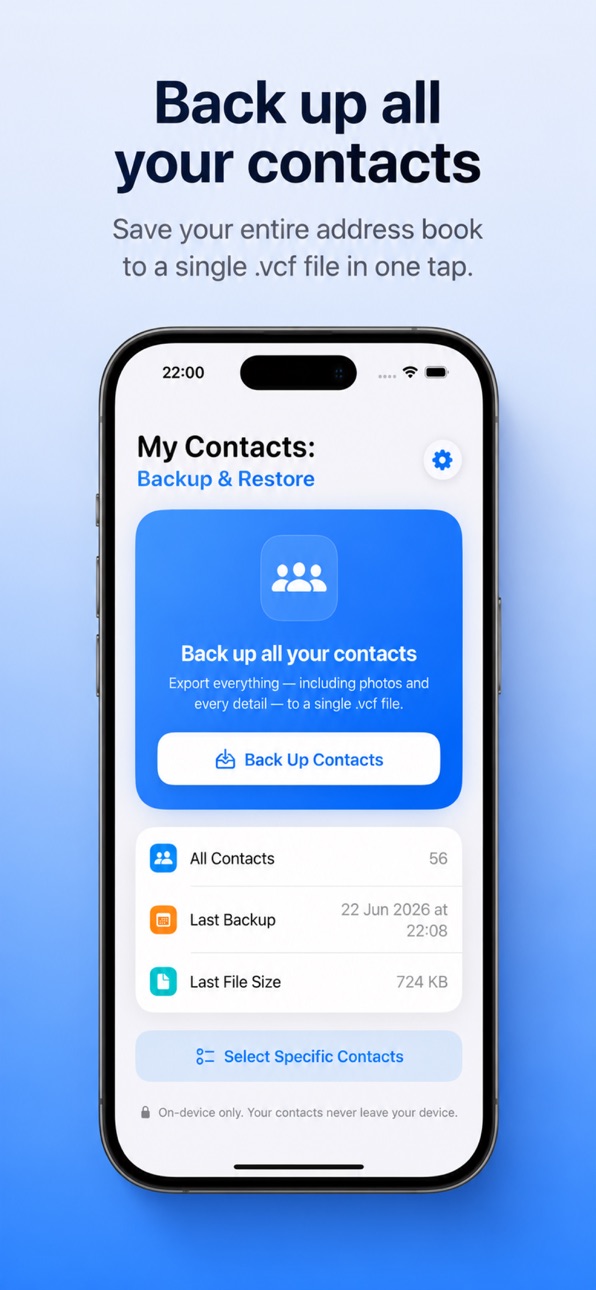
Contacts Backup keeps your address book safe. With one tap, it saves all of your contacts into a single standard .vcf (vCard) file — names, phone numbers, emails, companies, notes, and even contact photos.
Everything happens on your device. Your contacts are never uploaded to any server, and there is no account to create. What's on your phone stays on your phone.
WHY YOU'LL LIKE IT
• One-tap backup — Save your entire address book in seconds.
• Includes everything — Photos and every contact detail are kept, not just names and numbers.
• Standard .vcf file — Works with iPhone, iPad, Mac, iCloud, and almost any other app or service.
• Pick and choose — Back up all of your contacts, or select only the ones you want.
• See what's inside — Open your backup file to review the saved contacts before you share it, and remove any you don't need.
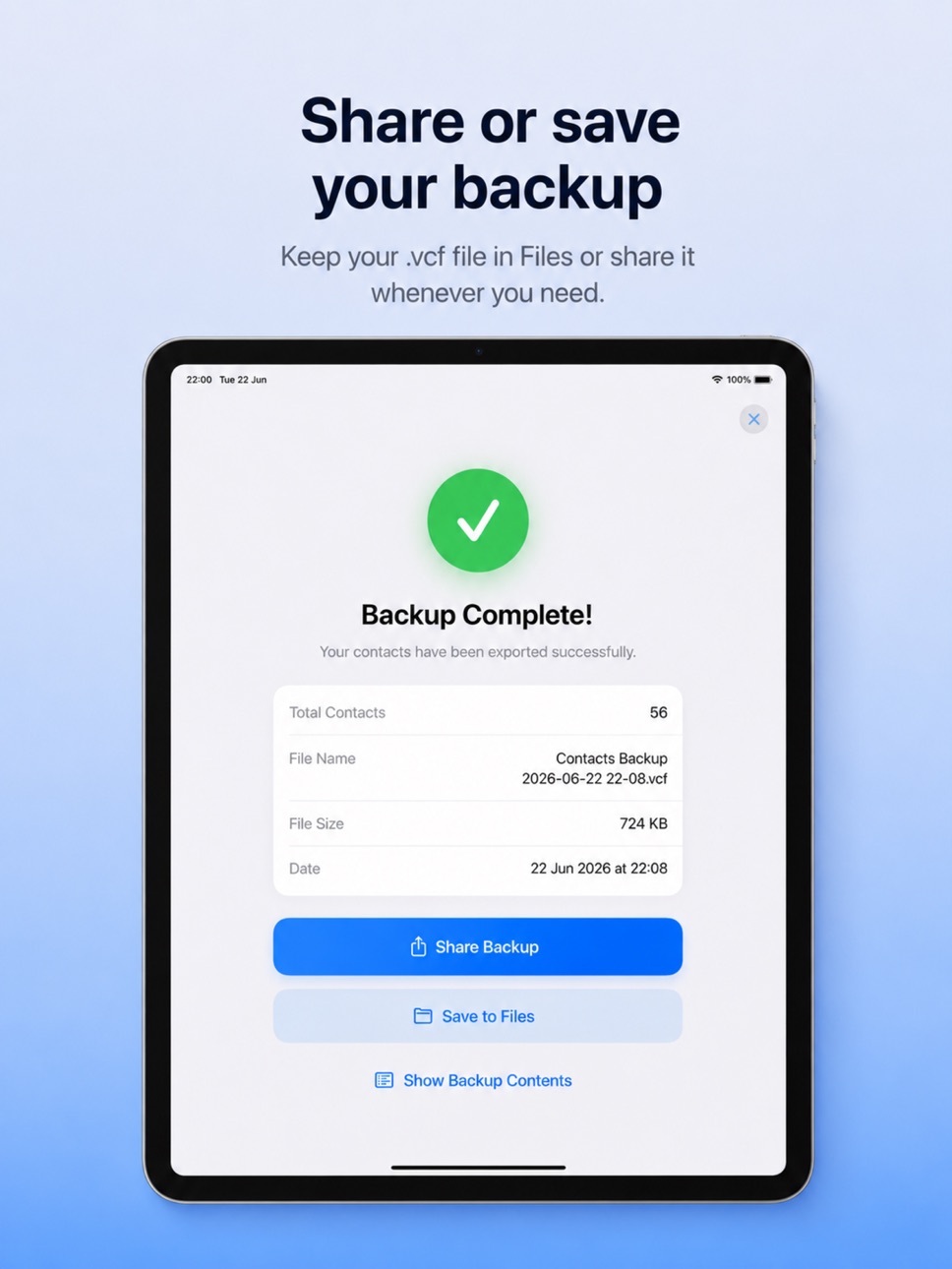
• Share anywhere — Send your backup by AirDrop, email, or messages, or save it straight to the Files app.
• Private by design — No sign-up, no tracking, no cloud. Just a clean, simple backup.
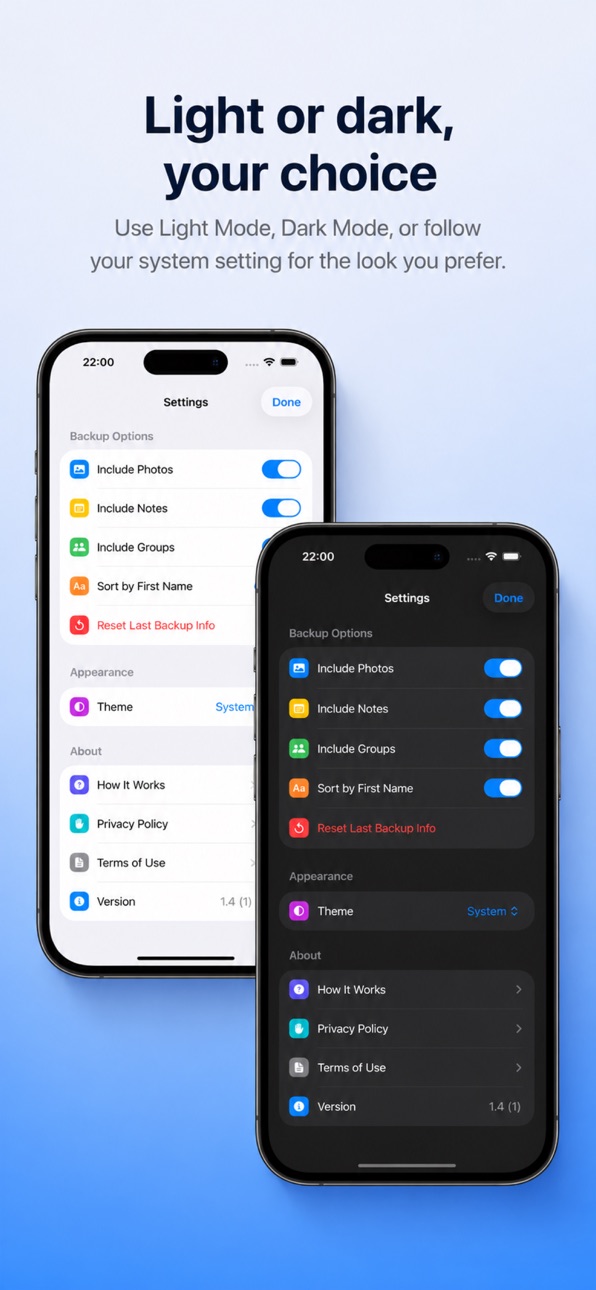
• Light & Dark themes — Choose the look you prefer, or follow your system setting.
HOW IT WORKS
1. Open the app and tap "Back Up Contacts."
2. Your contacts are saved into a single .vcf file.
3. Share the file or save it to Files to keep it somewhere safe.
To restore later, just open the .vcf file on any device and your contacts are added back.
PERFECT FOR
• Switching to a new phone.
• Keeping a safe copy before you clean up or delete contacts.
• Moving contacts between iPhone, iPad and computers.
• Anyone who wants a private, offline backup they fully control.
Your contacts matter. Back them up the simple way.
Accessibility
ipadiphonemacrealityDevicetvoswatch
Version history 5 versions
Build 813722791v1.42026-06-25 20:48:21
+ Brand new design
Build 739112730v1.32014-10-10 22:01:45
This update from Apple will improve the functionality of this app. No new features are included.
+ Update for iOS 8
Build 668062664v1.22014-08-19 00:23:29
+ Improved UI
Build 616642899v1.12014-07-09 16:56:55
+ Brand new user interface
+ Minor Improvments
Build 80852984v1.02013-10-14 01:47:17
No pricing data captured yet — comparisons appear once the app has paid storefronts or in-app purchases.
Availability 1 of 1 storefronts
| Region | Language | Price | Ratings | Avg | Version |
|---|---|---|---|---|---|
| US | en-US | Free | 15 | 3.5 | 1.4 |
Change log 9 changes · US
✎
releaseNotes updated
+ Brand new design
✎
description updated
Contacts Backup keeps your address book safe. With one tap, it saves all of your contacts into a single standard .vcf (vCard) file — names, phone numbers, email
✎
subtitle updated
One-Tap Contact Backup
✎
name updated
My Contacts: Backup & Restore
◆
Version 1.4 released
+ Brand new design
◆
Version 1.3 released
This update from Apple will improve the functionality of this app. No new features are included.
+ Update for iOS 8
◆
Version 1.2 released
+ Improved UI
◆
Version 1.1 released
+ Brand new user interface
+ Minor Improvments
◆
Version 1.0 released