Home › Lifestyle

 US
US
1 of 1 storefronts
Content in en-US
Content in en-US
Information
Preview 2 platforms
iPhone 7 images



iPad 7 images


What’s New Version 4.6.26
Bug fixes and small UI improvements.
Includes minor new features and overall experience enhancements.
Description
With the Luxor app, you can adjust fixture intensity and color, create unique themes, and fine-tune your color palette for special occasions — right from the palm of your hand!
CLOUD MANAGEMENT
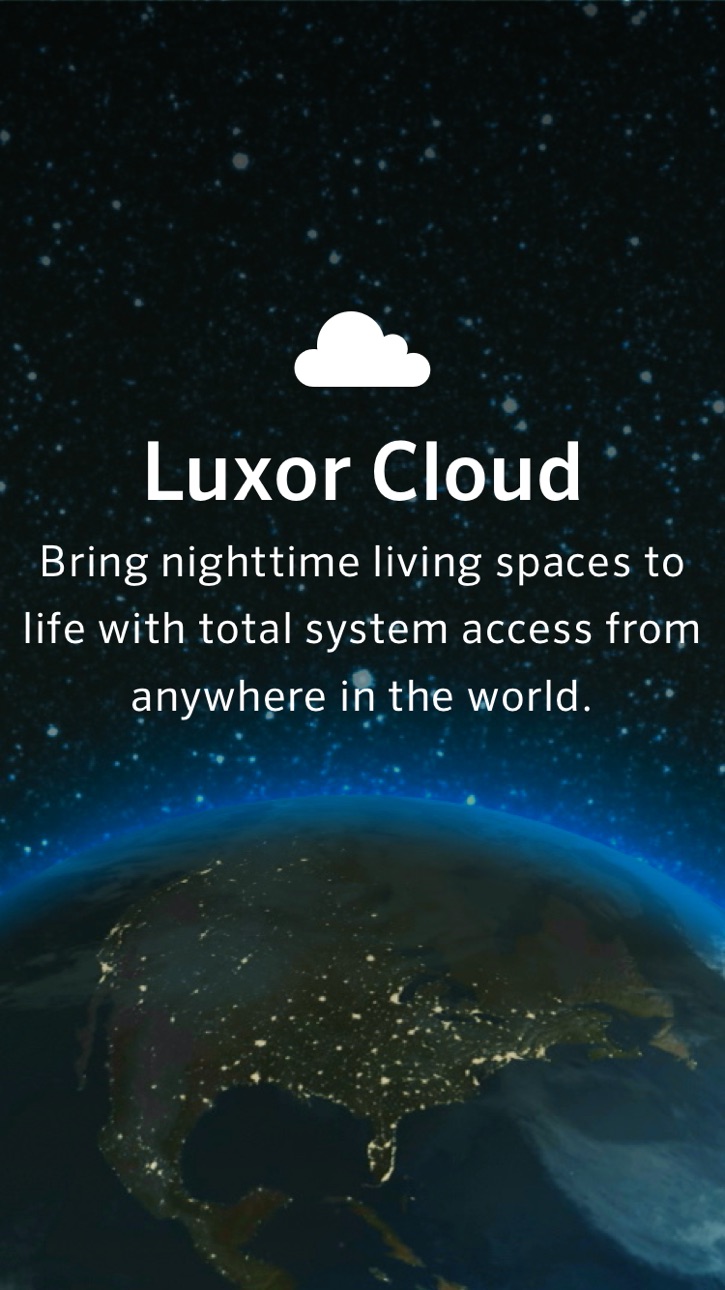
With Luxor® Cloud management, it’s easier than ever before to bring nighttime living spaces to life. Cloud connection eliminates local network limitations to streamline control in the field and enable remote site management from anywhere in the world via an internet connection.
SITES
Sites allow you to easily manage multiple Luxor systems. If you are the owner of a Luxor system, give your site a name such as MY HOUSE.
Groups
Adjust intensity and colors (ZDC fixtures only) of individual or groups of fixtures to tailor your lighting design. With a Luxor system, you can create up to 250 adjustable lighting groups that can be turned on independently and dimmed from 1–100%.
Themes
With Luxor technology, you can add pizzazz to your home to complement any occasion through industry-leading custom color creation capabilities. Design one-of-a-kind holiday displays, create team spirit for the big game, add company colors for work-related events, or simply adjust colors to match vegetation as the seasons change.
Color Creation
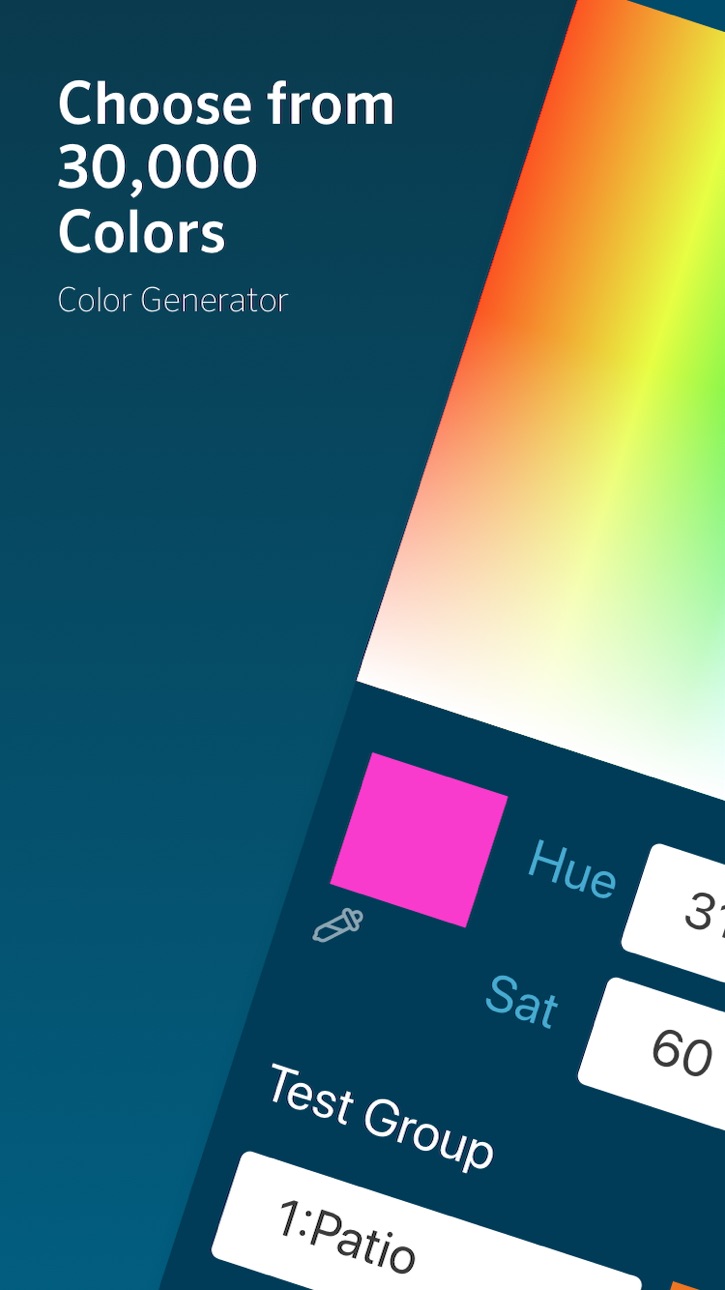
The Luxor ZDC controller provides the ability to create up to 30,000 colors using the latest RGBW LED technology. Use the color bars to select the desired hue, saturation level, and intensity for any light or group of lights. You can also create a personalized palette to easily access up to 250 user-saved color options.
Programming/Schedules
Create custom lighting schedules for everyday living, holidays, and celebrations. Event-based programming initiates custom themes or individual lighting fixtures throughout the night.
Light Assignment
The Luxor Light Assignment Module (LAM) with next-generation ActivAssign™ technology allows for wireless assignment of FX Luminaire LED lighting fixtures and Luxor accessories. Simply plug the LAM into your smart device, enter Assignment Mode, choose the fixture group, aim the LAM at the desired light, and you’re all set.
Accessibility
ipadiphonemacrealityDevicetvoswatch
Version history 25 versions
Build 887046787v4.6.262026-06-16 22:06:34
Bug fixes and small UI improvements.
Includes minor new features and overall experience enhancements.
Build 885881199v4.6.252026-05-20 04:14:02
Fixed an issue that prevented selecting multiple colors when creating a Theme.
Build 885831875v4.6.242026-05-19 16:55:08
Bug fixes and performance improvements.
Migrated to .NET 10.
Redesigned the menu interface for a better user experience.
Build 884205914v4.6.232026-04-07 01:12:35
Dark Mode
Color Wheel
Build 882794382v4.6.222026-02-25 21:39:32
Improved device permission handling and validation when assigning lights.
Fixed a Direct Connect issue with the new LAM2.
UI improvements on iOS, including bold text support.
Build 882446921v4.6.212026-02-16 17:03:49
New Lumakey Utility
Build 881797584v4.6.202026-02-04 21:30:12
• Fixed a couple of minor bugs
• Added a “Coming Soon” image for the upcoming LAM 2 device
Build 881752568v4.6.192026-01-23 21:20:04
Naming colors
Several bug fixes
Beta - Color Analysis
Build 880044756v4.6.172025-11-24 21:54:07
UI tweaks and small visual corrections.
Build 879910718v4.6.162025-11-20 16:12:21
Easily personalize your schedules with the new Name Programs feature.
Get up and running faster the new step-by-step Setup Wizard.
Build 878542300v4.6.152025-10-01 15:14:36
• Save images to the Cloud
• Fix for readings on first-generation controllers
• Migration to .NET 9 for improved performance and stability
Build 877628406v4.6.142025-08-28 14:59:56
Cloud Database Backup
Instant On/Off Device Control
Build 876585219v4.6.132025-07-22 16:15:06
Easily return to the top of long lists with our new scroll-to-top feature.
This release also includes several bug fixes and performance enhancements.
Build 875696870v4.6.122025-06-19 15:15:09
Added the ability to view which users a site has been shared with.
Introduced a new filter to easily search through your list of sites.
Build 875330280v4.6.112025-06-05 15:25:20
General stability and performance improvements.
Build 875186102v4.6.102025-05-30 21:32:34
Zoom gestures are now smoother and more reliable.
Better stability when loading controller data.
Support improved for older devices.
Build 875003411v4.6.82025-05-23 03:56:17
Improved support for larger text sizes in the app
Stability improvements and minor bug fixes
Build 874813746v4.6.62025-05-18 15:15:28
Improved site loading experience with a spinning wheel indicator.
Updated Schedules tab behavior to better handle older controllers.
Fixed an issue with group refresh that caused crashes when invalid characters were present.
Build 874662845v4.6.52025-05-14 18:44:20
Resolved an issue affecting group names with special characters
Hotfix for Enable Cloud feature
Build 874457176v4.6.32025-05-09 15:28:36
Theme and Group Management Improvements
Addition of Cloud Enable while in network mode
Bug fix – Saving Themes / Groups in programs
Bug fix – Color/Non-Color error for Add Groups feature
Bug fix – App crash during acceptance of site invitation
Overall stability enhancements
Build 874254495v4.6.12025-04-24 13:59:05
- Fixes for unexpected crashes caused by malformed group names
- Improved iOS permission messages
Build 874024588v4.6.02025-04-15 15:43:35
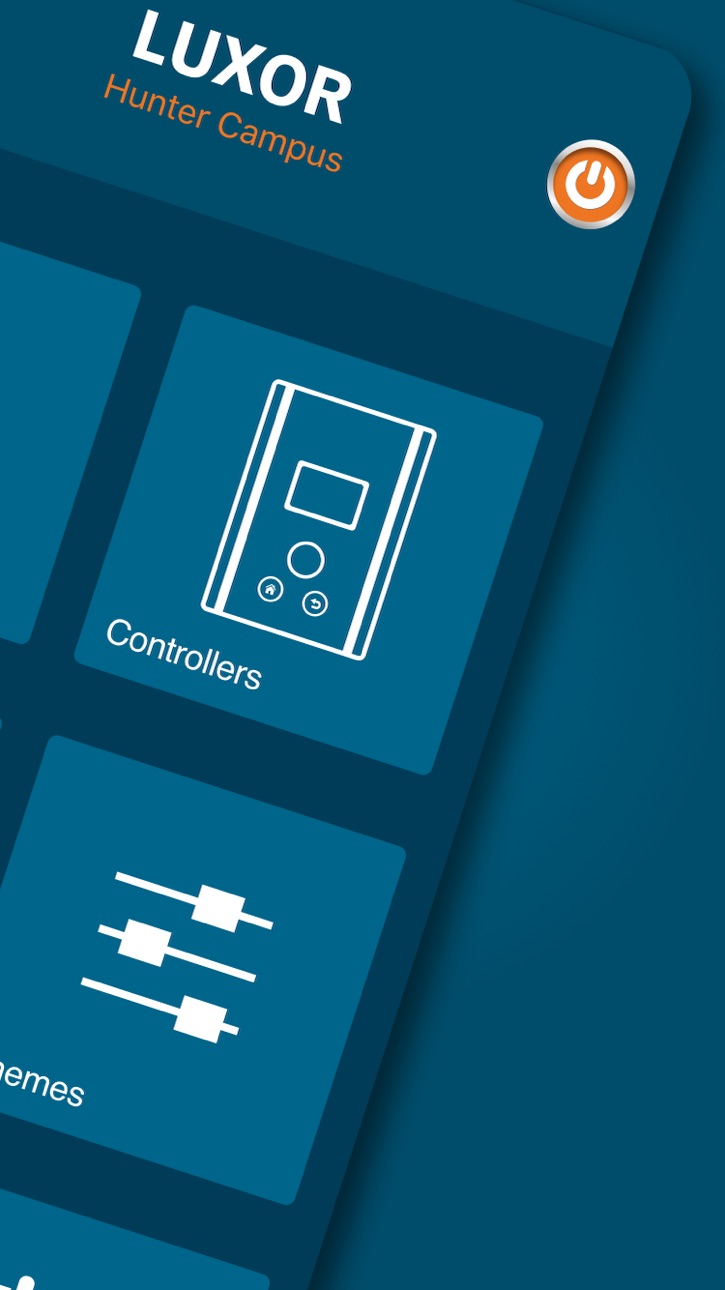
Transition to all connection methods (Cloud, Network, and Direct Connect) to a single dashboard design
Performance enhancements
Added features: Copy group, display available colors and programs
Build 870346665v4.5.19802024-11-12 08:01:54
Security improvements for iOS 18 users
Build 869740816v4.5.19732024-10-16 07:18:17
Compatibility improvements for iOS18 users
Build 869019087v4.5.19642024-09-15 10:32:37
Navigation modifications for iOS18 users
No pricing data captured yet — comparisons appear once the app has paid storefronts or in-app purchases.
Availability 1 of 1 storefronts
| Region | Language | Price | Ratings | Avg | Version |
|---|---|---|---|---|---|
| US | en-US | Free | 307 | 4.2 | 4.6.26 |
Change log 29 changes · US
✎
releaseNotes updated
Bug fixes and small UI improvements.
Includes minor new features and overall experience enhancements.
✎
description updated
With the Luxor app, you can adjust fixture intensity and color, create unique themes, and fine-tune your color palette for special occasions — right from the pa
✎
subtitle updated
Hunter Industries
✎
name updated
Luxor® Controller
◆
Version 4.6.26 released
Bug fixes and small UI improvements.
Includes minor new features and overall experience enhancements.
◆
Version 4.6.25 released
Fixed an issue that prevented selecting multiple colors when creating a Theme.
◆
Version 4.6.24 released
Bug fixes and performance improvements.
Migrated to .NET 10.
Redesigned the menu interface for a better user experience.
◆
Version 4.6.23 released
Dark Mode
Color Wheel
◆
Version 4.6.22 released
Improved device permission handling and validation when assigning lights.
Fixed a Direct Connect issue with the new LAM2.
UI improvements on iOS, including bold text support.
◆
Version 4.6.21 released
New Lumakey Utility
◆
Version 4.6.20 released
• Fixed a couple of minor bugs
• Added a “Coming Soon” image for the upcoming LAM 2 device
◆
Version 4.6.19 released
Naming colors
Several bug fixes
Beta - Color Analysis
◆
Version 4.6.17 released
UI tweaks and small visual corrections.
◆
Version 4.6.16 released
Easily personalize your schedules with the new Name Programs feature.
Get up and running faster the new step-by-step Setup Wizard.
◆
Version 4.6.15 released
• Save images to the Cloud
• Fix for readings on first-generation controllers
• Migration to .NET 9 for improved performance and stability
◆
Version 4.6.14 released
Cloud Database Backup
Instant On/Off Device Control
◆
Version 4.6.13 released
Easily return to the top of long lists with our new scroll-to-top feature.
This release also includes several bug fixes and performance enhancements.
◆
Version 4.6.12 released
Added the ability to view which users a site has been shared with.
Introduced a new filter to easily search through your list of sites.
◆
Version 4.6.11 released
General stability and performance improvements.
◆
Version 4.6.10 released
Zoom gestures are now smoother and more reliable.
Better stability when loading controller data.
Support improved for older devices.
◆
Version 4.6.8 released
Improved support for larger text sizes in the app
Stability improvements and minor bug fixes
◆
Version 4.6.6 released
Improved site loading experience with a spinning wheel indicator.
Updated Schedules tab behavior to better handle older controllers.
Fixed an issue with group refresh that caused crashes when invalid characters were present.
◆
Version 4.6.5 released
Resolved an issue affecting group names with special characters
Hotfix for Enable Cloud feature
◆
Version 4.6.3 released
Theme and Group Management Improvements
Addition of Cloud Enable while in network mode
Bug fix – Saving Themes / Groups in programs
Bug fix – Color/Non-Color error for Add Groups feature
Bug fix – App crash during acceptance of site inv
◆
Version 4.6.1 released
- Fixes for unexpected crashes caused by malformed group names
- Improved iOS permission messages
◆
Version 4.6.0 released
Transition to all connection methods (Cloud, Network, and Direct Connect) to a single dashboard design
Performance enhancements
Added features: Copy group, display available colors and programs
◆
Version 4.5.1980 released
Security improvements for iOS 18 users
◆
Version 4.5.1973 released
Compatibility improvements for iOS18 users
◆
Version 4.5.1964 released
Navigation modifications for iOS18 users