Home › Utilities

 US
US
1 of 1 storefronts
Content in en-US
Content in en-US
Information
Preview 2 platforms
iPhone 7 images


iPad 5 images


What’s New Version 3.1.2
Bug fixes and minor improvements so you can continue to make great captures using your Raspberry Pi camera module
Description
* This app requires a Raspberry Pi with installed Camera Module to work *
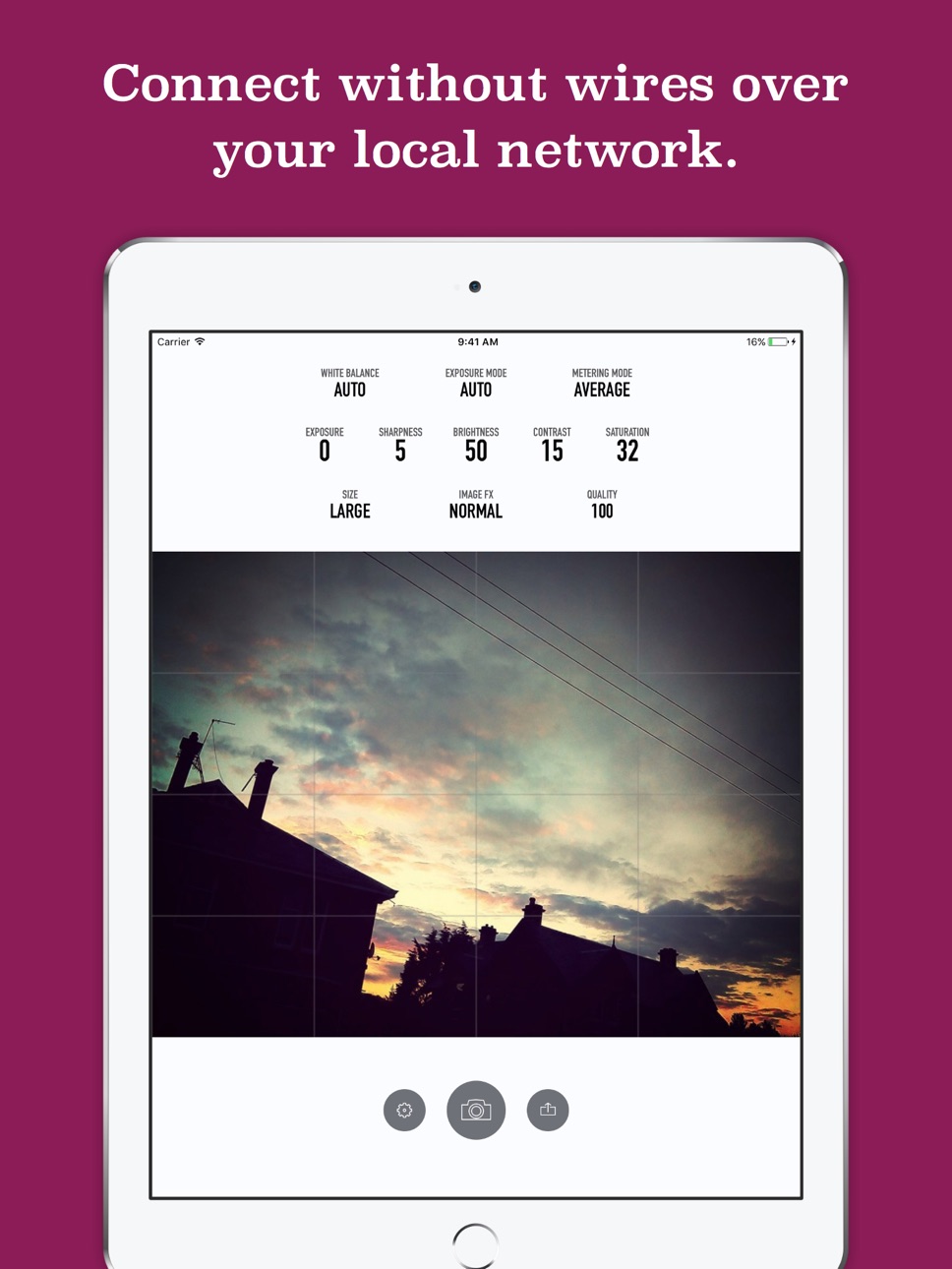
Use your iOS device to control the Raspberry Pi camera module. Control exposure modes, special effects for still images with the simple interface - no need to learn complex SSH commands.
Quickly and easily preview your images on the iOS device and save to your camera roll. The same images are also saved to your Raspberry Pi.
A great way to experiment with the possibilities of the Raspberry Pi camera or to kickstart that IoT project you always wanted to do.
Accessibility
ipadiphonemacrealityDevicetvoswatch
Version history 11 versions
Build 840988362v3.1.22021-03-22 09:29:43
Bug fixes and minor improvements so you can continue to make great captures using your Raspberry Pi camera module
Build 839948251v3.1.12021-01-26 20:52:24
New features:
- Additional support for the PiCamera library
- Improved landscape user interface on iPad
- Support for Dynamic Range Compression
- Support for Raspberry Pi HQ camera module
- Annotations on captured images
- Geotag images using your iOS device location
- Updated Python3 based script
Improvements to UI:
- New icon for settings menu (gear cog)
If you've previously used BerryCam, make sure you download the latest Python script from:
https://berrycam.io
Build 839620208v3.12020-12-12 21:05:30
Bug fixes:
- Fixed sheet views for certain iOS devices (iPhone SE / iPhone 8)
- Fixed a bug where app would crash on saving / sharing images
- White balance fixes for NoIR camera module
- Improved connectivity with Raspberry Pi
New features:
- Improved landscape user interface on iPad
- Support for Dynamic Range Compression
- Support for Raspberry Pi HQ camera module
- Annotations on captured images
- Geotag images using your iOS device location
- Updated Python3 based script
If you've previously used BerryCam, make sure you download the latest Python script from:
https://berrycam.io
Build 838298773v3.02020-12-10 12:25:12
Bug fixes:
- Fixed a bug where app would crash on saving / sharing images
- White balance fixes for NoIR camera module
- Improved connectivity with Raspberry Pi
New features:
- Improved landscape user interface on iPad
- Support for Dynamic Range Compression
- Support for Raspberry Pi HQ camera module
- Annotations on captured images
- Geotag images using your iOS device location
- Updated Python3 based script
If you've previously used BerryCam, make sure you download the latest Python script from:
https://berrycam.io
Build 817173207v2.02017-03-31 12:22:08
BerryCam has received a full rewrite and new simpler, cleaner UI.
- All new design, that you'll still be familiar with, complete with new Light and Dark themes
- Share directly with social networks, your contacts or save to your camera roll
- Support for the newer v2 Raspberry Pi 8MP Camera Module
- Support for Landscape mode for an even larger image preview
- Grid overlay to get your images perfectly straight
- New and improved settings view, with all Raspicam features and options in one place
- Support iPad split view multitasking
Please ensure that you download the latest Python script for your Raspberry Pi at http://fotosyn.com/berrycam/v2/support
Build 811749393v1.42015-02-16 22:46:43
Maintenance Update for iOS 8
- Fixes to menu dialogs for Settings and FX for both iPad and iPhone
- New Reset App feature to remove any settings that affect connection with the Raspberry Pi
- Some small fixes to the UI
An all-new version coming soon with some great new features.
Build 709905326v1.32014-09-18 22:20:36
- Updates to popup menus for iPad
Build 485612658v1.2.12014-03-28 00:26:33
Fixes to allow BerrCam to run on iOS 7.1
Build 80852810v1.22013-10-18 19:17:56
- Tweaks to UI for iOS 7
- Included support for iOS 5 (requested feature)
- Some small improvements to 3.5inch display UI
Build 16715432v1.12013-09-11 00:58:37
- Fixed issue with IP Address entry in certain locales
- Fixed settings panel display for iPad
- Fixed size of preview window in iPad
Build 16090659v1.02013-08-15 19:33:58
No pricing data captured yet — comparisons appear once the app has paid storefronts or in-app purchases.
Availability 1 of 1 storefronts
| Region | Language | Price | Ratings | Avg | Version |
|---|---|---|---|---|---|
| US | en-US | Free | 1 | 2.0 | 3.1.2 |
Change log 15 changes · US
✎
releaseNotes updated
Bug fixes and minor improvements so you can continue to make great captures using your Raspberry Pi camera module
✎
description updated
* This app requires a Raspberry Pi with installed Camera Module to work *
Use your iOS device to control the Raspberry Pi camera module. Control exposure modes
✎
subtitle updated
Camera module image capture
✎
name updated
BerryCam for Raspberry Pi
◆
Version 3.1.2 released
Bug fixes and minor improvements so you can continue to make great captures using your Raspberry Pi camera module
◆
Version 3.1.1 released
New features:
- Additional support for the PiCamera library
- Improved landscape user interface on iPad
- Support for Dynamic Range Compression
- Support for Raspberry Pi HQ camera module
- Annotations on captured images
- Geotag images usi
◆
Version 3.1 released
Bug fixes:
- Fixed sheet views for certain iOS devices (iPhone SE / iPhone 8)
- Fixed a bug where app would crash on saving / sharing images
- White balance fixes for NoIR camera module
- Improved connectivity with Raspberry Pi
New featur
◆
Version 3.0 released
Bug fixes:
- Fixed a bug where app would crash on saving / sharing images
- White balance fixes for NoIR camera module
- Improved connectivity with Raspberry Pi
New features:
- Improved landscape user interface on iPad
- Support for Dynam
◆
Version 2.0 released
BerryCam has received a full rewrite and new simpler, cleaner UI.
- All new design, that you'll still be familiar with, complete with new Light and Dark themes
- Share directly with social networks, your contacts or save to your camera rol
◆
Version 1.4 released
Maintenance Update for iOS 8
- Fixes to menu dialogs for Settings and FX for both iPad and iPhone
- New Reset App feature to remove any settings that affect connection with the Raspberry Pi
- Some small fixes to the UI
An all-new version
◆
Version 1.3 released
- Updates to popup menus for iPad
◆
Version 1.2.1 released
Fixes to allow BerrCam to run on iOS 7.1
◆
Version 1.2 released
- Tweaks to UI for iOS 7
- Included support for iOS 5 (requested feature)
- Some small improvements to 3.5inch display UI
◆
Version 1.1 released
- Fixed issue with IP Address entry in certain locales
- Fixed settings panel display for iPad
- Fixed size of preview window in iPad
◆
Version 1.0 released