Home › Utilities

 US
US
1 of 1 storefronts
Content in en-US
Content in en-US
Information
Preview 2 platforms
iPhone 4 images


iPad 4 images


What’s New Version 1.1
App Store screenshots have been updated.
Description
PDF 페이지를 빠르고 간편하게 자르세요.
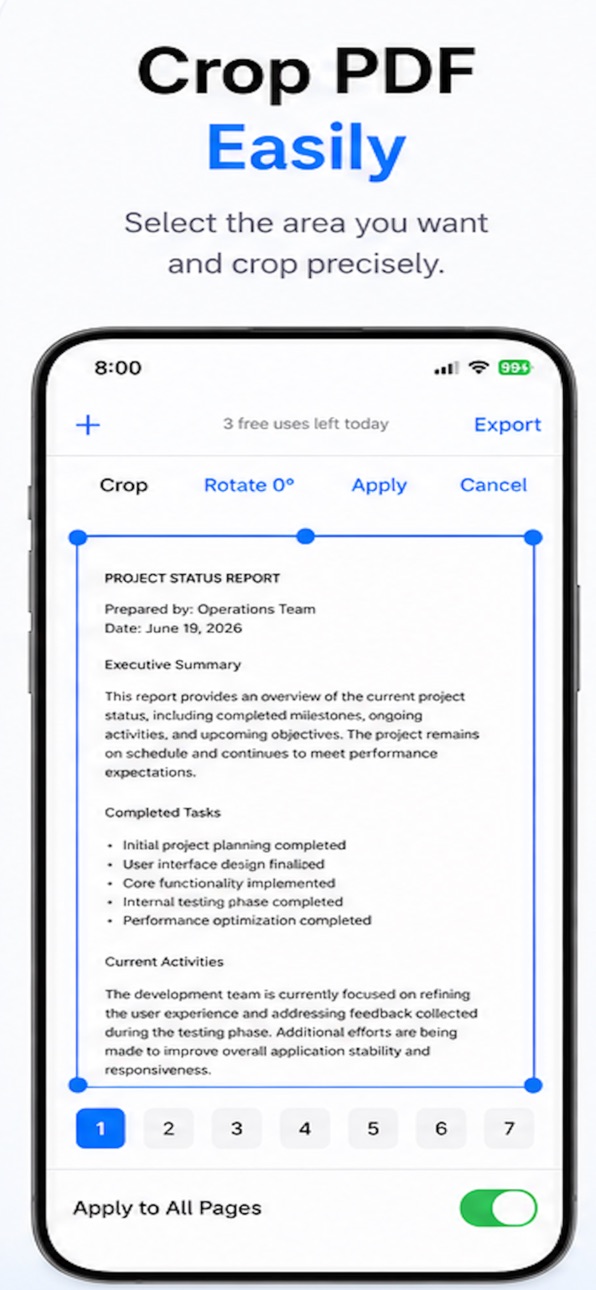
PDF Cropper를 사용하면 드래그하여 원하는 영역을 쉽게 선택하고 PDF 페이지를 자를 수 있습니다. 페이지를 회전하고, 현재 페이지 또는 모든 페이지에 변경 사항을 적용한 뒤, 편집한 PDF를 몇 번의 탭만으로 내보낼 수 있습니다.
주요 기능
• 직관적인 선택 도구로 PDF 페이지 자르기
• 페이지 90° 회전
• 현재 페이지 또는 모든 페이지에 편집 내용 적용
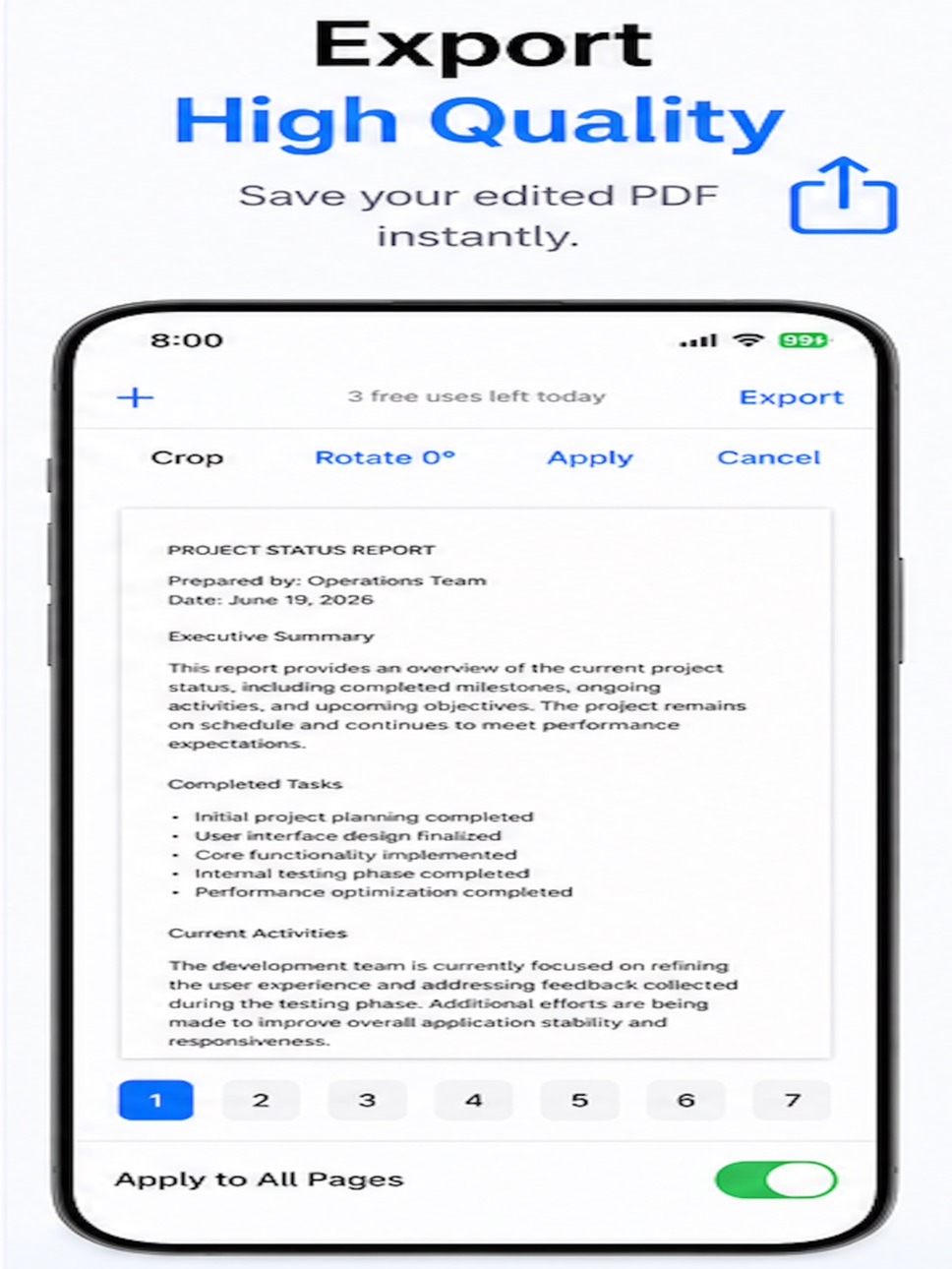
• 고품질 PDF로 내보내기
• 깔끔하고 가벼운 사용 환경
Crop PDF pages quickly and easily.
PDF Cropper lets you crop PDF pages with a simple drag-and-resize interface. Rotate pages, apply changes to a single page or all pages, and export your edited PDF in just a few taps.
Features:
• Crop PDF pages with an intuitive selection tool
• Rotate pages by 90°
• Apply edits to a single page or all pages
• Export high-quality PDFs
• Simple, clean and lightweight interface
Accessibility
ipadiphonemacrealityDevicetvoswatch
Version history 2 versions
Build 887411907v1.02026-06-29 04:08:57
Build 887589962v1.12026-06-29 18:42:03
App Store screenshots have been updated.
No pricing data captured yet — comparisons appear once the app has paid storefronts or in-app purchases.
Availability 1 of 1 storefronts
| Region | Language | Price | Ratings | Avg | Version |
|---|---|---|---|---|---|
| US | en-US | Free | 0 | — | 1.1 |
Change log 5 changes · US
✎
releaseNotes updated
App Store screenshots have been updated.
✎
description updated
PDF 페이지를 빠르고 간편하게 자르세요.
PDF Cropper를 사용하면 드래그하여 원하는 영역을 쉽게 선택하고 PDF 페이지를 자를 수 있습니다. 페이지를 회전하고, 현재 페이지 또는 모든 페이지에 변경 사항을 적용한 뒤, 편집한 PDF를 몇 번의 탭만으로 내보낼 수 있습니다.
✎
name updated
PDF Cropper
◆
Version 1.1 released
App Store screenshots have been updated.
◆
Version 1.0 released