Home › Business

 US
US
1 of 1 storefronts
Content in en-US
Content in en-US
Information
Apple ID6782664049
Bundle IDcom.ngs.smart.printer.airprint.iprint.scan
SellerSeller
Min iOS15.0
Min macOS12.0
Device familiesiphone, ipad, ipod
Released2026-07-07
CopyrightCopyright © 2026 Momina Khalid. All rights reserved.
Privacy policyLink ↗
Preview 2 platforms
iPhone 7 images




iPad 7 images



Description
# Smart Printer App – Print Anything from Your iPhone
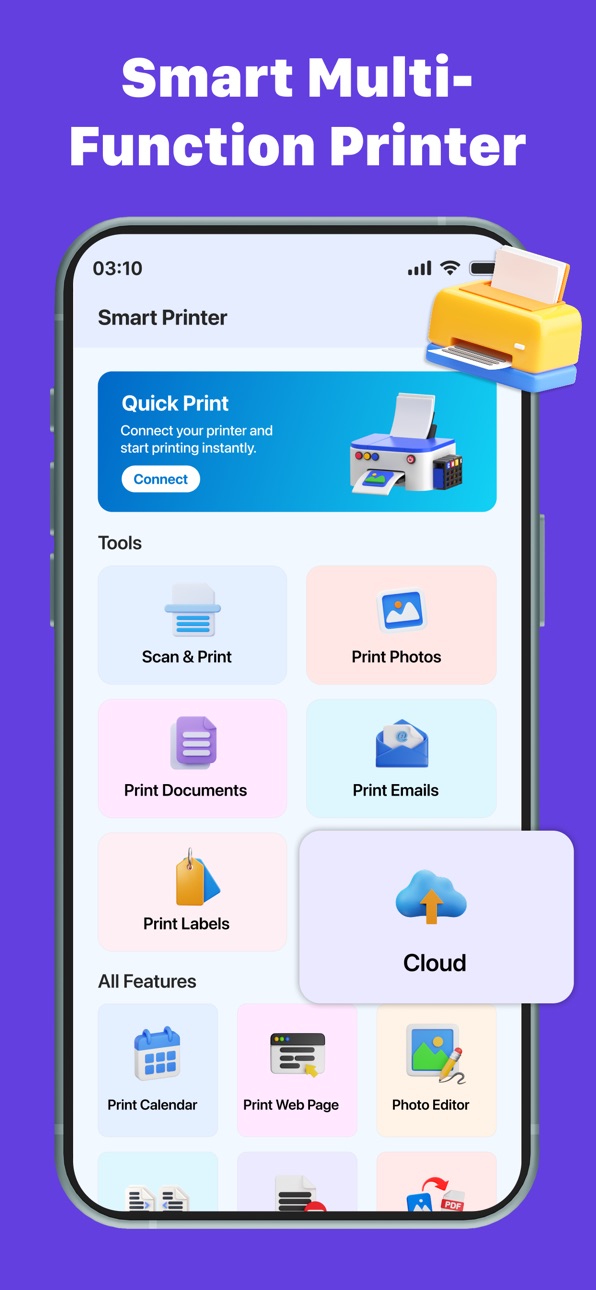
Turn your iPhone or iPad into a powerful wireless printing solution. Smart Printer App lets you print photos, PDF files, Word documents, Excel spreadsheets, presentations, web pages, contacts, notes, calendars, and more in just a few taps.
Designed for speed and simplicity, the app automatically detects compatible Wi-Fi printers so you can start printing without complicated setup.
## Print with Ease
• Print PDF documents instantly
• Print Word, Excel, PowerPoint and TXT files
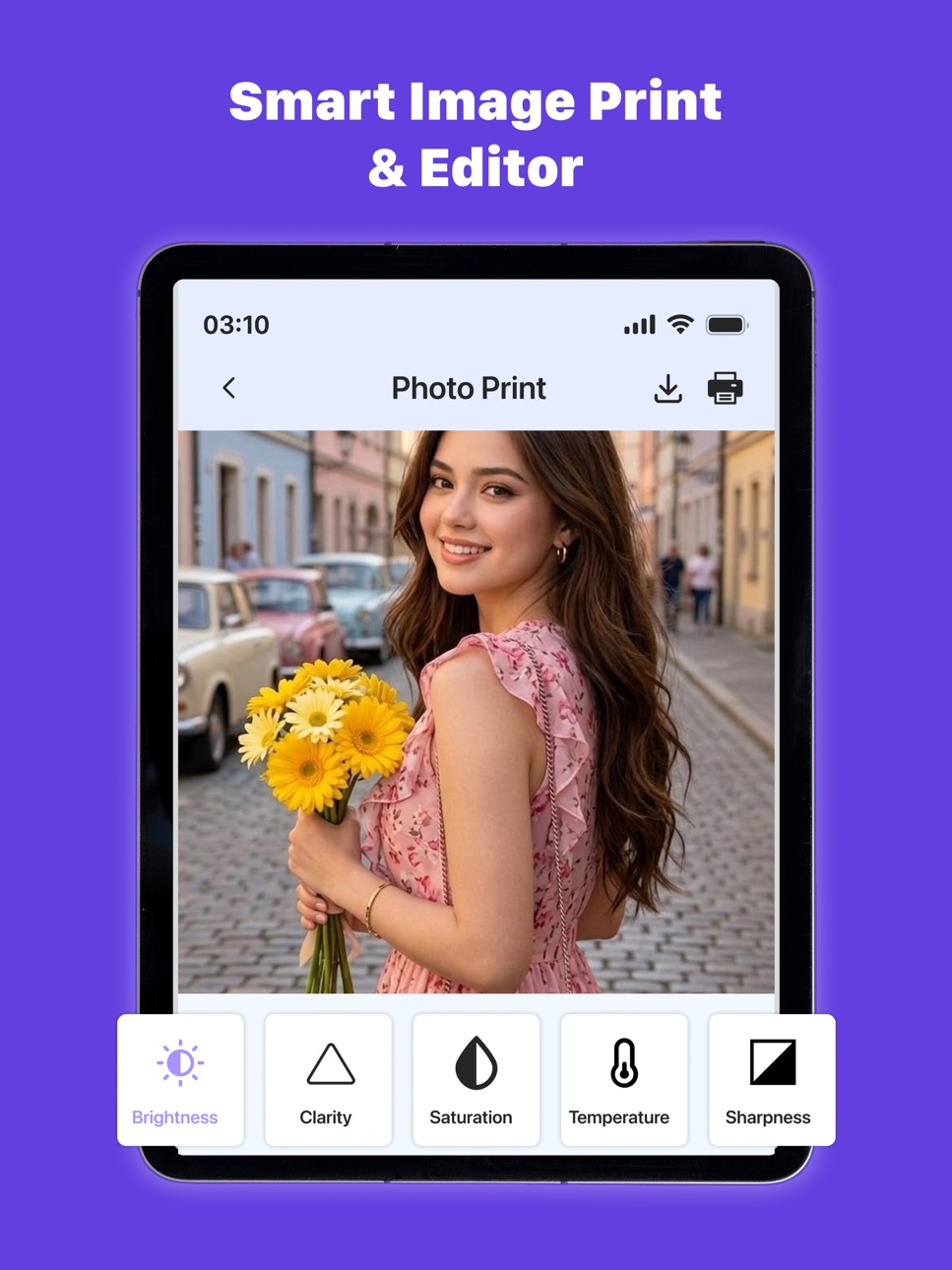
• Print high-quality photos and images
• Print web pages directly from Safari
• Print contacts, notes and calendars
• Print files from the Files app and cloud storage
• Share documents from other apps and print instantly
## Fast Wireless Printing
Connect to supported Wi-Fi printers and print from anywhere on the same network. No cables or complicated configuration required.
## High Quality Results
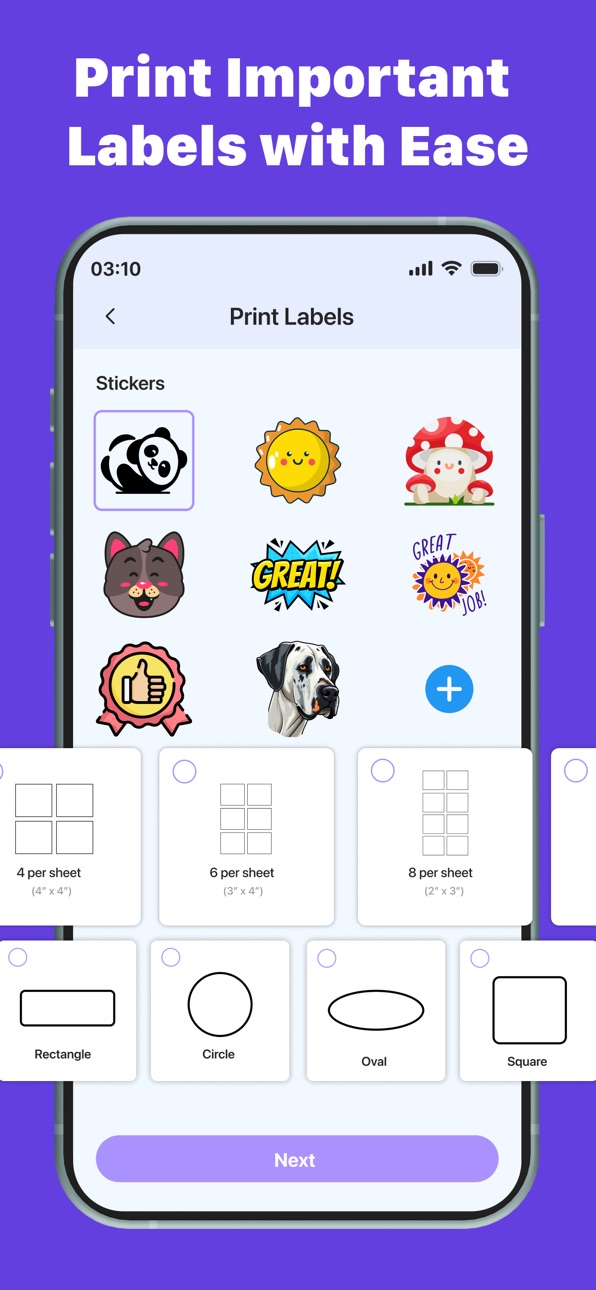
Adjust paper size, orientation, color options, number of copies, and other print settings before printing to get the best results every time.
## Simple & User-Friendly
A clean interface makes printing easy for everyone. Whether you're printing school assignments, business documents, travel tickets, invoices, shipping labels, or family photos, everything is just a few taps away.
## Perfect For
• Students
• Teachers
• Professionals
• Small businesses
• Home users
Download Smart Printer App today and enjoy fast, reliable, and convenient wireless printing directly from your iPhone or iPad.
**Subscription Information**
Premium features are available through an auto-renewable subscription. Payment is charged to your Apple ID account after purchase confirmation. Your subscription renews automatically unless canceled at least 24 hours before the end of the current billing period. You can manage or cancel your subscription anytime in your App Store account settings.
Some printer models and features may vary depending on hardware compatibility and network configuration.
Note:
STEP 1: Payment will be charged to your iTunes account at confirmation of purchase. Your subscription will automatically renew unless auto-renew is turned off at least 24 hours before the end of the current subscription period.
STEP 2: Your account will be charged for renewal within 24 hours before the end of the current subscription period. Automatic renewals will cost the same price you were originally charged for the subscription.
STEP 3: You can manage your subscriptions and turn off auto-renewal by going to your Account Settings on the App Store after purchase. Read our terms of service and Privacy Policy for more information.
Terms of Use:
https://sites.google.com/view/namigamesstudio/terms-of-use
Privacy Policy:
https://sites.google.com/view/mominakhalid/home
Capabilities
In-App Purchases
Accessibility
ipadiphonemacrealityDevicetvoswatch
Version history 1 versions
Build 887258012v1.02026-07-07 08:04:07
No pricing data captured yet — comparisons appear once the app has paid storefronts or in-app purchases.
Availability 1 of 1 storefronts
| Region | Language | Price | Ratings | Avg | Version |
|---|---|---|---|---|---|
| US | en-US | Free | 0 | — | 1.0 |
Change log 4 changes · US
✎
description updated
# Smart Printer App – Print Anything from Your iPhone
Turn your iPhone or iPad into a powerful wireless printing solution. Smart Printer App lets you print pho
✎
subtitle updated
Print PDF,Photos, Docs Scanner
✎
name updated
Smart Printer-Air iPrint scan
◆
Version 1.0 released