Home › Photo & Video

 US
US
1 of 1 storefronts
Content in en-US
Content in en-US
Information
Preview 2 platforms
iPhone 8 images
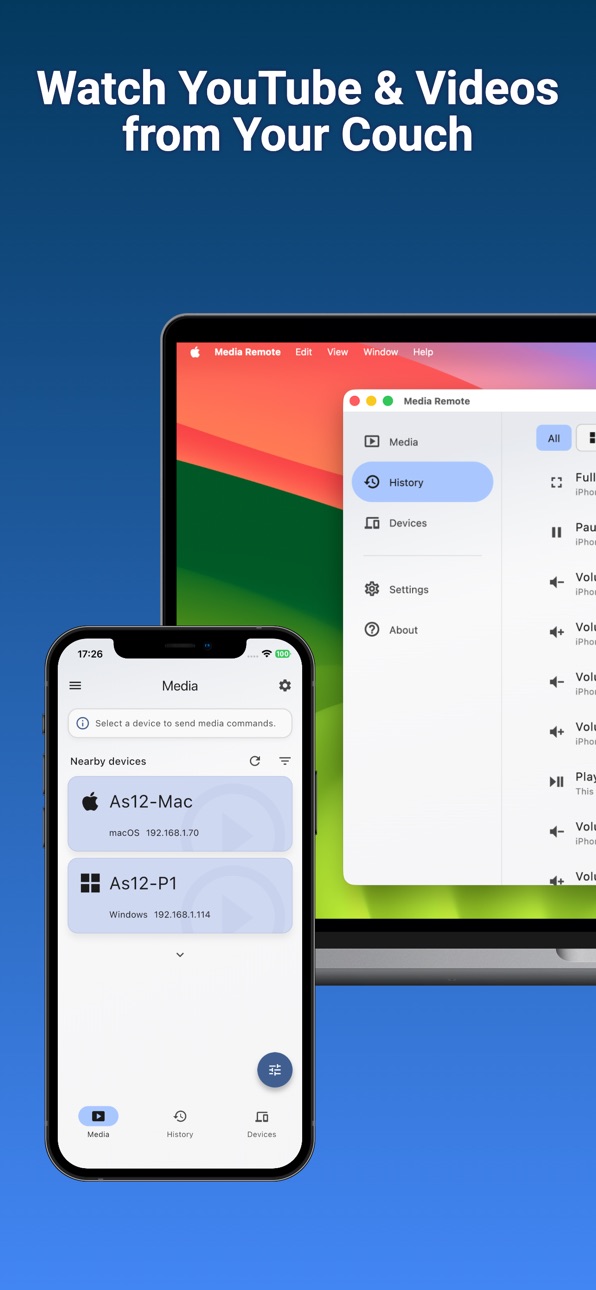


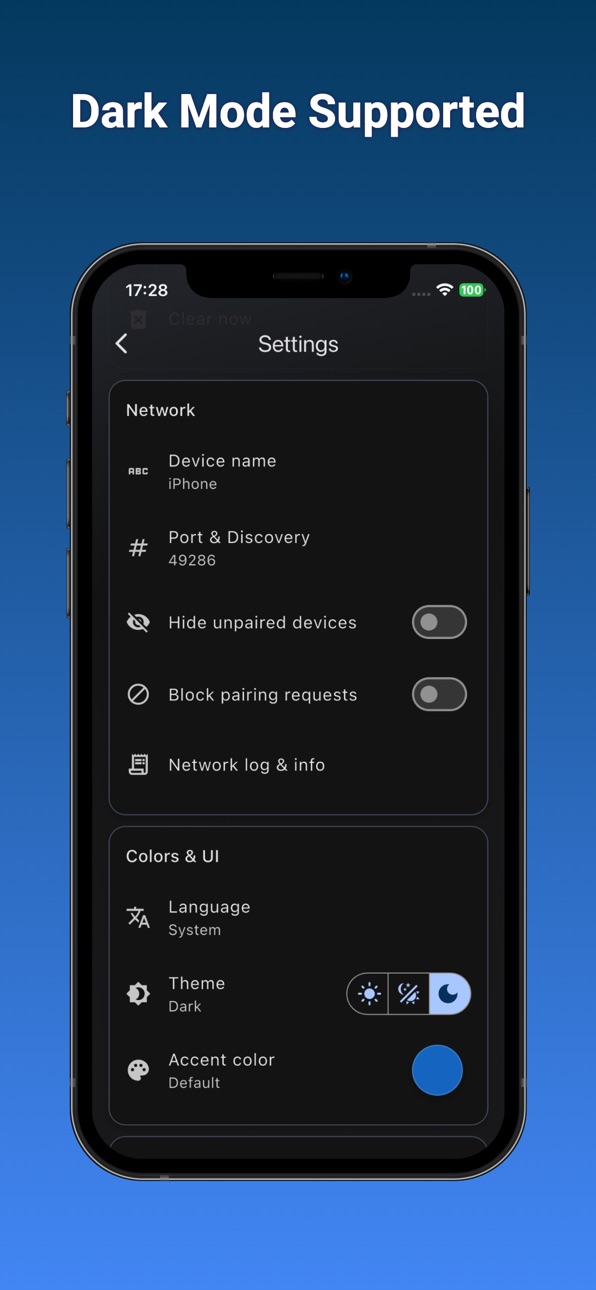

iPad 6 images


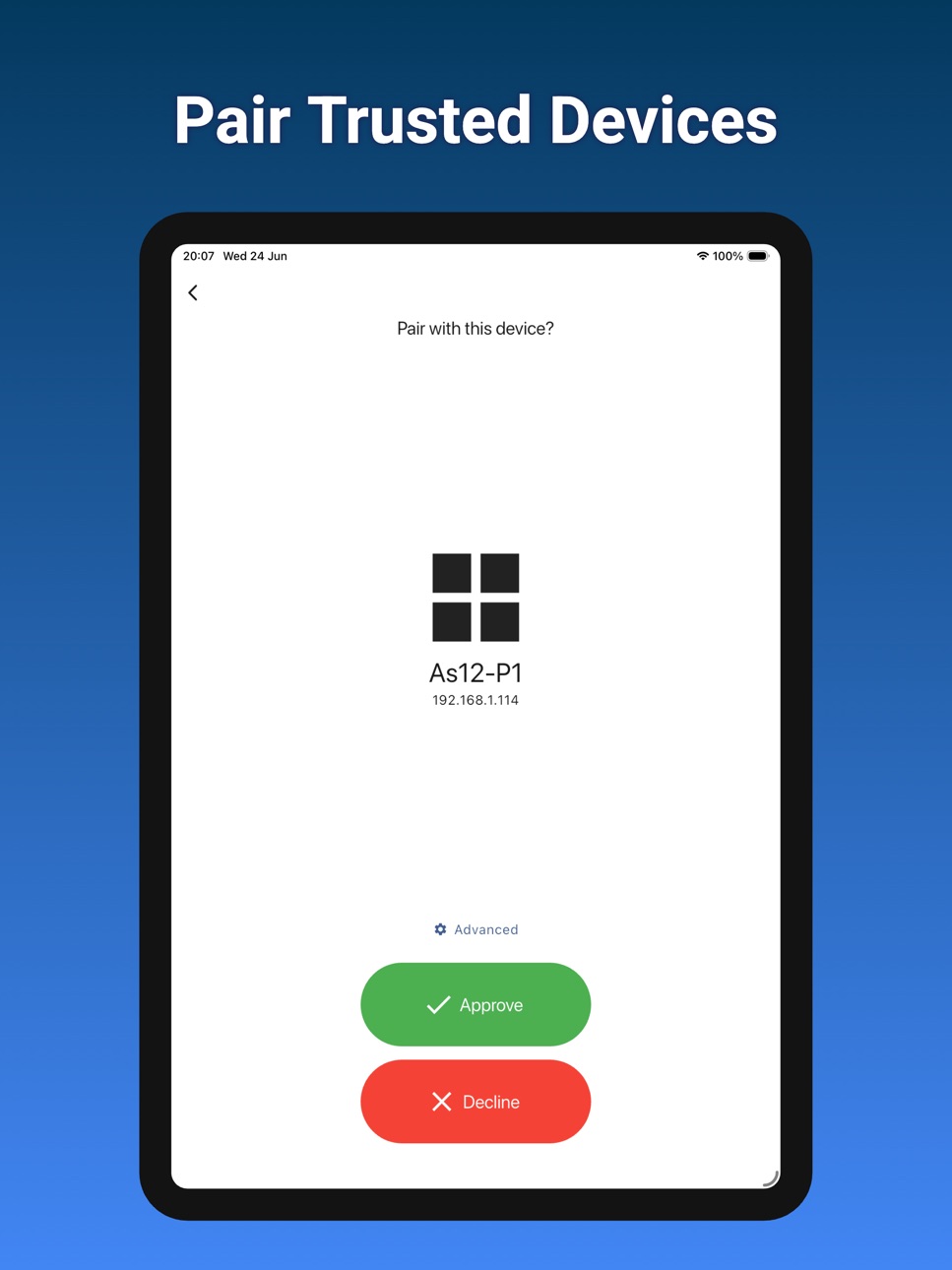

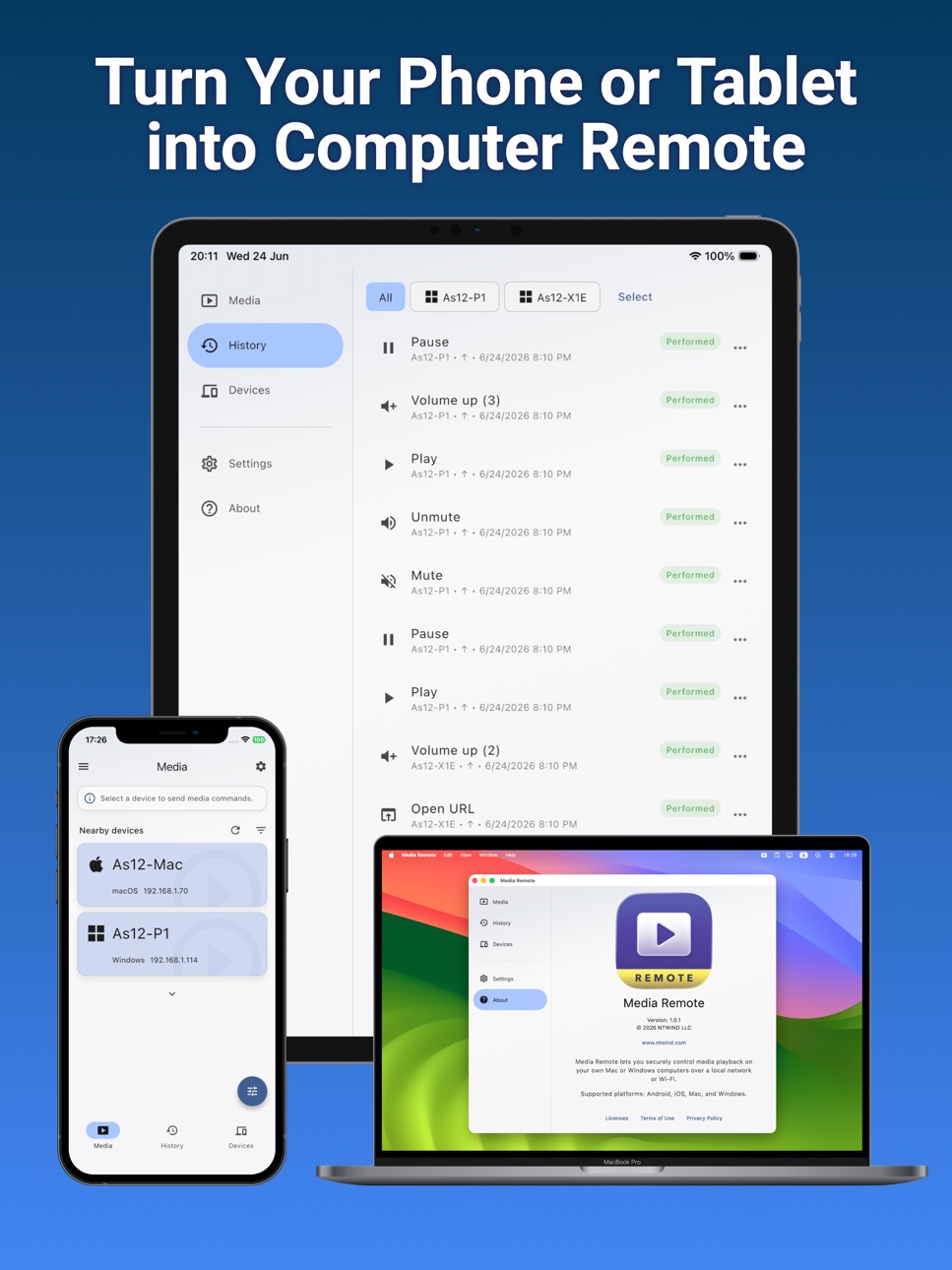
Description
Movie night should not need a keyboard.
Media Remote lets you control the media computer from the device already in your hand. Watching YouTube on a TV connected to your laptop? Paste the link and open it there. Need to mute sound quickly? Tap Mute. Want to pause while someone walks into the room? Tap Play / Pause. Need a little less volume? Tap Volume Down.
The app works with many media players, music apps, and online platforms that use standard media keys. You can also open local video and audio files from folders you select on the receiver computer. Everything is designed for nearby devices on your own network. Pairing is required, commands are encrypted, and no cloud account is needed.
Use Media Remote to:
- Play or pause video and music
- Skip to the next or previous track
- Raise or lower volume
- Mute and unmute quickly
- Toggle full screen
- Open YouTube, streaming pages, tutorials, and other web links
- Open local video or audio files from selected folders
Media Remote is great for home theaters, media PCs, living-room Macs, projectors, classroom screens, and music setups.
Accessibility
ipadiphonemacrealityDevicetvoswatch
Version history 1 versions
Build 887149939v1.0.12026-06-26 10:54:45
No pricing data captured yet — comparisons appear once the app has paid storefronts or in-app purchases.
Availability 1 of 1 storefronts
| Region | Language | Price | Ratings | Avg | Version |
|---|---|---|---|---|---|
| US | en-US | Free | 0 | — | 1.0.1 |
Change log 4 changes · US
✎
description updated
Movie night should not need a keyboard.
Media Remote lets you control the media computer from the device already in your hand. Watching YouTube on a TV connect
✎
subtitle updated
Play, pause, mute, open videos
✎
name updated
Media Remote - Player Control
◆
Version 1.0.1 released