Home › Music

 US
US
1 of 1 storefronts
Content in en-US
Content in en-US
Information
Preview 2 platforms
iPhone 10 images



iPad 1 image

What’s New Version 1.2
New
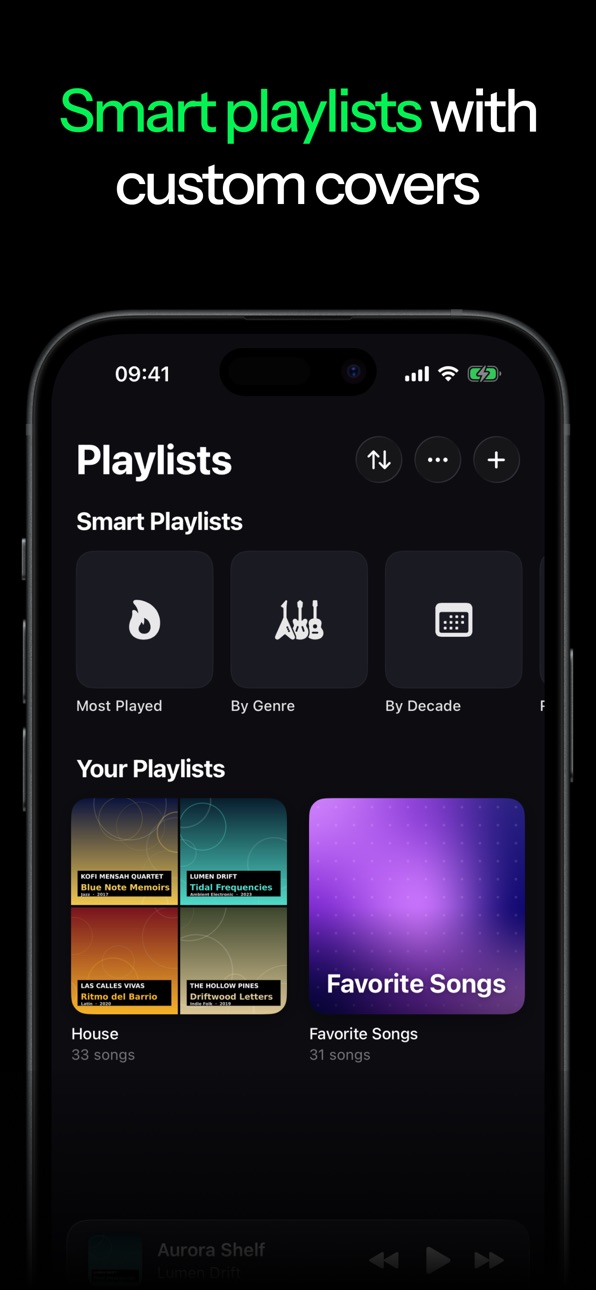
- Custom playlist covers: Pick a photo, an auto-generated cover, or a mosaic of your own album art.
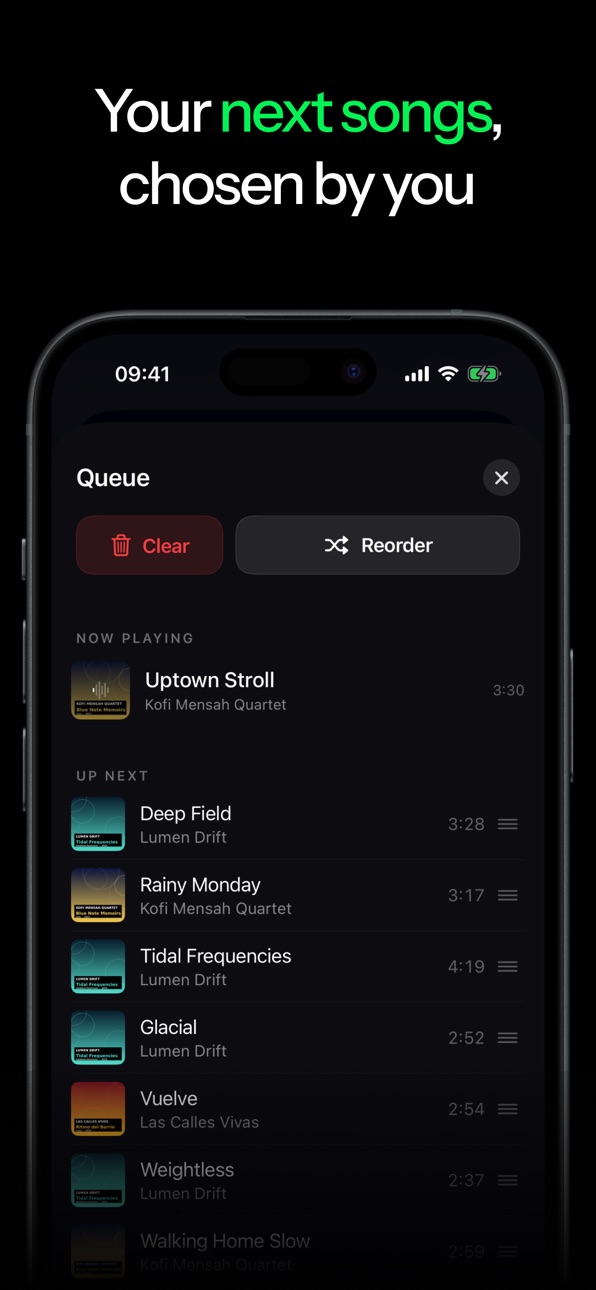
- Reorder your queue: Drag upcoming tracks into any order. Or hit "Mix" to reshuffle only what's coming up, without interrupting the current song.
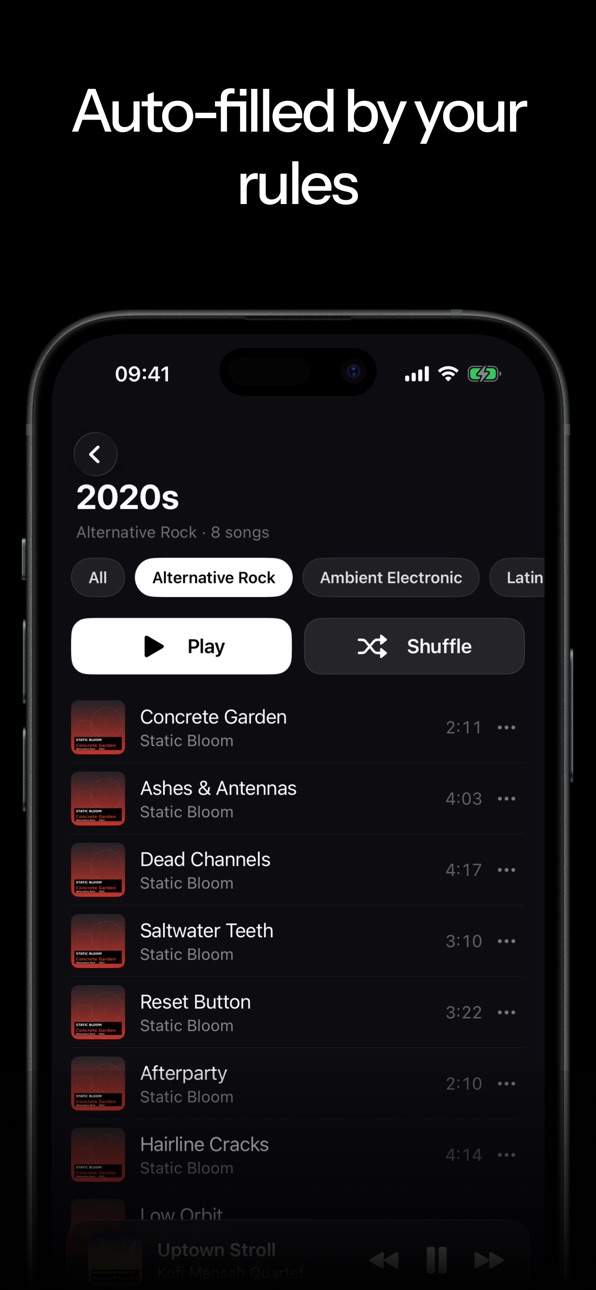
- Filter Smart Playlists: Narrow Most Played, Favorites and more by genre or decade.
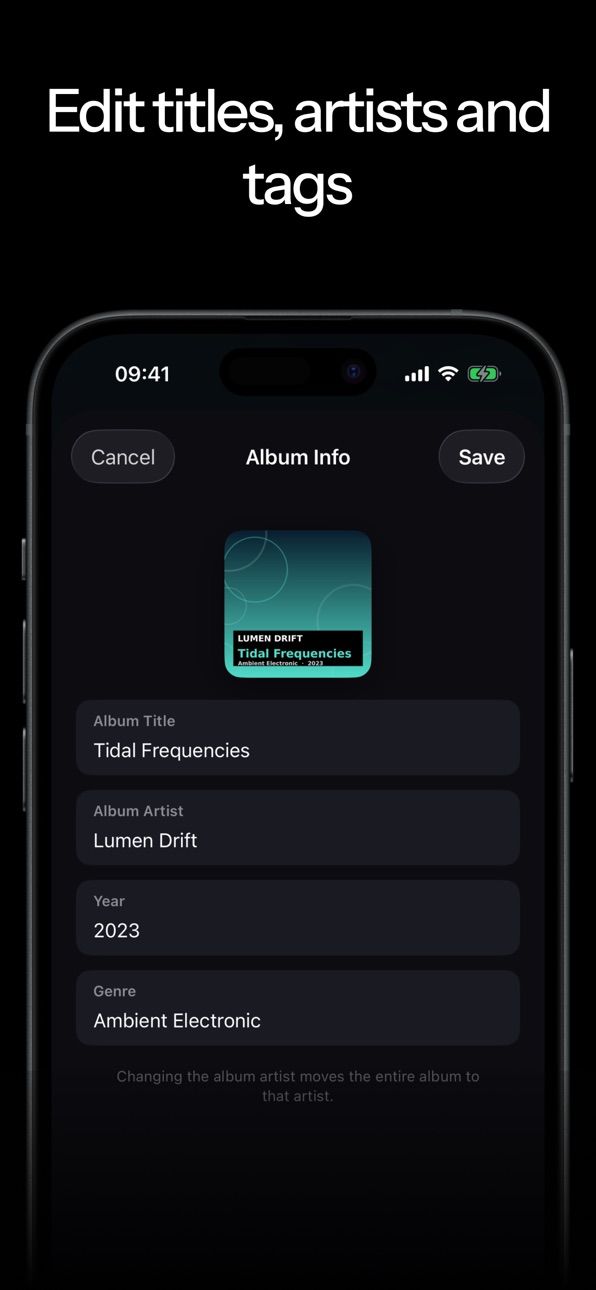
- Genre edits now carry through: Change an album's genre and all its tracks follow, so Smart Playlists stay accurate.
- Jump from the player to your library: "Show Album/Artist" now opens the full page in your library.
Improved and fixed
- Rock-solid audio on the go: No more crash when the output changes (plugging in EarPods, connecting car or Bluetooth) and you press Play.
- Reliable resume over AirPods and headsets: Play-after-pause works instantly again – single-press, lock screen, and in-app.
- Renaming a playlist from the three-dot menu works reliably again.
- Smoother with large libraries, plus general polish.
Description
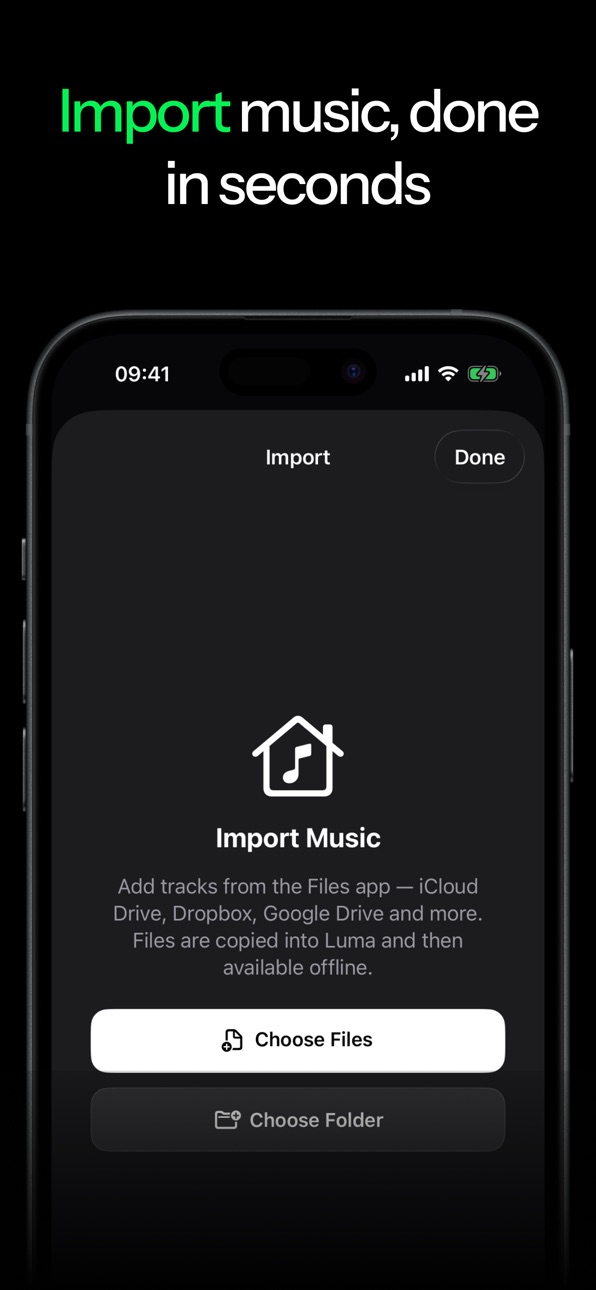
Luma is a music player for your local collection on iPhone and iPad. No account, no internet connection, no subscription required. Just import your music files from the Files app and Luma organizes everything by artist and album automatically.
FLAC, ALAC, MP3, AAC, and WAV all play natively without any quality loss. Playback continues in the background and can be controlled from the Control Center, via Siri, or with your AirPods.
What else Luma does:
- Browse your library by albums, artists, and songs
- Create and manage playlists
- Freely arrange and reorder your playback queue
- Like songs and find them again instantly
- Listening stats with total time, top songs, and favorite artists
Luma collects no data and sends nothing to any server. What's on your device stays there.
Accessibility
ipadiphonemacrealityDevicetvoswatch
Version history 3 versions
Build 887447129v1.22026-06-25 22:47:41
New
- Custom playlist covers: Pick a photo, an auto-generated cover, or a mosaic of your own album art.
- Reorder your queue: Drag upcoming tracks into any order. Or hit "Mix" to reshuffle only what's coming up, without interrupting the current song.
- Filter Smart Playlists: Narrow Most Played, Favorites and more by genre or decade.
- Genre edits now carry through: Change an album's genre and all its tracks follow, so Smart Playlists stay accurate.
- Jump from the player to your library: "Show Album/Artist" now opens the full page in your library.
Improved and fixed
- Rock-solid audio on the go: No more crash when the output changes (plugging in EarPods, connecting car or Bluetooth) and you press Play.
- Reliable resume over AirPods and headsets: Play-after-pause works instantly again – single-press, lock screen, and in-app.
- Renaming a playlist from the three-dot menu works reliably again.
- Smoother with large libraries, plus general polish.
Build 887259279v1.12026-06-23 08:56:19
What's New
Custom playlist covers: Give every playlist its own look — a mosaic of your album art, your own photo, or a generated pattern (color, texture, symbol).
All-new audio engine: true gapless playback with no gaps between tracks, smooth crossfade (0–12 s) and a 10-band equalizer with presets — lossless as long as you don't actively shape the sound.
Smart playlists: automatic lists like Most Played, Recently Played, Liked, by Genre and by Decade — now with filters (e.g. "Rock from the 80s").
Better queue: reorder freely with drag & drop, "Play Next", reshuffle and clear — and it survives app restarts.
More highlights:
• Resume session: your queue and position are right where you left off
• Sleep timer with a gentle fade-out
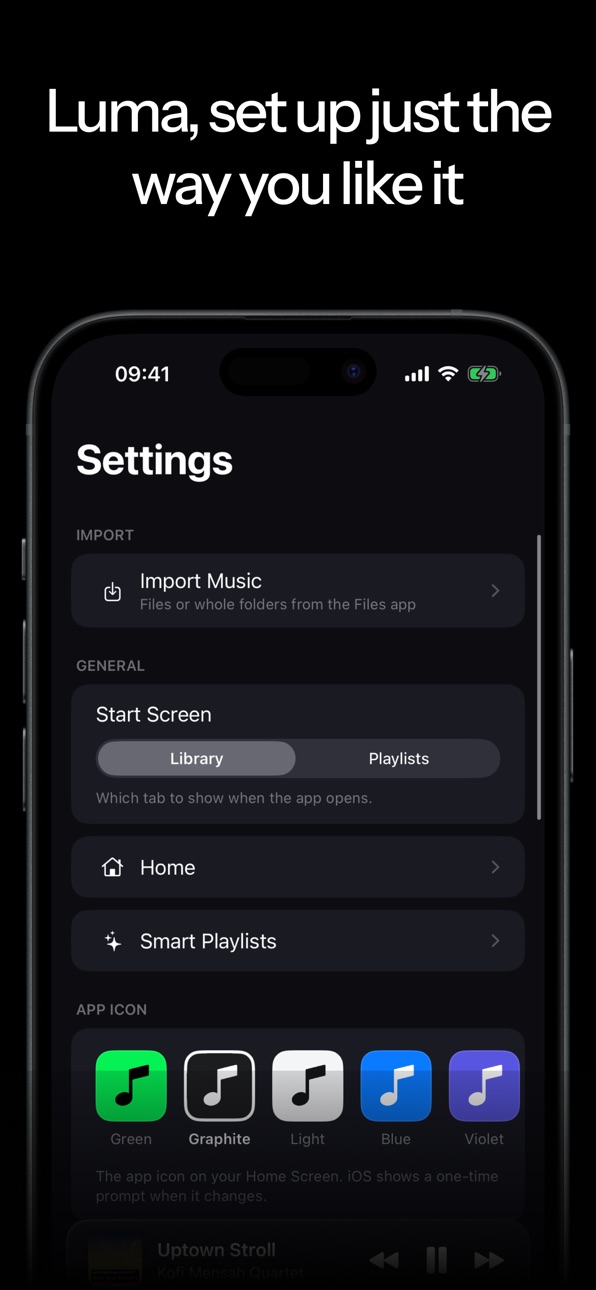
• 5 app icons to choose from and a customizable home screen
• Playlist backup (export & import)
• Multi-select tracks
Performance & stability:
• Smooth even with large libraries (1500+ tracks)
• Reliable Lock Screen and Control Center controls
• Fairer play counting and many stability improvements
Enjoy your music — with no account, no cloud and no tracking.
Build 886998652v1.02026-06-17 21:17:59
No pricing data captured yet — comparisons appear once the app has paid storefronts or in-app purchases.
Availability 1 of 1 storefronts
| Region | Language | Price | Ratings | Avg | Version |
|---|---|---|---|---|---|
| US | en-US | Free | 0 | — | 1.2 |
Change log 7 changes · US
✎
releaseNotes updated
New
- Custom playlist covers: Pick a photo, an auto-generated cover, or a mosaic of your own album art.
- Reorder your queue: Drag upcoming tracks into any
✎
description updated
Luma is a music player for your local collection on iPhone and iPad. No account, no internet connection, no subscription required. Just import your music files
✎
subtitle updated
Your music library, offline
✎
name updated
Luma - Offline Music Player
◆
Version 1.2 released
New
- Custom playlist covers: Pick a photo, an auto-generated cover, or a mosaic of your own album art.
- Reorder your queue: Drag upcoming tracks into any order. Or hit "Mix" to reshuffle only what's coming up, without interrupting the
◆
Version 1.1 released
What's New
Custom playlist covers: Give every playlist its own look — a mosaic of your album art, your own photo, or a generated pattern (color, texture, symbol).
All-new audio engine: true gapless playback with no gaps between tracks, sm
◆
Version 1.0 released