Home › Productivity

 US
US
1 of 1 storefronts
Content in en-US
Content in en-US
Information
Preview 3 platforms
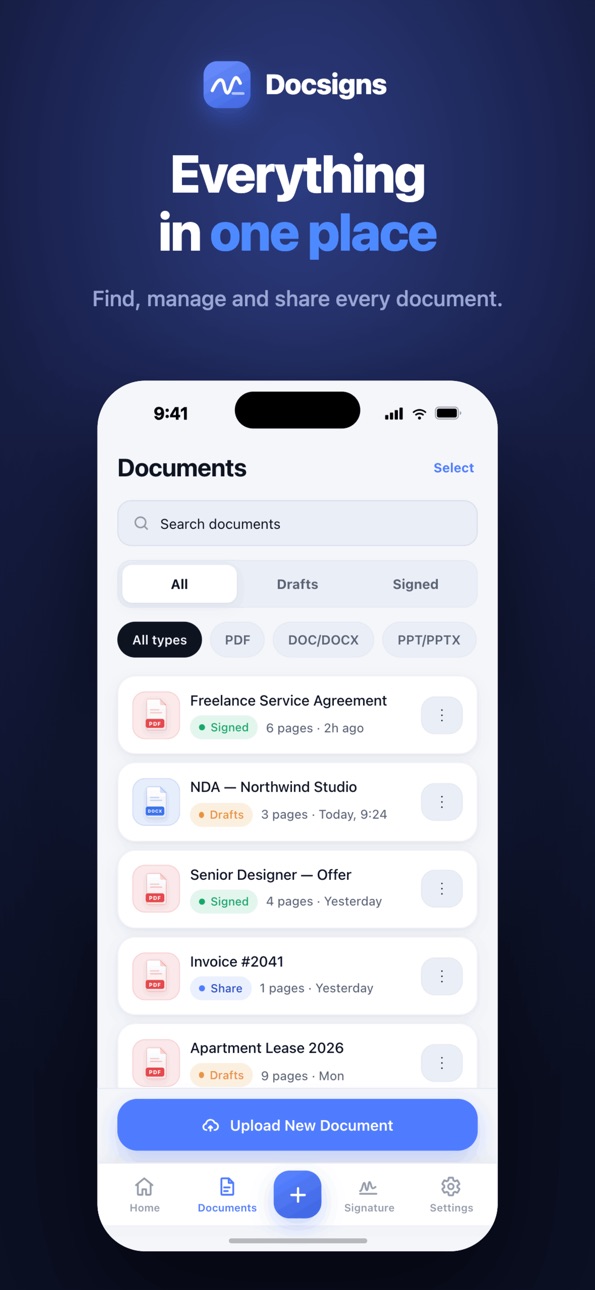
iPhone 5 images



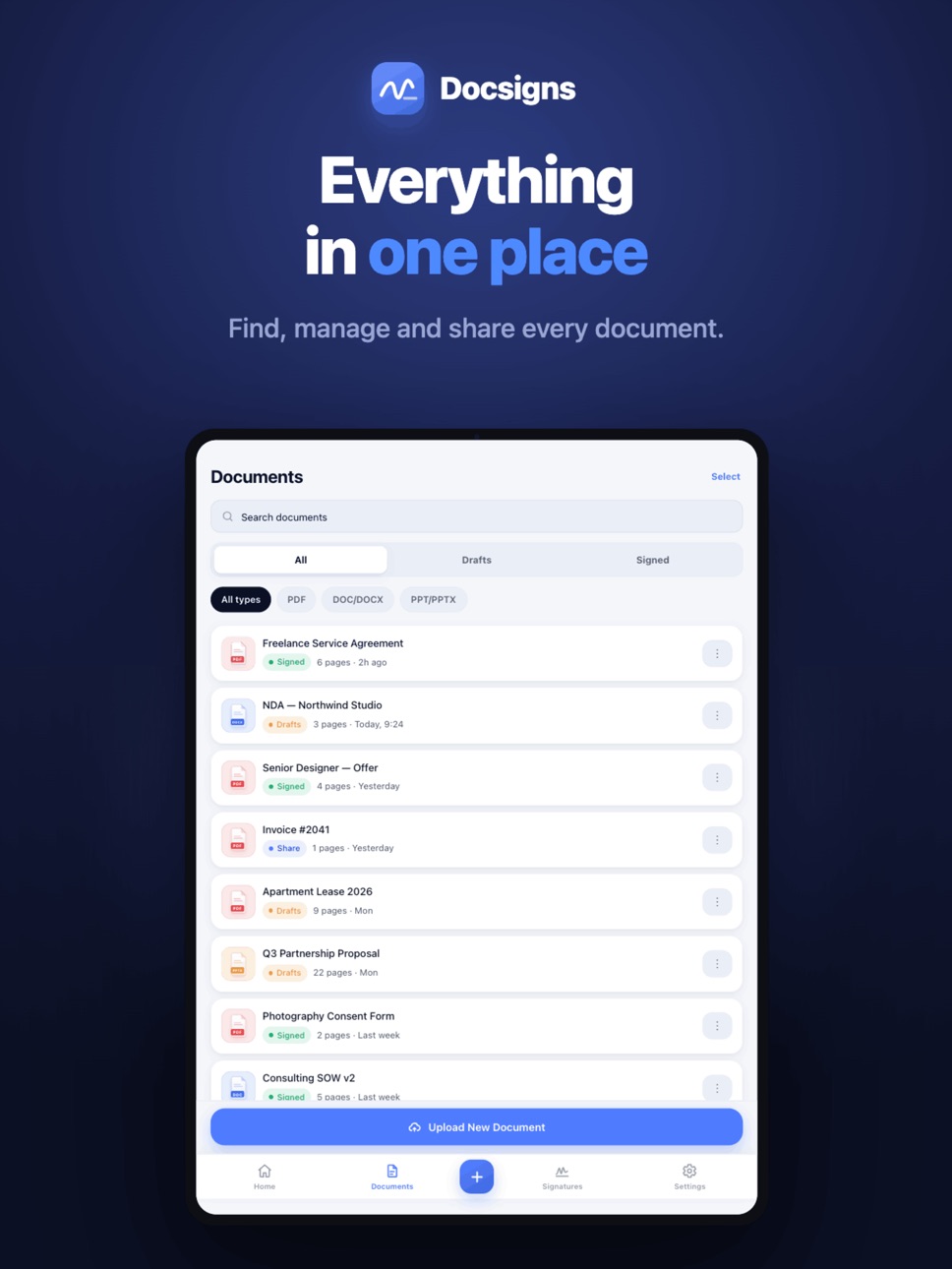
iPad 5 images



Mac 5 images


What’s New Version 1.0.3
• The whole page now stays perfectly in view while you sign — no scrolling, no shifting
• Your signature, date, and text stay exactly where you placed them — on screen, in the app, and in the downloaded file
• Signed documents download and share with their original file name
• Smoother, more reliable DOC & DOCX uploads
• Small fixes and performance improvements
Description
Sign documents anywhere, in seconds. Docsigns turns your iPhone, iPad, and Mac into a complete document-signing studio — upload a file, place your signature, date, and text exactly where they belong, then download or share the signed PDF right away. No printer, no scanner, no account.
WHY DOCSIGNS
• Sign PDF documents directly — and Word files too: DOC & DOCX are converted to PDF automatically
• Draw your signature with your finger, type it in a stylish font, or upload a photo of your real signature
• Place your signature, the date, and any text precisely where the document needs them — drag, resize, and rotate freely
• The signed file keeps its original name, so what you share looks professional
• Save signatures to reuse — sign your next contract in two taps
• Save unfinished documents as drafts and finish them later
• Works beautifully on iPhone, iPad, and Mac
PERFECT FOR
Contracts • NDAs • Lease and rental agreements • Offer letters • Invoices • Consent and permission forms • Approvals • School forms • Real-estate paperwork • Freelance agreements — any document that needs your signature today, not "when I'm back at the office."
FAST, PRIVATE, SIMPLE
• No account or sign-up required — open the app and sign
• Your documents stay on your device
• Fill and sign multi-page documents with easy page navigation
• Share by email, message, or any app, or save to Files
Whether it's one invoice or a stack of agreements, Docsigns makes signing documents fast, clean, and professional.
Download Docsigns and sign your first document in the next 60 seconds.
Accessibility
ipadiphonemacrealityDevicetvoswatch
Version history 3 versions
Build 887760198v1.0.32026-07-07 03:55:56
• The whole page now stays perfectly in view while you sign — no scrolling, no shifting
• Your signature, date, and text stay exactly where you placed them — on screen, in the app, and in the downloaded file
• Signed documents download and share with their original file name
• Smoother, more reliable DOC & DOCX uploads
• Small fixes and performance improvements
Build 887502259v1.0.22026-06-30 23:16:19
• New: sign Word documents! Upload a DOC or DOCX file and it's converted to PDF automatically, so you can sign, date, and share it just like a PDF.
• Faster, more reliable uploads and signing.
• Cleaner Documents screen and a more polished editor.
• Place a signature or a date and you're ready to finish — fewer taps.
• Bug fixes, stability improvements, and better support across all 10 languages.
Thanks for using Docsigns! If it helps you, please leave a review.
Build 886957594v1.0.12026-06-24 10:56:17
No pricing data captured yet — comparisons appear once the app has paid storefronts or in-app purchases.
Availability 1 of 1 storefronts
| Region | Language | Price | Ratings | Avg | Version |
|---|---|---|---|---|---|
| US | en-US | Free | 0 | — | 1.0.3 |
Change log 7 changes · US
✎
releaseNotes updated
• The whole page now stays perfectly in view while you sign — no scrolling, no shifting
• Your signature, date, and text stay exactly where you placed them — on
✎
description updated
Sign documents anywhere, in seconds. Docsigns turns your iPhone, iPad, and Mac into a complete document-signing studio — upload a file, place your signature, da
✎
subtitle updated
Fill, Sign & Share Documents
✎
name updated
Docsigns: eSign PDF & Word
◆
Version 1.0.3 released
• The whole page now stays perfectly in view while you sign — no scrolling, no shifting
• Your signature, date, and text stay exactly where you placed them — on screen, in the app, and in the downloaded file
• Signed documents download and
◆
Version 1.0.2 released
• New: sign Word documents! Upload a DOC or DOCX file and it's converted to PDF automatically, so you can sign, date, and share it just like a PDF.
• Faster, more reliable uploads and signing.
• Cleaner Documents screen and a more polished
◆
Version 1.0.1 released