Home › Food & Drink

 US
US
1 of 1 storefronts
Content in en-US
Content in en-US
Information
Preview 1 platform
iPhone 8 images

What’s New Version 0.1.1
## [0.1.1 (1)] 2026-07-02
### Added
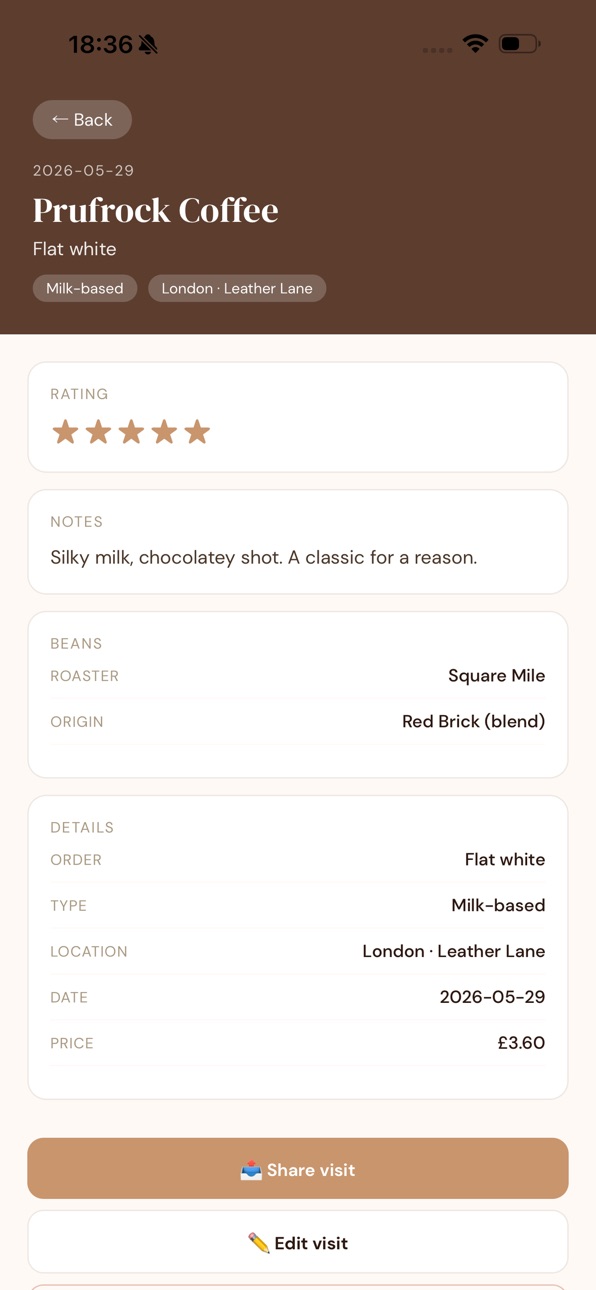
- **Café profiles** (Pro) - a “By café” view on the Cafés tab that groups every
visit to the same place into one profile: your history there, total spent,
average rating and your usual order.
- **Coffee Out insights** (Pro) - a cafe dashboard from the Cafes tab: your most
visited and favourite cafes, average ratings, what you order, top spots, and
how much you spend on coffee out (vs brewing at home).
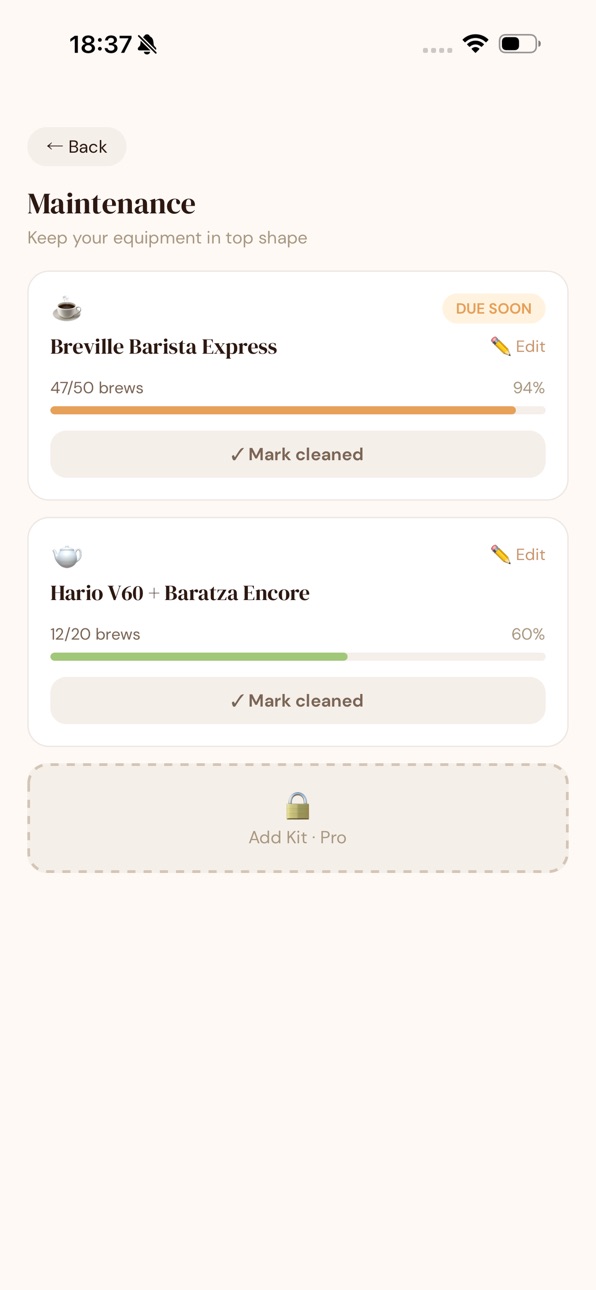
- **Multiple equipment per brew** - log all the kit a brew used (e.g. espresso
machine and grinder), not just one. Each piece counts toward its own cleaning
reminder, and the brew card lists what you used.
- **Per-bag dialled-in recipe** (Pro) - once you’ve re-bought a coffee, you can
pin a best brew for *each* bag, so a new roast starts from its own recipe
instead of the last bag’s.
- **Start a new bag** - re-bought a coffee? One tap opens a fresh bag: the
remaining-weight bar and freshness reset to the new bag and “Times Bought”
ticks up, so a full bag no longer reads as empty.
- **Grouped brew history** (Pro) - once you’ve re-bought a coffee, your brews
are split by bag (current bag vs earlier ones), each with its own roast date
and freshness, so dial-in stays honest across batches.
- **Wishlist** - a “want to try” list for coffees and roasters, reachable from
the button in the Bags header. Save a roaster, origin and an optional link
(one tap to open), then **add it as a bag** when you buy it - the new-bag form
arrives pre-filled.
- **Suggested starting grind** (Pro) - when you log a brew for a new bag, we now
suggest a starting grind based on your closest past brew for that method and
kit, factoring in roast level, process and altitude. Tap to use it.
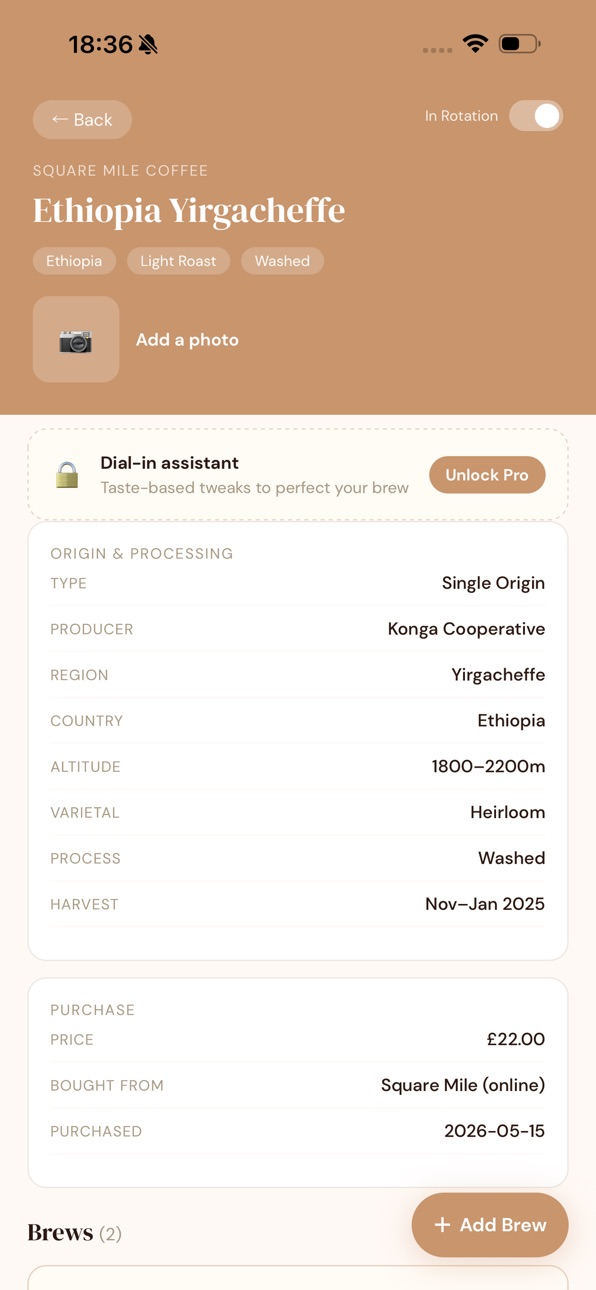
- **Altitude** is now a field on a bag’s details - a handy indicator of bean
density (and a nudge for grind size).
- A first-launch welcome that explains the starter coffees are **sample data**,
with a one-tap way to clear them - plus a **“Clear all data & start fresh”**
option in Settings.
### Changed
- The sample bags, café visits and kit are now labelled **“[Sample]”** so
they’re easy to spot and clear when you start your own journal.
### Fixed
- Coffee weights (a bag’s remaining grams and the “Coffee Used” stat) no longer
show long trailing decimals — figures are rounded to 2 decimal places.
Description
Silear is the coffee journal for people who take their coffee seriously - at home and out in the world.
Most coffee apps track one or the other. Silear does both: log the beans you brew at your kitchen counter and the flat white you had at your favourite café - all in one elegant, fast, private journal.
Your beans, dialled in:
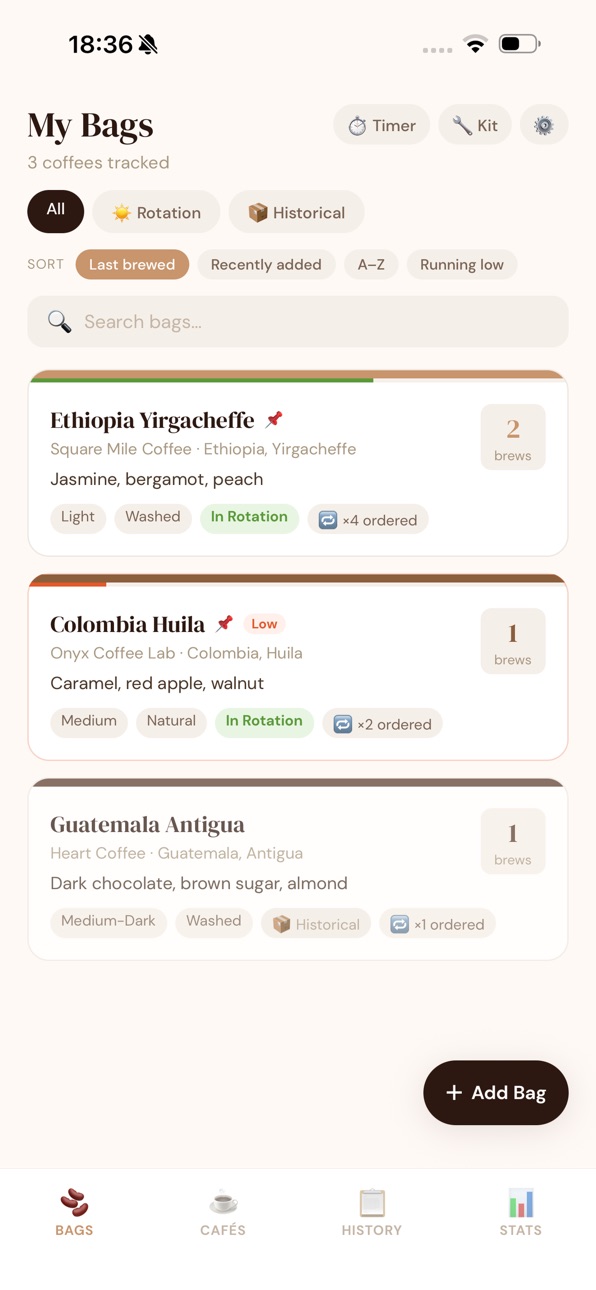
Build a library of every bag - roaster, origin, process, roast date and tasting notes. Track how fresh each bag is and how much you have left, so you never run out (or brew something past its best).
Log every brew:
Capture method, dose, yield, ratio, grind, time and a rating - with tasting notes and extraction yield. Spot what makes your best cup, and brew it again in one tap.
Café Log:
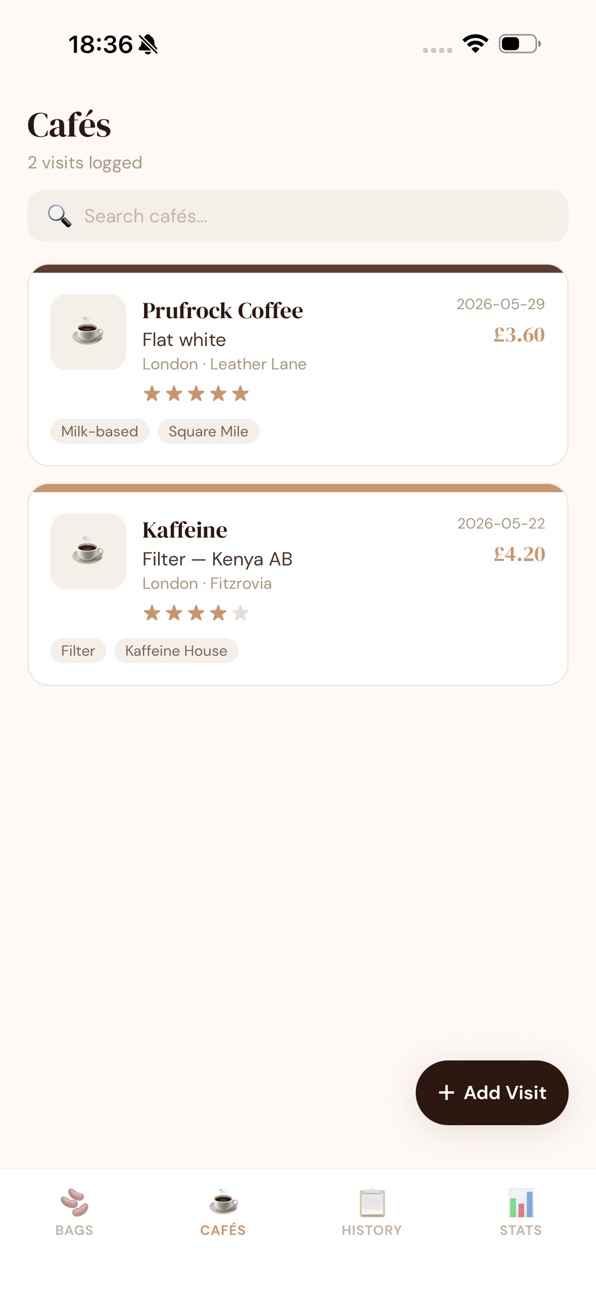
Out for coffee? Log the café, your order, a rating and a photo. Your whole coffee life in one place.
Stats that actually mean something:
See your brewing habit at a glance - total coffee used, favourite methods and roasters, top flavours, streaks and milestones - plus what you’re spending and your real cost per cup.
Made to be a joy to use:
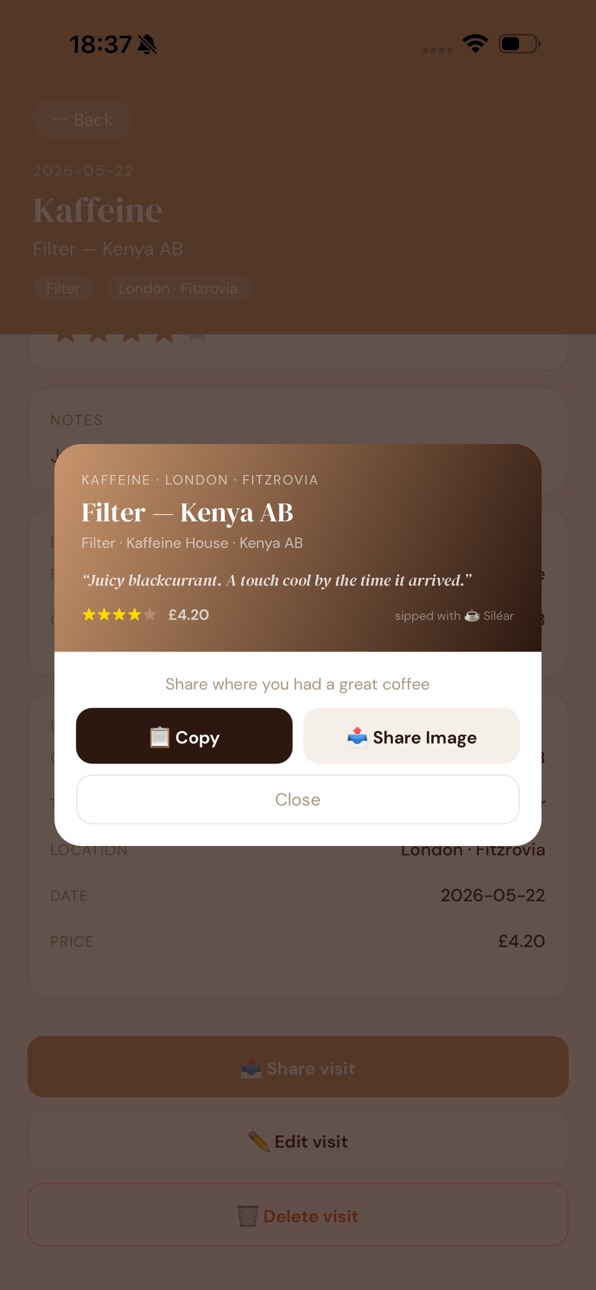
Beautiful light & dark themes, SCA flavour-wheel tags, shareable brew & café cards, a home-screen widget for your current rotation, and 10 currencies. Your data stays on your device.
Free Tier includes features such as:
• Unlimited brews and café visits
• Up to 4 bags in your active rotation (unlimited historical)
• Freshness & remaining-weight tracking
• Flavour tags, stats, spend & cost-per-cup
• Activity heatmap, streaks & badges
• Home-screen widget, share cards, dark mode
Silear Pro Tier - a one-time unlock, yours forever (no subscription)
• Unlimited bags in rotation
• Bag photos & multi-photo café visits
• Full stats breakdowns (method, roaster, process)
• Dial-in assistant & “you might like next” suggestions
• Pin your dialled-in recipe per bag
• Track multiple grinders & machines with cleaning reminders
• Label scan — point your camera at a bag and we’ll fill in the details
• Freshness & restock reminders
• Export & back up your data (JSON / CSV), and restore it
Great coffee is about paying attention. Silear helps you do exactly that.
In-App Purchases US pricing
One-Time Purchases
Siléar Coffee Pro$9.99
Capabilities
In-App Purchases
Accessibility
ipadiphonemacrealityDevicetvoswatch
Version history 2 versions
Build 887751374v0.1.12026-07-03 20:42:28
## [0.1.1 (1)] 2026-07-02
### Added
- **Café profiles** (Pro) - a “By café” view on the Cafés tab that groups every
visit to the same place into one profile: your history there, total spent,
average rating and your usual order.
- **Coffee Out insights** (Pro) - a cafe dashboard from the Cafes tab: your most
visited and favourite cafes, average ratings, what you order, top spots, and
how much you spend on coffee out (vs brewing at home).
- **Multiple equipment per brew** - log all the kit a brew used (e.g. espresso
machine and grinder), not just one. Each piece counts toward its own cleaning
reminder, and the brew card lists what you used.
- **Per-bag dialled-in recipe** (Pro) - once you’ve re-bought a coffee, you can
pin a best brew for *each* bag, so a new roast starts from its own recipe
instead of the last bag’s.
- **Start a new bag** - re-bought a coffee? One tap opens a fresh bag: the
remaining-weight bar and freshness reset to the new bag and “Times Bought”
ticks up, so a full bag no longer reads as empty.
- **Grouped brew history** (Pro) - once you’ve re-bought a coffee, your brews
are split by bag (current bag vs earlier ones), each with its own roast date
and freshness, so dial-in stays honest across batches.
- **Wishlist** - a “want to try” list for coffees and roasters, reachable from
the button in the Bags header. Save a roaster, origin and an optional link
(one tap to open), then **add it as a bag** when you buy it - the new-bag form
arrives pre-filled.
- **Suggested starting grind** (Pro) - when you log a brew for a new bag, we now
suggest a starting grind based on your closest past brew for that method and
kit, factoring in roast level, process and altitude. Tap to use it.
- **Altitude** is now a field on a bag’s details - a handy indicator of bean
density (and a nudge for grind size).
- A first-launch welcome that explains the starter coffees are **sample data**,
with a one-tap way to clear them - plus a **“Clear all data & start fresh”**
option in Settings.
### Changed
- The sample bags, café visits and kit are now labelled **“[Sample]”** so
they’re easy to spot and clear when you start your own journal.
### Fixed
- Coffee weights (a bag’s remaining grams and the “Coffee Used” stat) no longer
show long trailing decimals — figures are rounded to 2 decimal places.
Build 886896336v1.02026-07-01 09:14:13
Price history by region
Currency
Show
Columns
Search
Availability 1 of 1 storefronts
| Region | Language | Price | Ratings | Avg | Version |
|---|---|---|---|---|---|
| US | en-US | Free | 0 | — | 0.1.1 |
Change log 6 changes · US
✎
releaseNotes updated
## [0.1.1 (1)] 2026-07-02
### Added
- **Café profiles** (Pro) - a “By café” view on the Cafés tab that groups every
visit to the same place into one profile:
✎
description updated
Silear is the coffee journal for people who take their coffee seriously - at home and out in the world.
Most coffee apps track one or the other. Silear does bo
✎
subtitle updated
Home and café coffee journal
✎
name updated
Siléar Coffee
◆
Version 0.1.1 released
## [0.1.1 (1)] 2026-07-02
### Added
- **Café profiles** (Pro) - a “By café” view on the Cafés tab that groups every
visit to the same place into one profile: your history there, total spent,
average rating and your usual order.
- **Coff
◆
Version 1.0 released