Home › Music

 US
US
1 of 1 storefronts
Content in en-US
Content in en-US
Information
Apple ID6779437781
Bundle IDcom.hdi200.ariascore
SellerSeller
Min iOS16.0
Min macOS13.0
Device familiesiphone, ipad
Released2026-06-17
Copyright© 2026 Jack Gruber
Privacy policyLink ↗
Preview 2 platforms
iPhone 6 images


iPad 6 images


What’s New Version 3.2
New:
Aria now has full keyboard support, including shortcuts for copy/paste, navigation, note entry, transposition, duration, rests, dots, ties, slurs, and pitch movement
Overhauled playback system that works more reliably across different score types
Various other bug fixes and improvements
Improved score auto-scroll during playback
Thanks you for using Aria!
Description
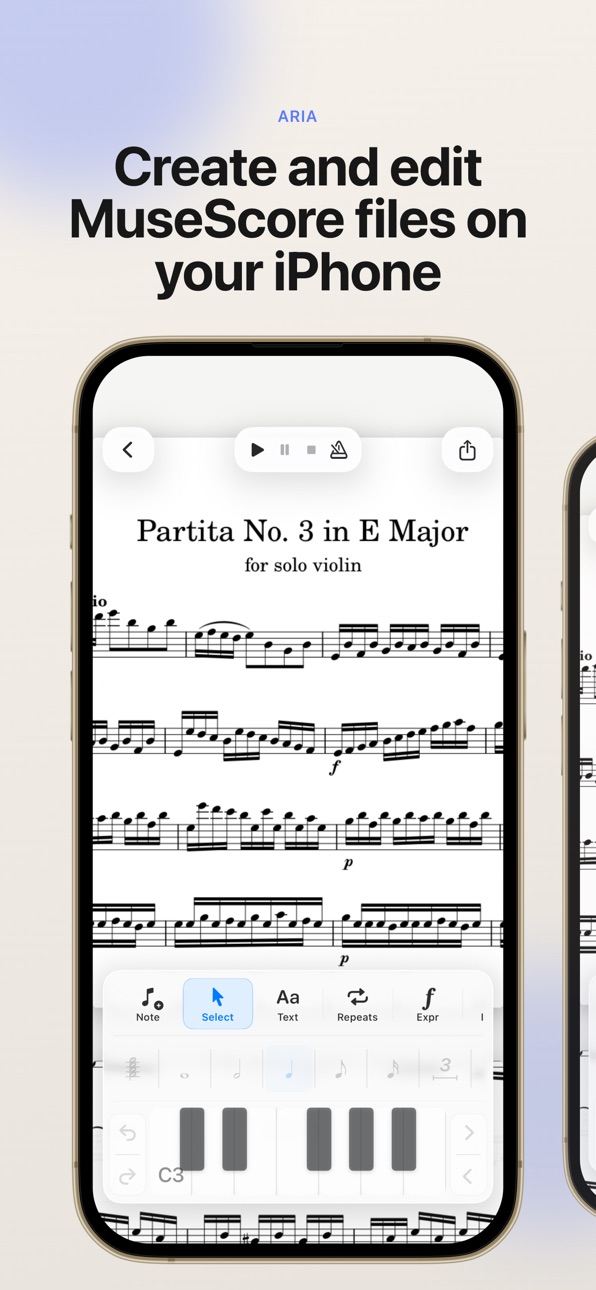
Aria is a notation editor for iPhone and iPad that lets you create, edit, and play back MuseScore files on the go.
Open existing MuseScore and MusicXML files, make changes with intuitive touch-based notation controls, play back your score, organize your library, manage individual parts, and export your music when you’re ready to share.
Built for musicians who want a lightweight, mobile-friendly way to review, create, and revise scores wherever they are.
Features:
* Open mcz and MusicXML score files
* Create new scores from templates
* Edit notes enter notes with touch controls, Apple Pencil, or Midi controller
* Play back scores locally
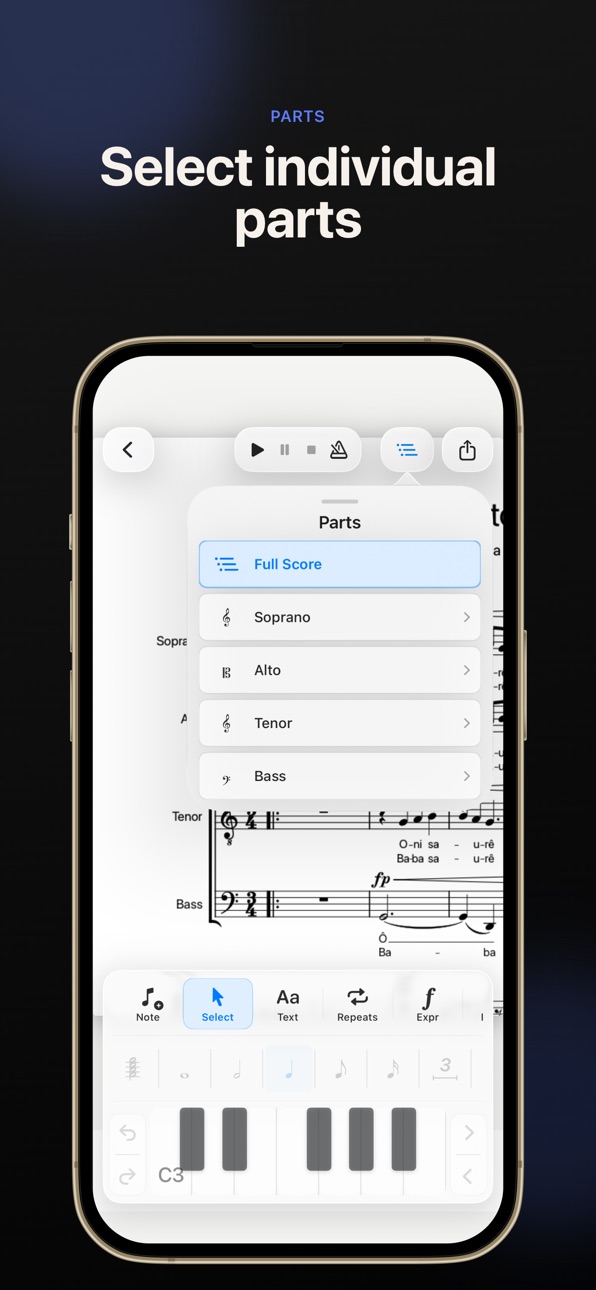
* View and manage individual parts
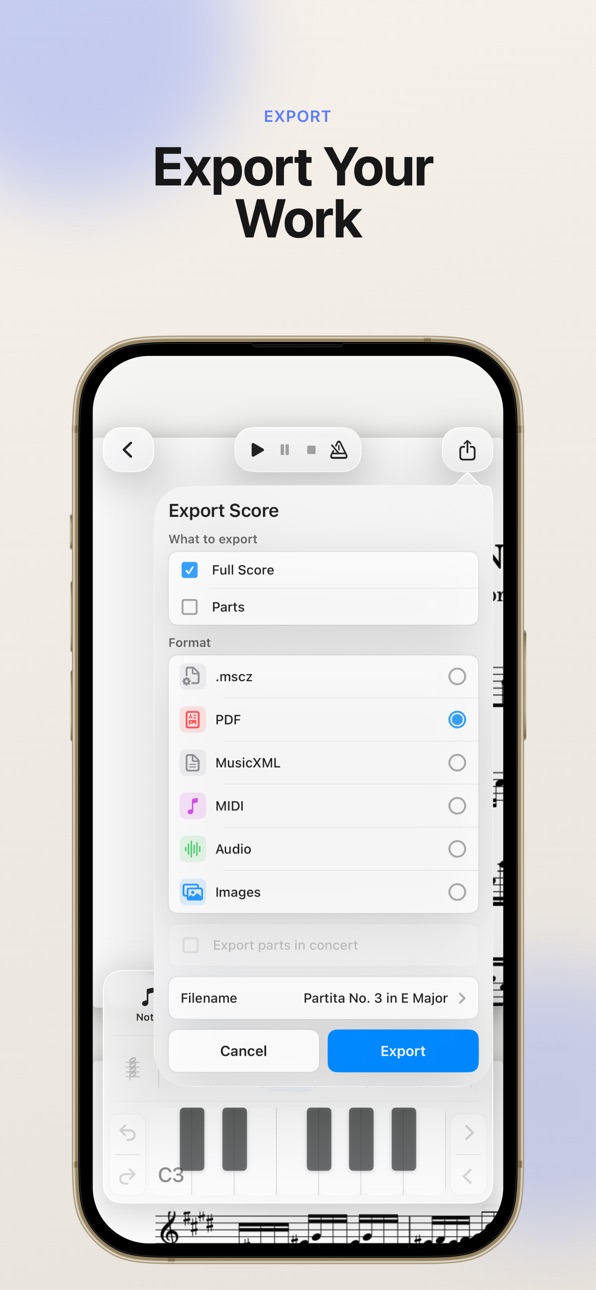
* Export and share your work, as Mscz, Pdf, MusiXML, audio, and more..
Aria is an independent app and is not affiliated with or endorsed by MuseScore, Muse Group, or any related project.
Aria is open-source software licensed under the GNU GPLv3. Source code, license notices, and build instructions are available here:
https://github.com/hdi200/aria
Accessibility
ipadiphonemacrealityDevicetvoswatch
Version history 9 versions
Build 887518671v3.22026-06-27 16:36:36
New:
Aria now has full keyboard support, including shortcuts for copy/paste, navigation, note entry, transposition, duration, rests, dots, ties, slurs, and pitch movement
Overhauled playback system that works more reliably across different score types
Various other bug fixes and improvements
Improved score auto-scroll during playback
Thanks you for using Aria!
Build 887469203v3.02026-06-26 18:32:18
New:
Aria now has full keyboard support, including shortcuts for copy/paste, navigation, note entry, transposition, duration, rests, dots, ties, slurs, and pitch movement
Overhauled playback system that works more reliably across different score types
Various other bug fixes and improvements
Thanks you for using Aria!
Build 887229839v2.02026-06-24 05:01:16
New:
Scores now use vector-backed pages and look significantly sharper on all displays
Added an Instrument Layout menu for showing, hiding, and reordering instruments
System breaks can now be manually removed
Improved:
System break and "keep bars together" behavior
Time signature editing: safer custom note values, better iPhone layouts, and the Change button stays disabled until an edit is made
Key signature editing: cleaner previews, better iPhone layouts, and the Change button stays disabled until an edit is made
Pickup measure editing: cleaner controls and better portrait/landscape layouts
Add Measures now uses a simpler +/− dialog
Tempo editing now pre-fills the current value and replaces it when you start typing
Chord entry keyboard highlighting, including when reselecting stacked chords
Swapped of half-step and octave controls next to keyboard on iPad
Added half step controls to iPhone keyboard.
Fixed:
Layout issues in individual parts
Several bugs in Page Settings
Issues with sharp and flat buttons
Missing icon in tempo editor replaced
Reopening a score now returns to Full Score instead of the last viewed part
Thanks for using Aria!
Build 887395010v2.12026-06-24 17:02:29
Fixed a bug in current time signature and key signature detection
Fixed a part selection bug
Previous update:
New:
Scores now use vector-backed pages and look significantly sharper on all displays
Added an Instrument Layout menu for showing, hiding, and reordering instruments
System breaks can now be manually removed
Improved:
System break and "keep bars together" behavior
Time signature editing: safer custom note values, better iPhone layouts, and the Change button stays disabled until an edit is made
Key signature editing: cleaner previews, better iPhone layouts, and the Change button stays disabled until an edit is made
Pickup measure editing: cleaner controls and better portrait/landscape layouts
Add Measures now uses a simpler +/− dialog
Tempo editing now pre-fills the current value and replaces it when you start typing
Chord entry keyboard highlighting, including when reselecting stacked chords
Swapped of half-step and octave controls next to keyboard on iPad
Added half step controls to iPhone keyboard.
Fixed:
Layout issues in individual parts
Several bugs in Page Settings
Issues with sharp and flat buttons
Missing icon in tempo editor replaced
Reopening a score now returns to Full Score instead of the last viewed part
Thanks for using Aria!
Build 887208881v1.82026-06-20 16:43:38
Update Notes
Added support for iOS 16
Increased PDF resolution so notation stays sharp while zooming and panning
Improved the lyric entry UI
Thanks for using Aria!
Build 887171501v1.42026-06-19 14:06:56
This update adds rest insertion during note entry mode via the rest button. You can now also edit the score's title and composer by tapping directly on them in the score, or by long-pressing the score in the library and selecting Edit to update the metadata from there. It's also easier to leave a review through the app if you so choose! Thanks for all the feedback and thanks for using Aria!
Build 887199753v1.72026-06-19 18:30:34
Update Notes:
Changed the default palette position to the left side
Added the ability to switch the palette between left and right sides
Fixed several chord symbol editing bugs
Fixed bug that forced landscape on iPhone
Thanks for all the feedback and thanks for using Aria!
Build 887114327v1.32026-06-18 15:14:06
First Release
Build 886857772v1.12026-06-17 16:40:42
No pricing data captured yet — comparisons appear once the app has paid storefronts or in-app purchases.
Availability 1 of 1 storefronts
| Region | Language | Price | Ratings | Avg | Version |
|---|---|---|---|---|---|
| US | en-US | Free | 8 | 5.0 | 3.2 |
Change log 13 changes · US
✎
releaseNotes updated
New:
Aria now has full keyboard support, including shortcuts for copy/paste, navigation, note entry, transposition, duration, rests, dots, ties, slurs, and pitc
✎
description updated
Aria is a notation editor for iPhone and iPad that lets you create, edit, and play back MuseScore files on the go.
Open existing MuseScore and MusicXML files,
✎
subtitle updated
Score Editor with MSCZ Support
✎
name updated
Aria – Music Notation Editor
◆
Version 3.2 released
New:
Aria now has full keyboard support, including shortcuts for copy/paste, navigation, note entry, transposition, duration, rests, dots, ties, slurs, and pitch movement
Overhauled playback system that works more reliably across different
◆
Version 3.0 released
New:
Aria now has full keyboard support, including shortcuts for copy/paste, navigation, note entry, transposition, duration, rests, dots, ties, slurs, and pitch movement
Overhauled playback system that works more reliably across different
◆
Version 2.1 released
Fixed a bug in current time signature and key signature detection
Fixed a part selection bug
Previous update:
New:
Scores now use vector-backed pages and look significantly sharper on all displays
Added an Instrument Layout menu for showi
◆
Version 2.0 released
New:
Scores now use vector-backed pages and look significantly sharper on all displays
Added an Instrument Layout menu for showing, hiding, and reordering instruments
System breaks can now be manually removed
Improved:
System break and "ke
◆
Version 1.8 released
Update Notes
Added support for iOS 16
Increased PDF resolution so notation stays sharp while zooming and panning
Improved the lyric entry UI
Thanks for using Aria!
◆
Version 1.7 released
Update Notes:
Changed the default palette position to the left side
Added the ability to switch the palette between left and right sides
Fixed several chord symbol editing bugs
Fixed bug that forced landscape on iPhone
Thanks for all the f
◆
Version 1.4 released
This update adds rest insertion during note entry mode via the rest button. You can now also edit the score's title and composer by tapping directly on them in the score, or by long-pressing the score in the library and selecting Edit to up
◆
Version 1.3 released
First Release
◆
Version 1.1 released