Home › Finance

 US
US
1 of 1 storefronts
Content in en-US
Content in en-US
Information
Preview 2 platforms
iPhone 5 images


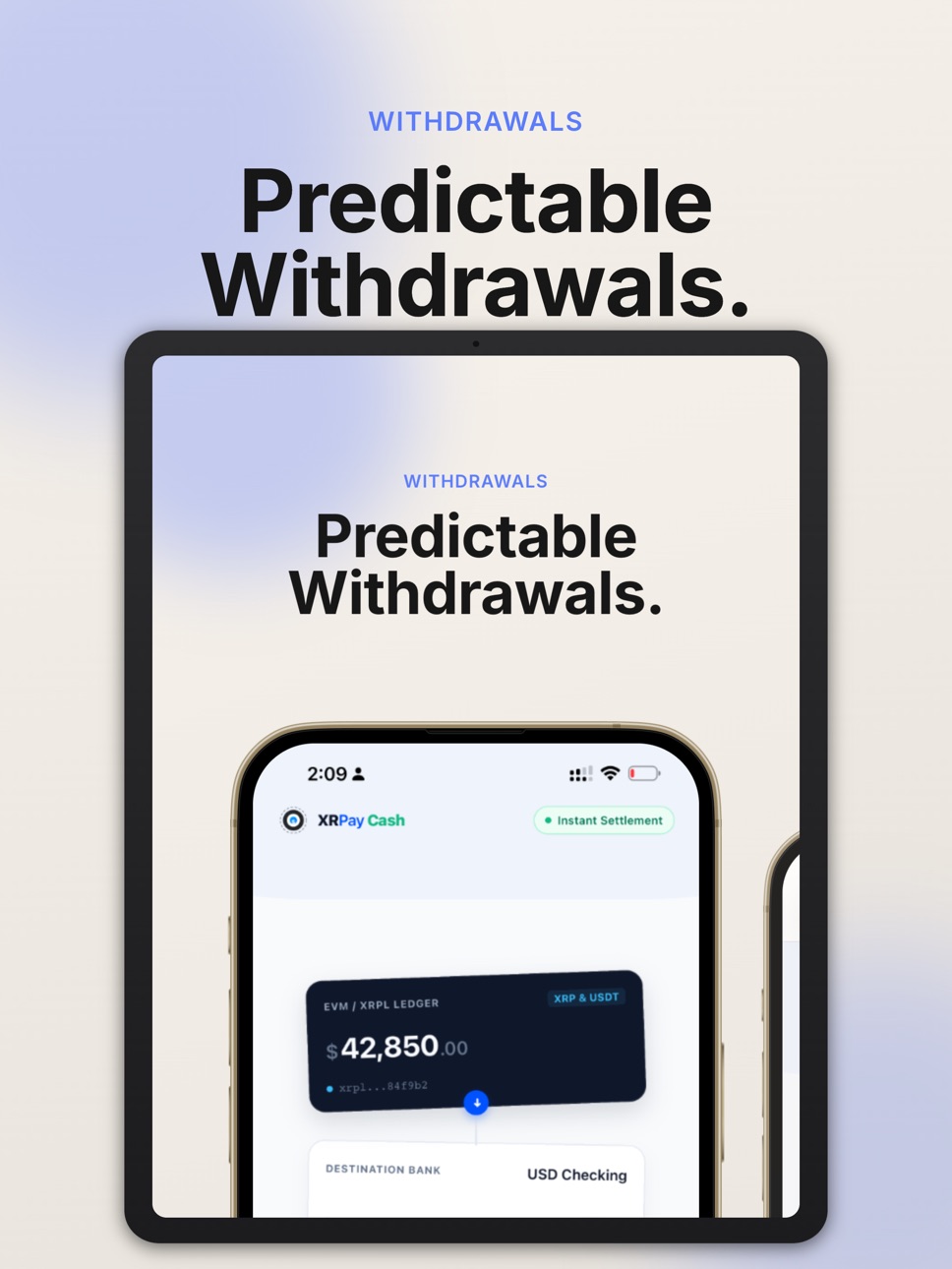
iPad 3 images


What’s New Version 1.1.1
Improved Wallet Connections: Resolves an issue where some wallet icons were missing. Connections are now faster and support direct wallet switching.
Dynamic Token Support: Better balance tracking and transaction resolution for custom multichain tokens.
Predictable Swap Routing: Under-the-hood routing updates ensure faster, more reliable crypto-to-fiat liquidations.
UI Bug Fixes: Fixed a layout issue where the keyboard could overlap action buttons during swaps, along with general performance improvements.
Description
XRPay Cash lets you convert digital assets to bank deposits across 42+ supported countries. Powered by Bridge.xyz for compliant settlement, the app bridges multi-chain crypto to your local bank account with transparent pricing and real-time tracking.
This app facilitates the conversion of supported digital assets to fiat currency. It does not provide financial advice, investment services, or custody of user funds.
HOW IT WORKS
1. Sign in with your email or Xaman (XRPL) wallet
2. Select your country and complete identity verification (KYC)
3. Link your bank account via Plaid or enter details manually
4. Select a supported token and network, enter the amount, and review the quote
5. Confirm and sign the transaction in your wallet of choice
6. Receive funds in your linked bank account
AVAILABLE IN 42+ COUNTRIES
Americas: United States, Canada, Mexico, Brazil, Colombia
Europe: United Kingdom, Germany, France, Spain, Italy, Netherlands, Switzerland, Austria, Belgium, Denmark, Finland, Norway, Sweden, Poland, and 17 more EU/EEA nations
Asia-Pacific: Australia, New Zealand, Singapore, Hong Kong, Japan
SUPPORTED ASSETS & NETWORKS
• XRP and RLUSD on the XRP Ledger
• USDC on Polygon, Base, Arbitrum, Optimism, Ethereum, and BNB Chain
• USDT on Polygon, Ethereum, BNB Chain, Arbitrum, and Optimism
• ETH on Ethereum and Base
• POL on Polygon
• Additional ERC-20 tokens with DEX-routed conversion
FEATURES
Global Bank Settlement
Convert supported digital assets to fiat and receive deposits in your bank account. Available in 42+ countries via Bridge.xyz.
Multi-Chain Support
Supports 6+ EVM-compatible networks and the XRP Ledger. Manage conversions from multiple chains in one app.
Non-Custodial Architecture
XRPay Cash never takes custody of your digital assets. You send directly from your own wallet to a unique deposit address generated per transaction.
Compliance & Verification
Identity verification powered by Bridge.xyz and Persona. Bank linking via Plaid or manual entry. Compliant with applicable financial regulations in supported jurisdictions.
Real-Time Transaction Tracking
Monitor every conversion from initiation to bank deposit. View on-chain transaction hashes, block explorer links, and status updates.
Daily Limits
Track conversion activity against your daily limit with a clear progress indicator.
Secure Authentication
Sign in with email-based one-time passcode (OTP) or connect your Xaman wallet for XRPL-native authentication.
IMPORTANT DISCLOSURES
• Conversion fees and network gas fees apply. Fee details are displayed before each transaction.
• Processing times vary by network, bank, and jurisdiction. Settlement is not guaranteed to be instantaneous.
• Digital asset values fluctuate. The fiat amount received may differ from estimates due to market movement during processing.
• XRPay Cash is not a bank, broker-dealer, or investment advisor. This app does not offer financial, tax, or legal advice.
• Availability of services depends on your jurisdiction and successful completion of identity verification.
• By using this app, you agree to our Terms of Service and Privacy Policy at xrpay.it/legal.
ABOUT XRPAY
XRPay Cash is the personal conversion companion to the XRPay merchant platform (xrpay.it). While xrpay.it enables businesses to accept digital asset payments, XRPay Cash helps individuals convert holdings to local currency.
Questions? Contact support@xrpay.it
Accessibility
ipadiphonemacrealityDevicetvoswatch
Version history 2 versions
Build 887784302v1.1.12026-07-07 01:14:10
Improved Wallet Connections: Resolves an issue where some wallet icons were missing. Connections are now faster and support direct wallet switching.
Dynamic Token Support: Better balance tracking and transaction resolution for custom multichain tokens.
Predictable Swap Routing: Under-the-hood routing updates ensure faster, more reliable crypto-to-fiat liquidations.
UI Bug Fixes: Fixed a layout issue where the keyboard could overlap action buttons during swaps, along with general performance improvements.
Build 886609377v1.02026-07-02 17:35:43
No pricing data captured yet — comparisons appear once the app has paid storefronts or in-app purchases.
Availability 1 of 1 storefronts
| Region | Language | Price | Ratings | Avg | Version |
|---|---|---|---|---|---|
| US | en-US | Free | 0 | — | 1.1.1 |
Change log 6 changes · US
✎
releaseNotes updated
Improved Wallet Connections: Resolves an issue where some wallet icons were missing. Connections are now faster and support direct wallet switching.
Dynamic Tok
✎
description updated
XRPay Cash lets you convert digital assets to bank deposits across 42+ supported countries. Powered by Bridge.xyz for compliant settlement, the app bridges mult
✎
subtitle updated
Crypto to Bank, 42+ Countries
✎
name updated
XRPay.it
◆
Version 1.1.1 released
Improved Wallet Connections: Resolves an issue where some wallet icons were missing. Connections are now faster and support direct wallet switching.
Dynamic Token Support: Better balance tracking and transaction resolution for custom multic
◆
Version 1.0 released