Home › Utilities

 US
US
1 of 1 storefronts
Content in en-US
Content in en-US
Information
Preview 3 platforms
iPhone 6 images


iPad 6 images


Mac 6 images



What’s New Version 1.1.2
A routine update for Cliptop to fix some issues with the keyboard. Fixed a few crashes and image copy-paste behaviour from the keyboard.
Questions or feedback? Email us at support@cliptop.app, we read everything.
Enjoying Cliptop? A quick review helps more than you think.
Description
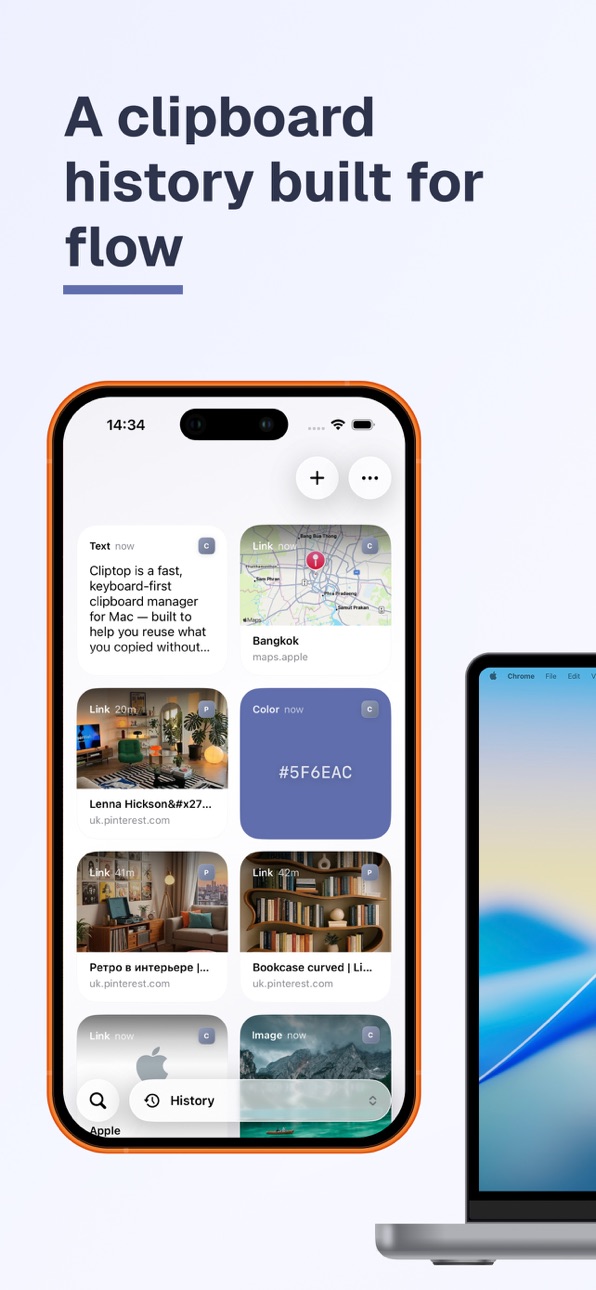
Cliptop for iOS now includes Cliptop Keyboard, Auto Paste, and OCR, giving you a faster way to reuse saved clips, snippets, links, text from images, colors, and pinboards wherever you type.
Open the keyboard, pick a saved item, and paste it without switching apps. Use OCR to extract text from images and screenshots, then save or reuse it later.
Cliptop is built for people who copy, save, reuse, and organize information throughout the day.
PASTE FROM THE CLIPTOP KEYBOARD
Cliptop Keyboard helps you paste saved content directly into supported text fields.
* Paste saved text clips
* Reuse common snippets
* Insert useful links
* Paste color values
* Access frequent text quickly
* Use saved content without switching apps
AUTO PASTE SAVED ITEMS
Auto Paste makes it faster to insert saved content when you need it.
Choose a saved clip, snippet, link, or value, and Cliptop helps you paste it into the app you are using with less friction.
It is useful for replies, notes, support messages, links, templates, project notes, code snippets, and anything you type often.
EXTRACT TEXT WITH OCR
Cliptop can extract useful text from images and screenshots.
Use OCR to capture text from visual content, then save it as a reusable clip. This makes screenshots, image notes, references, and copied visuals easier to search, organize, and reuse.
SAVE USEFUL ITEMS FROM YOUR PHONE
Cliptop gives you a focused place to keep things you want to reuse later.
* Save text notes and snippets
* Keep useful links close
* Store images and visual references
* Extract text from images with OCR
* Save colors and values
* Add important items to pinboards
* Find saved items quickly when you need them again
SAVE FROM THE SHARE SHEET
When you find something useful on iPhone, send it to Cliptop.
Use the iOS Share Sheet to save links, text, images, and other supported content directly into Cliptop, so useful items do not get lost across apps, chats, tabs, or notes.
ACCESS YOUR CLIPTOP PINBOARDS
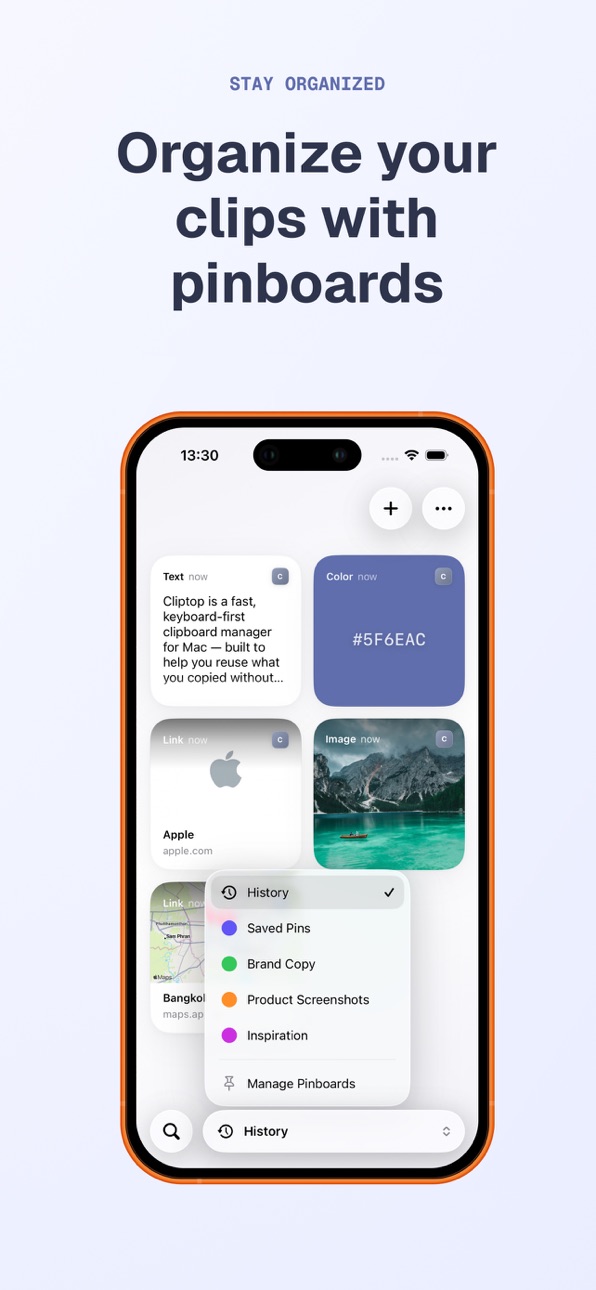
Pinboards help you keep reusable content organized.
* Create focused boards for different projects
* Save frequently used snippets, links, and images
* Keep important items separate from temporary history
* Organize content you use often
* Access saved items from both iPhone and Mac when sync is enabled
PRIVATE ICLOUD SYNC
Cliptop can sync your saved clips and pinboards between iPhone, iPad, and Mac using your private iCloud account.
Sync is optional and designed to keep your data under your control. Your clips are stored locally on your devices and synced through iCloud when you choose to enable it.
A COMPANION FOR CLIPTOP ON MAC
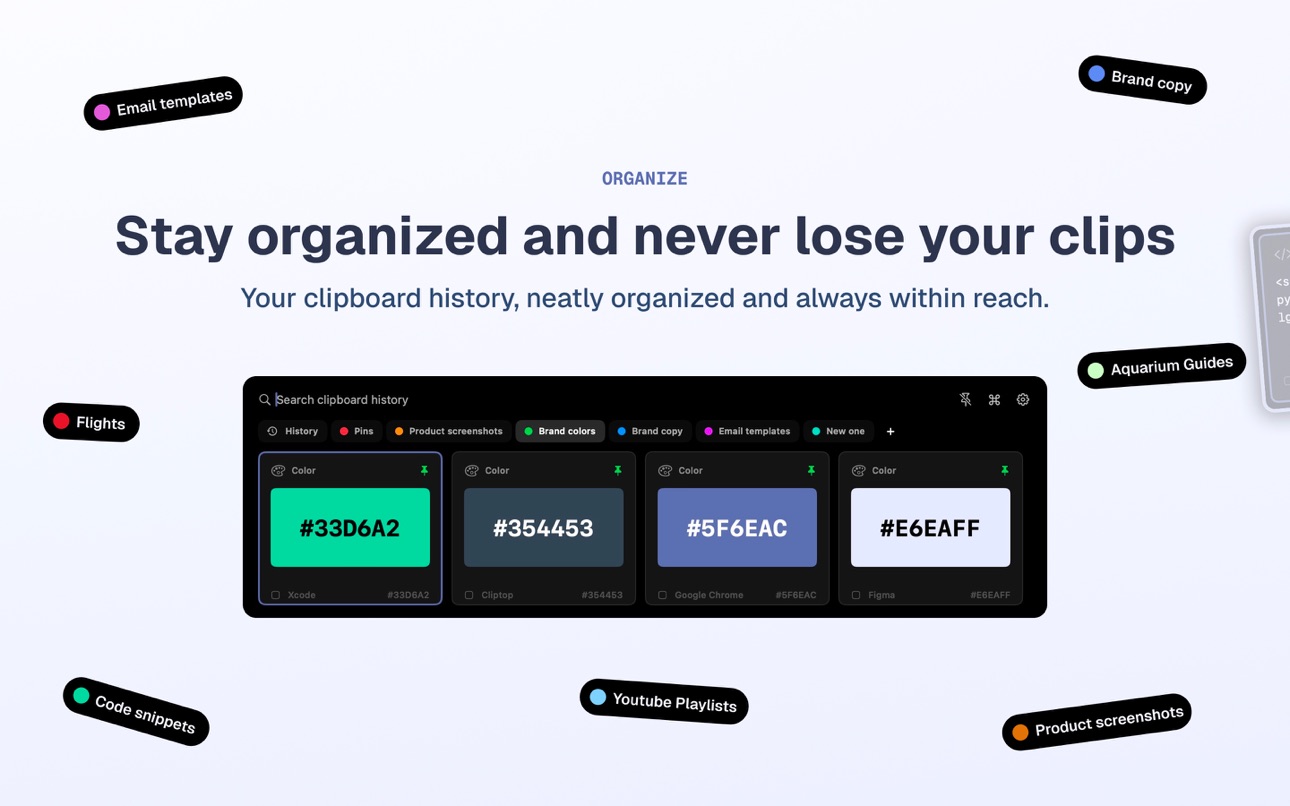
Cliptop for Mac helps you capture and search your clipboard history while you work.
Cliptop for iOS lets you bring the important parts with you, paste saved content from the keyboard, extract text from images, save new items from your phone, and keep your pinboards available across devices.
PERFECT FOR
* Pasting saved snippets from the keyboard
* Reusing links, notes, and text clips
* Extracting text from screenshots
* Saving links you want to revisit
* Keeping snippets and notes handy
* Collecting images and references
* Organizing reusable content
* Accessing Mac clips on iPhone
* Sharing useful items into Cliptop
* Building project-specific pinboards
* Keeping important copied content easy to find
Cliptop brings your saved clipboard items closer to where you need them.
Get in touch: cliptop.app/support or @cliptopapp on X
Privacy Policy: https://cliptop.app/legal/privacy-policy/
Terms of Use: https://cliptop.app/legal/terms-and-conditions/
In-App Purchases US pricing
Cliptop Pro Subscription
Yearly · Yearly$9.99
One-Time Purchases
Cliptop Pro Lifetime$19.99
Capabilities
In-App Purchases
Accessibility
ipadiphonemacrealityDevicetvoswatch
Version history 4 versions
Build 887853280v1.1.22026-07-06 02:37:59
A routine update for Cliptop to fix some issues with the keyboard. Fixed a few crashes and image copy-paste behaviour from the keyboard.
Questions or feedback? Email us at support@cliptop.app, we read everything.
Enjoying Cliptop? A quick review helps more than you think.
Build 887825216v1.1.12026-07-05 00:41:33
We’ve made Cliptop for iOS faster, smoother, and more reliable.
This update includes iCloud sync fixes, big improvements to performance and memory usage, and new haptic feedback when copying and pasting.
Questions or feedback? Email us at support@cliptop.app, we read everything.
Enjoying Cliptop? A quick review helps more than you think.
Build 887727890v1.1.02026-07-04 05:01:11
We’ve added some big improvements to Cliptop for iOS.
Cliptop now includes a paste keyboard, so you can access saved text clips, snippets, links, and values right from your iPhone or iPad keyboard.
You can also use Auto Paste to insert saved items faster, without switching back and forth between apps.
We’ve added OCR too, so Cliptop can extract text from images and screenshots, making saved visual content easier to reuse.
We’ve also improved the way saved items, pinboards, and synced clips work across iPhone, iPad, and Mac.
Questions or feedback? Email us at [support@cliptop.app](mailto:support@cliptop.app), we read everything.
Enjoying Cliptop? A quick review helps more than you think.
Build 887251375v1.02026-07-01 07:01:57
Price history by region
Currency
Show
Columns
Search
Availability 1 of 1 storefronts
| Region | Language | Price | Ratings | Avg | Version |
|---|---|---|---|---|---|
| US | en-US | Free | 1 | 5.0 | 1.1.2 |
Change log 8 changes · US
✎
releaseNotes updated
A routine update for Cliptop to fix some issues with the keyboard. Fixed a few crashes and image copy-paste behaviour from the keyboard.
Questions or feedback?
✎
description updated
Cliptop for iOS now includes Cliptop Keyboard, Auto Paste, and OCR, giving you a faster way to reuse saved clips, snippets, links, text from images, colors, and
✎
subtitle updated
History, Snippets & Sync
✎
name updated
Clipboard Manager - Cliptop
◆
Version 1.1.2 released
A routine update for Cliptop to fix some issues with the keyboard. Fixed a few crashes and image copy-paste behaviour from the keyboard.
Questions or feedback? Email us at support@cliptop.app, we read everything.
Enjoying Cliptop? A quick
◆
Version 1.1.1 released
We’ve made Cliptop for iOS faster, smoother, and more reliable.
This update includes iCloud sync fixes, big improvements to performance and memory usage, and new haptic feedback when copying and pasting.
Questions or feedback? Email us at
◆
Version 1.1.0 released
We’ve added some big improvements to Cliptop for iOS.
Cliptop now includes a paste keyboard, so you can access saved text clips, snippets, links, and values right from your iPhone or iPad keyboard.
You can also use Auto Paste to insert sa
◆
Version 1.0 released