Home › Business

 US
US
1 of 1 storefronts
Content in en-US
Content in en-US
Information
Preview 2 platforms
iPhone 5 images
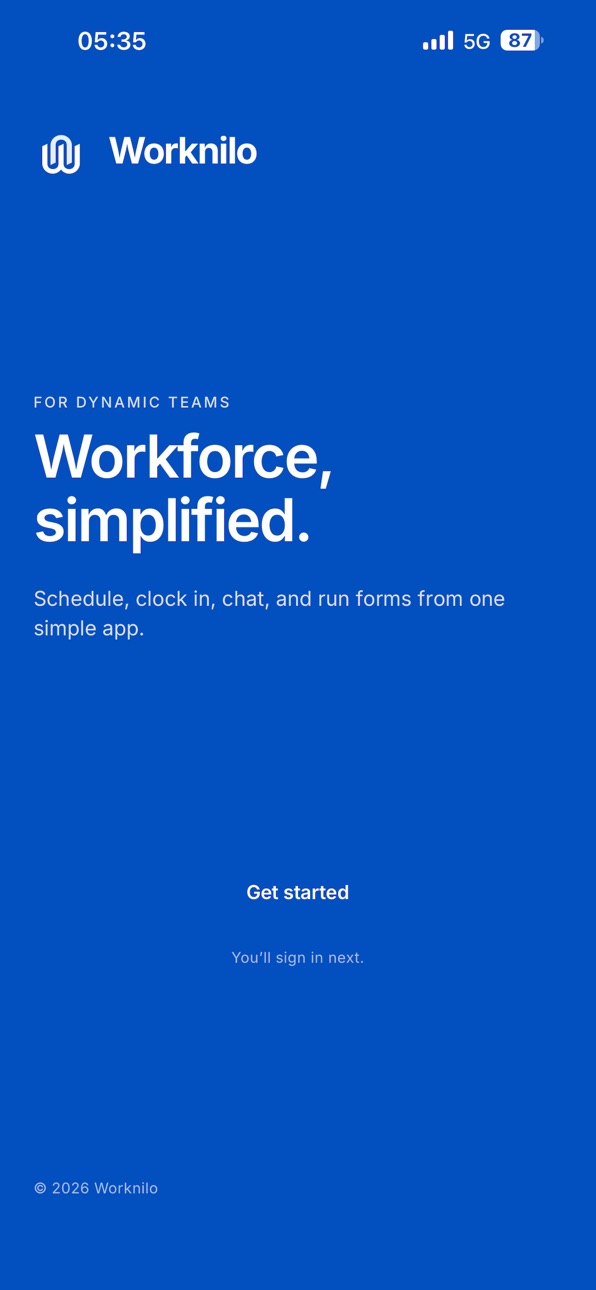
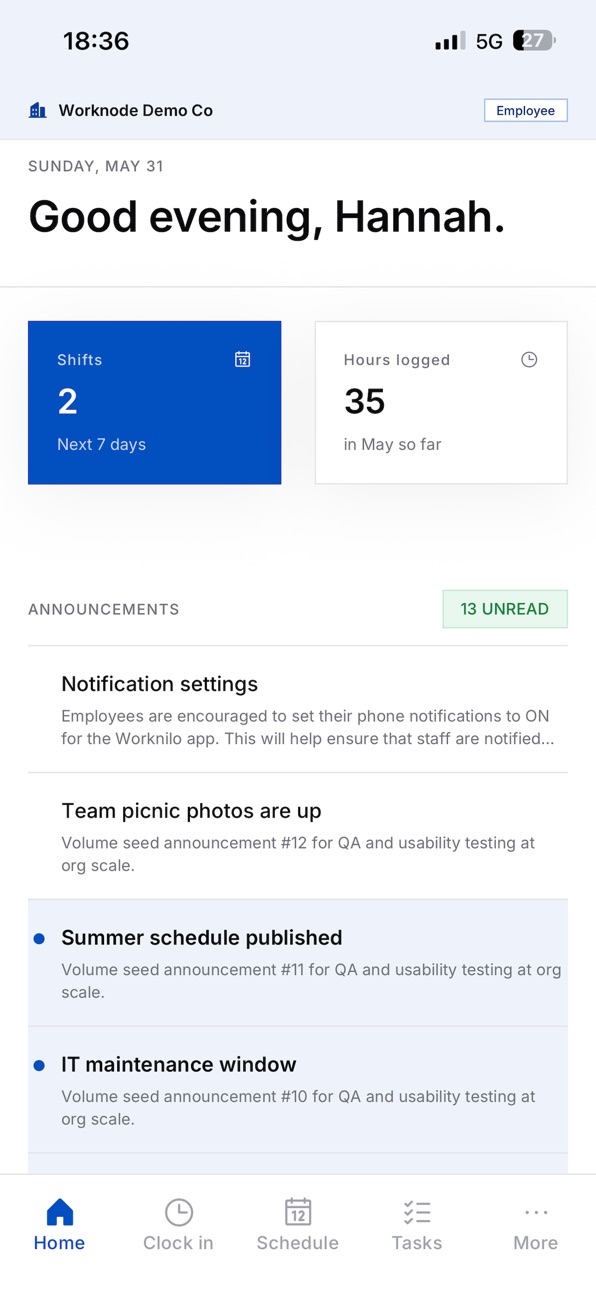

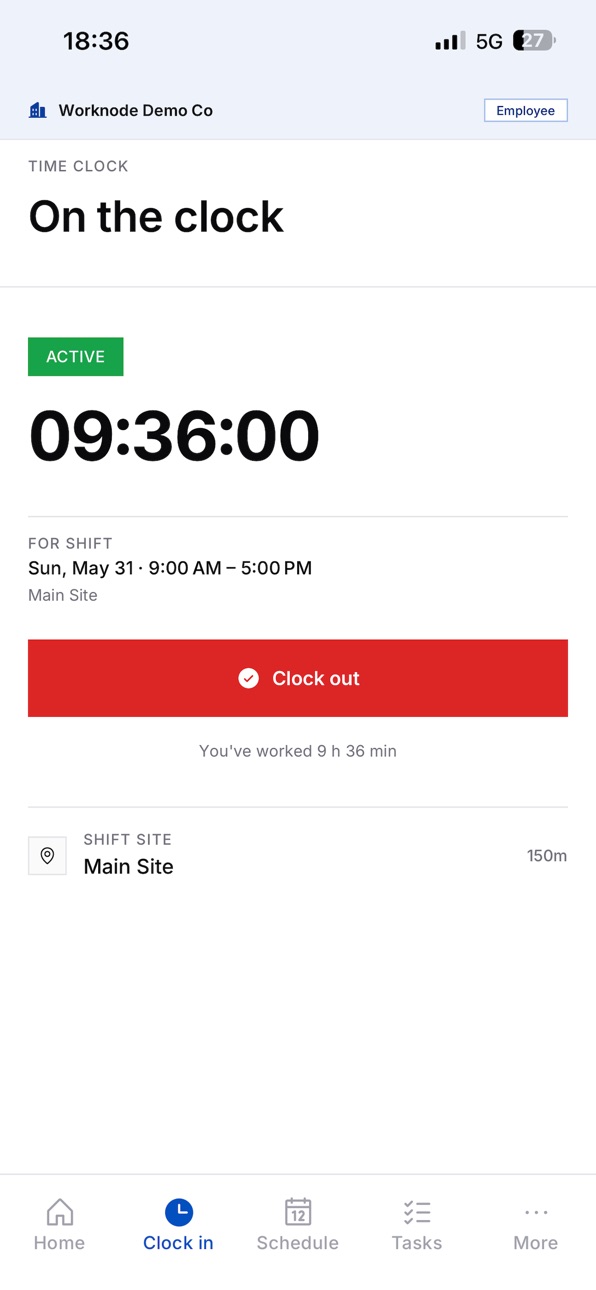

iPad 3 images


What’s New Version 1.0.8
Mobile scroll and form picker fixes
Persistent time format
Announcements cleanup
Web filter persistence
Shift task linking
Invoice PDF generation, and
Admin UI fixes.
Description
For Owners & Operators:
Cut labor costs, eliminate time theft, and stop drowning in spreadsheets. Worknilo deploys in minutes — not weeks — with zero IT required. Get real-time visibility into who's clocked in, where they are, and how hours stack against your budget. Payroll-ready reports at a click. Compliance handled. Your bottom line protected.
For Managers:
Scheduling, shift swaps, approvals, and team communication — finally in one place. Stop playing phone tag and chasing down no-shows. Auto-fill open shifts, broadcast updates instantly, and let the system flag conflicts before they explode. Reclaim hours of your week for work that actually matters.
For Teams:
Clock in with GPS-verified accuracy. Check schedules, pick up shifts, complete checklists, and chat with your crew — all from your phone. Clarity on day one. No confusion. No missed hours.
Set up in minutes. Transform your operations today.
Trusted by restaurants, retail chains, warehouses, and dynamic teams that refuse to let workforce friction slow them down.
Accessibility
ipadiphonemacrealityDevicetvoswatch
Version history 8 versions
Build 888085182v1.0.82026-07-10 16:55:24
Mobile scroll and form picker fixes
Persistent time format
Announcements cleanup
Web filter persistence
Shift task linking
Invoice PDF generation, and
Admin UI fixes.
Build 888030317v1.0.72026-07-09 15:57:06
What's New in 1.0.7
New
Chat message avatars and initials
Long-press messages to copy, edit, or delete
New Time field on forms, with improved date and time pickers
Select and copy text in chat and announcements
Tap links in messages to open them
Improved
Chat opens with smoother navigation and better layout on newer iPhones
Notifications take you to the right screen
Bug fixes
Fixed dashboard live updates failing after switching screens
Fixed sign-in errors when offline or on a poor connection
Build 887096705v1.0.62026-07-05 00:45:22
Push notifications are more reliable.
Forgot password flow improved on mobile, with a clearer recovery experience and stronger account security.
Live shift timer on your home screen while you’re clocked in, so you can see elapsed time at a glance.
Quicker access to Timesheets from the dashboard, with more accurate date logging for your local timezone.
Contractors can view and manage monthly invoices from the app.
Task improvements for shared assignments. Start and complete flows work more reliably.
Stability fixes for clock-in, clock-out, messages, and other bug fixes.
Build 886931710v1.0.52026-06-13 22:49:51
What's New in 1.0.5
Approval details
Tap a time off request or hours entry to see your manager’s comment when a request is approved or declined — including overtime and away-from-site clock-in decisions.
Schedule
Subscribe to your shifts in Apple Calendar from Settings. The Pending shifts tab now only shows requests still waiting for approval.
Improvements
Clearer early clock-in guidance, updated French (Canada) copy, and small fixes across Schedule and Hours logged.
Build 886839148v1.0.32026-06-11 21:24:07
Clock-in:
Faster clock-in with GPS prefetch, caching, and a quicker first fix
Smarter geofence check that accounts for GPS accuracy
Unified clock-in flow from the Clock tab and shift details
Manager approval path when outside the job site, with manager notification
Clearer location-permission explanation when access is denied
Shifts & scheduling:
Give up shift can require manager approval (when enabled in settings)
Notifications for release requests and decisions
Schedule, tasks, and home screen UI polish
Time shown in minutes (not decimal hours); 5-minute snap grace period
Chat & navigation:
Message reactions
Swipe-to-reply
Tab/navbar badge counters and approval indicators
Other:
Google sign-in branding update
Bug fixes
French (fr-CA) translations for new updates
Build 886638831v1.0.22026-06-07 17:49:03
UI enhancements
App optimizations
Bug fixes
Build 886301920v1.0.02026-06-04 01:57:55
Build 886547868v1.0.12026-06-04 23:07:51
Notification fixes.
Functional enhancements.
Preload for faster page rendering.
Upcoming and ongoing shits on dashboard.
No pricing data captured yet — comparisons appear once the app has paid storefronts or in-app purchases.
Availability 1 of 1 storefronts
| Region | Language | Price | Ratings | Avg | Version |
|---|---|---|---|---|---|
| US | en-US | Free | 0 | — | 1.0.8 |
Change log 12 changes · US
✎
releaseNotes updated
Mobile scroll and form picker fixes
Persistent time format
Announcements cleanup
Web filter persistence
Shift task linking
Invoice PDF generation, and
Admin UI
✎
description updated
For Owners & Operators:
Cut labor costs, eliminate time theft, and stop drowning in spreadsheets. Worknilo deploys in minutes — not weeks — with zero IT require
✎
subtitle updated
Workforce, simplified!
✎
name updated
Worknilo
◆
Version 1.0.8 released
Mobile scroll and form picker fixes
Persistent time format
Announcements cleanup
Web filter persistence
Shift task linking
Invoice PDF generation, and
Admin UI fixes.
◆
Version 1.0.7 released
What's New in 1.0.7
New
Chat message avatars and initials
Long-press messages to copy, edit, or delete
New Time field on forms, with improved date and time pickers
Select and copy text in chat and announcements
Tap links in messages to op
◆
Version 1.0.6 released
Push notifications are more reliable.
Forgot password flow improved on mobile, with a clearer recovery experience and stronger account security.
Live shift timer on your home screen while you’re clocked in, so you can see elapsed time at a
◆
Version 1.0.5 released
What's New in 1.0.5
Approval details
Tap a time off request or hours entry to see your manager’s comment when a request is approved or declined — including overtime and away-from-site clock-in decisions.
Schedule
Subscribe to your shifts
◆
Version 1.0.3 released
Clock-in:
Faster clock-in with GPS prefetch, caching, and a quicker first fix
Smarter geofence check that accounts for GPS accuracy
Unified clock-in flow from the Clock tab and shift details
Manager approval path when outside the job site,
◆
Version 1.0.2 released
UI enhancements
App optimizations
Bug fixes
◆
Version 1.0.1 released
Notification fixes.
Functional enhancements.
Preload for faster page rendering.
Upcoming and ongoing shits on dashboard.
◆
Version 1.0.0 released