Home › Graphics & Design

 US
US
1 of 1 storefronts
Content in en-US
Content in en-US
Information
Preview 2 platforms
iPhone 5 images



iPad 5 images



What’s New Version 1.0.10
What's new in 1.0.10:
• 5 new file formats: STEP, IGES, DXF, DAE, 3DS
• Wireframe overlay — see geometry on top of the rendered surface
• Light and dark themes
• Preset camera views (front, side, top, perspective)
• HDRI lighting environments (studio, sunset, dawn, dusk)
• Matte material mode + model colour override
• Scale and resize tool
• Auto-generated thumbnails in Recent Files
• Localised to 8 languages
• Friendlier handling of very heavy 3D scenes
• Better stability for big files on older devices
• Fixes for material rendering, AR launch, and file opening from external apps
Description
Open3D Viewer is the fastest free 3D model viewer for STL, GLB, OBJ, FBX, STEP, DXF, USDZ, PLY, 3MF, GLTF, IGES, DAE and 3DS files. Open any 3D file in seconds, view it in AR with Apple Quick Look, and check it for 3D printing — no account, no sign-up, no cloud upload. Your files never leave your iPhone or iPad.
Whether you're a 3D-printing hobbyist checking an STL before slicing, a 3D artist previewing a GLB or FBX, or a CAD user opening a STEP or DXF, Open3D Viewer opens it instantly — without the paywalls and login screens other 3D viewers force on you.
SUPPORTED 3D FILE FORMATS
• Mesh: STL, GLB, GLTF, OBJ, PLY, 3MF, FBX, DAE, 3DS, USDZ
• CAD: STEP / STP, IGES / IGS, DXF
A 3D VIEWER THAT DOES THE BASICS RIGHT
• Open files from Files, email, downloads, or any "Open with" menu
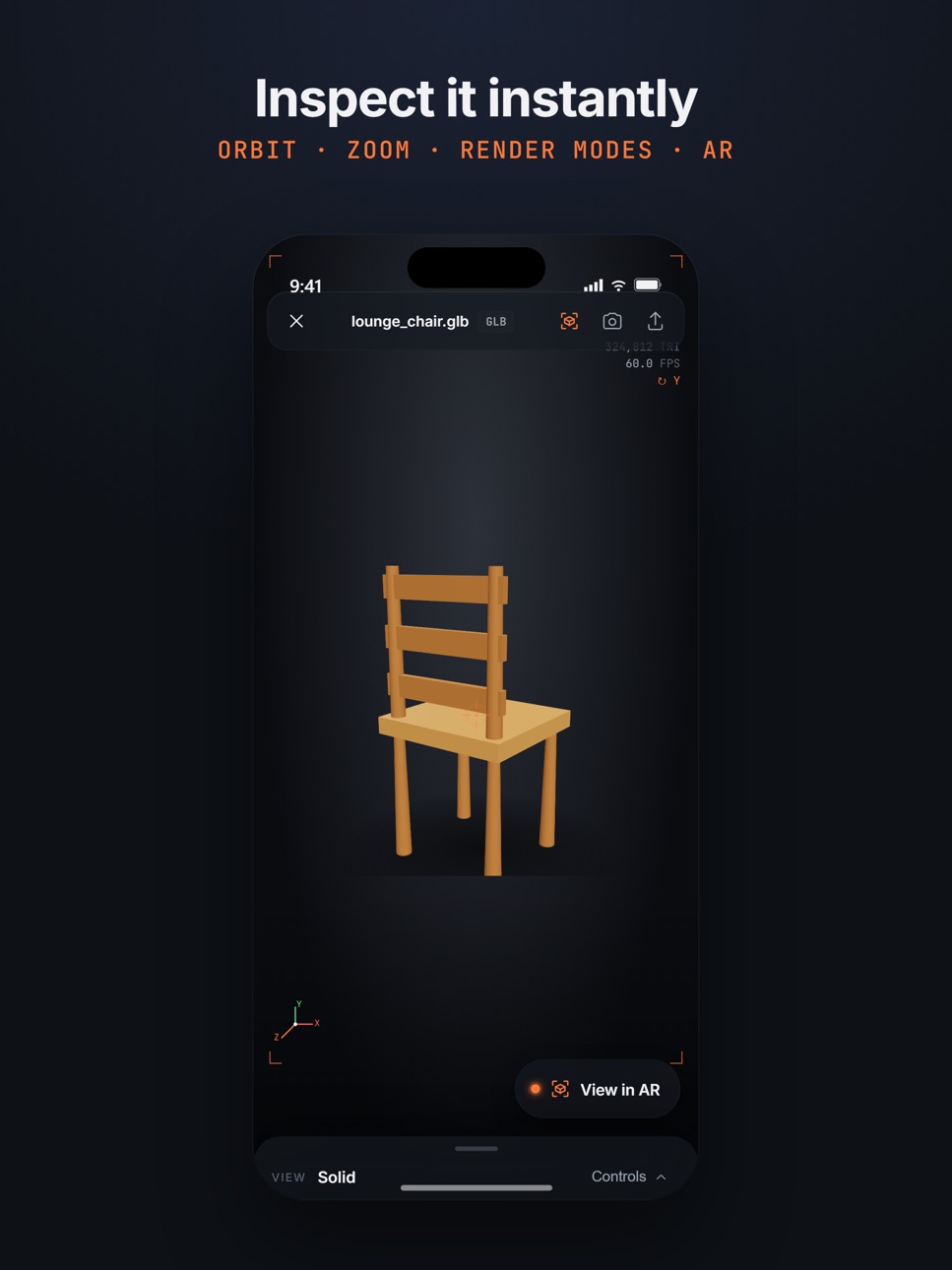
• Smooth orbit, pan and zoom touch controls
• Render modes: solid, wireframe, X-ray, textured, matte
• Wireframe overlay — see the geometry on top of the rendered surface
• Preset camera views (front, side, top, perspective)
• Light and dark themes
• 5 background colours + 6 HDRI lighting environments (studio, sunset, dawn, dusk, dark, white)
• Play built-in animations
• View 3D models in AR via Apple Quick Look (USDZ)
• Capture a screenshot or a rotating GIF and share it
• Recent files with auto-generated thumbnails
• Full model specs: triangle count, vertices, materials, textures, bounding box
BUILT FOR 3D PRINTING
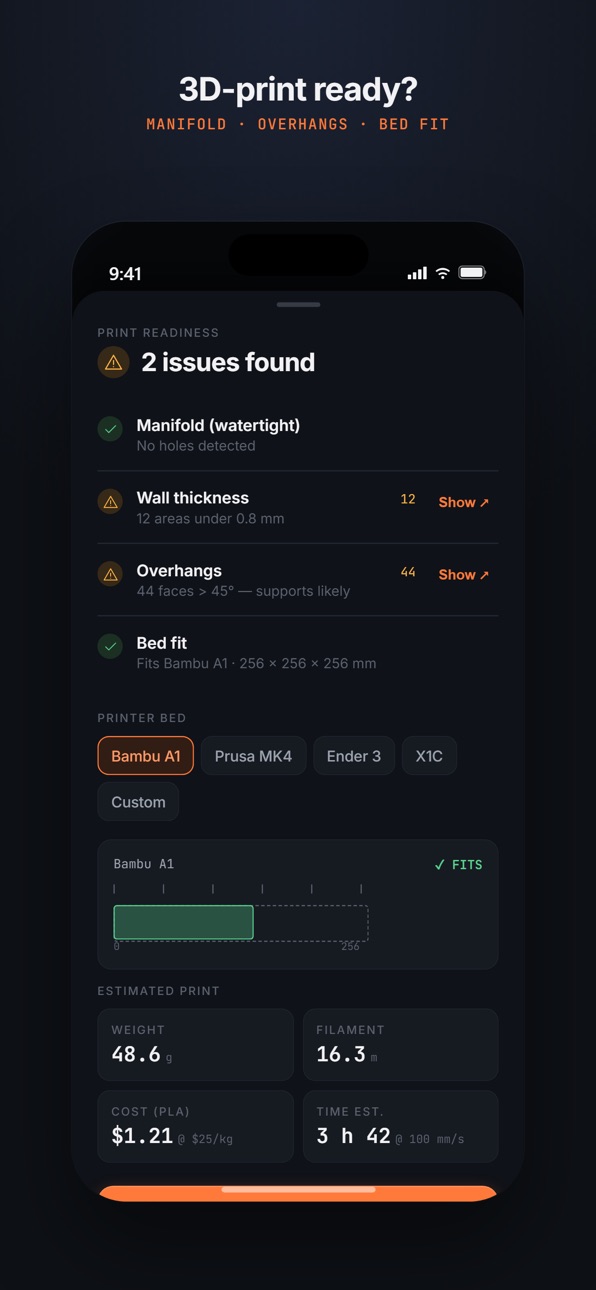
• Print-readiness check: manifold / watertight detection, overhangs, wall thickness
• Bed-fit check for popular printers (Bambu A1, Prusa MK4, Ender 3, Bambu X1C)
• Rough weight, filament length and cost estimates
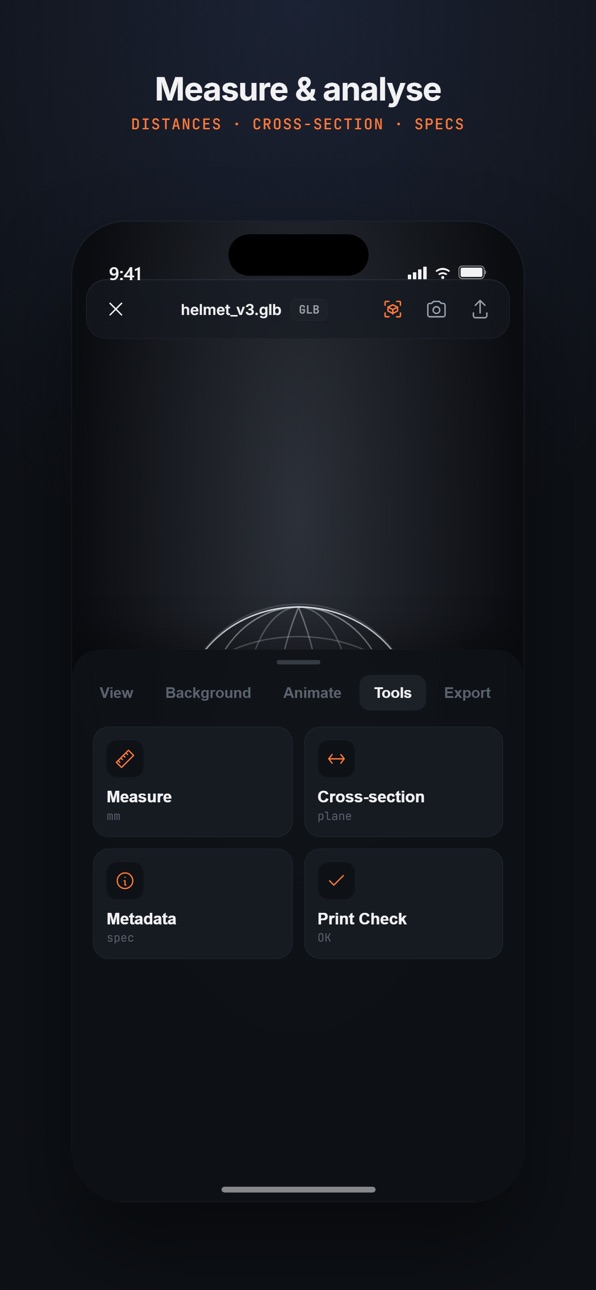
• Measure distances on the model
• Cross-section / clipping plane to inspect interiors
• Scale and resize tool
• Convert and export between GLB and STL
LOCALIZED
The interface automatically follows your device language. Currently available in English, German, Spanish, French, Portuguese, Hindi, Japanese, and Chinese.
NO ACCOUNT. NO CLOUD. NO NONSENSE.
• No sign-up, ever
• 100% on-device. Works offline.
• We never read, scan, or upload your files
• We don't track which files you open
The STL viewer and GLB viewer that makers, 3D artists and engineers actually want: clean, fast, and local.
Measurements and print-readiness figures are estimates, not a replacement for a slicer or proper measuring tools. See the in-app Disclaimer.
Open3D Viewer is an independent app and is not affiliated with the Open3D open-source library at open3d.org. All trademarks belong to their respective owners.
Privacy policy: https://open3d.app/privacy.html
Accessibility
ipadiphonemacrealityDevicetvoswatch
Version history 4 versions
Build 886636316v1.0.102026-06-07 17:50:36
What's new in 1.0.10:
• 5 new file formats: STEP, IGES, DXF, DAE, 3DS
• Wireframe overlay — see geometry on top of the rendered surface
• Light and dark themes
• Preset camera views (front, side, top, perspective)
• HDRI lighting environments (studio, sunset, dawn, dusk)
• Matte material mode + model colour override
• Scale and resize tool
• Auto-generated thumbnails in Recent Files
• Localised to 8 languages
• Friendlier handling of very heavy 3D scenes
• Better stability for big files on older devices
• Fixes for material rendering, AR launch, and file opening from external apps
Build 886345334v1.0.8 2026-05-31 18:14:47
v1.0.8 — Five new formats. Better lighting.
NEW FORMATS
• STEP (.step, .stp) — SolidWorks, Fusion 360, CATIA, Onshape
• IGES (.iges, .igs) — CAD interchange
• DXF — AutoCAD drawings and 3D entities
• DAE (Collada) — SketchUp, Daz, Blender
• 3DS — legacy Autodesk
LIGHTING
• 5 real HDR scenes for accurate reflections
• Lighting console with ambient, hemisphere, directional and
HDR intensity sliders
MORE
• "Open folder contents" loads OBJ with .mtl and textures
in one step
• 6 custom solid-color backgrounds
• Cross-section drags in both directions along X, Y or Z
• Multi-file picker for assets that ship with sidecars
Build 886274766v1.0.72026-05-29 16:29:35
What's new in 1.0.7
• Grid distance labels — see real-world dimensions along the ground grid in mm, cm, or meters
• In-line measurement pill — the distance tag now floats next to the measurement line, easier to read
• Ad-free upgrade removed — Open3D is fully free, simpler, no purchase decisions
• Better banner-ad reliability on iOS 14+
• Faster file open — the dock auto-collapses when you select Measure or Cross-section so the model is unobstructed
• Esc clears and restarts measurement (desktop)
• Capture sheet simplified to a single "Save" action — PNG and GIF land in Pictures / Photos directly
Build 886005130v1.02026-05-28 10:59:36
No pricing data captured yet — comparisons appear once the app has paid storefronts or in-app purchases.
Availability 1 of 1 storefronts
| Region | Language | Price | Ratings | Avg | Version |
|---|---|---|---|---|---|
| US | en-US | Free | 0 | — | 1.0.10 |
Change log 8 changes · US
✎
releaseNotes updated
What's new in 1.0.10:
• 5 new file formats: STEP, IGES, DXF, DAE, 3DS
• Wireframe overlay — see geometry on top of the rendered surface
• Light and dark themes
✎
description updated
Open3D Viewer is the fastest free 3D model viewer for STL, GLB, OBJ, FBX, STEP, DXF, USDZ, PLY, 3MF, GLTF, IGES, DAE and 3DS files. Open any 3D file in seconds,
✎
subtitle updated
View STL, GLB, STEP, DXF & OBJ
✎
name updated
Open3D: STL & 3D Model Viewer
◆
Version 1.0.10 released
What's new in 1.0.10:
• 5 new file formats: STEP, IGES, DXF, DAE, 3DS
• Wireframe overlay — see geometry on top of the rendered surface
• Light and dark themes
• Preset camera views (front, side, top, perspective)
• HDRI lighting environme
◆
Version 1.0.8 released
v1.0.8 — Five new formats. Better lighting.
NEW FORMATS
• STEP (.step, .stp) — SolidWorks, Fusion 360, CATIA, Onshape
• IGES (.iges, .igs) — CAD interchange
• DXF — AutoCAD drawings and 3D entities
• DAE (Collada) — SketchUp, Daz, Blender
◆
Version 1.0.7 released
What's new in 1.0.7
• Grid distance labels — see real-world dimensions along the ground grid in mm, cm, or meters
• In-line measurement pill — the distance tag now floats next to the measurement line, easier to read
• Ad-free upgrade remov
◆
Version 1.0 released